Best Gaming Monitors
30 products ranked across 782 cited reviews, videos and discussions · Updated 25 Sept 2026
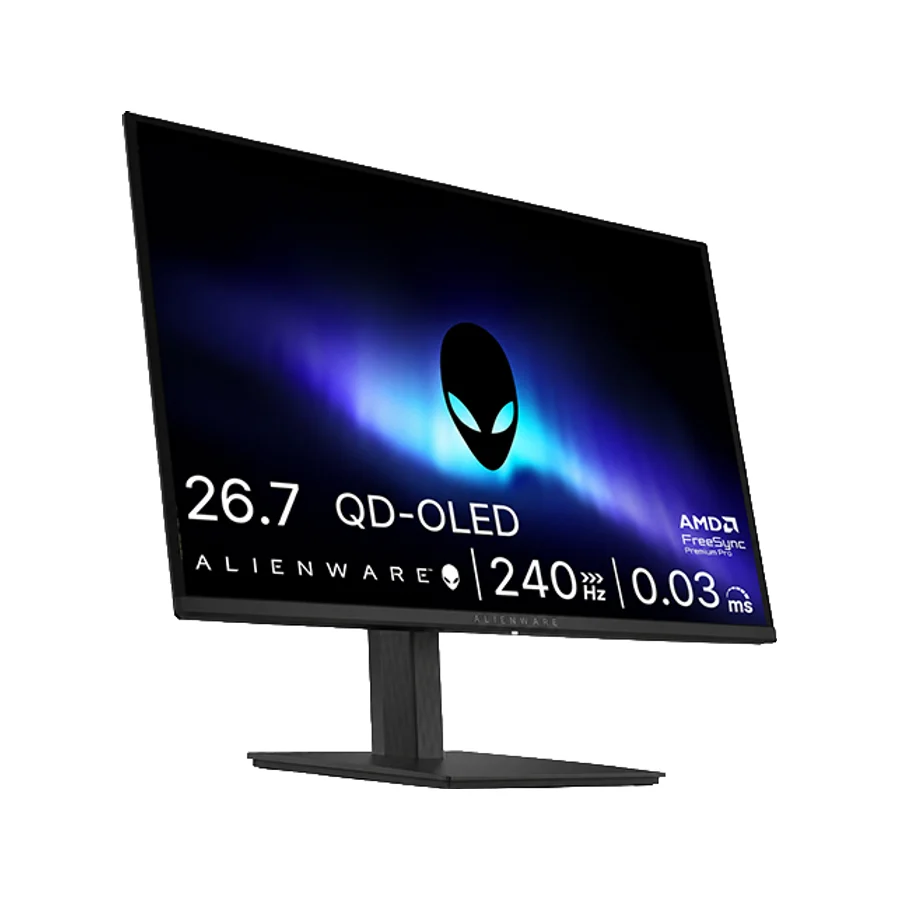
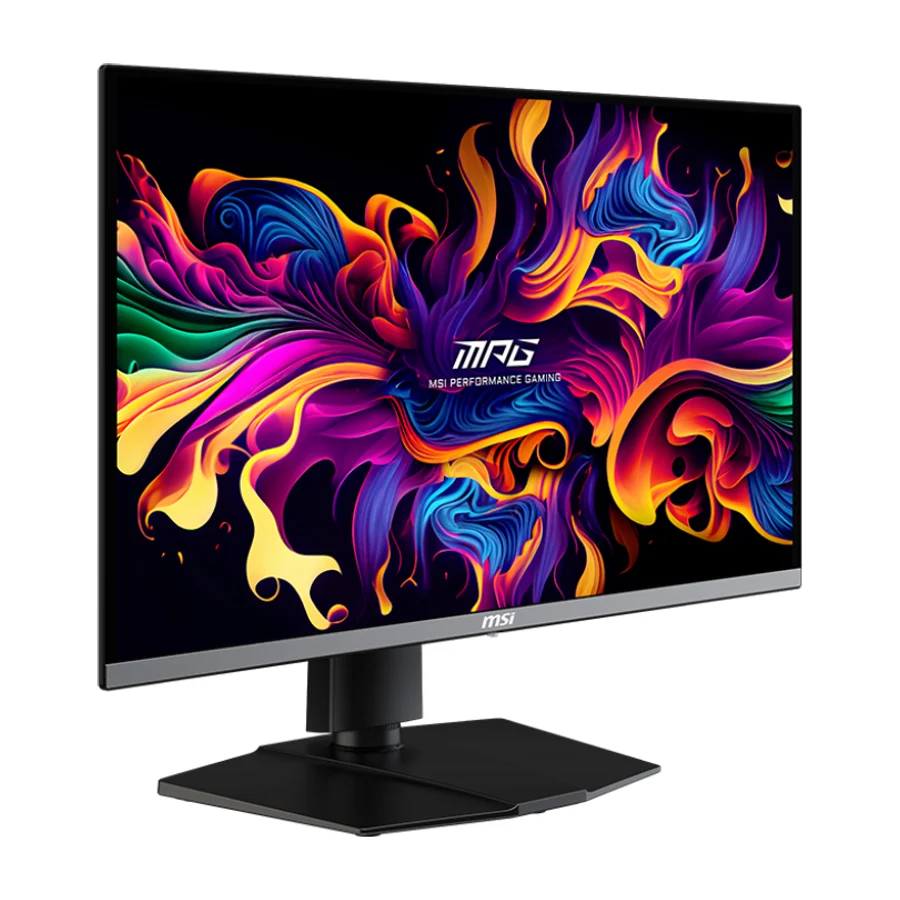
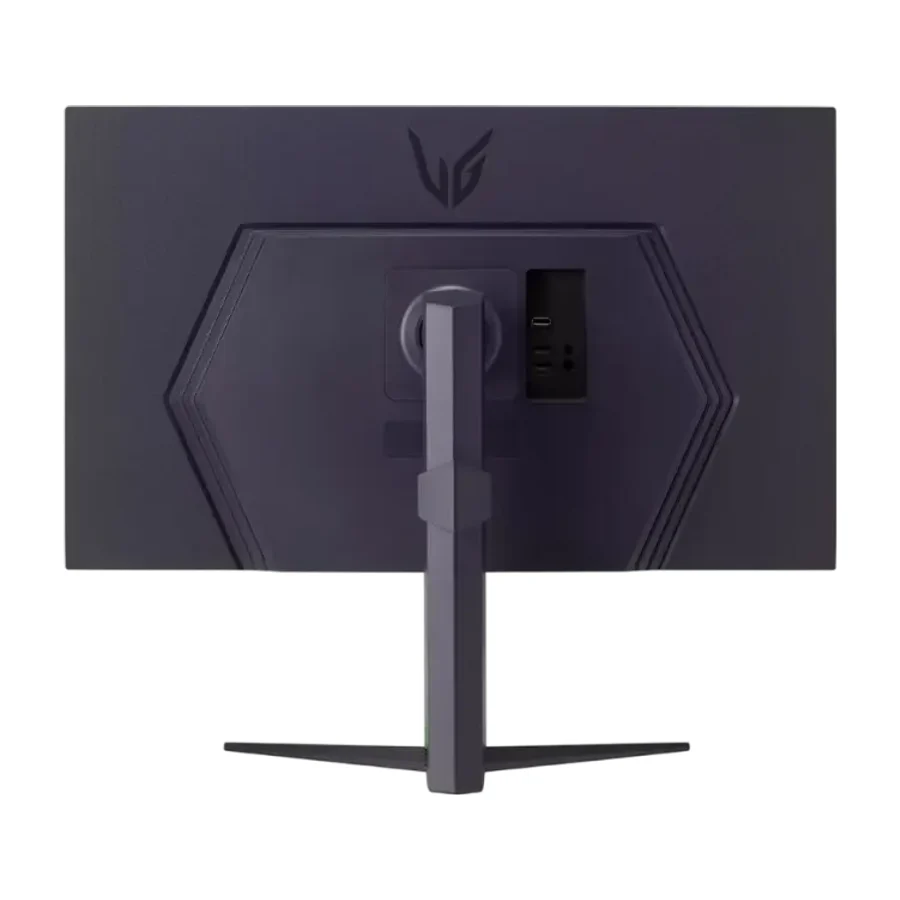
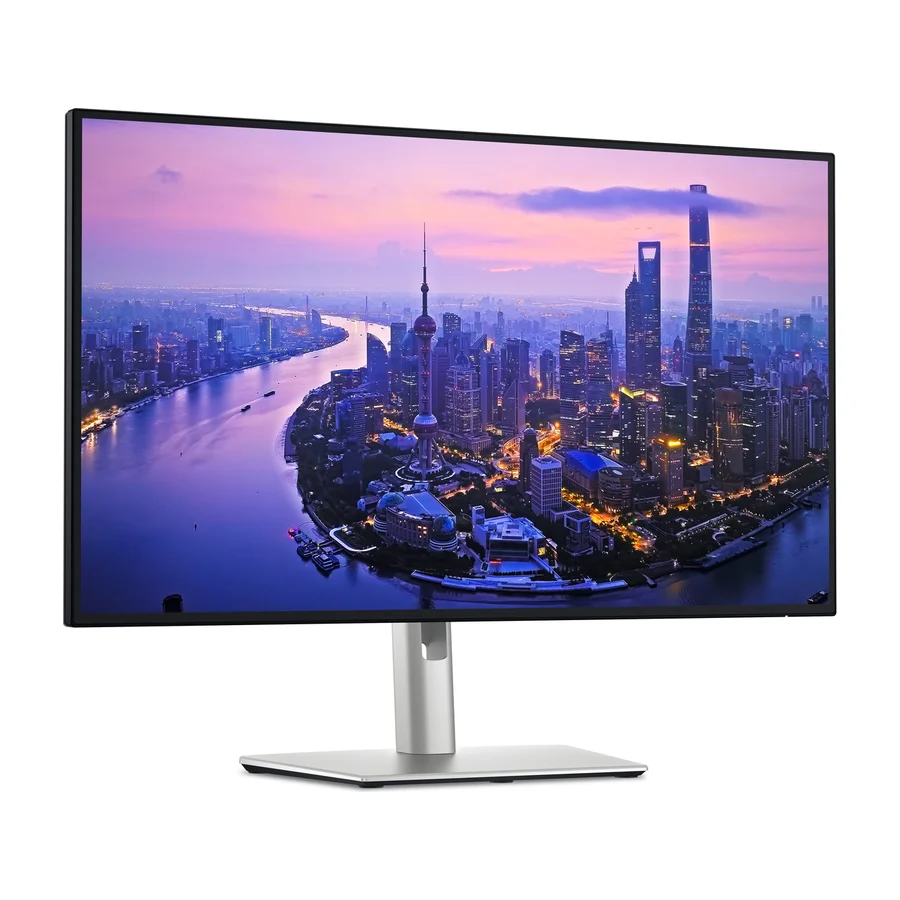
On the stierproducts gaming monitors board, Alienware AW2726DM ranks #1 in S tier, ahead of MSI MPG 272URX QD-OLED (#2, S tier) and Alienware AW2725Q (#3, A tier). The board ranks 30 gaming monitors from S (best) to F (avoid), last researched 25 Sept 2026, drawing on 782 cited reviews, videos and discussions. Placed in the bottom tiers as ones to avoid: KTC H27T22C-3, LG UltraGear 27GX790A, Sony Inzone M10S II, and 5 others.
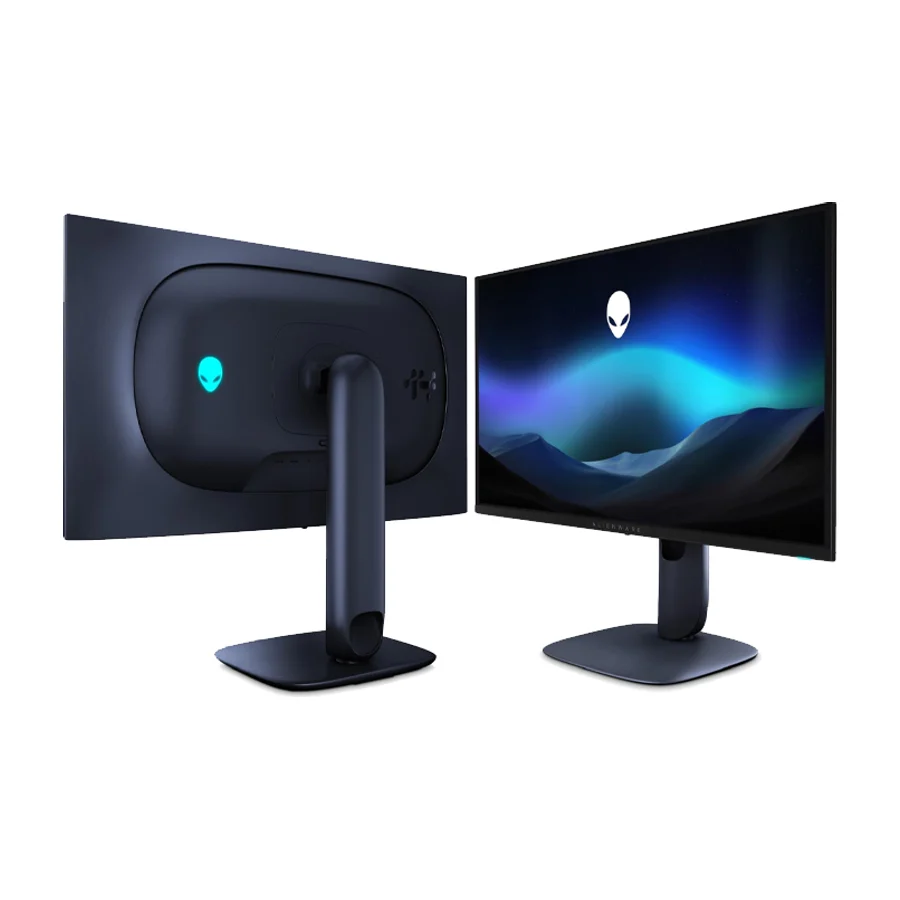 Moved down from S to A on 15 Aug 2026 #3 2 of 10 research runs entered this as a product to avoid rather than a pick.
 Alienware AW2725Q
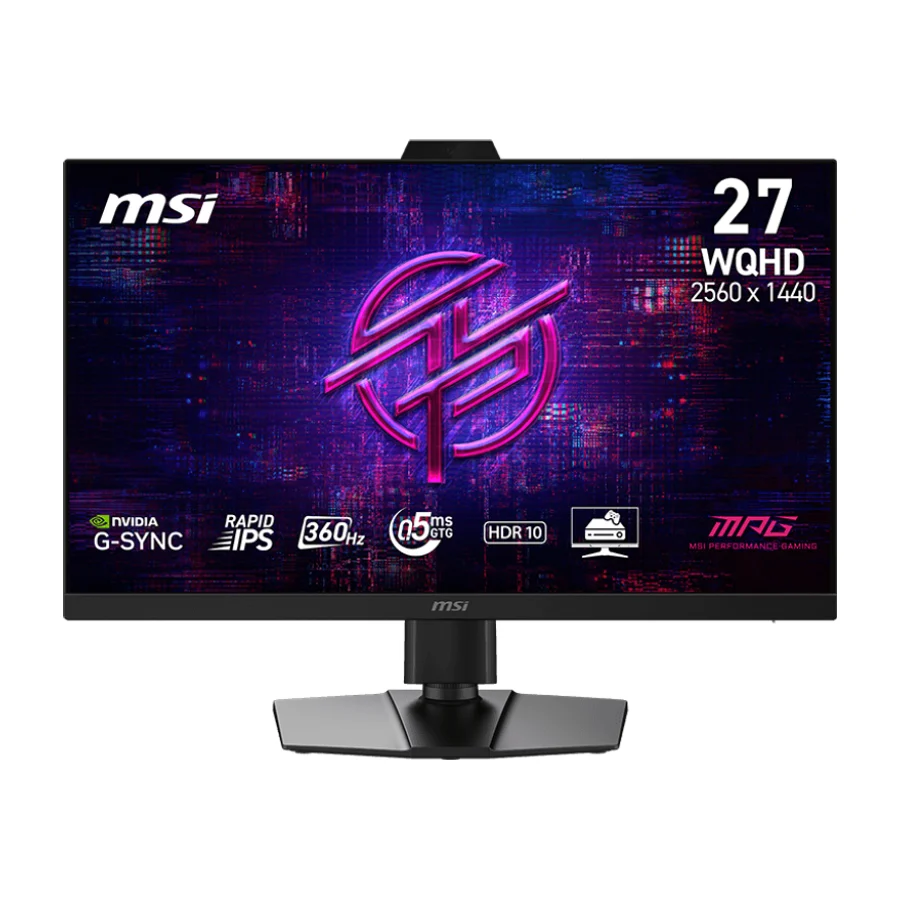 #4
#4 MSI MPG 272QRF X36
 #5
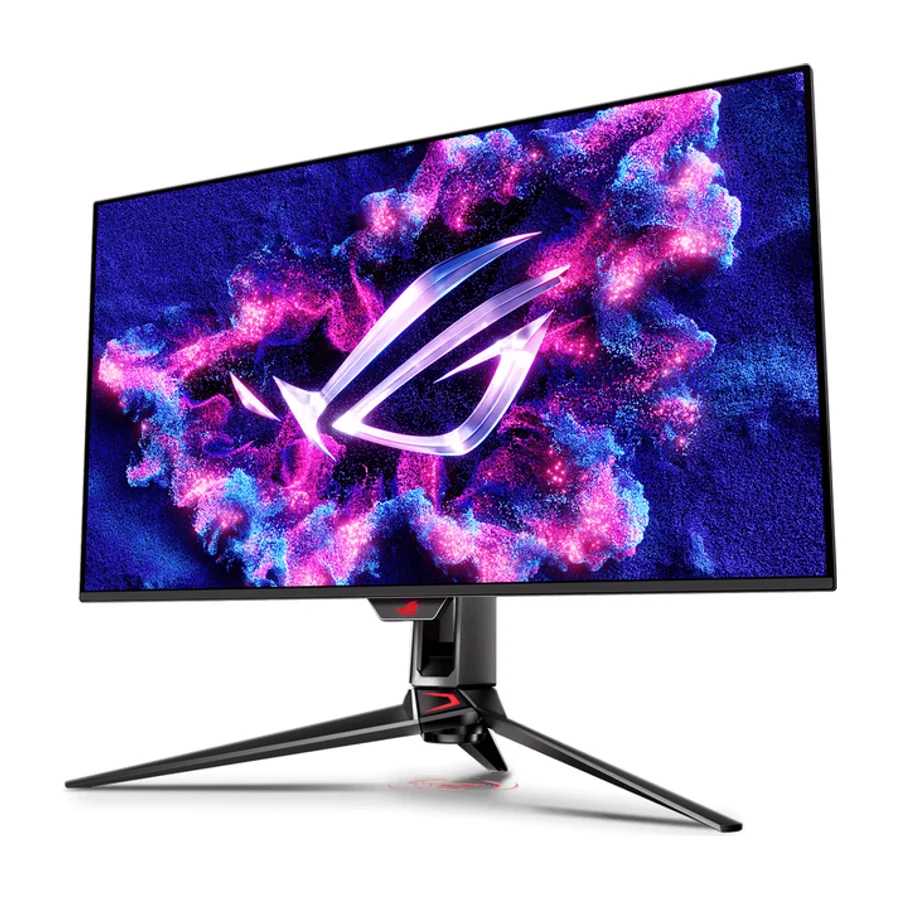
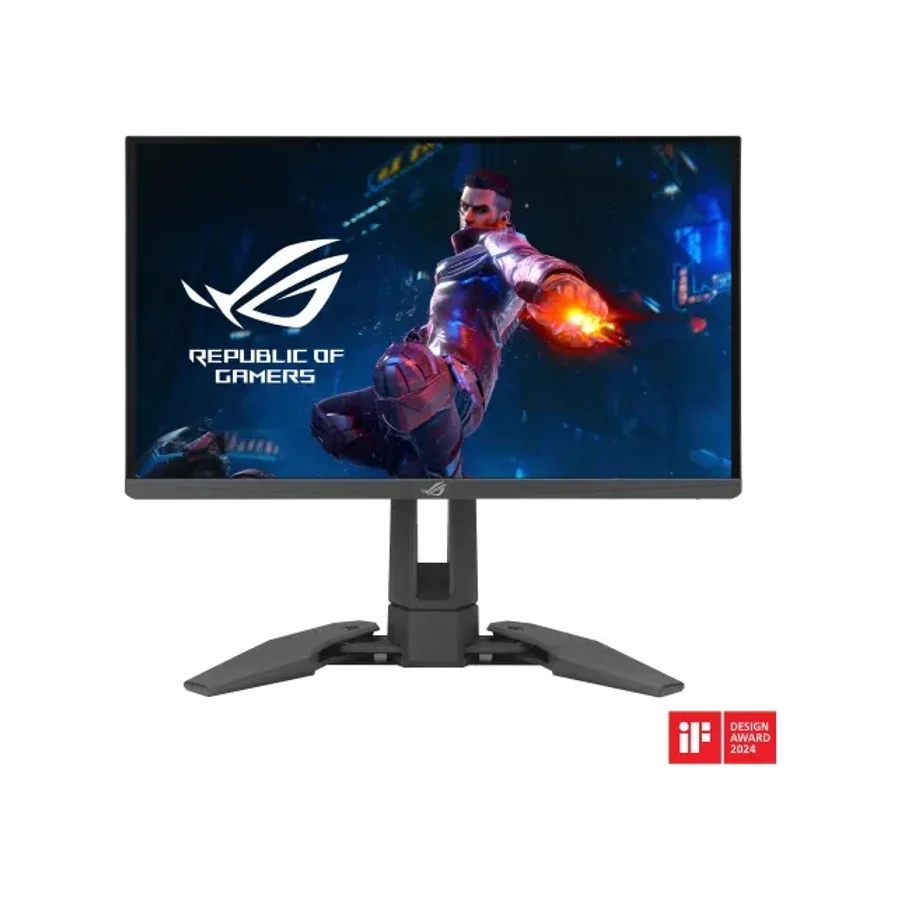
#5 ASUS ROG Swift OLED PG32UCDM Gen3
 Moved up from D to B on 15 Aug 2026 #6
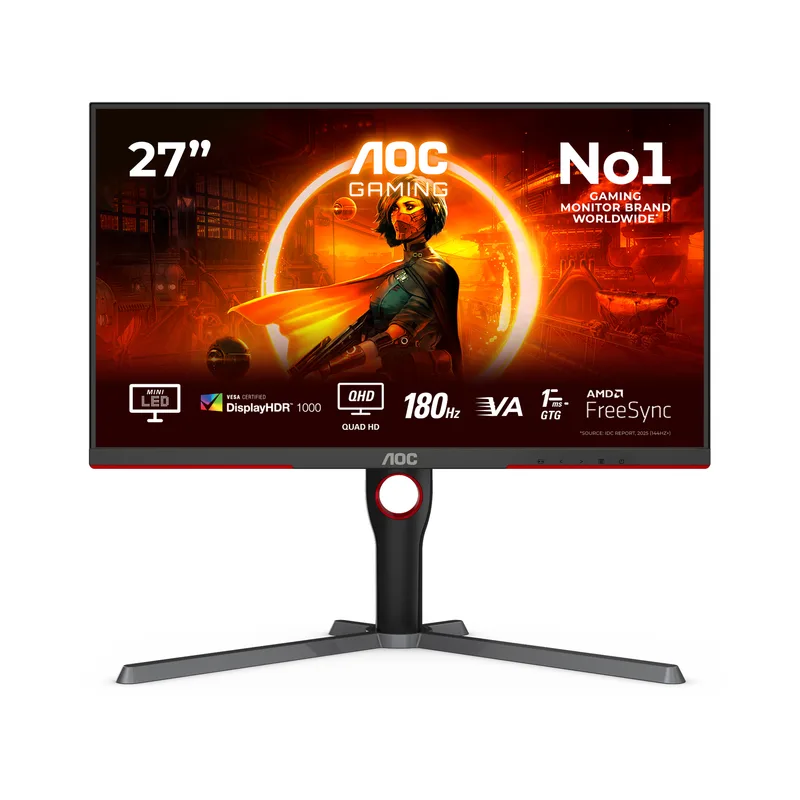
 AOC Q27G3XMN
 #7 1 of 12 research runs entered this as a product to avoid rather than a pick.
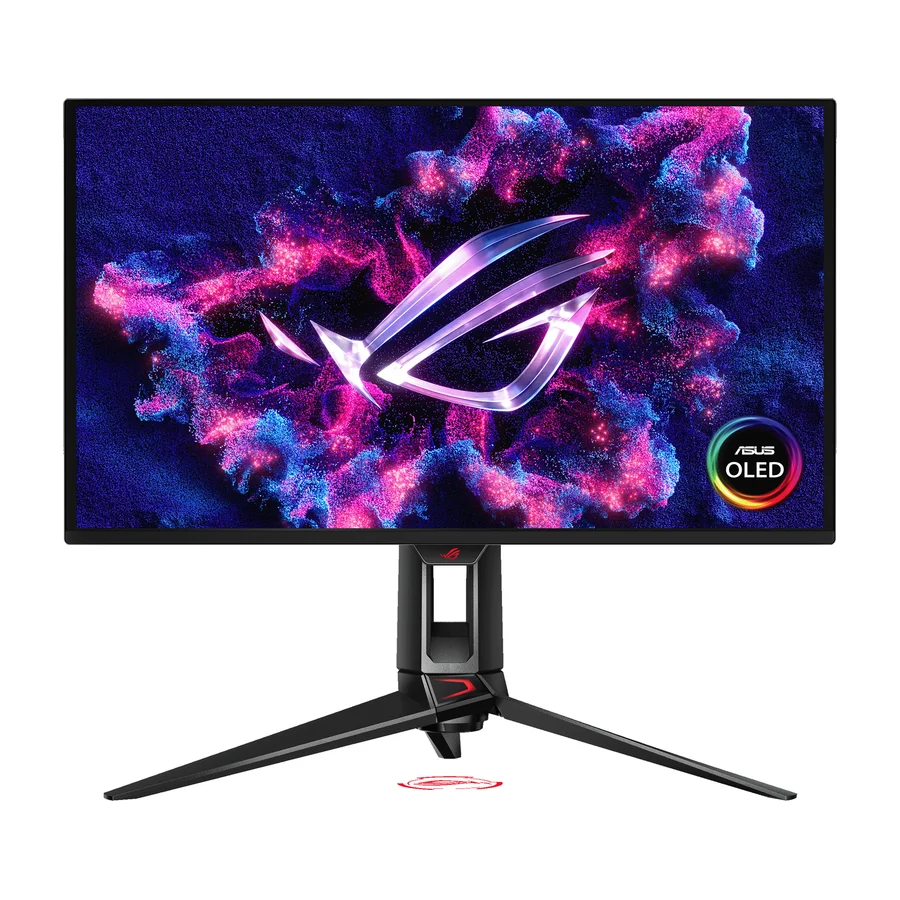
 Asus ROG Swift OLED PG27UCDM
 #8
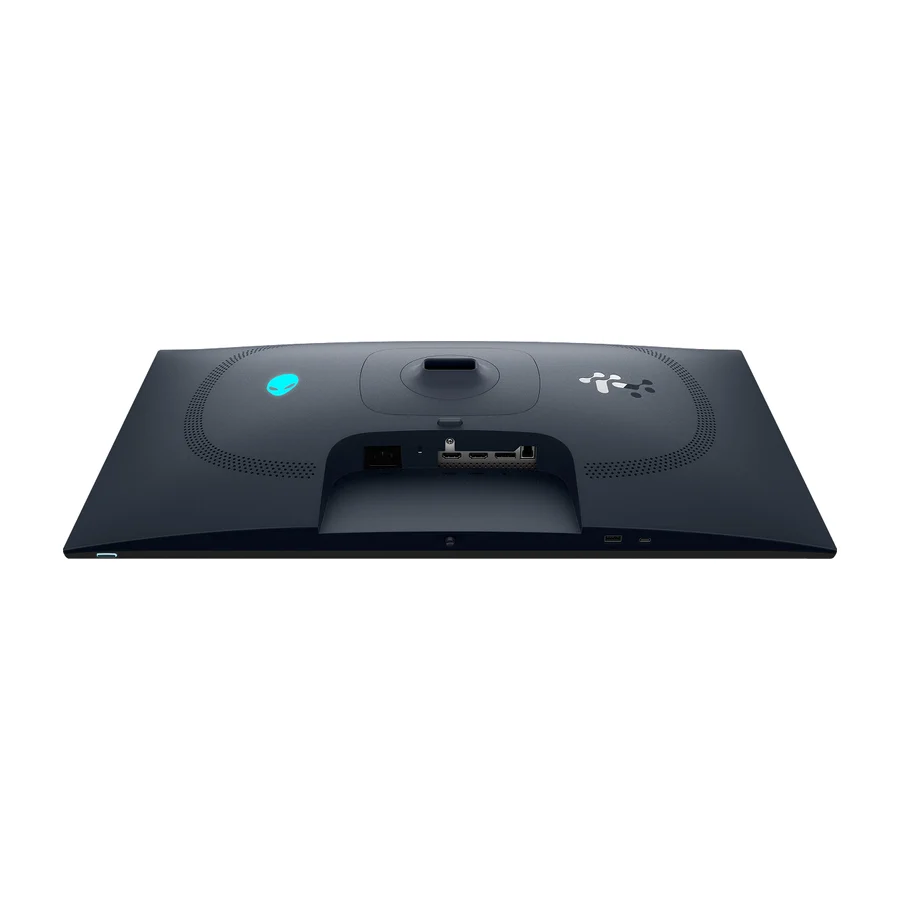
#8 Alienware AW2725D
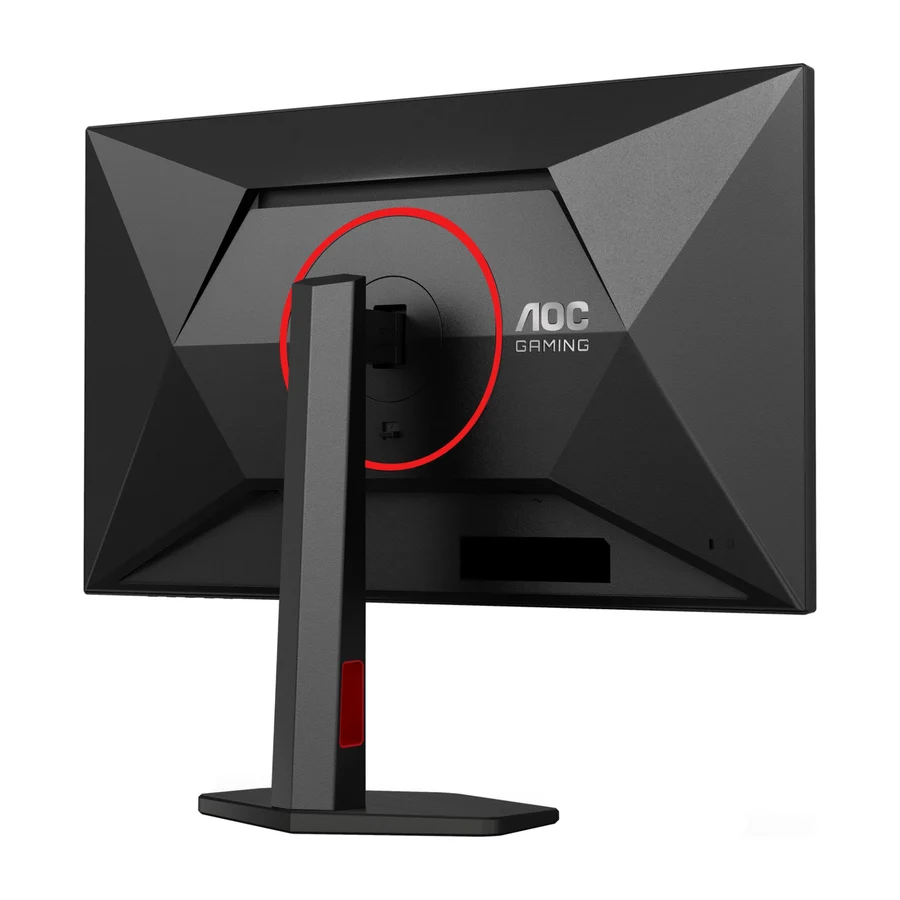
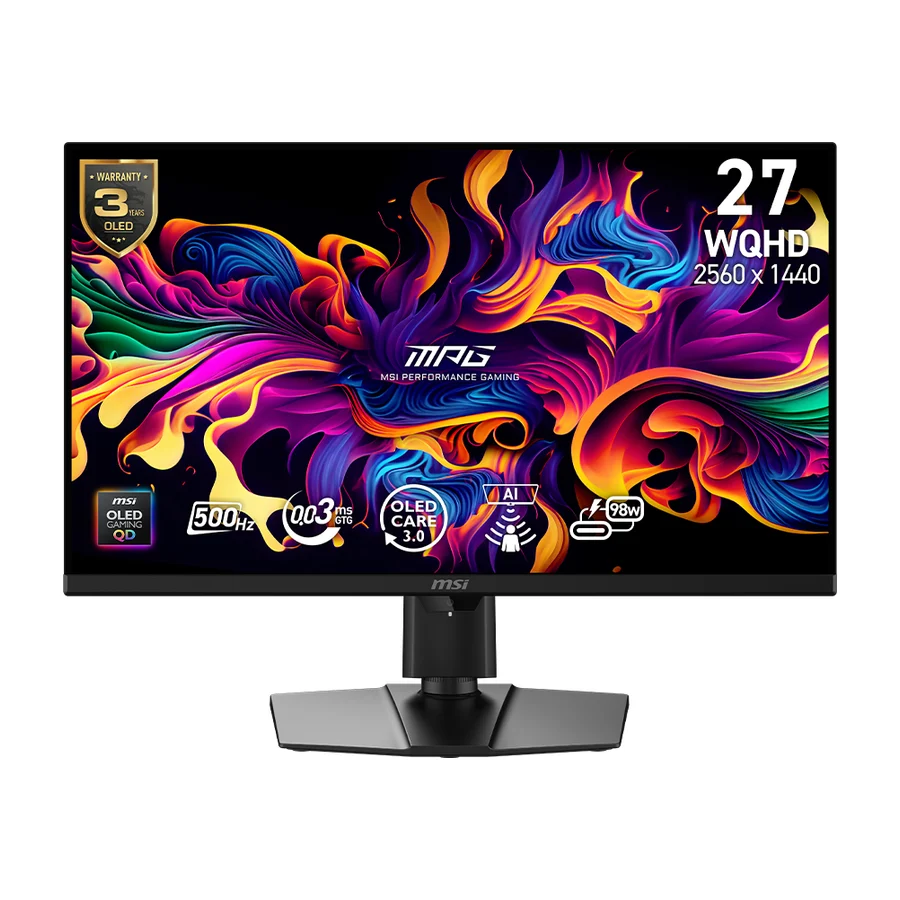
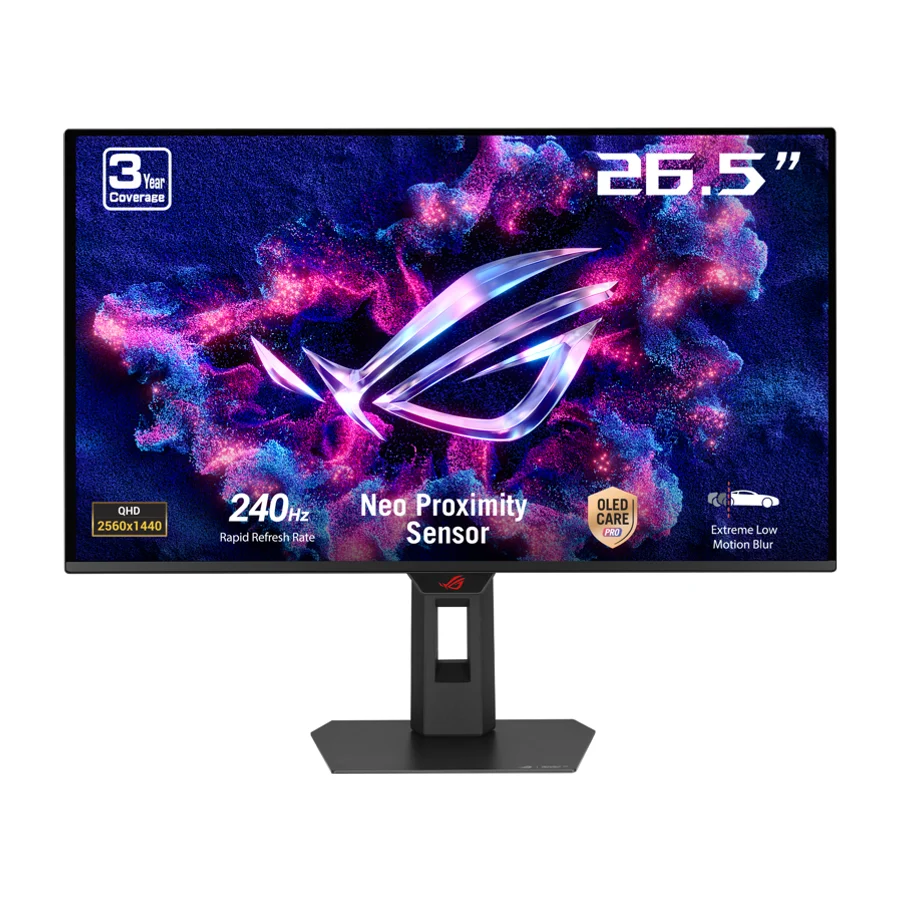
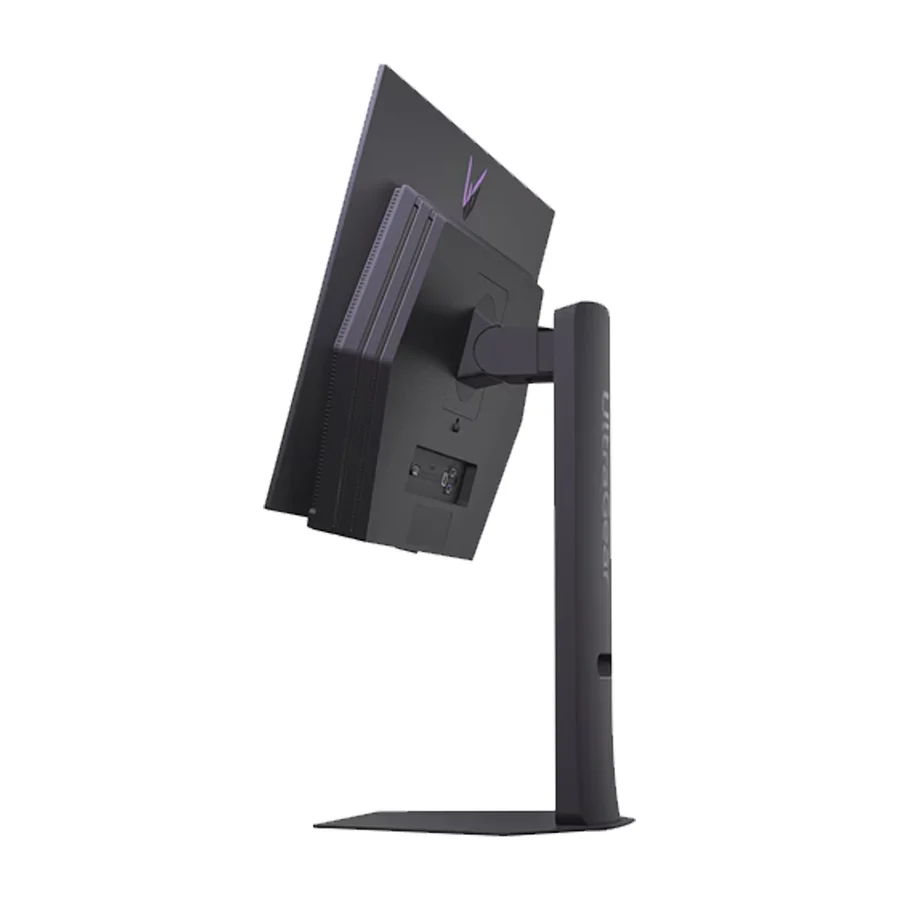
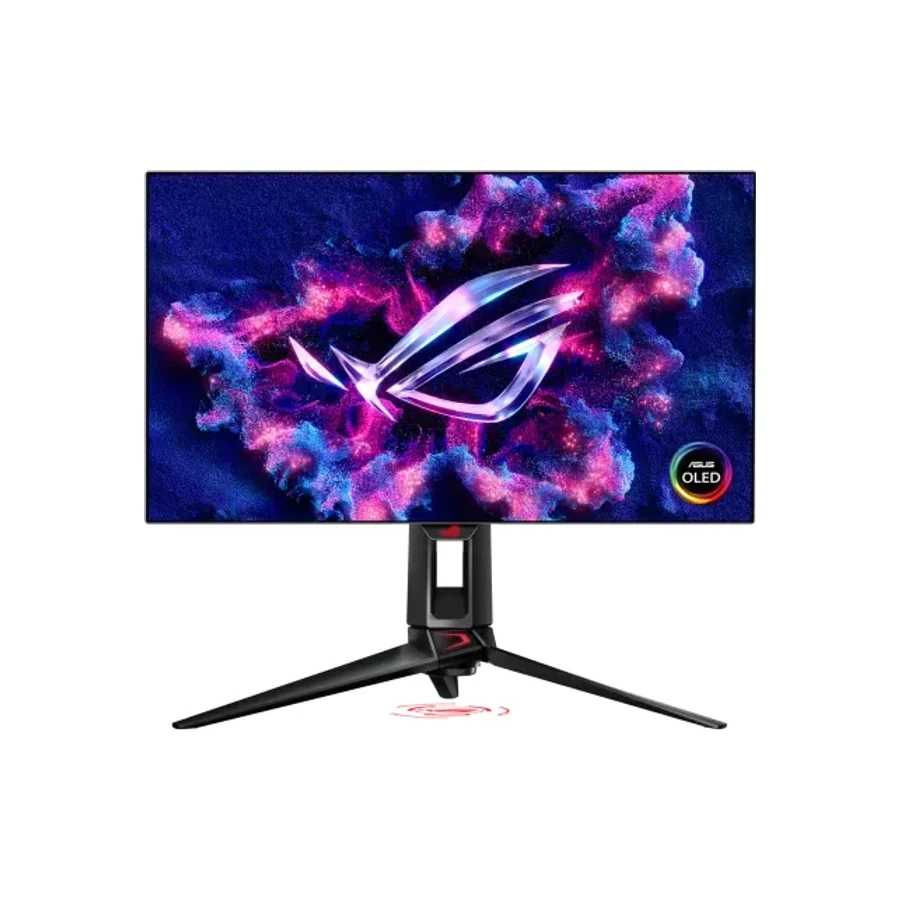 Moved down from B to C on 15 Aug 2026 #14 1 of 14 research runs entered this as a product to avoid rather than a pick.
 Asus ROG Swift OLED PG27AQDP
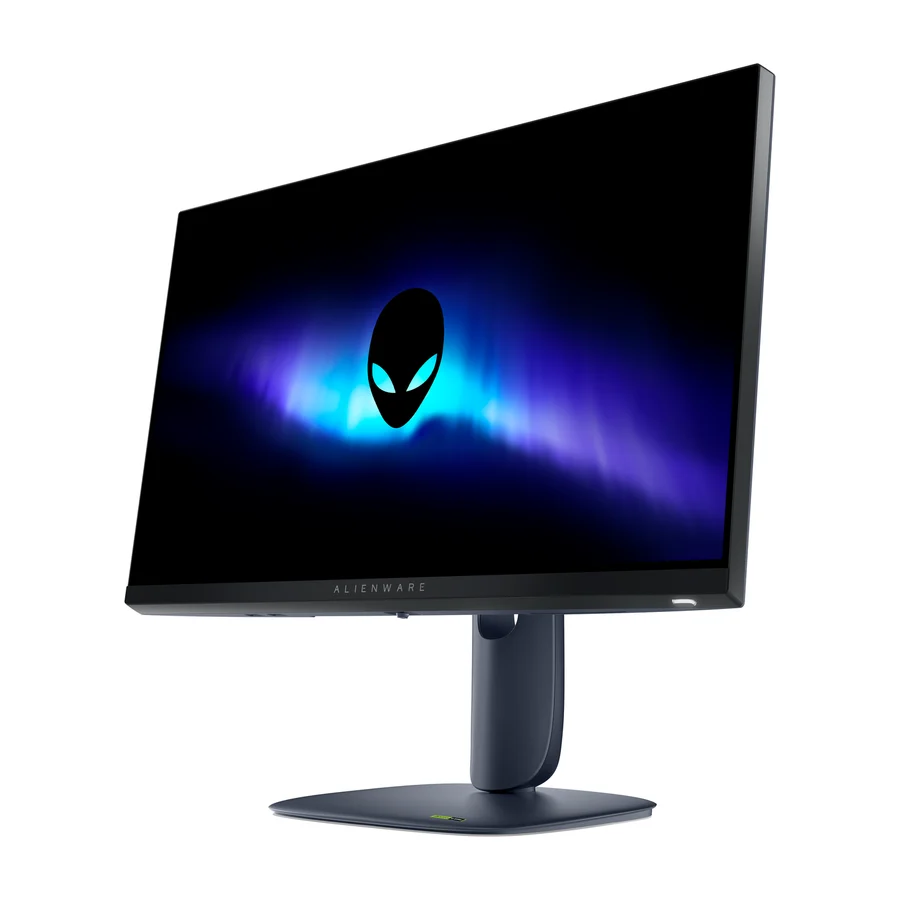 #15
#15 Alienware AW2525HM
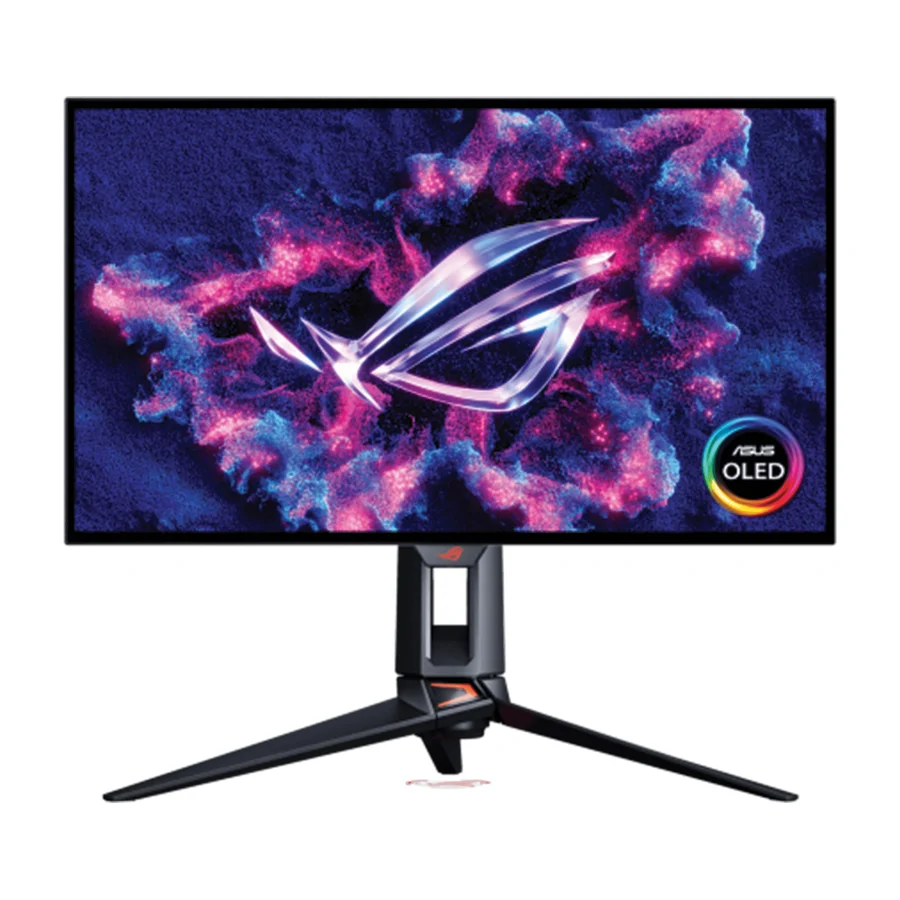 #16
#16 ASUS ROG Strix OLED XG32UCWMG
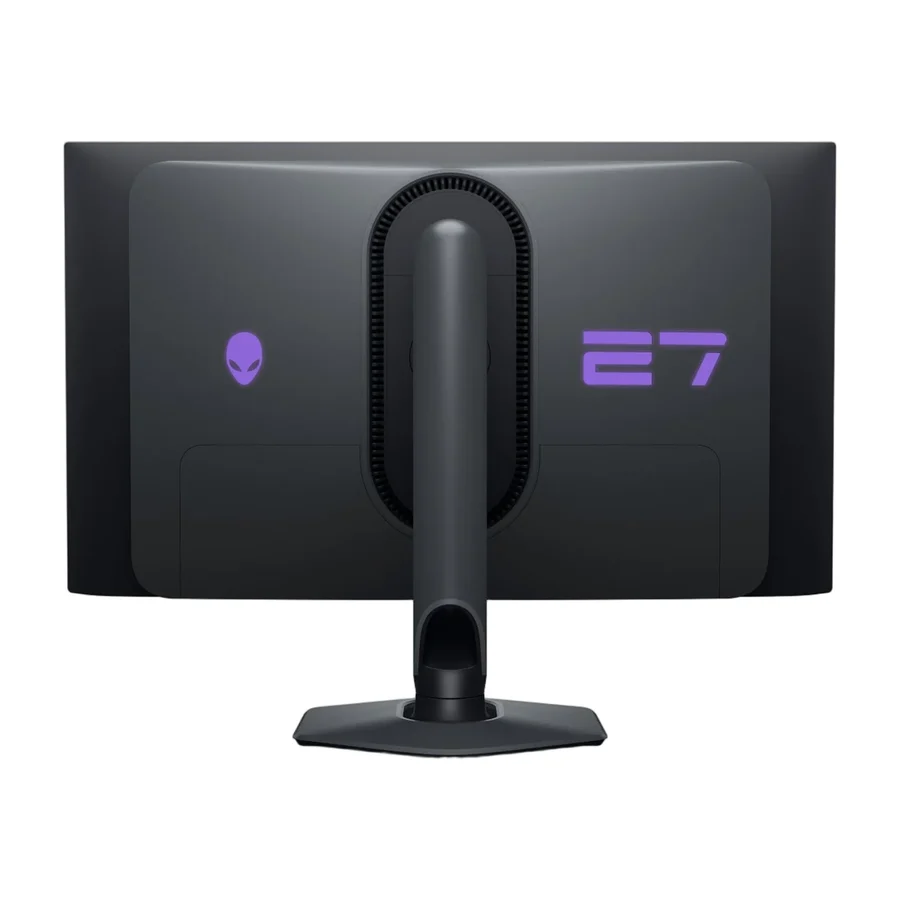 #17 1 of 3 research runs entered this as a product to avoid rather than a pick.
 Alienware AW2725DF
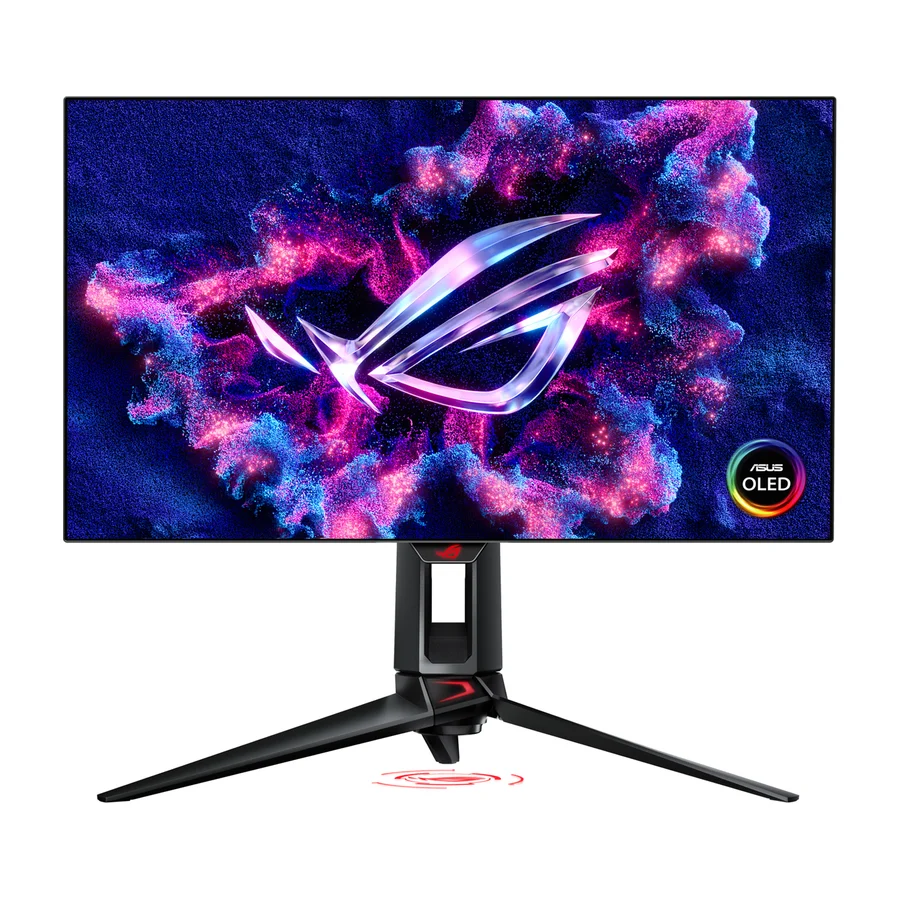 #18 1 of 2 research runs entered this as a product to avoid rather than a pick.
 Asus ROG Swift PG27AQDP
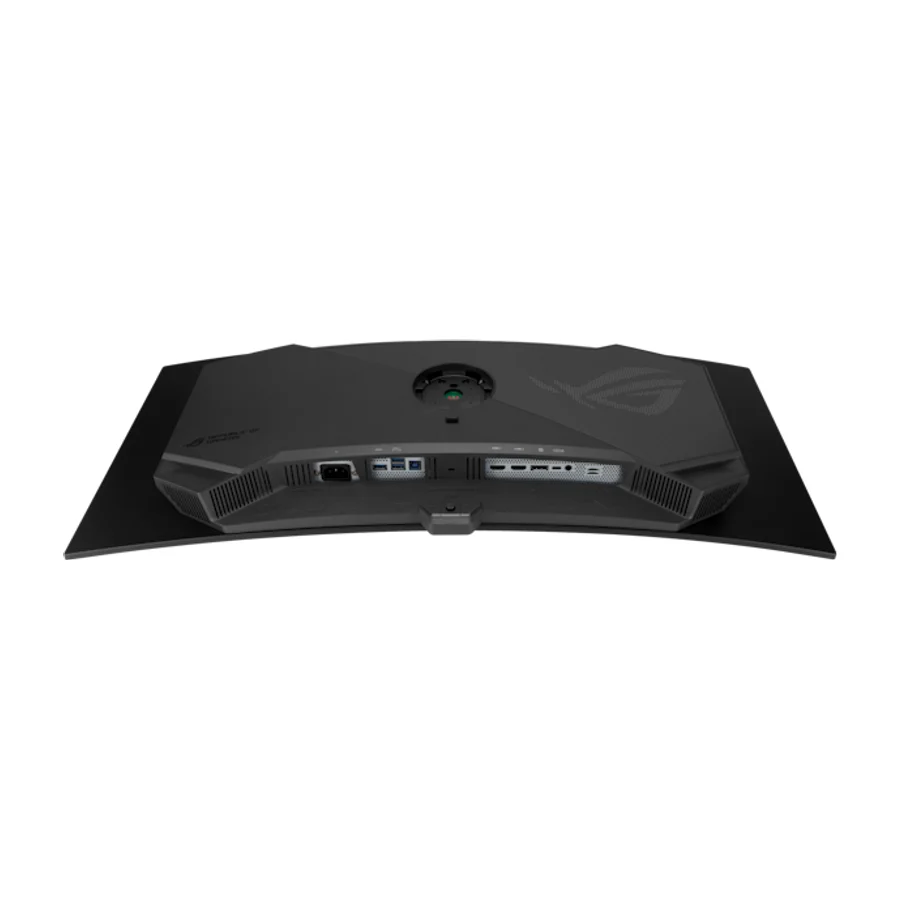 #19
#19 ASUS ROG Swift OLED PG34WCDN
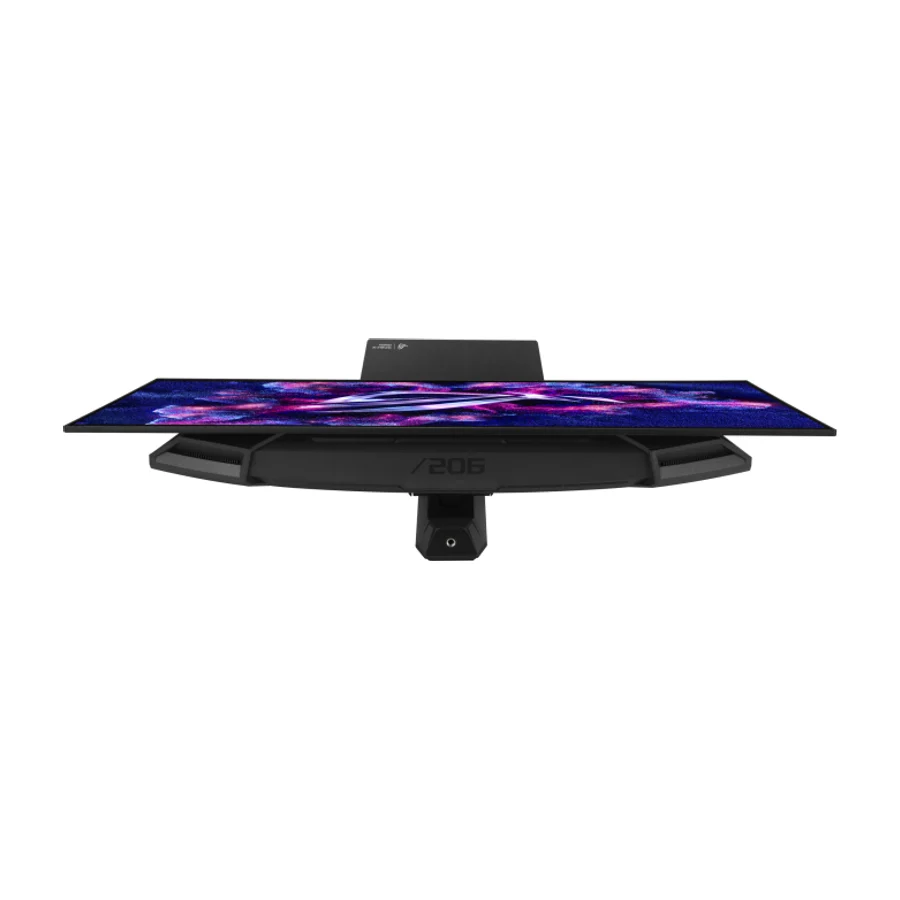 #20
#20 ASUS ROG Strix XG27AQWMG
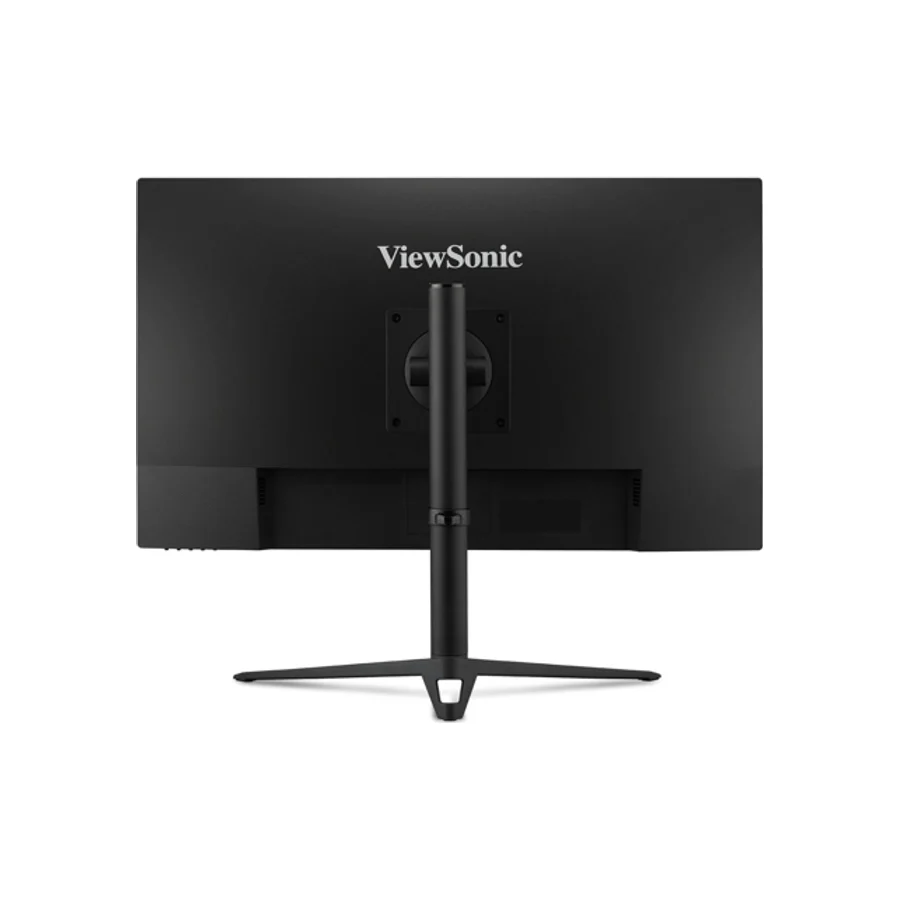 #21
#21 ViewSonic Omni VX2728J-2K
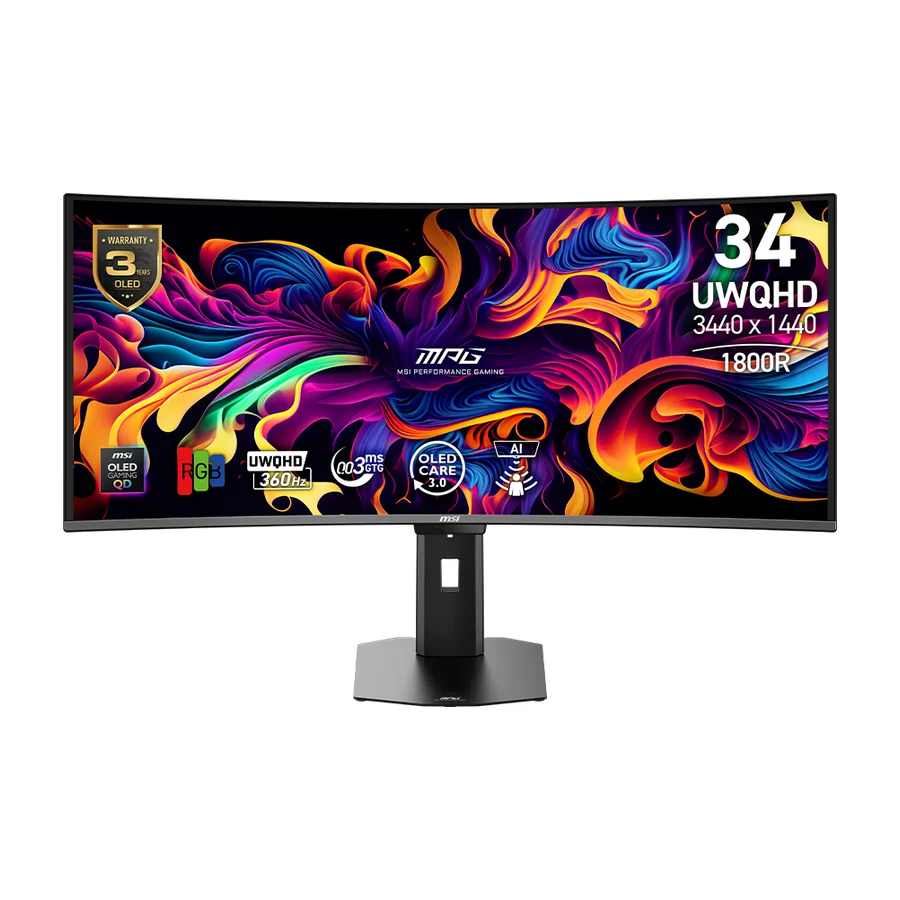 #22
#22 MSI MPG 322UR X24 QD-OLED
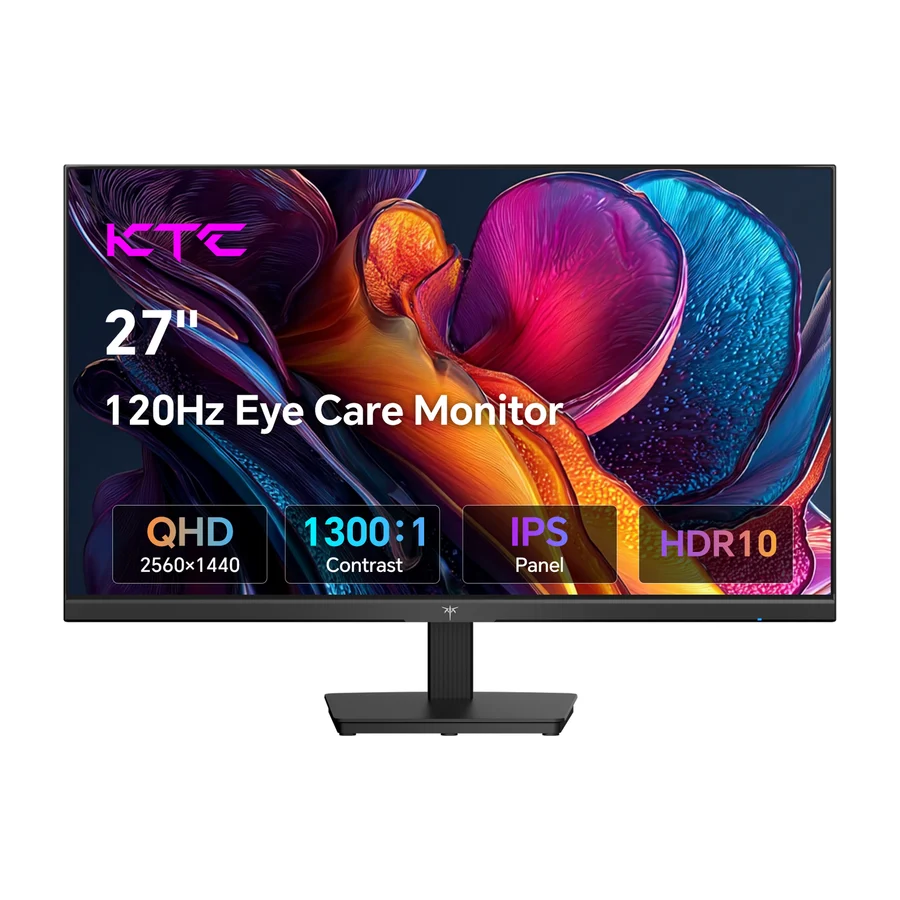 #23 2 of 3 research runs entered this as a product to avoid rather than a pick.
 KTC H27T22C-3
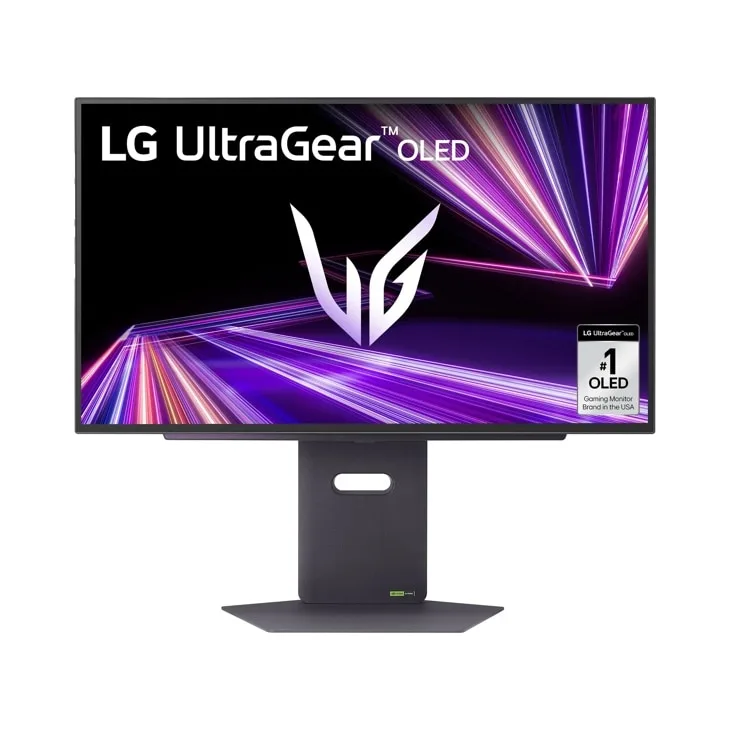 Moved down from C to D on 15 Aug 2026 #24 1 of 10 research runs entered this as a product to avoid rather than a pick.
 LG UltraGear 27GX790A
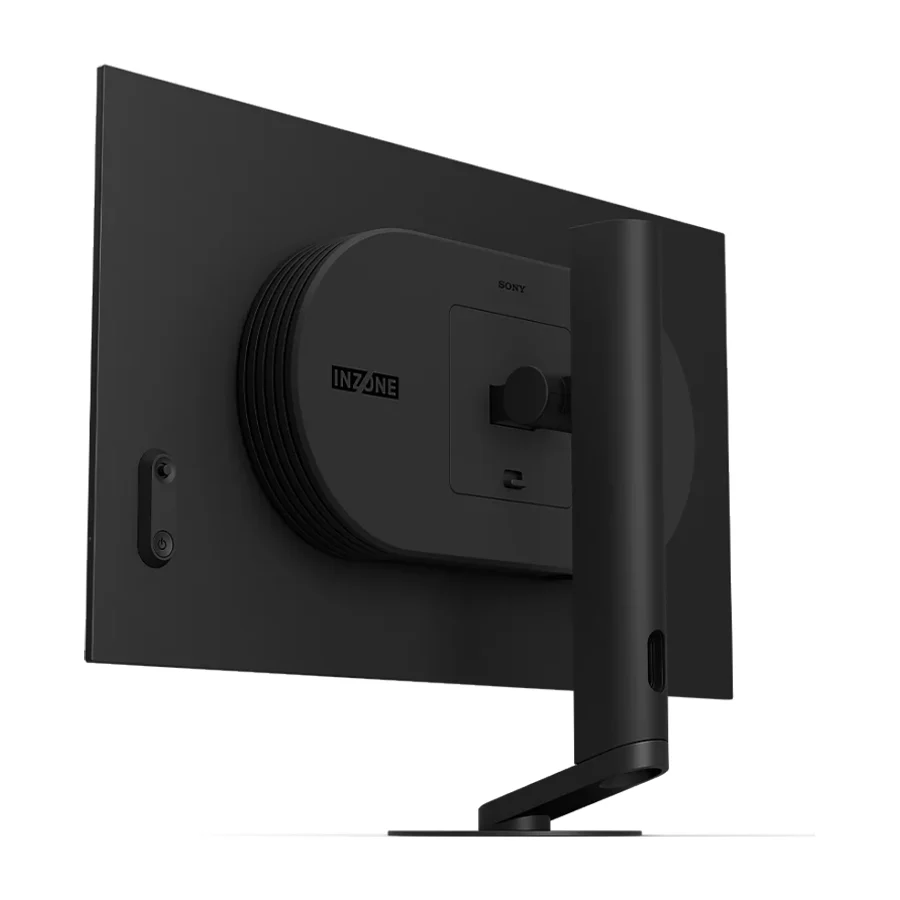 #25 1 of 2 research runs entered this as a product to avoid rather than a pick.
 Sony Inzone M10S II
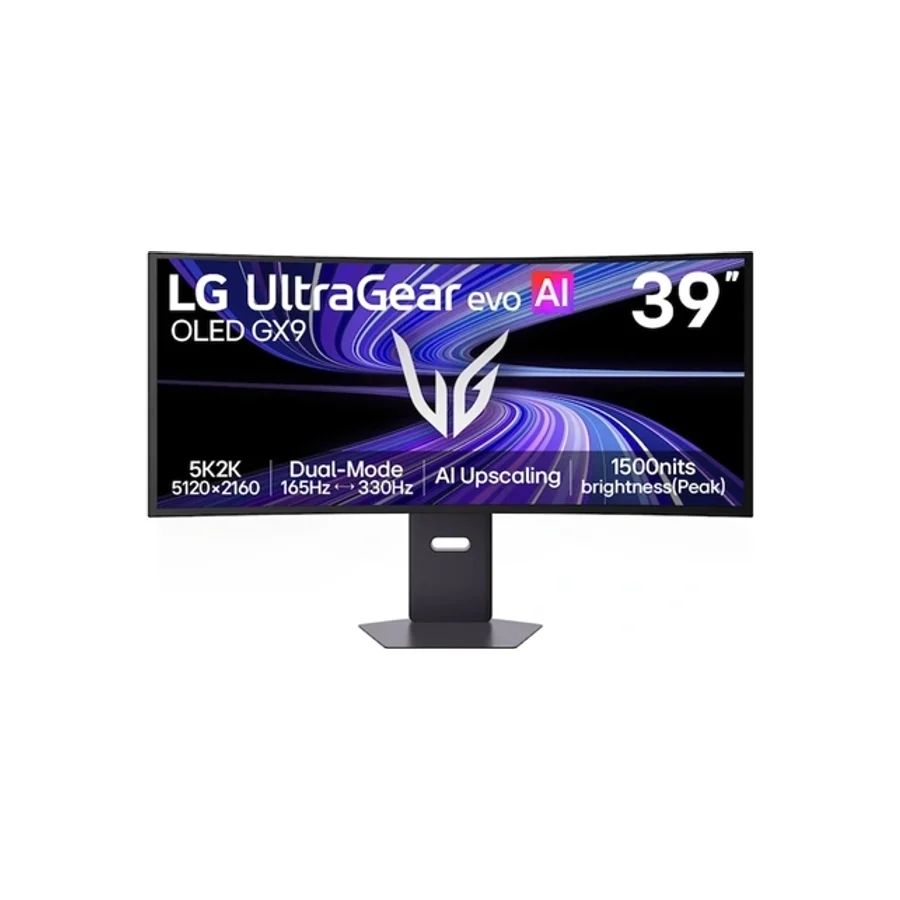 #26 2 of 5 research runs entered this as a product to avoid rather than a pick.
 LG 39GX950B-B
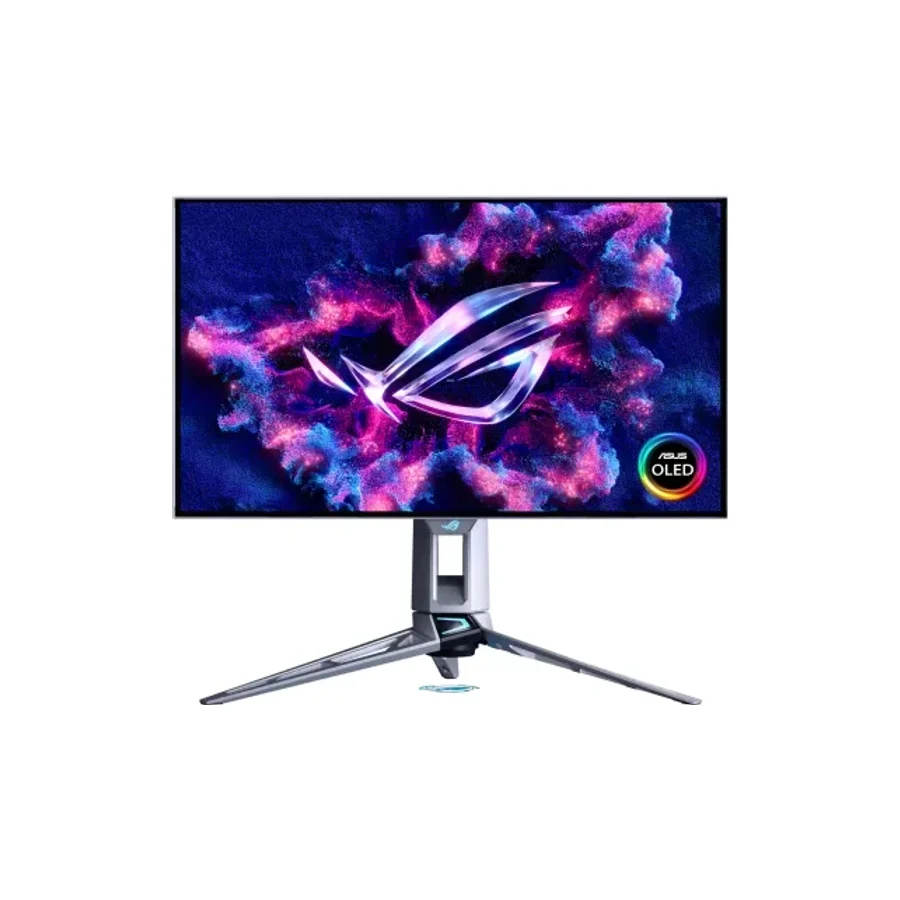 Moved down from C to D on 15 Aug 2026 #27 3 of 6 research runs entered this as a product to avoid rather than a pick.
 Asus ROG Swift OLED PG27AQWP-W
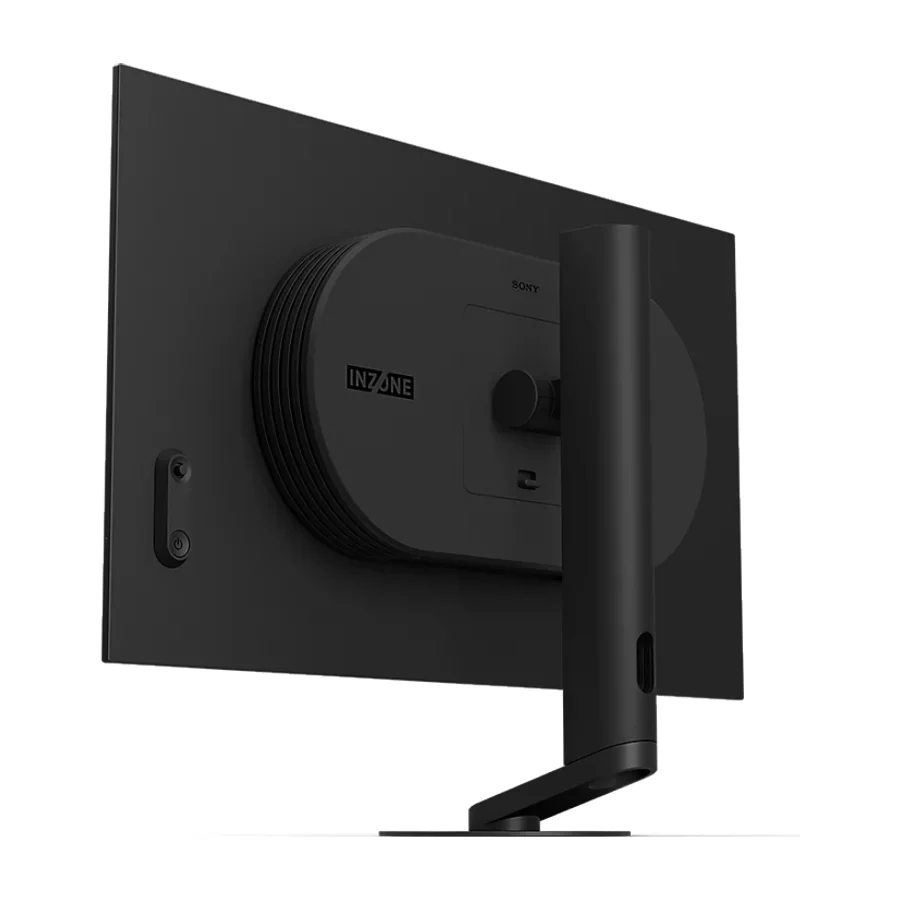 #28 2 of 9 research runs entered this as a product to avoid rather than a pick.
 Sony InZone M10S
What moved on this board
26 tier changes recorded between 22 Jul 2026 and 14 Sept 2026. The 5 most recent are below.
- 15 Aug 2026 Asus ROG Swift OLED PG27AQWP-W moved down from C to D. 3 more research games. 2 sources added, 9 removed.
- 15 Aug 2026 LG UltraGear 27GX790A moved down from C to D. 2 more research games. 2 sources added, 9 removed.
- 15 Aug 2026 Asus ROG Swift OLED PG27AQDP moved down from B to C. 5 more research games. 3 sources added, 2 removed.
- 15 Aug 2026 AOC Q27G3XMN moved up from D to B. 3 more research games. 1 source added, 6 removed.
- 15 Aug 2026 Alienware AW2725Q moved down from S to A. 2 more research games. 2 sources added.
Each line shows what else changed at the same publish. It is not a statement of cause.
Frequently asked questions
Alienware AW2726DM sits at #1 in the S tier of our consolidated board, ranked across independent research runs over 782 cited reviews, videos and discussions. Wirecutter's top pick with a game-changing price-to-quality verdict from Tom's Hardware, and Dell's three-year advanced-exchange service as the safety net. The one green-line community report is a caveat, not a pattern.
MSI MPG 272URX QD-OLED ranks #2 (S tier). A tempting premium OLED, but a poor value buy because its advantages overlap with better-supported alternatives and the OLED compromises remain.
Our research places KTC H27T22C-3, LG UltraGear 27GX790A, Sony Inzone M10S II, LG 39GX950B-B, Asus ROG Swift OLED PG27AQWP-W, Sony InZone M10S, LG UltraGear 32GS75Q, ASUS ROG Swift Pro PG248QP in the bottom tiers (D/F). KTC H27T22C-3: A budget brand whose own blog flags the thermal and engineering risks this lens ranks on, with unproven service and firmware support. The XG27AQDMES ends the value argument.
More in Computers
Cite this board as stierproducts, “Best Gaming Monitors”, 25 Sept 2026. Free to quote with attribution and a link (terms).
Machine-readable: markdown · JSON · how we rank
Embed this board on your own site. The frame links back here, which is the attribution the terms ask for:
<iframe src="https://stierproducts.com/embed/gaming-monitors" title="Best Gaming Monitors, ranked by stierproducts" width="100%" height="456" loading="lazy" style="border:0"></iframe>