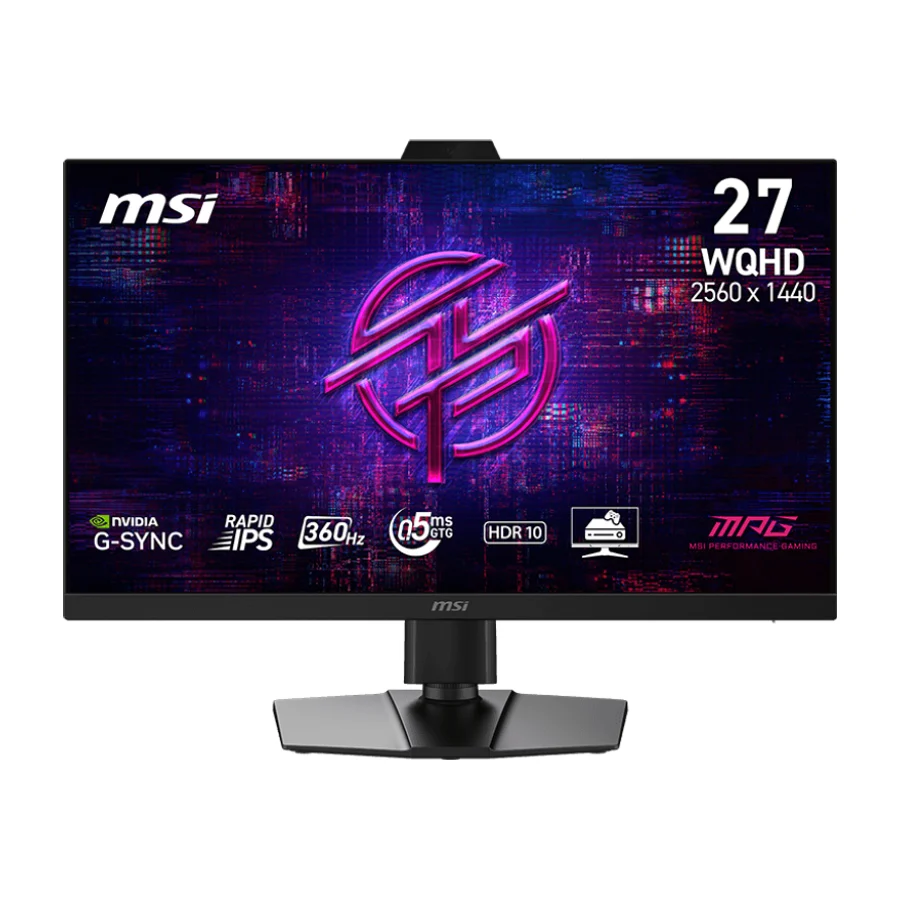
MSI MPG 272QRF X36
Wirecutter's upgrade pick, meaning it survived months of re-testing, on MSI's mature MPG firmware platform. A safe long-term hold at the upper mid-range.
Consolidated from 27 cited sources across 21 outlets
Where the cited sources landed, as we read them
- 1 enthusiastic source
- 21 positive sources
- 4 mixed sources
Pros & cons
- ✓ Mature firmware and OSD platform across generations
- ✓ Held up across Wirecutter's months-long testing period
- ✓ Wirecutter's upgrade pick
- ✓ Better build quality with more inputs and improved coating
- ✓ Offers higher polish than the baseline model
- ✗ Step up costs disproportionately more than the performance gain it provides
- ✗ Does not match OLED displays for contrast
- ✗ Less independent testing coverage than the leading models
- ✗ Less affordable than the AOC choices
- ✗ Less contrast than OLED alternatives
The sources behind this ranking
We searched the web and YouTube for what has been published about this product, then read the articles, video transcripts and comments we found. 1 outlet wouldn't let us check its link.
Evidence 22 articles, 3 video reviews and 2 community sources
21 positive sources
 TFTCentral Simon Baker · reviewer · Jan 2026
 MSI, in collaboration with NVIDIA, introduced at CES this week the new MPG 272QRF X36 G-sync Pulsar gaming monitor. This 27″ sized Rapid IPS LCD display features a 2560 x 1440 resolution and a 360Hz refresh rate. Designed for professional esports, it delivers the smoothest gameplay and sharpest visuals for competitive gamers seeking an edge thanks to the inclusion of NVIDIA’s long awaited ‘G-sync Pulsar’ technology.Read U
 UnGeek UnGeek · 37.2K subscribers · May 2026
 The new MSI MPG 272QRF X36 is definitely a monitor that can level up your gaming experience. This is thanks to its impressive gaming features, the latest G-Sync tech, and its console gaming capabilities. What's more, it has a smart design, wealth of connectivity options, and great movie-watching visuals. These make it a true all-rounder.Watch D
 Display Ninja Rob Shafer · reviewer · Sept 2026
 All in all, the MSI MPG 272QRF X36 is an excellent gaming monitor for those who enjoy CRT-like motion clarity. G-SYNC Pulsar delivers outstanding motion clarity with high brightness, fast response times and low latency, as long as your frame rate stays within the 80 – 360 FPS range. Below that, some artifacts can start to appear, though (multi) frame generation can help mitigate this if your GPU supports it.Read G
 GeekaWhat Harry Coleman · reviewer · Jul 2026
 The MSI MPG 272QRF X36 is one of the first monitors to arrive with NVIDIA’s G-SYNC Pulsar, and it’s aimed squarely at the esports crowd. It pairs a 27 inch WQHD (2560 x 1440) Rapid IPS panel with a 360Hz refresh rate and a 0.5ms response time, then adds the feature that sets it apart from the growing pile of fast IPS screens: backlight strobing and variable refresh rate (VRR) running at the same time.Read O
 Overclock3d Article
 Using variable-frequency backlight strobing technology, MSI’s new MPG 272QRF X36 delivers tear-free gaming and 4x the “effective motion clarity” of a standard display. This makes games look sharper and sets a new standard for competitive gaming. We saw this screen in action on the show floor at CES. It indeed delivers better motion clarity than we would expect from an IPS display.Read P
 PC Monitors Adam Simmons · reviewer
 The all-round performance of QHD IPS monitors can be attractive for gamers. The MSI MPG 272QRF X36 is one such model, featuring a 360Hz QHD IPS panel. The monitor follows MSI’s usual style code, nothing too flashy and lots of matte plastic. The top and side bezels are dual stage with slim panel border flush with the rest of the screen plus slender hard plastic outer part.Read I
 IGN Chris Coke · reviewer
 If the answer to either is yes, MSI's new MPG 272QRF X36 gaming monitor is worth your attention. It's an ultrafast 1440p display with a color-rich Rapid IPS panel. Its hallmark feature, however, is that it features a 360Hz refresh rate and supports Nvidia G-Sync Pulsar technology for incredible smoothness and clarity in competitive games.Read T
 TechPowerUp Article · Jan 2026
 With revolutionary G-SYNC Pulsar technology, the MPG 272QRF X36 redefines visual clarity for esports. By integrating intelligent adaptive features and flexible color customization options, MSI and NVIDIA provide gamers with a display that not only keeps up with the speed of competition but enhances the entire gaming experience.Read H
 HotHardware Chris Harper · reviewer
 At CES 2026, NVIDIA finally revealed its long-awaited lineup of first-generation G-SYNC Pulsar monitors—and one of them is the MSI MPG 272QRF X36. Like the other new monitors revealed at NVIDIA's conference, the MSI MPG 272QRF X36 is a 27-inch Rapid IPS monitor in 2560×1440 resolution, with full G-SYNC support up to 360 Hz.Read K
 KitGuru João Silva · reviewer
 While high‑refresh displays are increasingly common in the competitive scene, the MPG 272QRF X36 distinguishes itself by finally unifying variable refresh rate (VRR) and backlight strobing without the traditional compromises of flickering or screen tearingRead T
 The Tech Legends Niks The Tech Legends Niks · channel · Jan 2026
 Designed for professional esports, it delivers the smoothest gameplay and sharpest visuals for competitive gamers seeking an edge. The MPG 272QRF X36 features NVIDIA G-SYNC, the ultimate suite of display technologies for GeForce gamers.Watch D
Display Ninja Rob Shafer · reviewer The MSI MPG 272QRF X36 is one of the best 27″ monitors if you want to combine serious competitive gameplay and other use, including playing more graphically-oriented games, office and everyday use, audio/video editing, etc.Read N
 Nytimes Article
 To properly demonstrate how much clearer Pulsar (and the MSI MPG 272QRF X36) is compared with other display technology, I had to create a new testing tool that I call LARS, or the Linear Acuity Recording System.Read F Facebook KitGuru.net
the MPG 272QRF X36 distinguishes itself by finally unifying variable refresh rate (VRR) and backlight strobing without the traditional compromises of flickering or screen tearingView post T
 Tweaktown Article
 The MSI MPG 272QRF X36 arrives with NVIDIA's G-Sync Pulsar technology, pushing motion performance in the 1440p gaming monitor class to new heights.Read D
Display Ninja Rob Shafer · reviewer We have an in-depth review of the MSI MPG 272QRF X36 G-SYNC Pulsar monitor, which you can check out for more details.Read F Facebook ign
However, with Nvidia’s new VRR tech, this is easily one of the best gaming monitors out there for competitive gamers.View post I
IGN IGN · reviewer However, with Nvidia’s new VRR tech, this is easily one of the best gaming monitors out there for competitive gamers.Read I
IGN IGN · reviewer However, with Nvidia’s new VRR tech, this is easily one of the best gaming monitors out there for competitive gamers.Read I
 IGN Southeast Asia Jacqueline Thomas · reviewer
 However, with Nvidia’s new VRR tech, this is easily one of the best gaming monitors out there for competitive gamers.Read S
 Saiga NAK Article
 The MPG 272QRF X36 G-SYNC Pulsar Gaming Monitor is a gaming monitor equipped with a 27-inch RAPID IPS display.Read
4 mixed sources
 Yahoo Tech Jacqueline Thomas · reviewer · Feb 2026
 What actually matters is that the display looks pretty good in games, while also being incredibly fast. Pairing it with an RTX 5080 , I was able to crank the settings in Black Ops 7, while also getting north of 360 fps, thanks to frame generation. Frame generation does limit some of the benefits of a high refresh display, namely latency, but it does look incredibly smooth when that many frames are being sent to the display. The MPG 272QRF does compromise a little bit on image quality and color to get there, but even when I was playing Cyberpunk 2077, it was colorful enough to keep me engrossed in the game. However, when I swapped back to my usual OLED display, I immediately noticed the difference again.Read C
 Club386 Samuel Willetts · reviewer · Apr 2026
 G-Sync Pulsar elevates the MPG 272QRF X36 beyond the capabilities of other LCD monitors, successfully pushing motion clarity to new heights for the display technology. I’ve little doubt screens of this ilk will become the new standard for esports, across personal setups and competitions. Beyond that market, though, recommending the likes of the MPG 272QRF X36 becomes more difficult. Unrivalled motion clarity is a big boon, but the method by which the monitor achieves this won’t appeal to everyone. That’s not forgetting the surprising shortfalls in gamut and panel uniformity too.Read N
 Nuts About Gaming Nuts About Gaming · channel · May 2026
 But when it comes to contrast, true blacks, and overall visual impact, it's still hard to beat the OLED. And since IPS panels uses a backlight, you may still notice some backlight bleed. So, OSD, pwede ka rin mag-switch to 25-in mode with 4x3 aspect ratio or 25-in at 1332p resolution. You still get a sharper image dahil mas dense yung pixel.Watch W
 Welcome to TekHeads TekHeads · reviewer
 The technology certainly accomplishes this goal, but not without a few important caveats.Read
1 stance not read source
Frequently asked questions
It ranks #4 of 30 on our gaming monitors tier list, in A tier. That placement draws on 27 cited sources across 21 outlets.
None of the 26 sources with a clear view is critical of it. Step up costs disproportionately more than the performance gain it provides. Does not match OLED displays for contrast. Less independent testing coverage than the leading models. Less affordable than the AOC choices. Less contrast than OLED alternatives.
Ranked nearby in Gaming Monitors
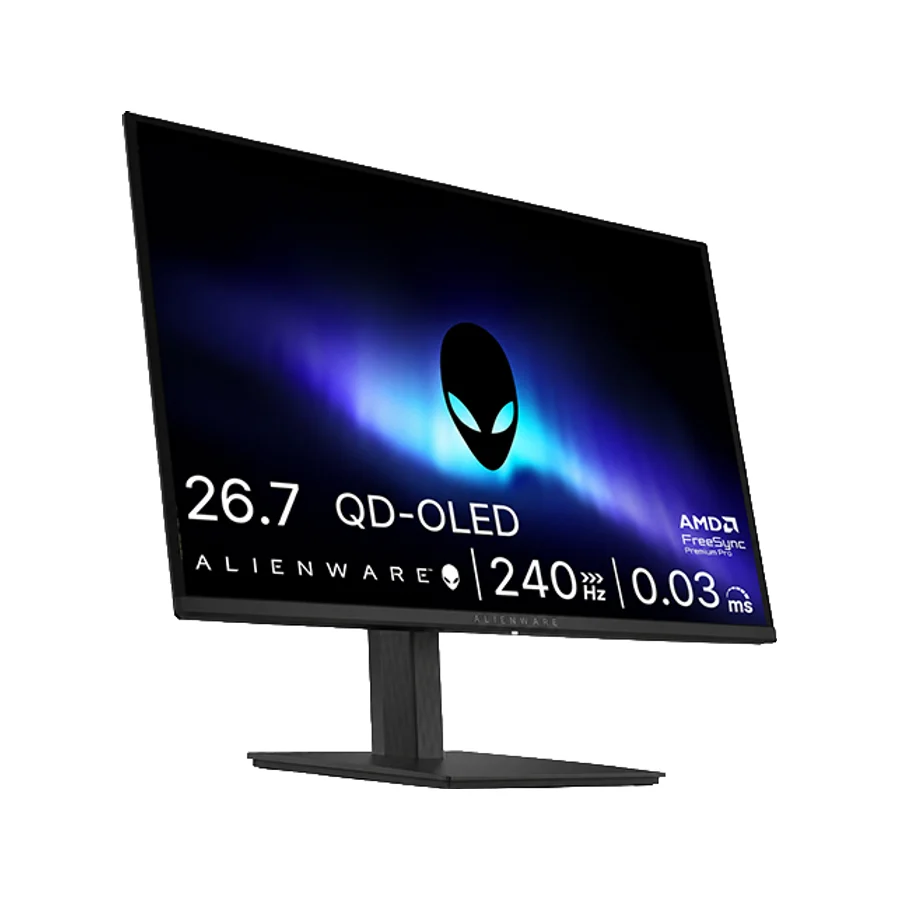 S tier #1
 Alienware AW2726DM
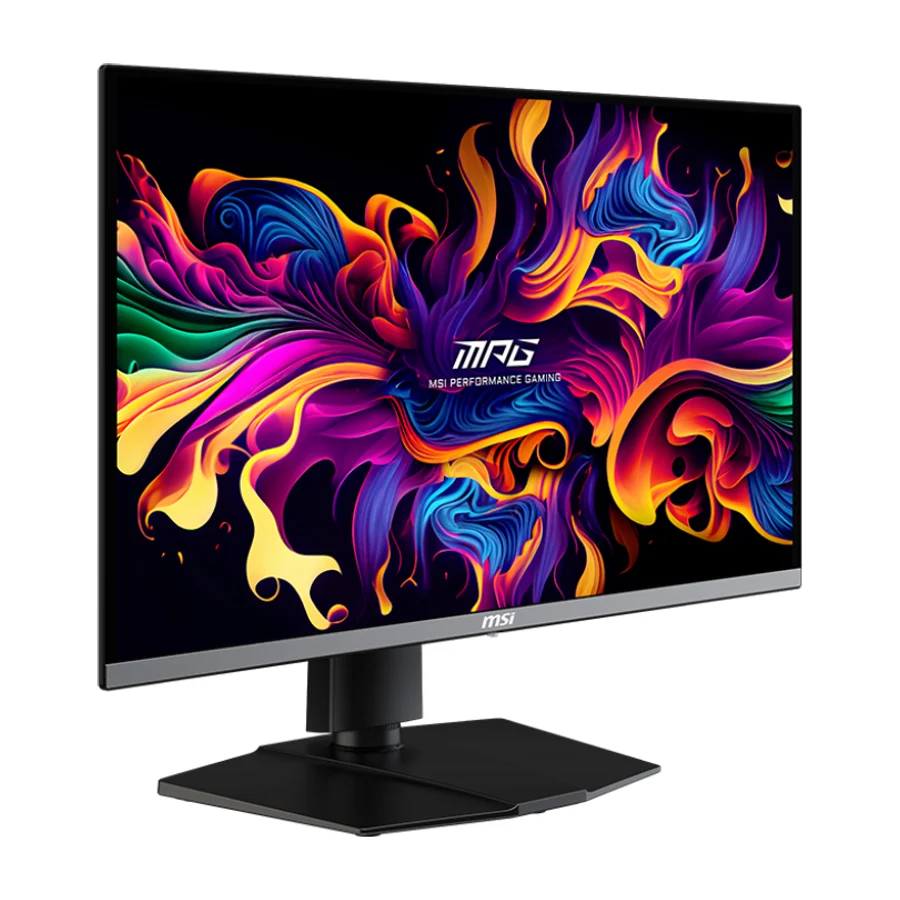 S tier #2 1 of 10 research runs entered this as a product to avoid rather than a pick.
 MSI MPG 272URX QD-OLED
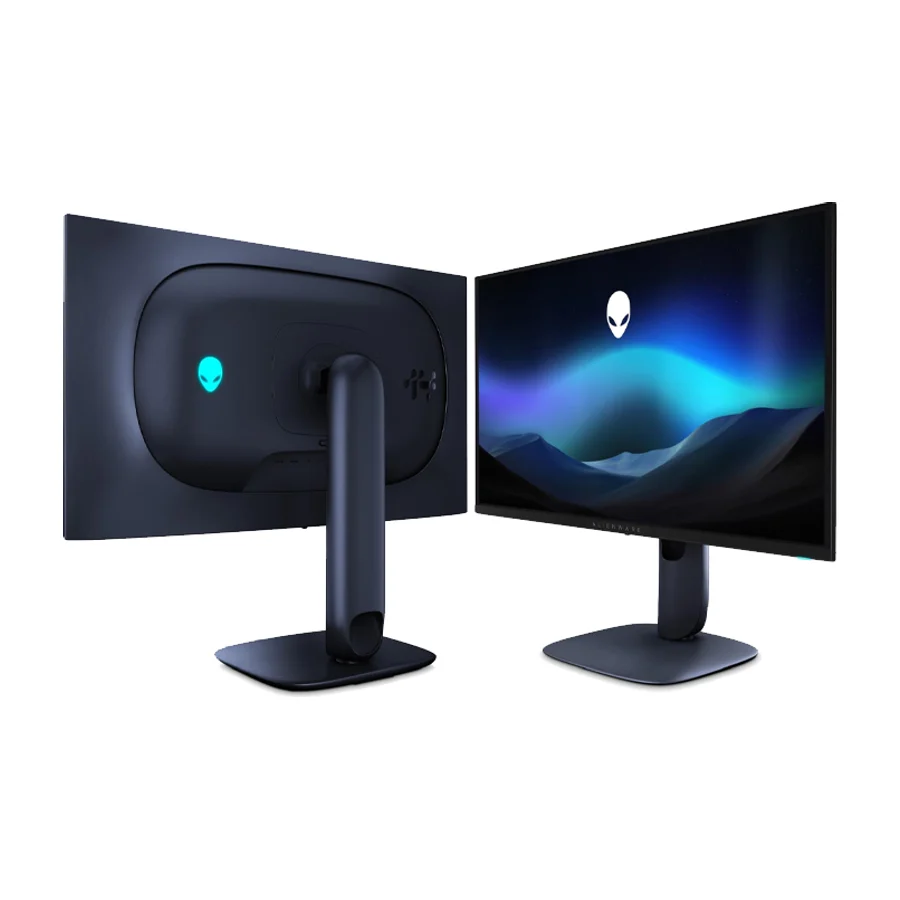 A tier #3 2 of 10 research runs entered this as a product to avoid rather than a pick.
 Alienware AW2725Q
 A tier #5
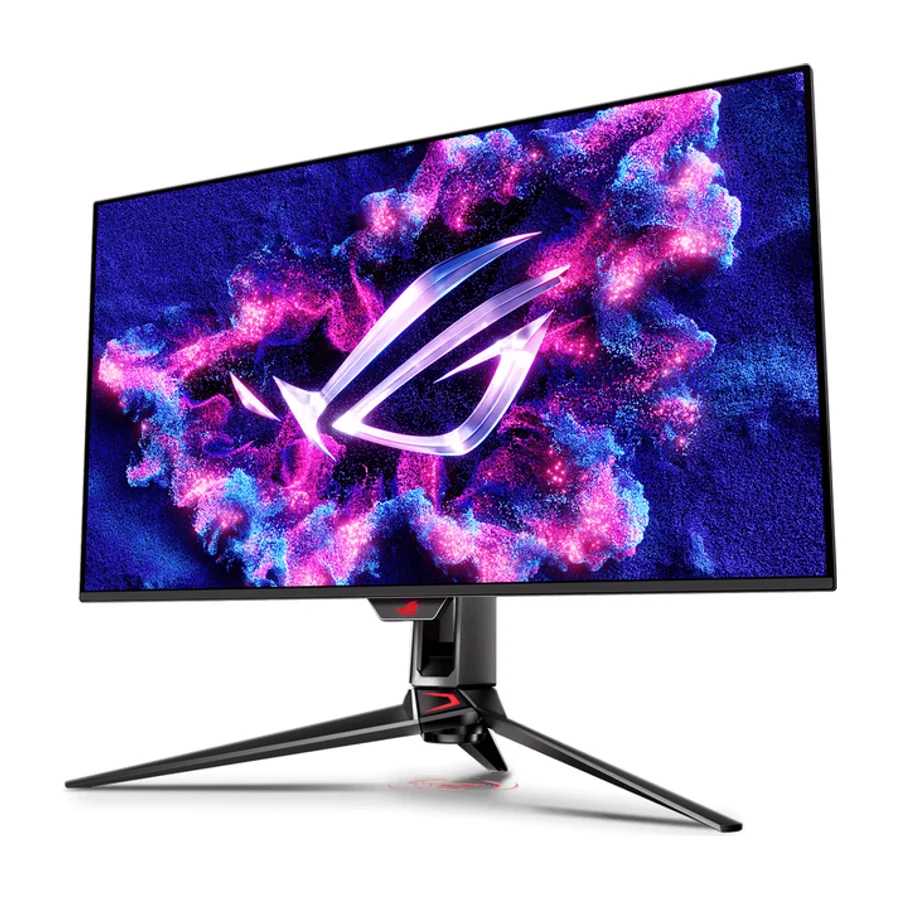
 ASUS ROG Swift OLED PG32UCDM Gen3
 A tier #6
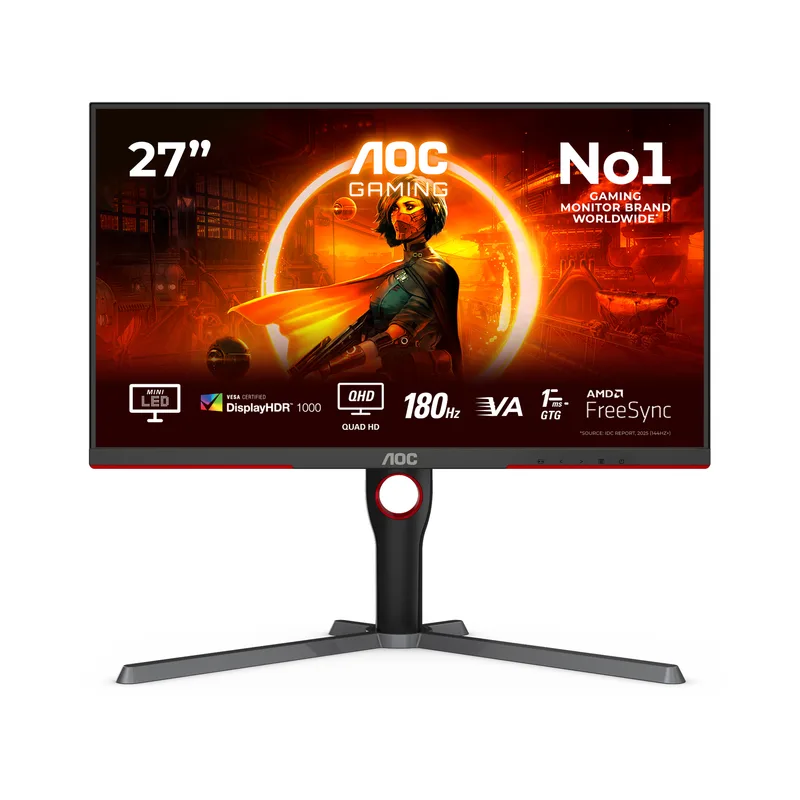
 AOC Q27G3XMN
 A tier #7 1 of 12 research runs entered this as a product to avoid rather than a pick.
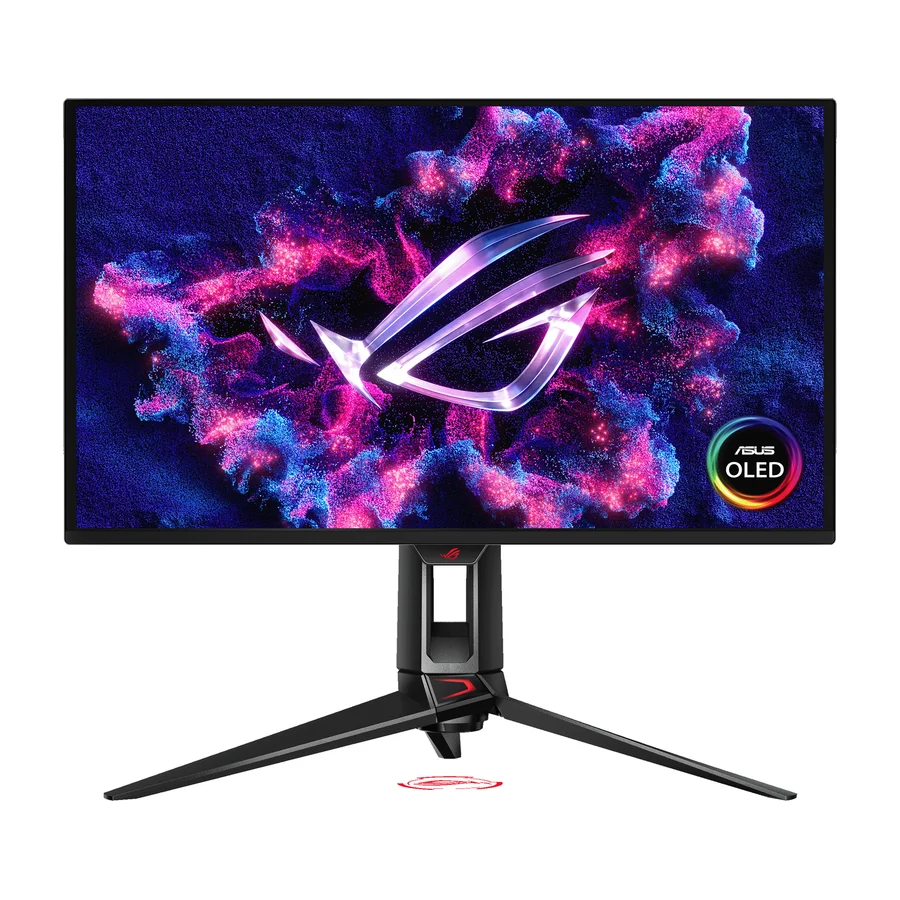
 Asus ROG Swift OLED PG27UCDM
 A tier #8
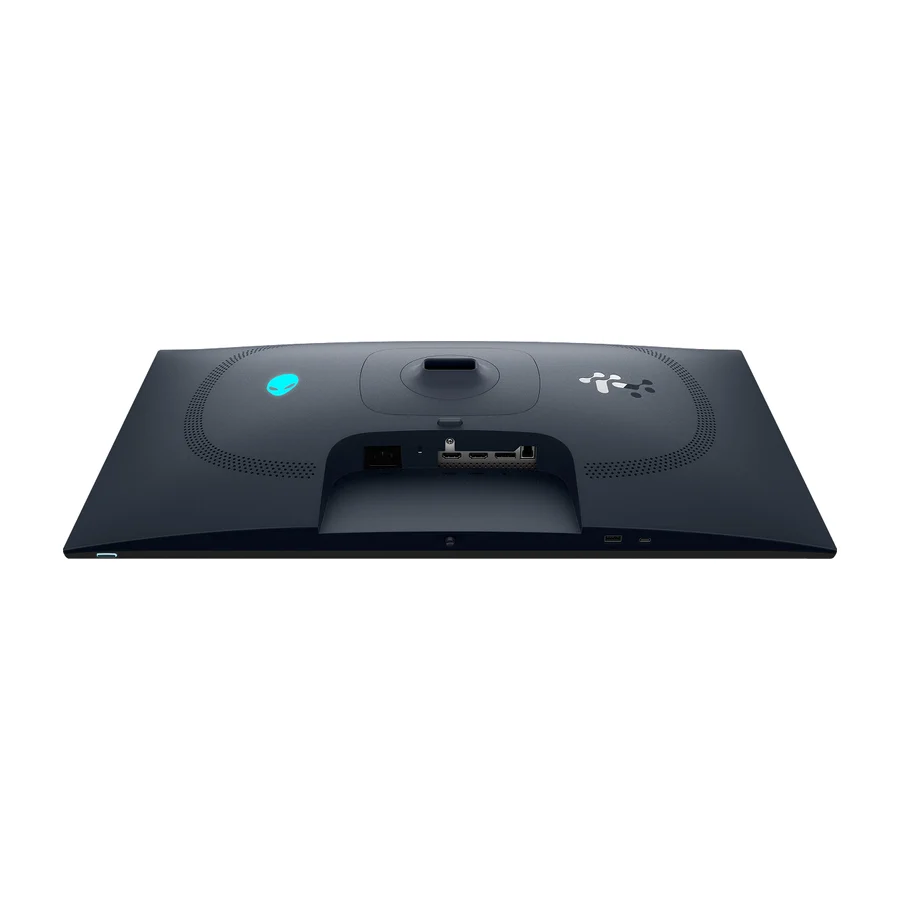
 Alienware AW2725D
 B tier #9
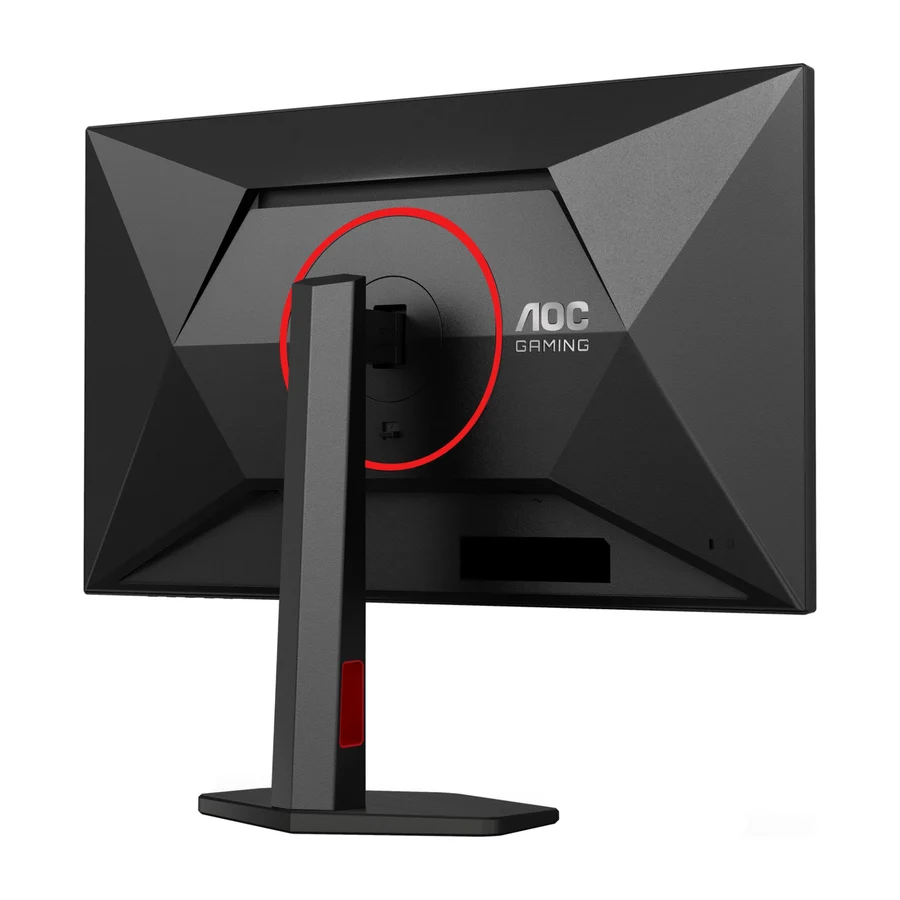
 AOC Q27G4ZR
 F tier #29 1 of 2 research runs entered this as a product to avoid rather than a pick.
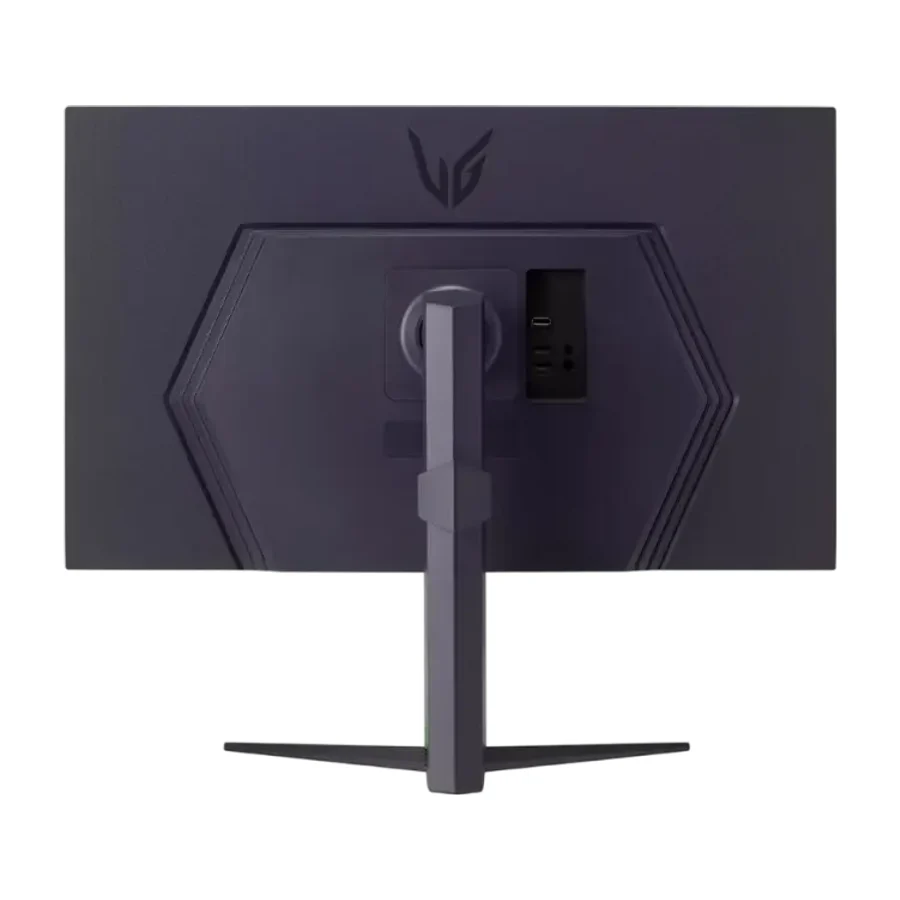
 LG UltraGear 32GS75Q
 F tier #30 1 of 2 research runs entered this as a product to avoid rather than a pick.