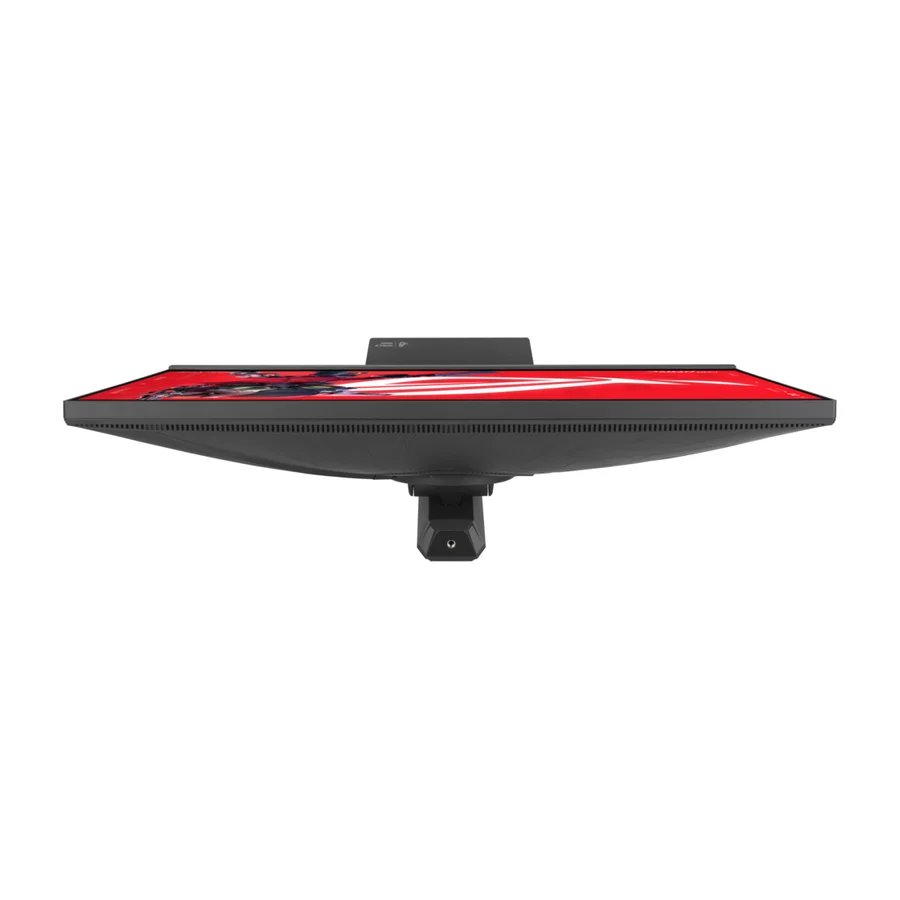
Asus ROG Strix XG27JCG
Wirecutter's standing high-resolution pick from a bench that re-tests over time. A dependable Strix-line ownership proposition.
Consolidated from 36 cited sources across 29 outlets
Where the cited sources landed, as we read them
- 3 enthusiastic sources
- 24 positive sources
- 8 mixed sources
Pros & cons
- ✓ Standing recommendation from a long-term test bench re-tested over months
- ✓ Good ownership signal at the more accessible end of Asus's range
- ✓ Wirecutter recommendation indicating strong performance for the money
- ✓ Wirecutter's budget pick in its current gaming monitor guide
- ✓ The LCD value anchor among OLED rivals
- ✗ An LCD on a field otherwise dominated by OLED panels
- ✗ Lacks OLED-level contrast and visual impact
- ✗ Less comprehensive motion and contrast performance than the best OLED options
- ✗ More specialized recommendation than the broader top picks
- ✗ Not focused on maximum competitive speed
The sources behind this ranking
We searched the web and YouTube for what has been published about this product, then read the articles, video transcripts and comments we found. 1 outlet wouldn't let us check its link.
Evidence 23 articles, 9 video reviews and 4 community sources
3 enthusiastic sources
 Tom's Hardware Article · Feb 2026
 The Asus ROG Strix XG27JCG is a 5K IPS panel , with a 5120x2880 resolution on a 27-inch display for an incredible 218 ppi. The dual-mode switch, called Frame Rate Boost, steps down to 2560x1440 QHD resolution and increases the frame rate to 330 Hz. And in 5K, if you have a GeForce 50-series card, you can overclock it to 180 Hz. You also get DisplayHDR 600, Adaptive-Sync, ELMB Sync, ELMB 2, and wide gamut color. Let’s take a look.Read T
Tom's Hardware Article · Feb 2026 The Asus ROG Strix XG27JCG is a 27-inch 5K 5120x2880 IPS gaming monitor with 180 Hz, 330 Hz in QHD, Adaptive-Sync, ELMB Sync, HDR600 and wide gamut color.Read T
Tom's Hardware Article · Feb 2026 The ROG Strix XG27JCG is incredibly smooth and responsive while delivering one of the sharpest pictures you’ll find anywhere.Read
24 positive sources
 LavX News Article · Feb 2026
 The Asus ROG Strix XG27JCG sets a new benchmark for high-resolution gaming monitors by successfully combining unprecedented pixel density with flexible refresh rate options and premium video processing features. Its ability to deliver both incredibly sharp 5K imagery and ultra-smooth 330Hz gameplay in QHD mode makes it uniquely versatile in the current monitor market. For users who demand the highest image quality for both gaming and productivity, the XG27JCG offers a compelling solution that doesn't force compromises between resolution and performance. While the price point is significant, the monitor's unique capabilities and exceptional image quality justify the investment for enthusiasts and professionals who require the best visual experience available.Read H
 Huan Huan · 541K subscribers · Feb 2026
 I've been using the ROG STRIX 5K XG27JCG for a while now, handling all my work, editing, and entertainment needs. Most of the time, I use the 5K resolution mode. I must say, the image detail is exceptional, whether searching for information, reading literature, or editing videos. It truly provided me with a great experience, somewhat refreshing my standards for the resolution of a 27-inch monitor.Watch B
 Basic Tutorials Article · Jun 2026
 The ASUS ROG Strix 5K XG27JCG is a technically impressive monitor that occupies a clear niche with its 5K resolution and dual-mode concept. It delivers one of the sharpest and most colorful images that a 27-inch LCD can currently offer, combined with the best video processing and a really useful dual refresh feature. It is priced well below comparable OLED displays and offers a brightness and pixel density that make it one of the most interesting dual-mode monitors on the market.Read T
 The Tech Legends Niks The Tech Legends Niks · 31.1K subscribers · Dec 2025
 ASUS has announced the ROG Strix XG27JCG, a new 27-inch gaming monitor designed for users who want high-density image quality without sacrificing high-refresh performance. The monitor targets the premium segment with a native 5120×2880 resolution operating at 180 Hz, offering one of the sharpest visual outputs currently available in a gaming-oriented form factor.Watch T
 TFTCentral Simon Baker · reviewer · Dec 2025
 If you are looking for a display which delivers Ultra-clear visuals and smooth and fluid gameplay, look no further than the Asus ROG Strix 5K XG27JCG. This 27” screen built around a ‘Fast IPS’ panel, boasts a 5120 x 2880 “5K” resolution for excellent image clarity and colour accuracy. It’s native 180Hz refresh rate can also be boosted to 330Hz when switching to a 1440p resolution using the dual-mode function.Read G
 GenuineCritics GenuineCritics · 612 subscribers · Jan 2026
 Overall, the ASUS ROG Stricks XG27JCG is a groundbreaking gaming monitor that successfully merges ultra high resolution with elite level refresh rates. It is ideal for gamers who want maximum immersion, esports players who demand extreme speed, and creators who need uncompromising visual fidelity. With its 5K clarity, dual mode performance, HDR excellence, advanced gaming features, and future proof connectivity, this monitor stands at the very top of the high-end gaming display market.Watch W
 Wirecutter: Reviews for the Real World Dave Gershgorn · reviewer
 The Asus ROG Strix XG27JCG is the first true 5K gaming monitor I’ve been able to test, and it quickly became a personal favorite. The XG27JCG has the RGB lighting (red, green, and blue backlighting LEDs that create ambient glow around the monitor) and 0.25-inch camera mount required for admission into the cool-kids club. But its best feature is its dual mode, which drops its 5K resolution to 1440pRead T
 Technolog pro master Technolog pro master · 72 subscribers · Feb 2026
 If you're a competitive gamer, creative professional, or just want the sharpest, smoothest, and most responsive 275K HDR monitor, the Asus Rajstrix XG27JCG is a top tier choice.Watch P
 PCWorld Matthew S. Smith · reviewer · Jul 2022
 Though it has much to recommend it, the XG27JCG has a few weaknesses. The monitor tops out around 1,230:1, so dark scenes look washed out compared to OLED alternatives. The USB-C port delivers only 15 watts, which is enough to charge a phone, but not a laptop. And while it’s technically VESA DisplayHDR 600 certified, HDR quality is limited by the monitor’s edge-lit backlight design.Read C
 Cool Gadgets Cool Gadgets · 37 subscribers · Feb 2026
 For those who have the budget and the hardware to support it, the XG27JCG offers a glimpse into a future where high resolution and high speed are no longer mutually exclusive, making it a standout option for anyone looking for the ultimate 27in desktop experience. It provides a distinct level of immersion and productivity that few other monitors can match at the time of writing.Watch H r/HiDPI_monitors u/jomaha23 · owner
chosen asus. exactly same model. macbook work is perfect on 165hz, my previous monitor was apple studio display. besides that, playing overwatch and other games - perfect also. regarding blooming and eye strain - totally true. i noticed immediately, that it’s much better even than apple studio (i work as a developer, mainly dark themes everywhere) so my eyes are very happy now.Read thread C Cool Gadgets Cool Gadgets · 37 subscribers · Feb 2026
For those who have the budget and the hardware to support it, the XG27JCG offers a glimpse into a future where high resolution and high speed are no longer mutually exclusive, making it a standout option for anyone looking for the ultimate 27in desktop experience. It provides a distinct level of immersion and productivity that few other monitors can match at the time of writing.Watch D
 Display Ninja Rob Shafer · reviewer · Sept 2026
 The ASUS XG27JCG is a perfect monitor for both gaming and work, as you can enjoy the sharpness of 5K in office-related apps or graphically-oriented games, and simply switch to the 1440p 330Hz mode for competitive titles. It also has a wide 97% DCI-P3 color gamut coverage, an sRGB emulation mode, a 1000:1 contrast ratio and a 350-nit peak brightness.Read P
PCWorld Matthew S. Smith · reviewer · Feb 2026 The Asus ROG Strix 5K XG27JCG is capable of HDR and is VESA DisplayHDR 600 certified. I found that it achieved the promised level of brightness with a measured maximum of 608 nits. Unlike an OLED display, which is dimmer when large portions of the display are lit in HDR, the XG27JCG produced a maximum of 608 nits in all scenarios.Read M r/Monitors u/Fragrant-Ad-2993 · owner
The XG27JCG is a premium gaming monitor that can just as easily serve as a reference-level screen,” Christian Eberle, “Asus ROG Strix XG27JCG 27-inch 5K gaming monitor review: Performance that raises the bar,” February 12, 2026, tomshardware.com). One final remark: the ProArt has a certain vignetting. I didn’t mind it at all.Read thread P
 PC Gamer Article · Mar 2026
 But the new Asus ROG Strix XG27JCG is giving them to me anyway, all 15 million of tiny RGB suckers thanks to a 5K native resolution of 5,120 by 2,880 pixels from its 27-inch IPS panel. The result is frankly epic pixel density, plus a whole raft of questions about what, exactly, the point of this kind of display is for gaming.Read T
 TechEBlog Bill Smith · reviewer · Dec 2025
 ASUS has just launched the brand new ROG Strix XG27JCG gaming display, a 27-inch beast that pushes resolution and speed to new heights. At its heart is a 27-inch Fast IPS panel that produces a native 5,120 by 2,880 pixel display, good for full 5K resolution and an astonishing 218 pixels per inch.Read T
 Tech Reviews Future Tech Reviews Future · channel · Dec 2025
 In this review, we break down everything that makes the XG27JCG one of the most advanced esports monitors of its generation—including performance benchmarks, color accuracy, real-world gaming tests, and whether it truly delivers on its 5K promise.Watch T
 TechPowerUp Article
 The 27-inch fast IPS panel is capable of 180 Hz in 5K mode, or 330 Hz in QHD mode and it has a 0.3 ms response time (GTG). The panel also sports VESA DisplayHDR 600, a contrast ratio of 1500:1 and it supports 97 percent of the DCI-P3 colour space.Read H r/HiDPI_monitors u/MT4K · owner
This is made for a specific type of person: you work remote, or work from home occasionally, but don't have space/room for two desks (one for work, one for play. So you get the highest PPI and highest refresh rate monitor you can.Read thread R
 ROG Global ROG Global · channel · Dec 2025
 Description: Experience the future of visual clarity. 👁️✨ We are proud to introduce the ROG Strix XG27JCG, a monitor designed to bridge the gap between cinematic immersion and esports speed.Watch S
 Saiga NAK Article
 The dual mode can be switched from the display's On-Screen Display (OSD) menu, and can also be set with a single press of a customization button.Read T
 Tweakreviews Kenneth Johansen · reviewer · Mar 2026
 Although the 5K resolution can be heavy to pull in modern gaming, my experience with the ASUS ROG Strix 5K XG27JCG has been incredibly enjoyable.Read N
 Notebookcheck Abid Ahsan Shanto · reviewer
 Of course, the former refresh rate at the 5120x2880 pixels resolution only applies in the overclocked mode, but it's still an impressive number.Read
8 mixed sources
 Lord Civick true12242000 · owner · Jan 2026
 So in my experience asus messed up firmware to not see and handshake DSC and their fore won't do anything above 5k120. I have dug into the details of resolutions and found out DSC isn't even an option for this monitor to see. Also on some of asus new 4k displays they have had bad DSC settings in the firmware as well. Unfortunately, i will be returning this and unlikely to get another.Watch M r/Monitors u/Dunis96 · owner
Update: I'm returning it. The SDR brightness isn't quite good enough for my taste, it's just ok. I have a Dell U2724D, with a specified brightness at 350 nits. That is good enough for me. However, the Asus XG27JCG is much dimmer, even though they are both rated at 350 nits. The Asus at peak SDR brightness corresponds side-by-side to the Dell at 75% - 80% brightness.Read thread T
Tom's Hardware Article The XG27JCG has no local dimming, but it still rocks an HDR600 certification, meaning it's one bright panel. However, the lack of zone control means this is still not true HDR. What it lacks in contrast, it makes up for in color accuracy with 97% coverage of the DCI-P3 color space, and it has a 10-bit (8-bit + FRC) color depth.Read B
 Betterbuybase Article
 This review measures the ASUS ROG Strix 5K XG27JCG against the full 41-spec sheet we track for monitors, comparing it like for like with the 70 other models in our database. It earns a VS Score of 53 out of 100 — the weighted result of every verified specification measured against the class average.Read T
 TechRadar Article · Dec 2025
 With a 97% DCI-P3 gamut and VESA DisplayHDR 600 certification, the XG27JCG can serve as a monitor for video editing and other workflows that need accurate color reproduction. However, the HDR implementation still relies on edge lighting and may struggle to keep uniformity across darker scenes.Read G
 Games Article
 In theory, you get the best of both worlds: extreme clarity when you want it, and high-refresh 1440p when frame rate matters more than image detail.Read B
 Blurbusters Article
 This looks like a very ideal monitor to have, especially for the price. I just wish the 1440p dual mode had 500hz and not a bizarre 330hz.Read J Joe's Tech Support Article
Gaming + Mac hybrid (won't charge a laptop)Read
1 stance not read source
Frequently asked questions
It ranks #11 of 30 on our gaming monitors tier list, in B tier. That placement draws on 36 cited sources across 29 outlets.
None of the 35 sources with a clear view is critical of it. An LCD on a field otherwise dominated by OLED panels. Lacks OLED-level contrast and visual impact. Less comprehensive motion and contrast performance than the best OLED options. More specialized recommendation than the broader top picks. Not focused on maximum competitive speed.
Ranked nearby in Gaming Monitors
 A tier #6
 AOC Q27G3XMN
 A tier #7 1 of 12 research runs entered this as a product to avoid rather than a pick.
 Asus ROG Swift OLED PG27UCDM
 A tier #8
 Alienware AW2725D
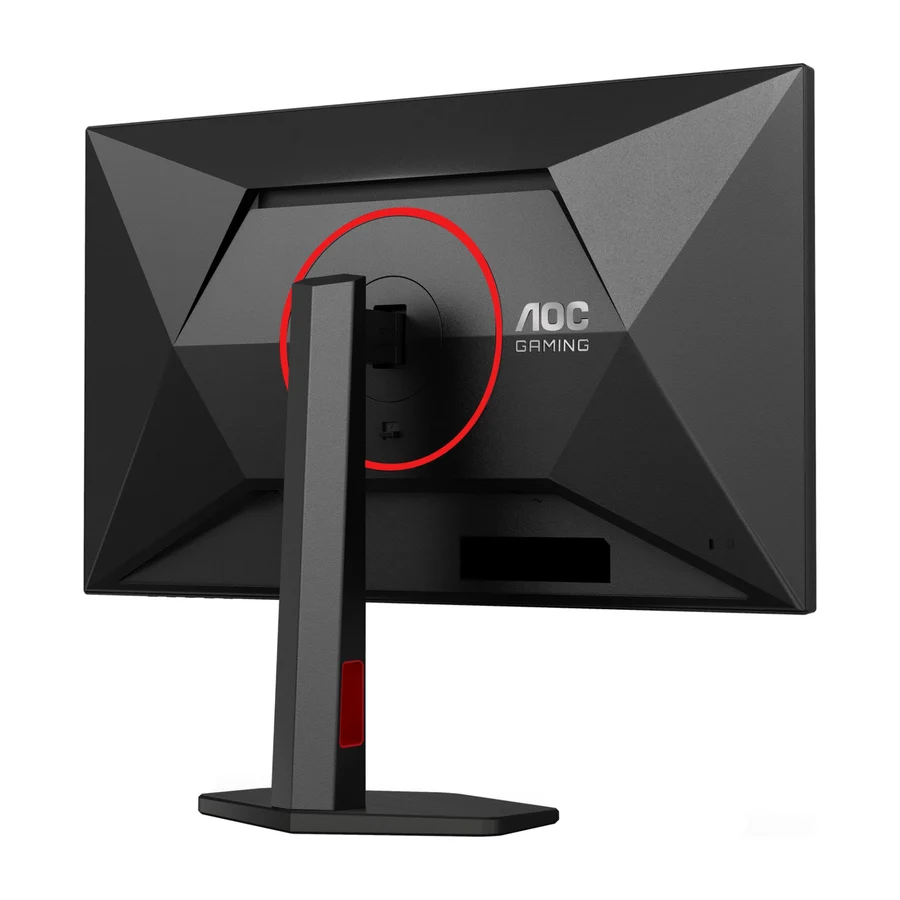 B tier #9
 AOC Q27G4ZR
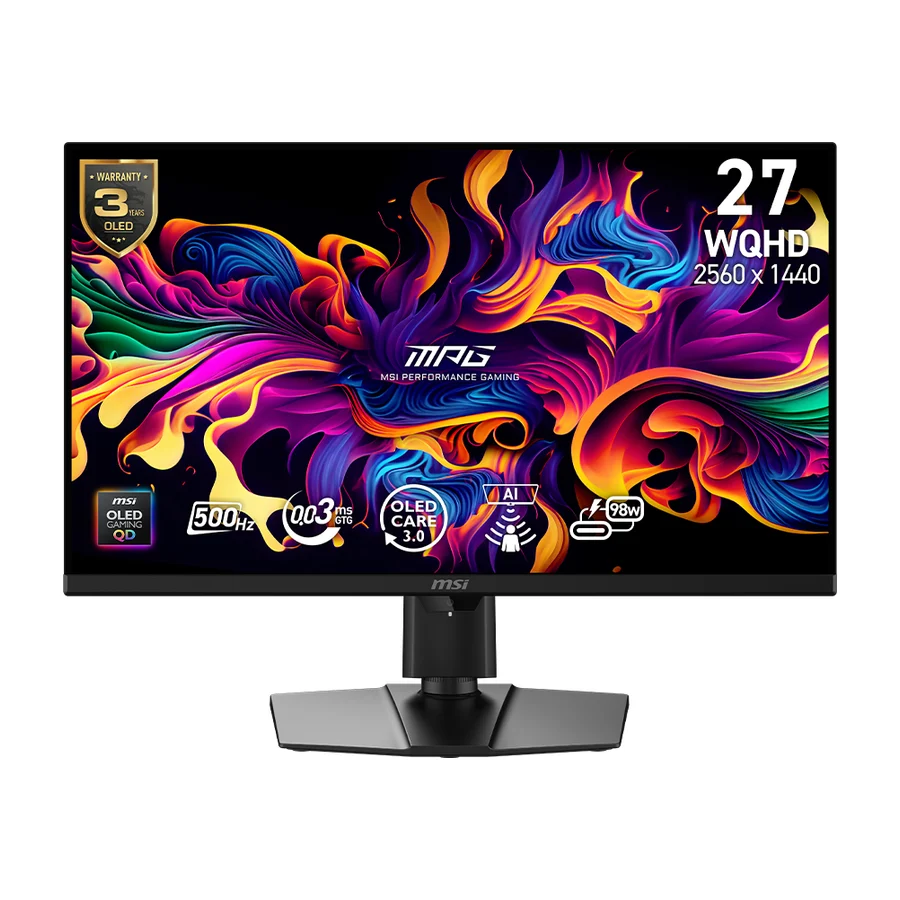 B tier #10
 MSI MPG 271QR QD-OLED X50
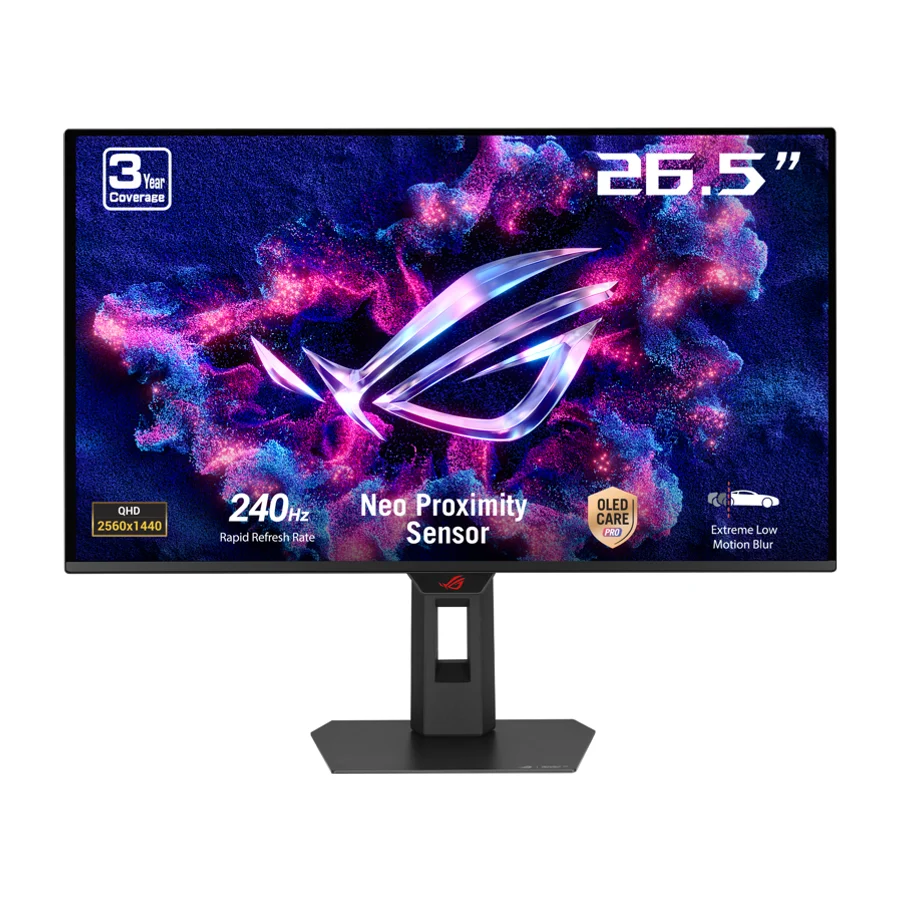 B tier #12
 ASUS ROG Strix OLED XG27AQDMES
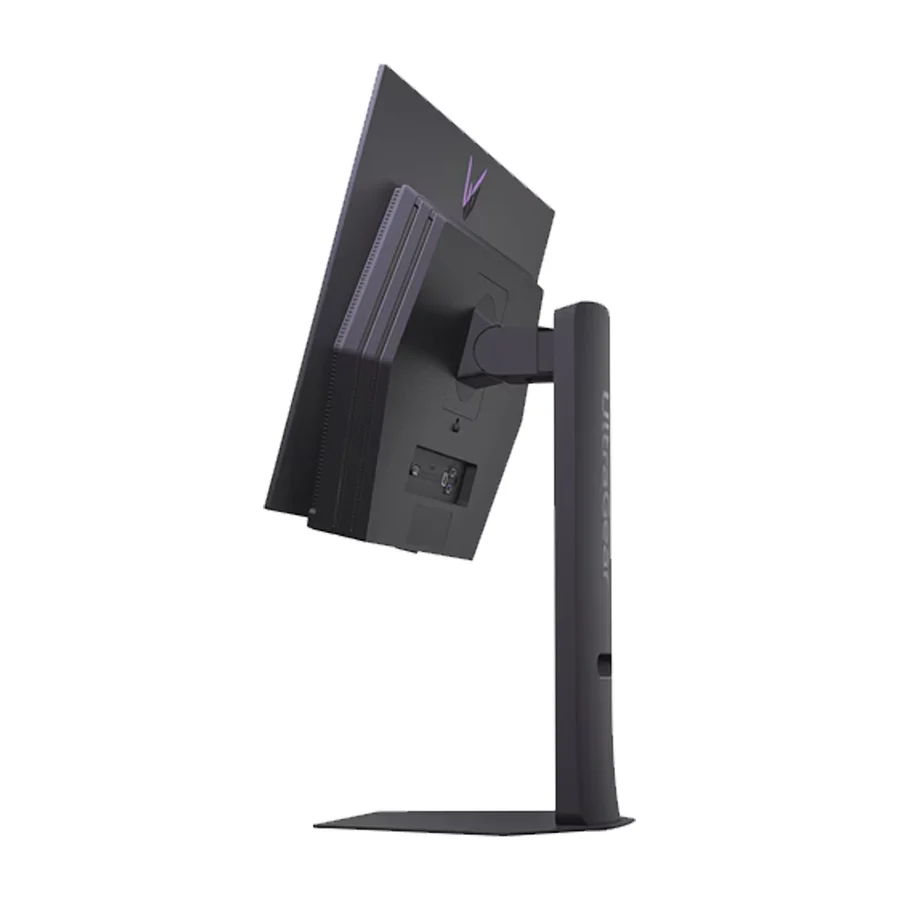 B tier #13
 LG 27GX700A-B
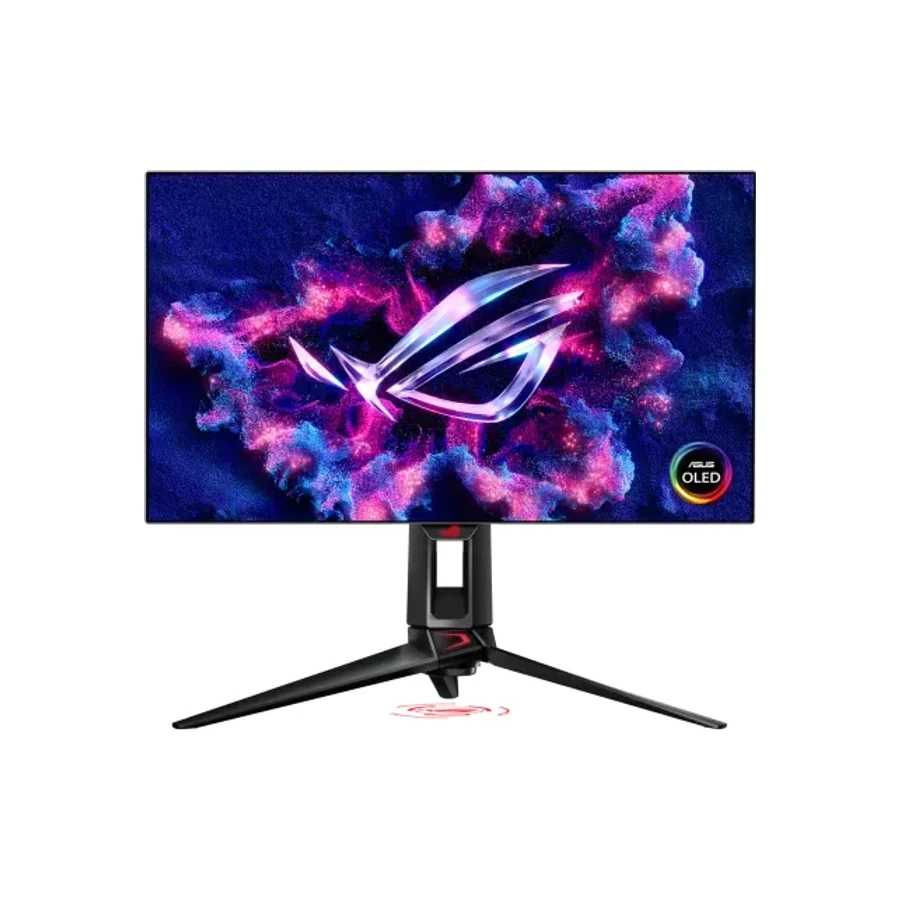 C tier #14 1 of 14 research runs entered this as a product to avoid rather than a pick.
 Asus ROG Swift OLED PG27AQDP
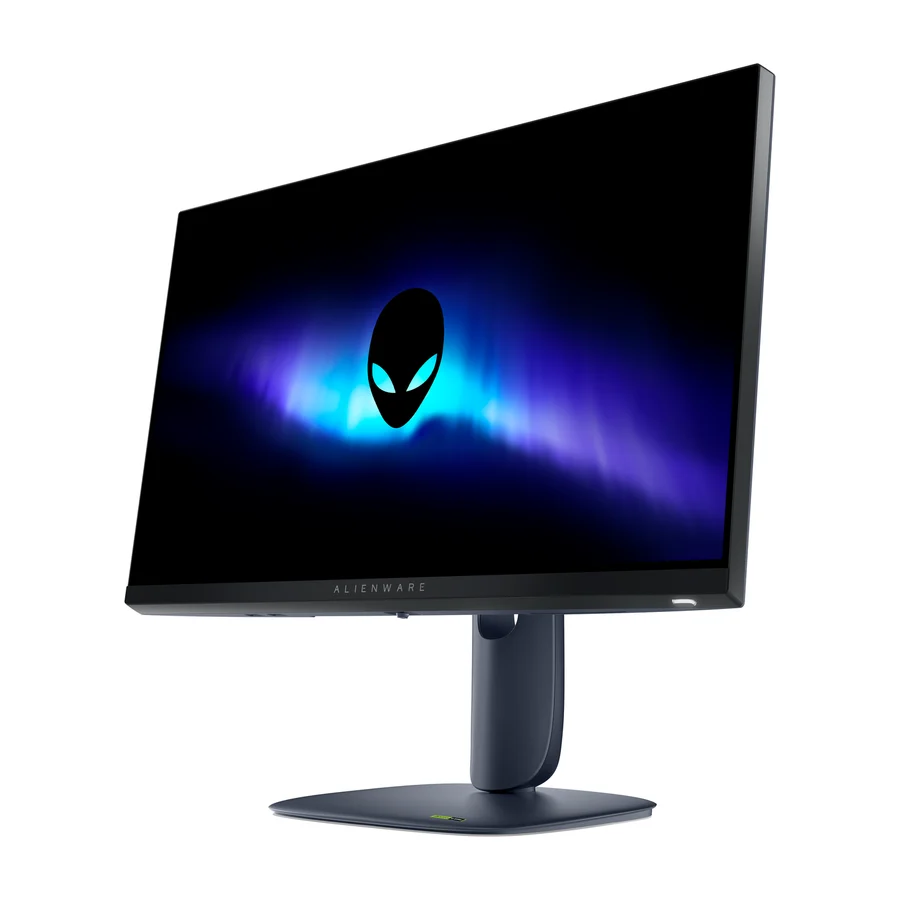 C tier #15
 Alienware AW2525HM
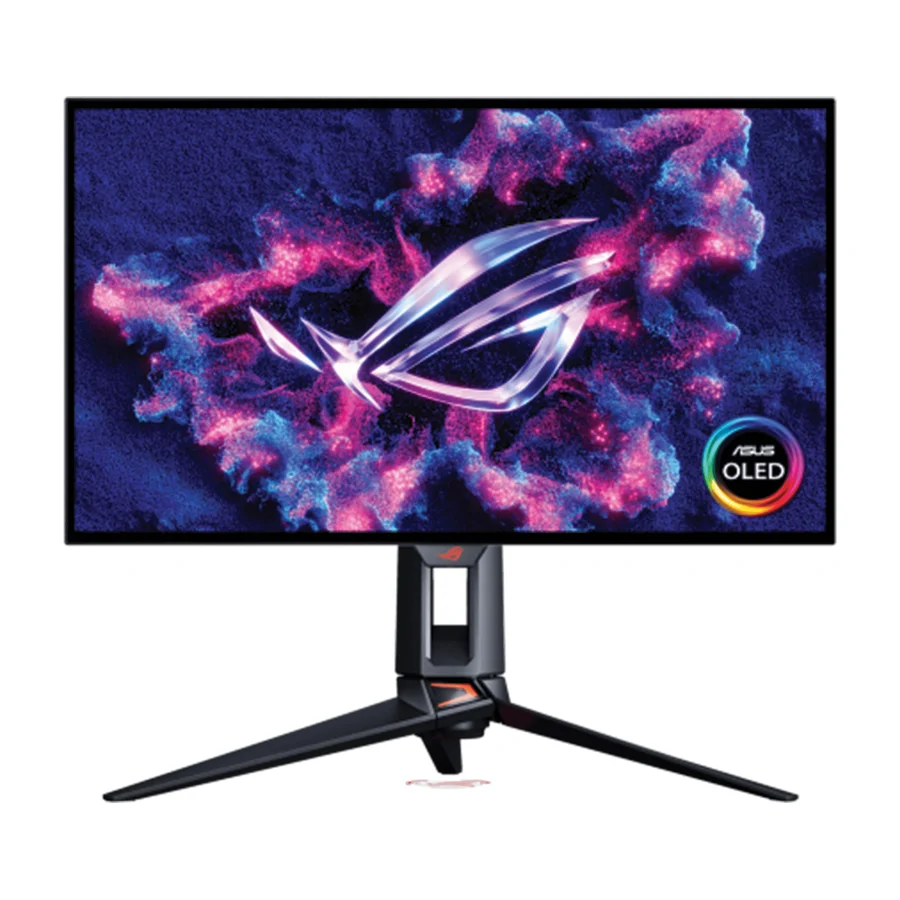 C tier #16