Best Gaming Laptops
16 products ranked across 772 cited reviews, videos and discussions · Updated 19 Aug 2026
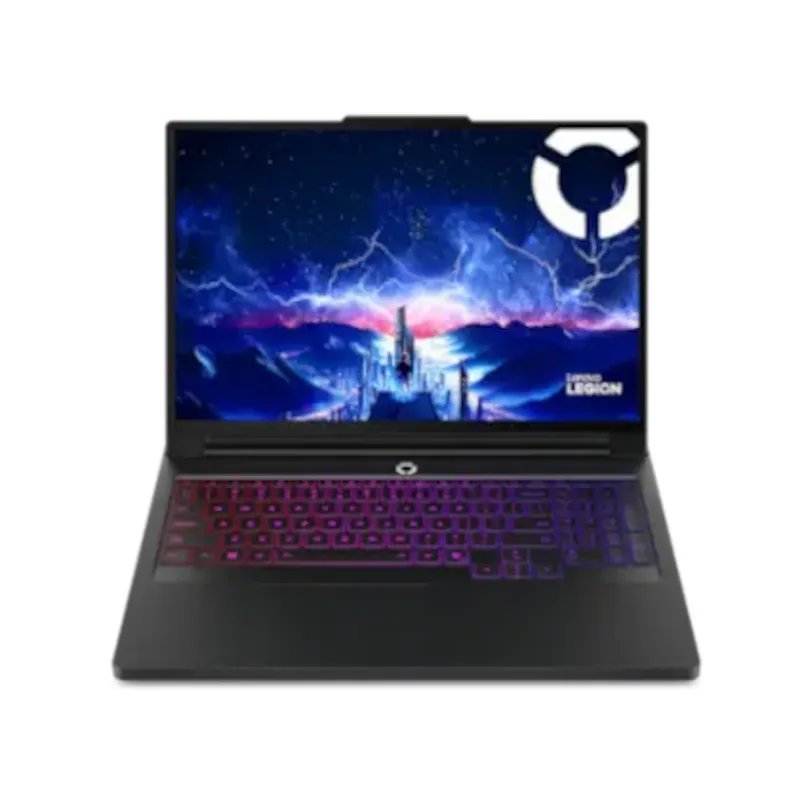
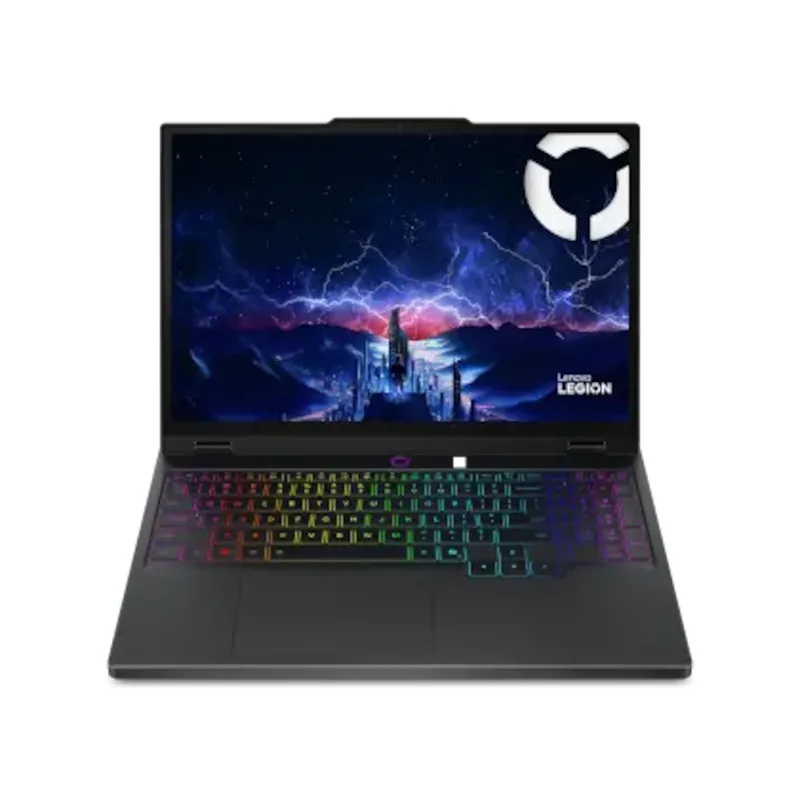
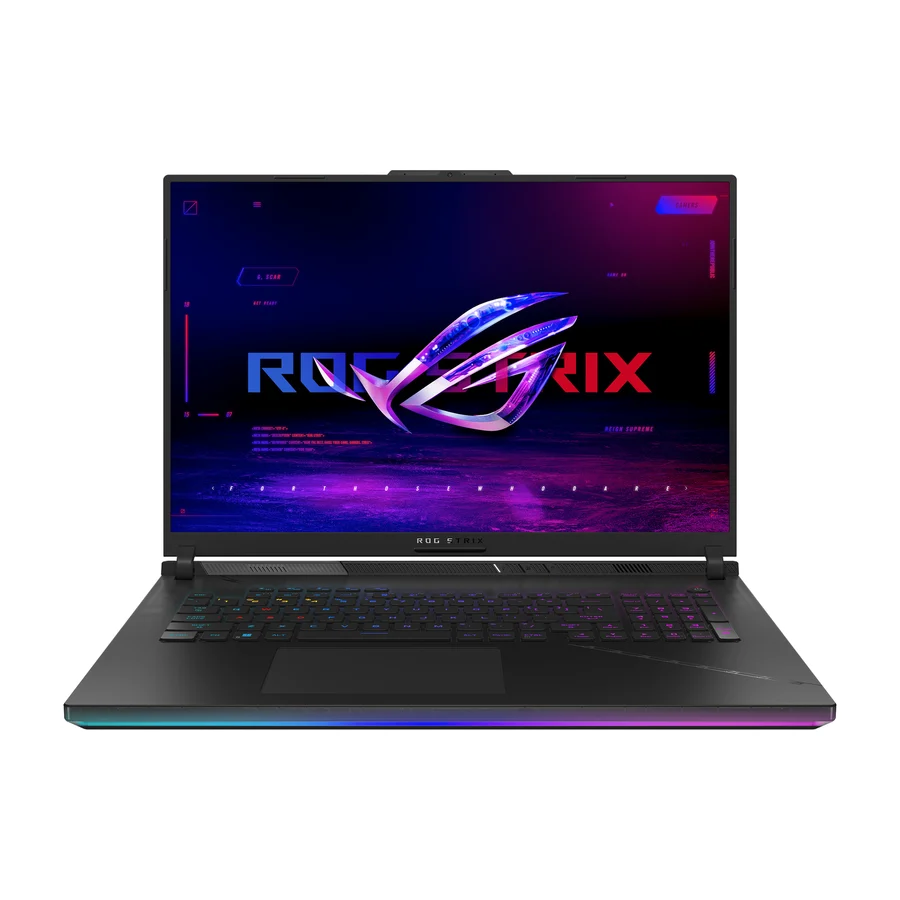
The Lenovo Legion Pro 7i Gen 10 is the best gaming laptop for most people. It is the only S tier product on our gaming laptops board, ranked across independent research runs over cited sources, and it earns that place on the best-documented durability record in the category, oversized cooling with real thermal headroom and firmware updates that keep coming years after launch. The A tier runner-up is the Lenovo Legion 5i Gen 11, which keeps most of the Pro 7i longevity story at a far lower price and is the best cost per reliable year on the board. If you want the biggest screen and the biggest cooling, pick the Asus ROG Strix Scar 18. If you need a thin and light machine for travel, the Asus ROG Zephyrus G14 is the portable choice, with the understanding that soldered RAM and a hot thin chassis cap how long it stays fast. Avoid the Razer Blade 18, the only product in F tier, and treat the Razer Blade 16 in D tier the same way: both review brilliantly and both carry the worst ownership fundamentals in the category.
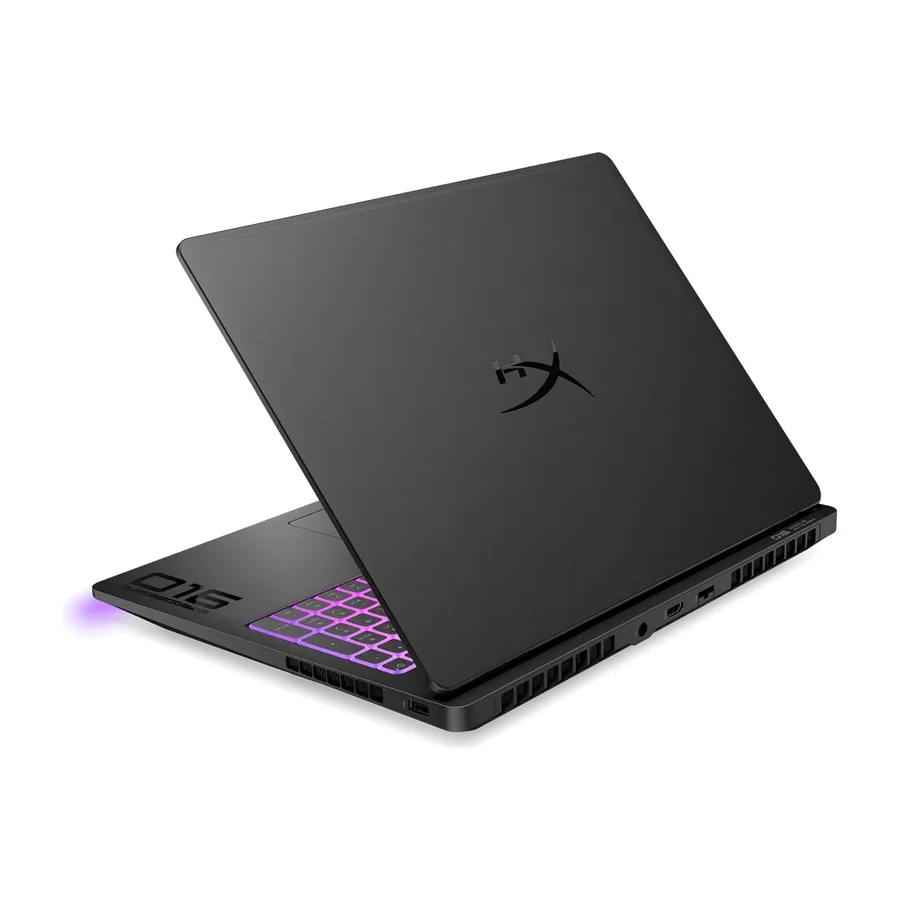
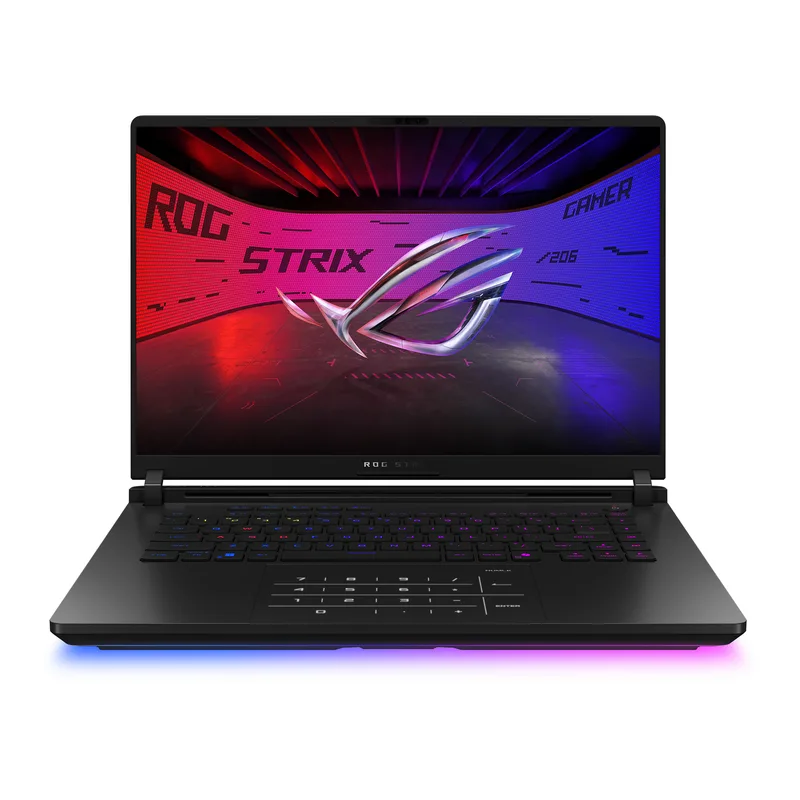
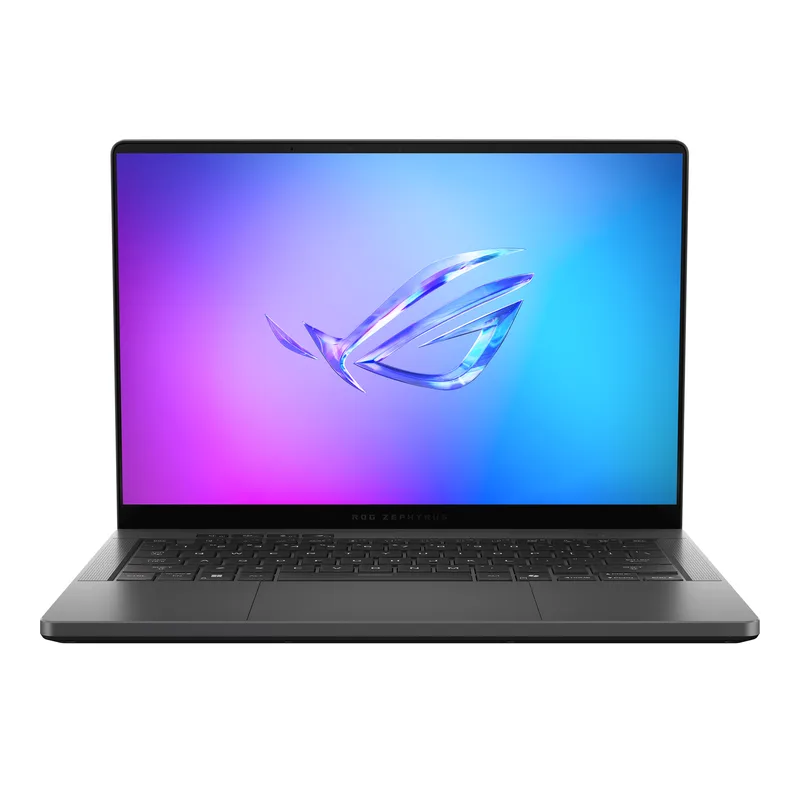
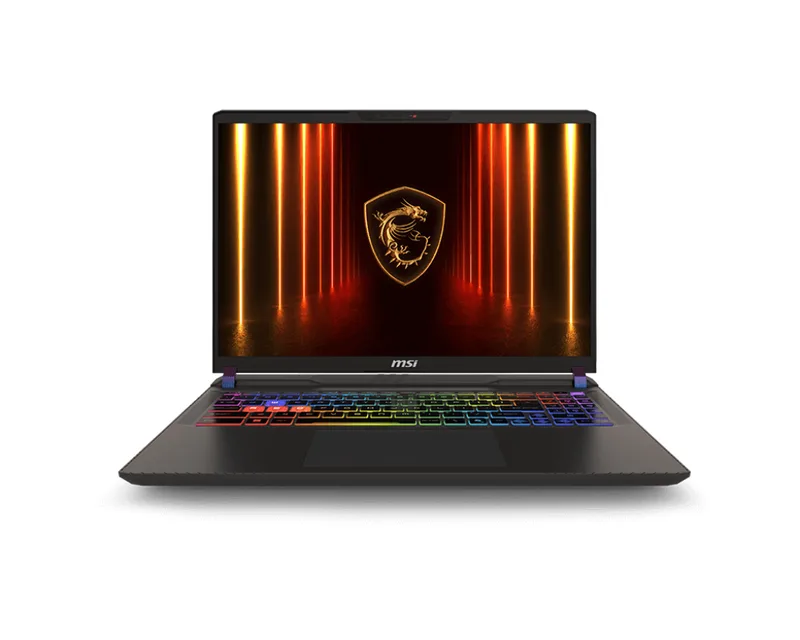
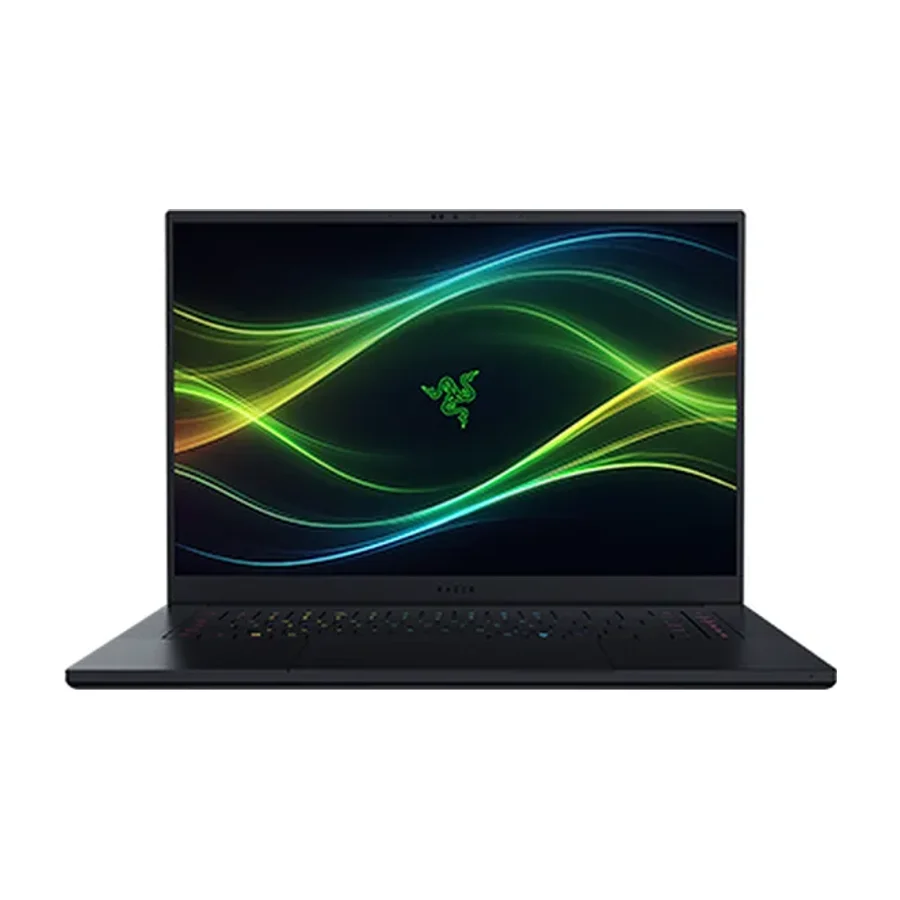 #9 1 of 6 research runs entered this as a product to avoid rather than a pick.
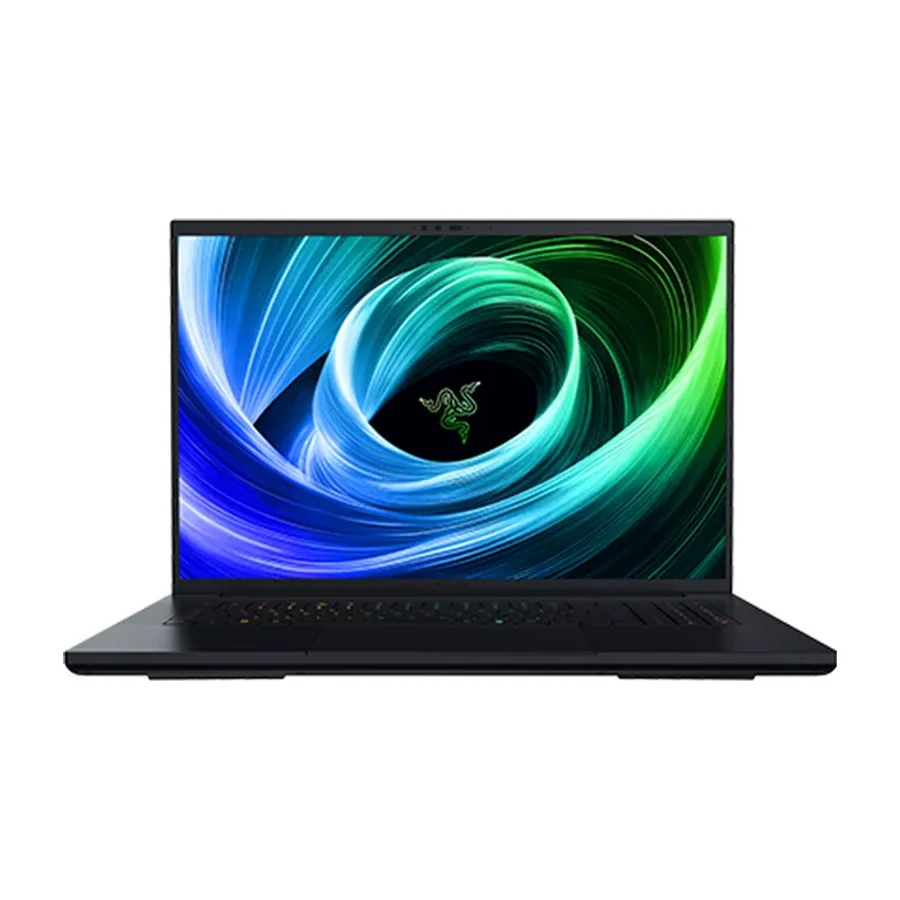
 Razer Blade 16
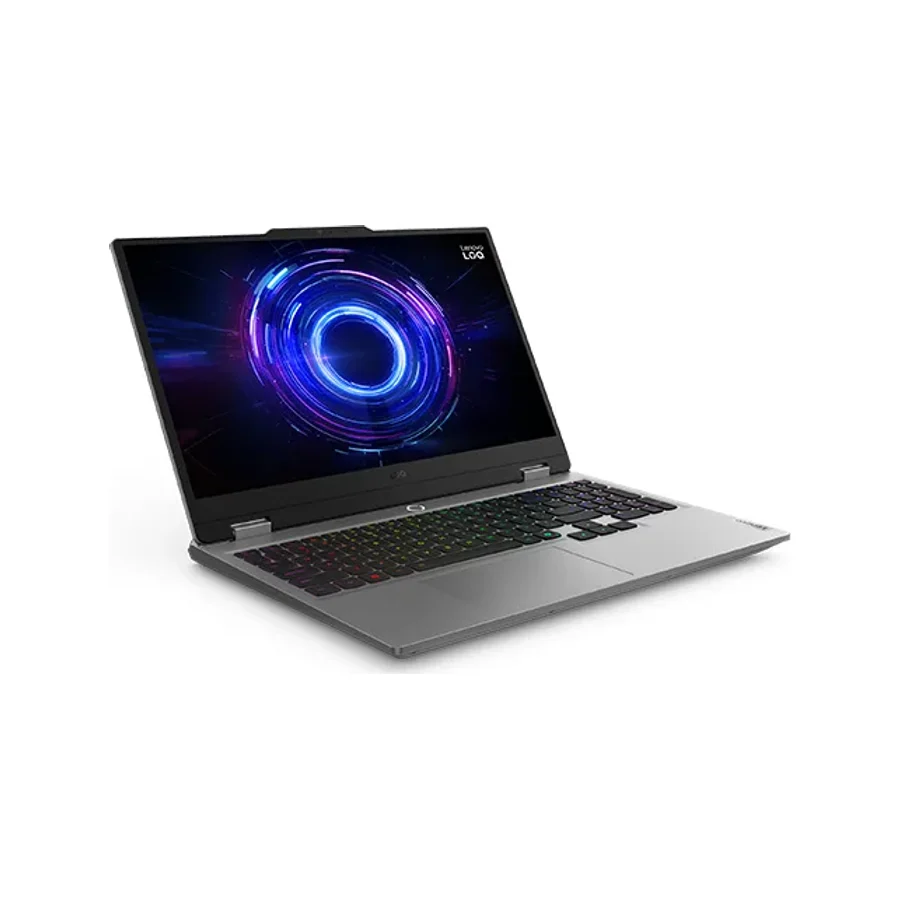 #10
#10 Lenovo LOQ 15
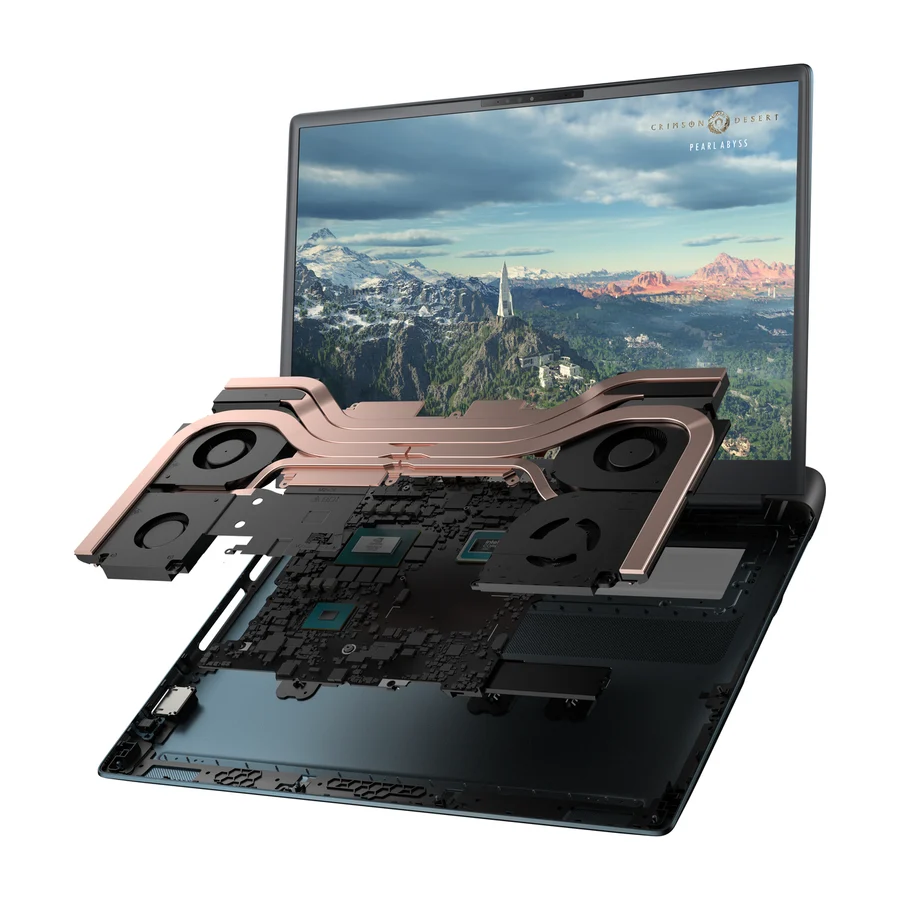 Moved down from C to D on 25 Jul 2026 #11 3 of 7 research runs entered this as a product to avoid rather than a pick.
 Alienware 18 Area-51
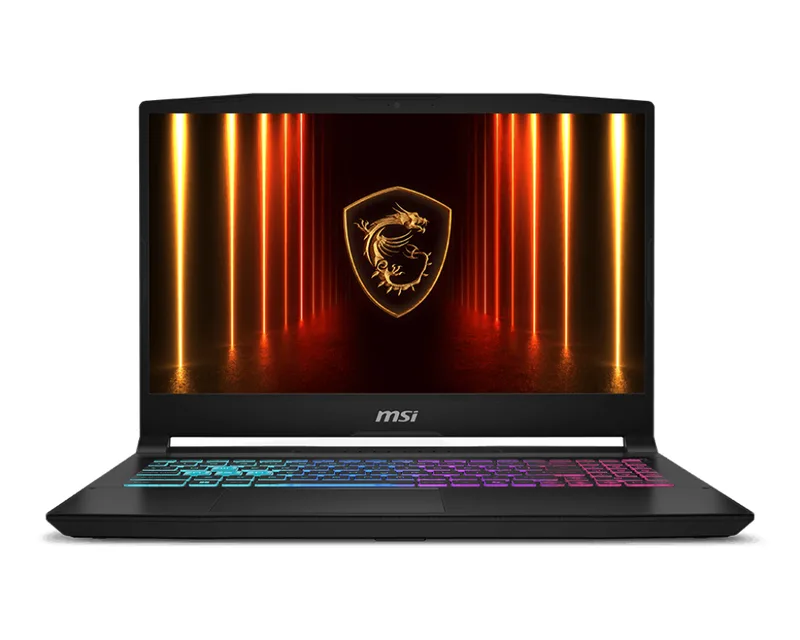 #12 1 of 7 research runs entered this as a product to avoid rather than a pick.
 MSI Katana 15 HX
 #13
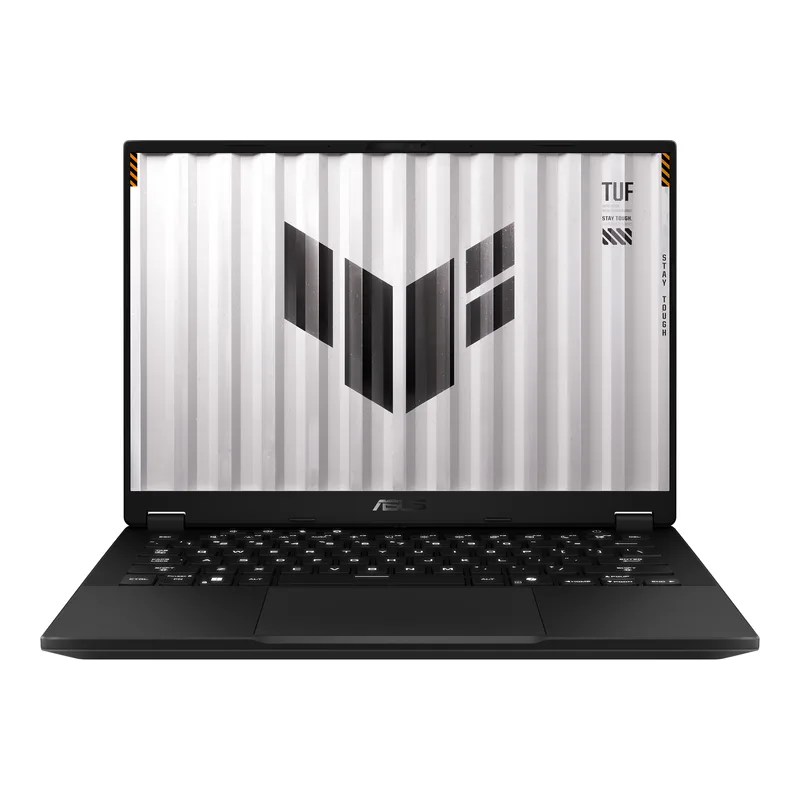
#13 Asus TUF Gaming A14
 Moved down from C to D on 25 Jul 2026 #14 1 of 6 research runs entered this as a product to avoid rather than a pick.
 Alienware 16X Aurora
 #15 1 of 7 research runs entered this as a product to avoid rather than a pick.
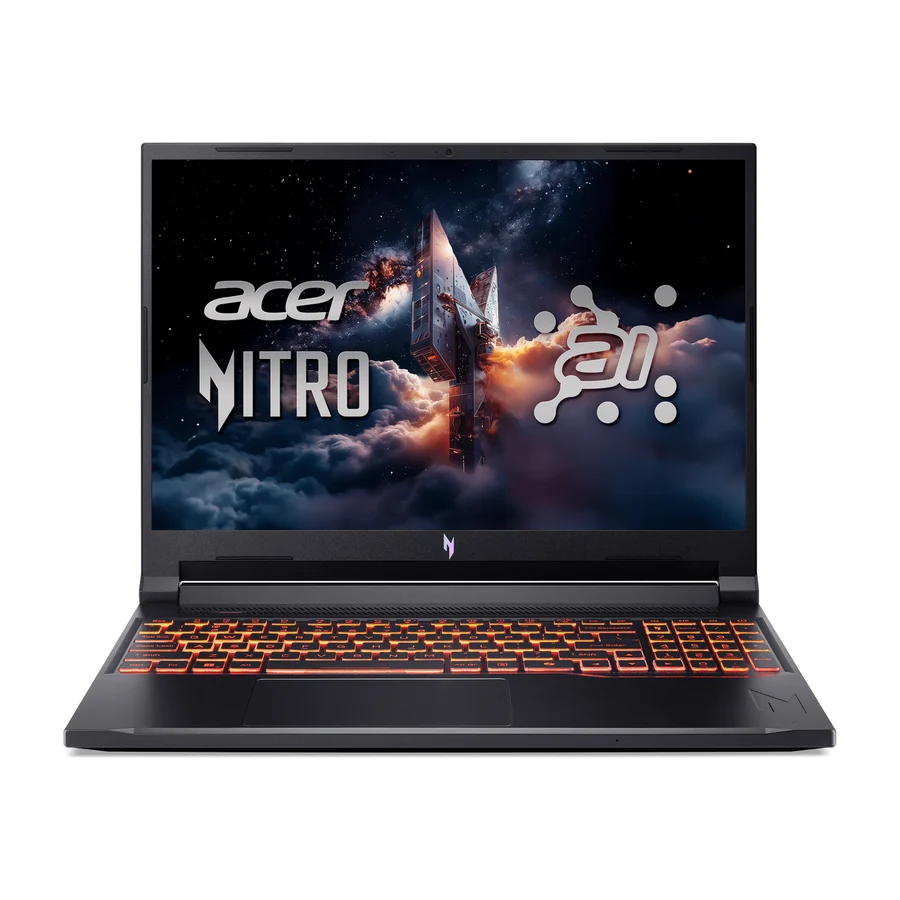
 Acer Nitro V 16 AI
What moved on this board
21 tier changes recorded between 22 Jul 2026 and 14 Sept 2026. The 5 most recent are below.
- 25 Jul 2026 Alienware 16X Aurora moved down from C to D. 3 more research games. 1 source added, 2 removed.
- 25 Jul 2026 Alienware 18 Area-51 moved down from C to D. 3 more research games. 2 sources added, 2 removed.
- 25 Jul 2026 HP Omen Max 16 moved down from A to B. 3 more research games. 1 source added, 3 removed.
- 25 Jul 2026 Razer Blade 18 moved down from C to F. From the ranking, not from new evidence.
- 25 Jul 2026 MSI Katana 15 HX moved down from C to D. 1 more research game. 1 source added, 1 removed.
Each line shows what else changed at the same publish. It is not a statement of cause.
Frequently asked questions
Lenovo Legion Pro 7i Gen 10 sits at #1 in the S tier of our consolidated board, ranked across independent research runs over 772 cited reviews, videos and discussions. The best-documented durability record in the category (Lenovo tops BGR's brand reliability ranking) paired with flagship cooling headroom and years of firmware support. The safest big money in gaming laptops.
Lenovo Legion 5i Gen 11 ranks #2 (A tier). Ninety percent of the Pro 7i's longevity story at a far lower price, making it the best cost-per-reliable-year on the board.
Our research places Razer Blade 16, Lenovo LOQ 15, Alienware 18 Area-51, MSI Katana 15 HX, Asus TUF Gaming A14, Alienware 16X Aurora, Acer Nitro V 16 AI, Razer Blade 18 in the bottom tiers (D/F). Razer Blade 16: The best-reviewed gaming laptop of the year with the worst ownership fundamentals: the highest failure rate in the category driven by battery swelling, weak out-of-warranty support, and a flagship price. Ranked last on what happens after the review embargo lifts.
Lenovo, on the evidence our board collected. The Lenovo Legion Pro 7i Gen 10 has the best-documented durability record in the category, Lenovo tops the BGR brand reliability ranking and community durability threads consistently name Legion the safe long-term buy. Asus ROG and MSI sit in an acceptable middle band, with failure rates reported at 14 to 19 percent. Razer has the highest failure rate among gaming brands at about 21 percent, driven by battery swelling, which is why the Razer Blade 16 and the Razer Blade 18 sit at the bottom of our board despite glowing reviews.
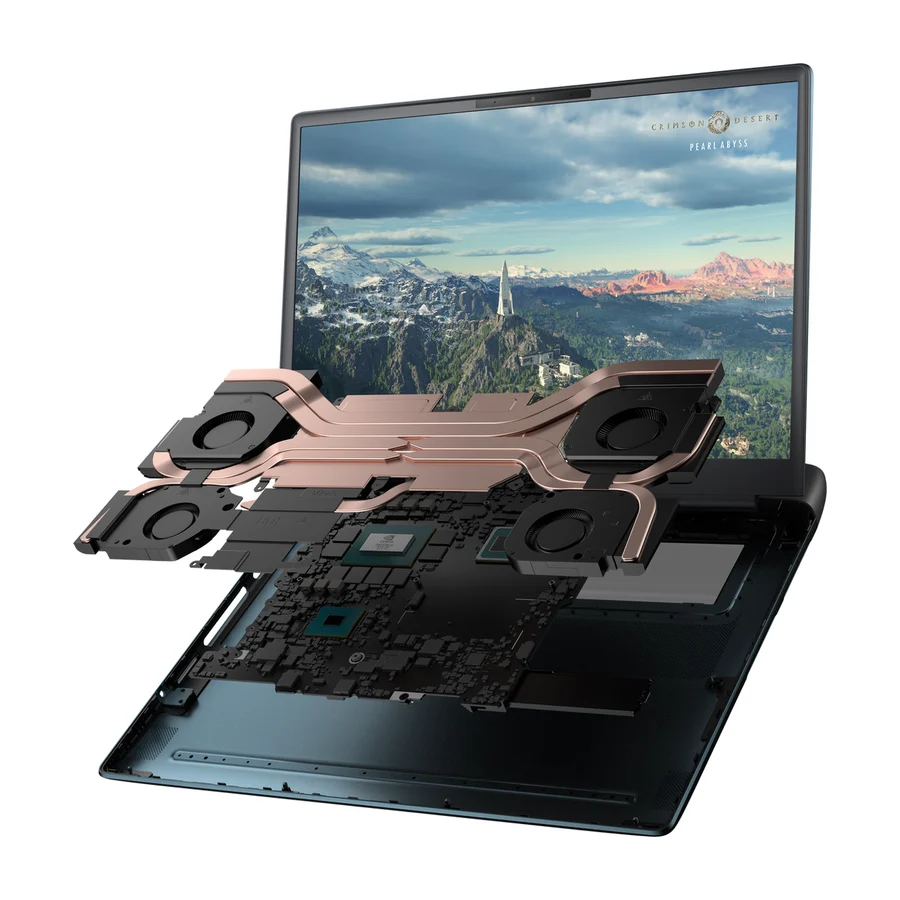
Plan on three to five years of real gaming from a well-cooled machine, and closer to two from a thin or budget one that runs hot. Heat is the single biggest lever on lifespan, which is why every top pick on our board has oversized cooling: the Lenovo Legion Pro 7i Gen 10, the Asus ROG Strix Scar 18 and the HP Omen Max 16 all run their components cool under sustained load. The Lenovo Legion 5i Gen 11 is the best cost per reliable year on the board. The MSI Katana 15 HX and the Acer Nitro V 16 AI are the machines whose budget cooling and chassis are exactly what fails at year two or three.
Batteries, fans and thermal paste, in roughly that order, and all three fail faster on machines that run hot. On our board the clearest failure pattern is battery swelling on Razer machines, which drives the Razer Blade 16 failure rate and is made worse by poor support out of warranty. Thin chassis such as the Asus ROG Zephyrus G14 trade sustained performance for size and age faster as a result. Budget plastic builds like the MSI Katana 15 HX and the Acer Nitro V 16 AI push modest cooling to its limit, and that is the precise point that gives out at year two.
Sixteen inches for almost everyone. It is the size of our top two picks, the Lenovo Legion Pro 7i Gen 10 and the Lenovo Legion 5i Gen 11, and of the HP Omen Max 16 and the Asus ROG Strix Scar 16. An 18-inch machine buys you a bigger screen and more cooling room at the cost of real weight, and it only makes sense as a desktop replacement that rarely leaves the desk. If that is you, the Asus ROG Strix Scar 18 is the 18-inch pick on our board. The Alienware 18 Area-51 and the Razer Blade 18 are the two 18-inch machines to skip, one for proprietary internals under constant thermal stress, the other for thin-chassis thermals at the highest price in the category.
Only if portability matters more to you than how long the machine stays fast. A thin chassis has less room for cooling, so the same chip runs hotter and throttles sooner, and heat is what shortens a gaming laptop's life. The Asus ROG Zephyrus G14 is the best thin machine on our board, genuinely well made and a community favourite, but soldered RAM and a hot unibody cap its long-term ceiling, which is why it sits in C tier. The Razer Blade 18 is the cautionary case: category-topping money for a thin 18-inch body whose thermal limits mean it often performs like cheaper thick laptops.
Often the SSD, sometimes the RAM, and it depends entirely on the model. Upgradeable memory and storage matter over a five-year ownership window because they let you fix the two things that make a laptop feel old. On our board the HP Omen Max 16 has user-replaceable RAM and SSD, and the MSI Vector 16 HX AI uses standard RAM and SSD slots. The Asus ROG Zephyrus G14 has soldered RAM, so what you buy is what you keep. The Alienware 16 Area-51 and the Alienware 18 Area-51 use proprietary Dell parts, which complicates repair once the warranty ends.
The Asus TUF Gaming A14 is the durable budget pick on our board. Its conservative power limits keep thermals gentle and the chassis is built to military-grade durability testing, so it is one of the few budget gaming laptops that does not cook itself, at the cost of an unremarkable screen and speakers. The Lenovo LOQ 15 is the cheapest machine here that still games properly, with the frame rates to match, but its plain build and display are real compromises. If you can stretch a little further, the Lenovo Legion 5i Gen 11 in A tier is worth the extra money over any budget machine. The Acer Nitro V 16 AI and the MSI Katana 15 HX are the cheap options whose cut corners show up at year two.
Avoid buying on launch reviews alone. Reviews measure a machine on day one, and our board ranks on what happens after the review embargo lifts. The Razer Blade 16 is the best-reviewed gaming laptop of the year and also has the highest failure rate in the category, so it sits in D tier. Avoid thin chassis paired with hot chips, cooling that is already maxed out by the CPU, and proprietary internals that only the maker can service. Avoid paying flagship money for an 18-inch thin machine: the Razer Blade 18 has no configuration in which it is the rational buy.
Use it on a hard flat surface, never on a bed or a lap, and keep the intake and exhaust vents clear. Blow the dust out of the vents every few months with compressed air. Use the maker's power profile that caps the chip rather than the maximum performance mode if fan noise and heat bother you, since a slightly lower power limit costs little performance and a lot of heat. A cooling pad helps machines that draw air from the underside. After three or four years, a repaste of the CPU and GPU by a repair shop restores lost thermal margin on most machines.
Anyone who games at the same desk every day is better served by a desktop, which costs less for the same performance, runs cooler and is easier to upgrade and repair. Anyone who needs long battery life for work should look at a general laptop, since a discrete GPU drains a battery fast. Anyone who wants a machine to stay fast for five years on a tight budget should stretch to the Lenovo Legion 5i Gen 11 rather than buy the cheapest gaming laptop, because the cheap ones are the ones that fail early. Buy a gaming laptop when you need desktop-class graphics in a machine that moves between rooms or cities.
More in Computers
Cite this board as stierproducts, “Best Gaming Laptops”, 19 Aug 2026. Free to quote with attribution and a link (terms).
Machine-readable: markdown · JSON · how we rank
Embed this board on your own site. The frame links back here, which is the attribution the terms ask for:
<iframe src="https://stierproducts.com/embed/gaming-laptops" title="Best Gaming Laptops, ranked by stierproducts" width="100%" height="456" loading="lazy" style="border:0"></iframe>