Best Drawing Tablets
Researched across expert reviews · 12 ranked products · Updated 29 Aug 2026
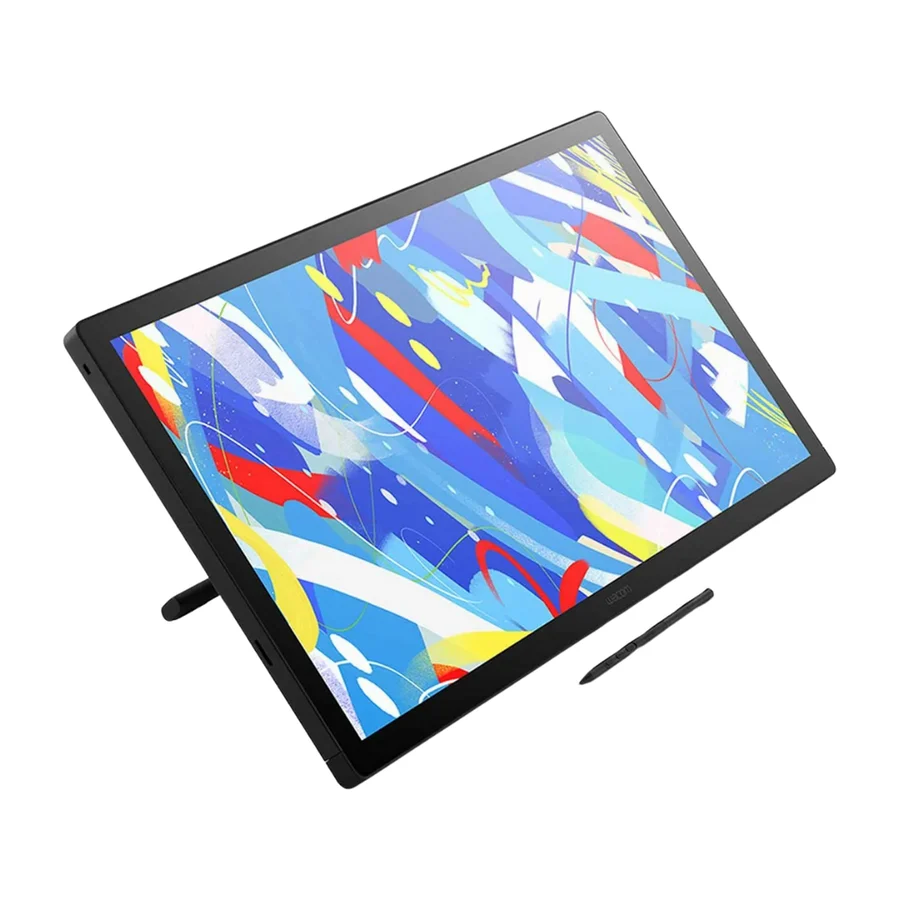
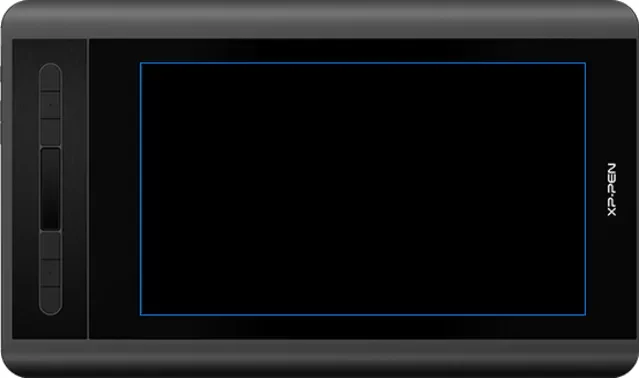
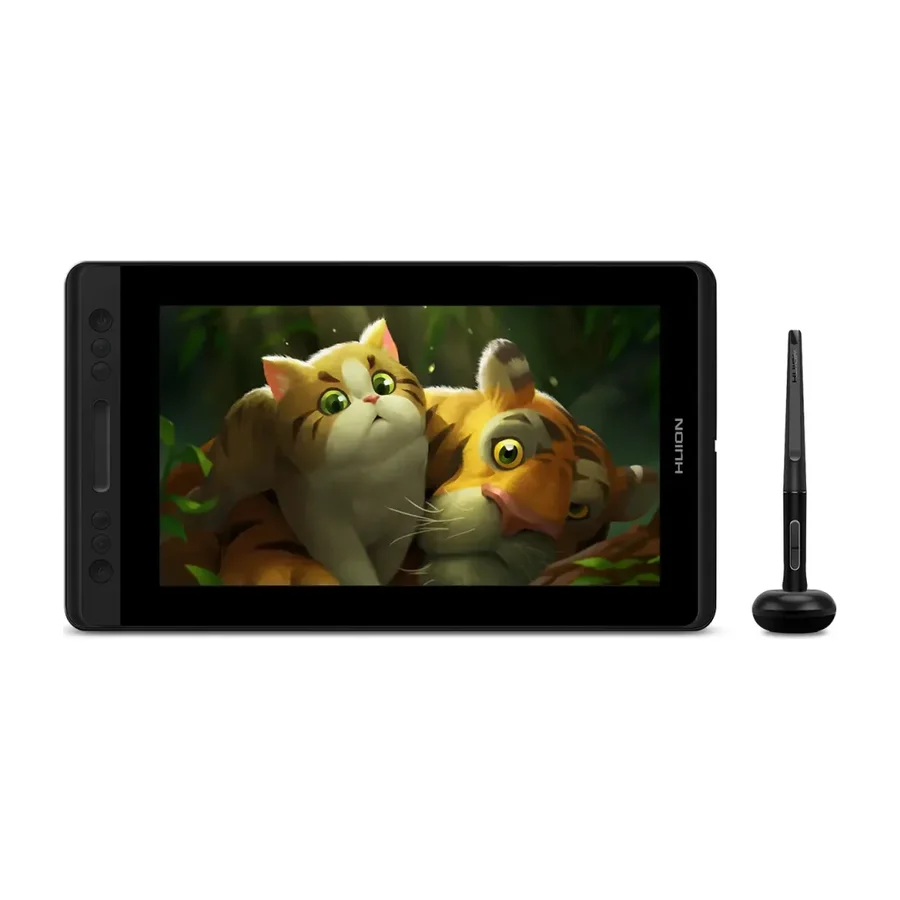
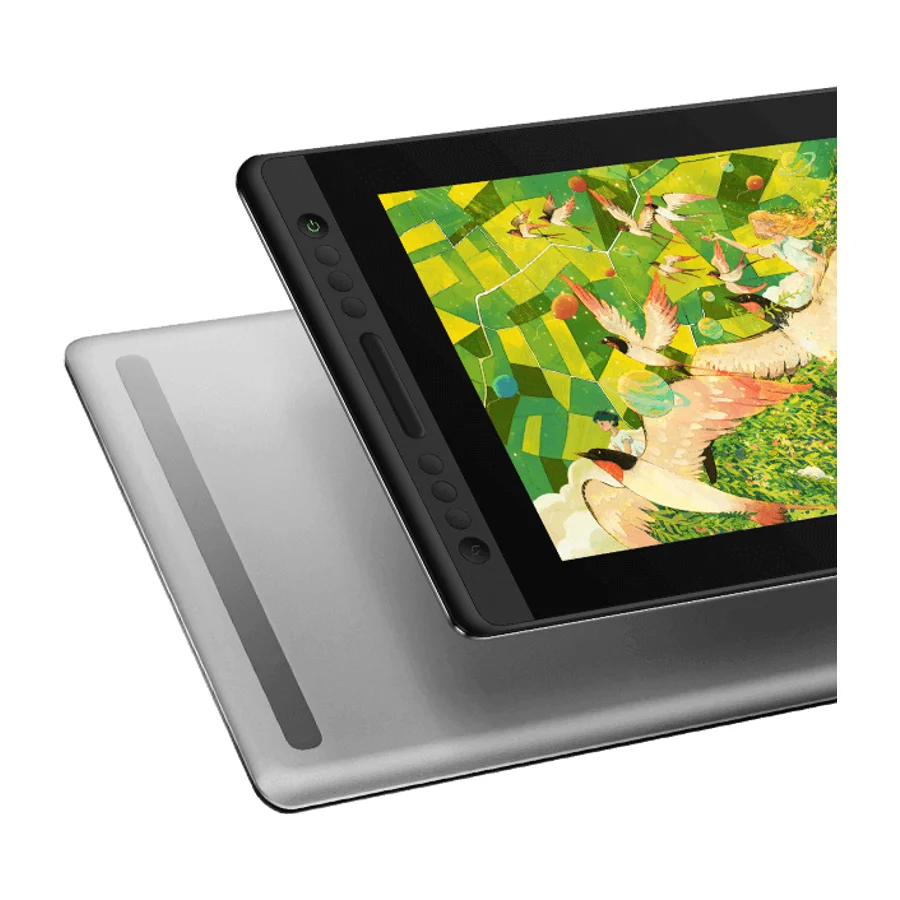
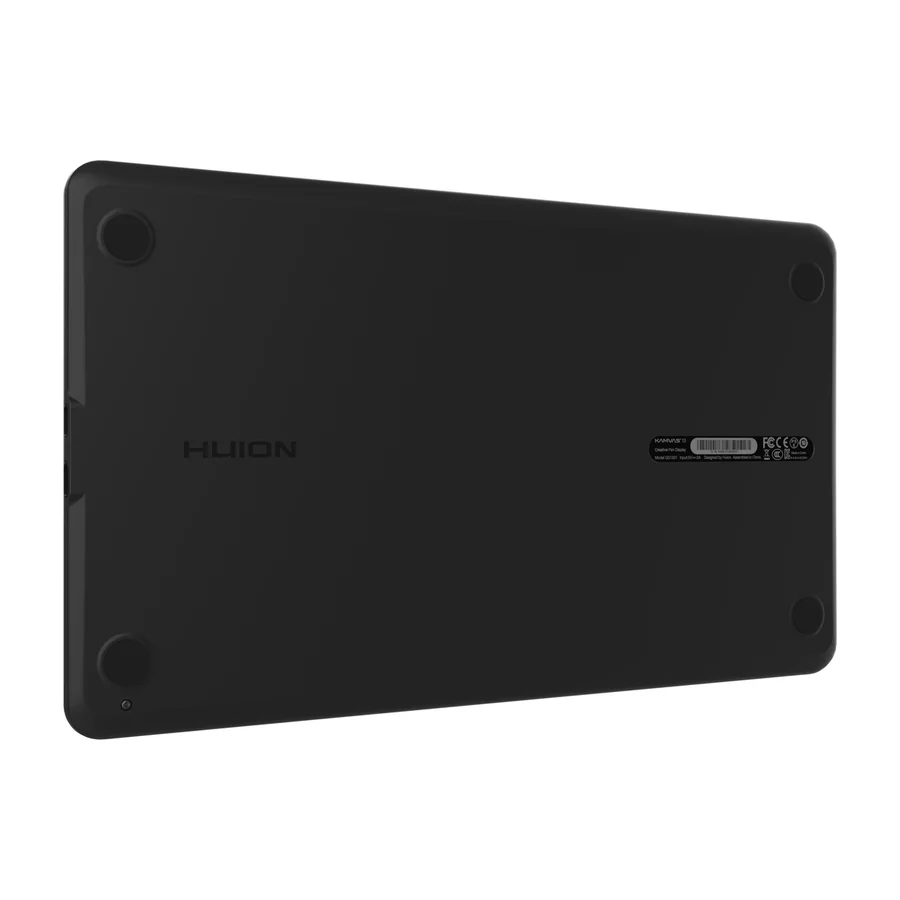
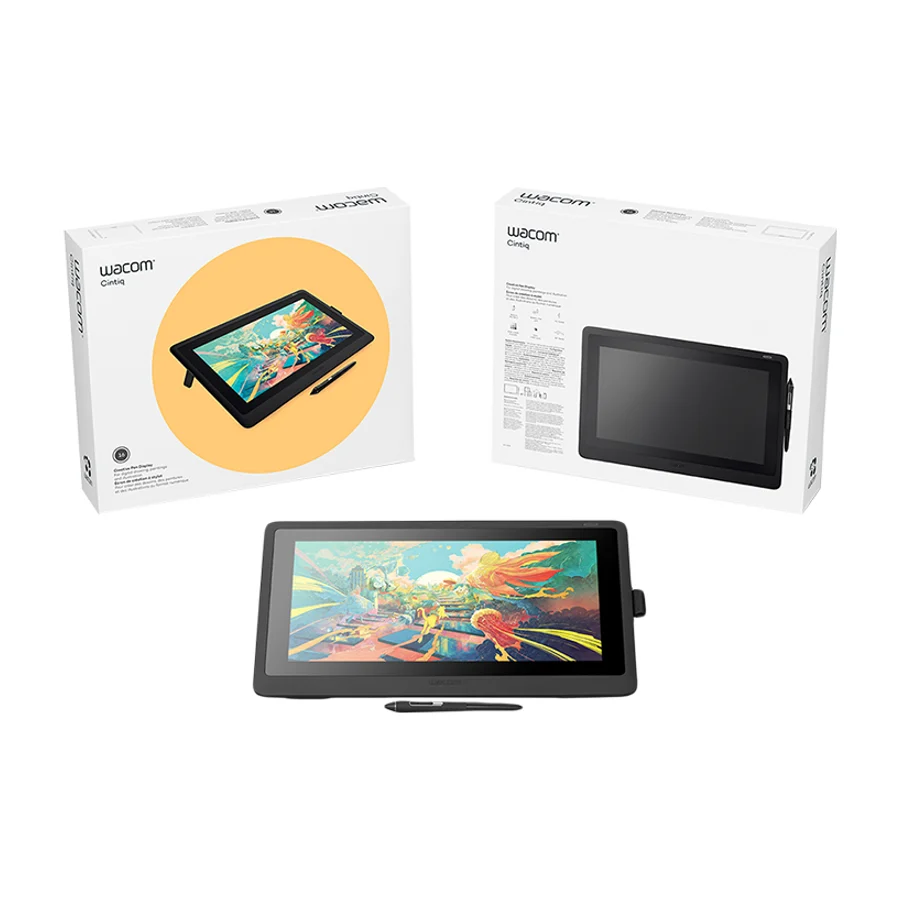
The Wacom Cintiq 24 Touch is the best drawing tablet for most people. It is the only S tier product on our drawing tablets board, ranked across independent research runs over current expert reviews, and it earns that place with a 23.6-inch 4K IPS panel, a 120 Hz refresh rate and a responsive pressure-sensitive pen. The XP-Pen Artist 12 3rd and the Huion Kamvas Pro 13 are the A tier runners-up. If you are a beginner or on a tight budget, pick the XP-Pen Artist 12 3rd, which reviewers call a solid value with excellent pen pressure. If you want a portable pen display with accurate tracking, pick the Huion Kamvas Pro 13. Avoid the Wacom Intuos Pro Small and the Wacom One 13 Touch, both in F tier.
Frequently asked questions
Wacom Cintiq 24 Touch sits at #1 in the S tier of our consolidated board, ranked across independent research runs over current expert reviews. Its consistent presence in recommendations and reputation for quality place it at the top, despite no specific community complaints.
XP-Pen Artist 12 3rd ranks #2 (A tier). A solid budget option that receives a positive mention from Brad Colbow, making it appealing for beginners or those on a tight budget.
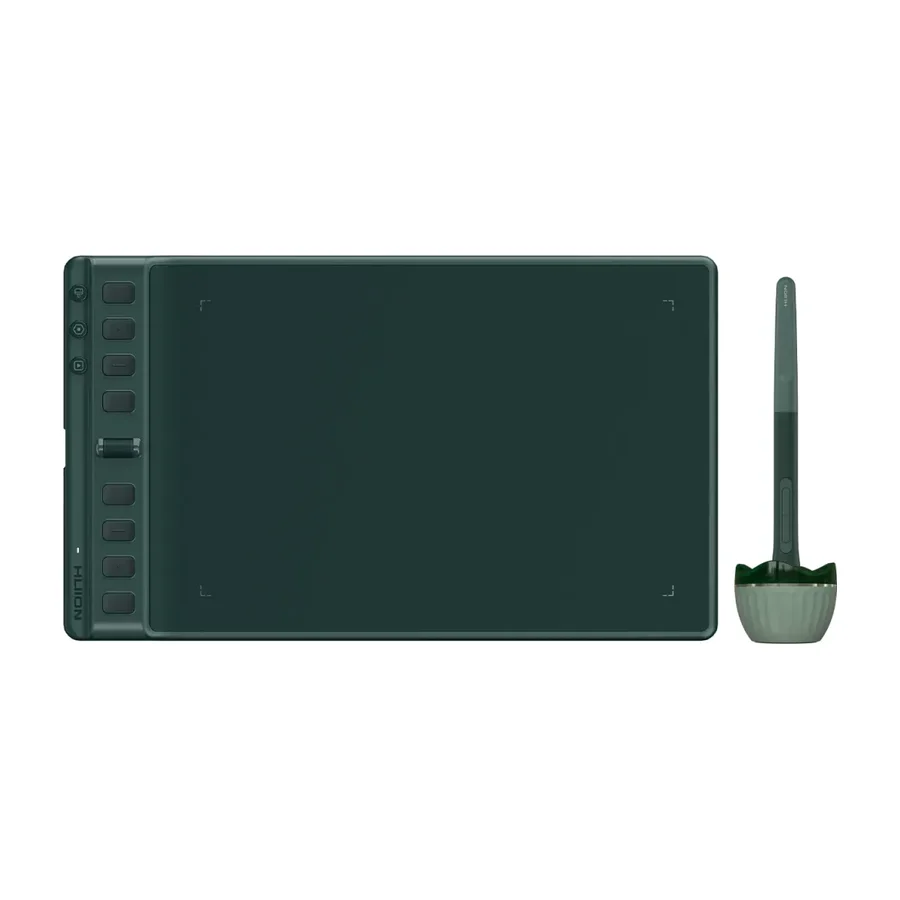
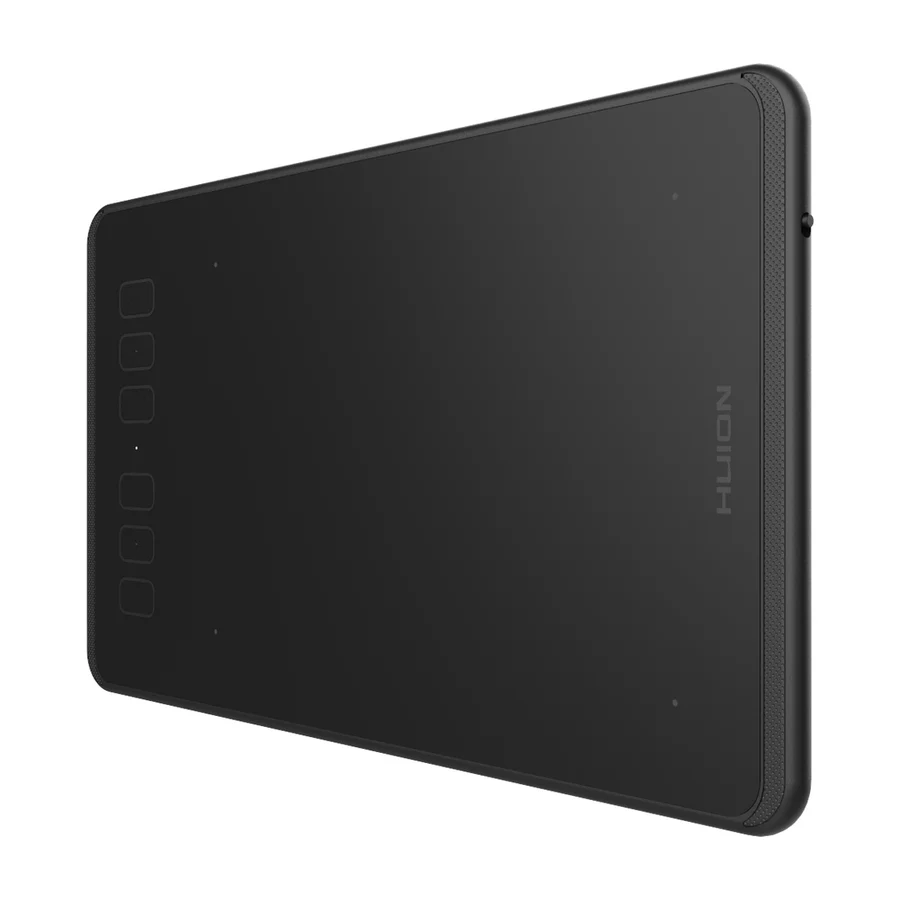
Our research places Huion Kamvas 13, Huion Inspiroy 2 M, Wacom Intuos Pro Small, Wacom One 13 Touch in the bottom tiers (D/F). A budget screen tablet that delivers sharp visuals and accurate pen input, suitable for professionals on a tight budget.
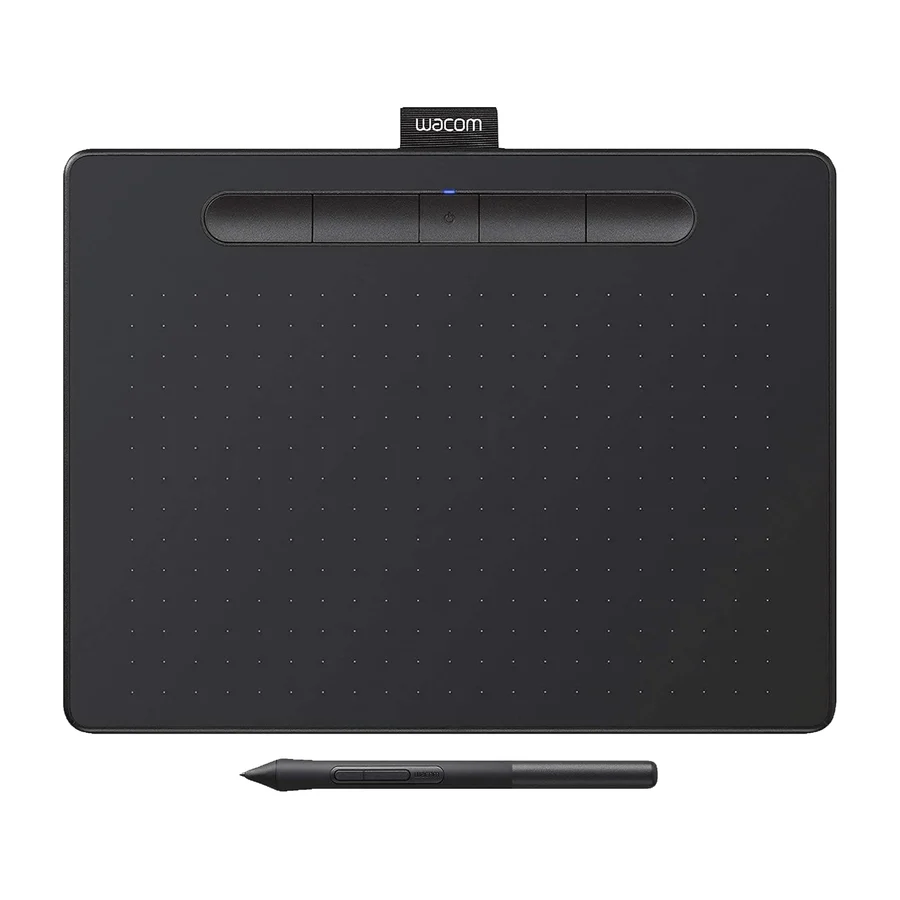
A drawing tablet is an input device that turns pen strokes into lines in art software on a computer. There are two kinds. A pen display has a built-in screen, so you draw directly on the image, the way the Wacom Cintiq 24 Touch and the Huion Kamvas Pro 13 work. A screenless graphics tablet, such as the Wacom Intuos Pro Medium, is a flat pad: you draw on the pad while watching your monitor. Both need a computer to run the software.
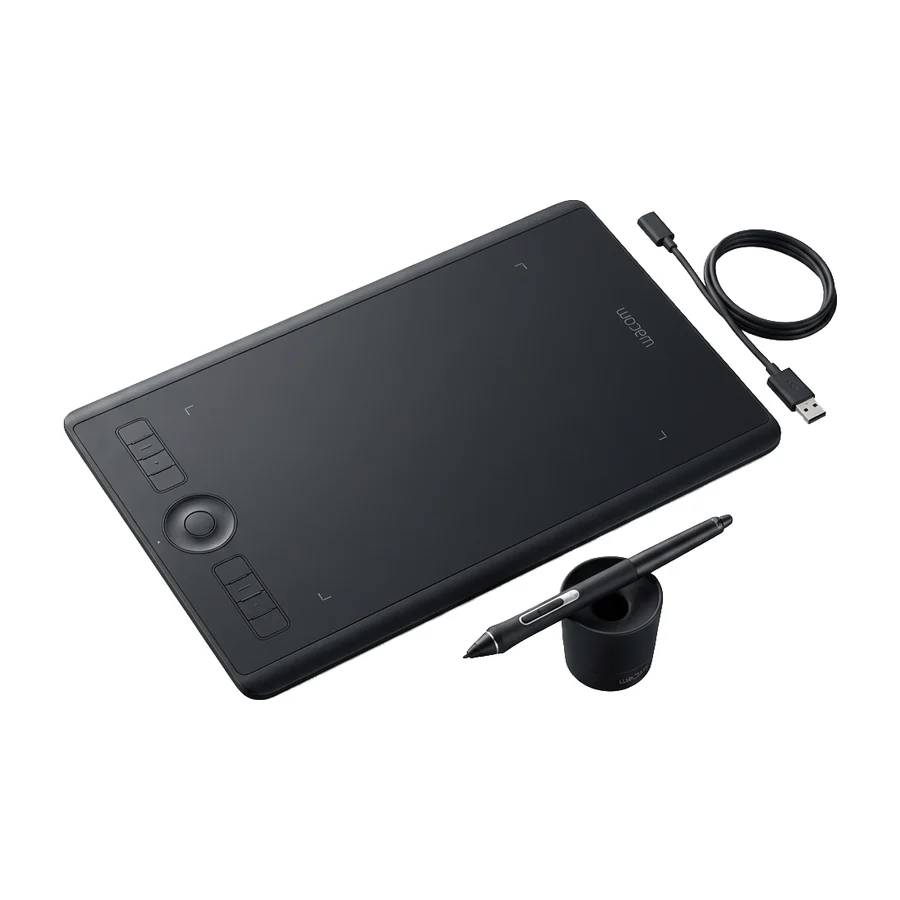
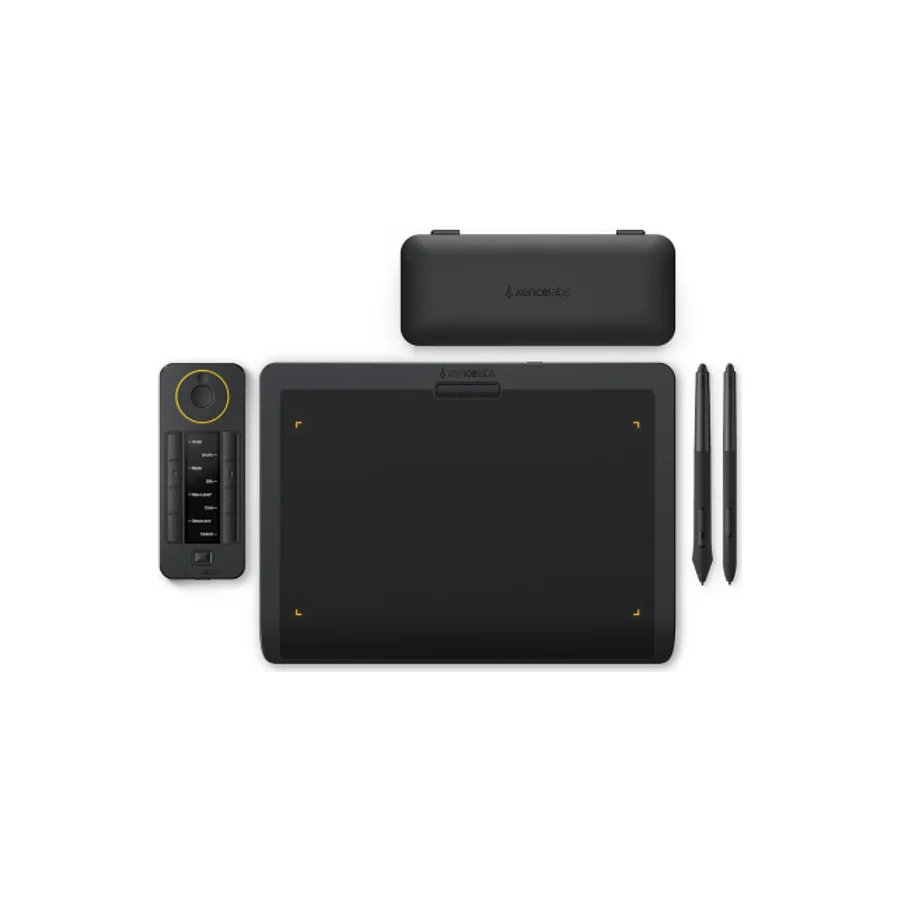
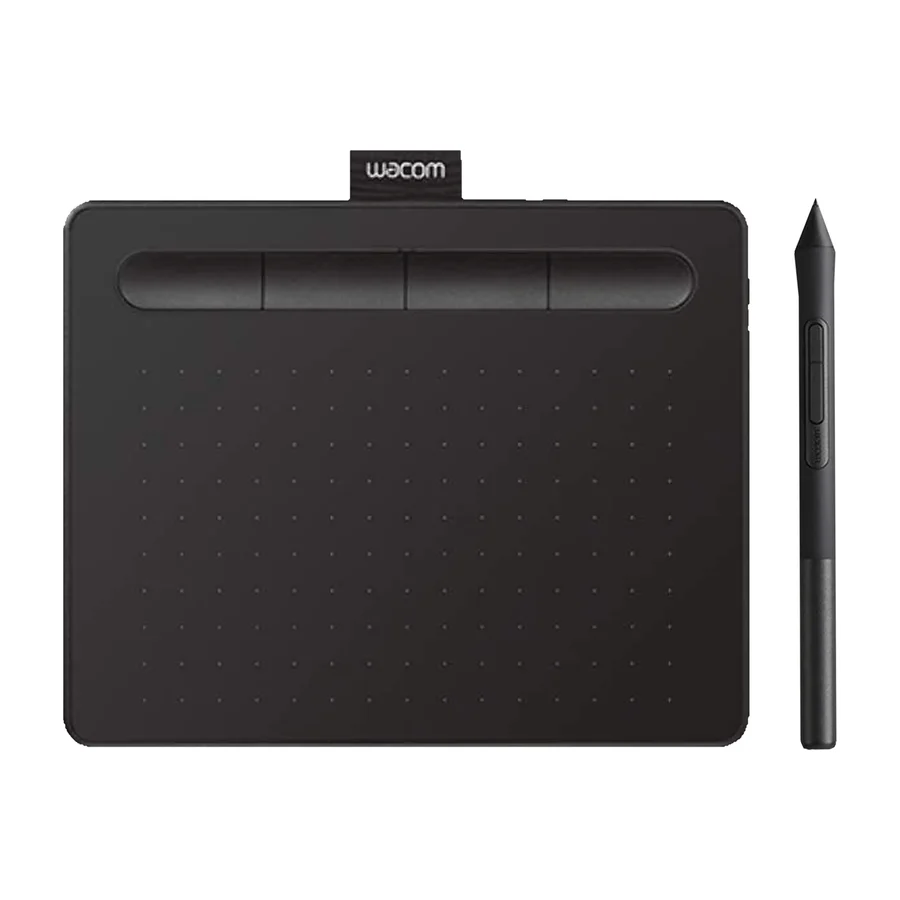
A pen display for most people. Drawing where you look is the natural way to work and the top of our board reflects it: the Wacom Cintiq 24 Touch, the XP-Pen Artist 12 3rd and the Huion Kamvas Pro 13 are all pen displays. A screenless tablet is cheaper, lighter and takes no desk space for a second screen, and the Wacom Intuos Pro Medium in B tier is the strongest one on our board, with a sturdy aluminium chassis and excellent driver support. The Wacom Intuos Pro Small sits in F tier because its small working area and lack of a screen leave it behind the alternatives.
Match the size to where you work. A desk setup suits a large pen display like the 23.6-inch Wacom Cintiq 24 Touch, which gives room for the whole canvas and your palette. For a laptop bag, a 10 to 13 inch display is the practical range: the XP-Pen Artist 12 3rd has a 10.6-inch screen and the Huion Kamvas Pro 13 a 12.9-inch one, and reviewers praise the Huion Kamvas Pro 13 for its portable size. The 15.6-inch Huion Kamvas Pro 16 V2 is the middle ground. For a screenless tablet, medium is the safe pick: the Wacom Intuos Pro Small is marked down on our board for a small working area.
Wacom holds the top of our board with the Wacom Cintiq 24 Touch, whose consistent presence in recommendations and reputation for quality put it in S tier, and reviewers credit Wacom tablets with excellent driver support. That reputation does not protect every model: the Wacom Cintiq 16 has had no recent firmware updates and the Wacom One 13 Touch and Wacom Intuos Pro Small are both in F tier. Huion is mixed. The Huion Kamvas Pro 13 earns A tier, but the Huion Inspiroy 2 M and Huion Inspiroy 2 M A both carry Windows 11 compatibility problems. XP-Pen has one entry, the XP-Pen Artist 12 3rd, and it lands in A tier with a solid chassis built for long-term use.
The XP-Pen Artist 12 3rd. Reviewers call it a solid budget option that suits beginners, with a full-HD display, excellent pen pressure sensitivity and a chassis built to last. If you would rather start without a screen, the Wacom Intuos Pro Medium is described as an entry-level tablet with excellent driver support, though it costs more than some competitors. The Huion Kamvas 13 is a cheaper screen option but sits in D tier on thin evidence, so the XP-Pen Artist 12 3rd is the safer first buy.
Pressure matters more than the headline number. Pressure sensitivity is what lets a light touch draw a thin line and a firm one a thick line, and reviewers single out the Wacom Cintiq 24 Touch, the XP-Pen Artist 12 3rd and the Huion Kamvas Pro 13 for responsive, accurate pens. Most current tablets on our board list 8192 pressure levels, so the figure alone does not separate them. Tilt lets the pen shade like a real pencil when held at an angle. The Wacom One 13 Touch has no tilt sensor and only basic pressure sensitivity, which is part of why it is in F tier.
Most do, but check the driver before you buy. Every tablet depends on a driver from its maker, and a tablet with poor driver support will misbehave even if the hardware is good. On our board the Huion Inspiroy 2 M and the Huion Inspiroy 2 M A are both marked down for compatibility issues on Windows 11. Wacom tablets such as the Wacom Intuos Pro Medium and Wacom Intuos Pro Small are praised for excellent driver support. Download the current driver for your operating system from the maker and confirm your art software is supported.
Software more often than hardware. The cons on our board are driver and firmware problems: Windows 11 compatibility issues on the Huion Inspiroy 2 M and Huion Inspiroy 2 M A, firmware instability and a higher failure rate on the Huion Inspiroy 2 M, and no recent firmware updates on the Wacom Cintiq 16. Pen displays also age: the Wacom Cintiq 16 is outclassed by newer models in panel quality and refresh rate. Worn pen nibs and a scratched surface are the routine wear items and both are replaceable.
A well-built tablet lasts for years, and the limit is usually driver support rather than the hardware. Reviewers note the XP-Pen Artist 12 3rd has a solid chassis for long-term durability and the Wacom Intuos Pro Medium a sturdy aluminium chassis. A tablet whose maker stops updating firmware ages faster, which is the complaint against the Wacom Cintiq 16. Pen nibs wear out with use and should be swapped when they feel rough.
Very little. The only consumable is the pen nib, which wears down and is sold in packs of spares, and most tablets ship with several. A pen display draws power from the wall or the computer, so there is no battery to replace on the tablet itself. Art software is the larger ongoing cost if you choose a subscription package, though free options exist.
Avoid an older model that is no longer updated. The Wacom Cintiq 16 sits in C tier on our board because newer models beat it on panel quality, refresh rate and firmware support. Avoid a tablet with known driver problems on your operating system, which is the issue with the Huion Inspiroy 2 M and Huion Inspiroy 2 M A on Windows 11. Avoid a pen without tilt or with only basic pressure sensitivity if you paint or shade, the weakness of the Wacom One 13 Touch. And avoid a small screenless pad if you work on a large monitor: the Wacom Intuos Pro Small is marked down for its small working area.
Anyone who wants a standalone device. Every tablet on our board, from the Wacom Cintiq 24 Touch down, needs a computer to run the art software. If you want to draw without a computer, a general tablet with a stylus is a different product and a different board. If you only make occasional notes or edits, a screenless tablet like the Wacom Intuos Pro Medium is enough and a large pen display is money spent on screen you will not use.
More in Computers
Cite this board as stierproducts, “Best Drawing Tablets”, 29 Aug 2026. Free to quote with attribution and a link (terms).
Machine-readable: markdown · JSON · how we rank