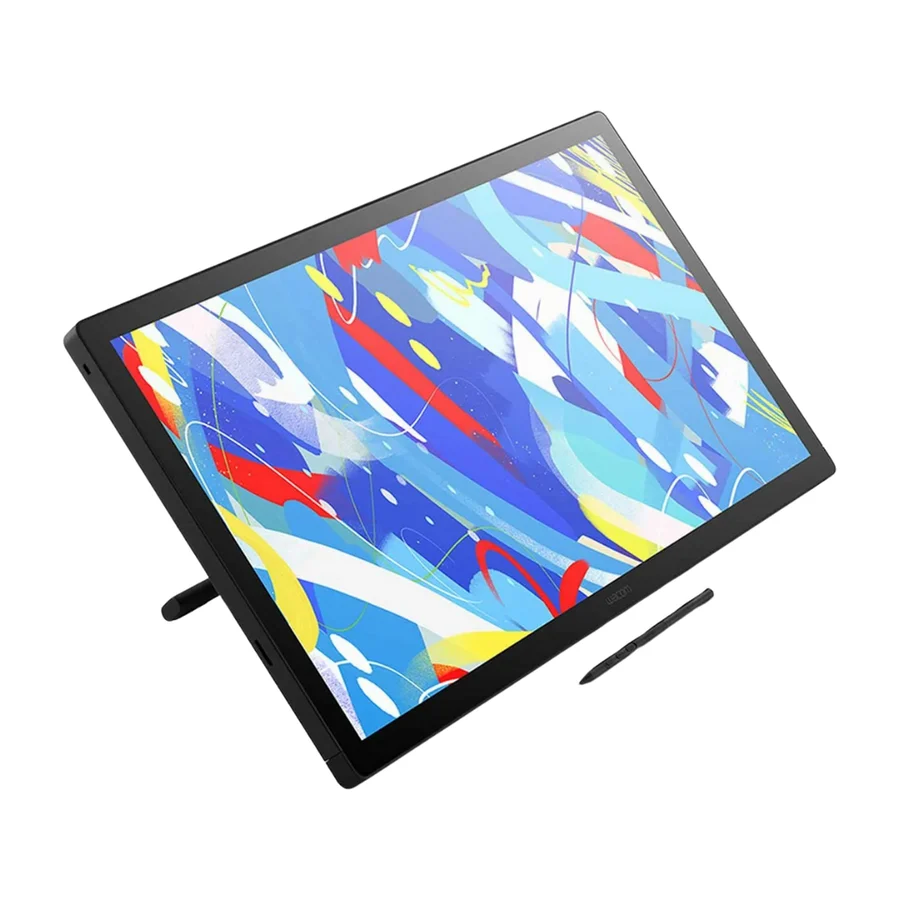
Wacom Cintiq 24 Touch
Wirecutter's current tested top recommendation, backed by the category's longest reliability record and its most established support network. The safest big display purchase you can make.
Consolidated from 5 independent outlets
Where the cited sources landed, as we read them
- 3 positive sources
- 2 mixed sources
Pros & cons
- ✓ Longest track record of any pen display in the category
- ✓ Most established warranty and support network in the space
- ✓ Named one of the two tablets worth considering after Wirecutter's new round of testing
- ✓ Superb large display
- ✓ Named among the drawing tablets worth considering by Wirecutter
- ✗ Carries a large premium over the 27-inch XPPen that matches or beats it
- ✗ Carries a Wacom premium that rivals closely match for less
- ✗ Carries a clear Wacom premium over rivals that approximate the experience for much less
The sources behind this ranking
We searched the web and YouTube for what has been published about this product, then read the articles, video transcripts and comments we found.
Evidence 1 article and 4 video reviews
3 positive sources
The New Wacom Cintiq 24 is a pro level device without the pro name or price tag. The Pro pen 3 here is fantastic and everything else is really good too.Watch N
 Neko Rina Neko Rina · 185K subscribers · Jun 2026
 Testing yet another Wacom product and, okay, the price is not what our wallets would probably pick, but it is certainly a great device that works as what you'd expect from THE Tablet Brand par excellence.Watch F
 F64 F64 · 56.7K subscribers · Oct 2025
 Dacă vrei să uiţi de tabletă + monitor separat şi să lucrezi direct pe ecran, cu control total, flux precis, gesturi, suprafaţă mare şi stilou de înaltă performanţă — Cintiq 24 Touch e alegerea logică. În plus, raportul preţ/performanţă e foarte bun dacă nu ai nevoie neapărat de 4K sau acoperire AdobeRGB ~100%.Watch
2 mixed sources
 Nytimes Article
 I also love the Cintiq 24 Touch’s industrial design — the materials and construction feel premium, with no rattle or jiggle, and the included adjustable stand is slick and convenient. More importantly, Wacom’s drivers and support are industry-leading. However, like every big pen display, the Cintiq 24 Touch takes an enormous amount of desk space, and it’s heavy enough to make moving it around inconvenient, so it’s a bad option for non-professionals or those with smaller workspaces.Read A
 Artismia Artismia · 301K subscribers · Jul 2025
 This one might hit your sweet spot, but there’s one thing you need to know first.Watch
Frequently asked questions
It ranks #1 of 13 on our drawing tablets tier list, in S tier. That placement draws on 5 independent outlets.
None of the 5 sources with a clear view is critical of it. Carries a large premium over the 27-inch XPPen that matches or beats it. Carries a Wacom premium that rivals closely match for less. Carries a clear Wacom premium over rivals that approximate the experience for much less.
Ranked nearby in Drawing Tablets
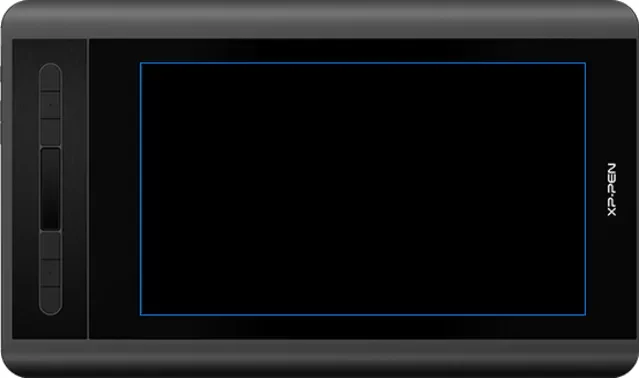 S tier #2
 XP-Pen Artist 12 3rd
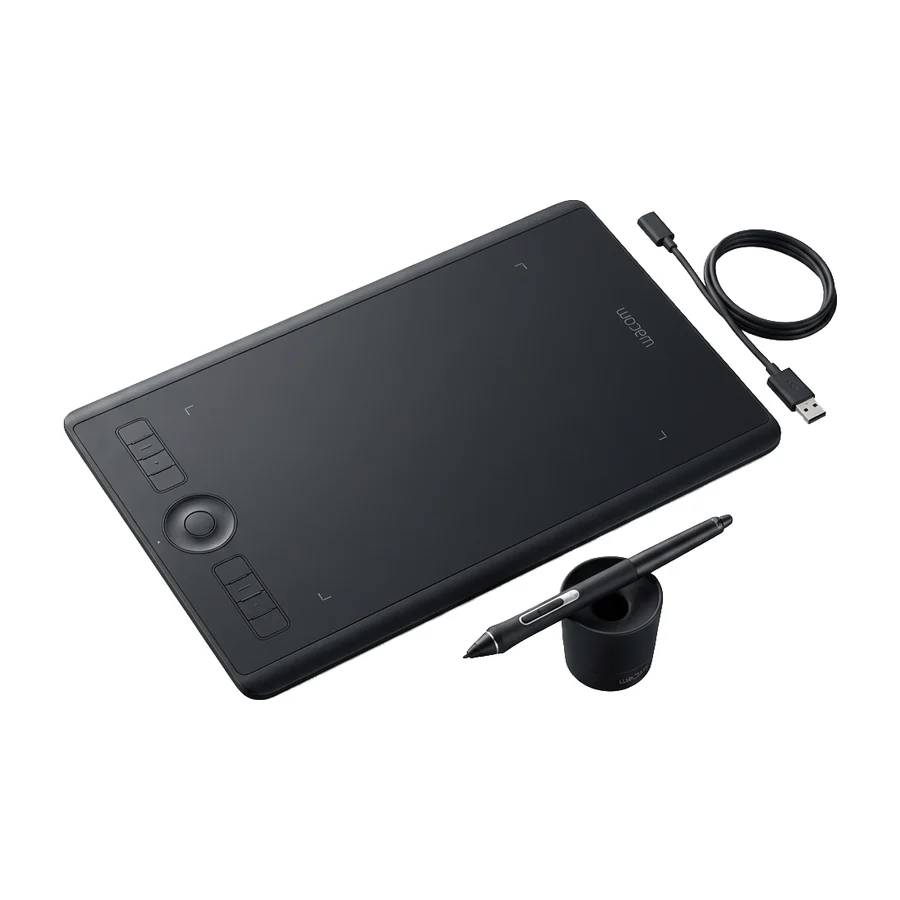 A tier #3
 Wacom Intuos Pro Medium
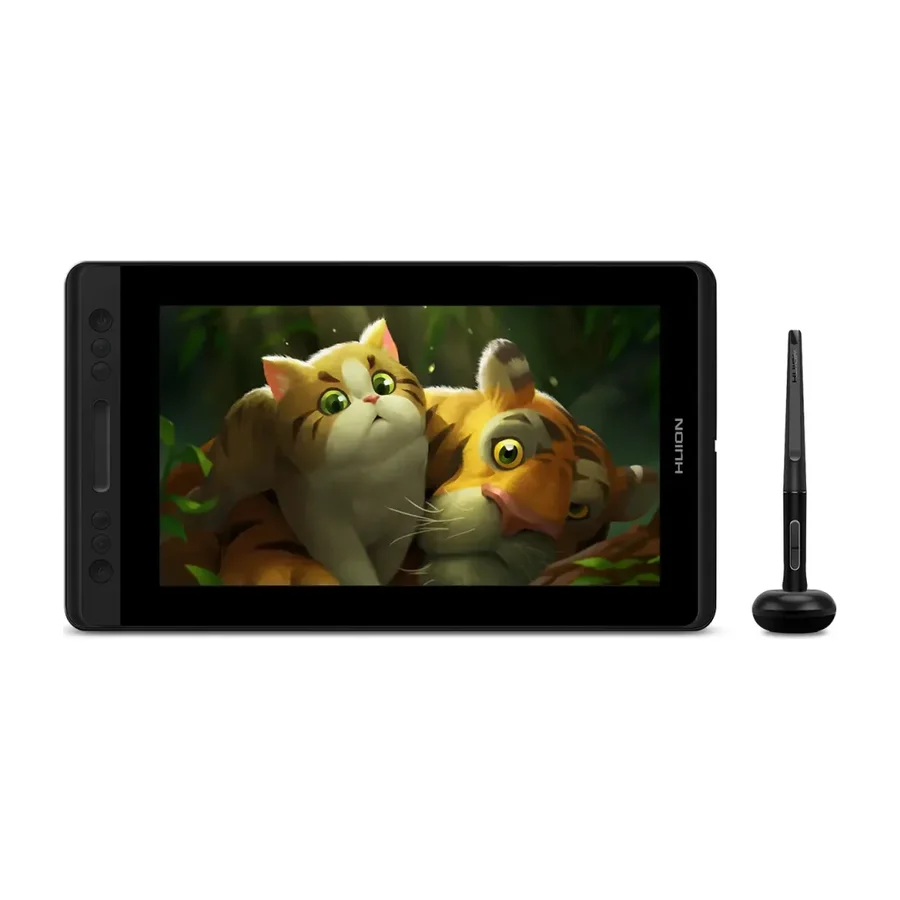 A tier #4
 Huion Kamvas Pro 13
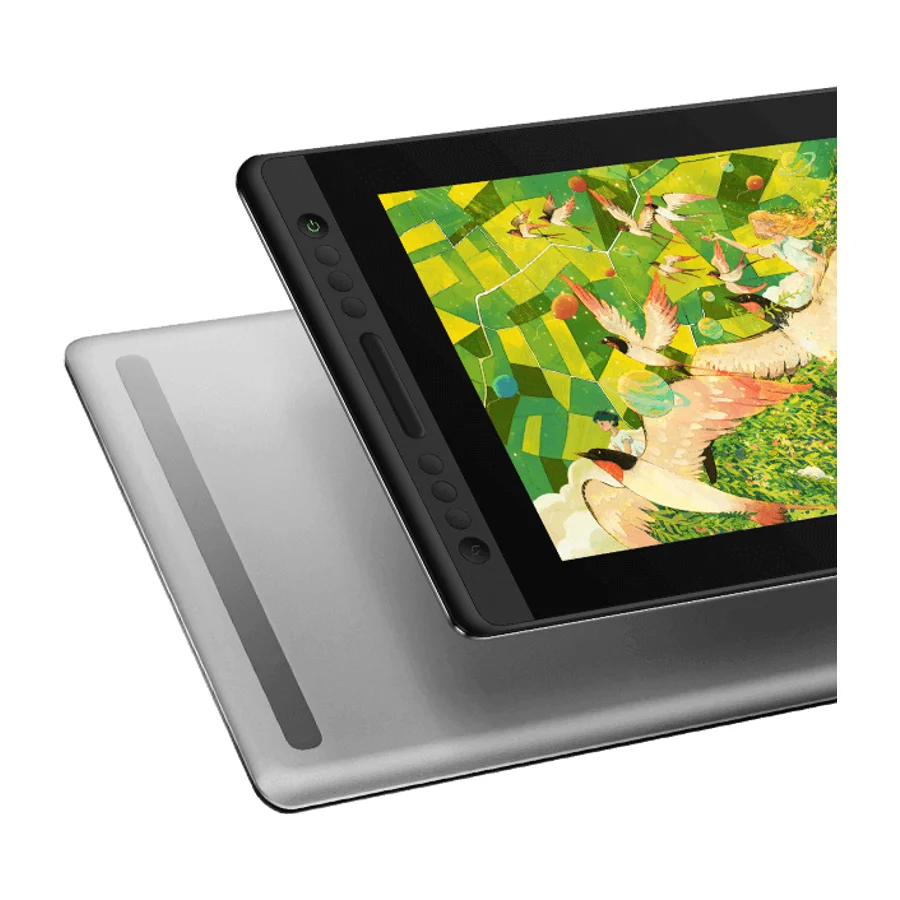 B tier #5
 Huion Kamvas Pro 16 V2
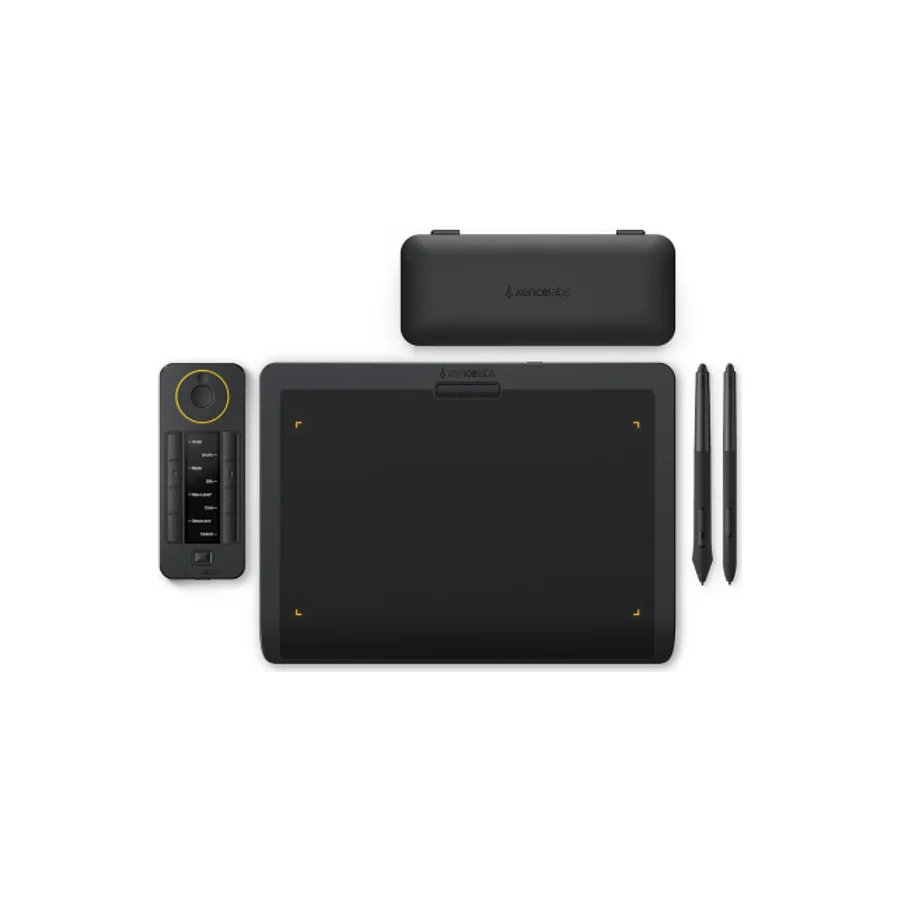 C tier #6
 Xencelabs Pen Tablet Medium Bundle
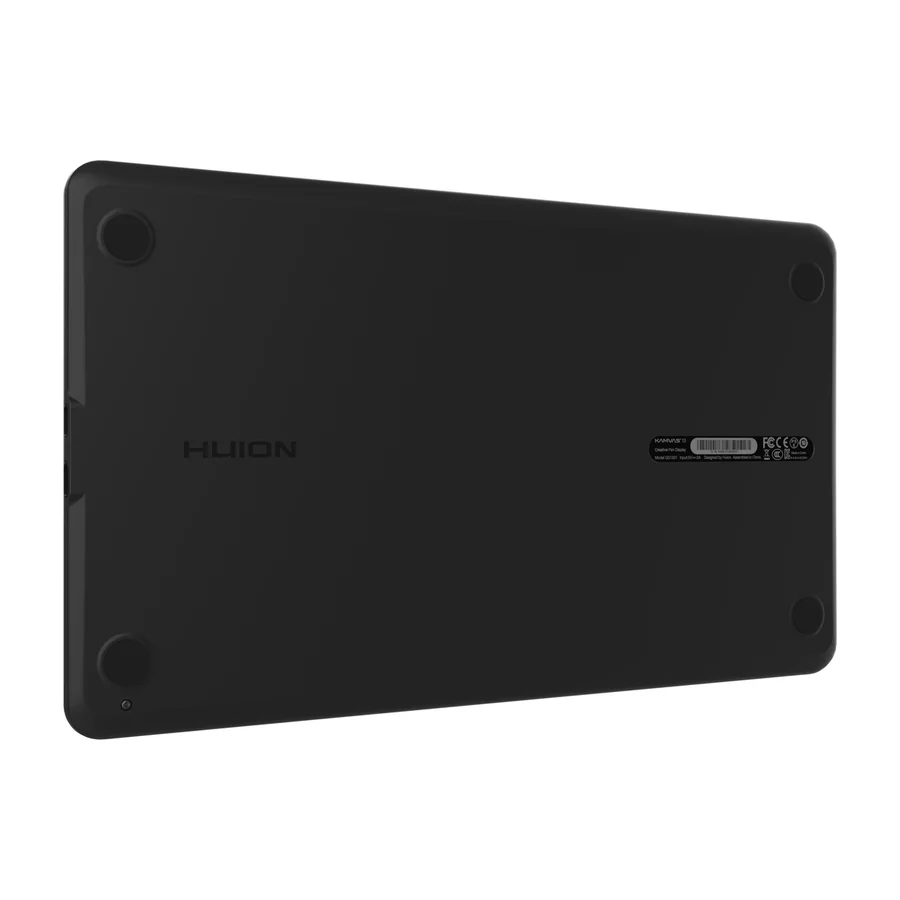 D tier #9
 Huion Kamvas 13
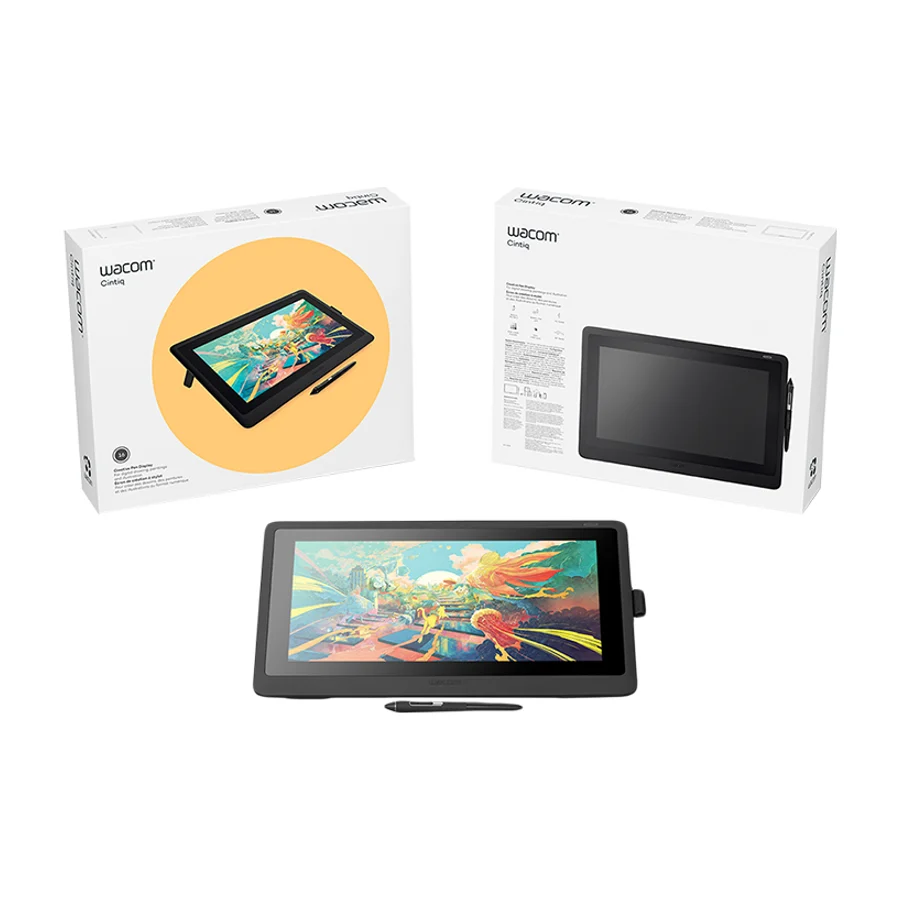 D tier #10 5 of 9 research runs entered this as a product to avoid rather than a pick.
 Wacom Cintiq 16
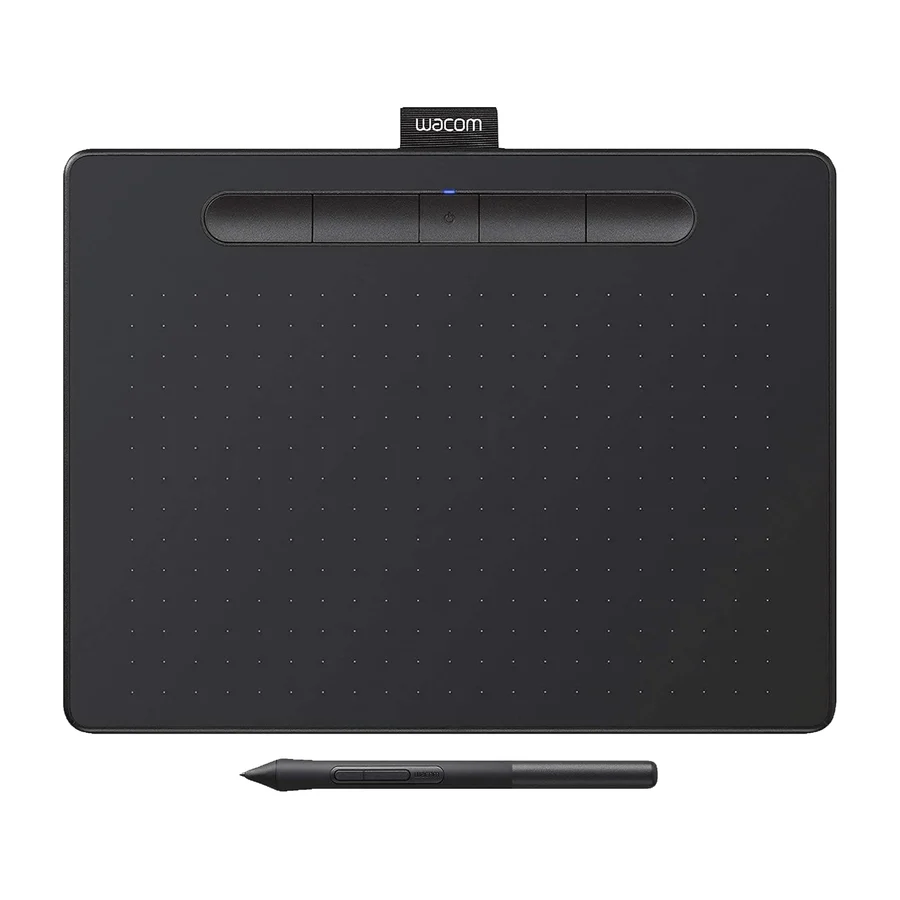 F tier #11 3 of 6 research runs entered this as a product to avoid rather than a pick.
 Wacom Intuos Pro Small
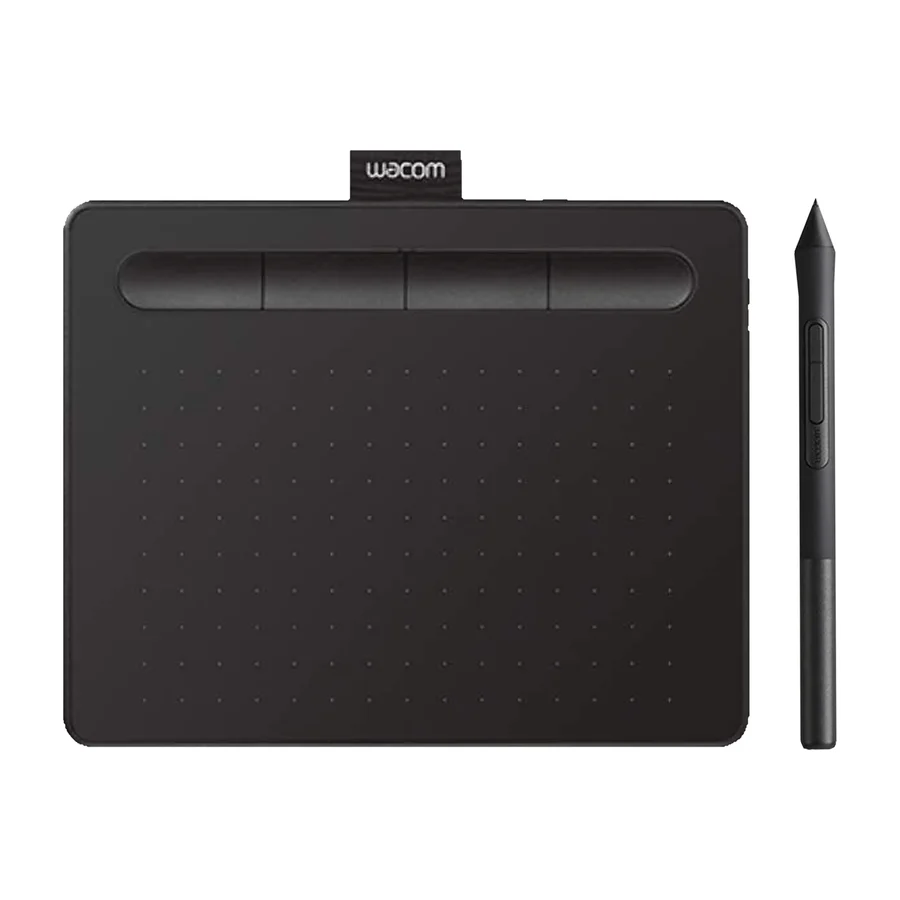 F tier #12 3 of 6 research runs entered this as a product to avoid rather than a pick.
 Wacom One 13 Touch
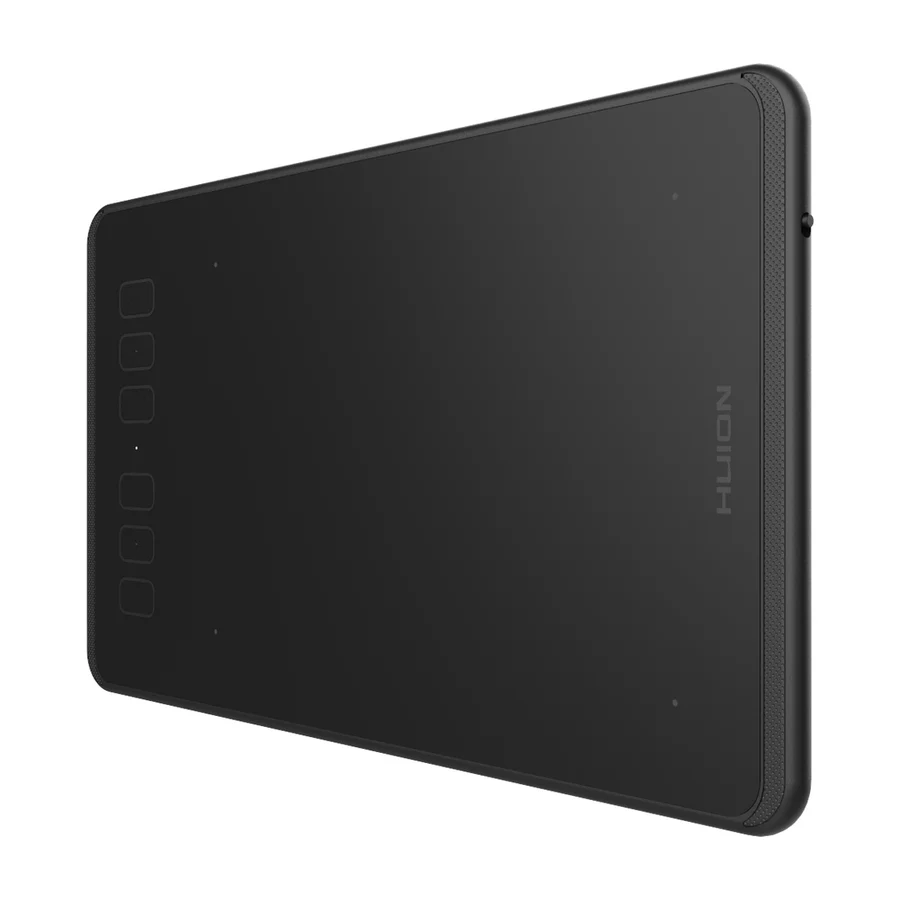 F tier #13 4 of 5 research runs entered this as a product to avoid rather than a pick.