Xencelabs
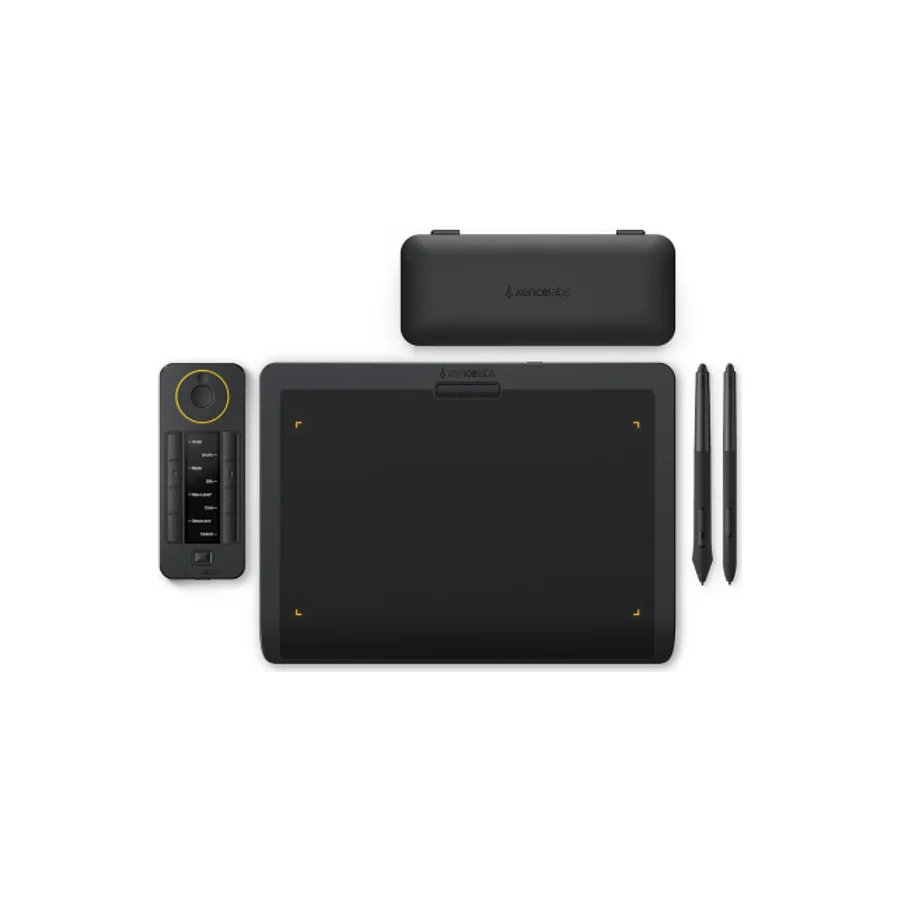
Xencelabs Pen Tablet Medium Bundle
C
Ranked #6 in Drawing Tablets
498 LP on the
category ladder
what's LP?
The same stable Xencelabs DNA in a screenless body with nothing to break, plus a generous accessory bundle.
Consolidated from 5 independent outlets
Where the cited sources landed, as we read them
- 5 positive sources
Pros & cons
- ✓ Ships with both a standard and a soft pen
- ✓ Includes a remote and a thick padded case
- ✓ Short but spotless reliability record
- ✓ Positioned as a tool that grows with you as an artist
- ✓ Best mid-range pen tablet per Creative Bloq's testing
The sources behind this ranking
We searched the web and YouTube for what has been published about this product, then read the articles, video transcripts and comments we found.
Evidence 2 articles and 3 video reviews
5 positive sources
F  Felix Inden Photography Felix Inden · reviewer · Jan 2025
  Digital Art Creation Digital Art Creation · 348K subscribers · Dec 2021
  Creative Bloq Article · Nov 2022
  Aram Art Aram Art · 78.9K subscribers · Dec 2021
  Oyun Orka Oyun Orka · 24.3K subscribers · Apr 2025
Felix Inden Photography Felix Inden · reviewer · Jan 2025 I either like it or dislike and sometimes a little bit of both. But in this particular case i have yet to find a single flaw about the product. It just works! All things considered i find that the Xencelabs Pen Tablet Medium Bundle is a great bang for your buck. Not only do you get a graphic tablet that works perfectly after installing the needed drivers, i particularly love that one can easily power the tablet and Quick Keys on and off with a little button.Read D
Digital Art Creation Digital Art Creation · 348K subscribers · Dec 2021 Overall in my opinion xence labs pen tablet is one of the best tablets at the moment which is suitable for first time pen display artists. Best of all this tablet can be used with or without wired connection. This suits the best for users who travel and for students. This tablet also comes with Thick & Thin pens to gather so you don't have to purchase any extra pen for your needs.Watch C
Creative Bloq Article · Nov 2022 The Xencelabs Pen Tablet is the ideal choice for illustrators, digital painters and photographers who want a reliable, solidly built piece of equipment that's easily portable, wireless and pretty much flawless in performance.Read A
Aram Art Aram Art · 78.9K subscribers · Dec 2021 The Pen Tablet Medium Bundle delivers a minimalist design that prioritizes workflow, comfort, and intuitive use.Watch O
Oyun Orka Oyun Orka · 24.3K subscribers · Apr 2025 The tablet itself has a really smooth, sleek look and a good weight to it too. I'm excited to use this later. It also comes with three shortcut keys on the top by default. But since this tablet bundle also comes with the Xencelabs Quick Keys, we'll be primarily using that for shortcut keys. Moving on. We also have the pen case, some drawing gloves, and a sticker.Watch
Frequently asked questions
It ranks #6 of 13 on our drawing tablets tier list, in C tier. That placement draws on 5 independent outlets.
Ranked nearby in Drawing Tablets
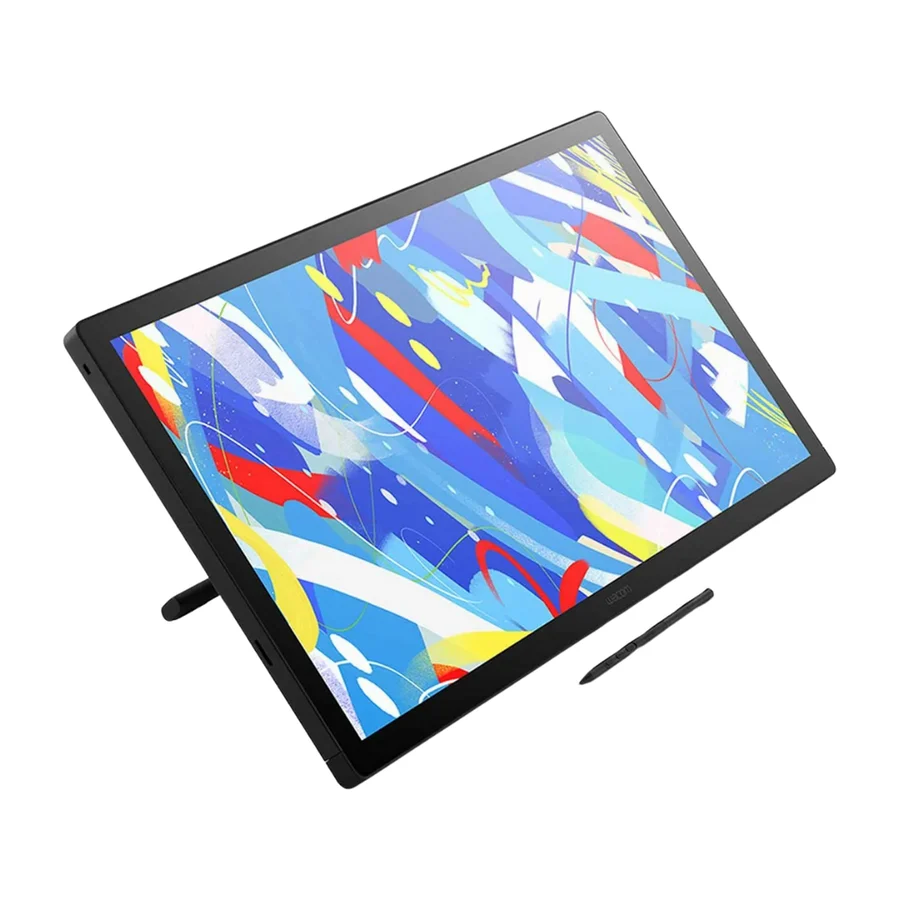 S tier #1
 Wacom Cintiq 24 Touch
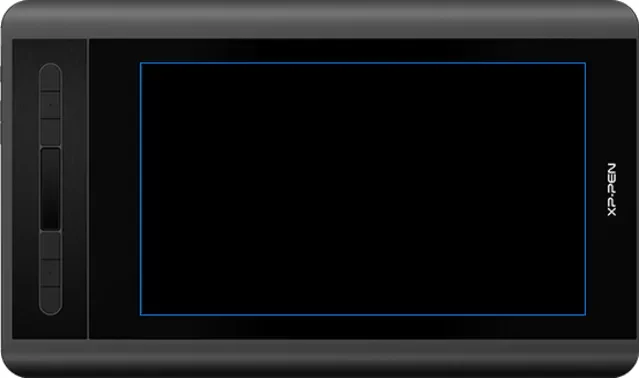 S tier #2
 XP-Pen Artist 12 3rd
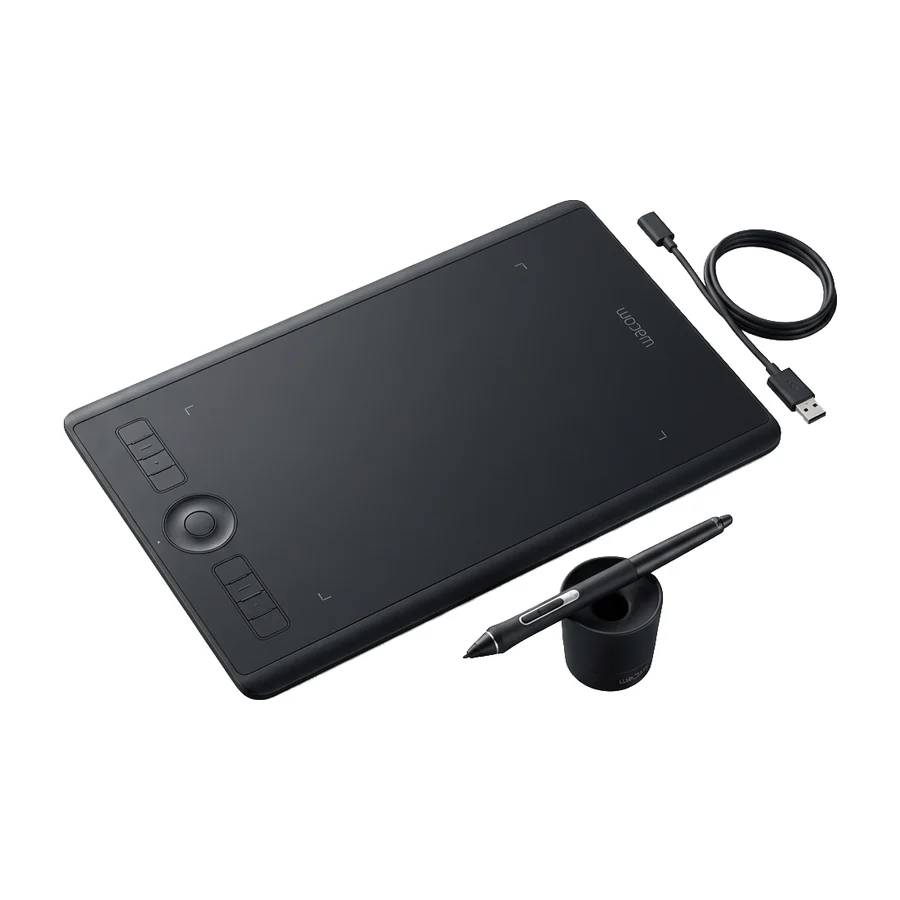 A tier #3
 Wacom Intuos Pro Medium
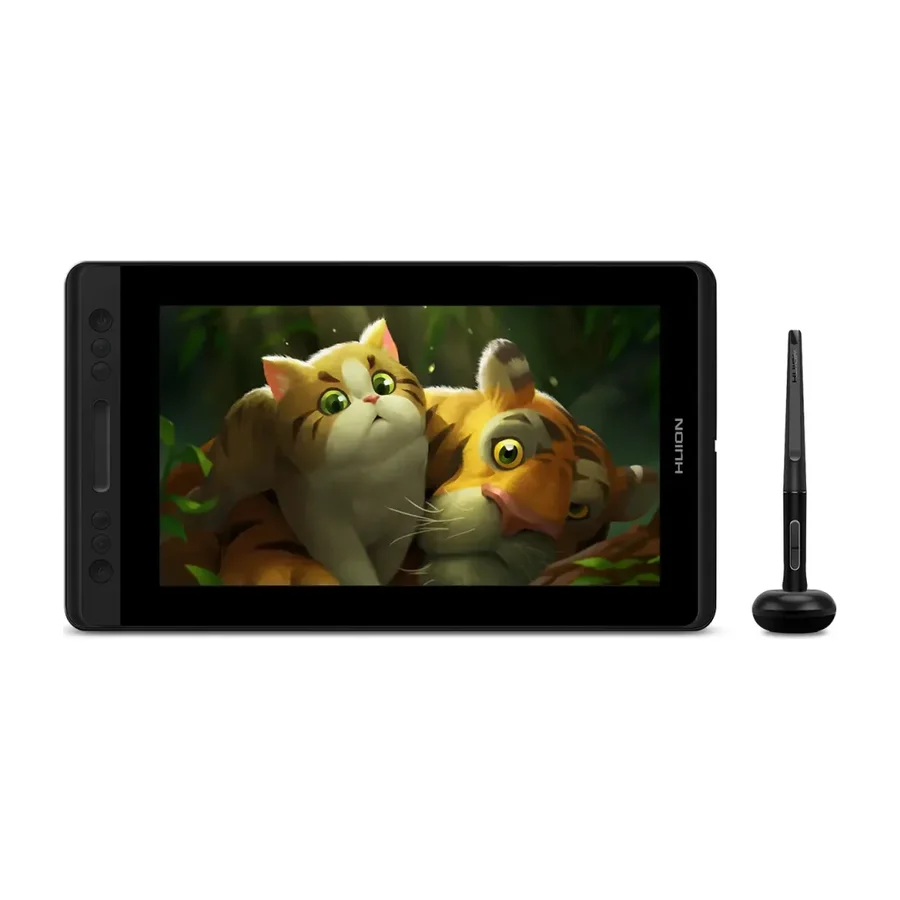 A tier #4
 Huion Kamvas Pro 13
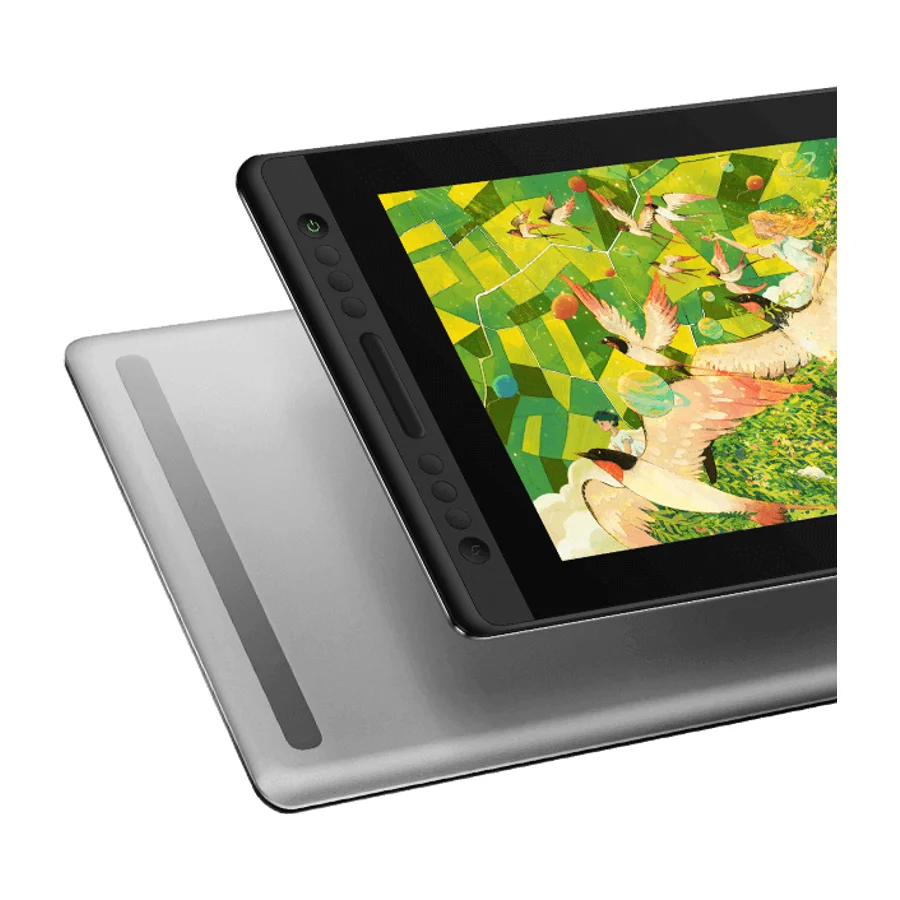 B tier #5
 Huion Kamvas Pro 16 V2
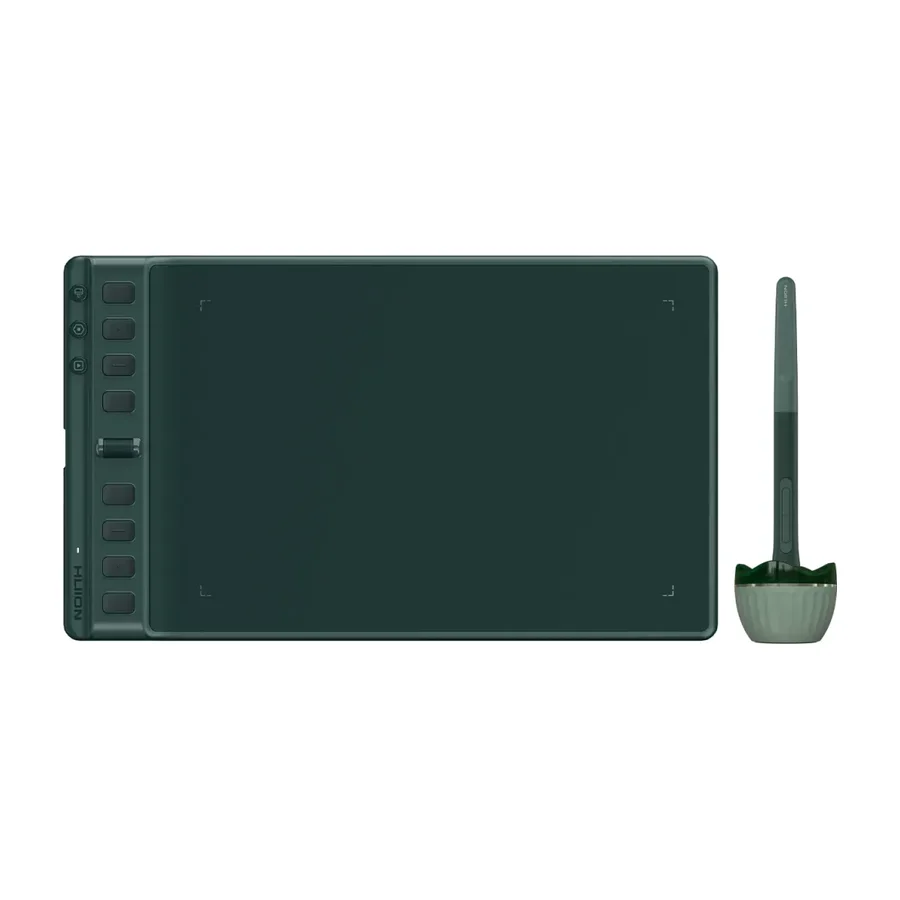 C tier #7 1 of 7 research runs entered this as a product to avoid rather than a pick.
 Huion Inspiroy 2 M A
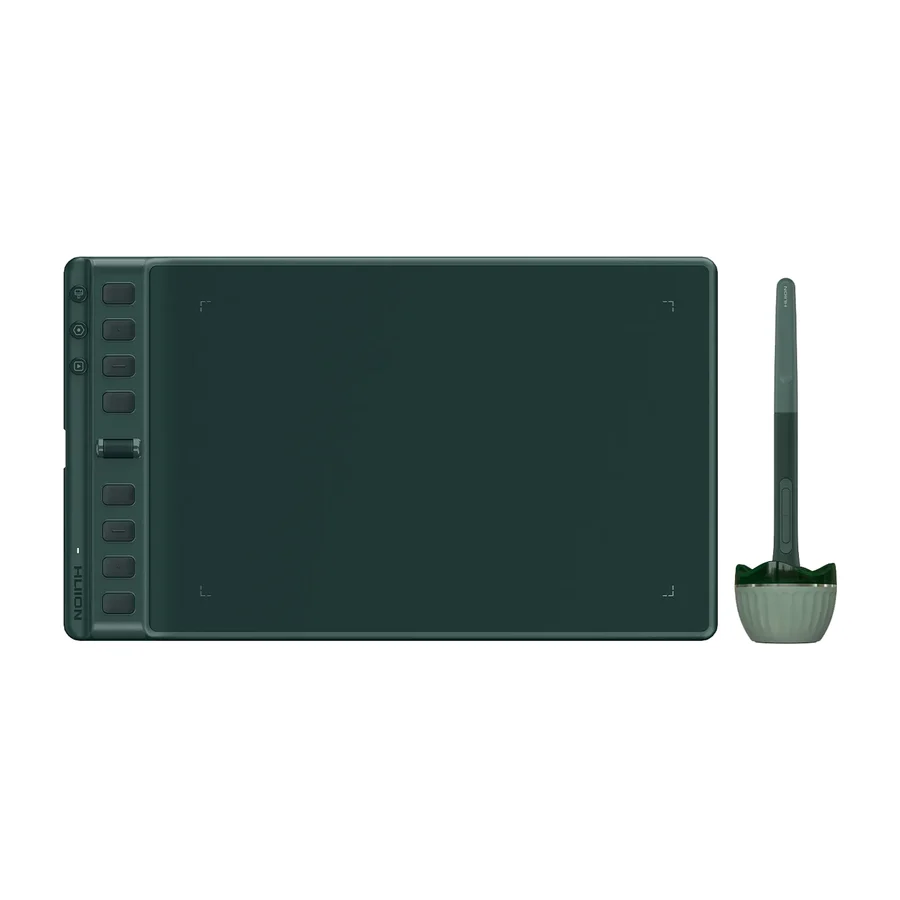 C tier #8 3 of 9 research runs entered this as a product to avoid rather than a pick.
 Huion Inspiroy 2 M
 D tier #9
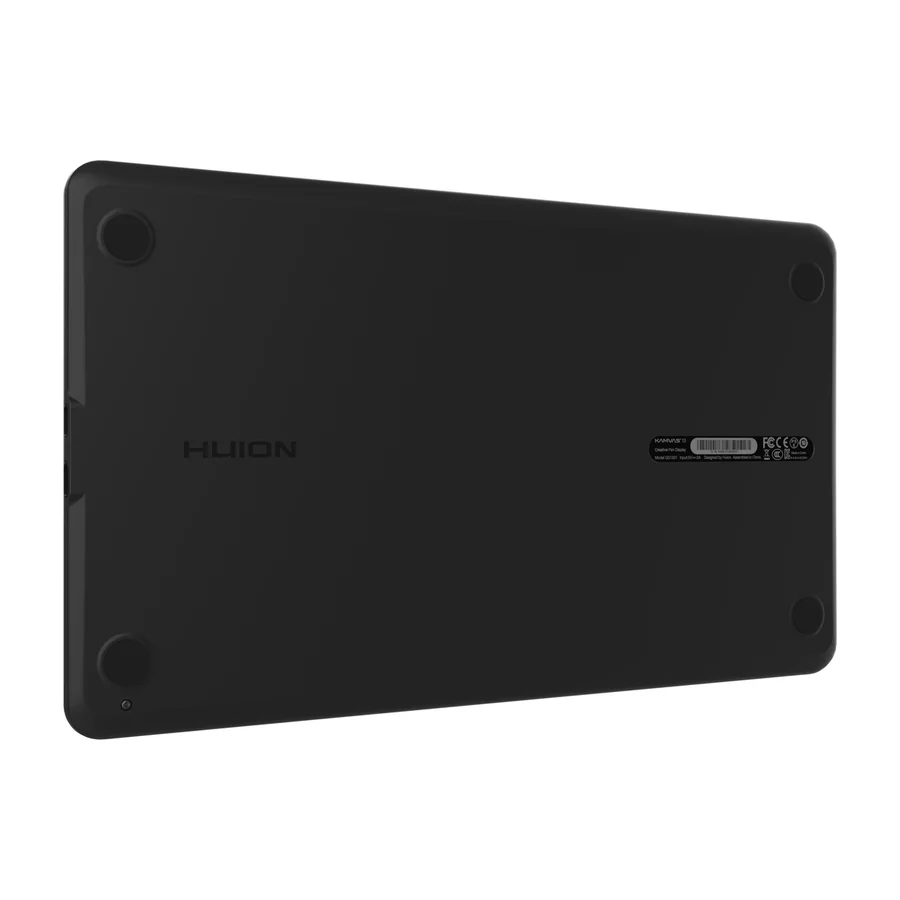
 Huion Kamvas 13
 D tier #10 5 of 9 research runs entered this as a product to avoid rather than a pick.
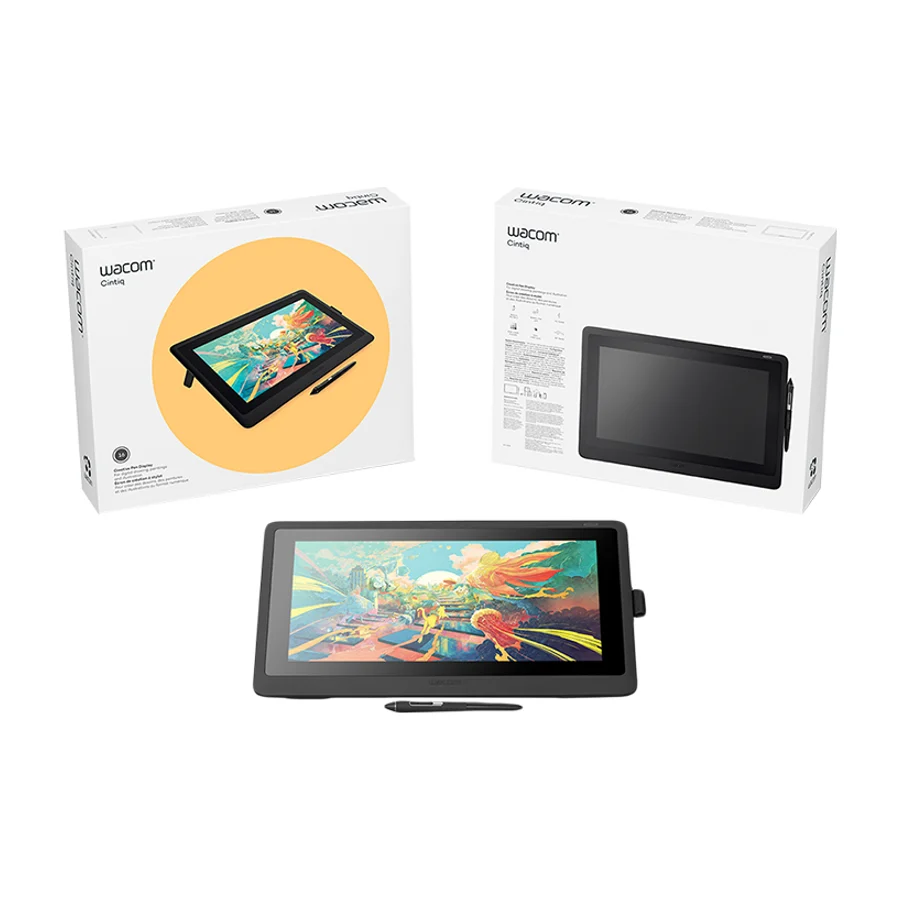
 Wacom Cintiq 16
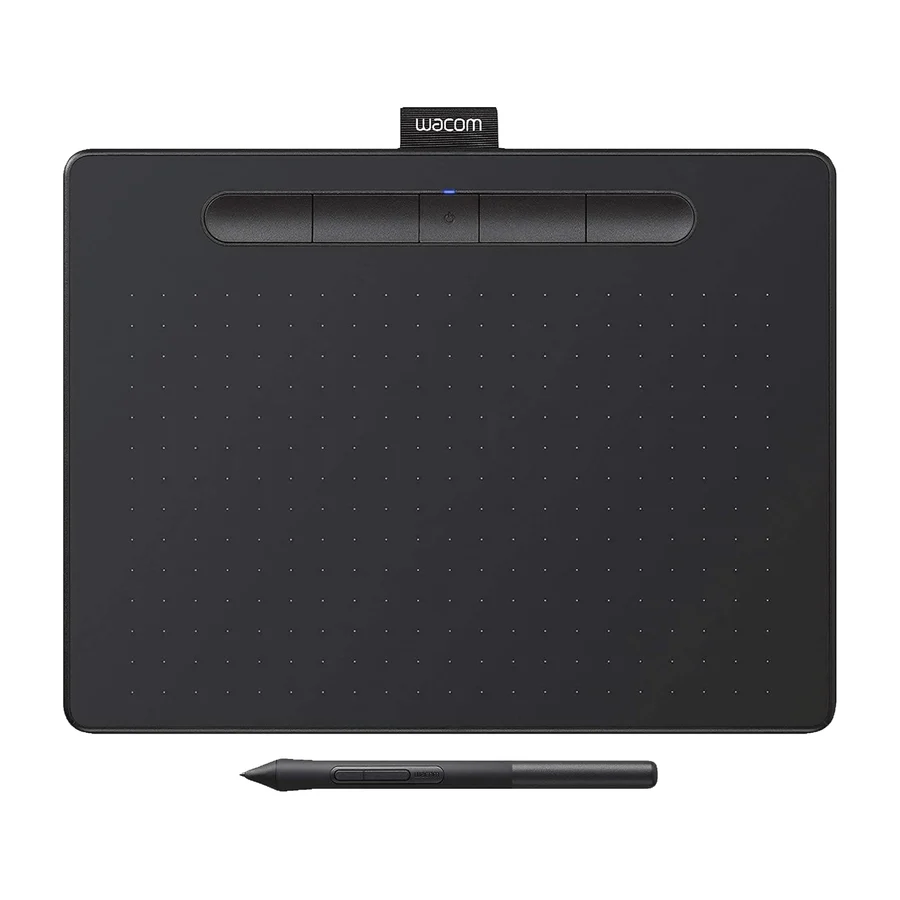 F tier #11 3 of 6 research runs entered this as a product to avoid rather than a pick.