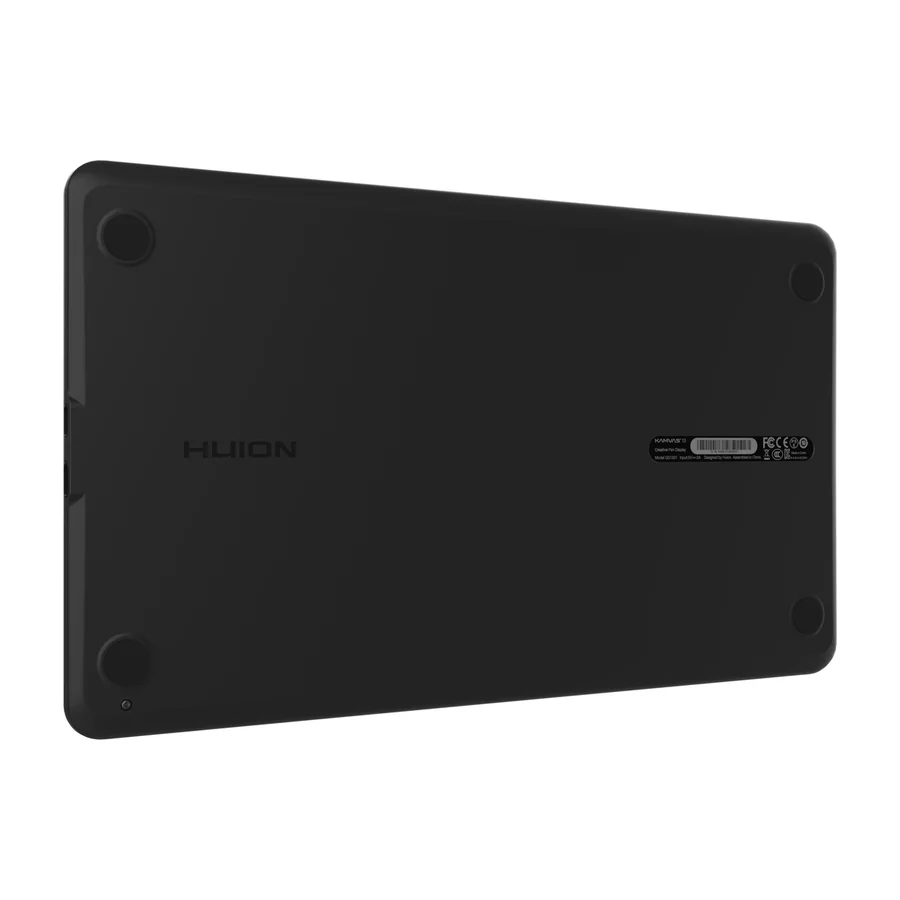
Huion
Huion Kamvas 13
D
Ranked #9 in Drawing Tablets
314 LP on the
category ladder
what's LP?
A budget screen tablet that delivers sharp visuals and accurate pen input, suitable for professionals on a tight budget.
Consolidated from 11 cited sources across 10 outlets
Where the cited sources landed, as we read them
- 10 positive sources
- 1 unconvinced source
Pros & cons
- ✓ Sharp display
- ✓ Accurate pen input
- ✓ 12.3-inch screen
- ✓ 10-point tilt sensor
- ✓ 8192 pressure levels
The sources behind this ranking
We searched the web and YouTube for what has been published about this product, then read the articles, video transcripts and comments we found.
Evidence 1 article, 9 video reviews and 1 community source
10 positive sources
H r/huion u/Fit_Entrepreneur_793 · owner  Digital Art Creation Digital Art Creation · 350K subscribers · Sept 2021
  Oyun Orka Oyun Orka · 24.3K subscribers · May 2024
  IAMRENSI IAMRENSI · 20.2K subscribers · Jul 2024
  Mr MuBot Mr MuBot · 8.4K subscribers · Jul 2020
  Kalartistry Kalartistry · 3.5K subscribers · Feb 2022
  Sour Pineapple Sour Pineapple · 516 subscribers · Aug 2020
I love my Huion tablets. I've had ZERO issues with any of the displays, stylus' or their drivers. I'm a digitizer for machine embroidery designs which just like any other digital artist, we need accuracy. I have used other drawing programs and pen pressure has never been an issue either. I hope this helps.Read thread D
Digital Art Creation Digital Art Creation · 350K subscribers · Sept 2021 The Huion Kamvas 13 Tablet Display is one of kind pen display with midrange price but par with most of the premium displays in the market. Since it's relatively cheaper than some of the similar spec pen displays out there I surprised to find the build quality as well as the responsiveness of the display. Overall in my opinion Huion Kamvas is one of the best budget Tablet Display which is suitable for first time pen display artist with limited budget or even non artistes like teachers , students who work with online conferences. who can utilize this pen's ability to work with Microsoft apps such as word, power point and excel to explain or take notes while sharing your screenWatch D Daniel Ang Art Review unit from Huion Daniel Ang Art · 27.9K subscribers · Aug 2023
This is the old one I used, the GT-221, and you can see right there that it has a charging port, whereas the Kamvas 13 doesn't need charging at all. This was, in fact, one of the most annoying things about my original tablet, because I felt that having to charge the stylus while drawing or having it shut down mid-work was outdated even in 2018. So I'm very glad that Huion decided to update and opt for a more streamlined and modern stylus style. Now , I would say that the second pro of using the Kamvas 13 is this screen; I keep going back to the screen, but it's truly amazing.Watch O
Oyun Orka Oyun Orka · 24.3K subscribers · May 2024 The tablet feels pretty good quality wise, while also not being too overly heavy. According to the website, it weighs 980g, or about 2.1lbs. So underneath the tablet, after removing the paper divider, there's the pen and the tablet stand. The pen itself feels quite nice and the size and shape is good, though it's a little bit lighter than what I'm used to. I'll try it more later!Watch I
IAMRENSI IAMRENSI · 20.2K subscribers · Jul 2024 From its precise stylus to its seamless integration with Affinity Photo, the Huion Kamvas 13 offers an unparalleled editing experience.Watch M M. Topkaya M. Topkaya · 17K subscribers · Sept 2020
HUION Kamvas 13 is one of the best monitor tablets on the market. It has a really cool design, wonderful surface and very high-quality stylus. Watch the video to see how you can use this display tablet to teach online and enhance your online lecturesWatch M
Mr MuBot Mr MuBot · 8.4K subscribers · Jul 2020 the huion kamvas 13 is kind of the perfect tablet for those who have been bugged so far with the massive sized display tablets but like every other product out there this also has a couple of minor issues but first let's just assess the whole package and see how she i mean it looks like. hey everyone mukul here with another huion product review because wacom doesn't know me yet.Watch K Kalartistry Kalartistry · 3.5K subscribers · Feb 2022
Couple of weeks back I unboxed the #huion #kamvas13 display tablet. I have played around with it a bit more now and this is my product #review for the huion tablet. All in all, I really enjoyed the larger screen size of 13 inches, since I was using the smaller 11 inch tablet until now. The display is quite nice to look at and color accuracy is quite high as wellWatch K
Kalartistry Kalartistry · 3.5K subscribers · Feb 2022 I was able to setup everything and get the pen display working well with Krita which is my go-to drawing app on windows.Watch S
Sour Pineapple Sour Pineapple · 516 subscribers · Aug 2020 I give this tablet a 4.7 out of 5 stars overall. It is a great size and easy to set up. My only problem with it was I was unable to connect it to my mac without an hdmi adapter.Watch

Frequently asked questions
It ranks #9 of 13 on our drawing tablets tier list, in D tier. That placement draws on 11 cited sources across 10 outlets.
Ranked nearby in Drawing Tablets
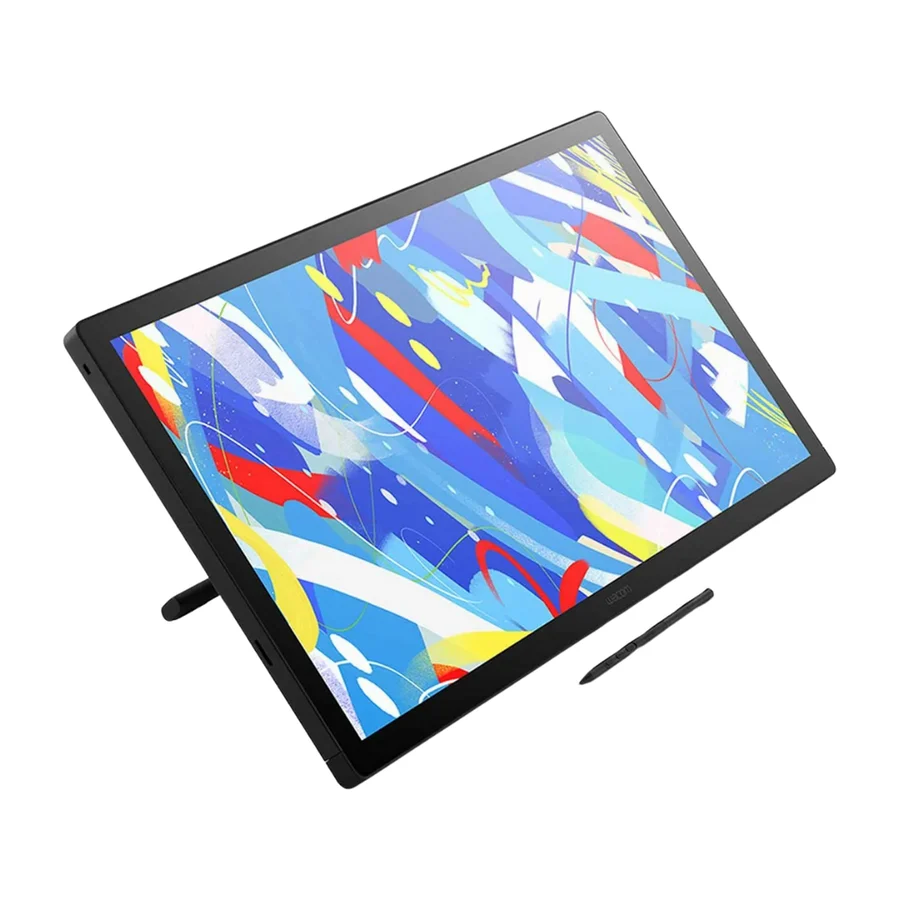 S tier #1
 Wacom Cintiq 24 Touch
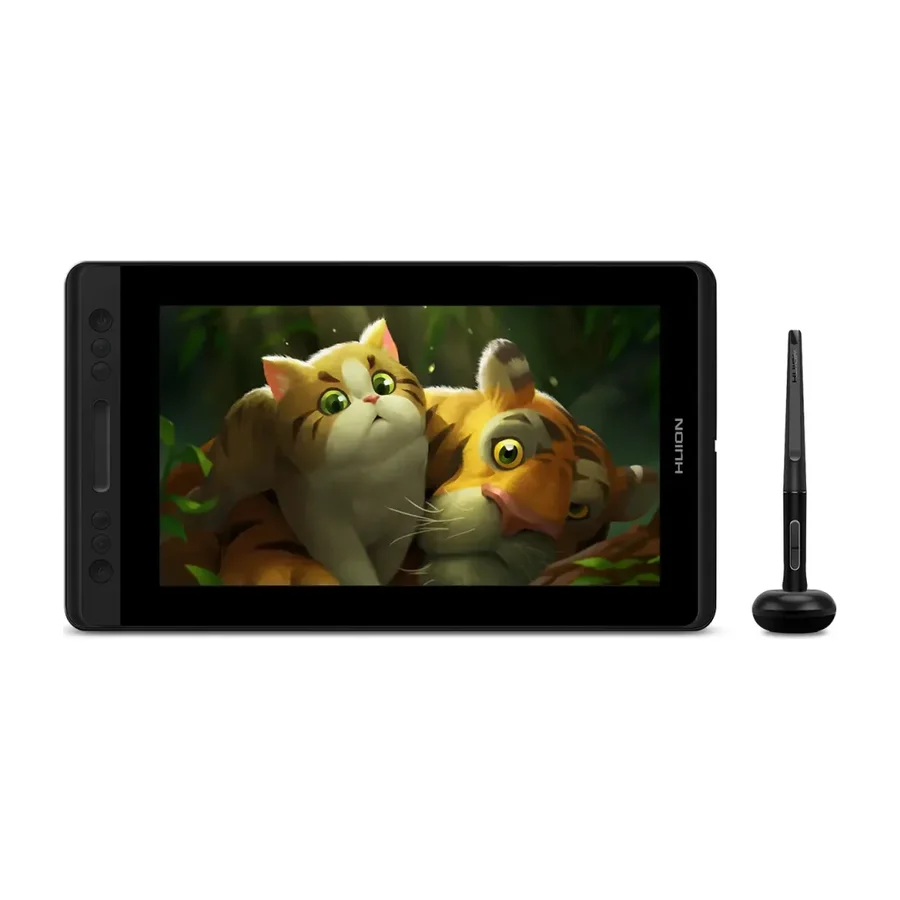 A tier #4
 Huion Kamvas Pro 13
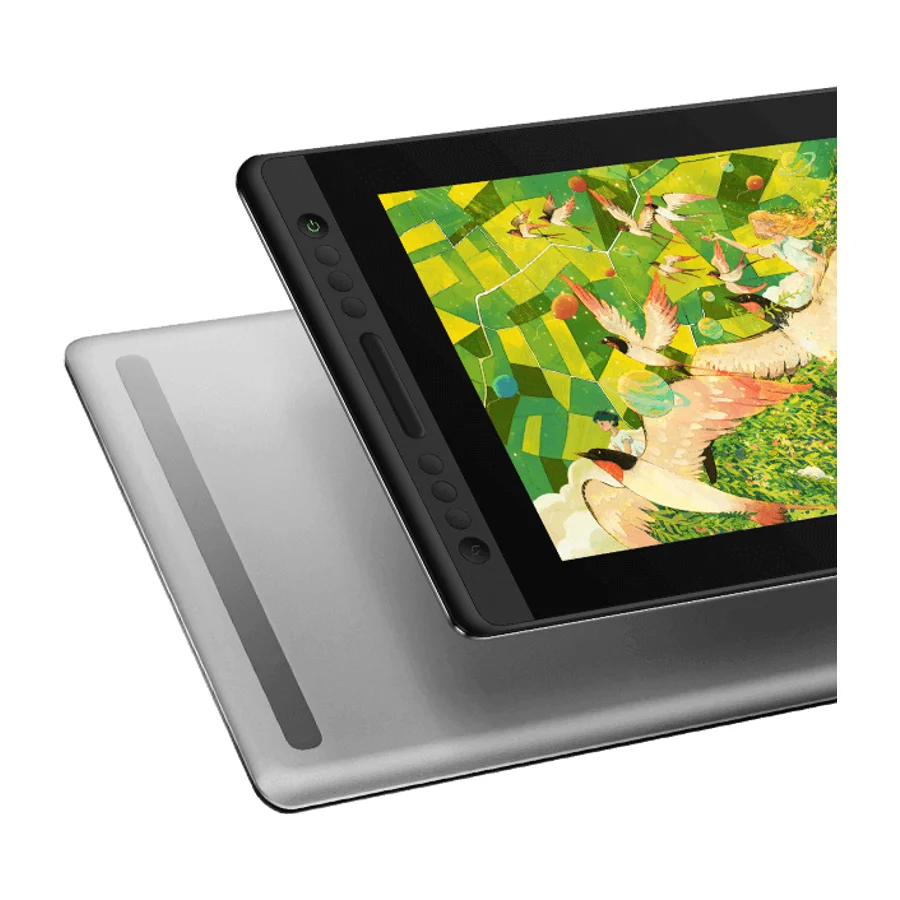 B tier #5
 Huion Kamvas Pro 16 V2
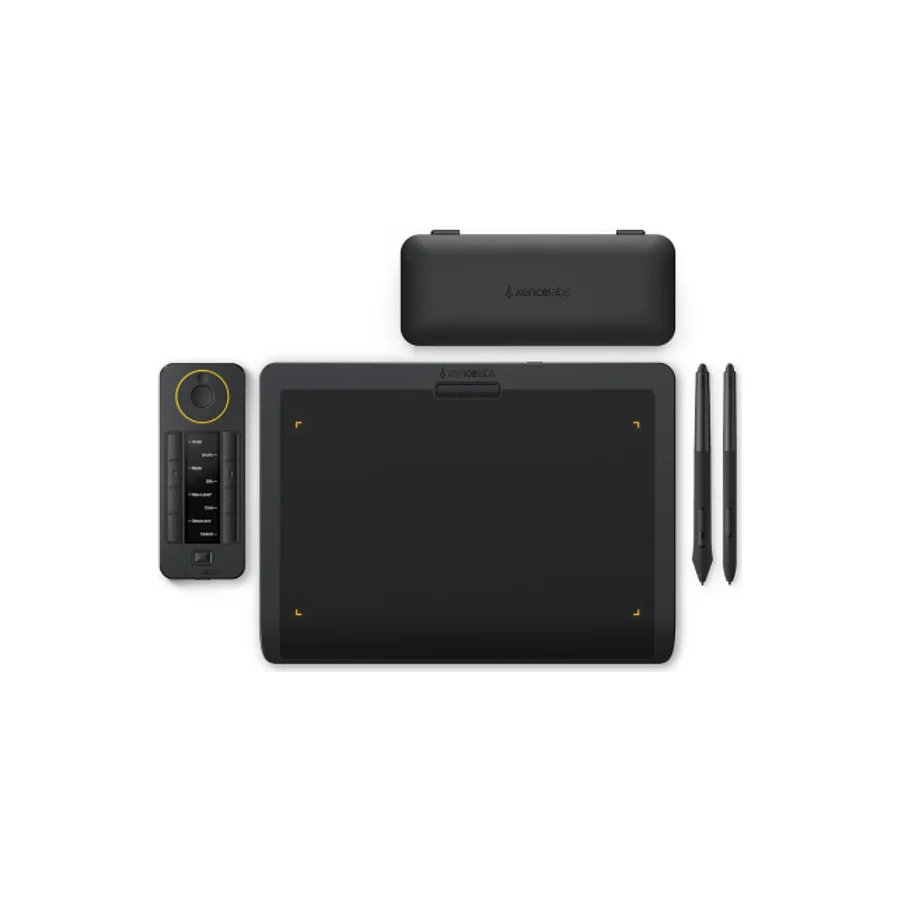 C tier #6
 Xencelabs Pen Tablet Medium Bundle
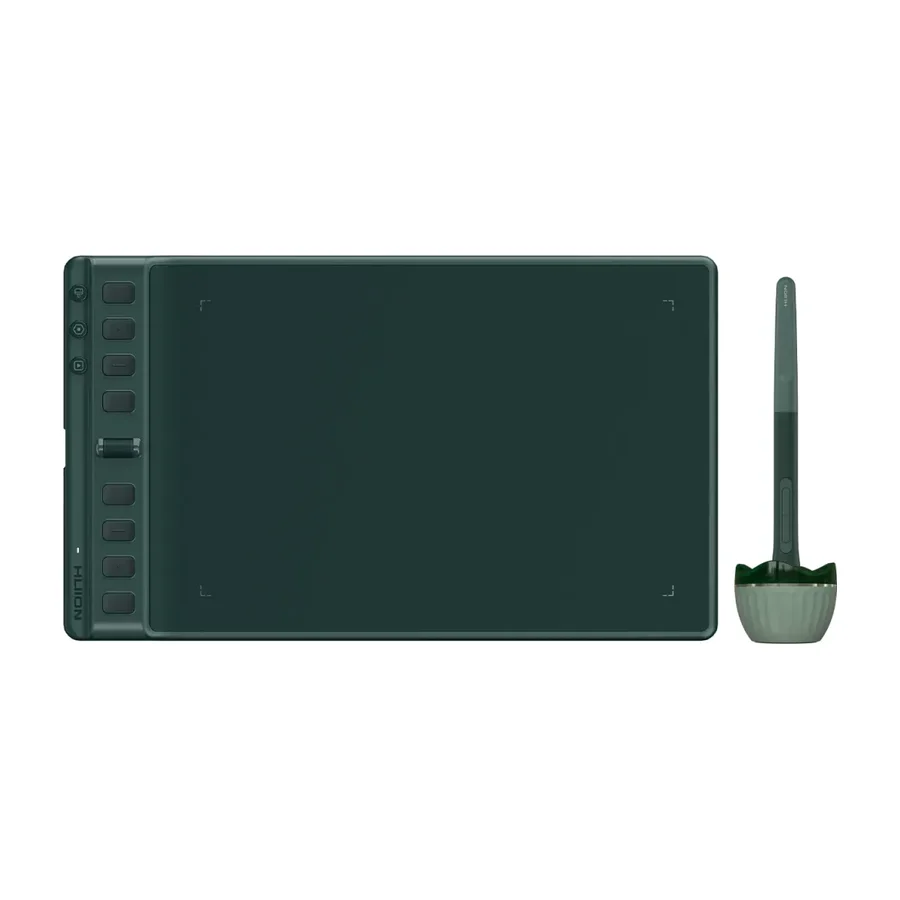 C tier #7 1 of 7 research runs entered this as a product to avoid rather than a pick.
 Huion Inspiroy 2 M A
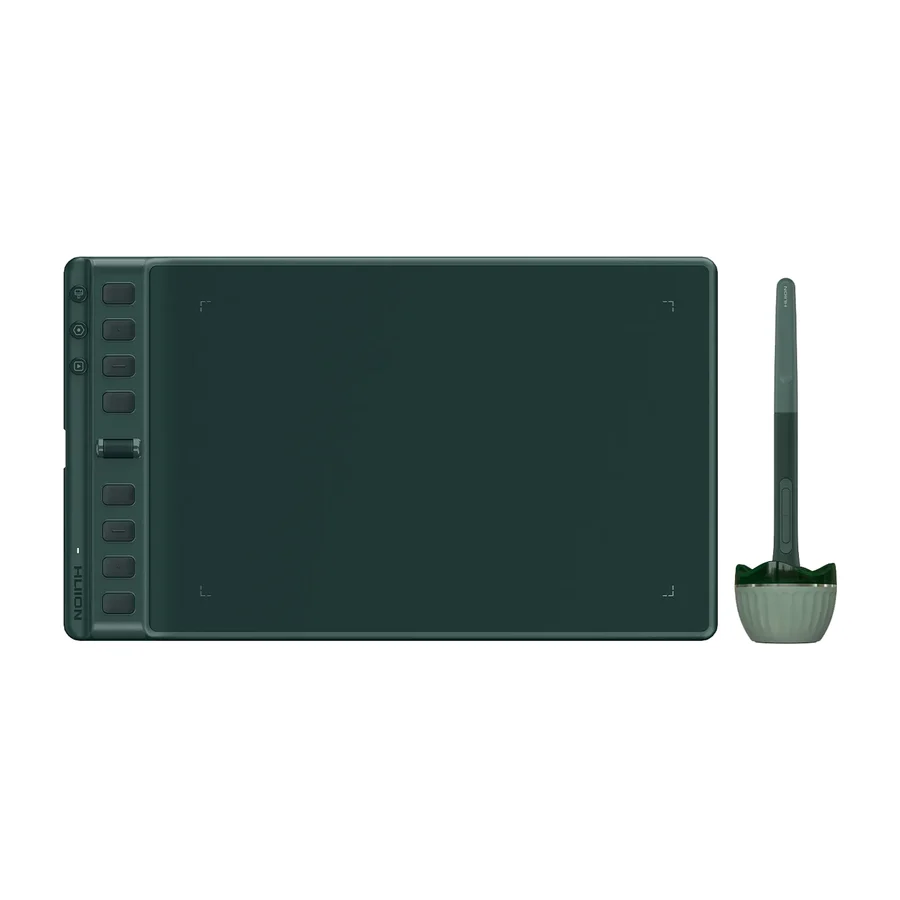 C tier #8 3 of 9 research runs entered this as a product to avoid rather than a pick.
 Huion Inspiroy 2 M
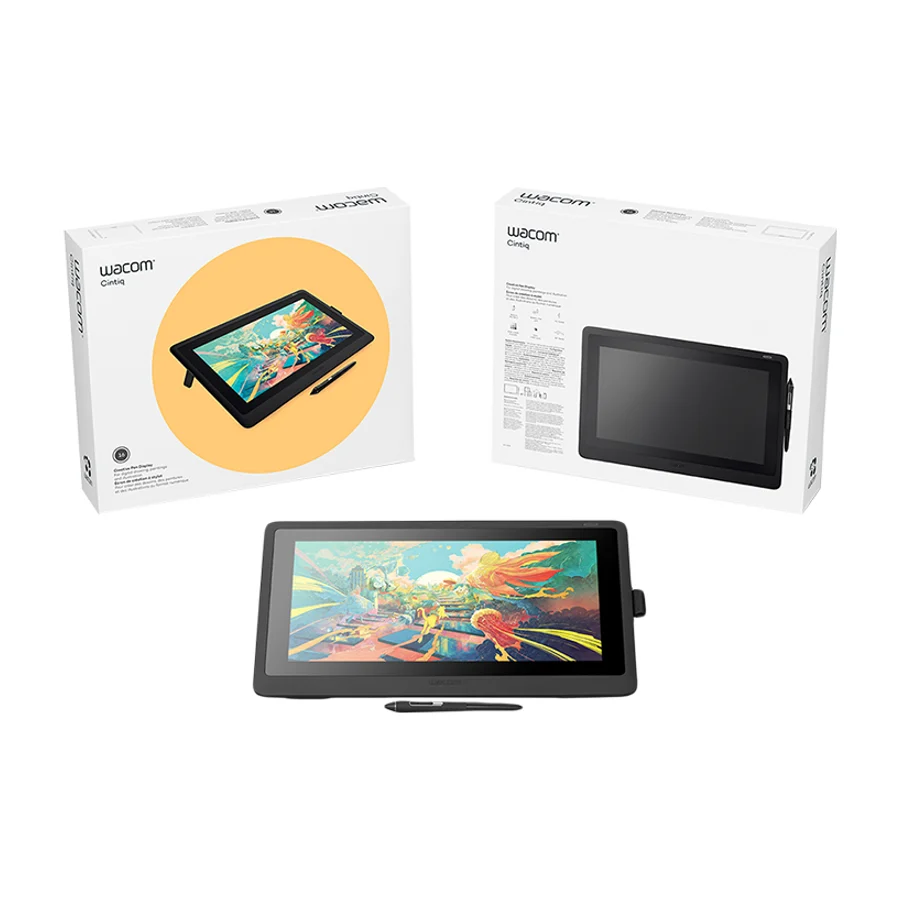 D tier #10 5 of 9 research runs entered this as a product to avoid rather than a pick.
 Wacom Cintiq 16
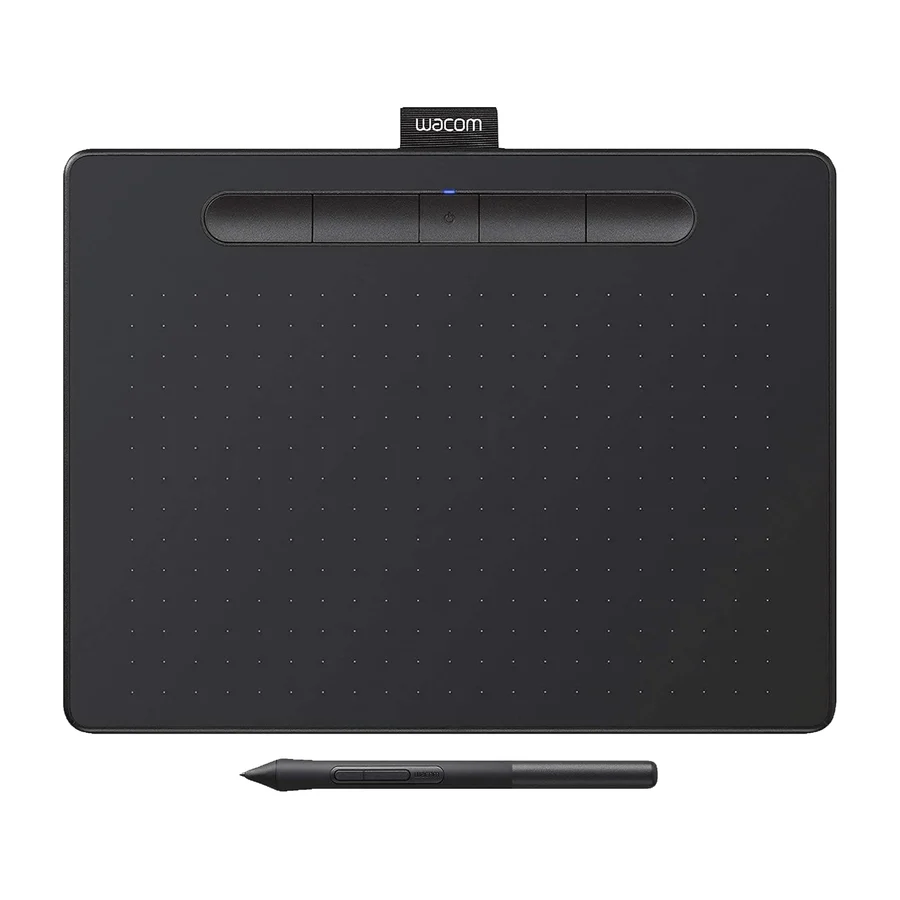 F tier #11 3 of 6 research runs entered this as a product to avoid rather than a pick.
 Wacom Intuos Pro Small
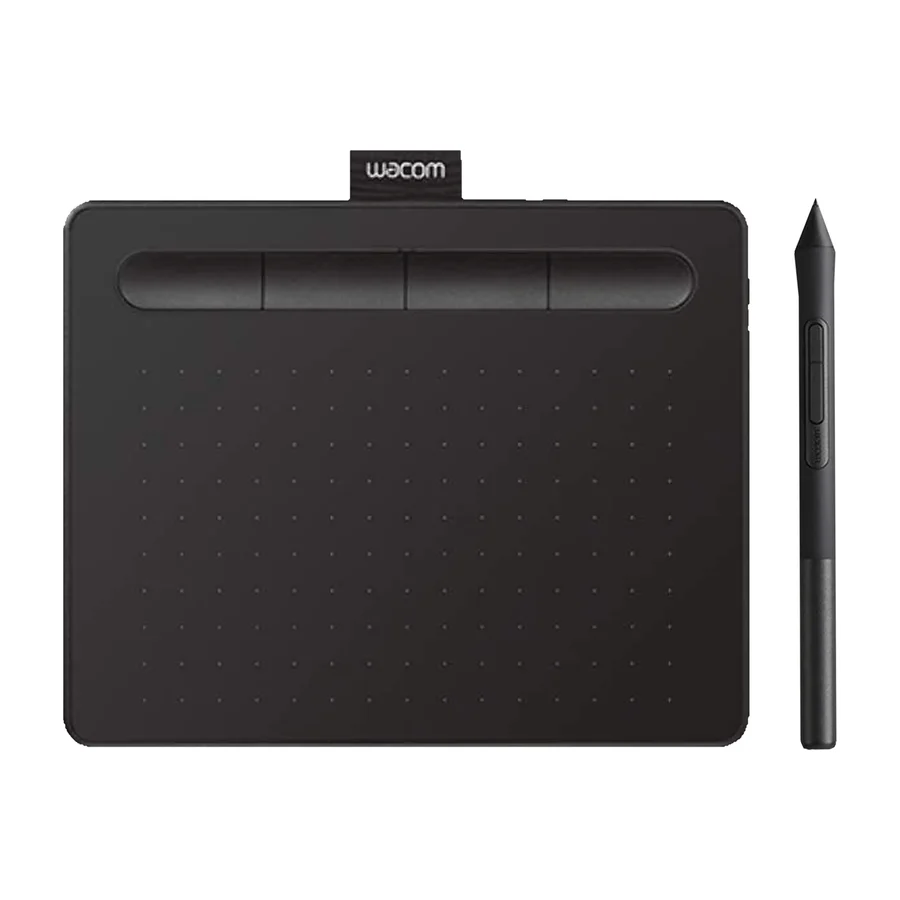 F tier #12 3 of 6 research runs entered this as a product to avoid rather than a pick.
 Wacom One 13 Touch
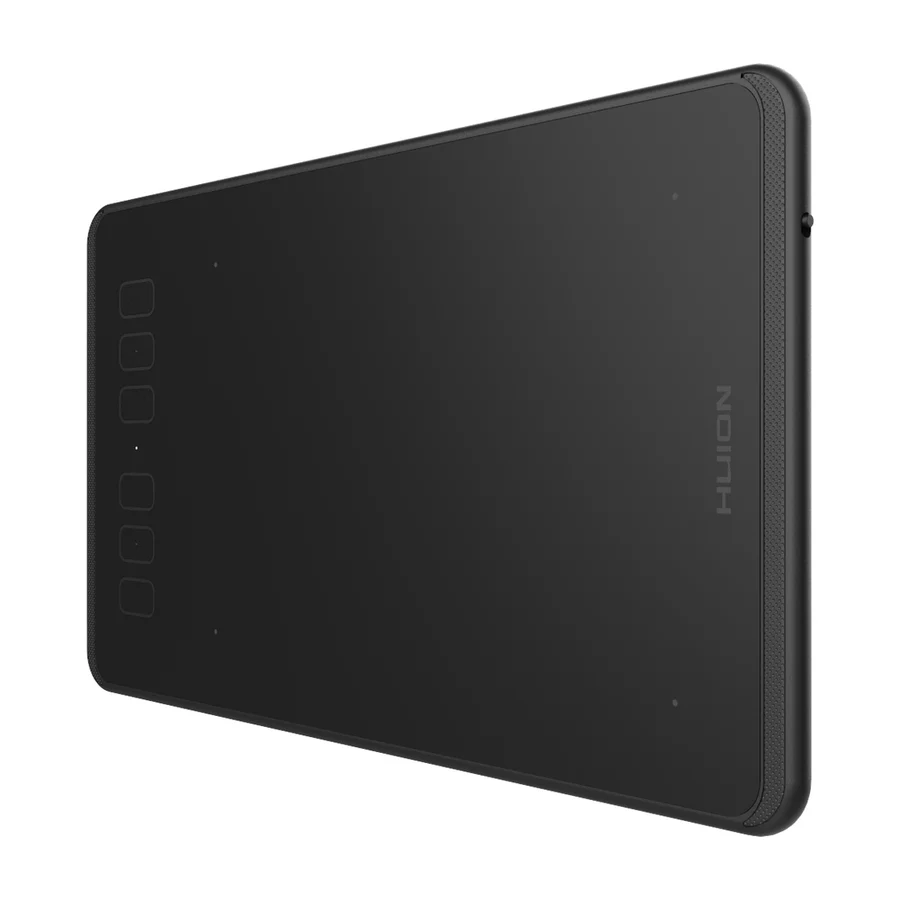 F tier #13 4 of 5 research runs entered this as a product to avoid rather than a pick.