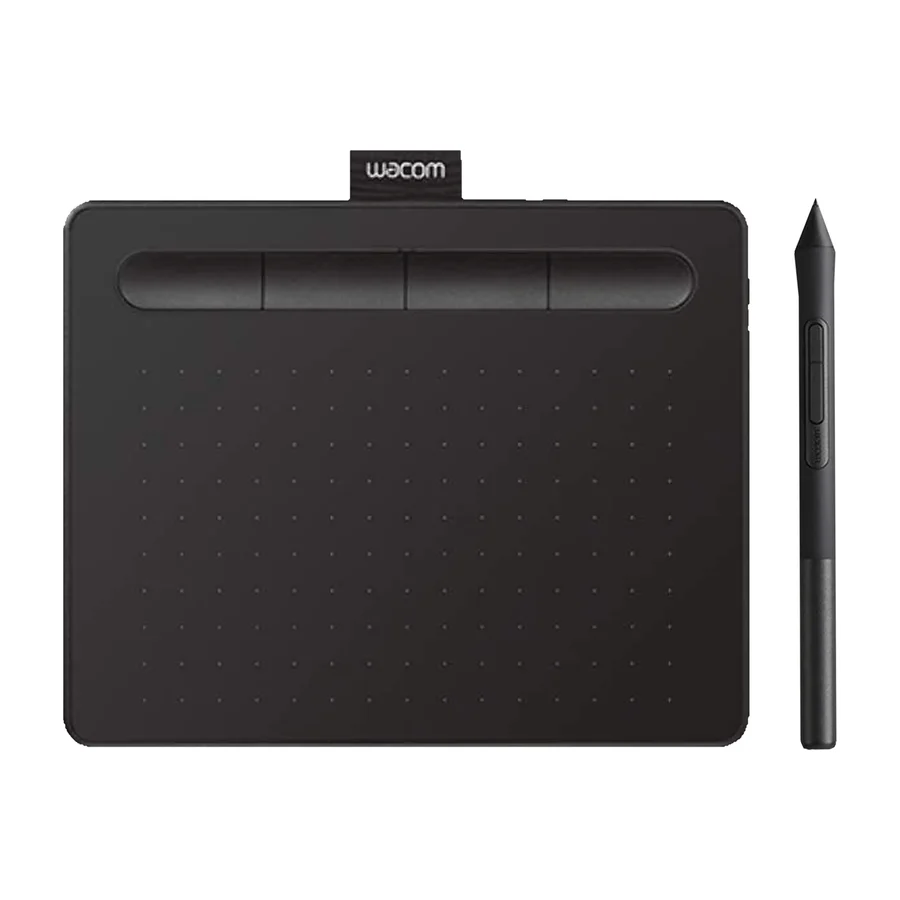
Wacom One 13 Touch
Wired's 8/10 recommendation with Wacom's warranty and support behind it, but an entry-grade display with an aging design lineage. It earns pick status as the only well-supported entry display that is not superseded or outclassed.
Consolidated from 3 independent outlets
Where the cited sources landed, as we read them
- 1 positive source
3 of 6 research runs entered this as a product to avoid rather than a pick.
Overpriced relative to its modest screen and pen performance; better alternatives exist in the same price range.
Flagged 29 July 2026
Pros & cons
- ✓ Wacom's warranty and support behind it
- ✓ Wired Recommends with an 8/10 rating
- ✓ 13-inch touch screen
- ✓ Responsive touch integration
- ✓ Stable firmware
- ✗ Entry-grade display with an aging design lineage
- ✗ Not a standout choice
- ✗ Limited pressure sensitivity
- ✗ Modest screen
- ✗ Only basic pressure sensitivity
The sources behind this ranking
We searched the web and YouTube for what has been published about this product, then read the articles, video transcripts and comments we found.
Evidence 1 article, 1 video review and 1 community source

2 stance not read sources
Hi everyone, I’m planning to buy a new drawing tablet, but I’m confused between the Wacom One 13 Touch and the Wacom Movink 13. I’m a 3D artist and also into digital art. I used to have a Huion Kamvas 13 Pro, but my experience with it wasn’t good—driver issues, cursor misalignment, etc. Currently, I’m using a 10-year-old Wacom One by Wacom pen tablet, so I want to upgrade.Read thread W
 Wired Article Read
 Frequently asked questions
It ranks #12 of 13 on our drawing tablets tier list, in F tier. That placement draws on 3 independent outlets.
Entry-grade display with an aging design lineage. Not a standout choice. Limited pressure sensitivity. Modest screen. Only basic pressure sensitivity.
Ranked nearby in Drawing Tablets
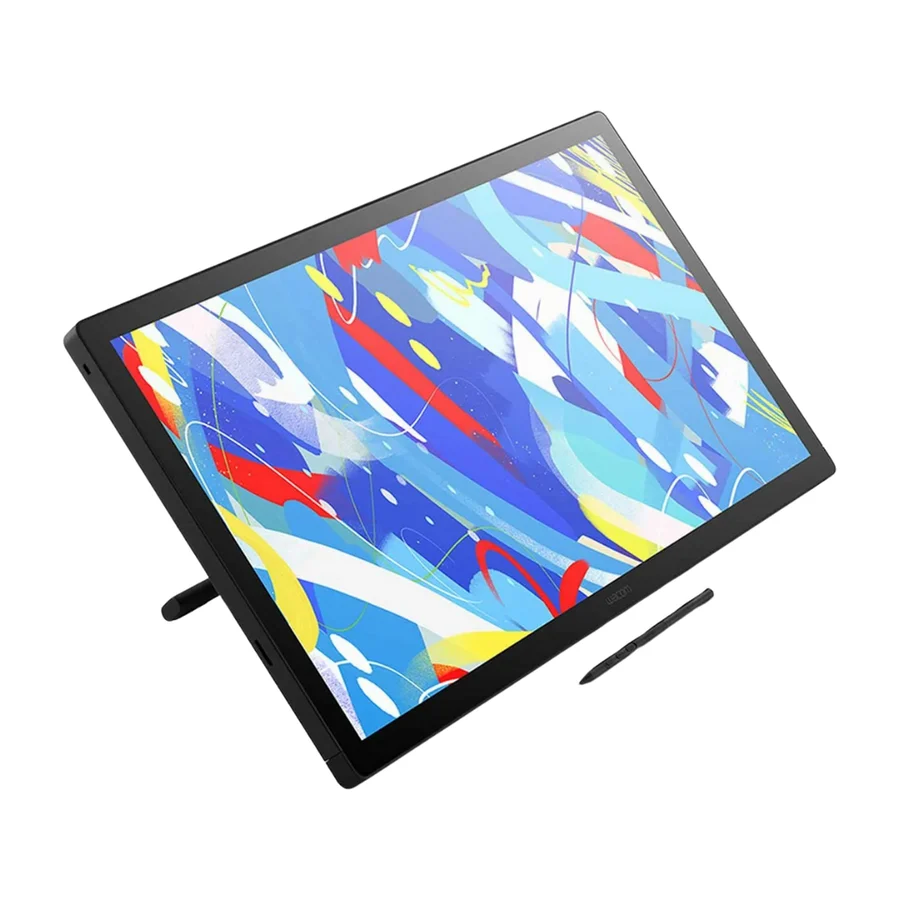 S tier #1
 Wacom Cintiq 24 Touch
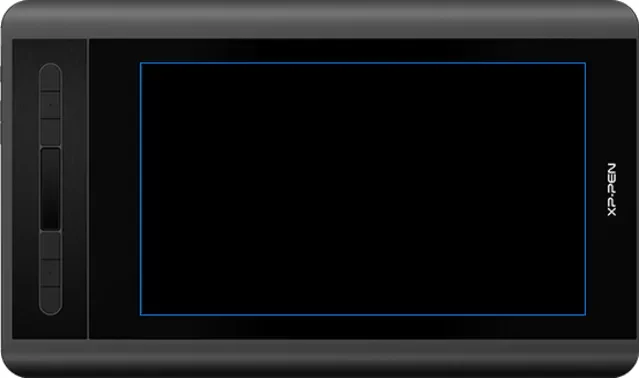 S tier #2
 XP-Pen Artist 12 3rd
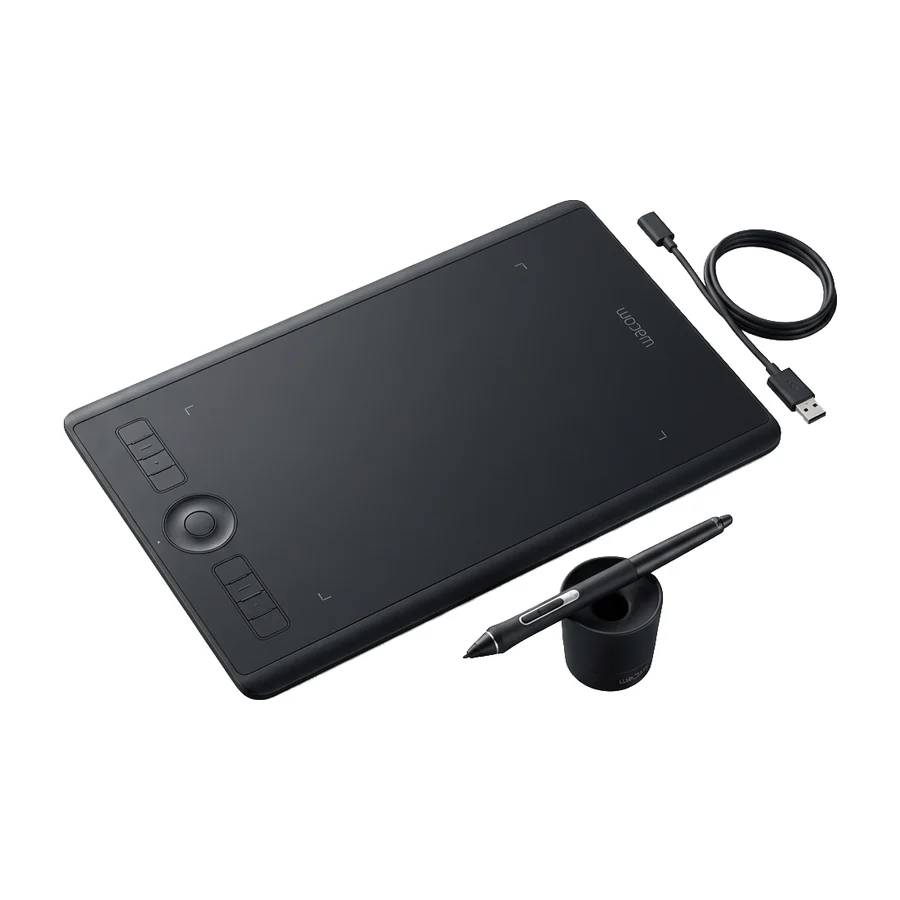 A tier #3
 Wacom Intuos Pro Medium
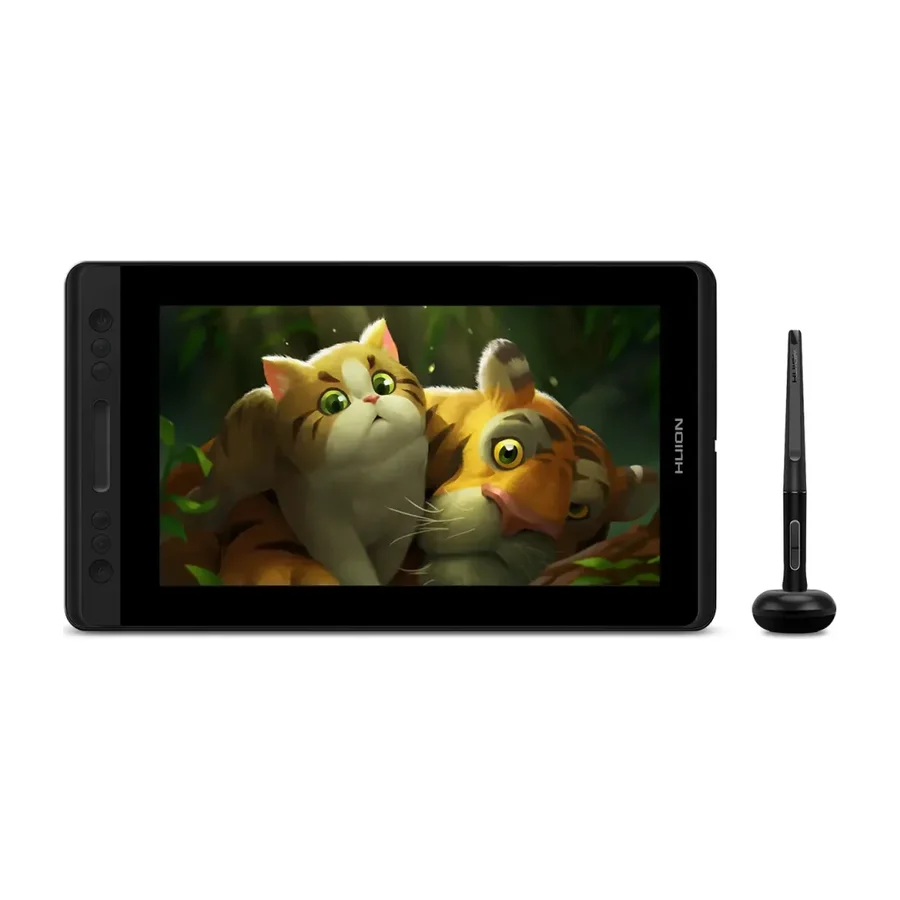 A tier #4
 Huion Kamvas Pro 13
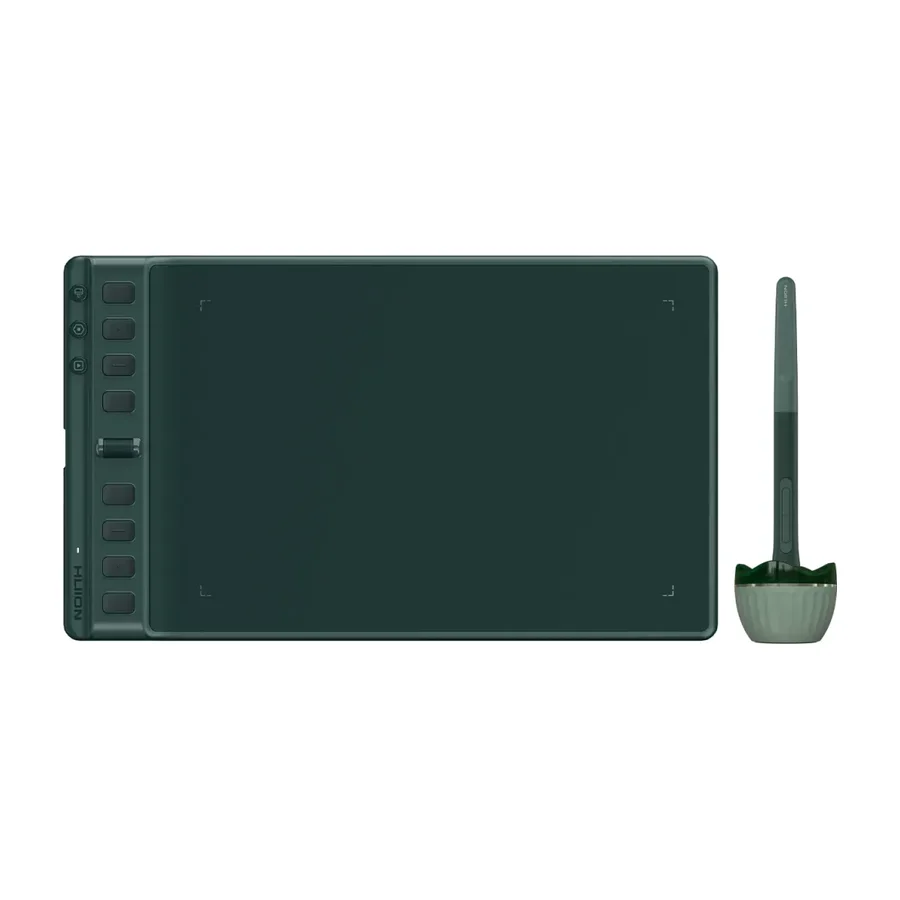 C tier #7 1 of 7 research runs entered this as a product to avoid rather than a pick.
 Huion Inspiroy 2 M A
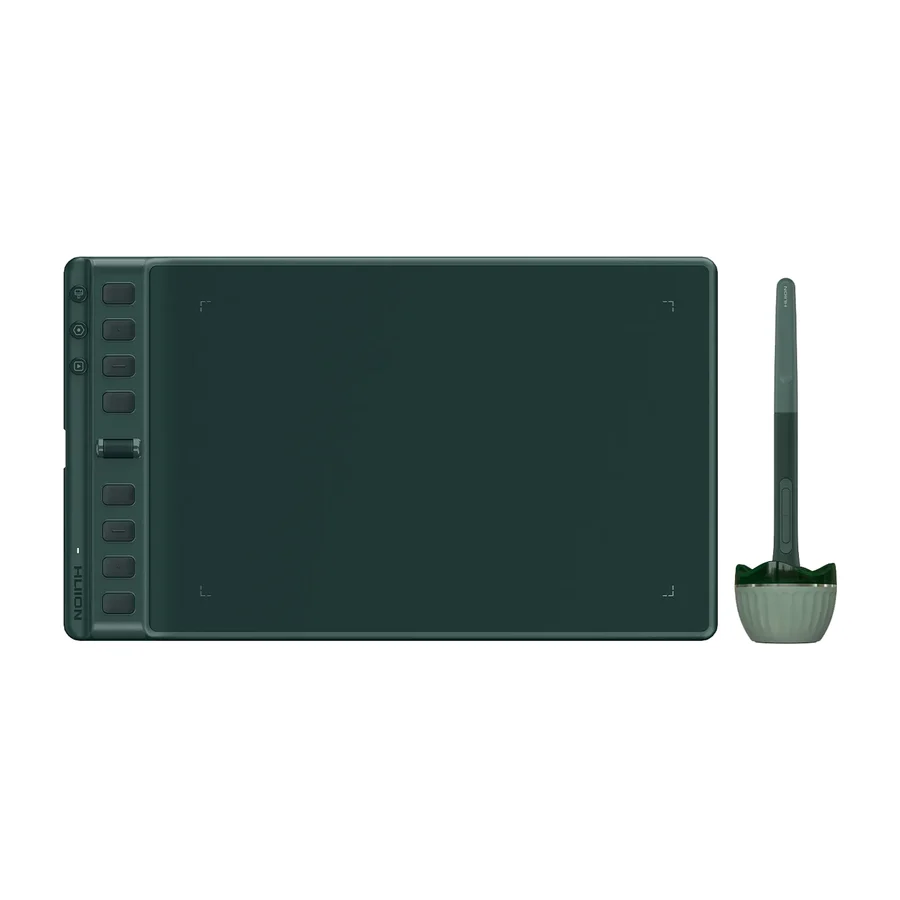 C tier #8 3 of 9 research runs entered this as a product to avoid rather than a pick.
 Huion Inspiroy 2 M
 D tier #9
 Huion Kamvas 13
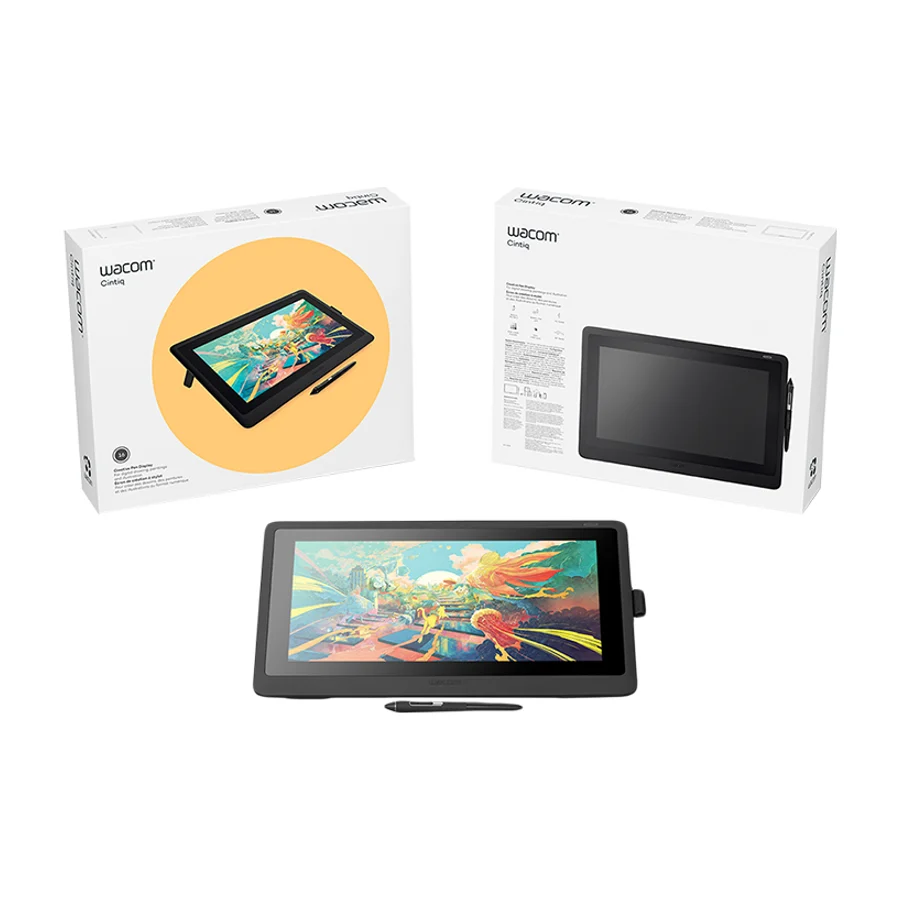 D tier #10 5 of 9 research runs entered this as a product to avoid rather than a pick.
 Wacom Cintiq 16
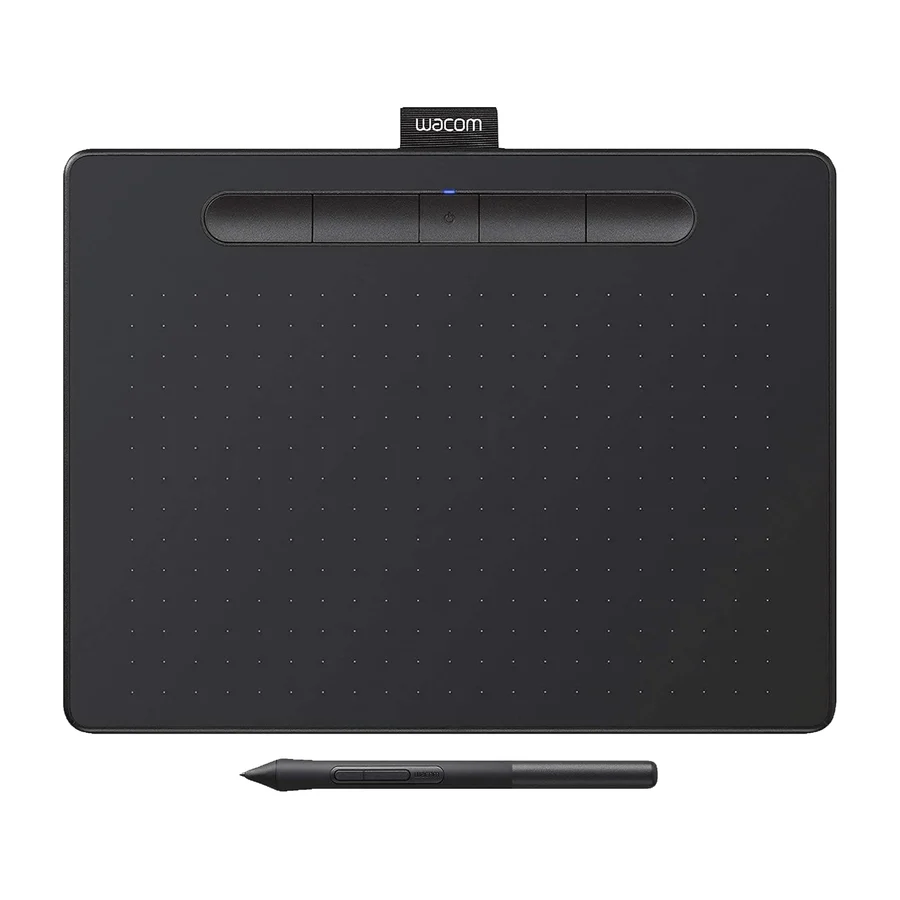 F tier #11 3 of 6 research runs entered this as a product to avoid rather than a pick.
 Wacom Intuos Pro Small
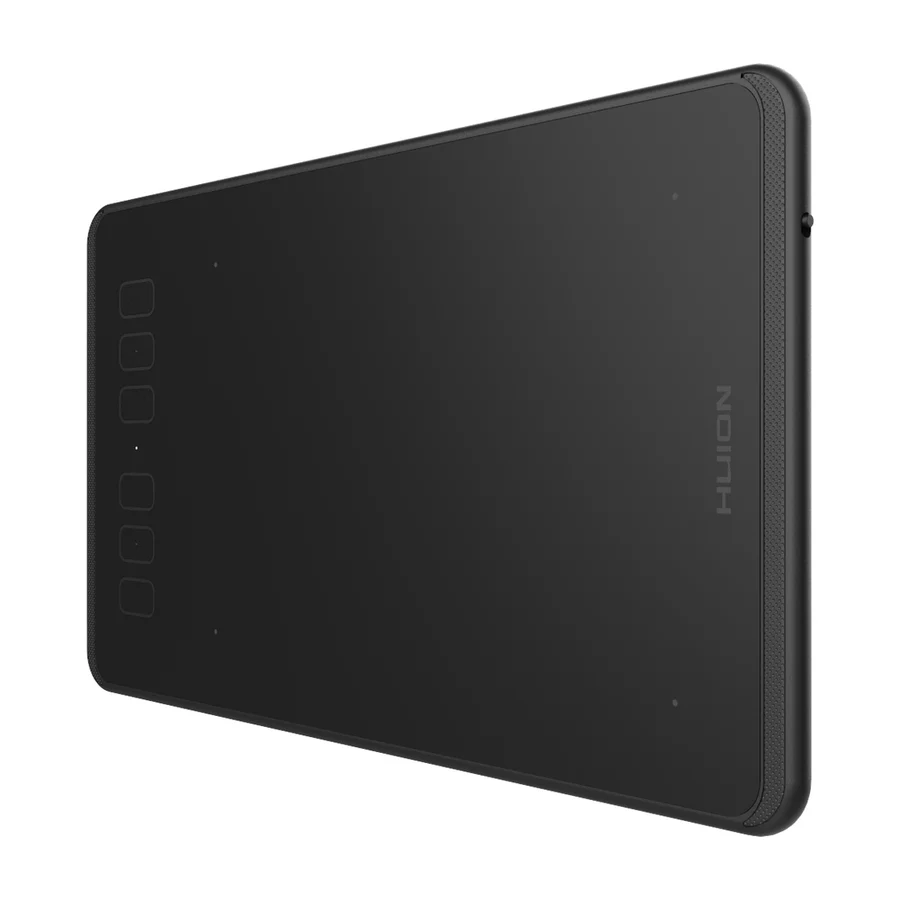 F tier #13 4 of 5 research runs entered this as a product to avoid rather than a pick.