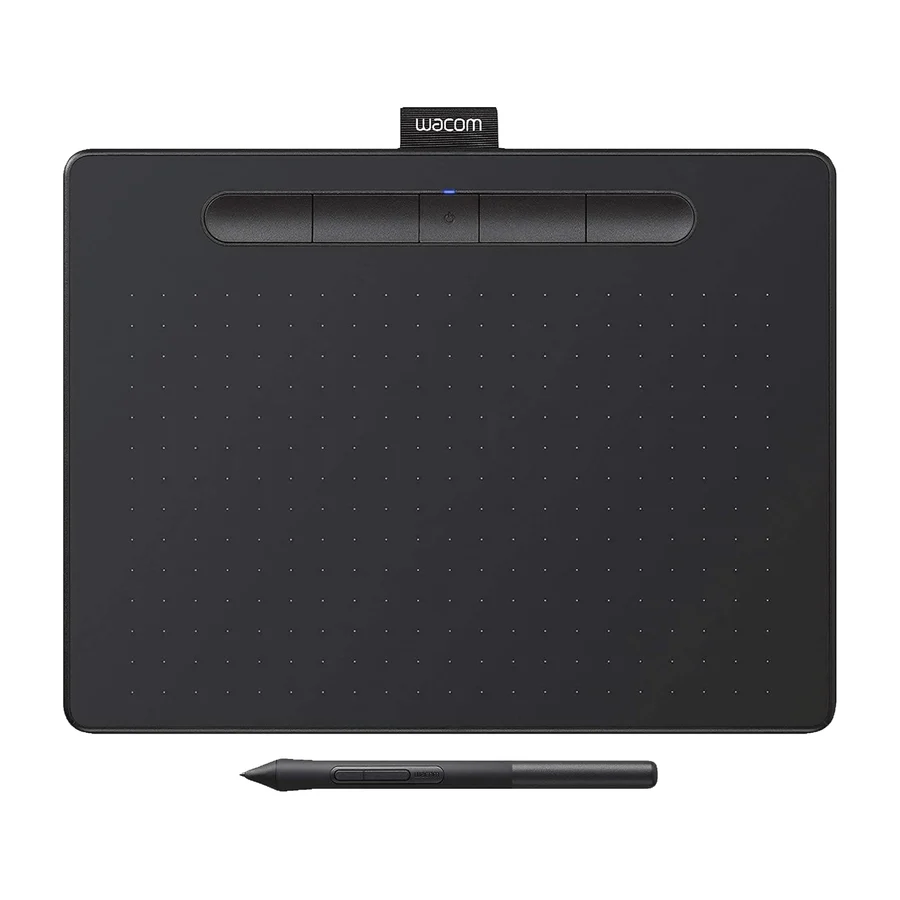
Wacom
Wacom Intuos Pro Small
F
Ranked #11 in Drawing Tablets
198 LP on the
category ladder
what's LP?
Its lack of standout praise suggests other options offer better value or performance.
Backed by one cited source so far - limited coverage
See the source Flagged as a product to avoid
3 of 6 research runs entered this as a product to avoid rather than a pick.
Small working area and lack of screen make it less suitable for detailed illustration; too cramped for serious work.
Flagged 29 July 2026
Pros & cons
- ✓ Compact size
- ✓ Durable chassis
- ✓ Excellent driver support
- ✓ 10-point tilt sensor
- ✓ 8192 pressure levels
- ✗ Not as valuable or performant as alternatives
- ✗ small working area
- ✗ no screen
- ✗ Lower resolution
- ✗ Limited size
The sources behind this ranking
We searched the web and YouTube for what has been published about this product, then read the articles, video transcripts and comments we found.

Frequently asked questions
It ranks #11 of 13 on our drawing tablets tier list, in F tier. That placement rests on one cited source.
Not as valuable or performant as alternatives. small working area. no screen. Lower resolution. Limited size.
Ranked nearby in Drawing Tablets
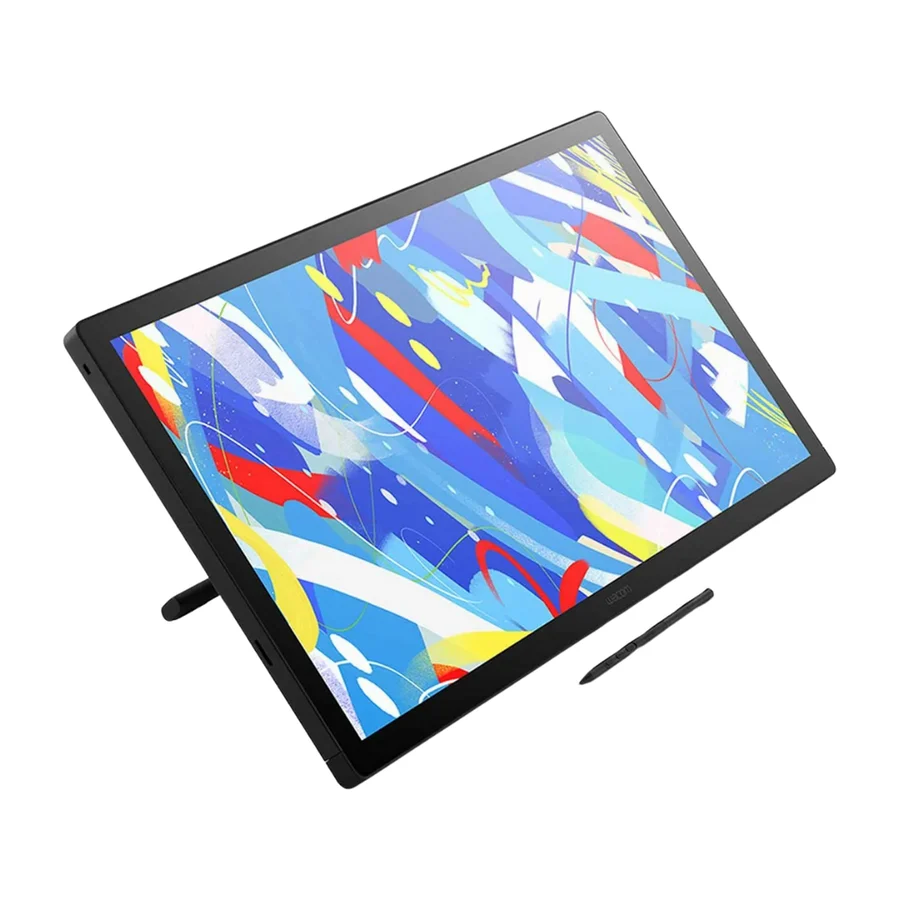 S tier #1
 Wacom Cintiq 24 Touch
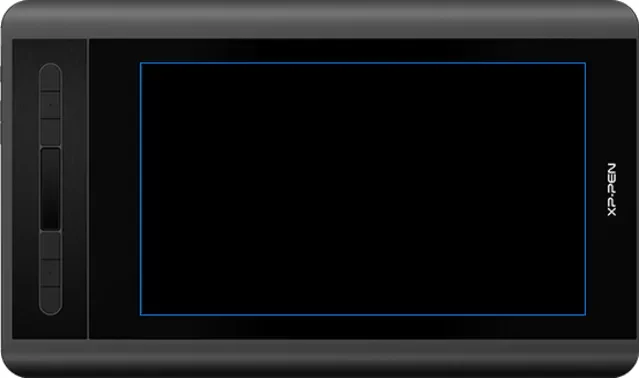 S tier #2
 XP-Pen Artist 12 3rd
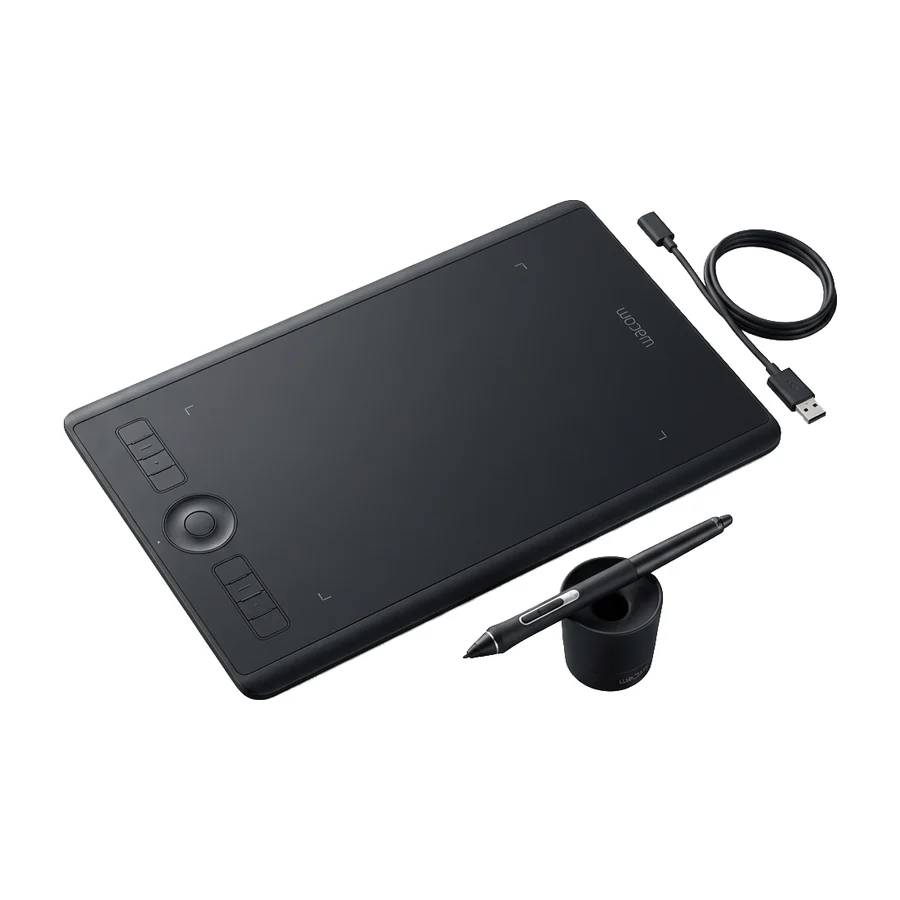 A tier #3
 Wacom Intuos Pro Medium
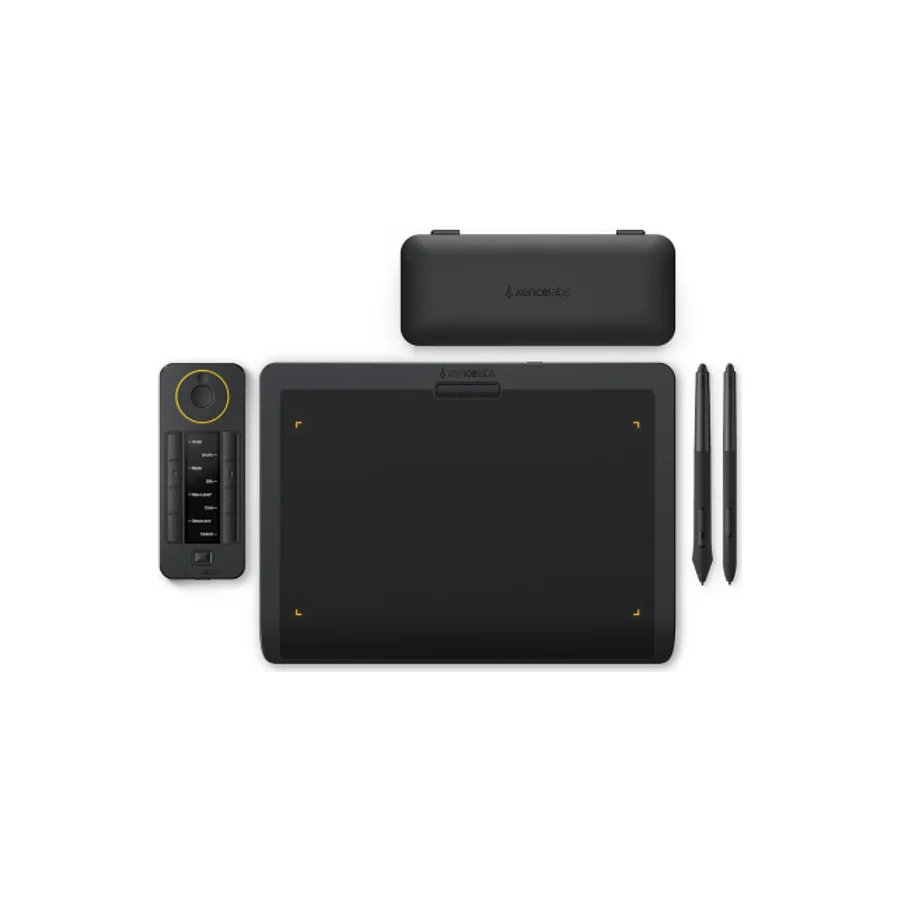 C tier #6
 Xencelabs Pen Tablet Medium Bundle
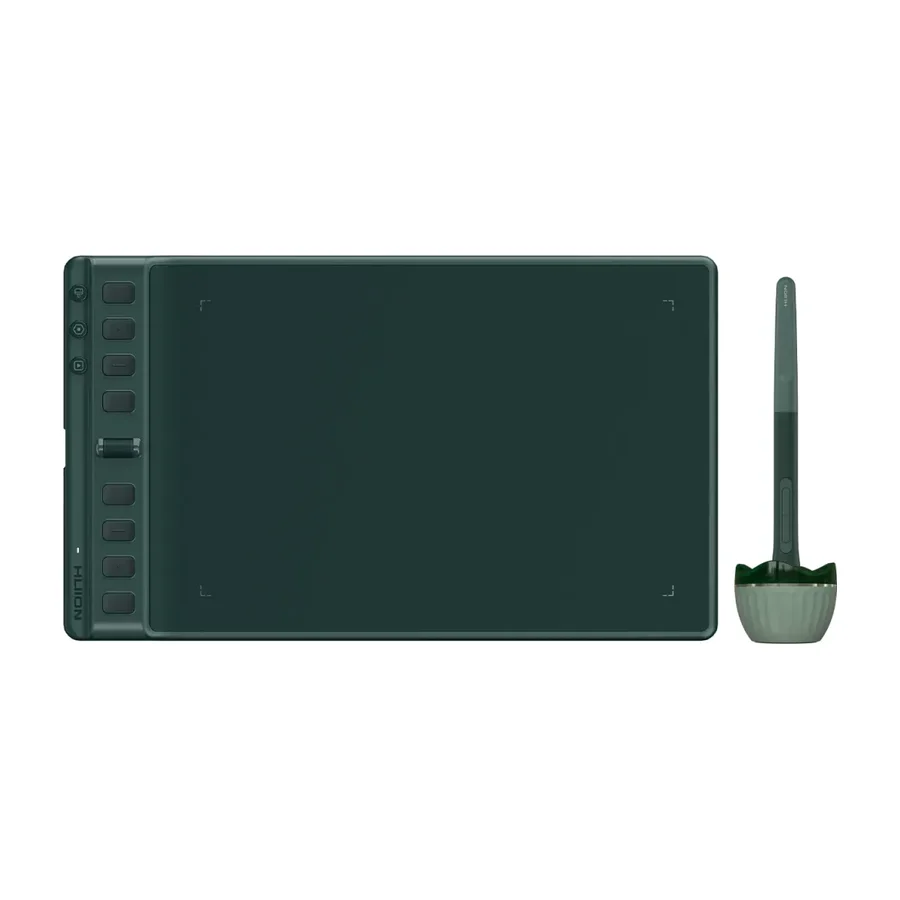 C tier #7 1 of 7 research runs entered this as a product to avoid rather than a pick.
 Huion Inspiroy 2 M A
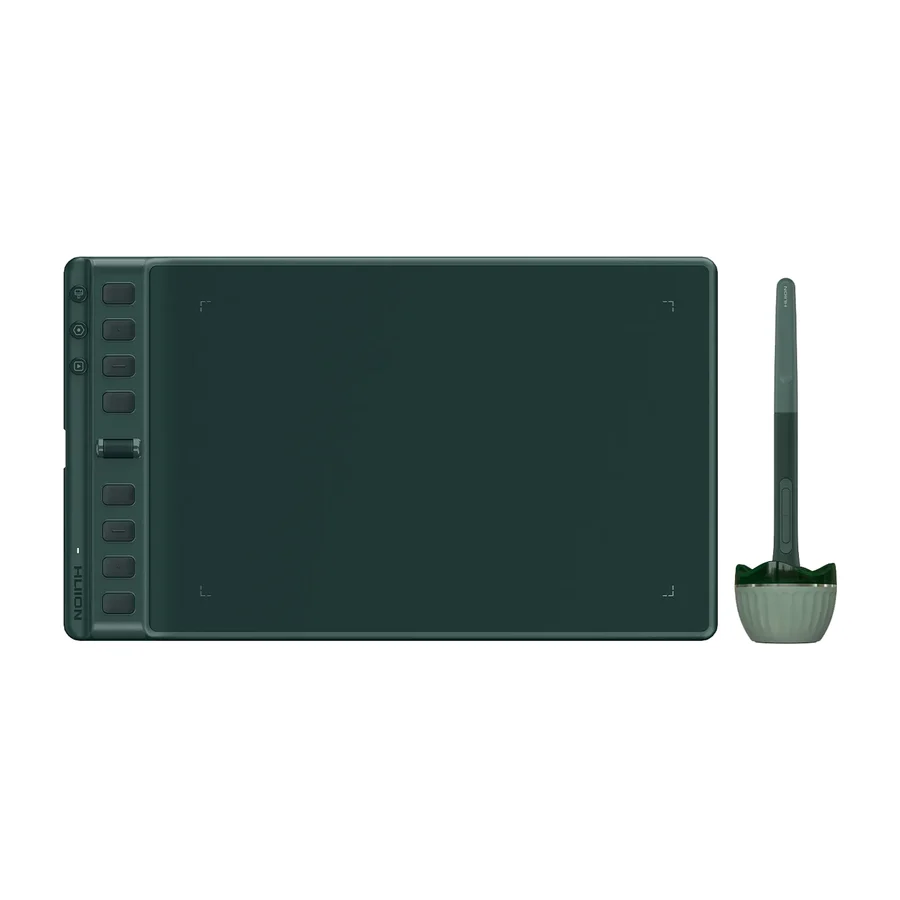 C tier #8 3 of 9 research runs entered this as a product to avoid rather than a pick.
 Huion Inspiroy 2 M
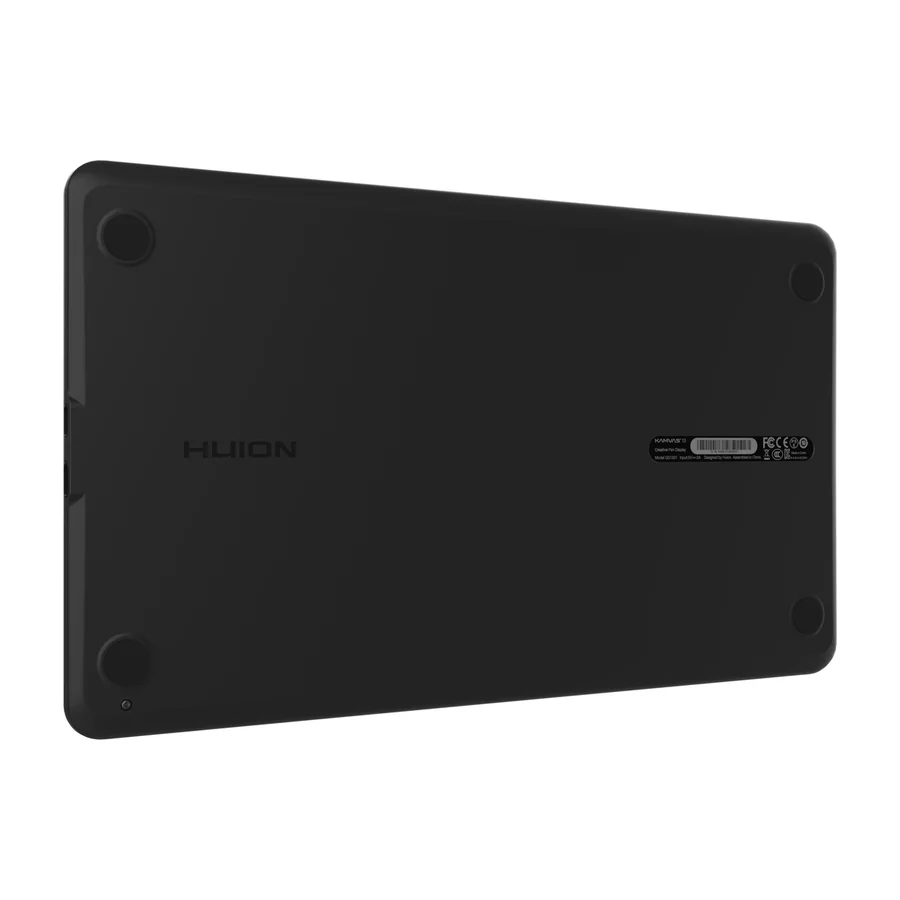 D tier #9
 Huion Kamvas 13
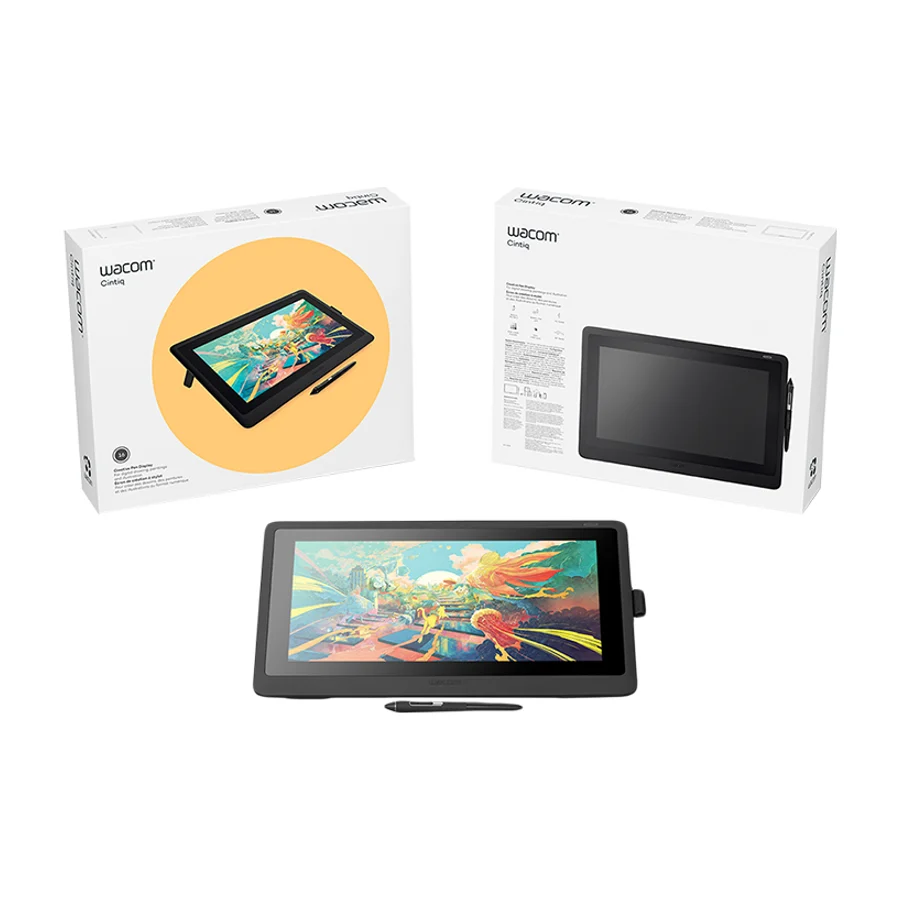 D tier #10 5 of 9 research runs entered this as a product to avoid rather than a pick.
 Wacom Cintiq 16
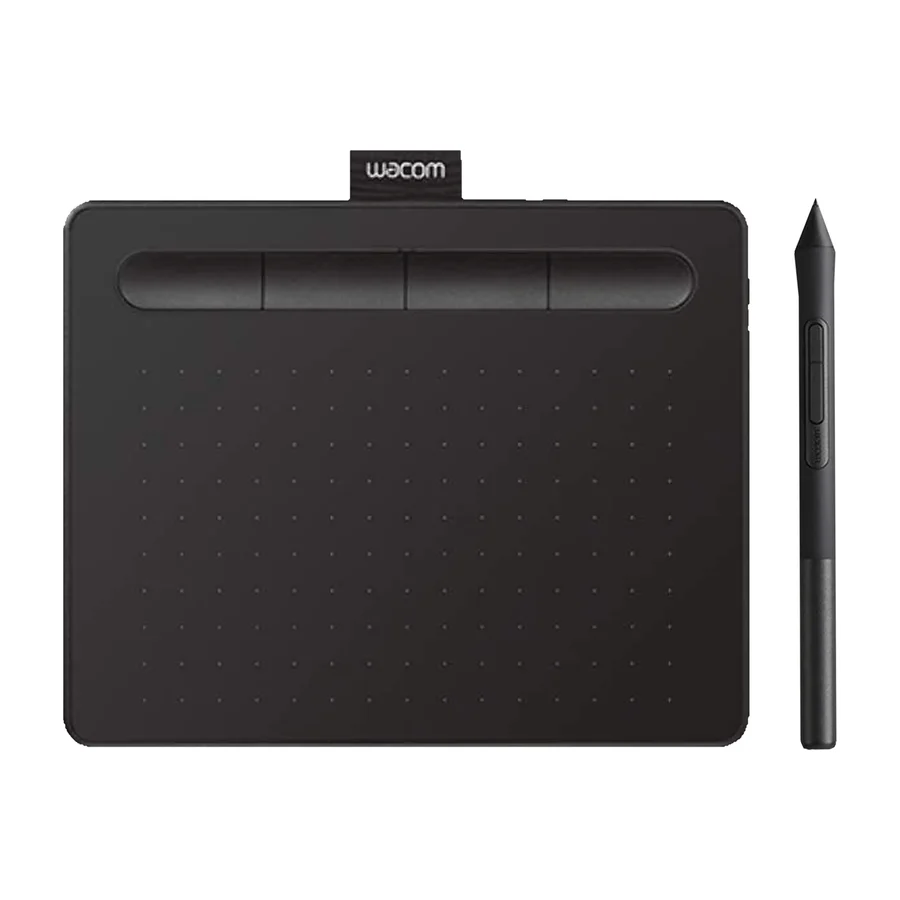 F tier #12 3 of 6 research runs entered this as a product to avoid rather than a pick.
 Wacom One 13 Touch
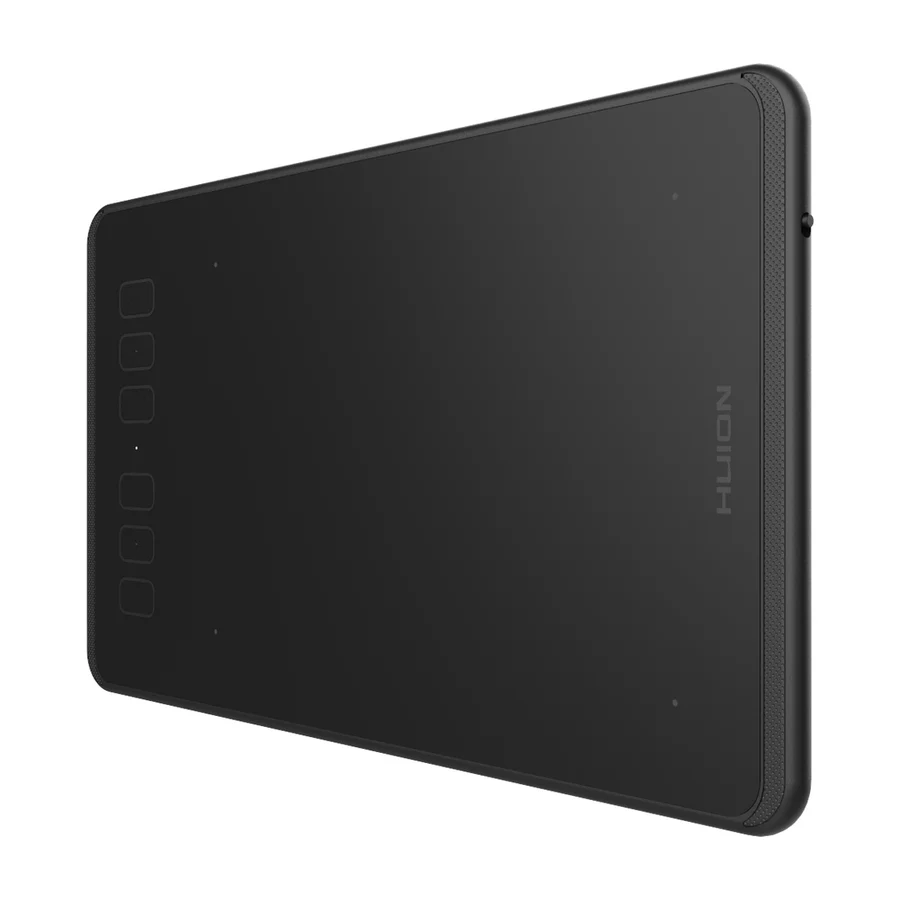 F tier #13 4 of 5 research runs entered this as a product to avoid rather than a pick.