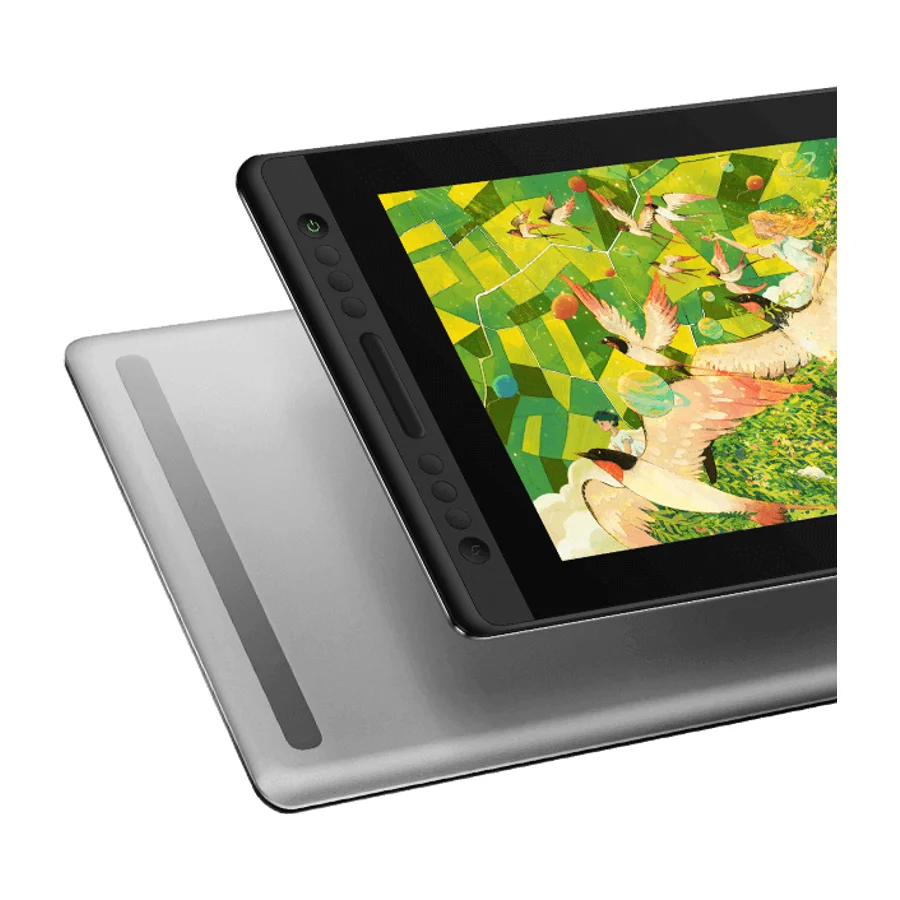
Huion
Huion Kamvas Pro 16 V2
B
Ranked #5 in Drawing Tablets
607 LP on the
category ladder
what's LP?
Uncited but a solid current mid-range display. It ranks last among the picks only because the products above it are either better built, better tested, or structurally more durable.
Consolidated from 13 independent outlets
Where the cited sources landed, as we read them
- 9 positive sources
- 1 mixed source
Pros & cons
- ✓ Current-generation mid-size pen display with full lamination
- ✓ Strong panel for the money
- ✓ Huion's substantial installed base argues for decent long-term parts and driver support
- ✓ 16-inch laminated panel
- ✓ Full-featured pen
The sources behind this ranking
We searched the web and YouTube for what has been published about this product, then read the articles, video transcripts and comments we found.
Evidence 3 articles, 8 video reviews and 2 community sources
9 positive sources
H r/huion u/Free_Evidence_1740 · owner  Yapura Meri Yapura Meri · 1M subscribers · Feb 2026
  Navigating the World of Graphic Design jiang shan · reviewer · Apr 2026
  GameRevolution Mack Ashworth · reviewer · Feb 2026
  Jaxon Pham Jaxon Pham · 41.6K subscribers · Nov 2025
  Oyun Orka Oyun Orka · 24.3K subscribers · Oct 2025
  Don Corgi Art Don Corgi Art · 4.5K subscribers · Jan 2026
I would go with the V2 for Pen Tech 4 alone. I had the Kamvas 22 Plus and believe that had Pen Tech 3 and that one constantly needed recalibration and the drift from tilt drove me crazy. Also the edge of the screen was a no go. I have the Kamvas 16 gen 3 and the Kamvas Pro 27 and both use Pen Tech 4 and unless my sitting position drastically shifts I rarely have to calibrate.Read thread Y
Yapura Meri Yapura Meri · 1M subscribers · Feb 2026 For me, Huion offers the best experience in this sensation of sliding the stylus against the tablet. The third button opens a quick menu. Because of the location and sensitivity of this button, I accidentally pressed it several times while drawing. Fortunately, its function can be disabled from the software. This stylus doesn't have Huion's newest technology, but it 's still excellent.Watch N
Navigating the World of Graphic Design jiang shan · reviewer · Apr 2026 But considering the affordable price of $339.00– and features you are already getting in this price segment – the tablet gets a pass. Overall, If you are looking for a no-compromise pocket-friendly 16-inch pen display tablet – look no further and get the kamvas pro 16 V2.Read A AiTommy Review unit from Huion AiTommy · 242K subscribers · Jun 2026
While I'm working on that, I'm going to share a detailed review of this tablet after using it for 5 years, including what you need to know when you encounter defects. So, let's go. One of the things I love most about the Canvas Pro 16 is the size. My desk at home is a standard Japanese study desk, not huge, and 16.5 in is the sweet spotWatch G
GameRevolution Mack Ashworth · reviewer · Feb 2026 With the Kamvas Pro 16 V2 , Huion is updating one of its more mid-range drawing tablets. The biggest change comes in pen performance, with the V2 supporting pens with the new PenTech 4.0 system. After using the Kamvas Pro 16 V2 for two weeks, it’s time for my review .Read J
Jaxon Pham Jaxon Pham · 41.6K subscribers · Nov 2025 Simultaneously though, the larger display size brings a refreshingly new and premium feel to the display, offering a more expansive and accommodating workspace that suits professional work that I do on a daily basis.Watch I Instagram Instagram post
Overall, I really enjoyed using the Huion Kamvas Pro 16 V2 to create this animation, even now since it's been a few months since this animation came out.View post O
Oyun Orka Oyun Orka · 24.3K subscribers · Oct 2025 The tablet itself feels large, high quality and premium. Definitely has a good weight to it without it being too overly heavy. After lifting of the paper divider, you'll see the new tablet stand and also some of the other accessories as well. I've tried out previous Huion tablets in the past and it looks like they've updated their stand. Previously, This is what the stand looks like in the past.Watch D
Don Corgi Art Don Corgi Art · 4.5K subscribers · Jan 2026 You're paying money for this tablet. you are kind of expecting to have everything you need because even though we all have chargers at home, maybe they are all uh busy with other uh with other tasks like charging your computer, charging your phone, I don't know, and you can't really um spare it to use on your tablet. So, I find it it's always very useful when the power supply is included in your tabletWatch
3 stance not read sources
P  Parka Blogs Article
  Teoh on Tech Teoh on Tech · 86.7K subscribers · Oct 2025
  Spywi's Mind Palace Spywi's Mind Palace · 45.3K subscribers · Nov 2025
Parka Blogs Article The Huion Kamvas Pro 16 v2 is the update to the original Huion Kamvas Pro 16 was released in 2019, sold at USD 469 but now is USD 279.Read T
Teoh on Tech Teoh on Tech · 86.7K subscribers · Oct 2025 Hey everyone, here today I'm reviewing the Huang Canvas Pro 16 V2 pen display. So the original Huang Canvas Pro 16 was released almost 6 years ago in 2019 and this new model is just a slight update to the earlier model. So, the update is the pen display now supports the Huon PW600 series pens that use pentac 4.Watch S
Spywi's Mind Palace Spywi's Mind Palace · 45.3K subscribers · Nov 2025 HUION Kamvas Pro 16 V2 Review: I made a mini anime episode with it!Watch
Frequently asked questions
It ranks #5 of 13 on our drawing tablets tier list, in B tier. That placement draws on 13 independent outlets.
Ranked nearby in Drawing Tablets
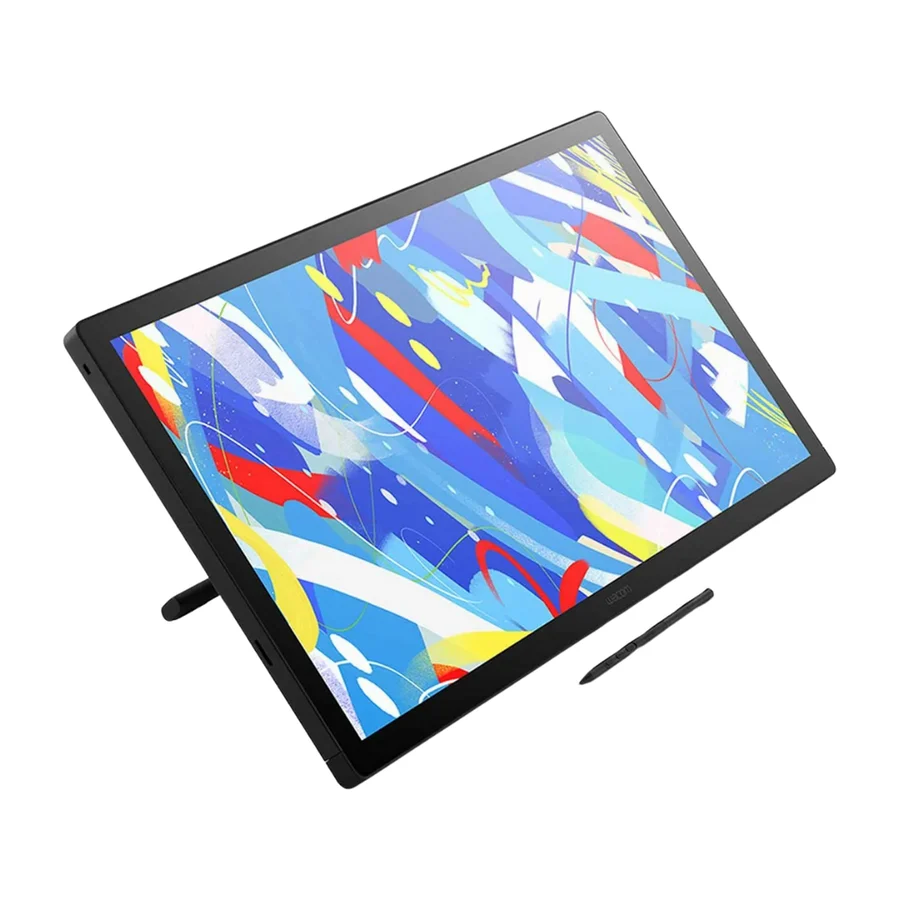 S tier #1
 Wacom Cintiq 24 Touch
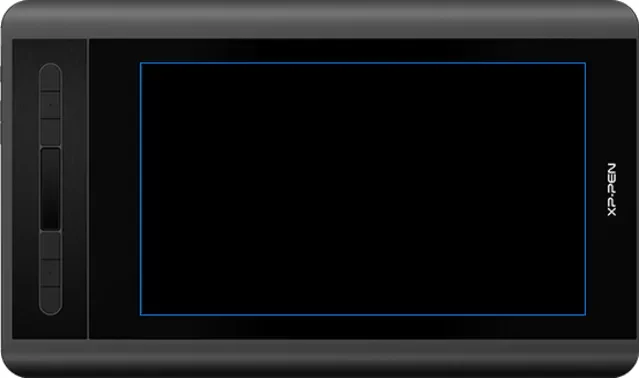 S tier #2
 XP-Pen Artist 12 3rd
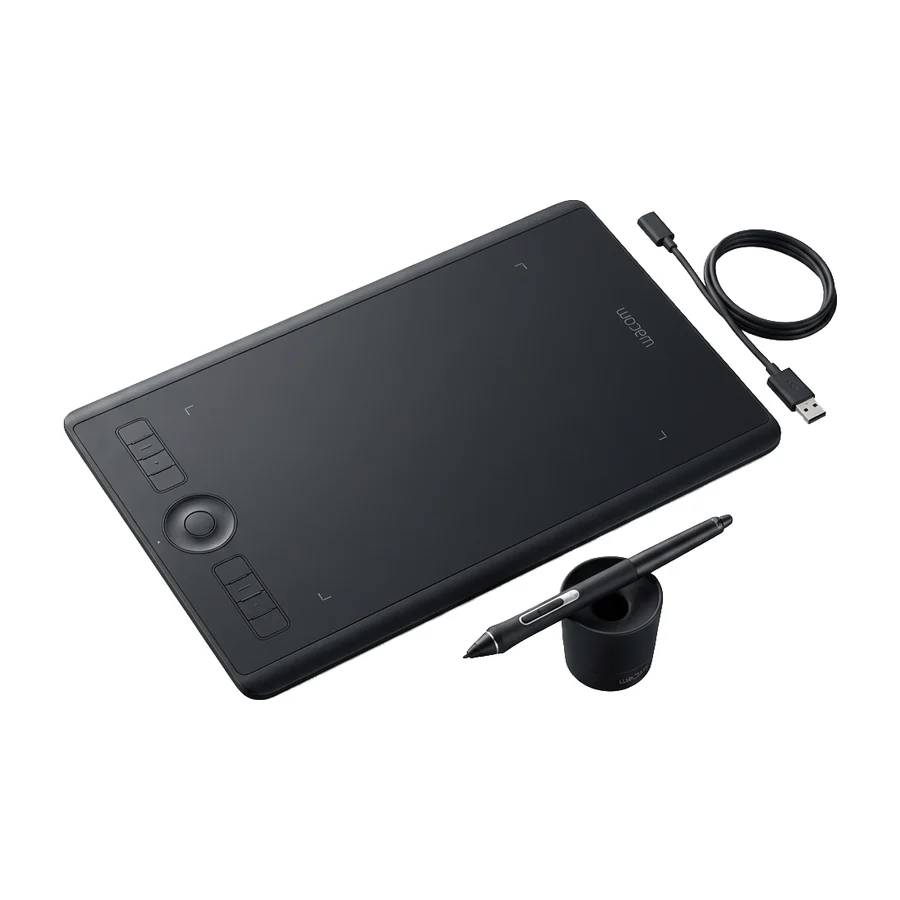 A tier #3
 Wacom Intuos Pro Medium
 A tier #4
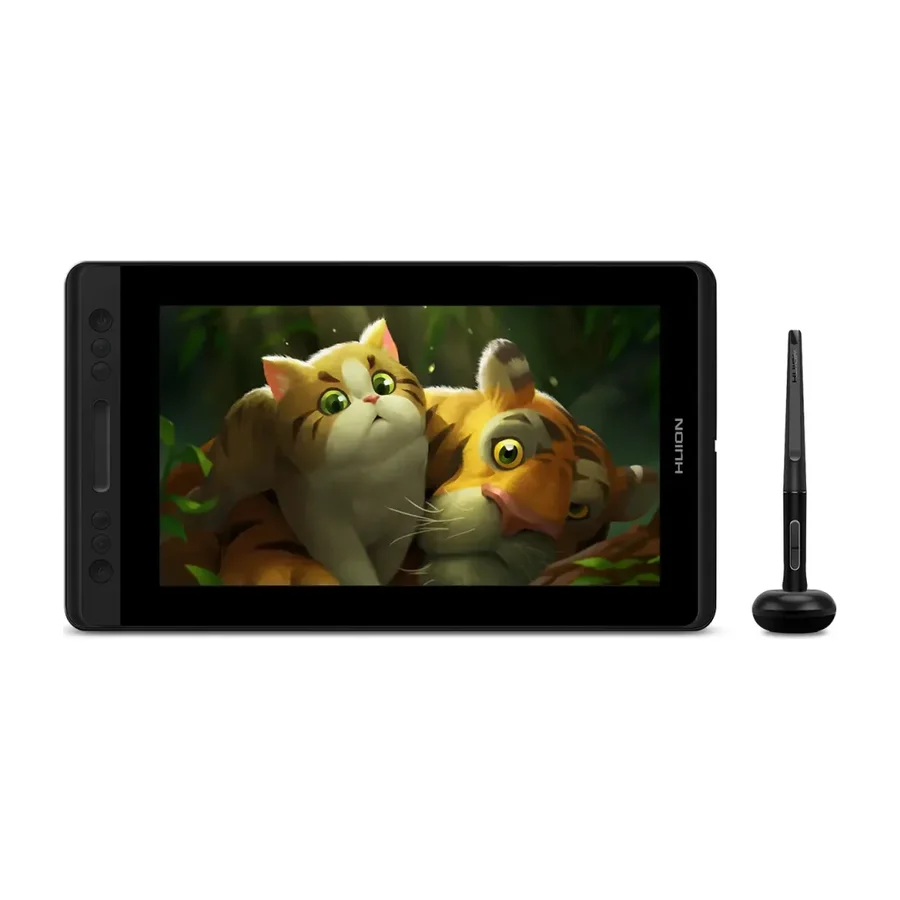
 Huion Kamvas Pro 13
 C tier #6
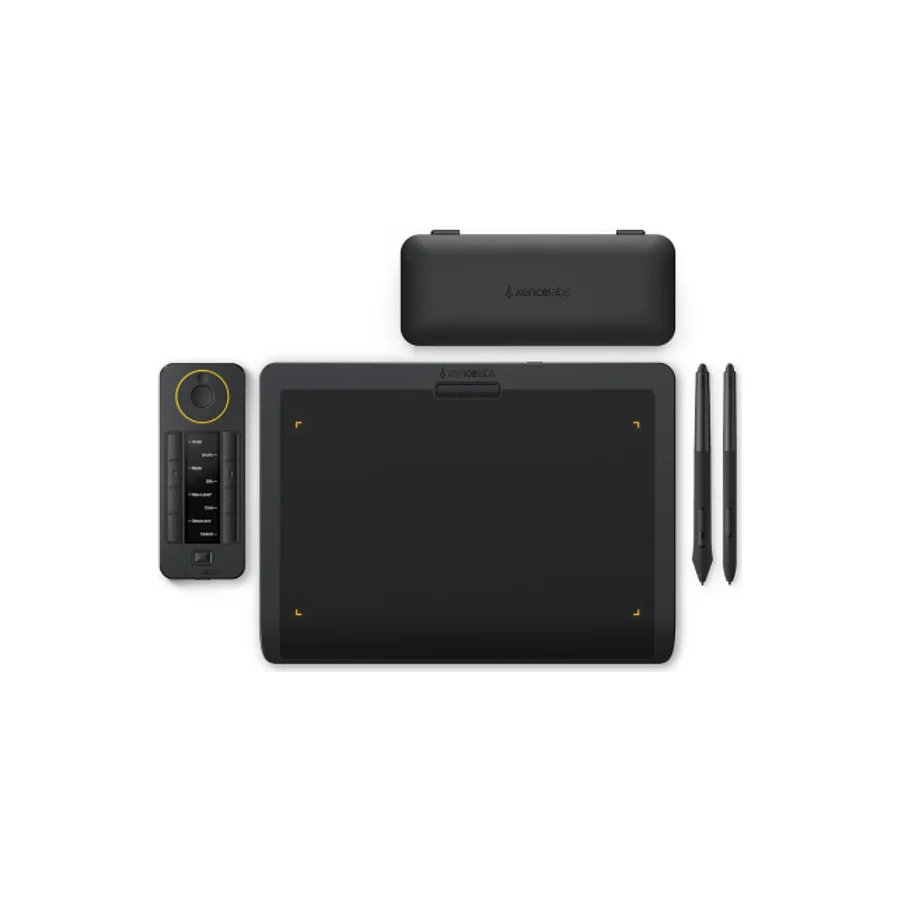
 Xencelabs Pen Tablet Medium Bundle
 C tier #7 1 of 7 research runs entered this as a product to avoid rather than a pick.
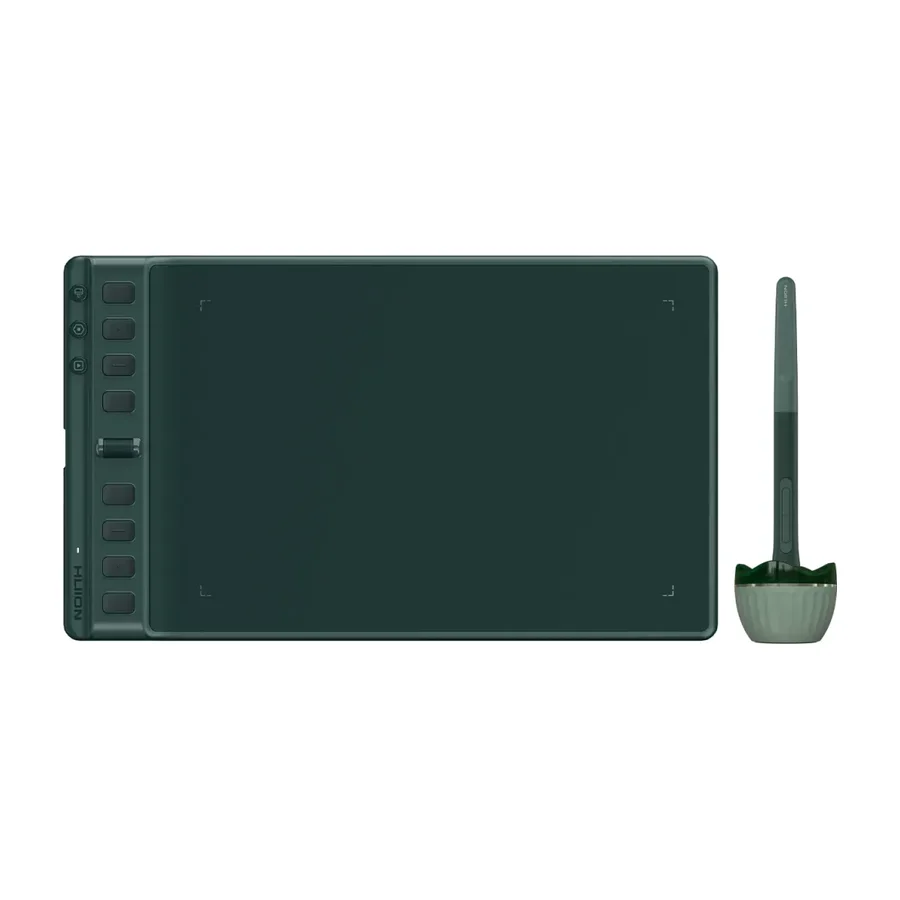
 Huion Inspiroy 2 M A
 C tier #8 3 of 9 research runs entered this as a product to avoid rather than a pick.
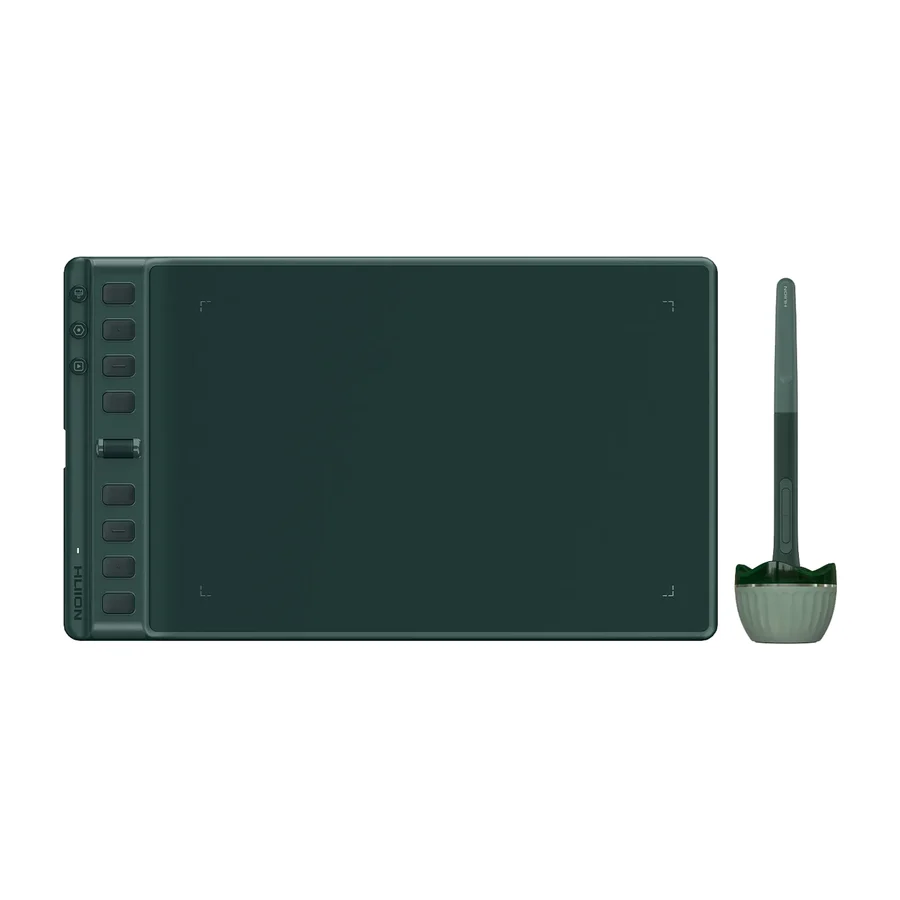
 Huion Inspiroy 2 M
 D tier #9
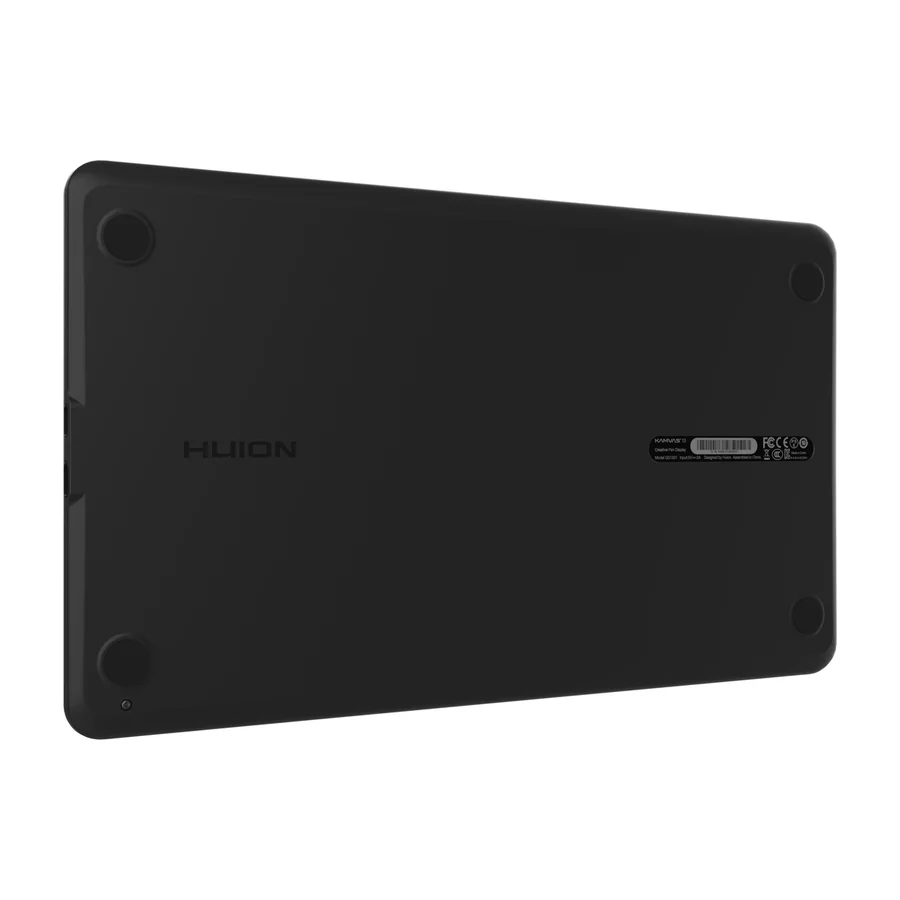
 Huion Kamvas 13
 D tier #10 5 of 9 research runs entered this as a product to avoid rather than a pick.
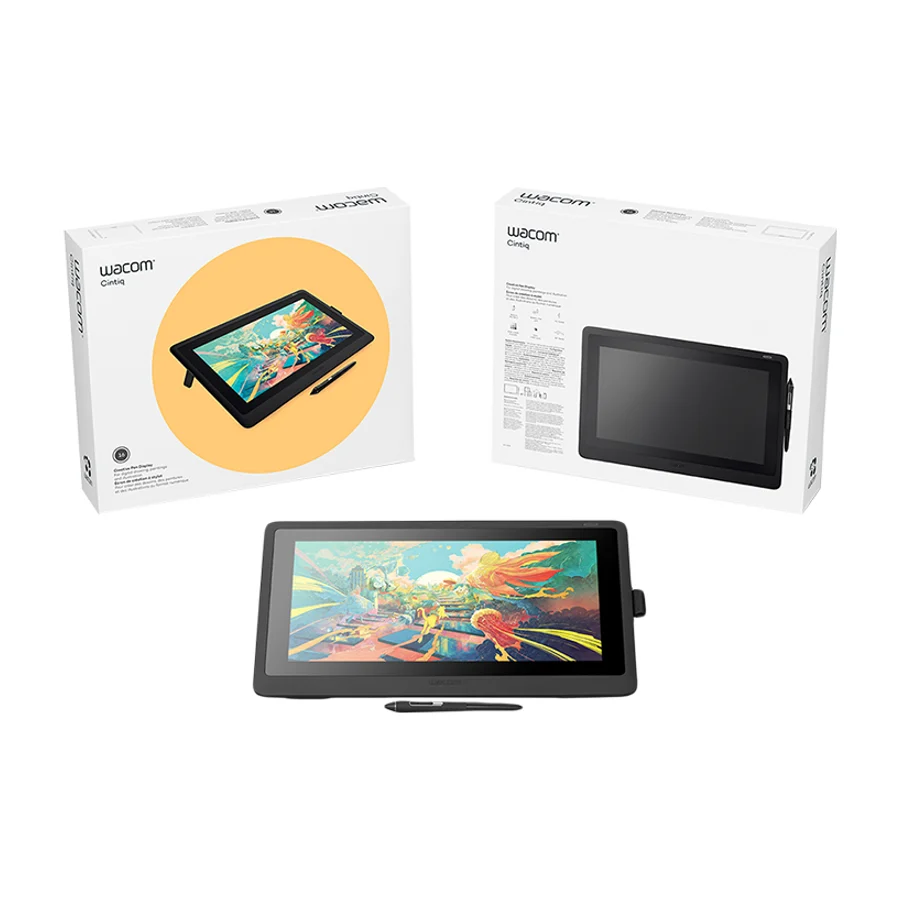
 Wacom Cintiq 16
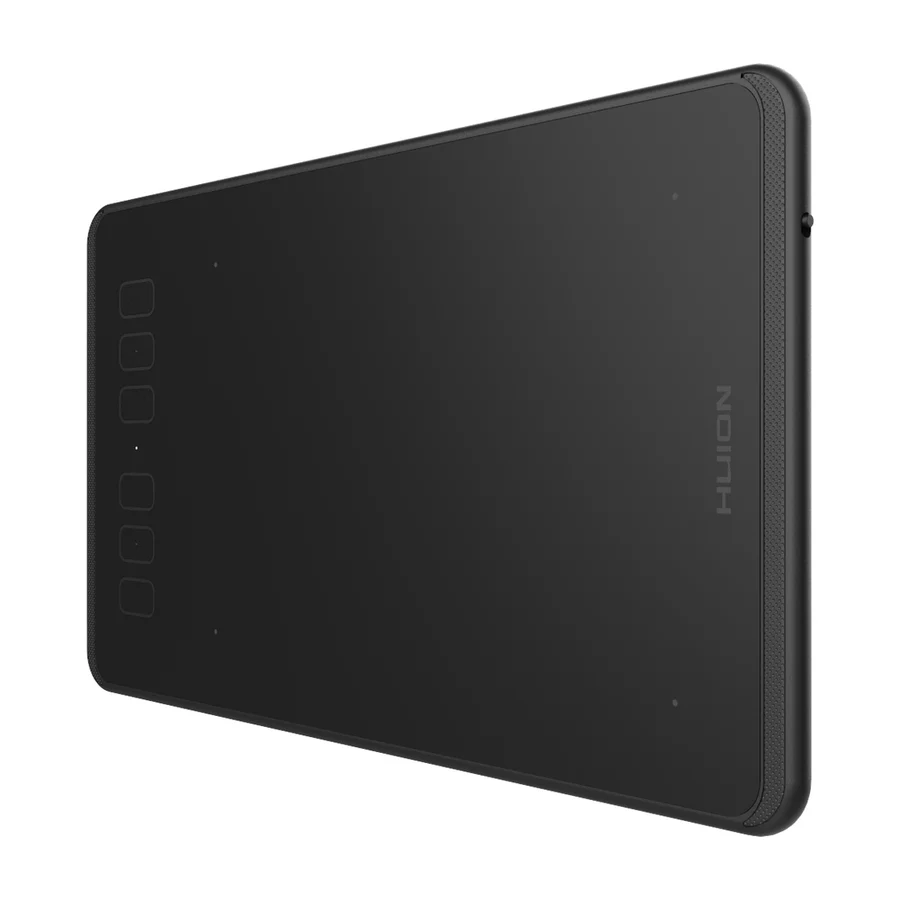 F tier #13 4 of 5 research runs entered this as a product to avoid rather than a pick.