Best External SSDs
28 products ranked across 454 cited reviews, videos and discussions · Updated 10 Sept 2026
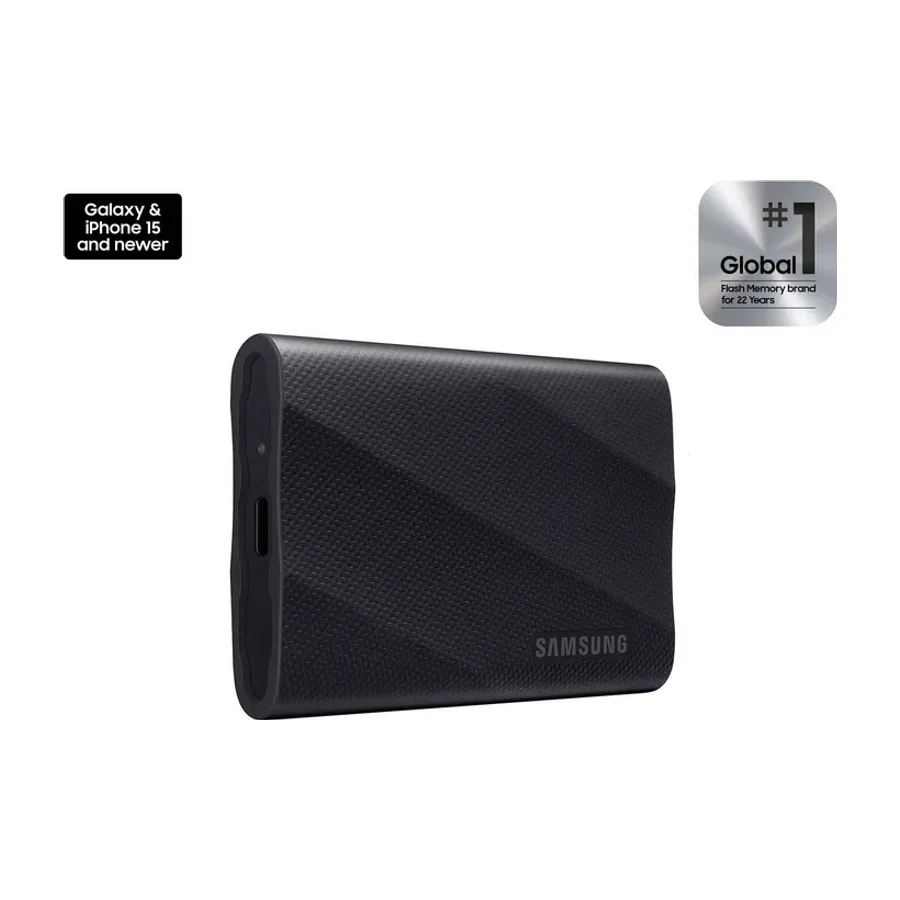
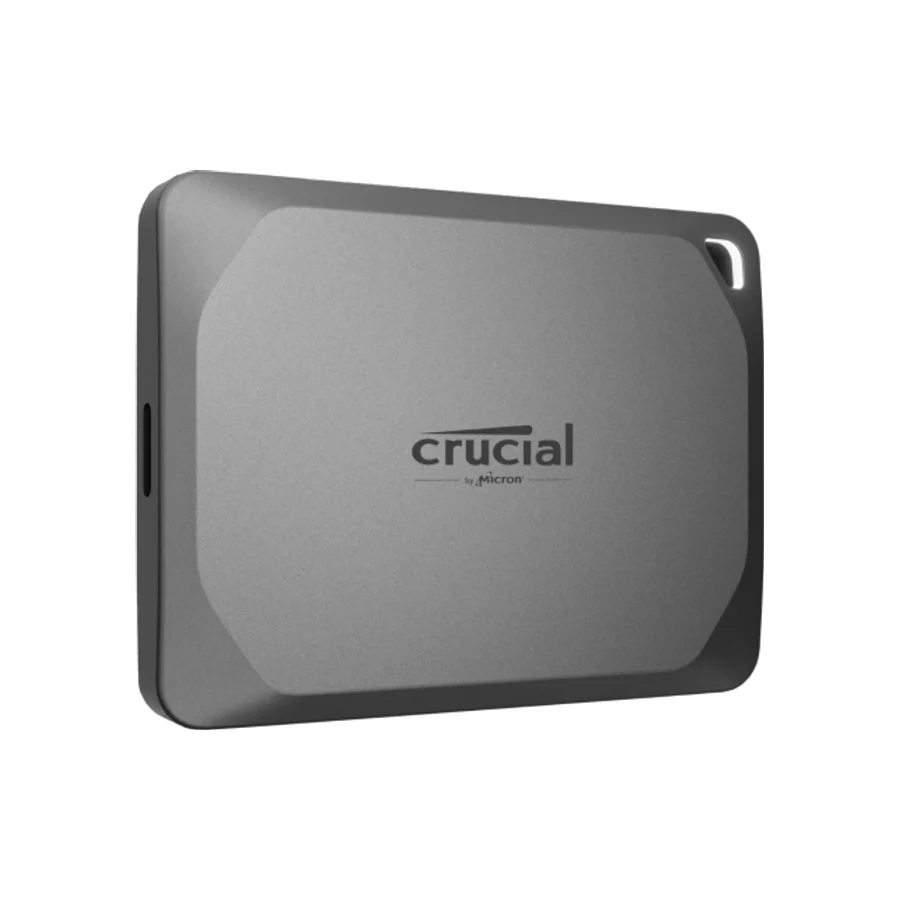
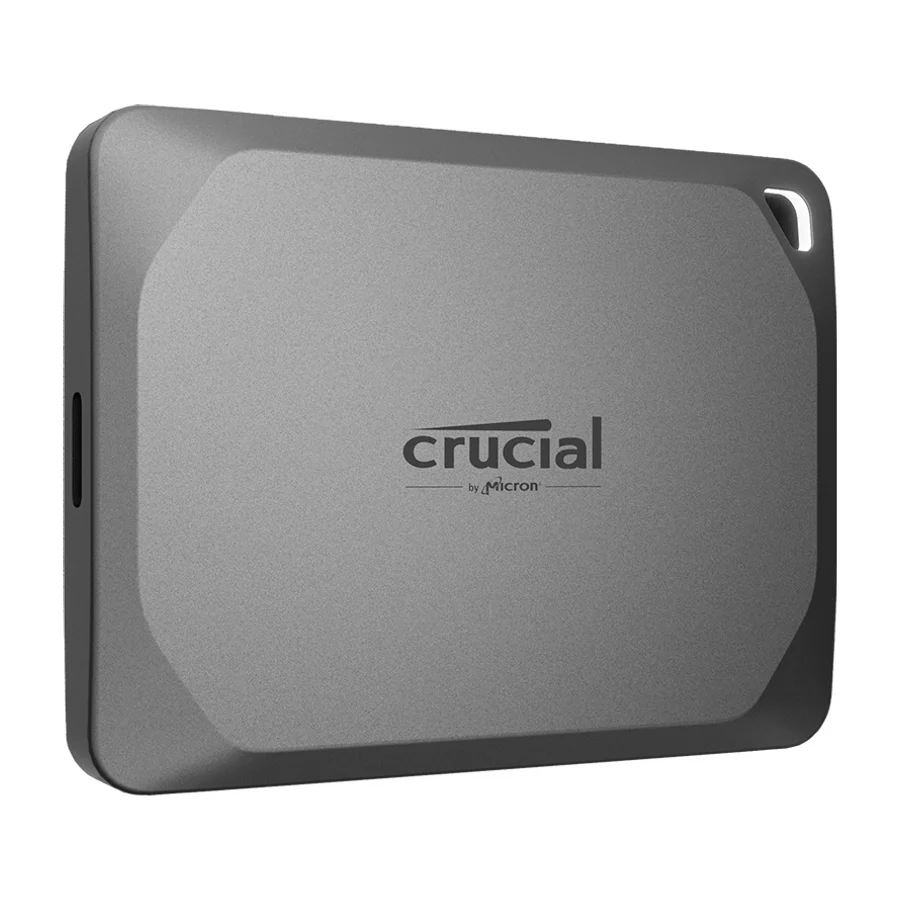
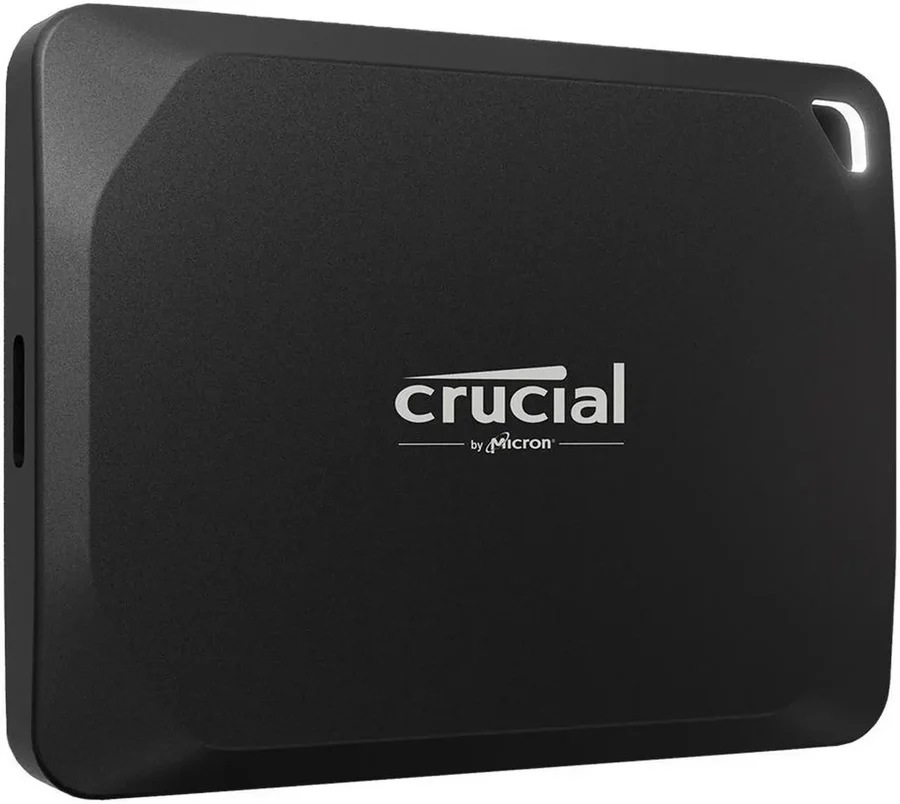
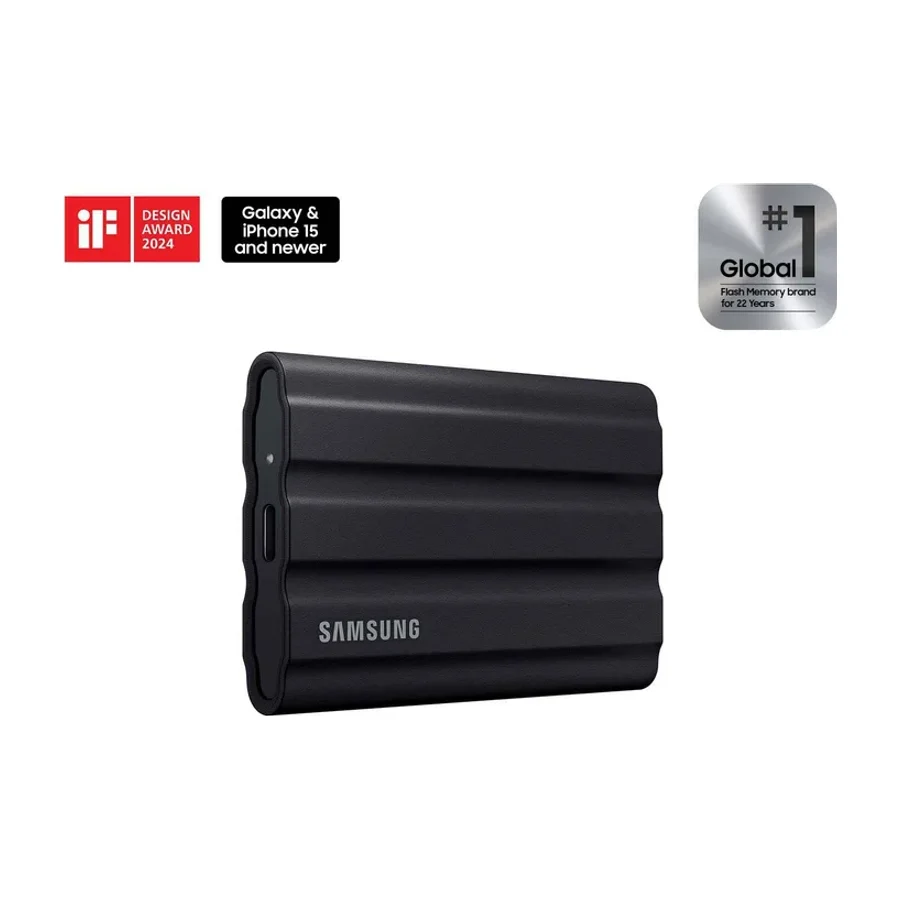
On the stierproducts external ssds board, Samsung T9 ranks #1 in S tier, ahead of Crucial X10 (#2, S tier) and Crucial X9 Pro (#3, A tier). The board ranks 28 external ssds from S (best) to F (avoid), last researched 10 Sept 2026, drawing on 454 cited reviews, videos and discussions. Placed in the bottom tiers as ones to avoid: PNY RP60, Lexar SL600, SanDisk Extreme PRO with USB-4, and 9 others.
 #8 2 of 7 research runs entered this as a product to avoid rather than a pick.
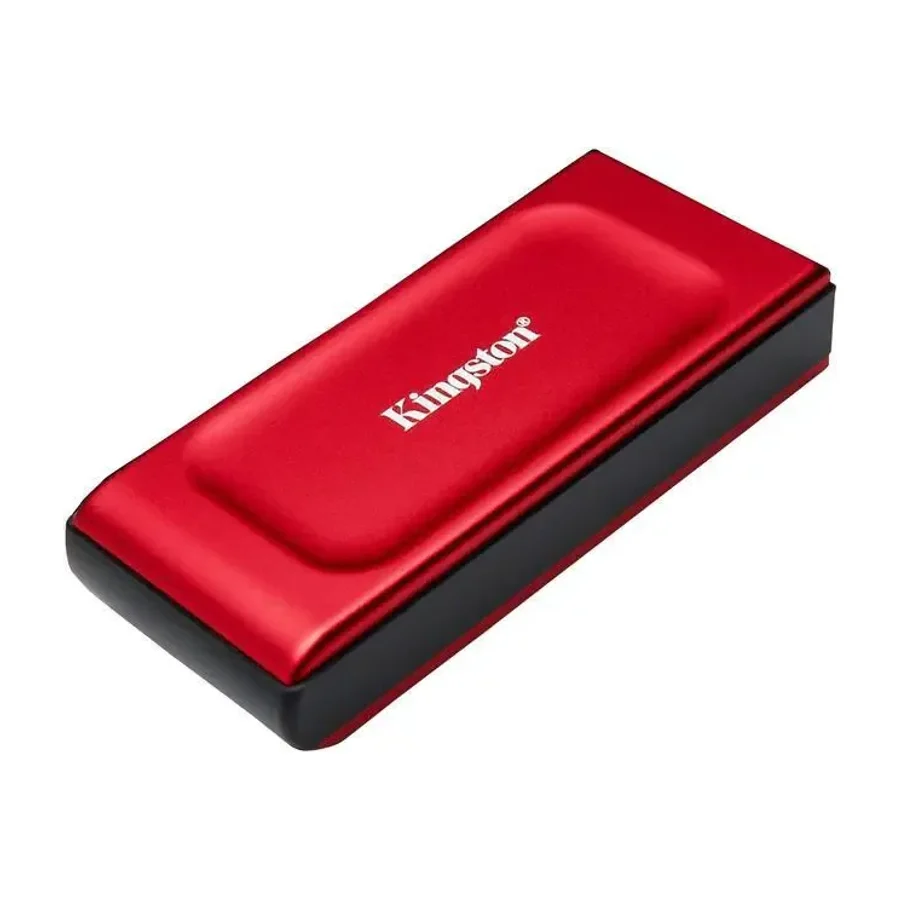
 Kingston XS1000
 #9
#9 addlink P30
 #10
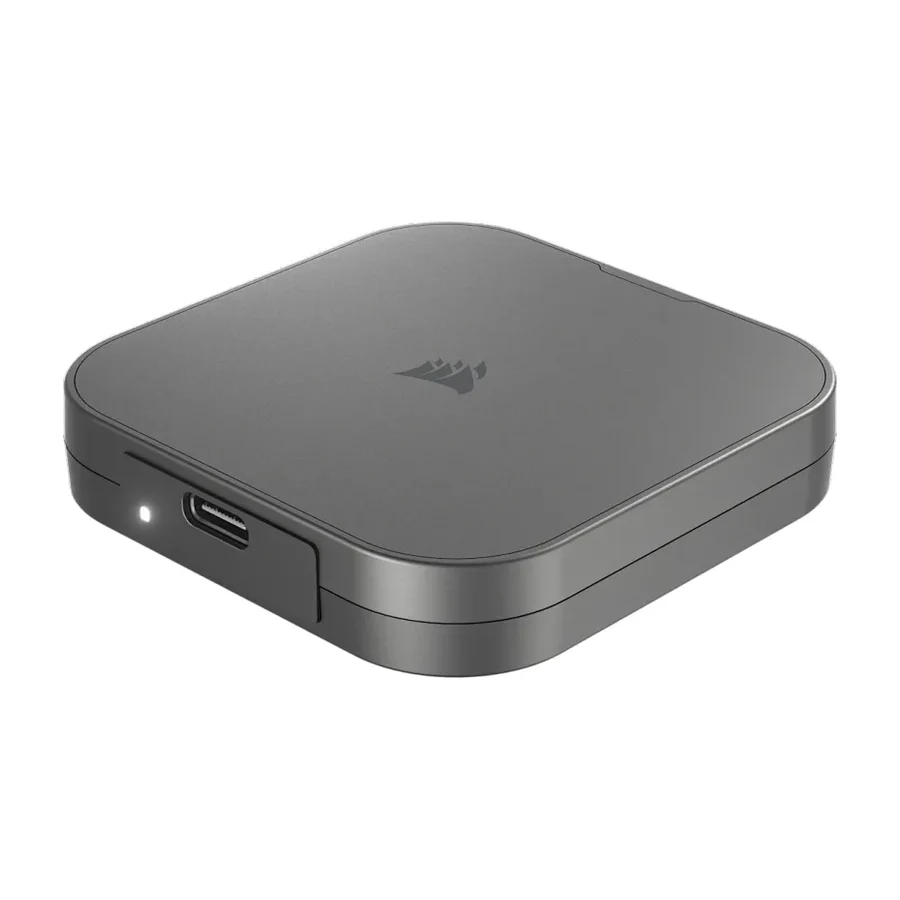
#10 Corsair EX300U
 #11
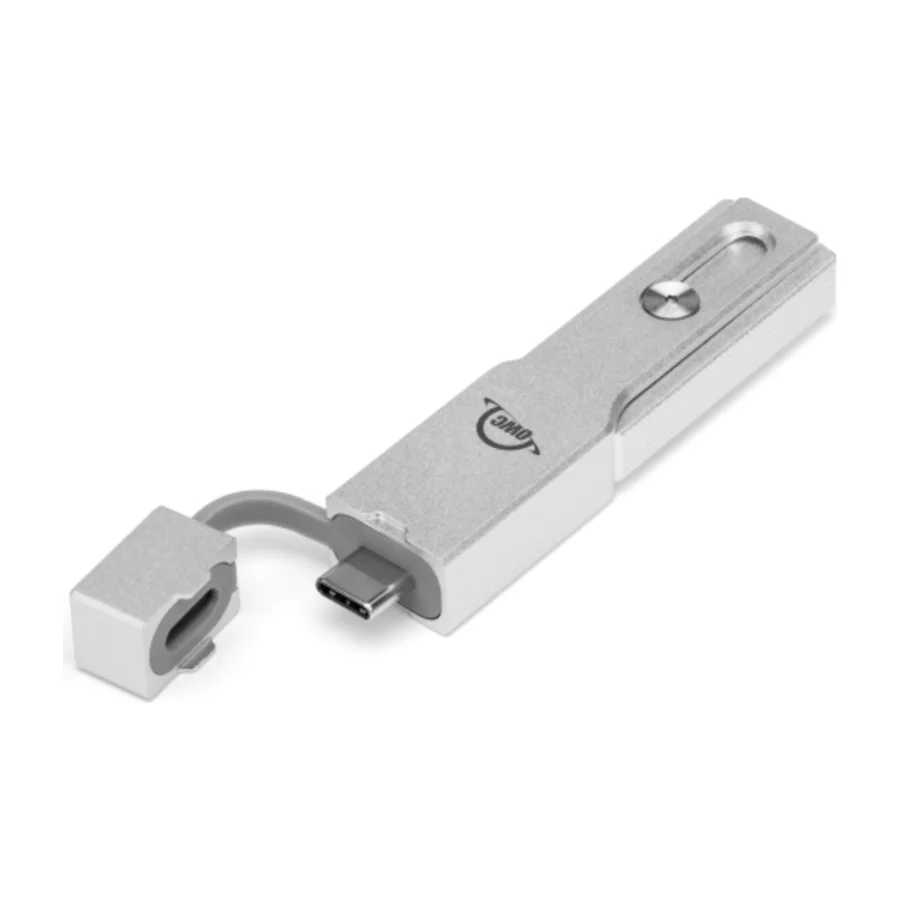
#11 OWC Envoy Pro Mini
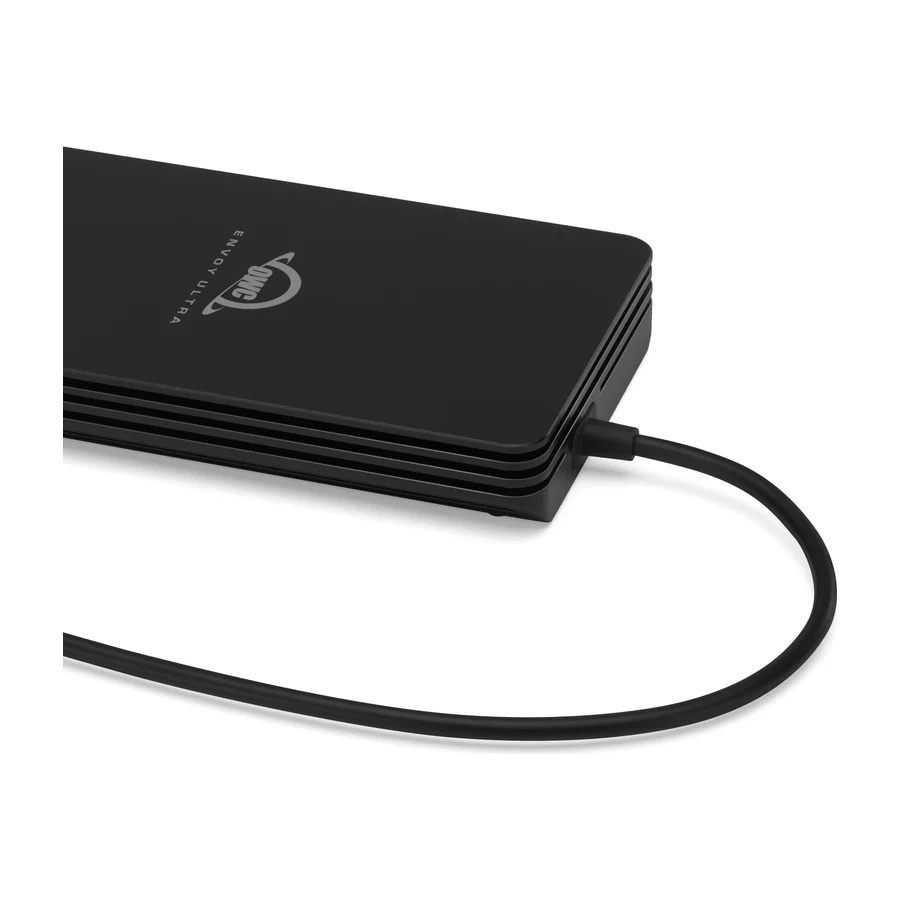 #12 1 of 2 research runs entered this as a product to avoid rather than a pick.
 OWC Envoy Ultra
 #13
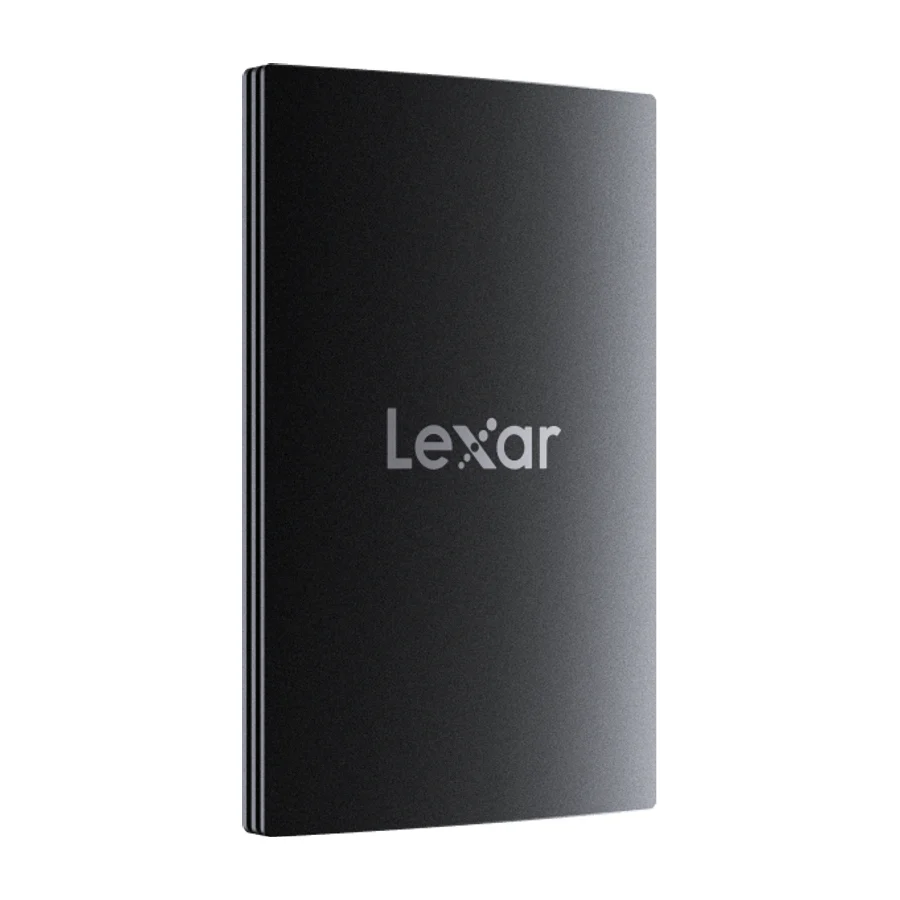
#13 Lexar SL500
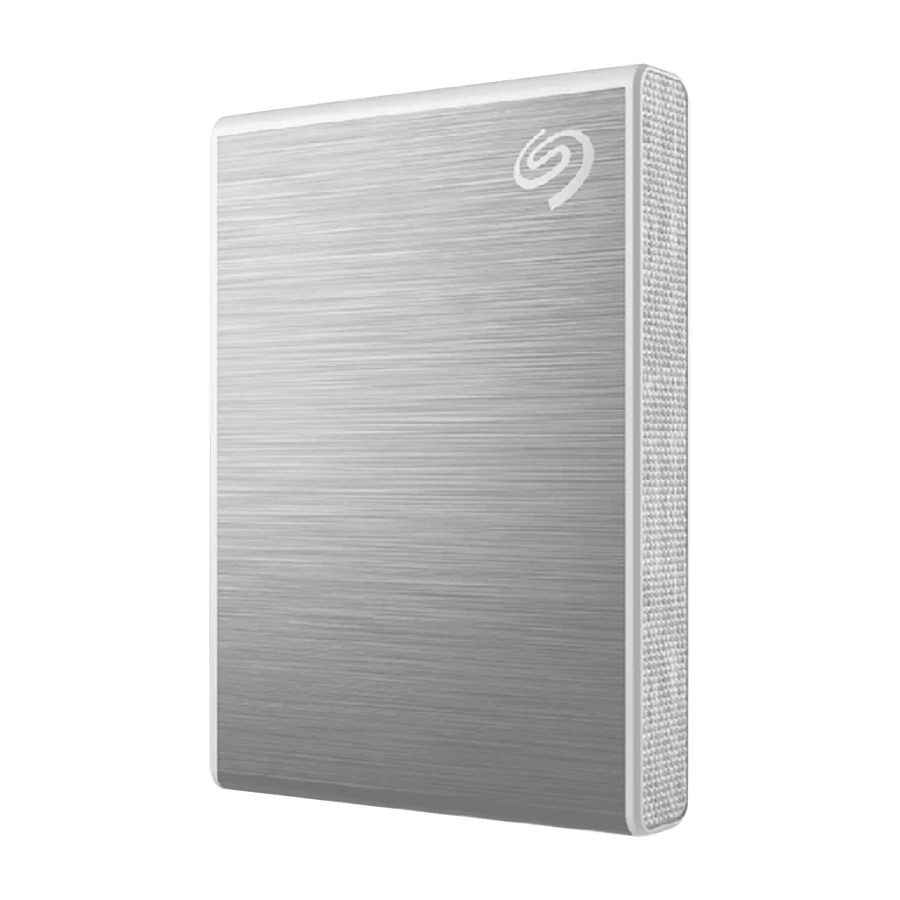 #14
#14 Seagate Ultra Compact SSD
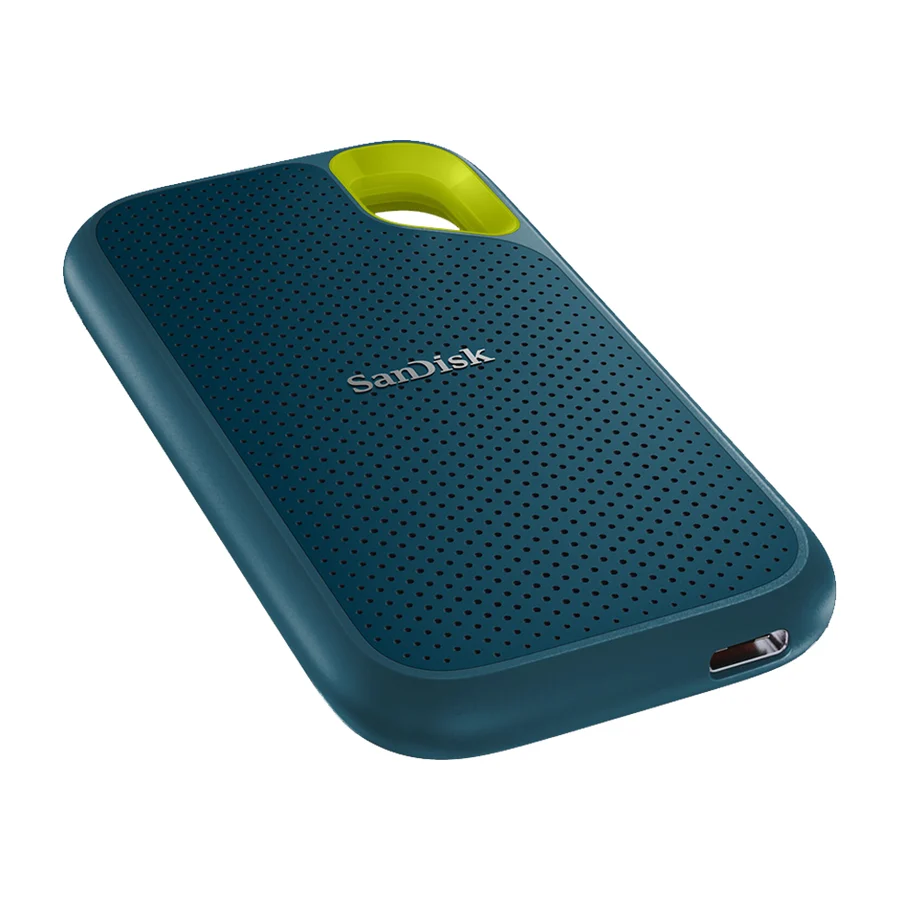 #15 1 of 2 research runs entered this as a product to avoid rather than a pick.
 SanDisk Extreme Portable V2
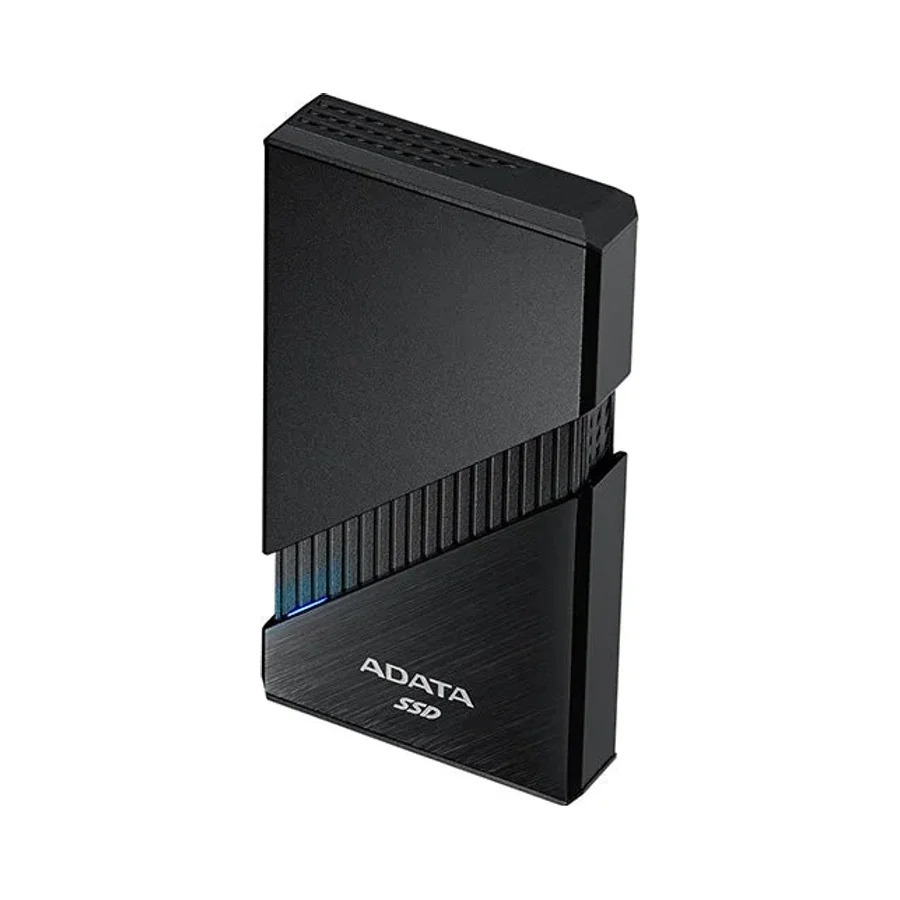 #16 1 of 6 research runs entered this as a product to avoid rather than a pick.
 Adata SE920
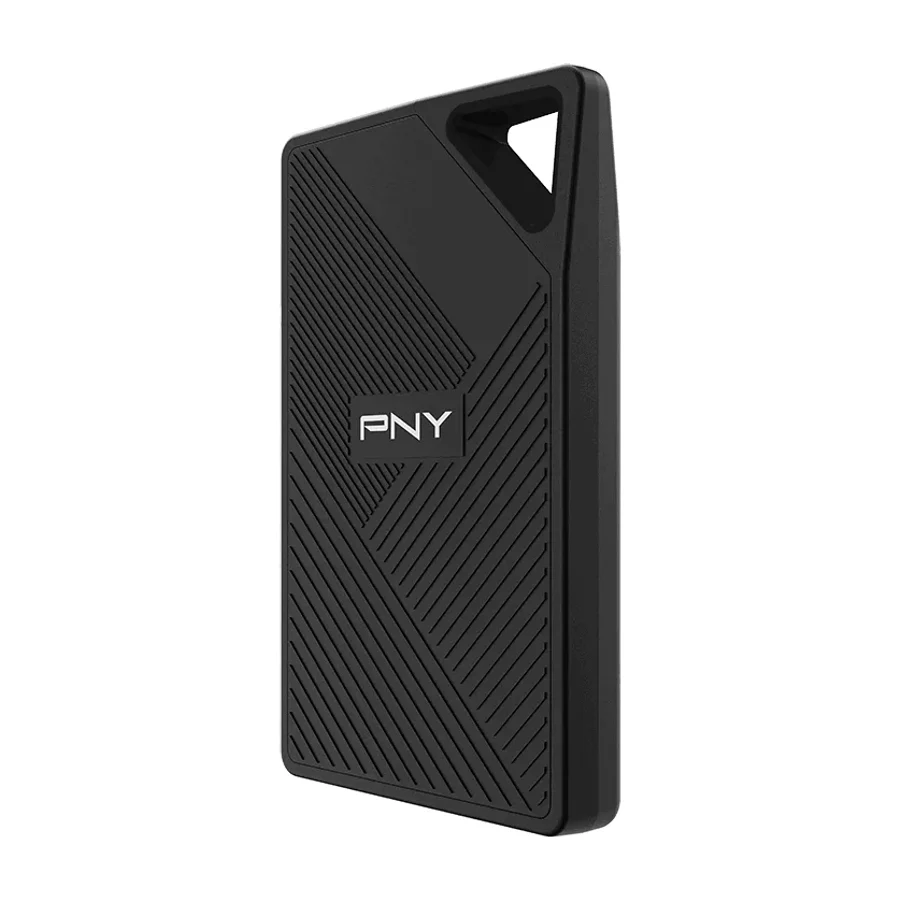 #17
#17 PNY RP60
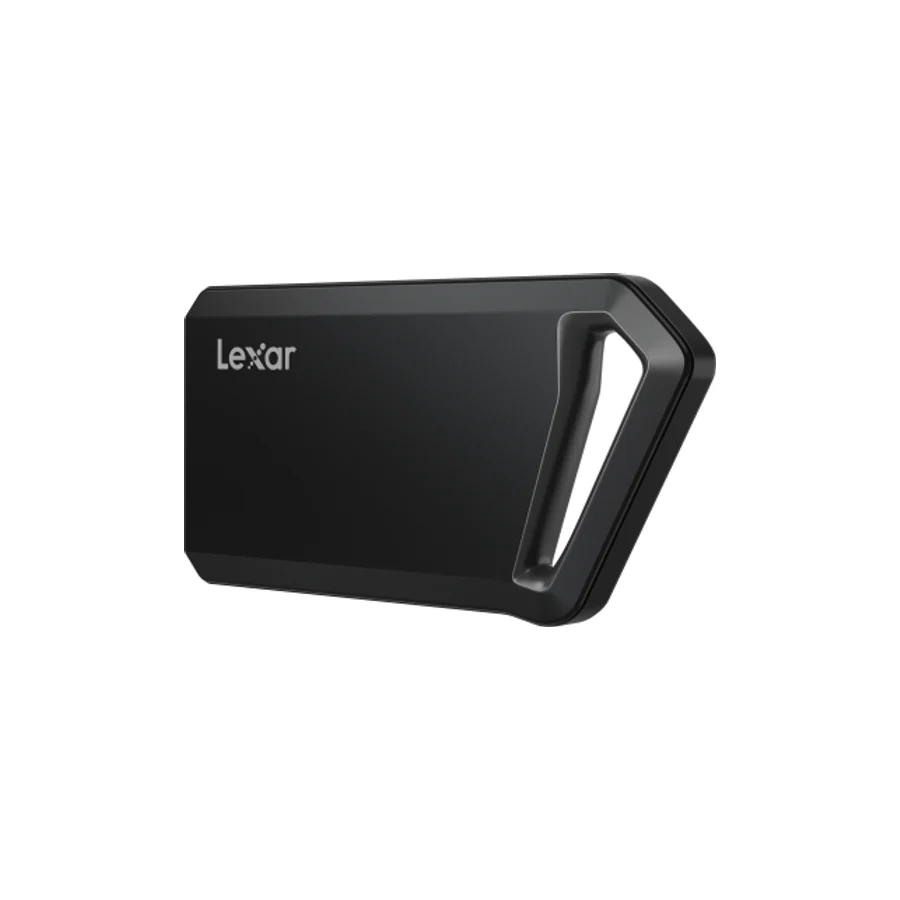 #18 1 of 2 research runs entered this as a product to avoid rather than a pick.
 Lexar SL600
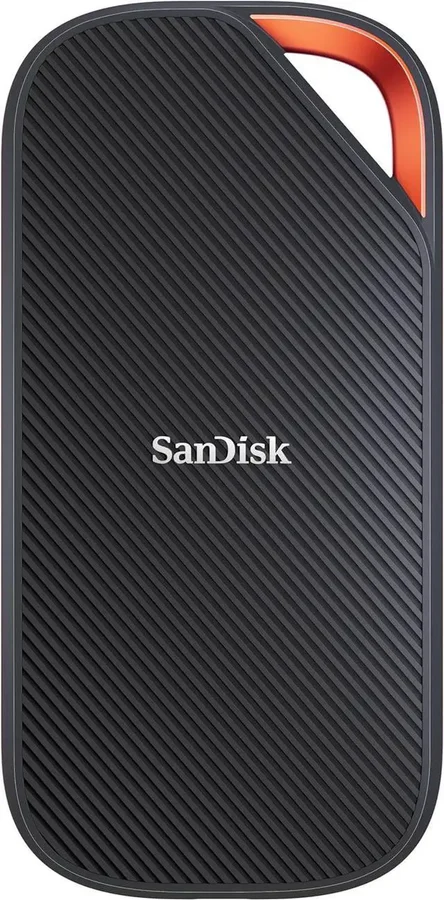 #19 1 of 10 research runs entered this as a product to avoid rather than a pick.
 SanDisk Extreme PRO with USB-4
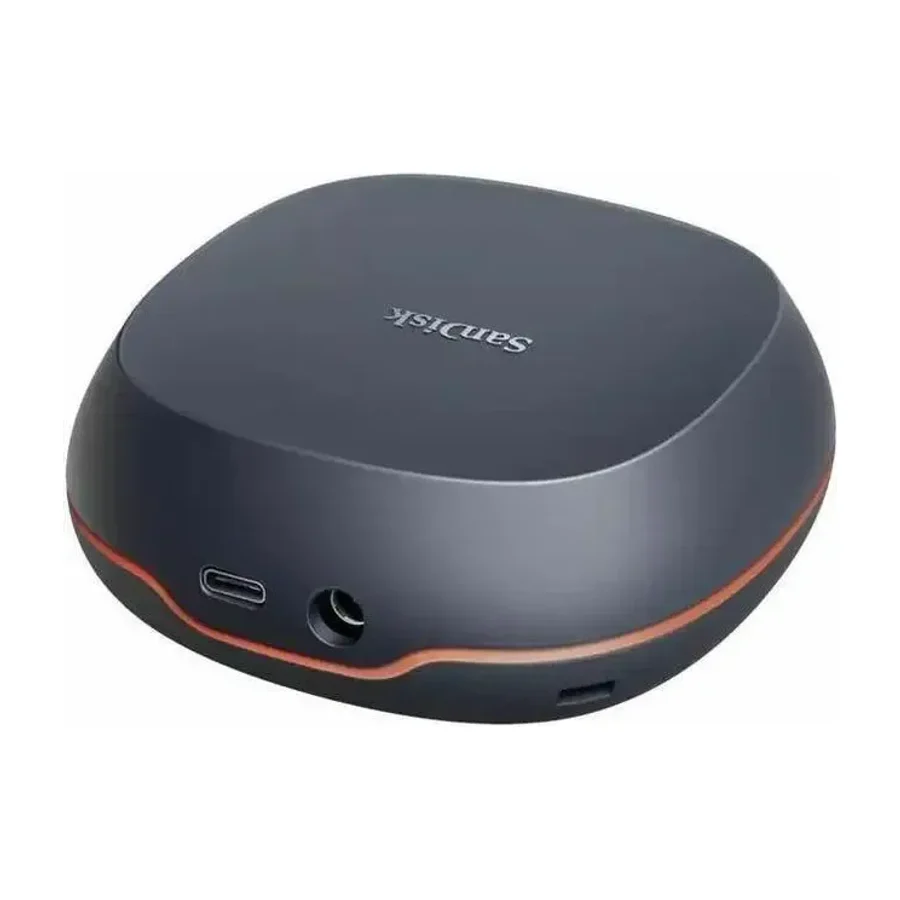 #20 1 of 2 research runs entered this as a product to avoid rather than a pick.
 SanDisk Desk Drive
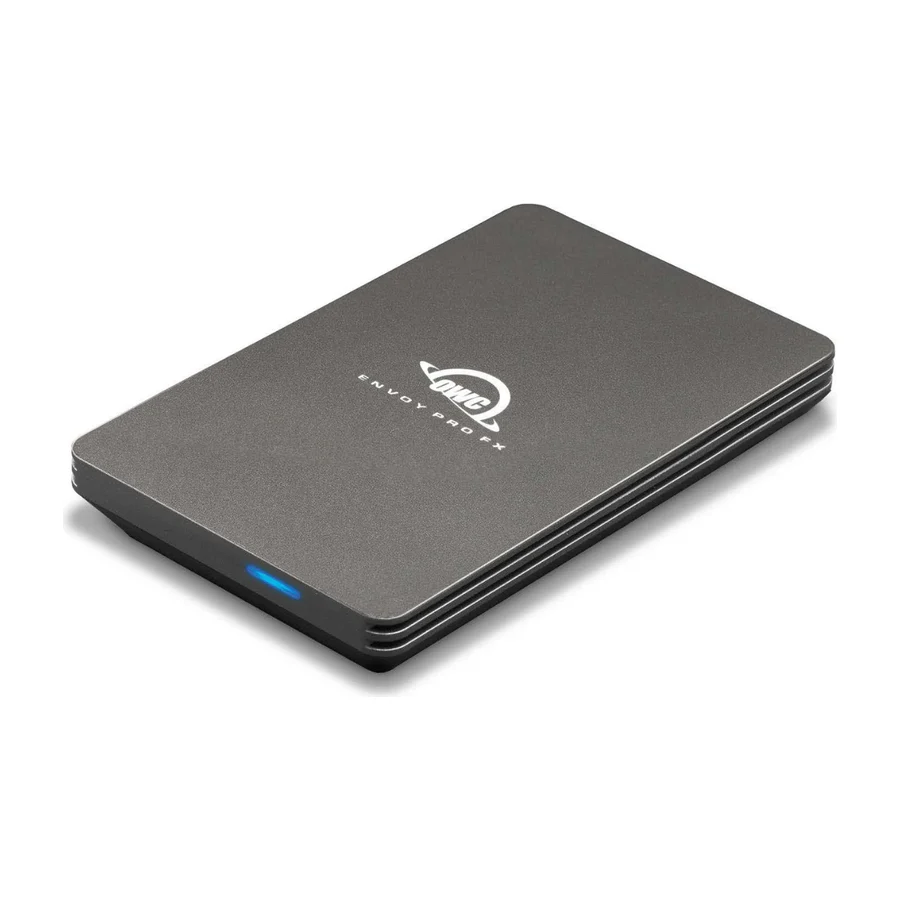 #21 1 of 3 research runs entered this as a product to avoid rather than a pick.
 OWC Envoy Pro FX
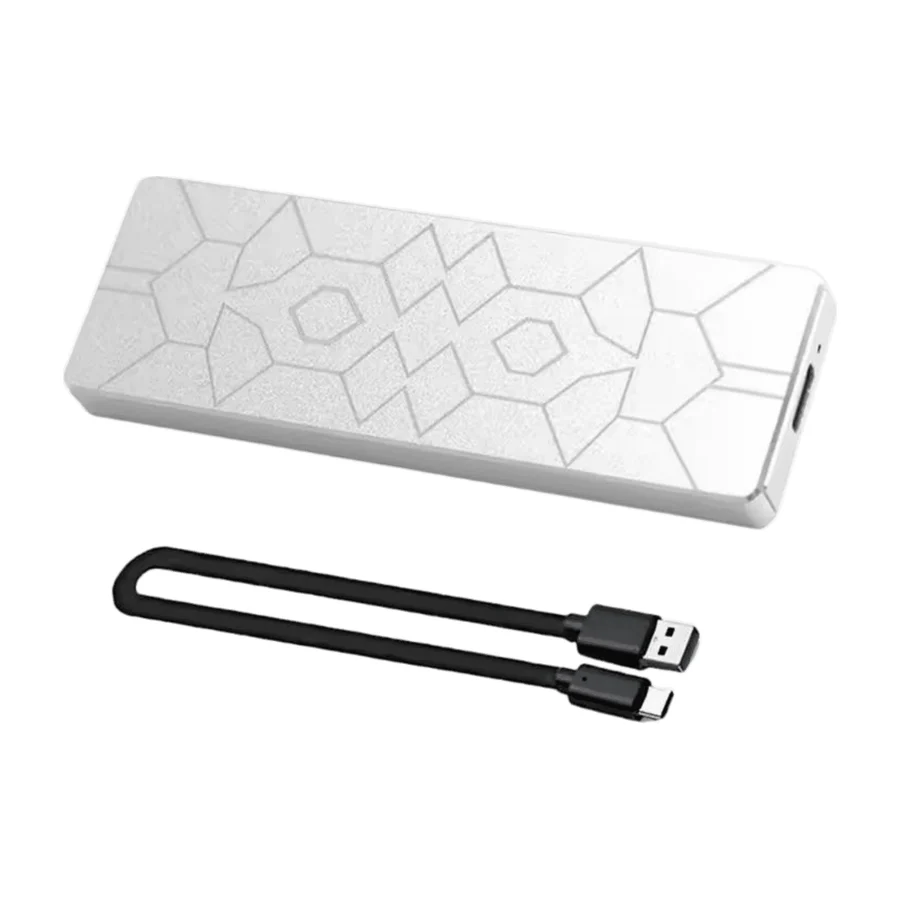 Moved down from D to F on 10 Sept 2026 #22 2 of 10 research runs entered this as a product to avoid rather than a pick.
 Kingston XS2000
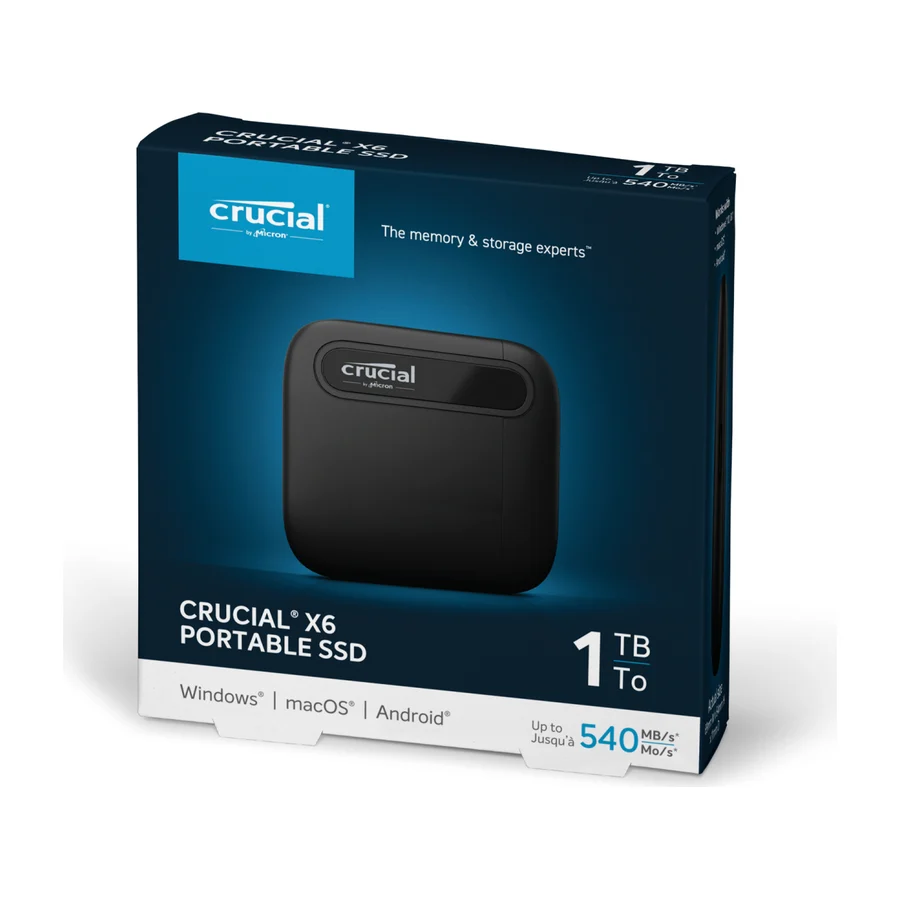 #23 2 of 7 research runs entered this as a product to avoid rather than a pick.
 Crucial X6
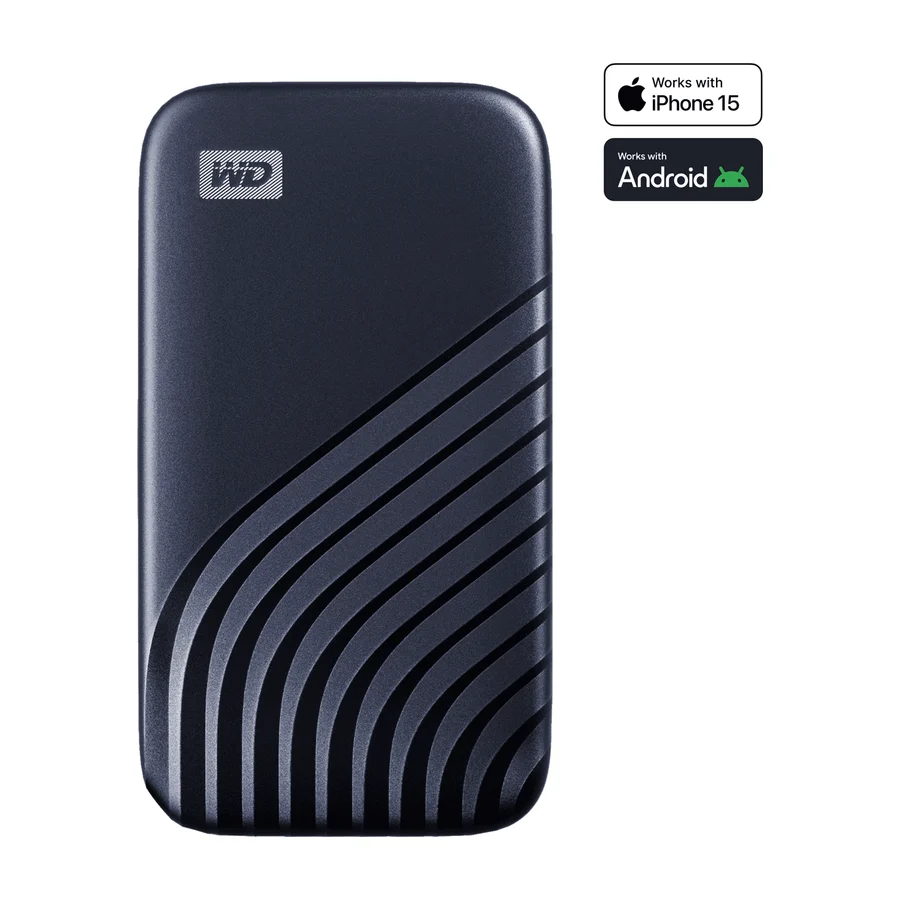 #24 3 of 8 research runs entered this as a product to avoid rather than a pick.
 WD My Passport SSD
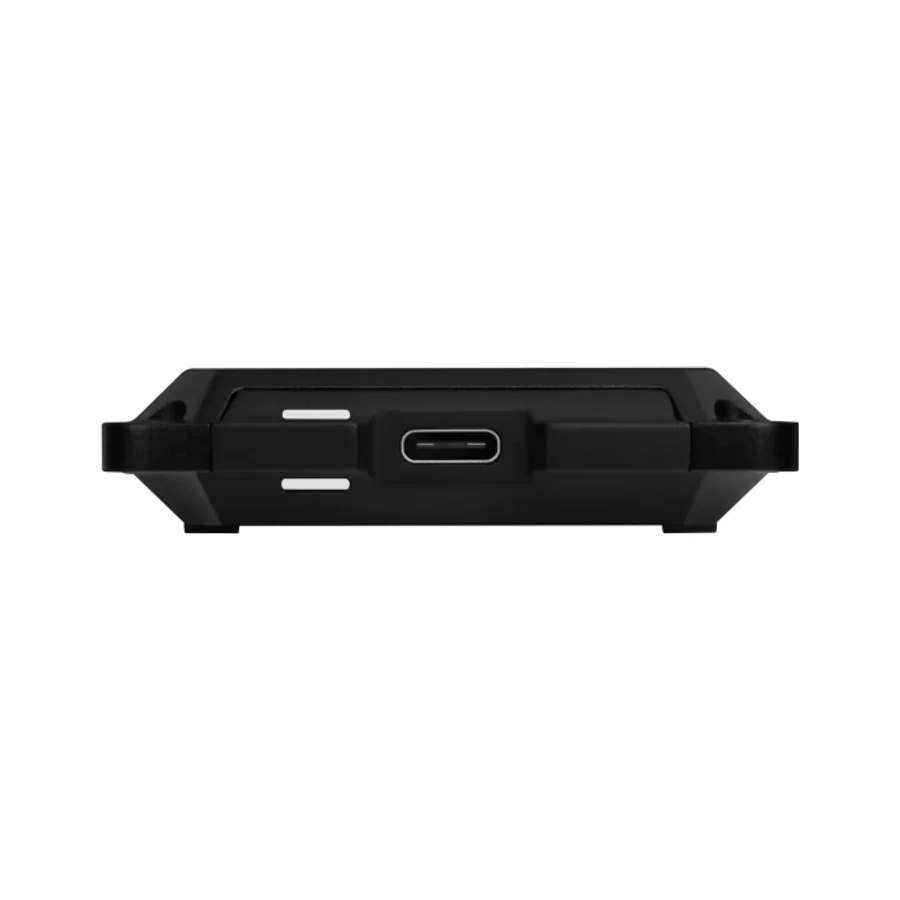 #25 1 of 2 research runs entered this as a product to avoid rather than a pick.
 WD Black P50
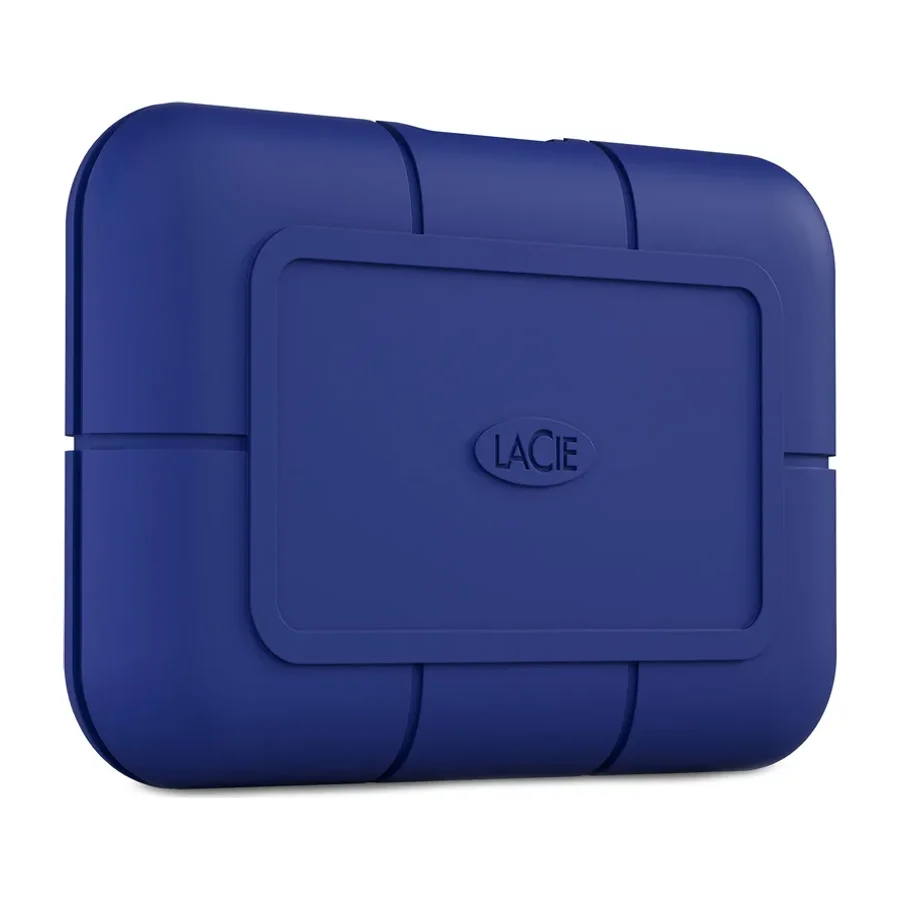 #26 4 of 11 research runs entered this as a product to avoid rather than a pick.
 LaCie Rugged Pro 5
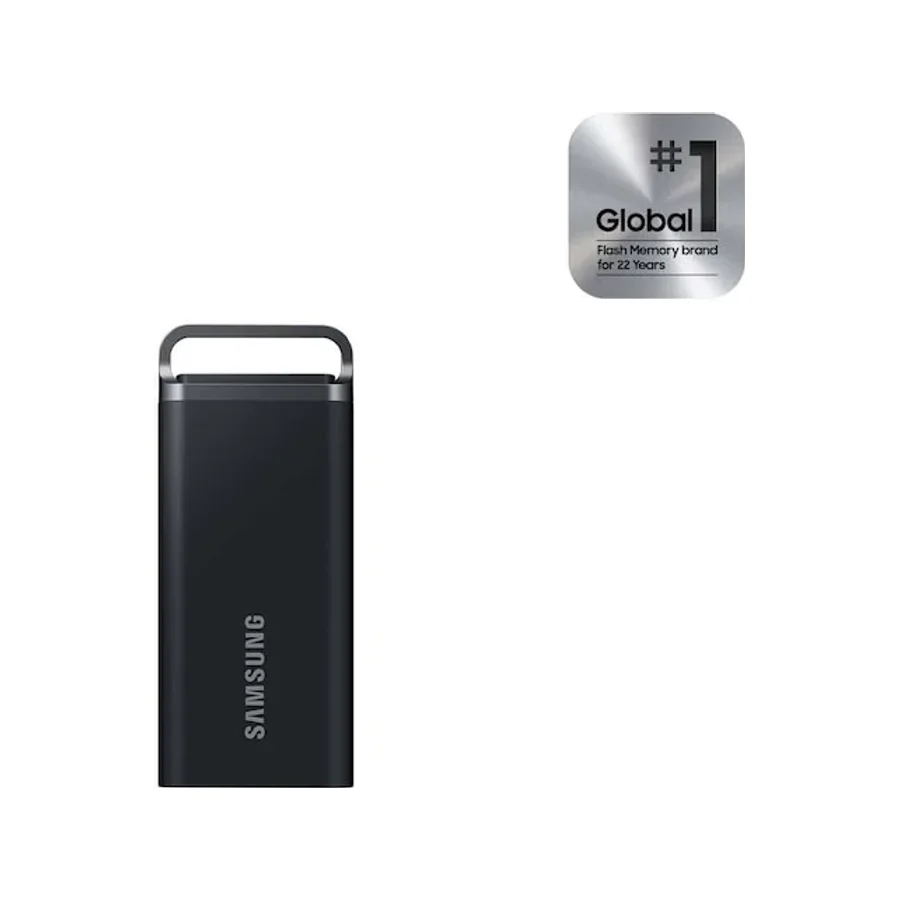 #27 3 of 7 research runs entered this as a product to avoid rather than a pick.
 Samsung T5 EVO
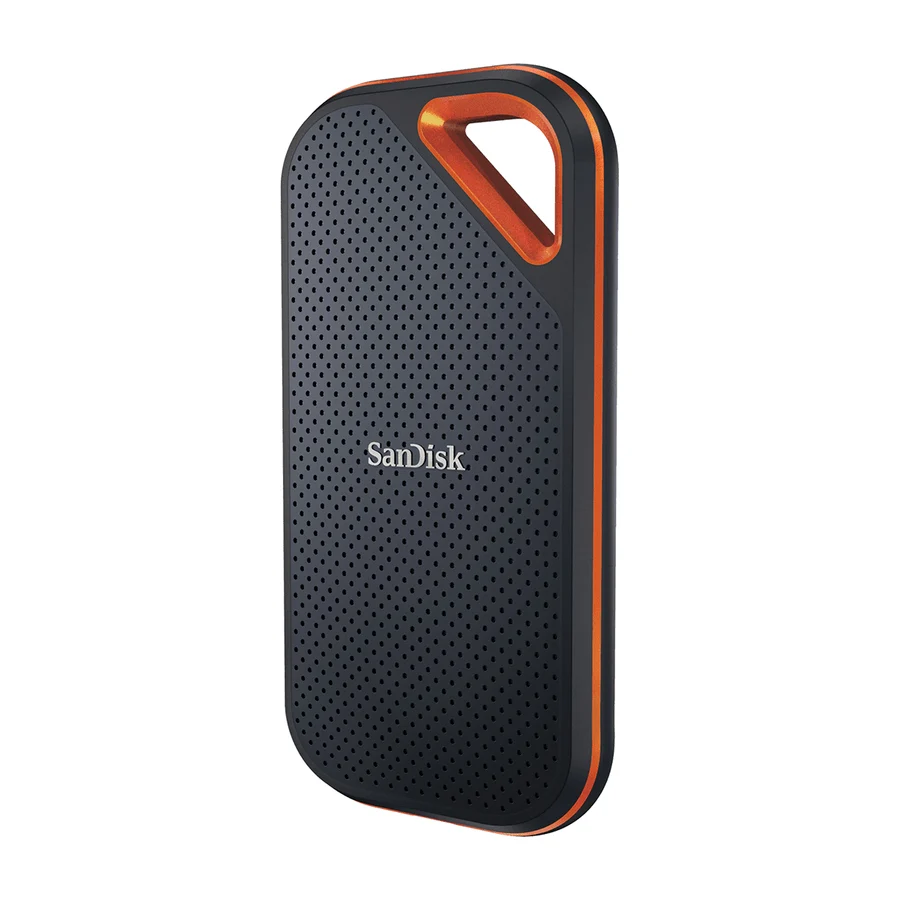 #28 3 of 7 research runs entered this as a product to avoid rather than a pick.
 SanDisk Extreme PRO Portable SSD
What moved on this board
31 tier changes recorded between 22 Jul 2026 and 14 Sept 2026. The 5 most recent are below.
- 10 Sept 2026 Kingston XS2000 moved down from D to F. 3 more research games. 1 source added, 4 removed.
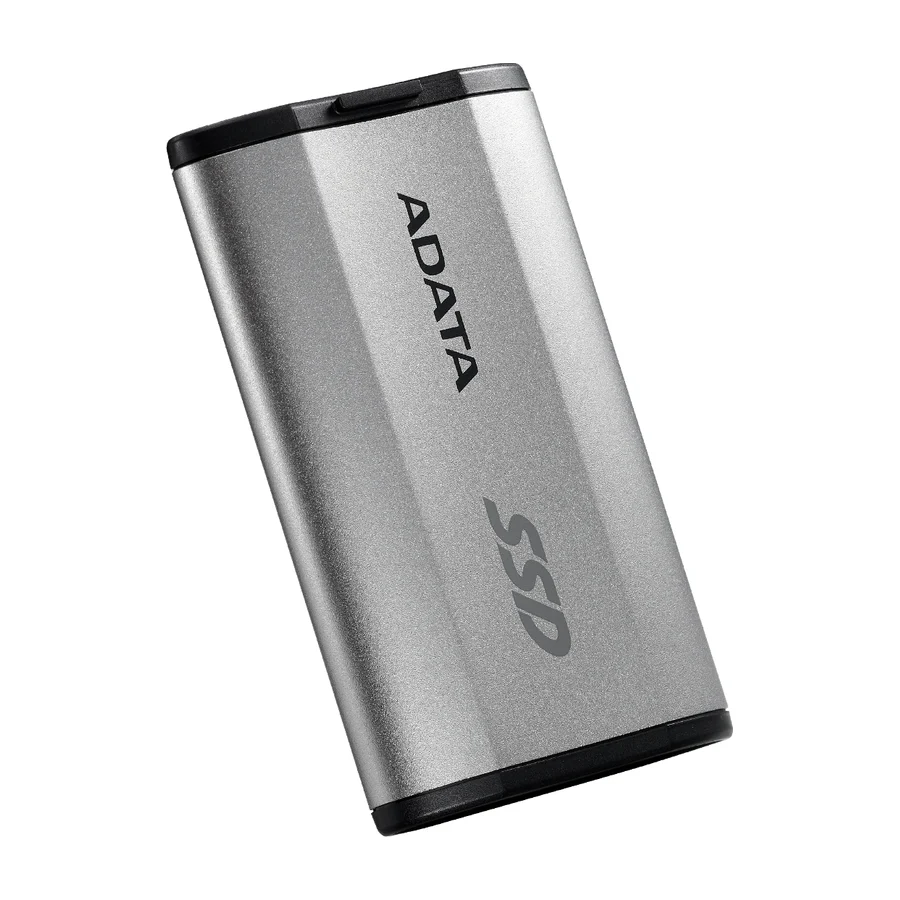
- 10 Sept 2026 Adata SD810 moved up from B to A. 3 more research games. 5 sources removed.
- 10 Sept 2026 Samsung T7 Shield moved up from B to A. 1 more research game.
- 10 Sept 2026 Crucial X10 moved up from A to S. 3 more research games. 1 source added, 6 removed.
- 27 Jul 2026 LaCie Rugged Pro 5 moved down from D to F. 3 more research games. 4 sources added, 1 removed.
Each line shows what else changed at the same publish. It is not a statement of cause.
Frequently asked questions
Samsung T9 sits at #1 in the S tier of our consolidated board, ranked across independent research runs over 454 cited reviews, videos and discussions. Ranked here on pure ownership merit, because the hardware and warranty are genuinely excellent. It is still a trap because you pay the Samsung tax for what the Crucial X10 delivers. Buy the X10 or the T7 Shield.
Crucial X10 ranks #2 (S tier). The same ownership story as the X9 Pro with more speed, and PCMag's current overall pick. Ranks a hair below the X9 Pro only because the Pro is tougher in a pocket.
Our research places PNY RP60, Lexar SL600, SanDisk Extreme PRO with USB-4, SanDisk Desk Drive, OWC Envoy Pro FX, Kingston XS2000, Crucial X6, WD My Passport SSD, WD Black P50, LaCie Rugged Pro 5, Samsung T5 EVO, SanDisk Extreme PRO Portable SSD in the bottom tiers (D/F). PNY RP60: Enthusiast outlets validate its 2,000 MB/s claims and value, but the major guides haven't crowned it, so it sits just below the guide-anchored picks.
More in Computers
Cite this board as stierproducts, “Best External SSDs”, 10 Sept 2026. Free to quote with attribution and a link (terms).
Machine-readable: markdown · JSON · how we rank
Embed this board on your own site. The frame links back here, which is the attribution the terms ask for:
<iframe src="https://stierproducts.com/embed/external-ssds" title="Best External SSDs, ranked by stierproducts" width="100%" height="400" loading="lazy" style="border:0"></iframe>