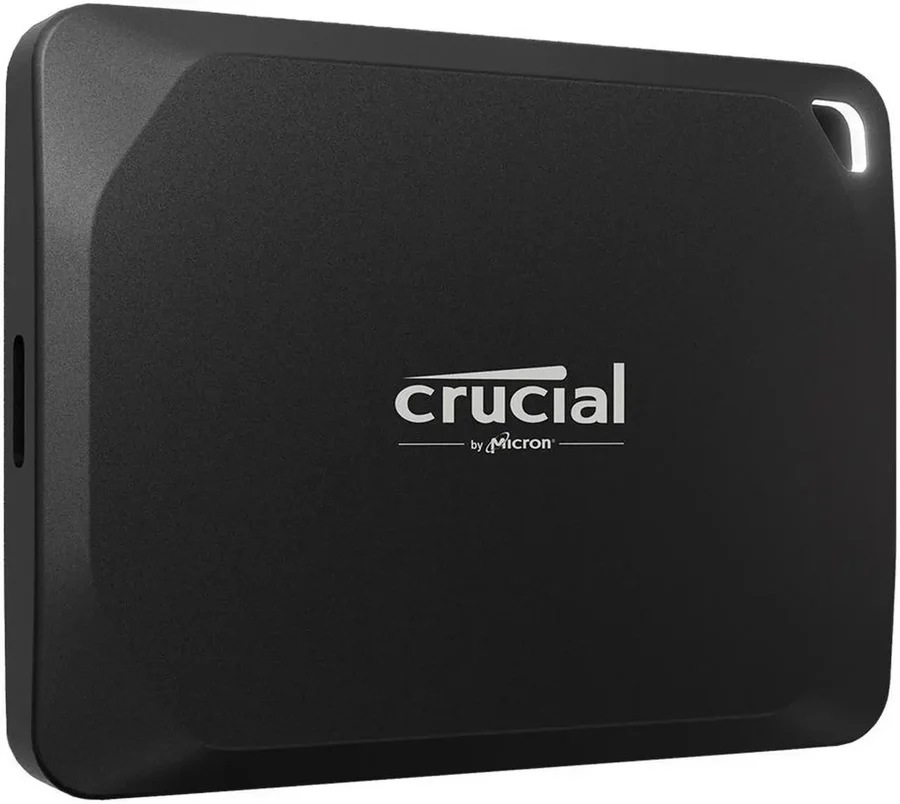
Crucial X10 Pro
Flagship speed on Crucial's support and warranty footing, with the same Micron pedigree as the X9 and X10. The right upgrade path when the X10 is not enough and you still want a maker with a real support reputation.
Consolidated from 19 independent outlets
Where the cited sources landed, as we read them
- 12 positive sources
- 5 mixed sources
- 2 unconvinced sources
Pros & cons
- ✓ Top-tier sustained performance
- ✓ Same Micron pedigree and warranty backing as the X9 and X10
- ✓ 3-year warranty
- ✓ high write endurance
- ✓ performance in RTINGS tests
The sources behind this ranking
We searched the web and YouTube for what has been published about this product, then read the articles, video transcripts and comments we found.
Evidence 4 articles and 15 video reviews
12 positive sources
 Gizmodo Brittany Vincent · reviewer · Feb 2026
 The Crucial X10 Pro 4TB Portable SSD is a lightweight external drive that puts all your large image libraries, video collections, and other major file folders in one convenient place. Using a flash-based hard drive allows a large folder of video and/or images to be copied much faster than with a traditional disk-based hard drive.Read T
 Tech Seekersx Tech Seekersx · 1.3K subscribers · Aug 2025
 Overall, the Crucial X10 Pro is a fantastic portable SSD that offers a great combination of speed, storage, durability, and portability. It's a worthwhile investment for anyone who needs a reliable and high-performance external storage solution. Check out the video description for updated price.Watch T
 Tech Insider Nadia Dubois · reviewer · Aug 2026
 Samsung’s T9 still tops most “best overall” lists, Crucial’s X10 Pro has quietly become the value pick that Reddit keeps recommending, and SanDisk just shipped a next-generation Extreme lineup it claims is “nearly twice the speed” of the drives that earned a reputation for failing on r/mac and r/finalcutpro.Read G
 Gadget RushX Gadget RushX · 1.2K subscribers · May 2026
 This tiny black slab promises to revolutionize how professional creators handle their data, claiming speeds that could make traditional drives feel like ancient relics.Watch E
 Eneba Miloš Nikolić · reviewer · May 2026
 Final Verdict : Crucial X10 Pro is the best portable SSD if you seek maximum speed, rugged design, and lag-free gaming and file transfers. Add outstanding compatibility and spacious storage, and you get one of the most impressive SSDs for the price.Read A
 APH Networks APH Networks · 771 subscribers · Oct 2023
 It looks like the Crucial X10 Pro 2TB is everything that someone like a videographer or photographer would want to complement their workflow. But is what it appears to be backed by reality? To start, I like its lightweight and modern appearance while in a much more compact form factor compared to the Crucial X8 2TB.Watch K
 Kotaku Zainab Falak · reviewer · Feb 2026
 Bid storage problems goodbye while saving big.Read T
 Tech Gadgets Tech Gadgets · 690 subscribers · Sept 2025
 This drive is a fantastic pick for photographers, videographers, or anyone needing fast, reliable storage on the go. Number two, SanDisk Professional POG40. For those who prioritize RAW speed, the SanDisk Pro G40 is an absolute powerhouse over Thunderbolt 3. It delivers up to 3,000 megabytes pers and 2500 megabytes pers. Fast enough to transfer 50 GB in under a minute.Watch G
 GadgetVerse GadgetVerse · 460 subscribers · Jul 2025
 If you're a content creator, editor, gamer, or traveling pro, the Crucial X10 Pro is a serious tool. It's fast, reliable, and durable. Everything you want in a premium portable SSD.Watch T
 Tech Tune Picks Tech Tune Picks · 297 subscribers · Aug 2025
 Overall, the Crucial X10 Pro 2 TB portable SSD is a compelling option for anyone looking for fast, reliable, and portable storage. Its USBC interface, ample capacity, and solid performance make it a great choice for a variety of applications. If you need a fast and portable storage solution, the X10 Pro is definitely worth considering. Check out the video description for updated price.Watch G
 GadgetsFind GadgetsFind · 267 subscribers · May 2026
 The absolute standout feature here is its blazing speed, topping out at a massive 2,100 megabytes per second read and 2,000 megabytes per second right speeds. Utilizing a USB 3.2 Gen 2x2 type-C interface, it lets you edit 8K video directly from the drive, transfer massive photo libraries in seconds, or load up heavy AAA game titles with virtually zero latency.Watch B
 Black rat bastards Black rat bastards · 31 subscribers · Aug 2025
 Fast enough to edit compressed 4K footage off the drive and to shuttle big project folders quickly. Mixed workloads, directory copies with many small files settle between SATA class and top tier NVMe over USB speeds.Watch
5 mixed sources
 Adam Talks Tech Adam Talks Tech · 43.4K subscribers · Nov 2023
 Although, on the X10 Pro, I did seem to get a more consistent speed across both the read and write. The Samsung T9 does not have an IP rating, but it does have a drop rating of up to 9 ft. The Crucial X10 Pro has an IP rating of 55 and it has a drop rating of up to 7 1/2 ft.Watch R
 Reviewsinside Reviewsinside · 4.6K subscribers · Jun 2025
 However, while it excels in speed, the drive does get a bit warm under heavy use. This is fairly normal for SSDs, but worth noting if you're using it for extended periods. In terms of pros and cons, there's a lot to appreciate here. On the plus side, the build quality is solid. It's compact, lightweight, and surprisingly sturdy.Watch M
 MyBestOn MyBestOn · 284 subscribers · Dec 2025
 Pros: Exceptional read/write speeds, ideal for professional workflows. Robust build with IP55 rating and drop resistance. Broad device compatibility with USBC and USBA support. Large 4 TBTE storage capacity for extensive media and project files. Bonus software included for photo management and backup cons. Premium price point compared to standard external drives.Watch N
 NTComputers & Internet NTComputers & Internet · 184 subscribers · Sept 2025
 Some users may find the premium pricing a bit steep compared to less featurerich competitors, while others may wish for even greater compatibility with legacy USB interfaces. Despite these minor concerns, the Crucial X10 Pro stands strong among competitors, particularly when compared to similar high-speed SSDs that often lack its level of ruggedness or cross-platform versatility.Watch T
 Tech Matrix Central X Tech Matrix Central X · 10 subscribers · Jul 2026
 While the X10 Pro emphasizes performance, it's also worth considering whether its speed aligns with your typical workload. Users who mainly store office documents or occasional photos may not fully benefit from transfer speeds this high. However, for workflows that involve large files and frequent data movement, the faster performance can translate into noticeable time savings.Watch
2 unconvinced sources
 Critical Reviews Critical Reviews · 13.4K subscribers · Oct 2024
 The advertised read and write speeds are more of a suggestion than a guarantee. Users have reported speeds that fall short of the advertised 2,100 MB per second read and 2,000 MB per second write, leaving many feeling misled. So, if you're expecting lightning-fast transfers, you might want to temper those expectations. Reason number seven. The drive has a tendency to get hot during use.Watch B
 Brutal Reviews Brutal Reviews · 2.5K subscribers · Dec 2025
 The Crucial X10 Pro looks shiny and sounds amazing on paper, but it's riddled with realworldWatch
Frequently asked questions
It ranks #5 of 28 on our external SSDs tier list, in A tier. That placement draws on 19 independent outlets.
On our external ssds board, Crucial X9 Pro ranks #3 (A tier) ahead of Crucial X10 Pro at #5 (A tier). Crucial X9 Pro: PCMag's long-standing top pick with Micron NAND, real drop resistance, and a support organization that honors its warranties. The best mainstream ownership value, ranking just above the X10 because its ruggedization matters more for long-term survival in a bag.
On our external ssds board, Samsung T9 ranks #1 (S tier) ahead of Crucial X10 Pro at #5 (A tier). Samsung T9: Ranked here on pure ownership merit, because the hardware and warranty are genuinely excellent. It is still a trap because you pay the Samsung tax for what the Crucial X10 delivers. Buy the X10 or the T7 Shield.
The Crucial X10 Pro is for power users who write a lot of data and own a computer with a 20Gbps USB port. The research found high write endurance, strong RTINGS performance, a 3-year warranty and an IP55-rated metal body, with no cons recorded. If your ports are 10Gbps, the Crucial X9 Pro gives the same build and warranty at the speed you can actually use. If you have USB4, the Samsung T9 at the top of our board is faster still.
The research rated its write endurance high, which matters most for drives that are written to daily. The warranty is 3 years and the metal body protects it in a bag. Keep a second copy of important work regardless.
Yes. Its 20Gbps interface and high write endurance suit offloading cards and editing 4K footage straight from the drive, which is the use the research had in mind when it called it a drive for power users. On a 10Gbps port it performs like the Crucial X9 Pro, so check your computer's ports before paying for the speed.
A USB 3.2 Gen 2x2 port, the 20Gbps kind. Many laptops, Macs and consoles do not have one: Thunderbolt and USB4 ports usually run 20Gbps drives at 10Gbps, and ordinary USB-C ports are 10Gbps or 5Gbps. Check your computer's spec sheet for 20Gbps or Gen 2x2 before buying.
Yes. It has an IP55-rated metal body, which resists dust and water jets. That covers rain, spills and a dusty bag. It is not rated for submersion, so keep it out of water.
Ranked nearby in External SSDs
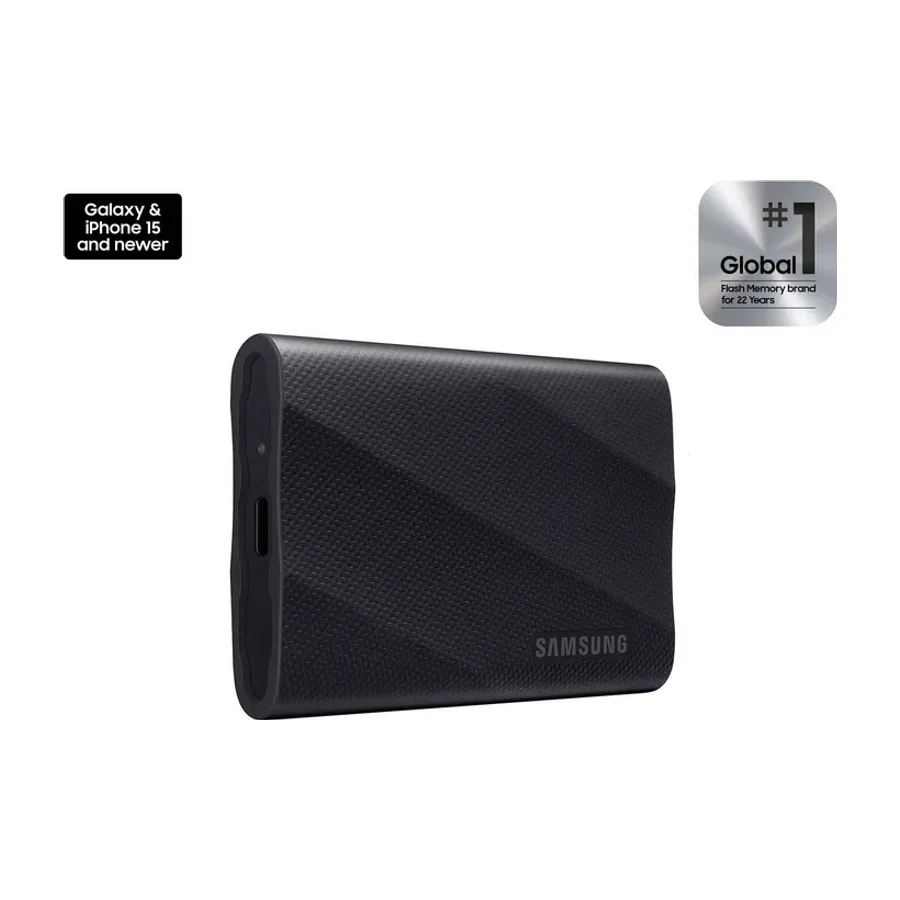 S tier #1 1 of 11 research runs entered this as a product to avoid rather than a pick.
 Samsung T9
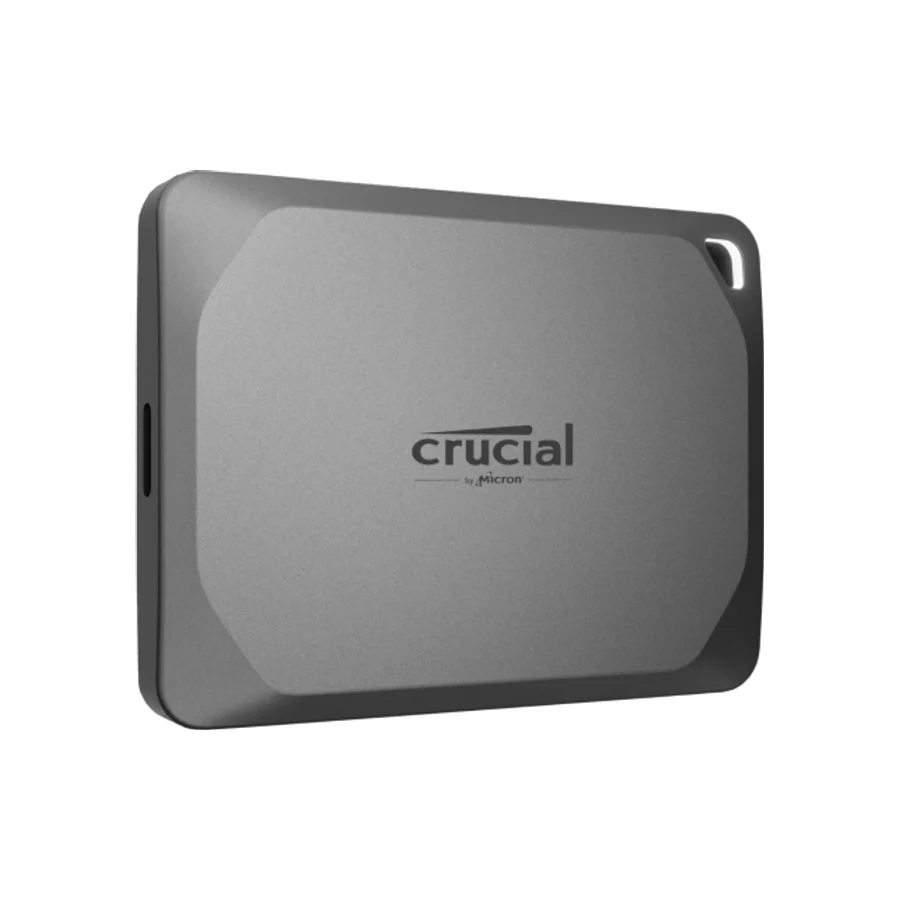 S tier #2
 Crucial X10
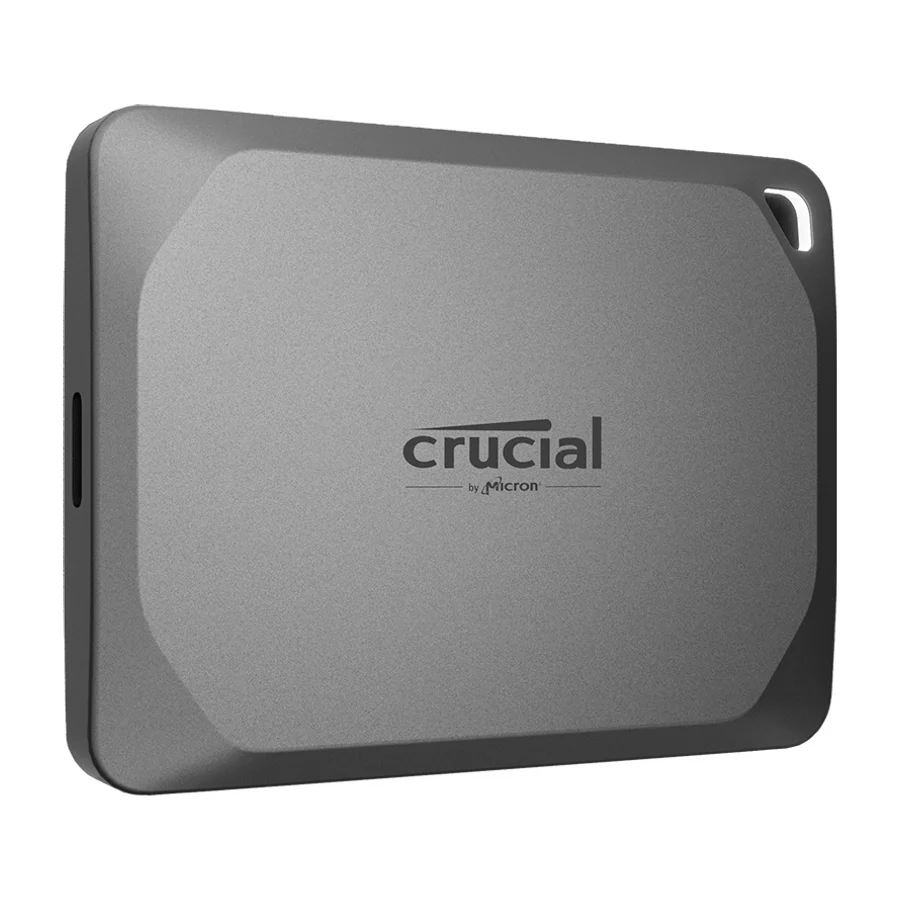 A tier #3
 Crucial X9 Pro
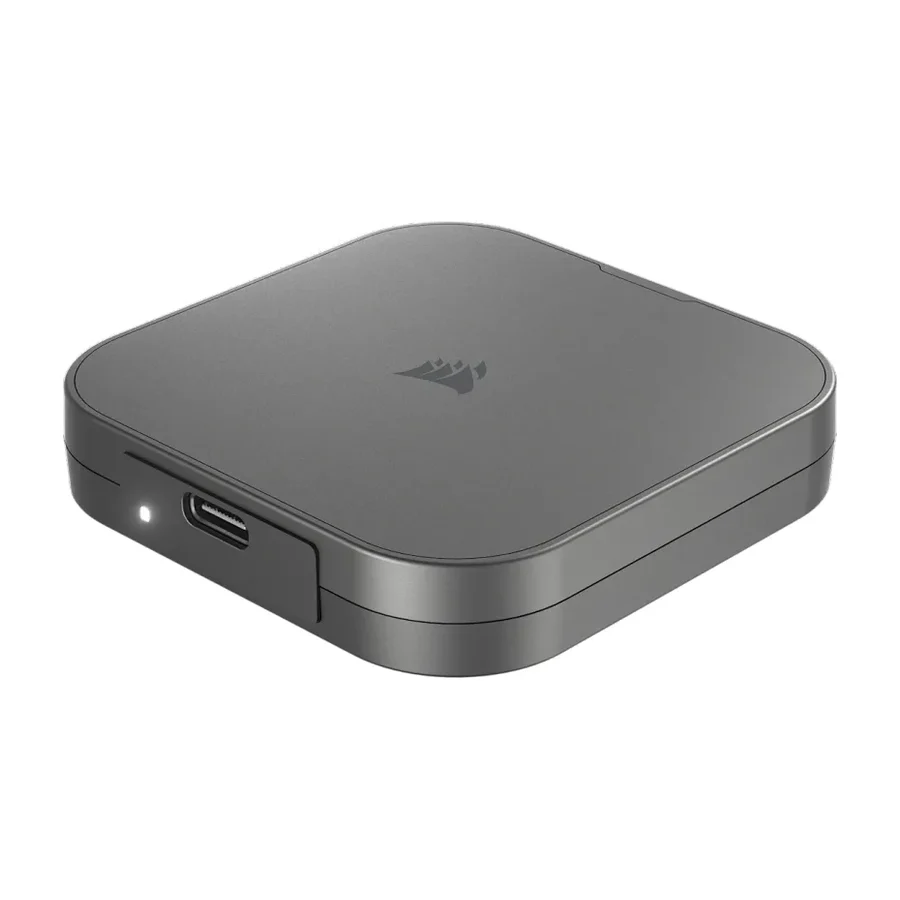 A tier #4
 Corsair EX400U
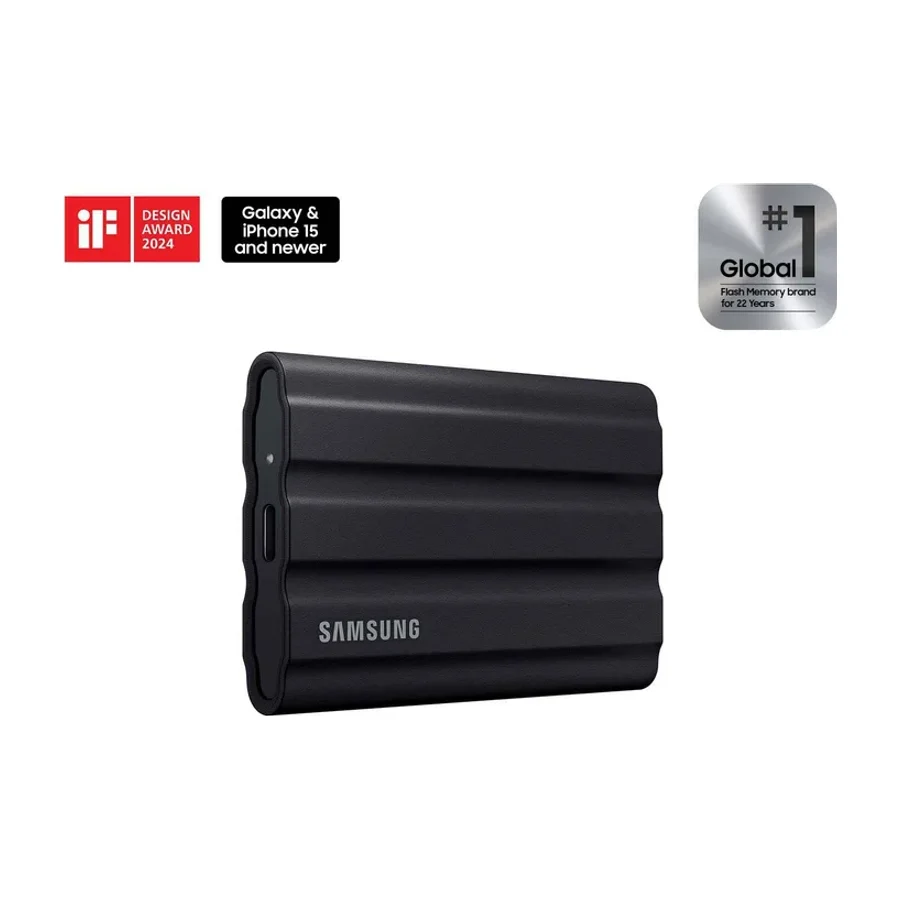 A tier #6 1 of 10 research runs entered this as a product to avoid rather than a pick.
 Samsung T7 Shield
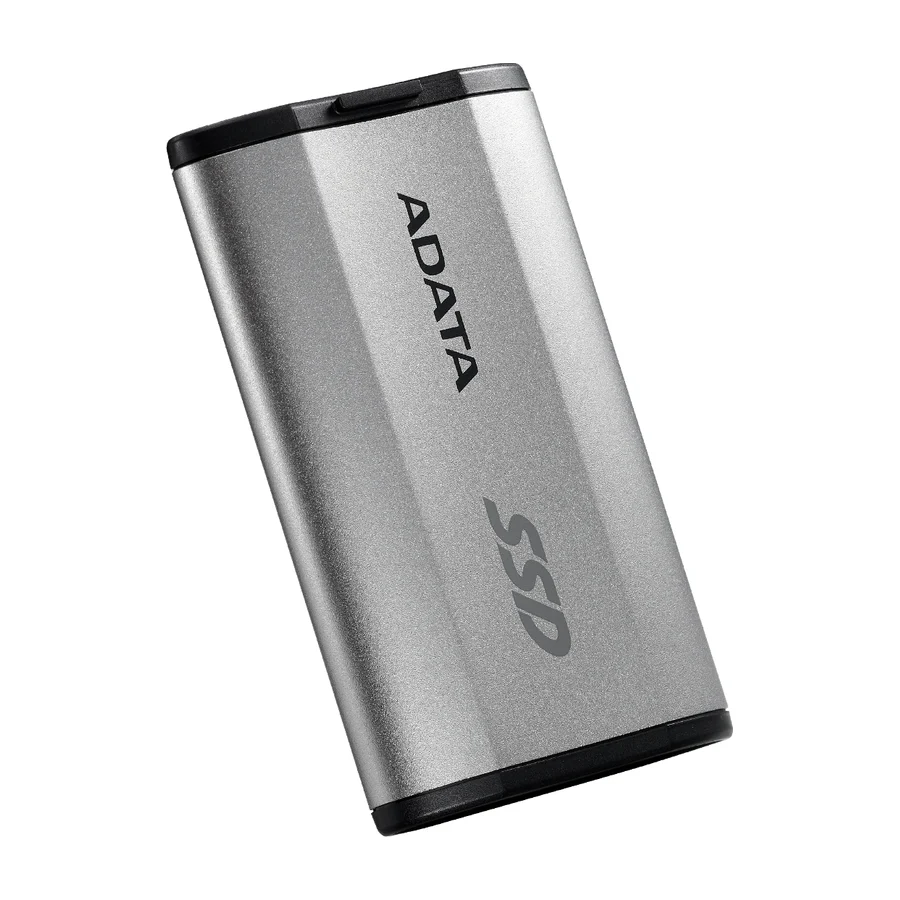 A tier #7
 Adata SD810
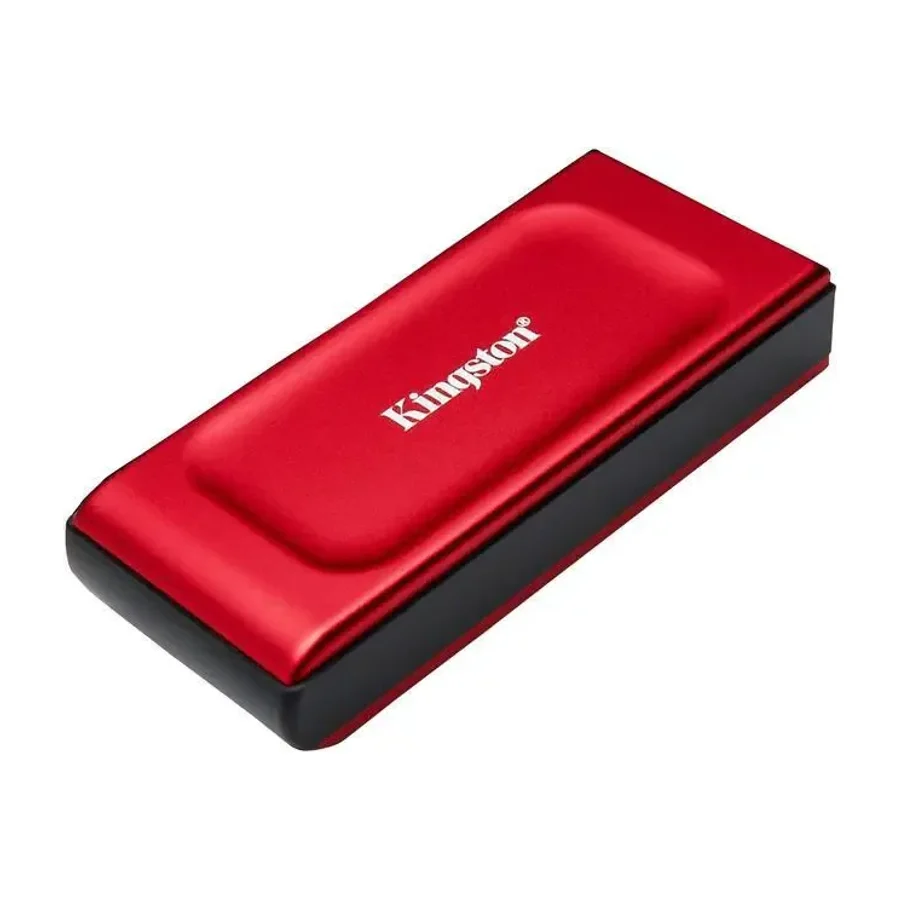 C tier #8 2 of 7 research runs entered this as a product to avoid rather than a pick.
 Kingston XS1000
 C tier #9
 addlink P30
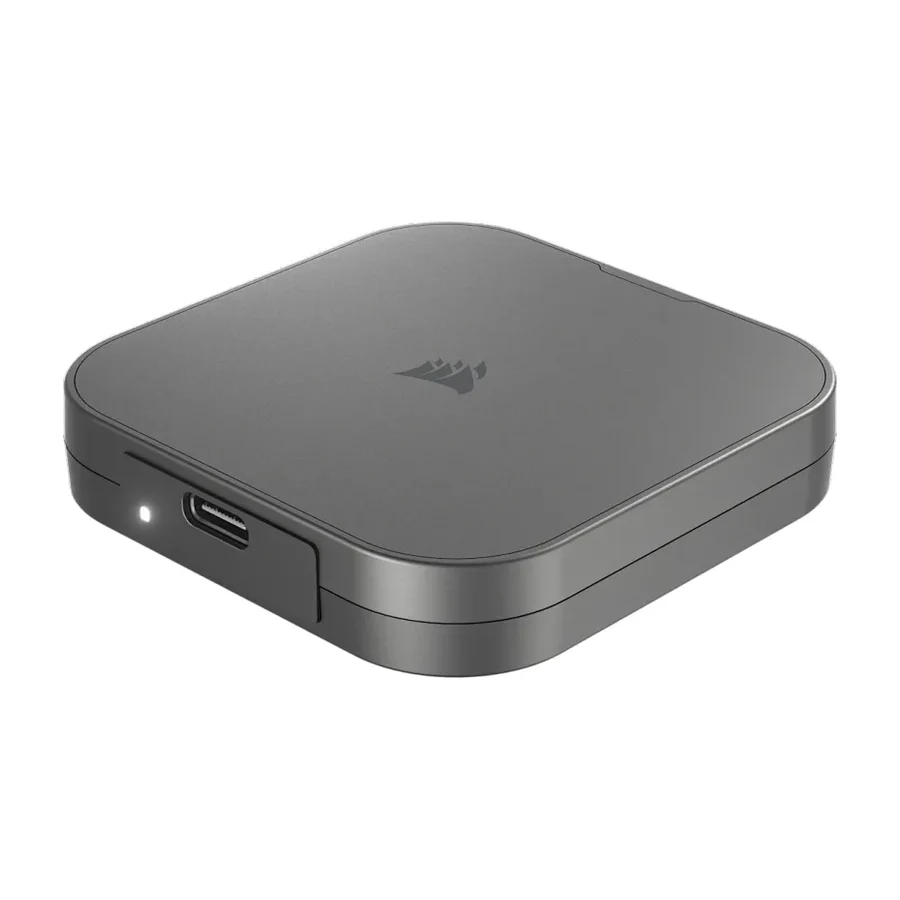 C tier #10
 Corsair EX300U
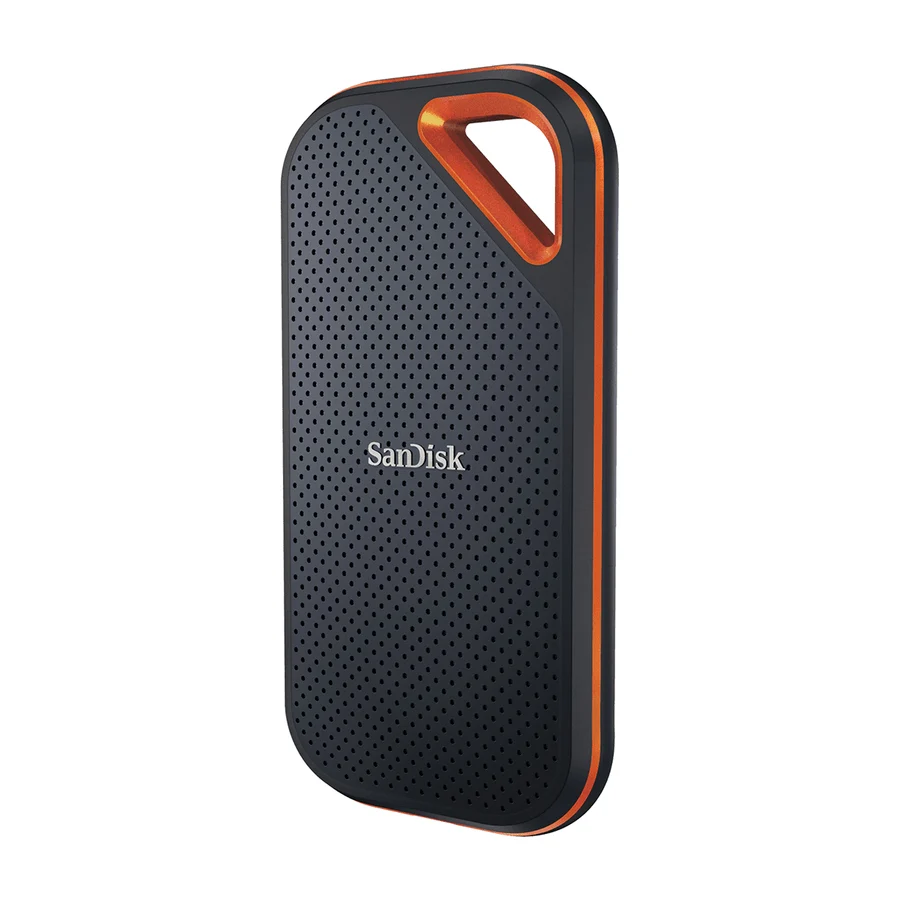 F tier #28 3 of 7 research runs entered this as a product to avoid rather than a pick.