Best Ergonomic Mice
Researched across expert reviews · 12 ranked products · Updated 20 Aug 2026
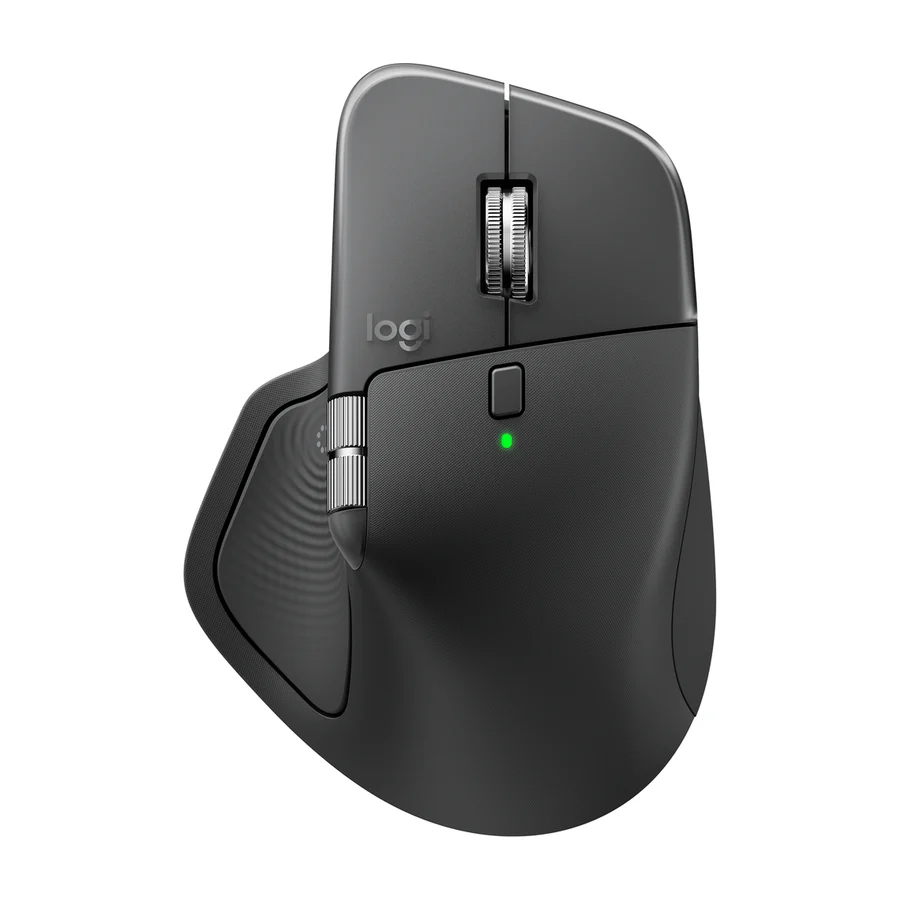
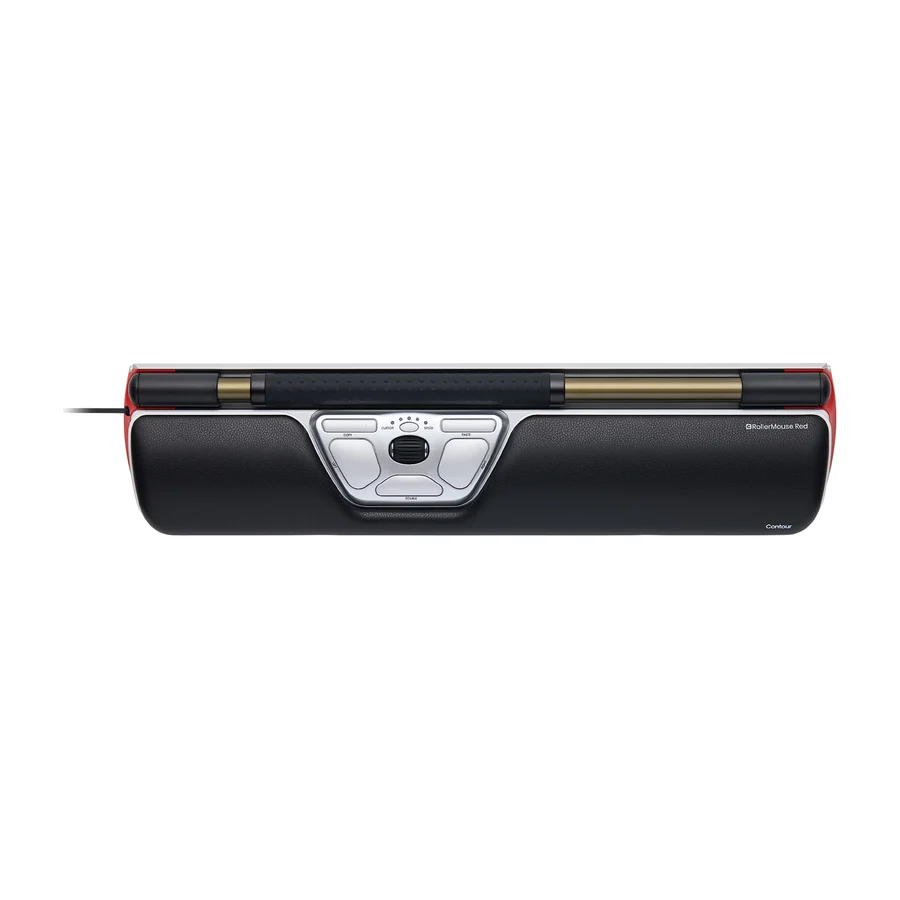
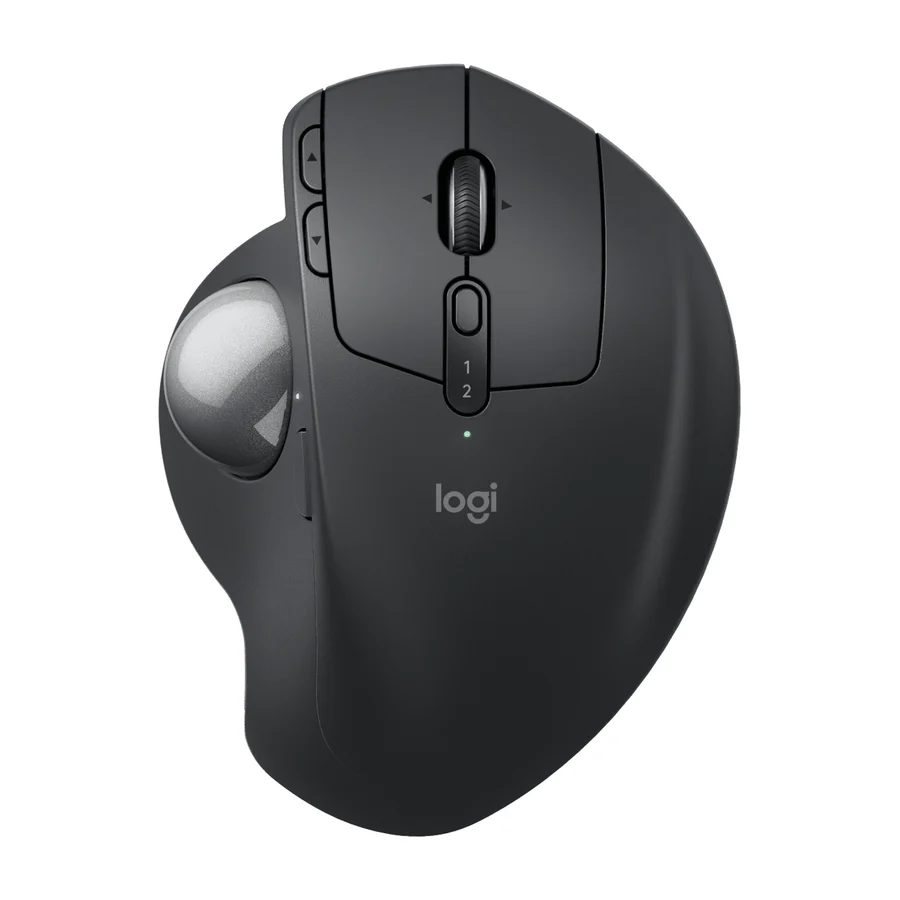
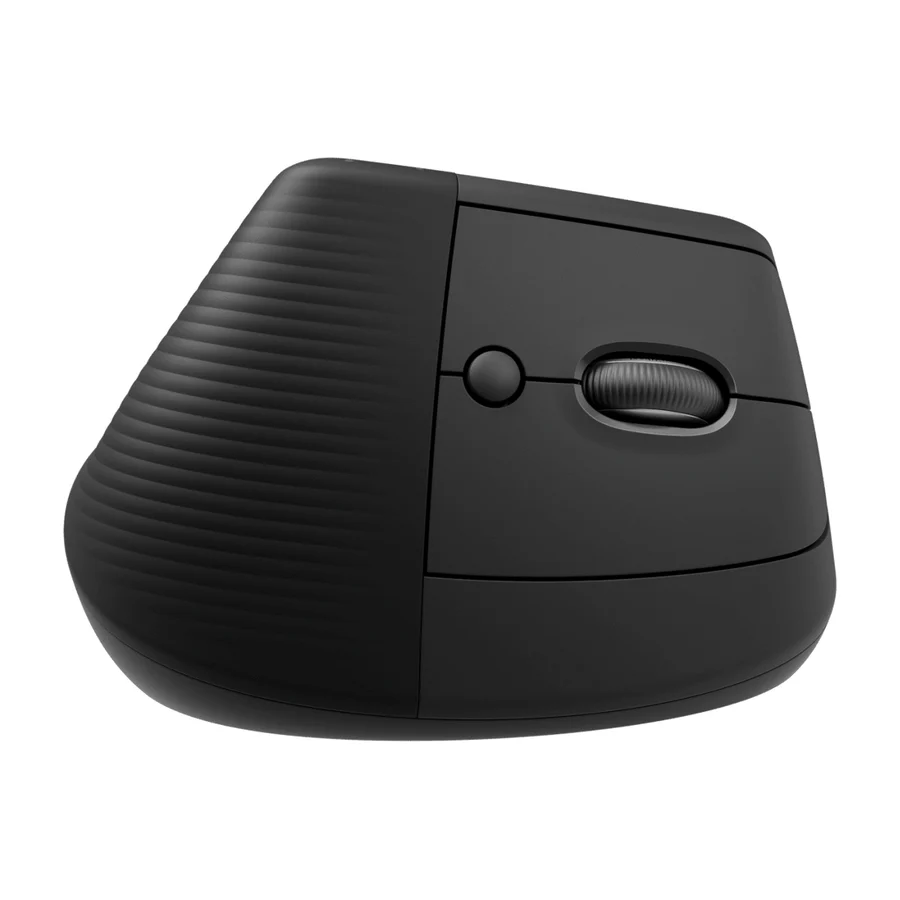
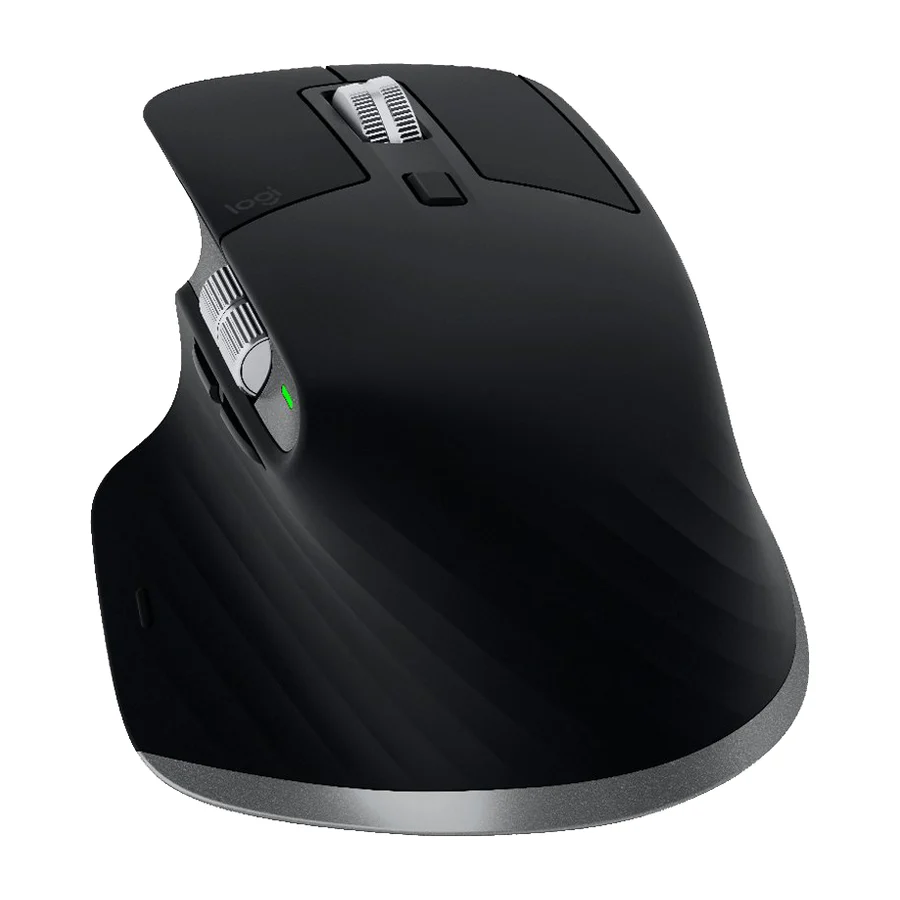
The Logitech MX Master 4 is the best ergonomic mouse for most people. It is the only S tier product on our ergonomic mice board, ranked across independent research runs over current expert reviews, and it earned that place on consistent praise for its shape, its premium build and its low failure rate. The A tier runner-up is the Contour RollerMouse Red, a comfort-first bar that sits in front of the keyboard and suits office users who want to stop reaching for a mouse at all. If you want a trackball, pick the Logitech MX Ergo S Advanced. If you have small hands or want a vertical mouse, pick the Logitech Lift. Avoid the Razer Pro Click V2 Vertical, the Seenda Ergonomic Mouse MOU-302 and the Logitech M500s, all in F tier.
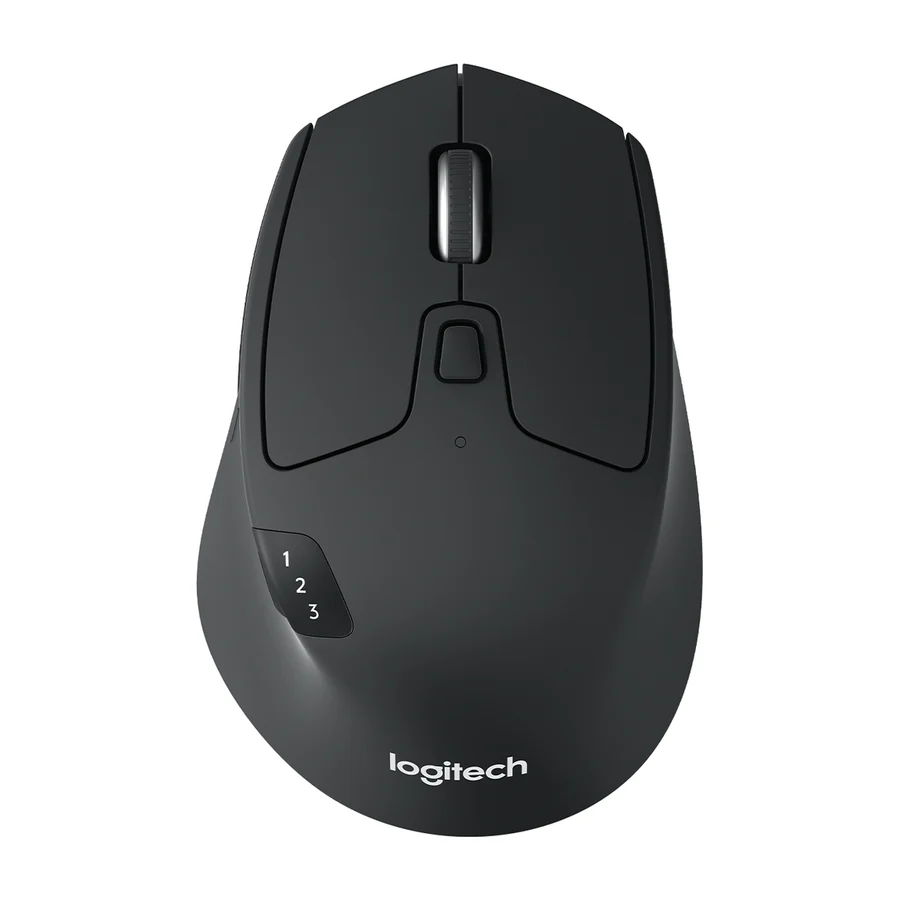
#6 1 of 7 research runs entered this as a product to avoid rather than a pick. Logitech M720 Triathlon
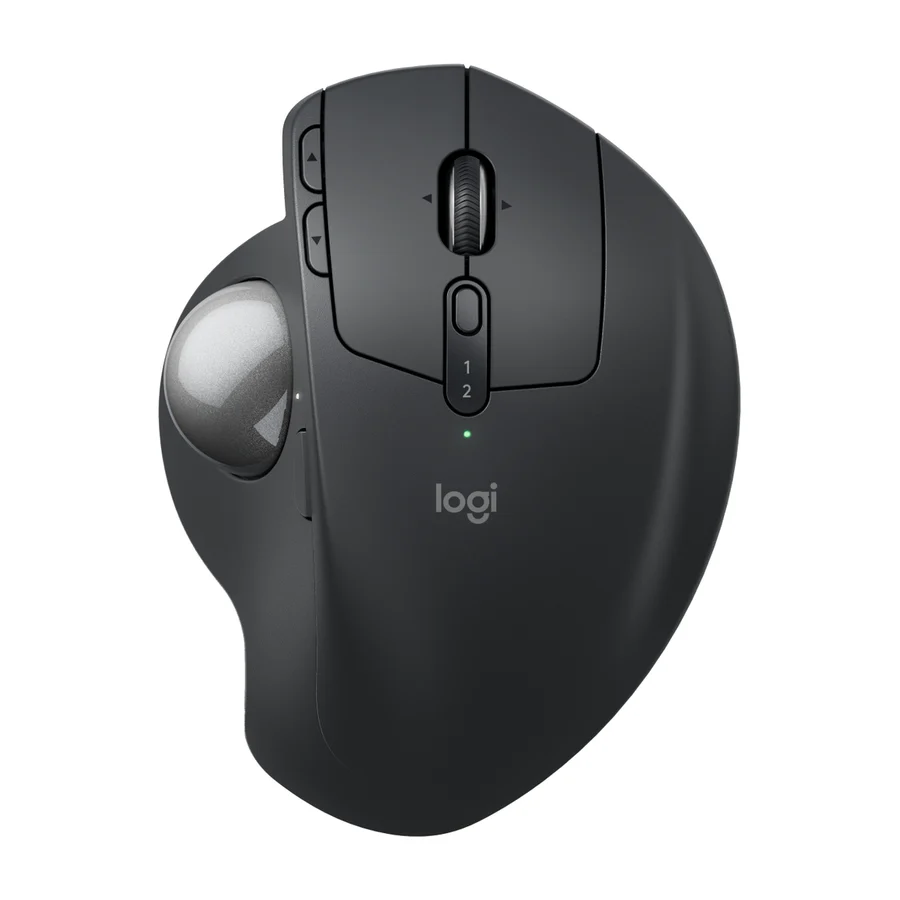
#7 2 of 3 research runs entered this as a product to avoid rather than a pick. Logitech MX Ergo S
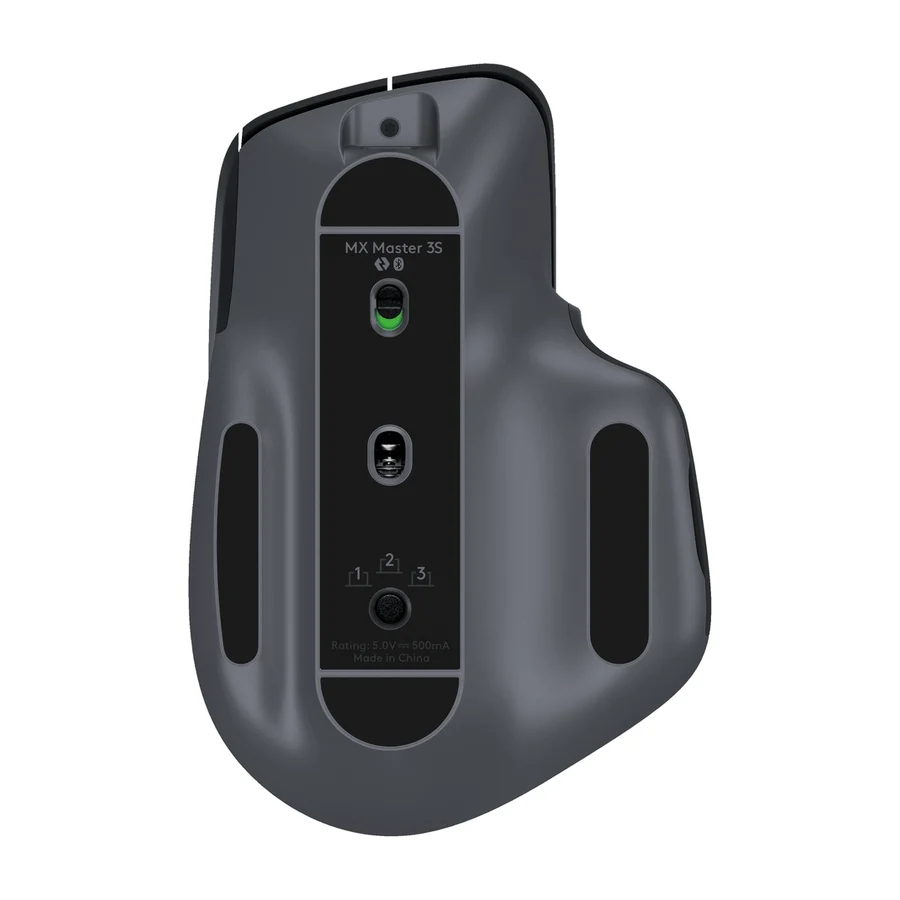
#8 1 of 2 research runs entered this as a product to avoid rather than a pick. Logitech MX Master 3
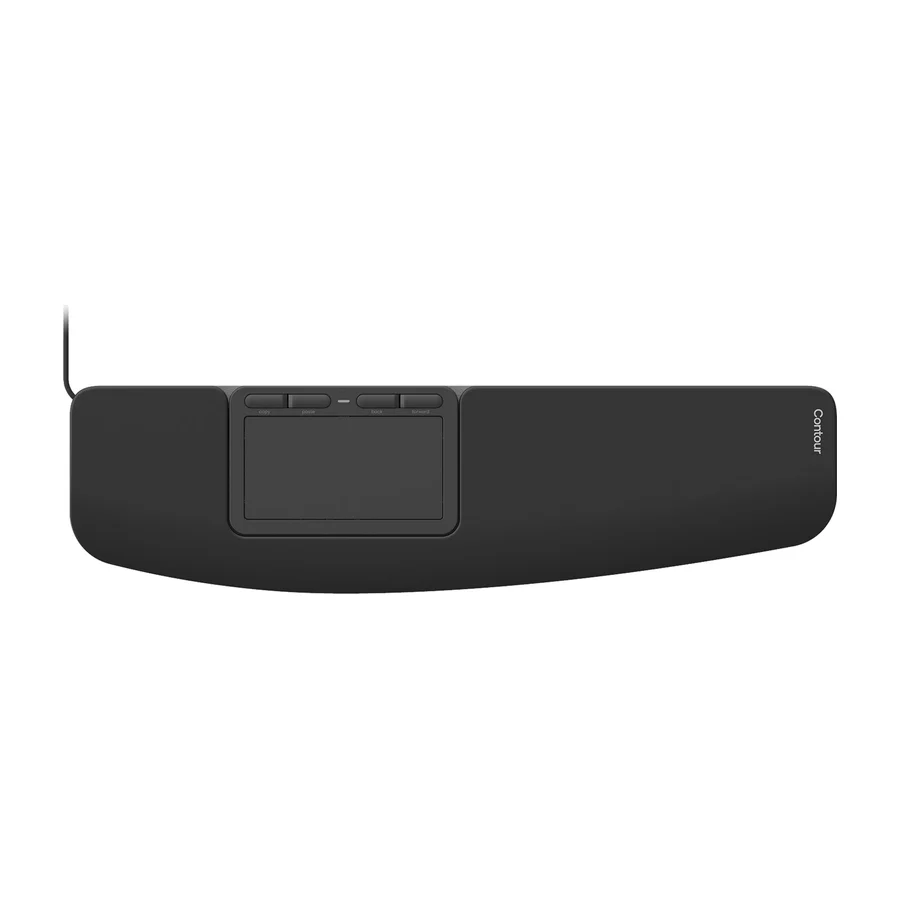
#9 1 of 3 research runs entered this as a product to avoid rather than a pick. Contour Touch
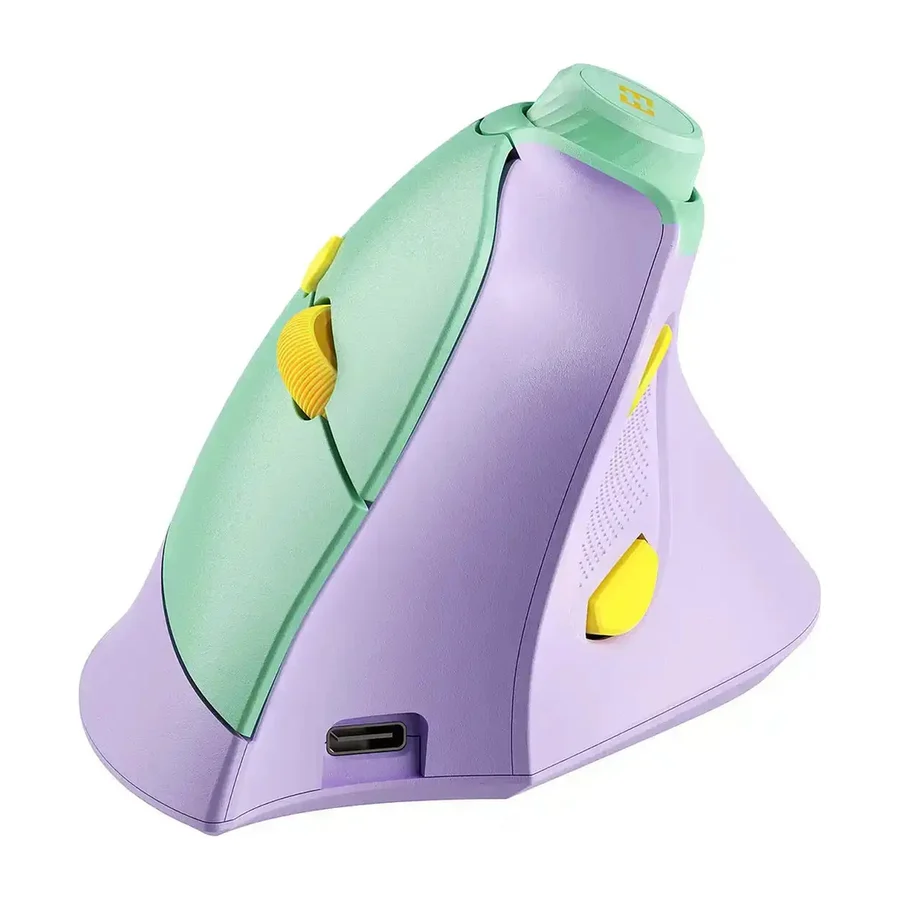
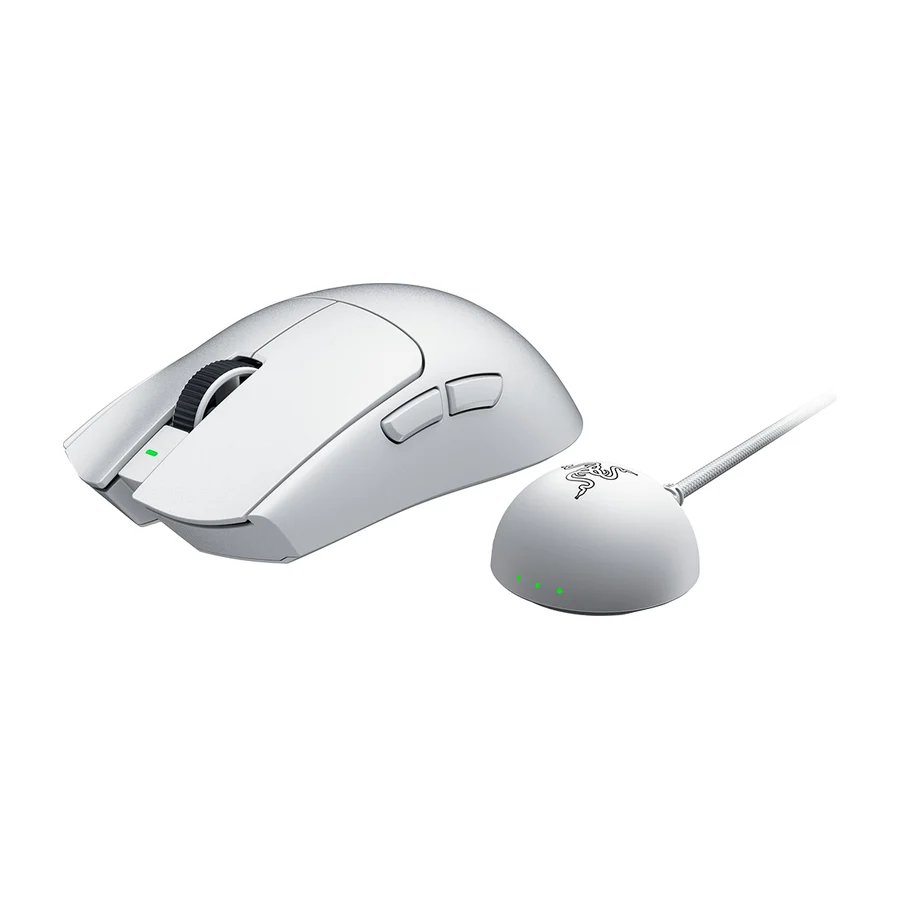
#10 3 of 5 research runs entered this as a product to avoid rather than a pick. Razer Pro Click V2 Vertical
#11 3 of 7 research runs entered this as a product to avoid rather than a pick. Seenda Ergonomic Mouse MOU-302
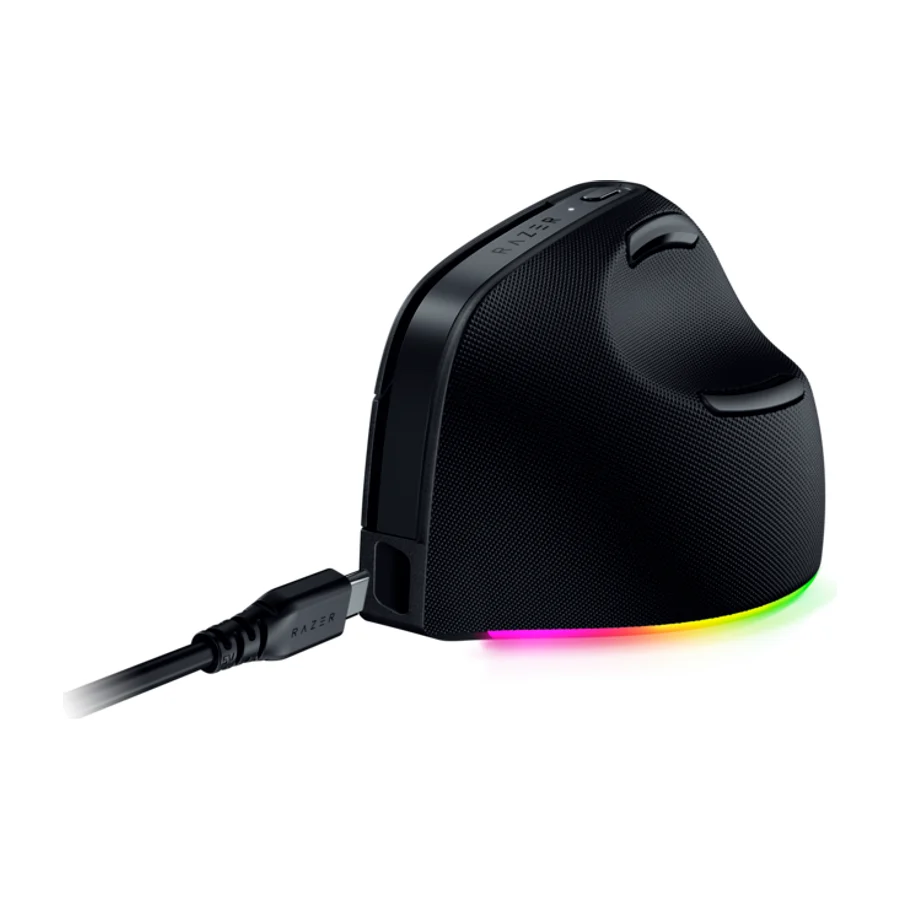
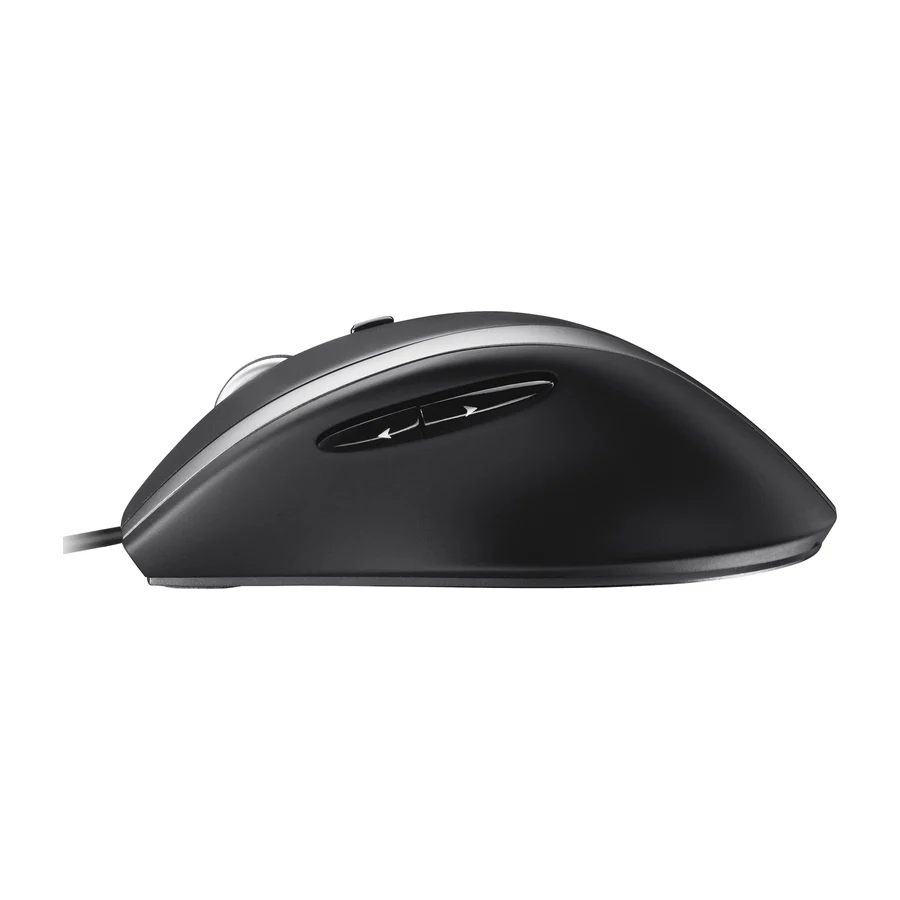
#12 1 of 7 research runs entered this as a product to avoid rather than a pick. Logitech M500s
Frequently asked questions
Logitech MX Master 4 sits at #1 in the S tier of our consolidated board, ranked across independent research runs over current expert reviews. Consistently high praise and frequent recommendations across multiple platforms solidify its position as a top pick for ergonomic productivity.
Contour RollerMouse Red ranks #2 (A tier). Mentioned in a comfort-focused tier list, indicating it caters well to users prioritizing ergonomic design.
Our research places Logitech M720 Triathlon, Logitech MX Ergo S, Logitech MX Master 3, Contour Touch, Razer Pro Click V2 Vertical, Seenda Ergonomic Mouse MOU-302, Logitech M500s in the bottom tiers (D/F). Negative user feedback regarding comfort significantly detracts from its appeal despite being listed in some reviews.
Yes, if you use a mouse for several hours a day. An ergonomic mouse changes the angle of your hand so the forearm is not twisted flat against the desk, and that is where most mouse-related strain comes from. On our board the Logitech MX Master 4 is the one reviewers praise most consistently for combining that comfort with a premium build and a low failure rate. A cheap ergonomic mouse can still be a poor one: the Seenda Ergonomic Mouse MOU-302 is comfortable but sits in F tier for its sensor accuracy, short battery life and an inconsistent scroll wheel.
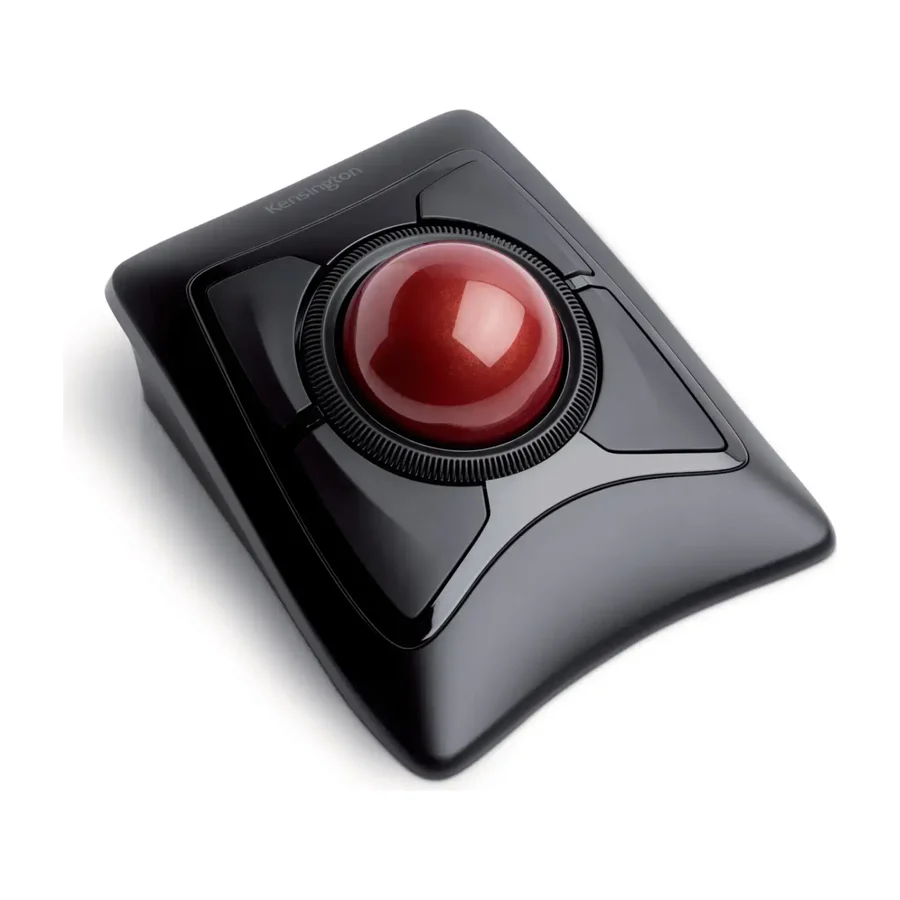
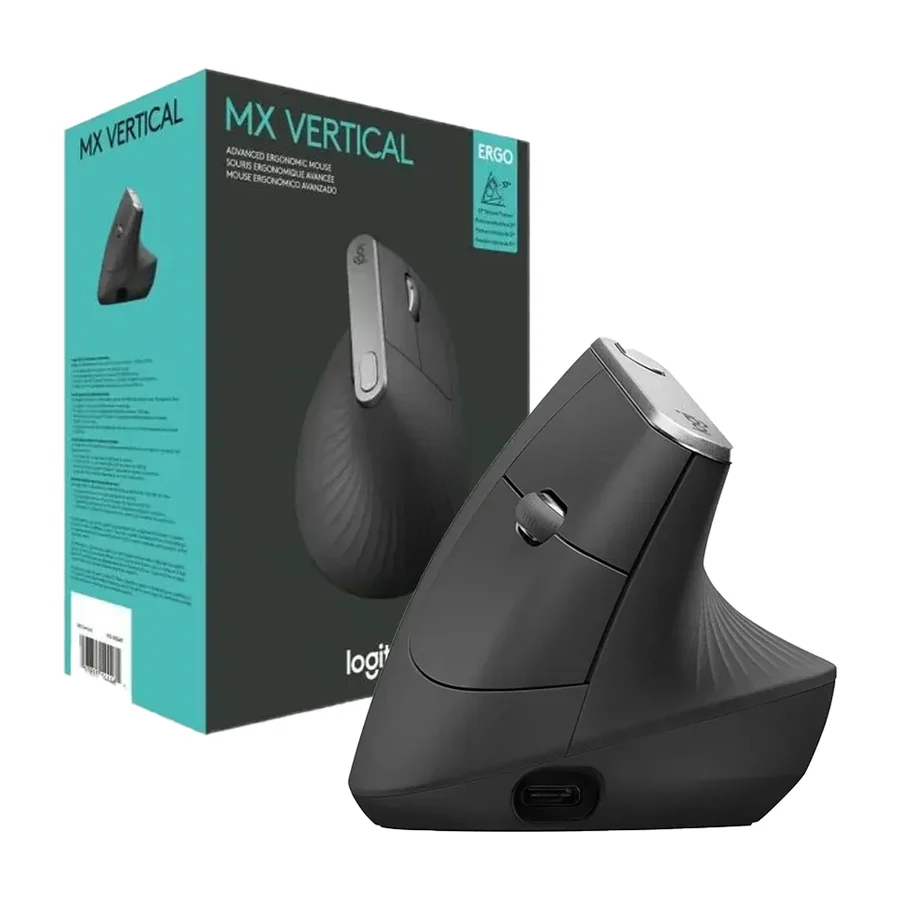
They reduce the strain that causes wrist pain, but they do not cure an injury that is already there. A vertical mouse holds the hand in a handshake position, which reviewers on our board credit to the Logitech MX Vertical and the Logitech Lift for reducing wrist strain. A trackball such as the Logitech MX Ergo S Advanced removes arm movement altogether, so the wrist stays still. Expect a week or two of slower work while your hand adjusts, and see a doctor if the pain continues.
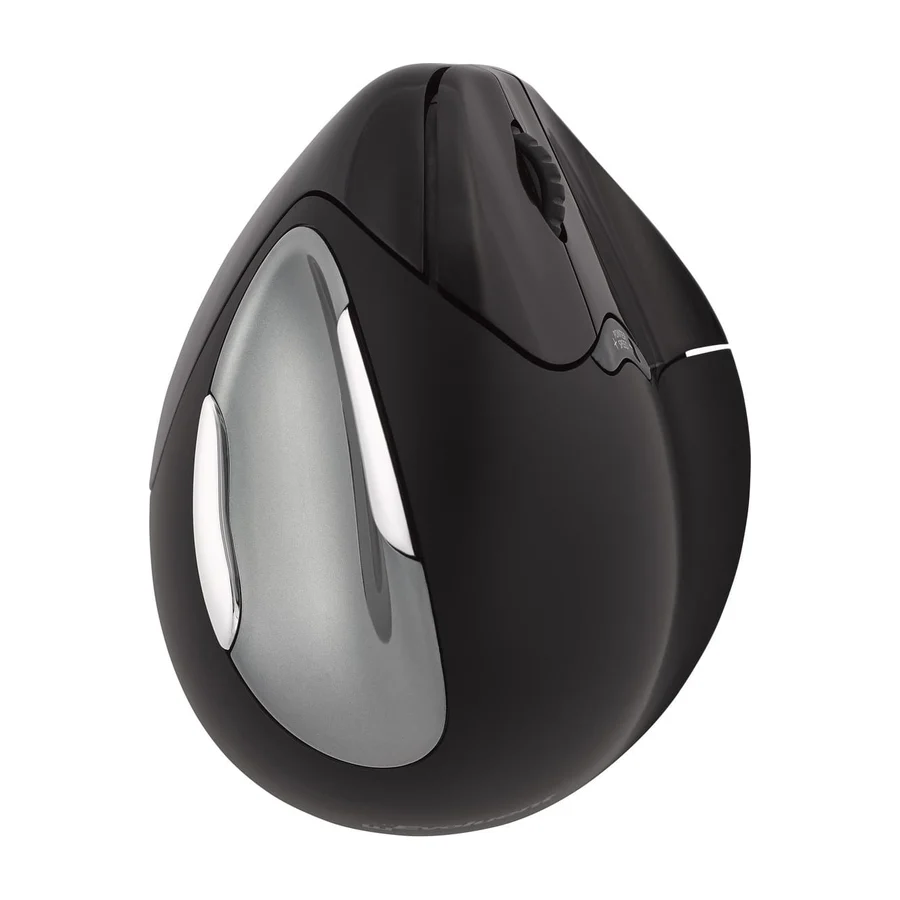
A sculpted mouse keeps the normal grip but shapes the body so the hand rests at a slight tilt. The Logitech MX Master 4 is this type and is our top pick. A vertical mouse turns the hand almost sideways into a handshake position, which is the biggest change in posture. The Logitech Lift and the Logitech MX Vertical are the vertical mice on our board. A trackball keeps the hand still and moves the cursor with the thumb, as on the Logitech MX Ergo S Advanced. The Contour RollerMouse Red is a fourth type, a bar in front of the keyboard that you roll with your fingertips.
The Logitech Lift. It is the only product on our board that reviewers single out as small-hand friendly, it sits in B tier, and it is a vertical mouse so it still changes your wrist angle. The Logitech MX Master 4 is the better mouse overall but it is a large mouse built for a full palm grip. The Logitech M500s is small but that counts against it: reviewers say its size limits adjustability and it sits in F tier.
Not for competitive gaming. Ergonomic mice are built for comfort over long sessions, not for fast flicks, and most of them are heavier and slower to move than a gaming mouse. The one product on our board that reviewers rate for light gaming is the Razer Pro Click V2 Vertical, and it still sits in F tier because its sensor performance is inconsistent. If you want a mouse that is comfortable and fast, look at our Gaming Mice board instead.
Logitech, on our evidence. Eight of the twelve products on our board are Logitech, and the Logitech MX Master 4 is praised for a low failure rate and long software support. Contour is the other brand reviewers trust: the Contour RollerMouse Red is praised for durable construction and long-term reliability. A Logitech badge is not a guarantee on its own. The Logitech M500s and the Logitech MX Master 3 are both in the bottom tiers for being older designs whose support is winding down.
A well-built ergonomic mouse lasts five years or more of daily use. Reviewers credit the Logitech MX Master 4 with a low failure rate and the Contour RollerMouse Red with long-term reliability, so those are the safest buys for longevity. Software support matters as much as the hardware: the Logitech MX Ergo S Advanced is noted for firmware updates that keep it current, while the Logitech MX Vertical gets none and the Logitech MX Master 3 is losing its firmware support. The first parts to fail are usually the switches under the main buttons and the scroll wheel.
The common faults on our board are sensors, batteries and scroll wheels. The Seenda Ergonomic Mouse MOU-302 has limited sensor accuracy, short battery life and an inconsistent scroll wheel. The Razer Pro Click V2 Vertical has inconsistent sensor performance. The Logitech MX Vertical has limited battery life and a build that reviewers say lags newer models. Comfort itself can be a fault: users reported discomfort with the Logitech M720 Triathlon, which is why it sits in D tier despite proven durability.
Wireless, for most desks. Every product in the top half of our board is wireless, and a cable adds drag that works against the light grip an ergonomic mouse is meant to allow. The only wired mouse on the board is the Logitech M500s, and reviewers count the missing wireless option as a drawback. Wired still makes sense if you never want to charge: the Logitech MX Vertical and the Seenda Ergonomic Mouse MOU-302 both lose points for battery life.
It can help, because carpal tunnel symptoms are made worse by a bent wrist pressing on the desk. A vertical mouse or a trackball keeps the wrist straighter. On our board the vertical options are the Logitech Lift and the Logitech MX Vertical, and the trackball is the Logitech MX Ergo S Advanced. The Contour RollerMouse Red goes further by removing the reach to the mouse altogether. An ergonomic mouse is a support, not a treatment, so get a diagnosis first.
Avoid buying on the word ergonomic alone. The Seenda Ergonomic Mouse MOU-302 has the name and a comfortable vertical shape and still sits in F tier for its sensor, battery and scroll wheel. Avoid bulk you do not need: the Razer Pro Click V2 Vertical is criticised as bulky and priced too high for what its ergonomics deliver. Avoid older versions of a current model: the Logitech MX Master 3 and the Logitech MX Ergo S are both in D tier because the newer Logitech MX Master 4 and Logitech MX Ergo S Advanced are more refined and better supported.
More in Computers
Cite this board as stierproducts, “Best Ergonomic Mice”, 20 Aug 2026. Free to quote with attribution and a link (terms).
Machine-readable: markdown · JSON · how we rank