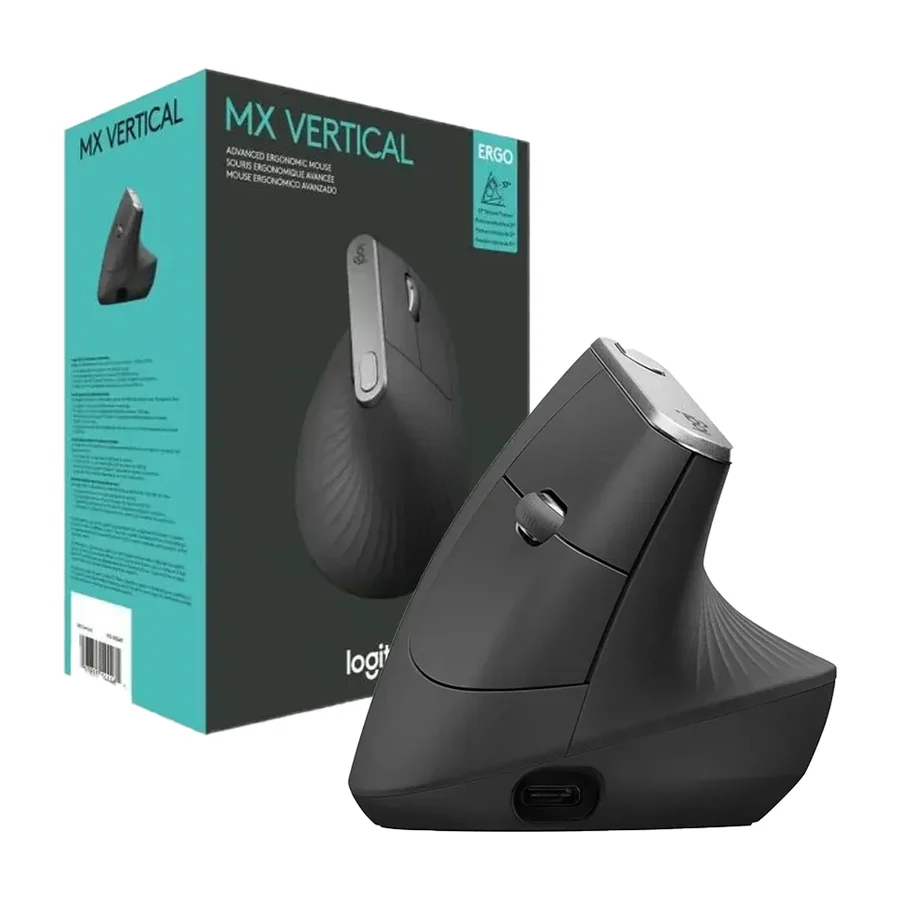
Logitech MX Vertical
A true vertical design that helps reduce strain, but requires a learning curve.
Consolidated from 27 cited sources across 26 outlets
Where the cited sources landed, as we read them
- 1 enthusiastic source
- 12 positive sources
- 11 mixed sources
2 of 8 research runs entered this as a product to avoid rather than a pick.
Steep learning curve and limited ergonomics for larger hands make it awkward for many users.
Flagged 13 September 2026
Pros & cons
- ✓ True vertical design reduces forearm strain
- ✓ Good ergonomics for long sessions
- ✓ Consistent popularity as a vertical mouse
- ✓ Widely mentioned in reviews
- ✓ Comfortable vertical design
- ✗ Learning curve to get used to
- ✗ Steep learning curve
- ✗ Limited ergonomics for larger hands
- ✗ Slightly less robust than others in long-term use
- ✗ Limited battery life
The sources behind this ranking
We searched the web and YouTube for what has been published about this product, then read the articles, video transcripts and comments we found.
Evidence 16 articles, 8 video reviews and 3 community sources

12 positive sources
Those are my opinions that are linked to my hands and usage on those three models, you might feel totally differently, but my recommendation is Logitech MX Vertical if you don’t care about the polling rate, avoid the Razer and the Keychron might not be the best alternative out there but I’m satisfied with it.Read thread F
 Fix and Stuff Fix and Stuff · 14.3K subscribers · Jun 2025
 This is the MX vertical and it might be the most comfortable mouse I've ever used. Here is my full take after using it for a while. So, the box here is already empty because I've been using the mouse. But what you get initially is the mouse itself, a unifying receiver, a USBC cable for charging, and a few simple manuals. After installingWatch G
 Gizmodo Brittany Vincent · reviewer · Apr 2026
 The Logitech MX Vertical Wireless Mouse helps prevent wrist pain by tilting your hand into a handshake position, so your forearm doesn’t have to rotate flat against the desk. The first day with it feels weird. By day three, you stop noticing the shape and just notice that your wrist hurts less.Read U
 USP REVIEW USP REVIEW · 2K subscribers · Apr 2025
 The Logitech MX Vertical stands out as one of the most thoughtfully designed ergonomic mice available today. Its unique vertical design positions your hand and forearm in a more natural handshake-like position which significantly reduces muscle strain and tendon stress.Watch D
 Digital Trends Omair Khaliq Sultan · reviewer · Apr 2026
 The MX Vertical’s 57° angle puts your hand in a natural handshake position rather than the pronated grip that standard mice require. That rotation takes the pressure off the forearm and wrist, and the dedicated thumb rest positions your thumb comfortably without any adjustment period.Read T
 TapTech TapTech · 266 subscribers · Nov 2025
 If you suffer from wrist or forearm discomfort, or if you want a mouse designed to reduce strain over long sessions, the Logitech MX Vertical is a smart choice. It blends ergonomic benefits, multi-device control, customization, and solid battery life.Watch T
 Tom's Guide Article · Mar 2026
 It wasn’t until I stumbled across the Logitech MX Vertical mouse in early 2020 that my experience working at a desk truly improved, and now six years later, that trusty product has become one of, if not the most important tech purchases I’ve ever made in my life.Read T
 Type A Reviews Type A Reviews · channel · Apr 2026
 Uh and I would highly recommend it.Watch T
 The Gadgeteer Article · May 2026
 The MX Vertical is still the safe default. Its 57° angle hits what Logitech calls the “natural handshake position.” Logitech’s own tests say it cuts muscle activity by about 10 percent compared to a flat mouse.Read E
 Ergonomic Mouse for Wrist Comfort Article
 Built to reduce wrist pressure and muscular activity, it’s ideal for office work, productivity, and long computer sessions.Read K
 Karn Bulsuk: Full Speed Ahead Article
 Overall, I recommend buying the Logitech Vertical MX mouse over the Sculpt Mouse.Read E
 EffiTech Media admin · reviewer · Aug 2026
 Best overall comfort (vertical): Logitech MX Vertical Advanced Ergonomic MouseRead
11 mixed sources
 CNN Underscored Henry T. Casey · reviewer · Jan 2026
 We found the MX Vertical is good for larger hands that want a vertical mouse, especially because of its size and comfortable rubbery grip area. Unfortunately, it’s only made for the right-handed, further limiting the appeal for an already polarizing design.Read K
 Kova Tech Kova Tech · 21.1K subscribers · Jun 2019
 The Logitech over here is more on the higher end side and the Ankor is more of a budget mouse. We as the consumers need to make a decision on which mouse we want to get. Today we're going to be opening both boxes, weighing out the pros and cons of each to figure out which one makes sense to purchase. We have both of the ergonomic mice here, and we're going to start by unboxing the Anchor.Watch L r/logitech u/Only_Drawer9883 · owner
My gf has the MX Vertical, good for productivity, not for gaming. A better gift might be a mouse just for productivity OR just for gaming. If I had to use one for everything I'd consider the wireless G502X, but would rather have both G502X and MX4M.Read thread E
 Everything Practical Everything Practical · 3.5K subscribers · Nov 2022
 Now, this mouse for me is a little bit big, which means when I rest my hand comfortably on the end of the mouse, my finger doesn't reach the back key on the mouse. I would have to move my hand a lot higher up onto the mouse and let my hand rest on the mouse itself. The problem with that is my hand slips off of the mouse because the grip isn't that grippy.Watch L
 LeStallion Clara Penrose · reviewer · Jun 2026
 We ranked this product at number three because it delivers proven vertical posture correction and long term comfort but stops short of innovation. Other models add adjustability or advanced features that expand ergonomic control.Read R
 RidwanTalktech RidwanTalktech · 418 subscribers · Jan 2026
 But sometimes the Bluetooth connectivity just lags. Maybe if your Bluetooth is too busy connecting to maybe like three, four devices at a time, the Bluetooth connectivity to this thing will just tend to misbehave sometimes. So there's that for that. But another thing I love is that despite being a wireless mouse, it also has a wired connectivity.Watch C
 Cuttles Article
 The 57-degree angle sits right in the comfort sweet spot for most hands. The downside: that dongle has nowhere to store inside the mouse itself, and somewhere around the eighteen-month mark, some owners hit a left-click failure.Read S
 Simon M Simon M · channel · Feb 2026
 Bottom line, the MX Vertical isn't for everyone. But for the right user, it can be a gamecher for comfort.Watch W
 WIRED Henri Robbins · reviewer · May 2025
 While this mouse’s size and general shape both feel good for regular use, I found the shape to be a bit uncomfortable to fully grip and lift:Read B
 Budget Loadout Jess · reviewer · Aug 2026
 Pros Darkfield sensor tracks on glass and gloss where cheaper sensors stallRead L r/logitech u/Ritual_Ghoul · owner
I am using one with Mac and since using it my pain in my wrist is gone.Read thread
3 stance not read sources
 videodante Article · Oct 2025
 Over the past few years of vertical mice usage, I have used three of the "big ones": The Logitech MX Vertical , the Razer Pro Click V2 Vertical , and the Keychron M5 . I also have rather large hands. This is pertinent for the rest of this post.Read R
 RTINGS Article Read B Blender Artists Article Read
 Frequently asked questions
It ranks #8 of 15 on our ergonomic mice tier list, in C tier. That placement draws on 27 cited sources across 26 outlets.
None of the 24 sources with a clear view is critical of it. Learning curve to get used to. Steep learning curve. Limited ergonomics for larger hands. Slightly less robust than others in long-term use. Limited battery life.
Ranked nearby in Ergonomic Mice
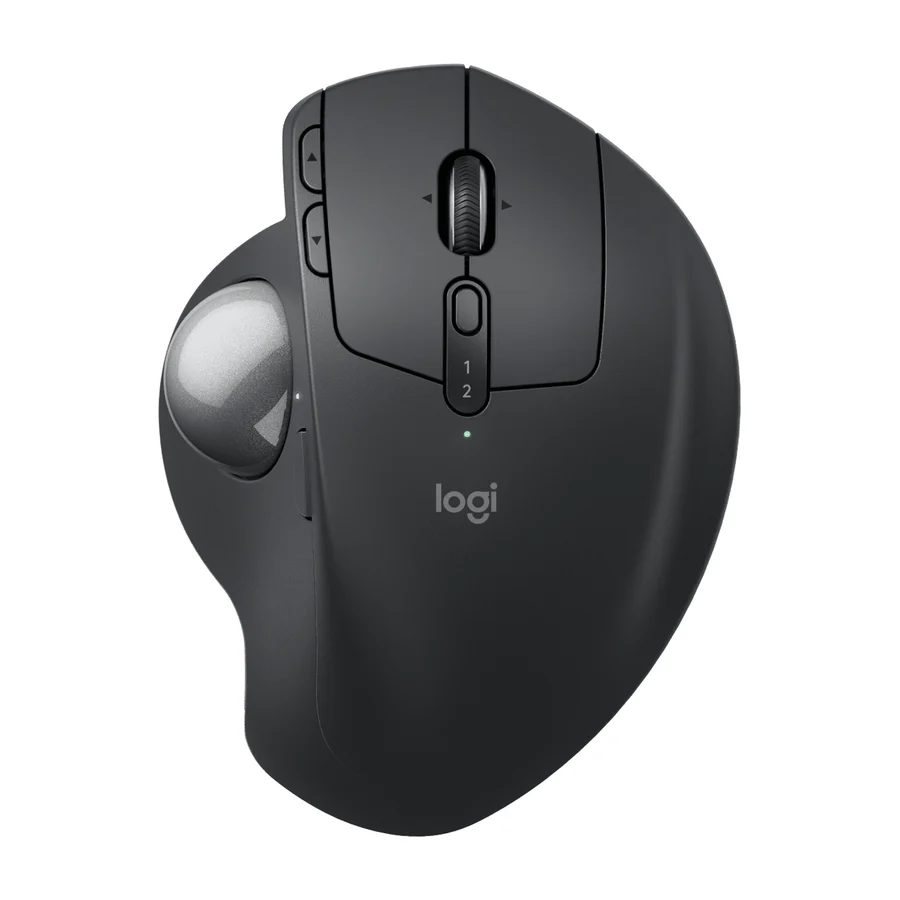 A tier #3
 Logitech MX Ergo S Advanced
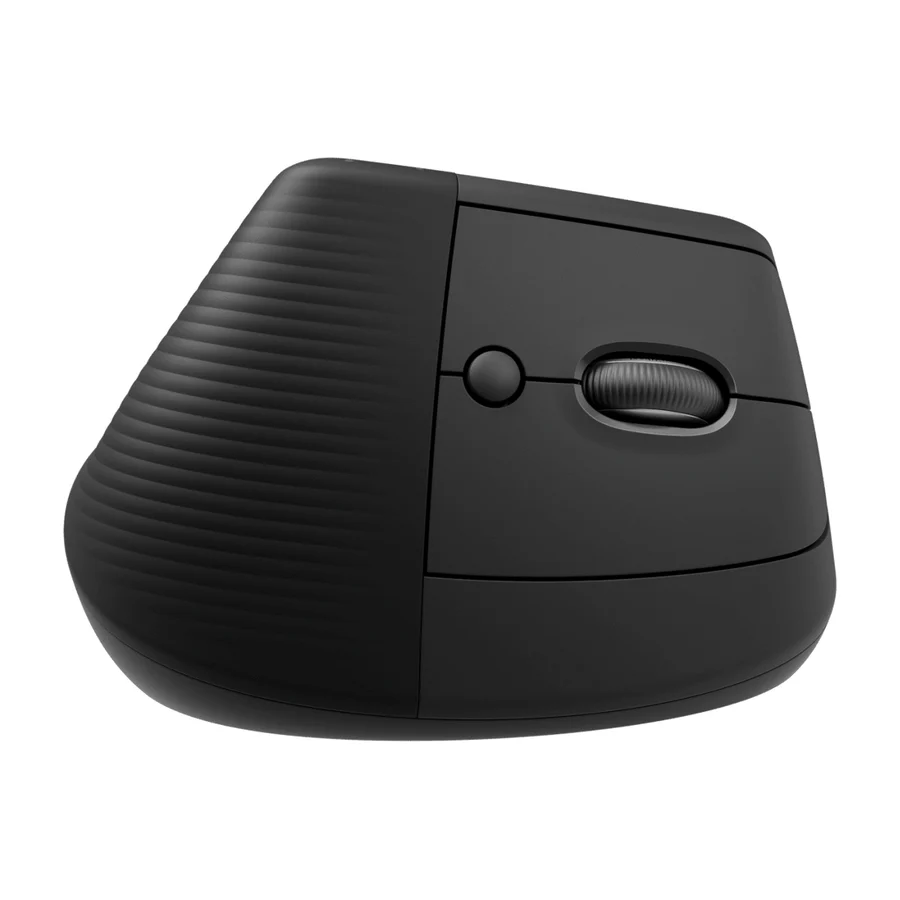 B tier #4
 Logitech Lift
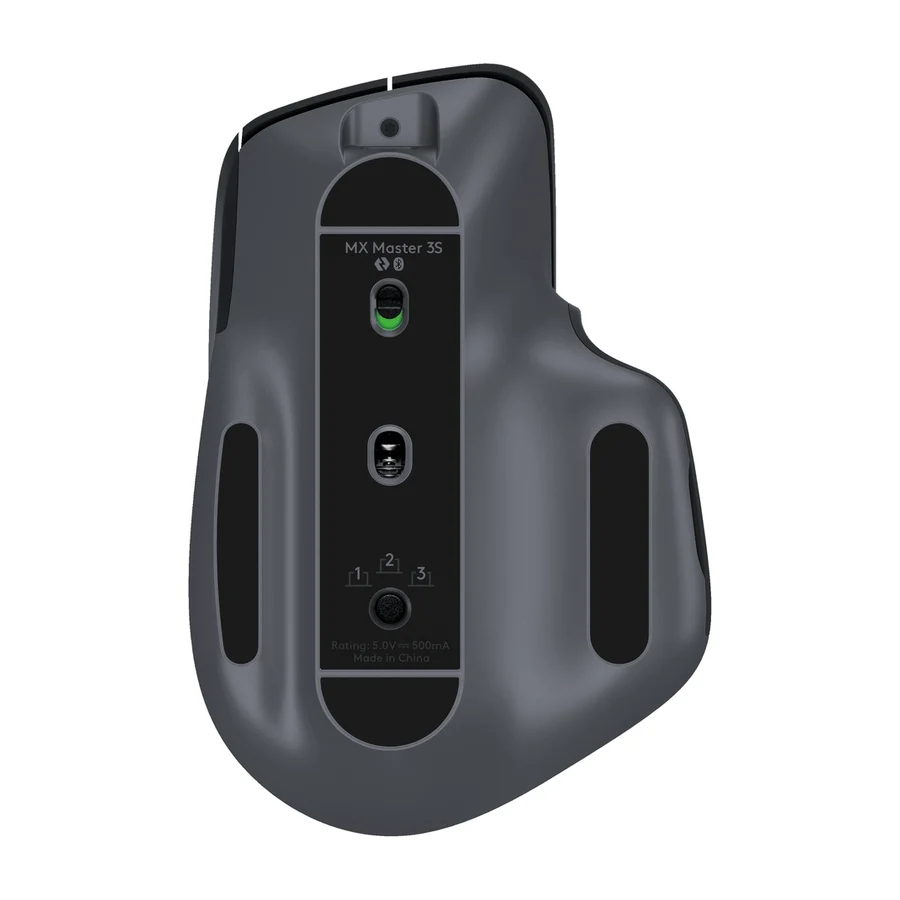 B tier #5
 Logitech MX Master 3S
 B tier #6
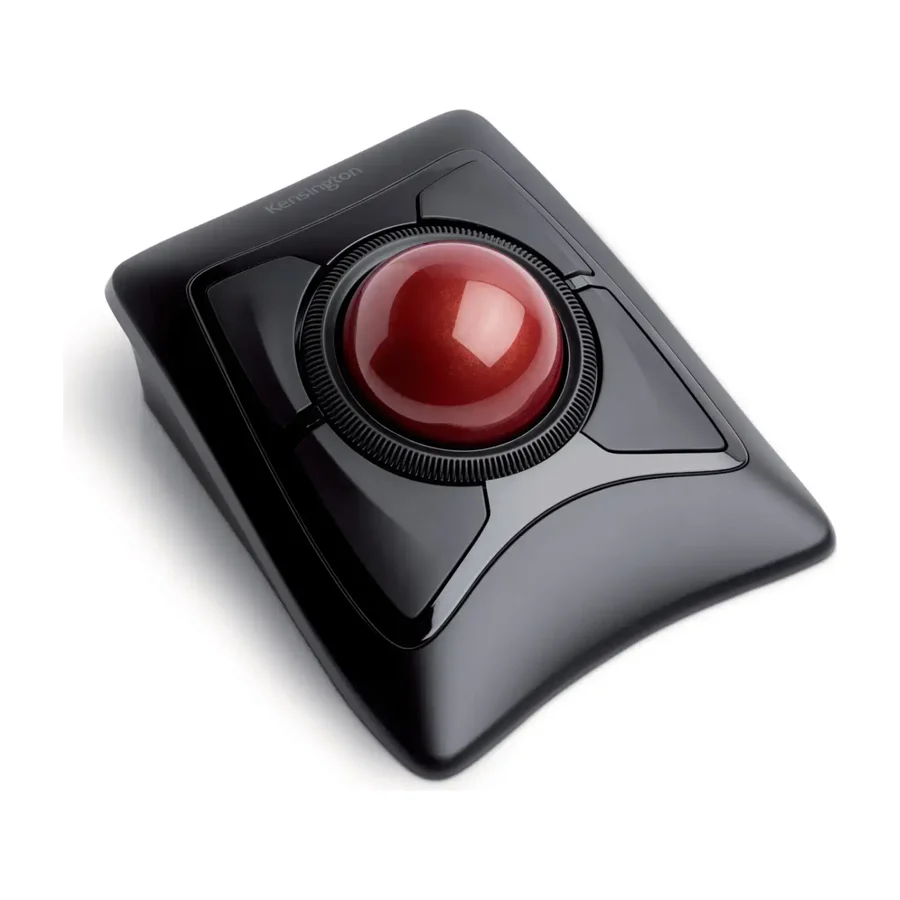
 Kensington Expert Mouse Wireless Trackball
 B tier #7
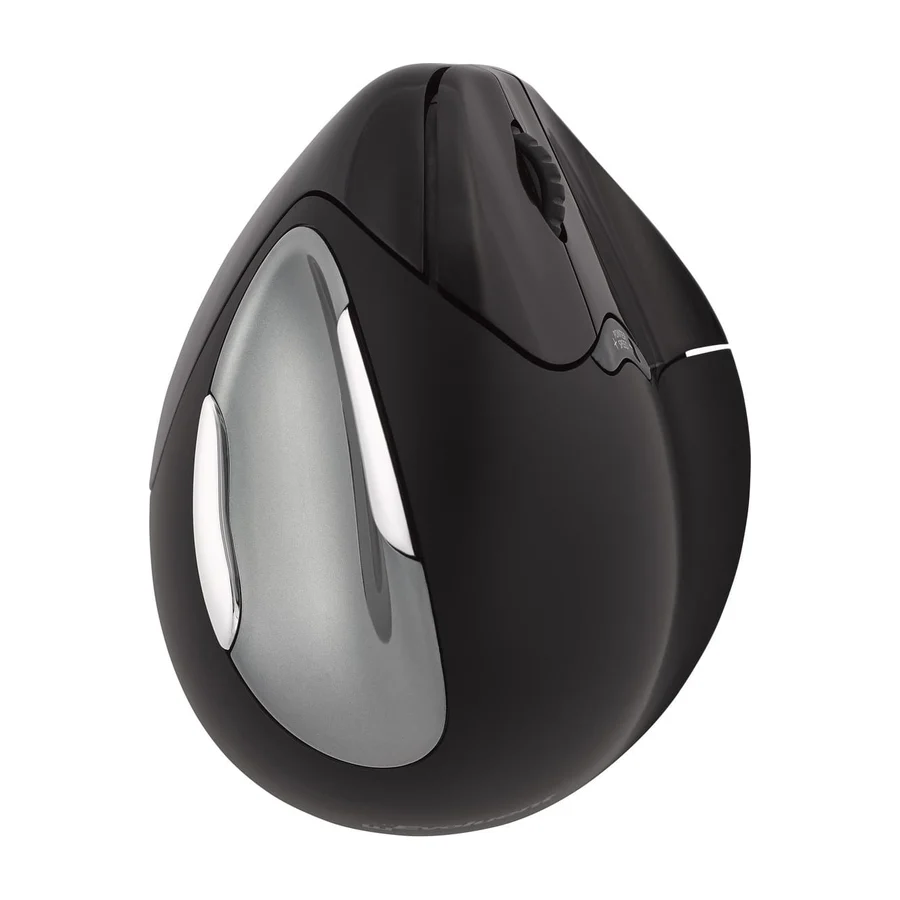
 Evoluent VM4
 D tier #9 1 of 9 research runs entered this as a product to avoid rather than a pick.
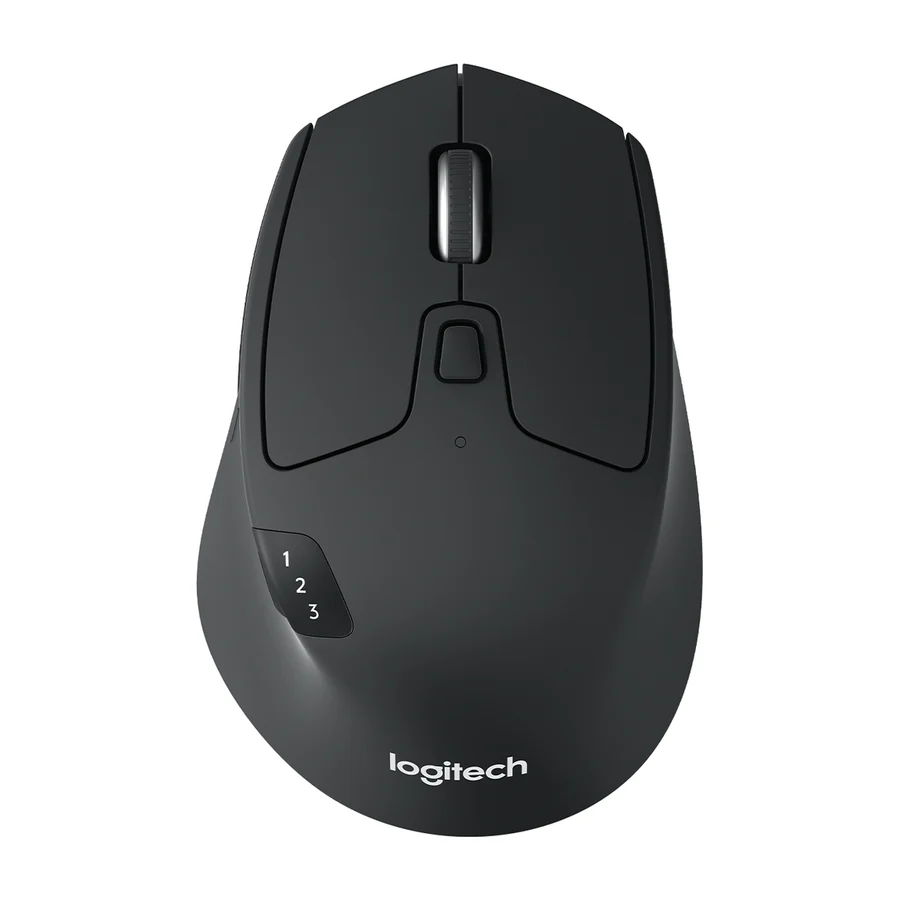
 Logitech M720 Triathlon
 D tier #10 2 of 3 research runs entered this as a product to avoid rather than a pick.
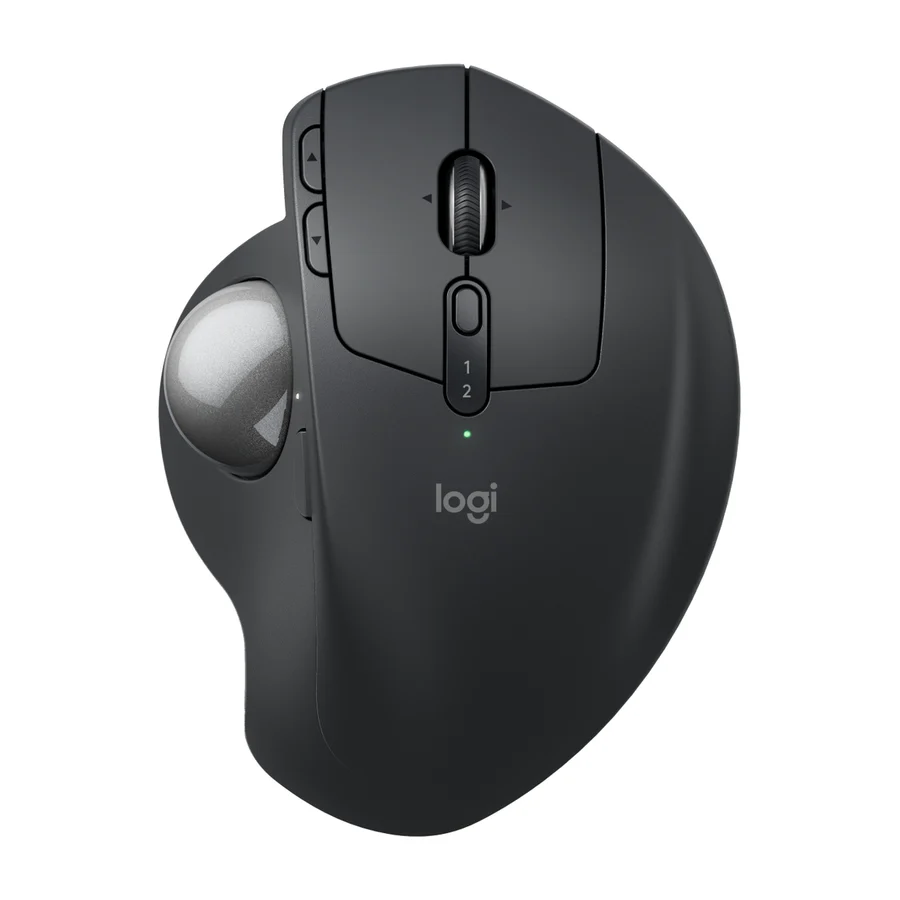
 Logitech MX Ergo S
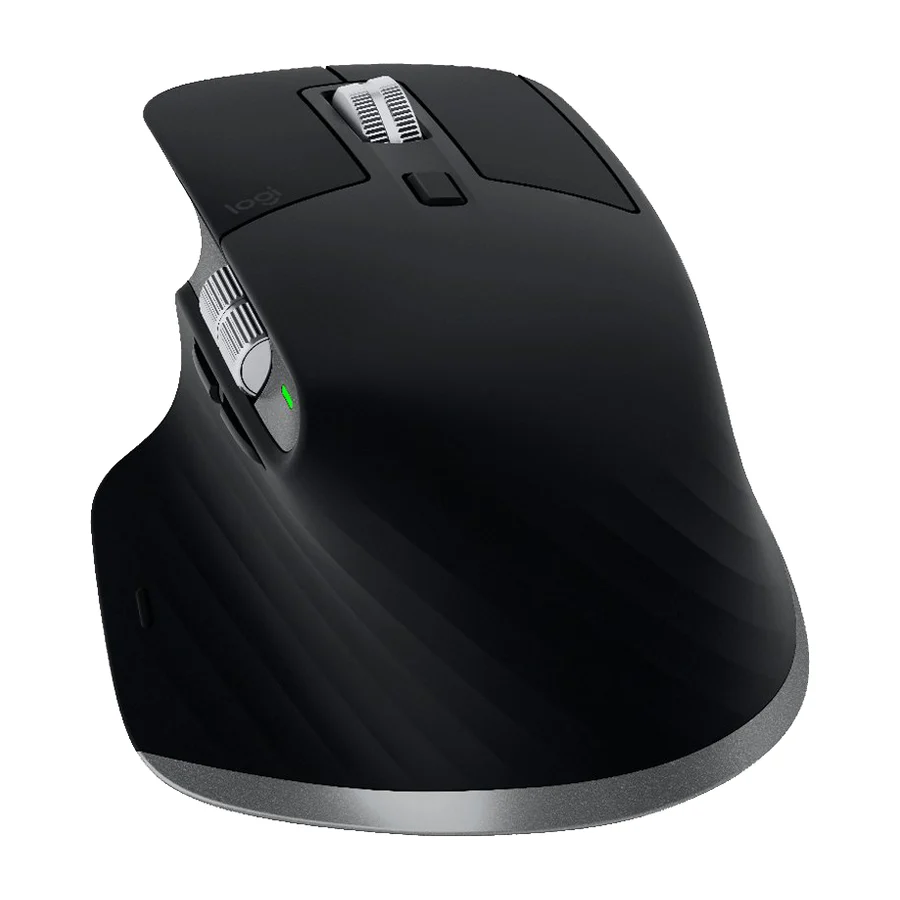 F tier #11 1 of 3 research runs entered this as a product to avoid rather than a pick.
 Logitech MX Master 3
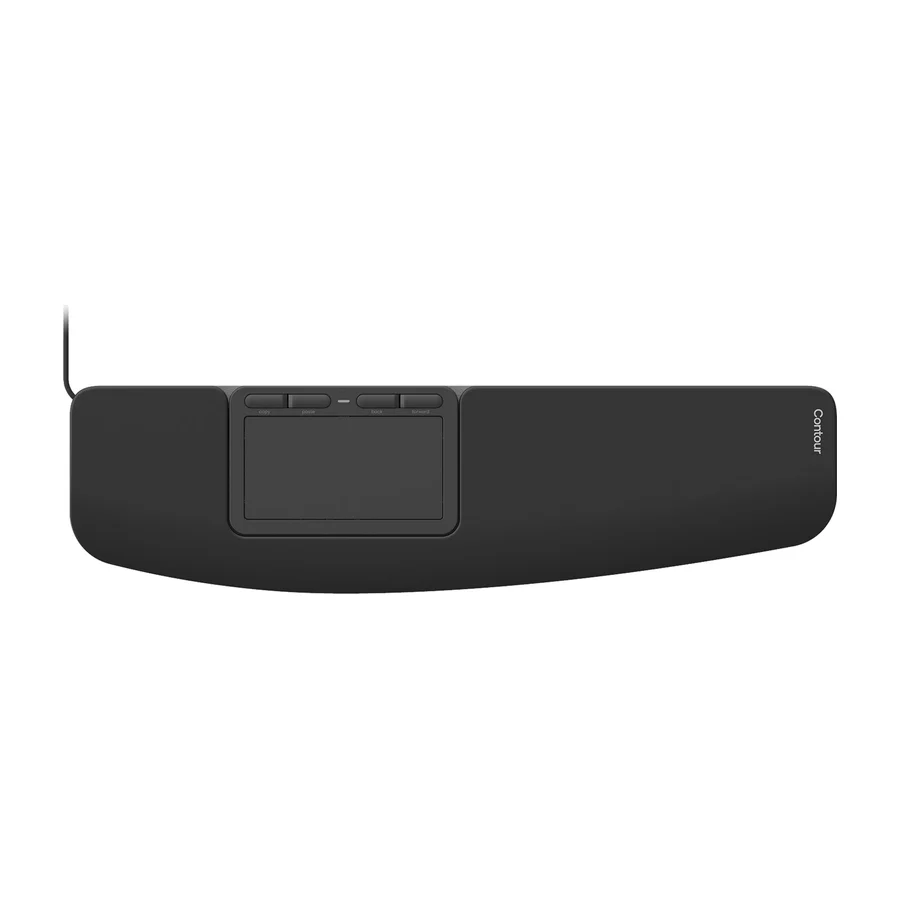 F tier #12 1 of 4 research runs entered this as a product to avoid rather than a pick.
 Contour Touch
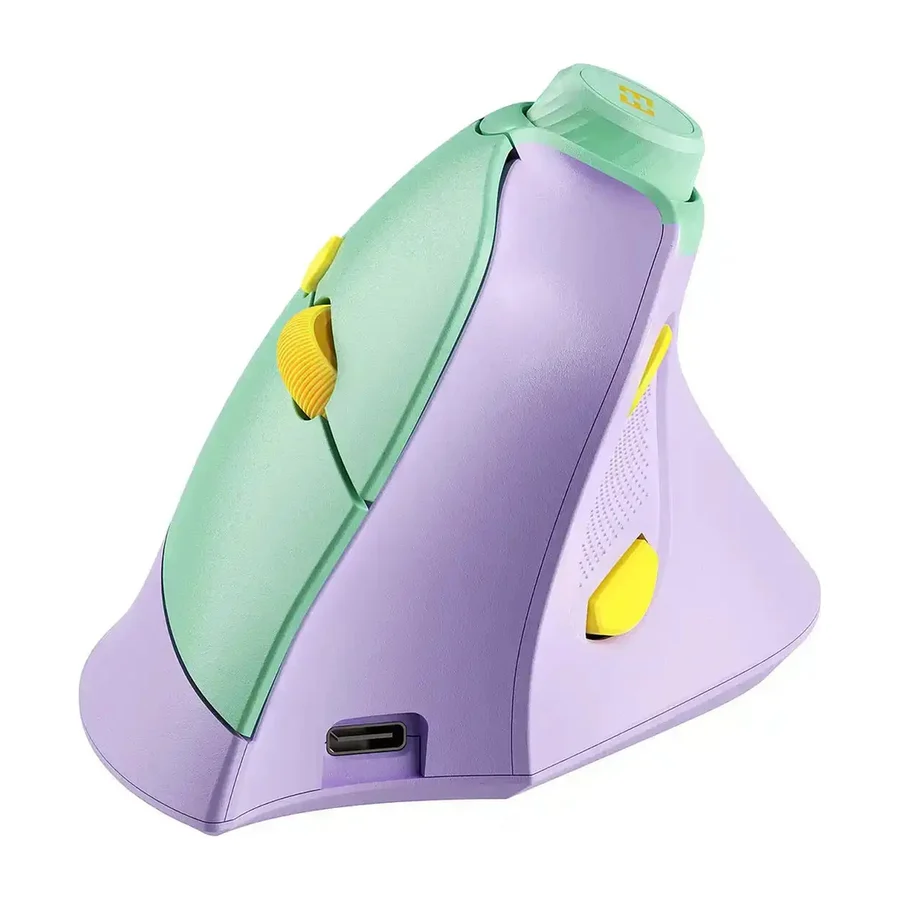 F tier #13 4 of 8 research runs entered this as a product to avoid rather than a pick.