Contour
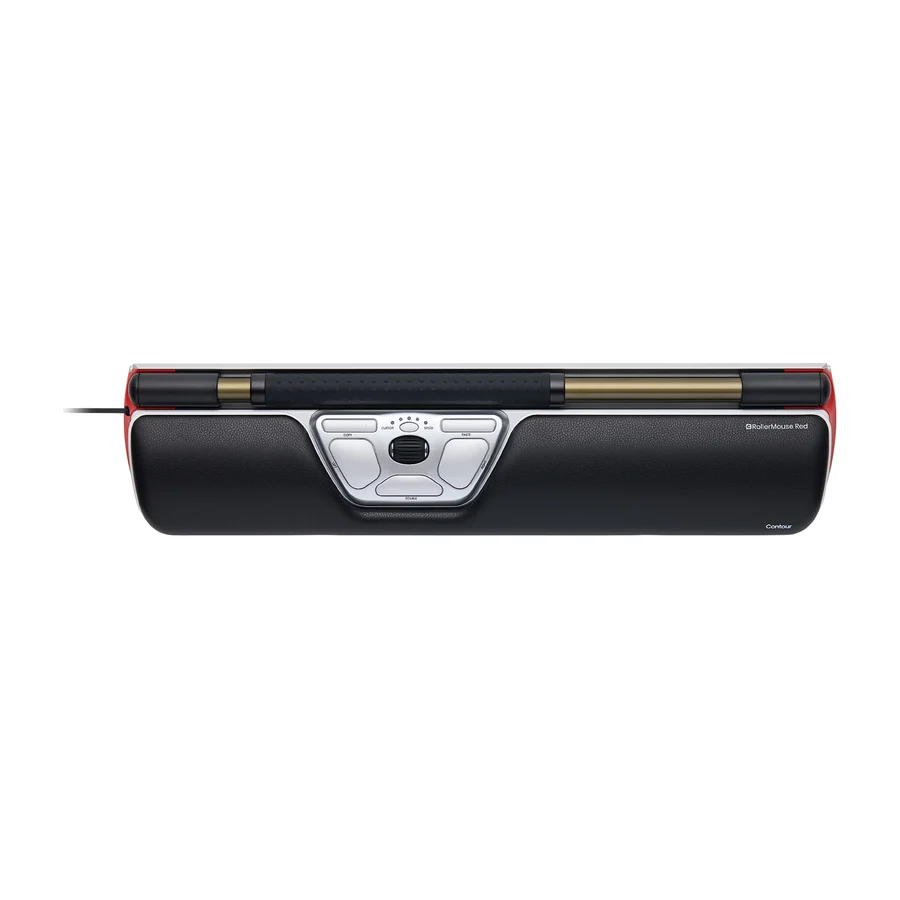
Contour RollerMouse Red
A
Ranked #2 in Ergonomic Mice
814 LP on the
category ladder
what's LP?
A standout for its low-profile, highly-rated design that works out of the box for most users.
Consolidated from 31 cited sources across 23 outlets
Where the cited sources landed, as we read them
- 21 positive sources
- 8 mixed sources
Pros & cons
- ✓ Low-profile ergonomic shape
- ✓ Highly-rated performance
- ✓ Works out of the box for most users
- ✓ Superior wrist support
- ✓ Proven comfort
- ✗ Higher price compared to many other ergonomic mice
The sources behind this ranking
We searched the web and YouTube for what has been published about this product, then read the articles, video transcripts and comments we found.
Evidence 16 articles, 13 video reviews and 2 community sources
21 positive sources
P  Pcmag Zackery Cuevas · reviewer
  ExplainingComputers ExplainingComputers · 1.2M subscribers · Jul 2016 Pcmag Zackery Cuevas · reviewer
  DVZN Media DVZN Media · 35.6K subscribers · May 2018
  Tech It Out Tech It Out · 5.6K subscribers · Apr 2018
  Tom's Guide Article · Nov 2025 Tech It Out Tech It Out · 5.6K subscribers · Apr 2018
  PCMag Australia Article · Oct 2025
  Tech Insider Tech Insider · 3K subscribers · Aug 2025
  PCMag Middle East Article · Oct 2025
  nosillacast nosillacast · 1.9K subscribers · May 2015
  PCMag UK Article · Oct 2025
  VerticAlign Posture & Ergonomics VerticAlign Posture & Ergonomics · 933 subscribers · Feb 2024
  LinkedIn Techwizs · reviewer · Mar 2026
  Ergoworks Sg Ergoworks Sg · 362 subscribers · Jan 2014 Ergoworks Sg Ergoworks Sg · 362 subscribers · Jan 2014 Ergoworks Sg Ergoworks Sg · 362 subscribers · Mar 2016
  Ergolink Ergonomics - For Healthy Workplaces Ergolink Ergonomics - For Healthy Workplaces · 78 subscribers · Aug 2018
  TheErgoguy TheErgoguy · 31 subscribers · Aug 2016
  Best Buys Reviewed Best Buys Reviewed · channel · Feb 2026
Pcmag Zackery Cuevas · reviewer The Contour RollerMouse Red is a striking device, and unlike any other mouse we’ve seen. The tool sits directly in front of the keyboard, where your wrist rest would normally go. The 7-inch roller bar tracks horizontal movement and acts as a clickable button, while you control vertical movement by rotating it like a scroll wheel.Read E
ExplainingComputers ExplainingComputers · 1.2M subscribers · Jul 2016 The RollerMouse Red is a radical, more ergonomic alternative to a conventional rodent. Here I do an unboxing and test things out under Windows 10.Watch P
Pcmag Zackery Cuevas · reviewer The Contour RollerMouse Red is a striking device, and unlike any other mouse we’ve seen. The tool sits directly in front of the keyboard, where your wrist rest would normally go. The 7-inch roller bar tracks horizontal movement and acts as a clickable button, while you control vertical movement by rotating it like a scroll wheel.Read D
DVZN Media DVZN Media · 35.6K subscribers · May 2018 RollerMouse Red Wireless is everything you love about our award winning RollerMouse Red and more, with ten cursor speed selections, improved digital click for an even more natural feel, extended bar length and a long lasting battery.Watch M r/MouseReview u/Maxinerah · owner
You don't need a dongle. It works with a cord. Just be sure to get a cord that handles data transfer/sync (some cords are only good for charging). The other trick is finding the right shaped cord. The narrow slot in the Rollermouse doesn't have room for an average cord sleeve. It took me 5 stores to find one that worked.Read thread T
Tech It Out Tech It Out · 5.6K subscribers · Apr 2018 Designed for professional productivity use and build to an industrial standard which is way beyond any current classic mouse on the market, the RollerMouse Red Wireless truly stands head and shoulders above all.Watch T
Tom's Guide Article · Nov 2025 After using the Contour RollerMouse Red Wireless for a couple of weeks, I can say with complete certainty that it relieves aches and pains. I always experience strain in my arms and neck after a long week of typing away at my computer, but the best mouse can put that to rest.Read T
Tech It Out Tech It Out · 5.6K subscribers · Apr 2018 Designed for professional productivity use and build to an industrial standard which is way beyond any current classic mouse on the market, the RollerMouse Red Wireless truly stands head and shoulders above all.Watch P
PCMag Australia Article · Oct 2025 The RollerMouse Red replaces your traditional mouse with a centered "roller bar" designed to reduce shoulder and wrist strain. For heavy typists or office workers dealing with discomfort, it could be a game-changer, but it's expensive.Read T
Tech Insider Tech Insider · 3K subscribers · Aug 2025 The best part? No more gripping or repetitive movements that lead to fatigue. For those of you dealing with RSI or carpal tunnel, the RollerMouse Red is a game-changer. By reducing repetitive movements and promoting a more relaxed posture, it can significantly alleviate discomfort. It's designed to be a healthier, more comfortable alternative for users who spend long hours at the computer.Watch P
PCMag Middle East Article · Oct 2025 The RollerMouse Red replaces your traditional mouse with a centered "roller bar" designed to reduce shoulder and wrist strain. For heavy typists or office workers dealing with discomfort, it could be a game-changer, but it's expensive.Read N
nosillacast nosillacast · 1.9K subscribers · May 2015 The tracking technology inside the roller bar provides excellent cursor precision and control. The setting is the NAB 2015 show floor.Watch P
PCMag UK Article · Oct 2025 The RollerMouse Red replaces your traditional mouse with a centered "roller bar" designed to reduce shoulder and wrist strain. For heavy typists or office workers dealing with discomfort, it could be a game-changer, but it's expensive.Read V
VerticAlign Posture & Ergonomics VerticAlign Posture & Ergonomics · 933 subscribers · Feb 2024 You should try this game-changing solution that might revolutionize your work life – the RollerMouse Red by Contour!Watch L
LinkedIn Techwizs · reviewer · Mar 2026 🖱️Natural working position: The RollerMouse Red, when placed in front of your body, reduces strain and improves your posture during the day.Read E
Ergoworks Sg Ergoworks Sg · 362 subscribers · Jan 2014 Pain-Free Productivity is here -- The new RollerMouse Red eliminates awkward reach, strain, and gripping associated with a traditional mouse, trackball or other computer input device.Watch E
Ergoworks Sg Ergoworks Sg · 362 subscribers · Jan 2014 Pain-Free Productivity is here -- The new RollerMouse Red eliminates awkward reach, strain, and gripping associated with a traditional mouse, trackball or other computer input device.Watch E
Ergoworks Sg Ergoworks Sg · 362 subscribers · Mar 2016 Experience unrivaled feel, speed and pinpoint accuracy from one good-looking ergonomic mouse.Watch E
Ergolink Ergonomics - For Healthy Workplaces Ergolink Ergonomics - For Healthy Workplaces · 78 subscribers · Aug 2018 he Contour Rollermouse Red is the leading product in the Rollermouse collection. This innovative design has been developed to decrease pressure on your fingers while increasing movement and precision.Watch T
TheErgoguy TheErgoguy · 31 subscribers · Aug 2016 Centrally placed in front of your keyboard, RollerMouse Red eliminates the need to grip or reach for a mouse, which can stress the neck, shoulders, elbows and wrists. Everything you need to control your computer is directly in front of you and your fingertips. This ergonomic position eliminates repetitive movements that can cause neck, shoulder, and elbow pain.Watch B
Best Buys Reviewed Best Buys Reviewed · channel · Feb 2026 The difference is immediate: your arms stay symmetrical, your shoulders drop, and your hands share the workload evenly. A developer told me it felt "like someone turned off the tension switch" after just one week. The rollerbar glides smoothly left and right, rolls up and down, and clicks with almost zero force. You can use either hand—or both.Watch
8 mixed sources
M  Macworld Macworld · reviewer · Feb 2022 Pcmag Sascha Brodsky · reviewer
  Testberichte Redaktion · reviewer · Jan 2026 PCMag UK Article · Jun 2026 Pcmag Zackery Cuevas · reviewer Tom's Guide Article · Nov 2025
Macworld Macworld · reviewer · Feb 2022 If you need to protect your shoulders from unnecessary repetitive movements be prepared for a steep learning curve with the Rollermouse Red. Getting used to operating something that makes a lot of sense but which bucks decades of ingrained non-symmetrical, shoulder-busting usage is going to take time—but your upper body may thank you in the long term.Read X X (formerly Twitter) X post · Oct 2025
PCMag on X: "The RollerMouse Red replaces your traditional mouse with a centered "roller bar" designed to reduce shoulder and wrist strain. For heavy typists or office workers dealing with discomfort, it could be a game-changer, but it's expensive.View post P
Pcmag Sascha Brodsky · reviewer The RollerMouse Red replaces your traditional mouse with a centered "roller bar" designed to reduce shoulder and wrist strain. For heavy typists or office workers dealing with discomfort, it could be a game-changer, but it's expensive.Read T thedealdial.bond Article
What I found was a product that delivers on its ergonomic promise in many ways, but also has a few real-world trade-offs that are worth knowing before you buy.Read T
Testberichte Redaktion · reviewer · Jan 2026 Plus: Leichtgängige Bedienung; Sinnige Zusatztasten. Minus: Präzision reicht nicht an Maus-Niveau heran; Fehleingaben während des Tippens möglich.Read P
PCMag UK Article · Jun 2026 Not ideal for creative or precision-heavy workflowsRead P
Pcmag Zackery Cuevas · reviewer Excellent ergonomic design and comfortRead T
Tom's Guide Article · Nov 2025 But it costs an arm and a leg.Read
2 stance not read sources

Frequently asked questions
It ranks #2 of 15 on our ergonomic mice tier list, in A tier. That placement draws on 31 cited sources across 23 outlets.
None of the 29 sources with a clear view is critical of it. Higher price compared to many other ergonomic mice.
Ranked nearby in Ergonomic Mice
 S tier #1
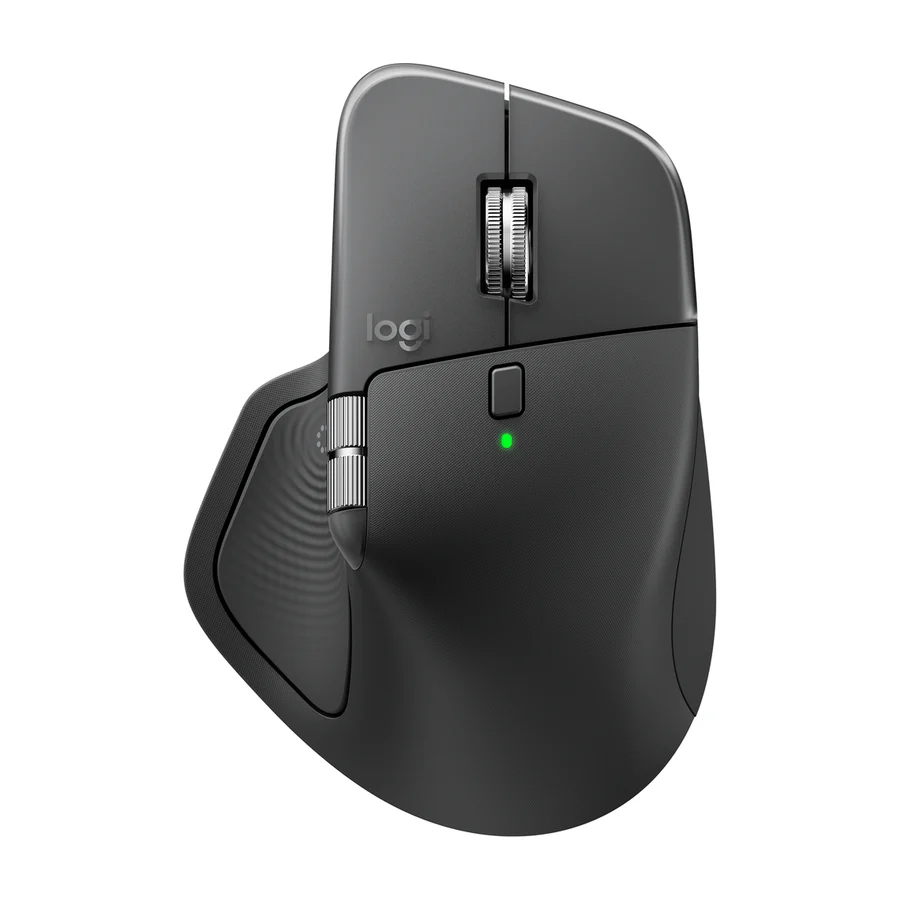
 Logitech MX Master 4
 A tier #3
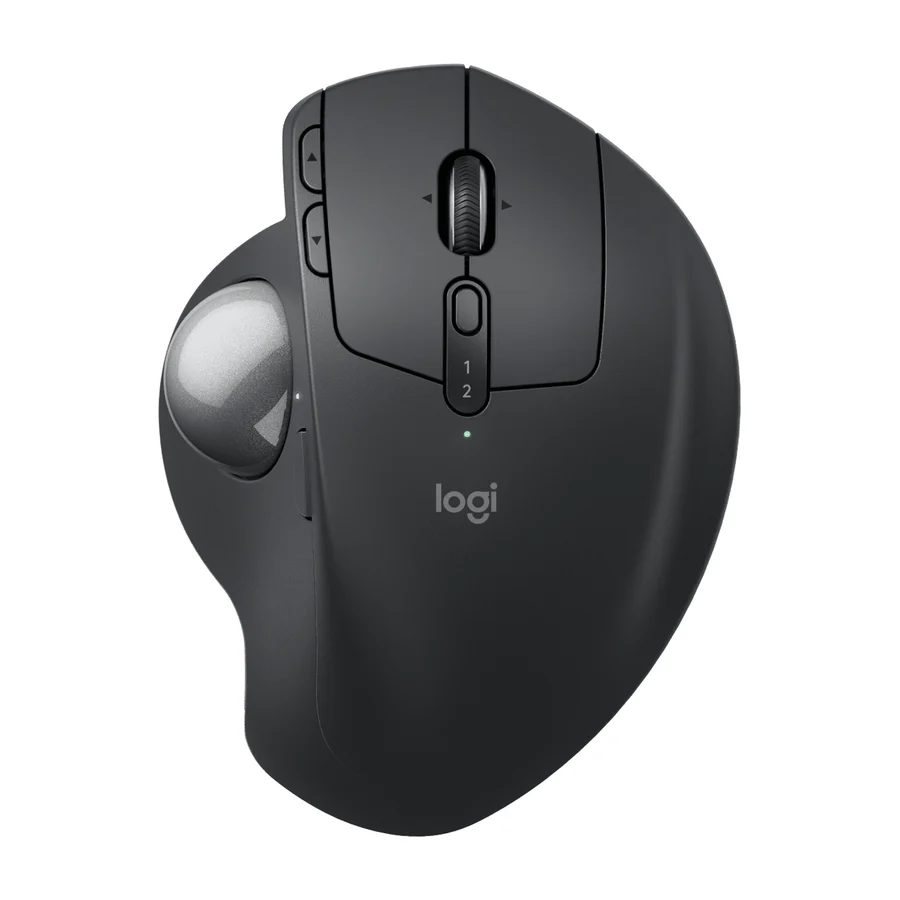
 Logitech MX Ergo S Advanced
 B tier #4
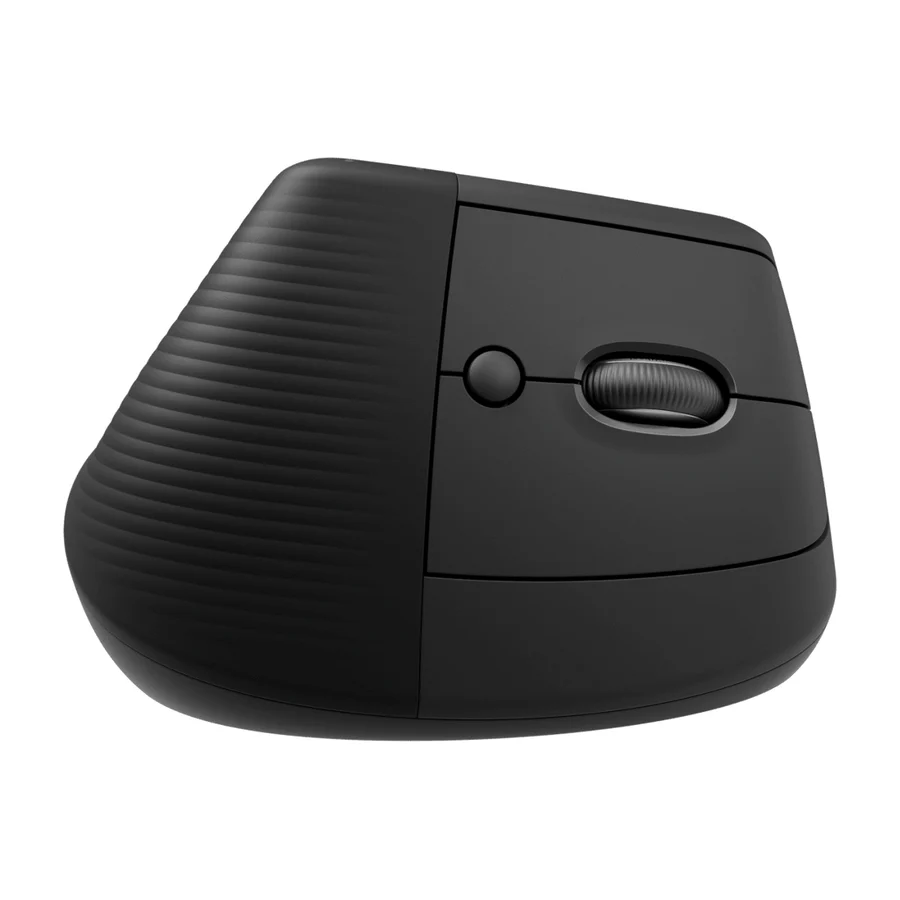
 Logitech Lift
 B tier #5
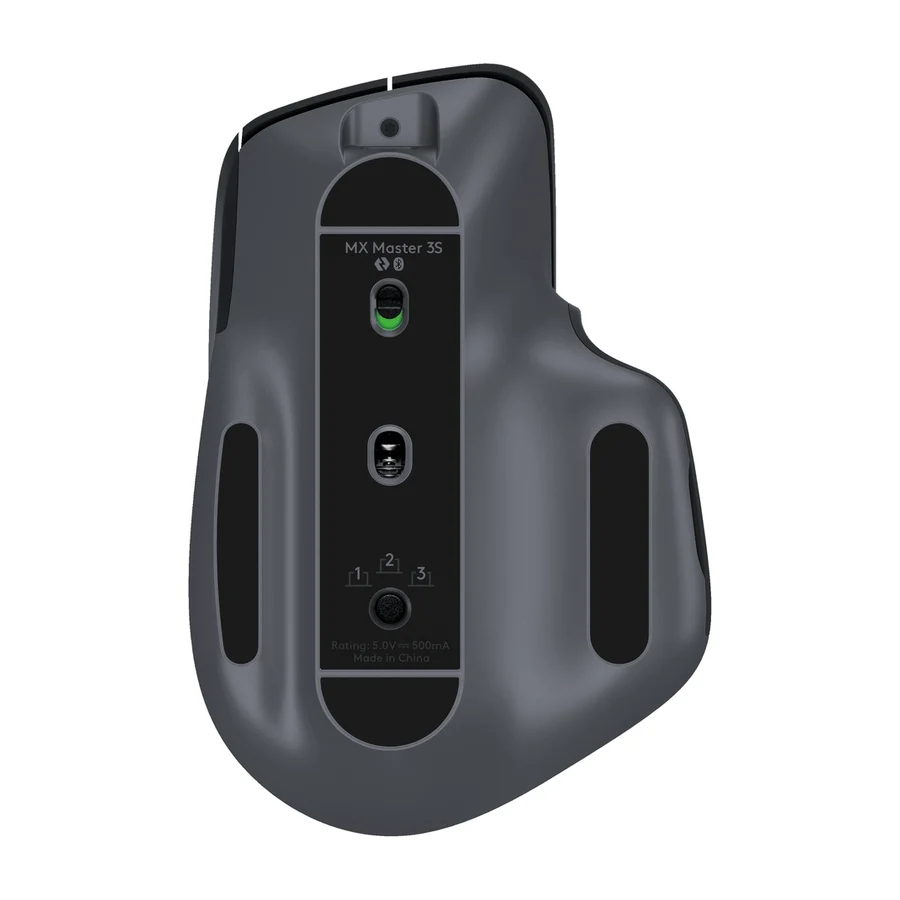
 Logitech MX Master 3S
 B tier #6
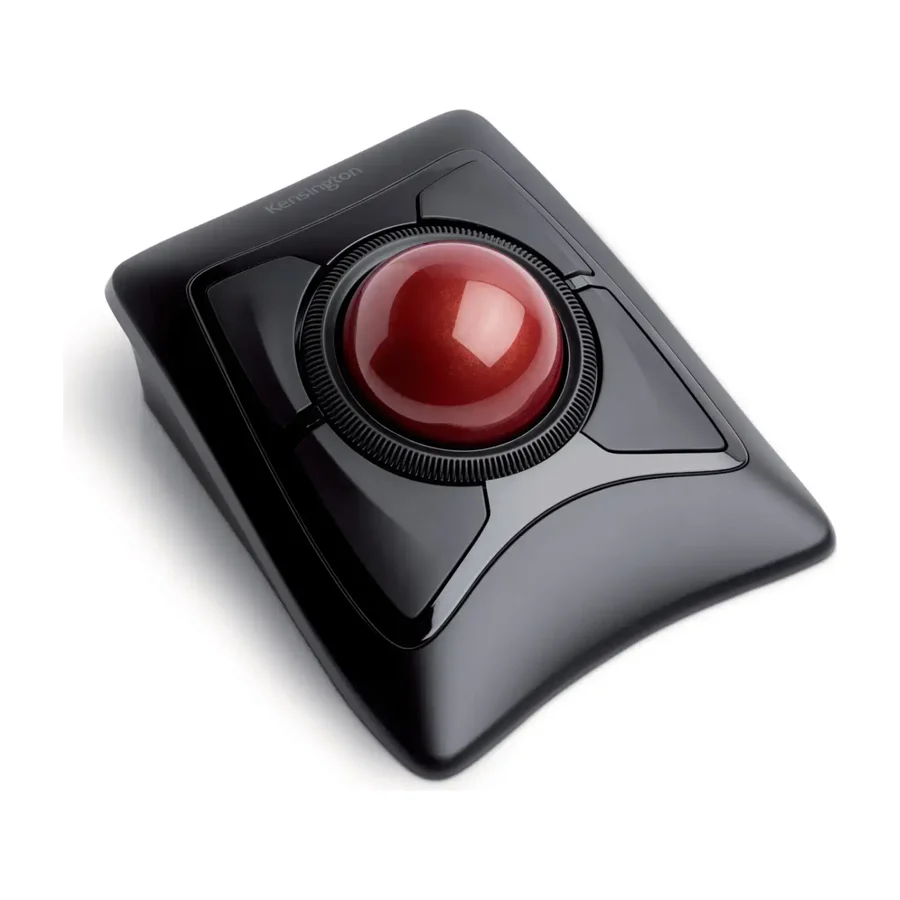
 Kensington Expert Mouse Wireless Trackball
 B tier #7
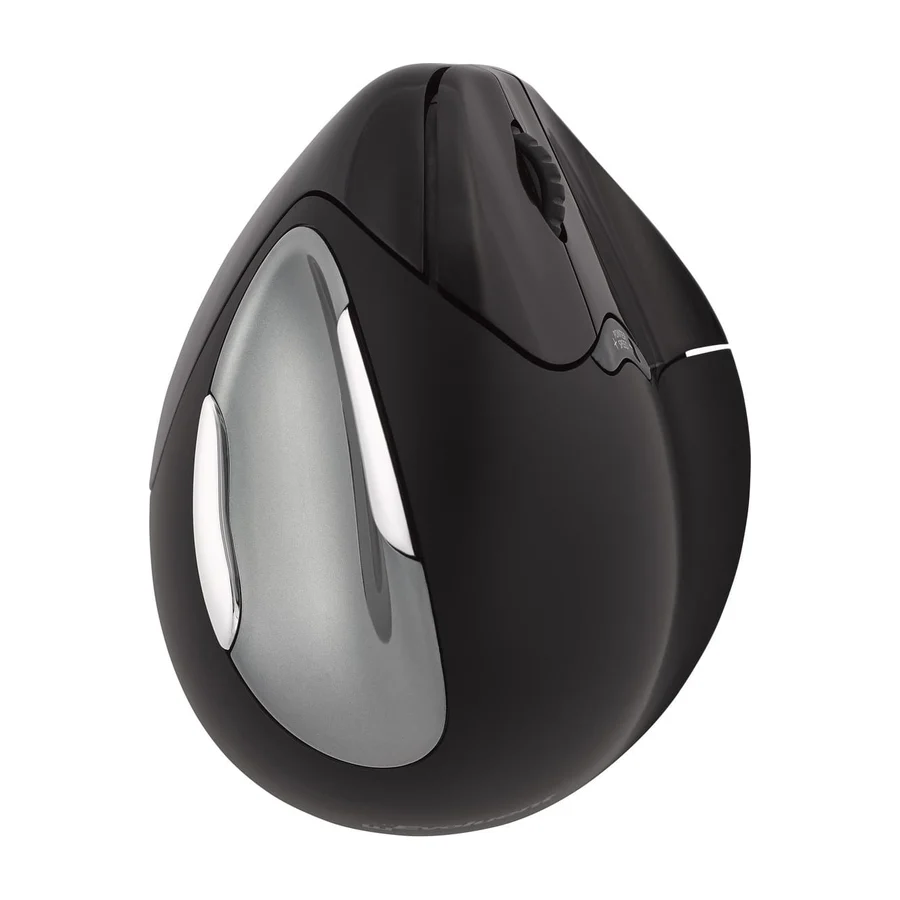
 Evoluent VM4
 F tier #12 1 of 4 research runs entered this as a product to avoid rather than a pick.
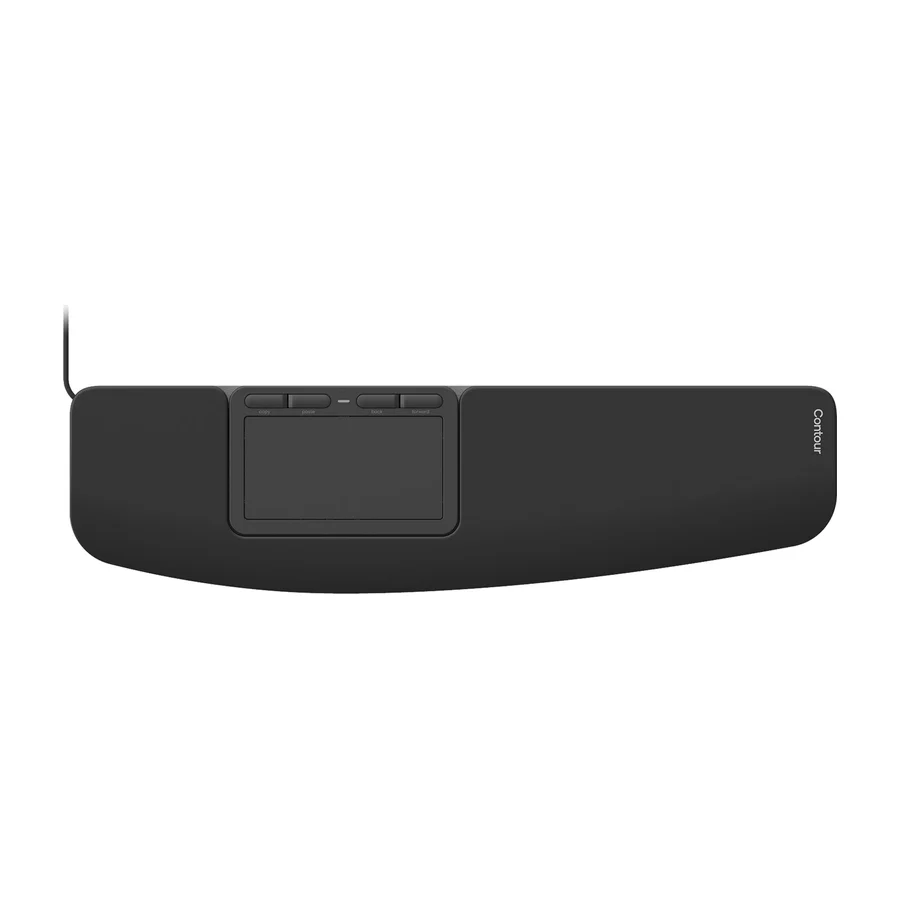
 Contour Touch
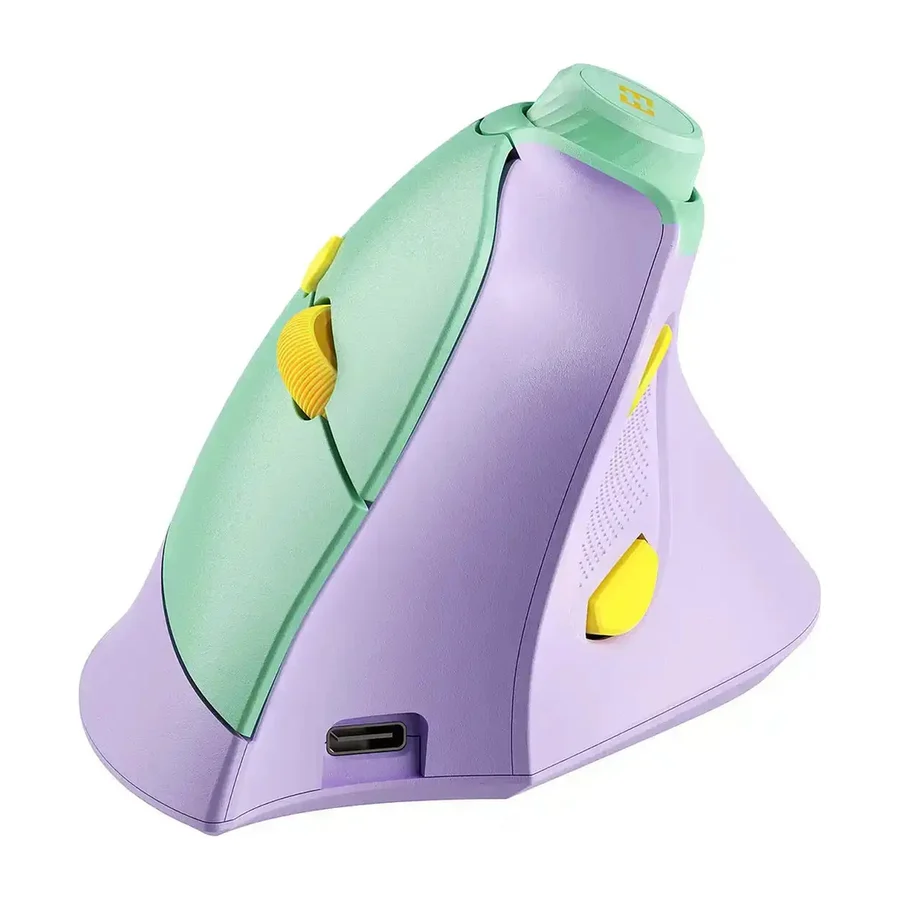 F tier #13 4 of 8 research runs entered this as a product to avoid rather than a pick.
 Seenda Ergonomic Mouse MOU-302
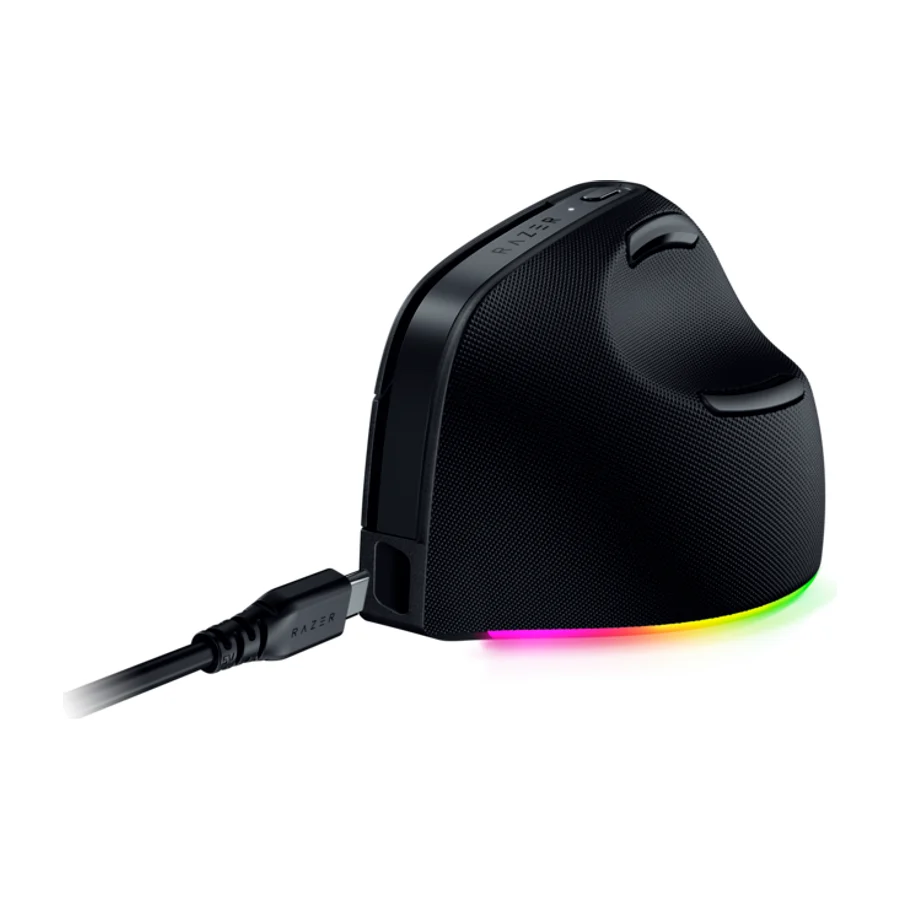 F tier #14 5 of 7 research runs entered this as a product to avoid rather than a pick.
 Razer Pro Click V2 Vertical
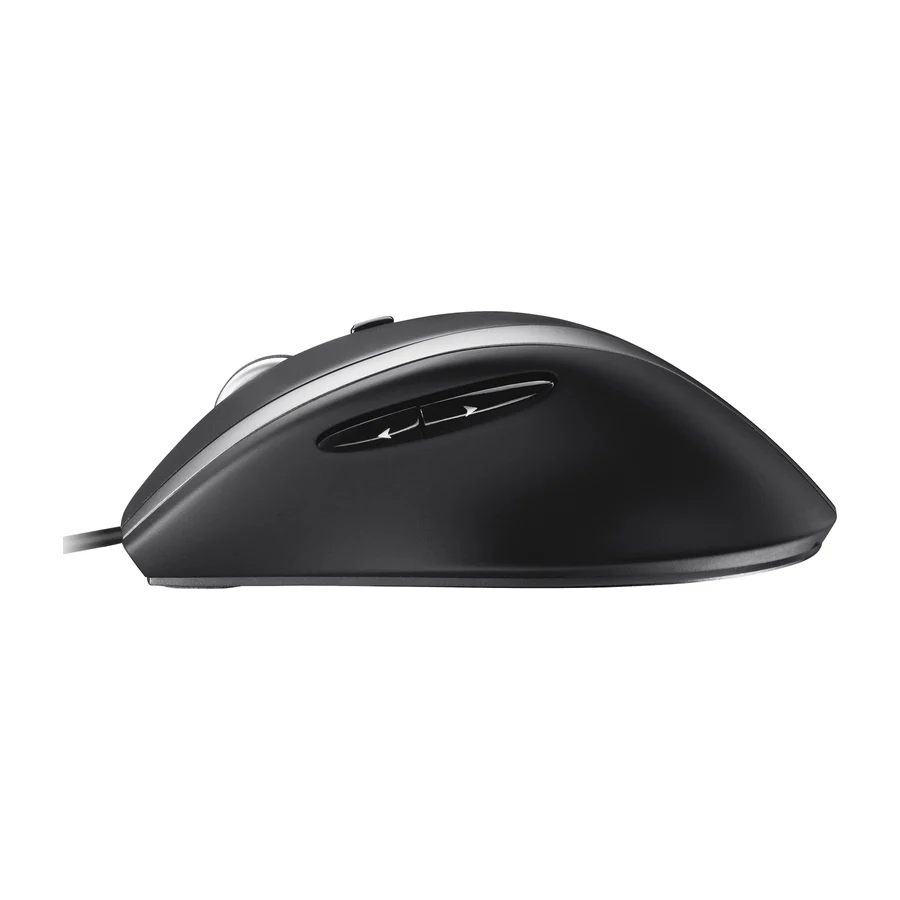 F tier #15 2 of 9 research runs entered this as a product to avoid rather than a pick.