Logitech
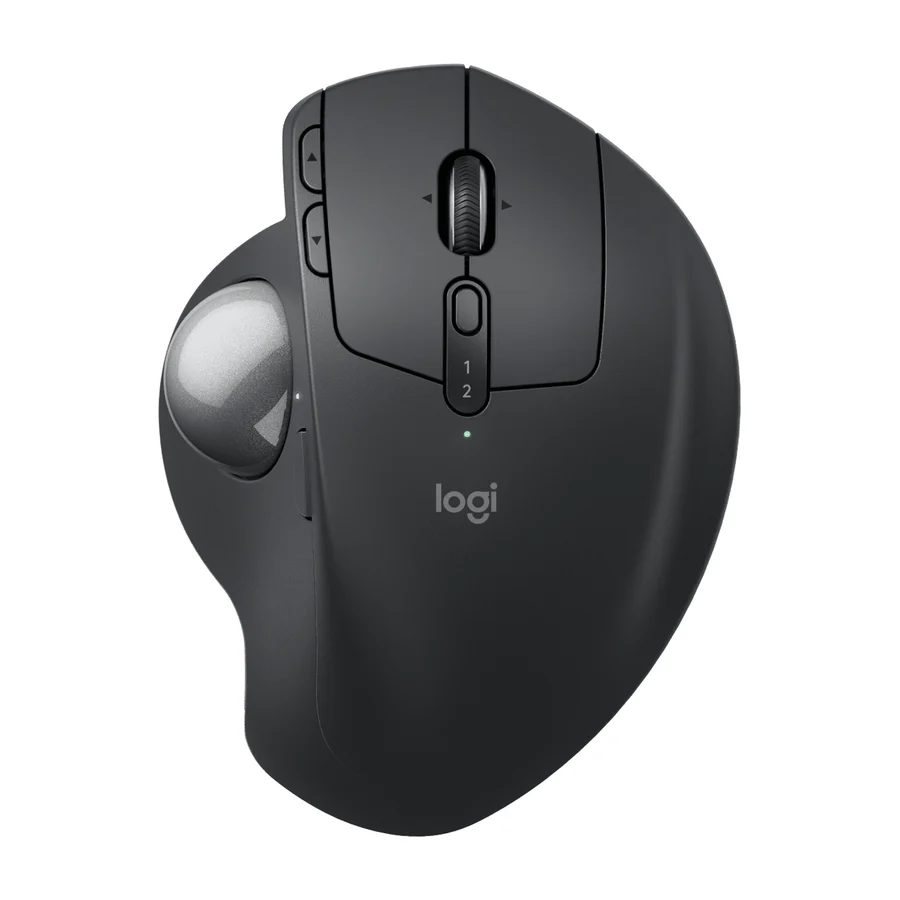
Logitech MX Ergo S Advanced
A
Ranked #3 in Ergonomic Mice
665 LP on the
category ladder
what's LP?
The best track-ball option for those who prefer a stationary cursor, with a comfortable shape and smooth scrolling.
Consolidated from 8 cited sources across 5 outlets
Where the cited sources landed, as we read them
- 2 positive sources
Pros & cons
- ✓ Highly-rated ergonomic track-ball design
- ✓ Smooth scrolling with minimal effort
- ✓ Comfortable shape for long sessions
- ✓ Track-style shape
- ✓ Ergonomic benefits
The sources behind this ranking
We searched the web and YouTube for what has been published about this product, then read the articles, video transcripts and comments we found. 1 outlet wouldn't let us check its link. We quote no words from these sources, so each row shows only where we placed it.
Evidence 6 articles and 2 video reviews
2 positive sources






Frequently asked questions
It ranks #3 of 15 on our ergonomic mice tier list, in A tier. That placement draws on 8 cited sources across 5 outlets.
Ranked nearby in Ergonomic Mice
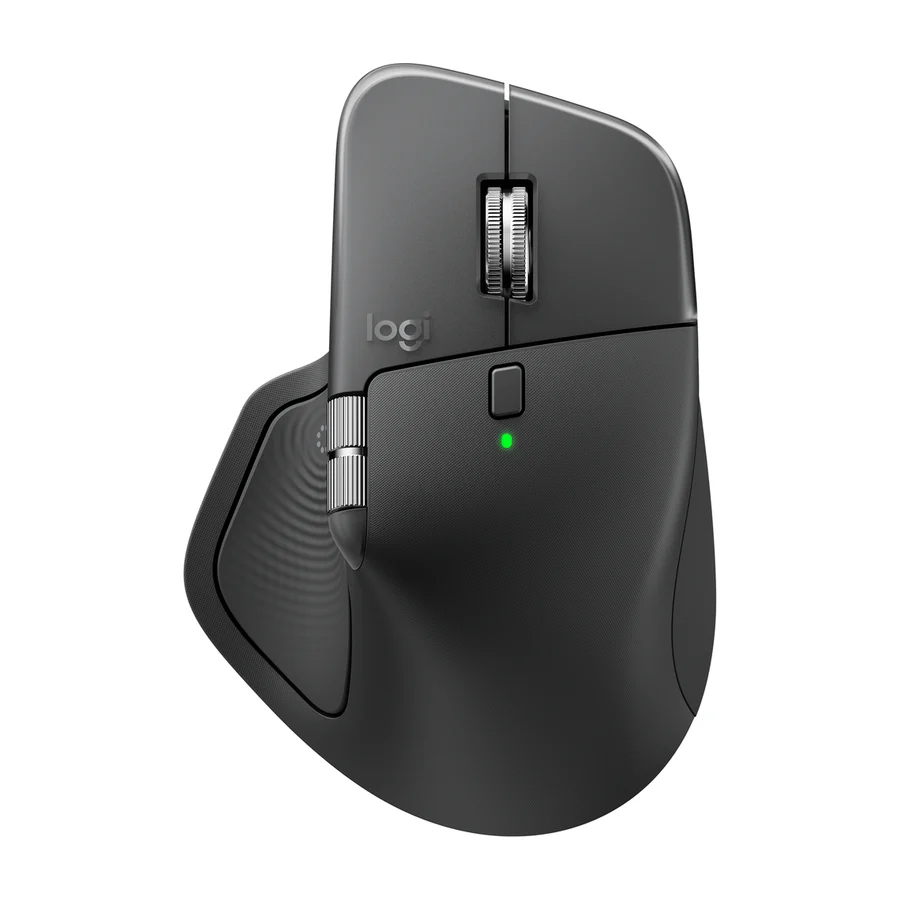 S tier #1
 Logitech MX Master 4
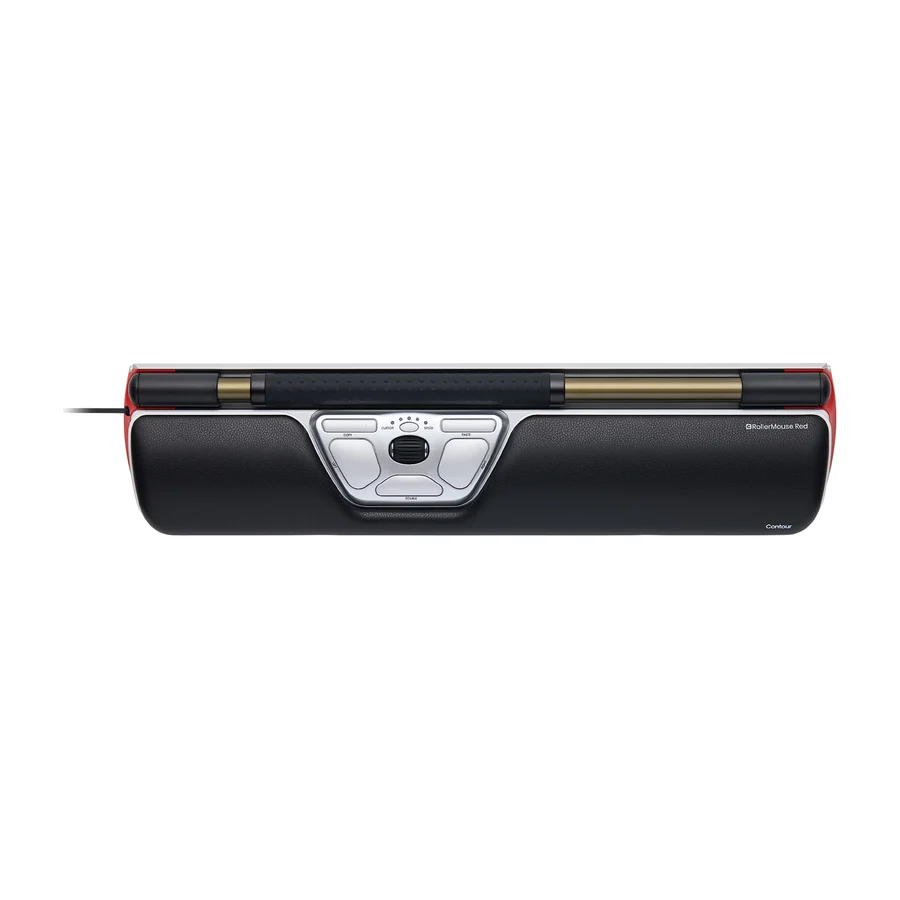 A tier #2
 Contour RollerMouse Red
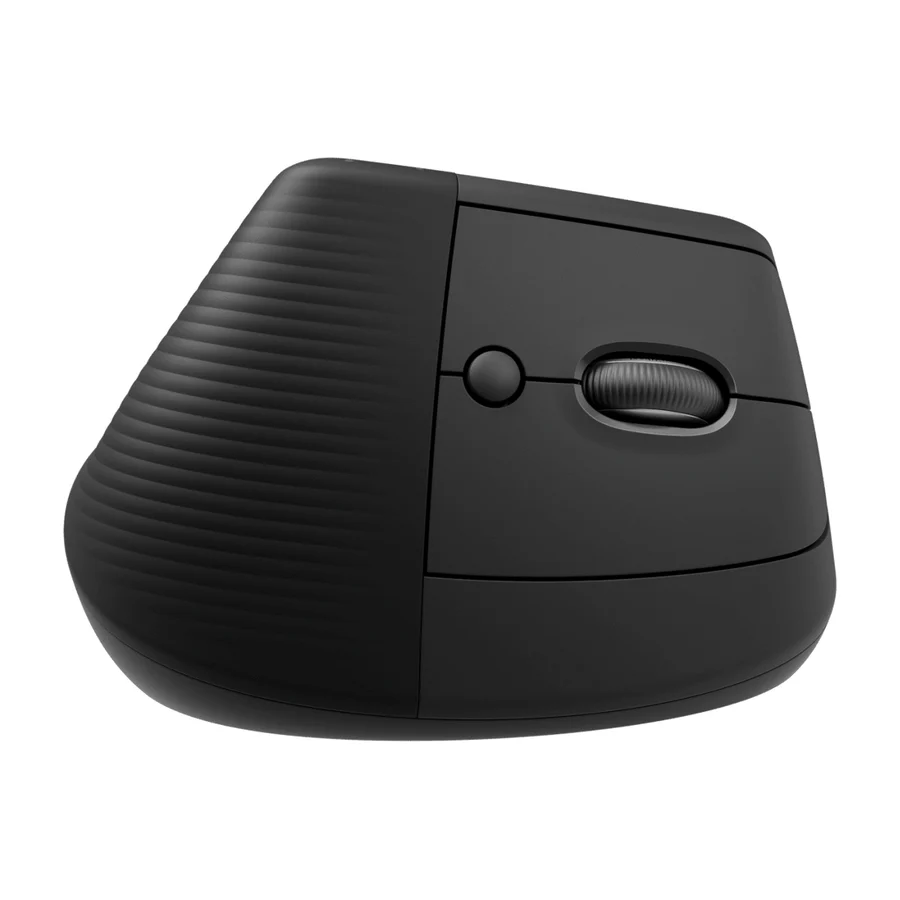 B tier #4
 Logitech Lift
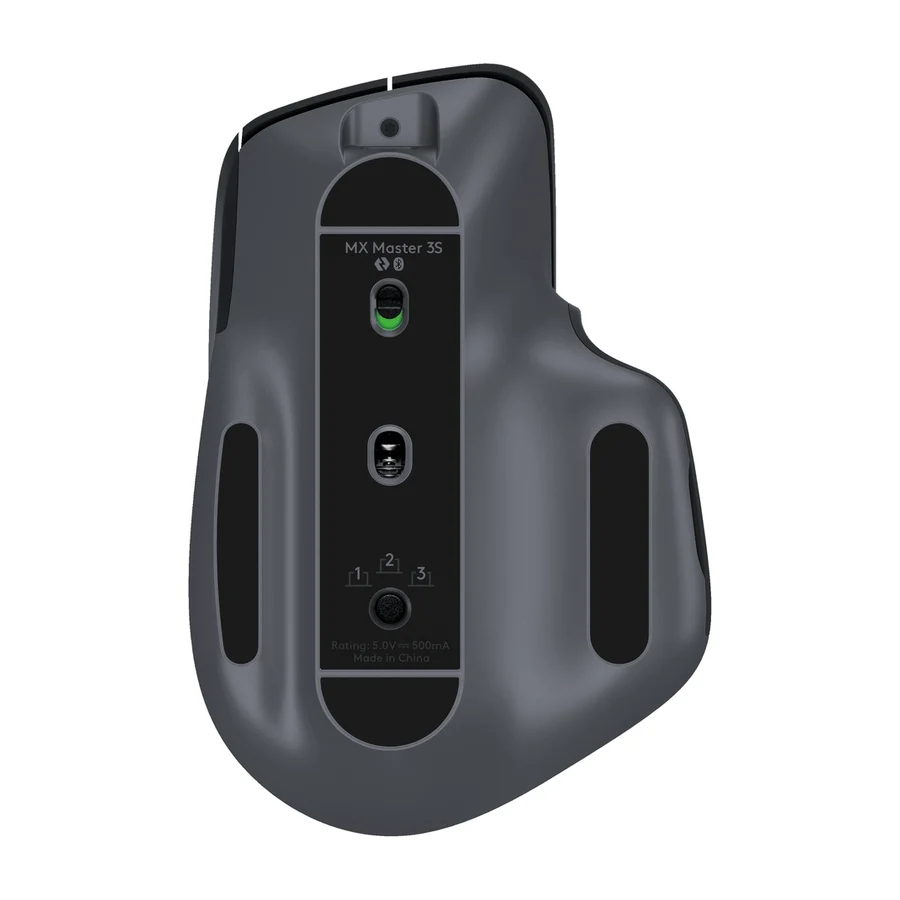 B tier #5
 Logitech MX Master 3S
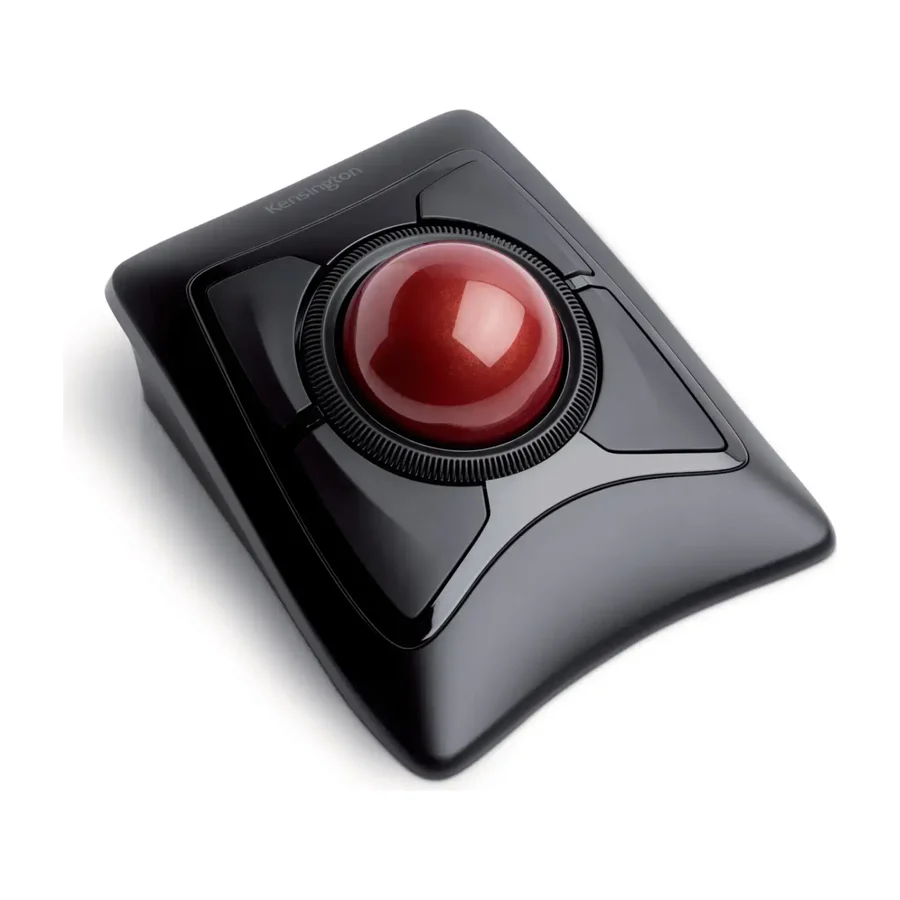 B tier #6
 Kensington Expert Mouse Wireless Trackball
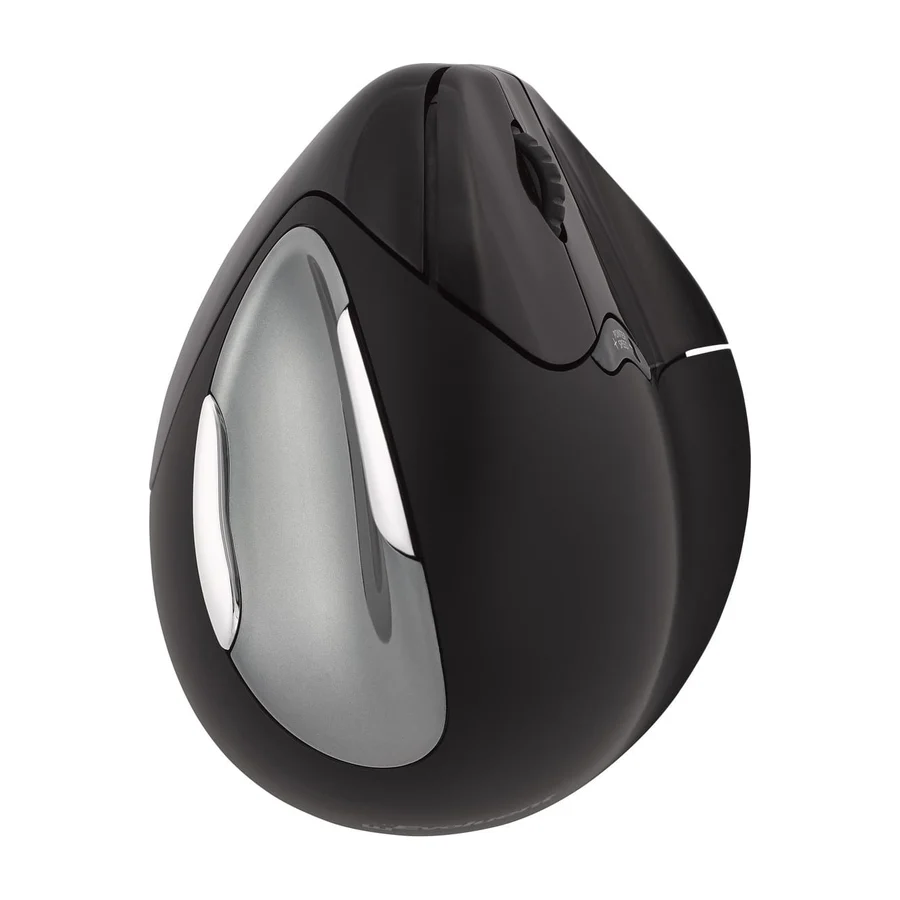 B tier #7
 Evoluent VM4
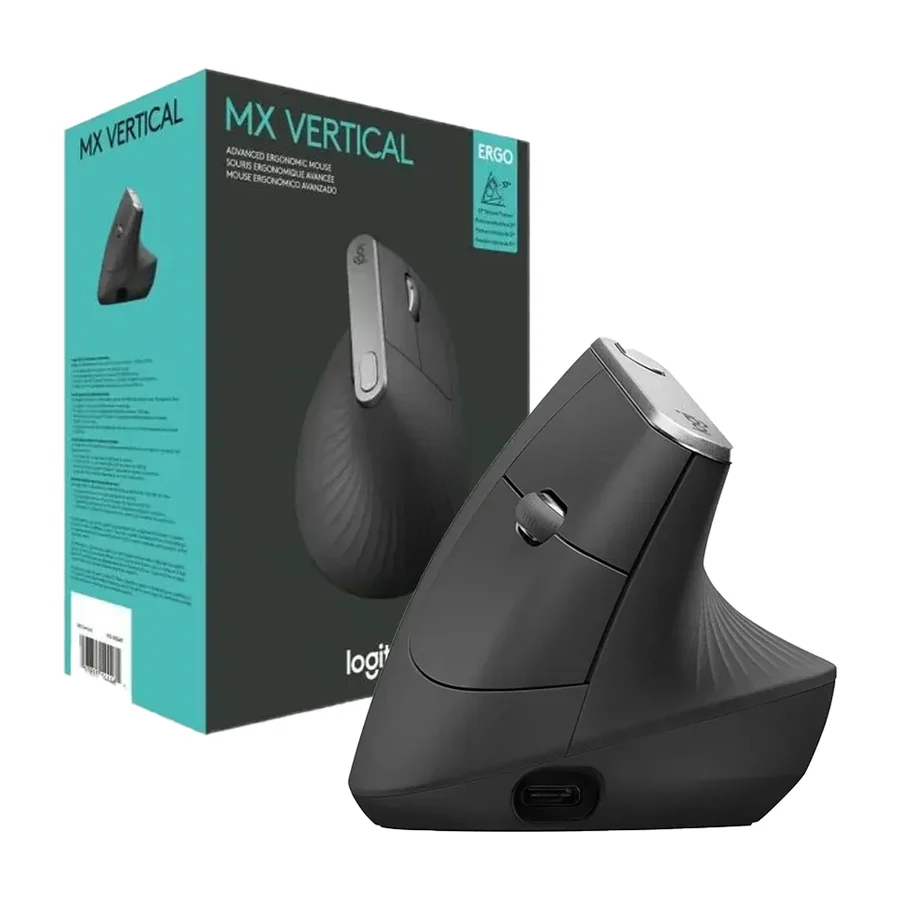 C tier #8 2 of 8 research runs entered this as a product to avoid rather than a pick.
 Logitech MX Vertical
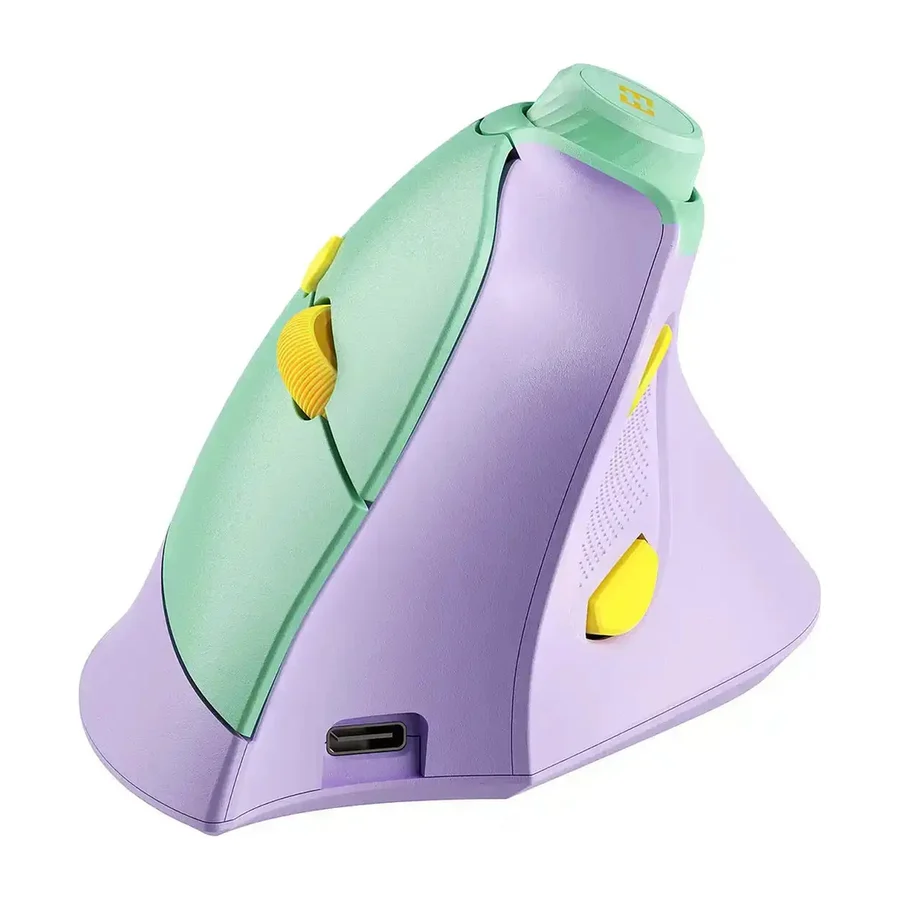 F tier #13 4 of 8 research runs entered this as a product to avoid rather than a pick.
 Seenda Ergonomic Mouse MOU-302
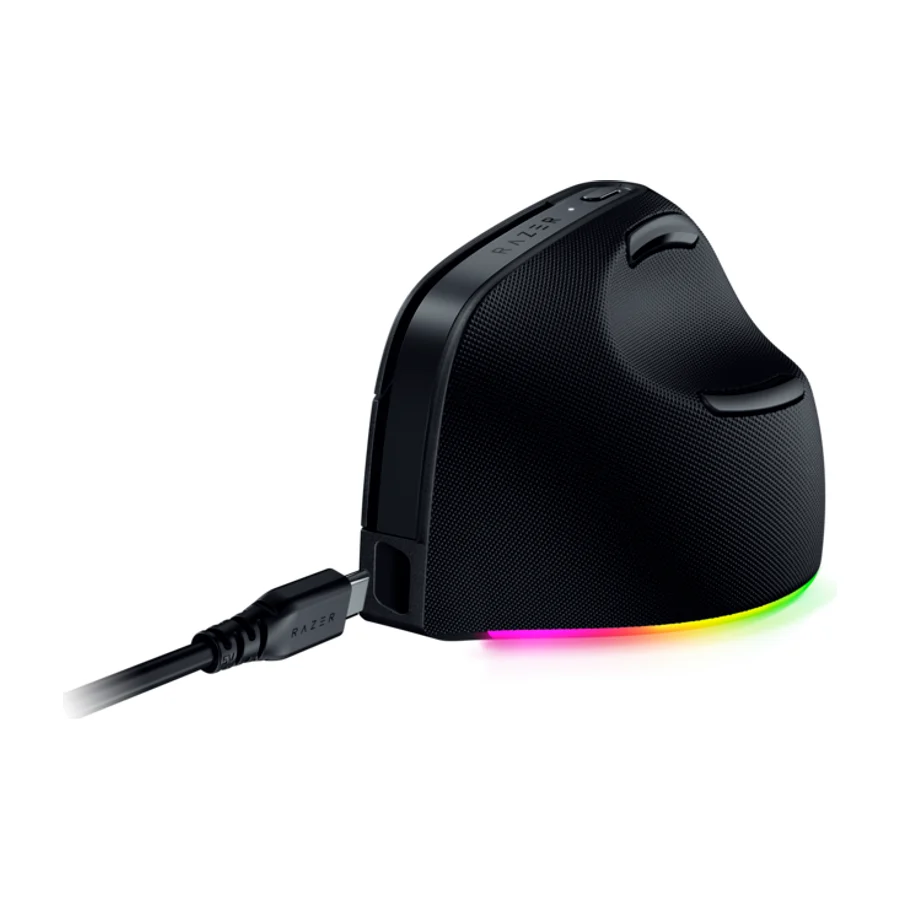 F tier #14 5 of 7 research runs entered this as a product to avoid rather than a pick.
 Razer Pro Click V2 Vertical
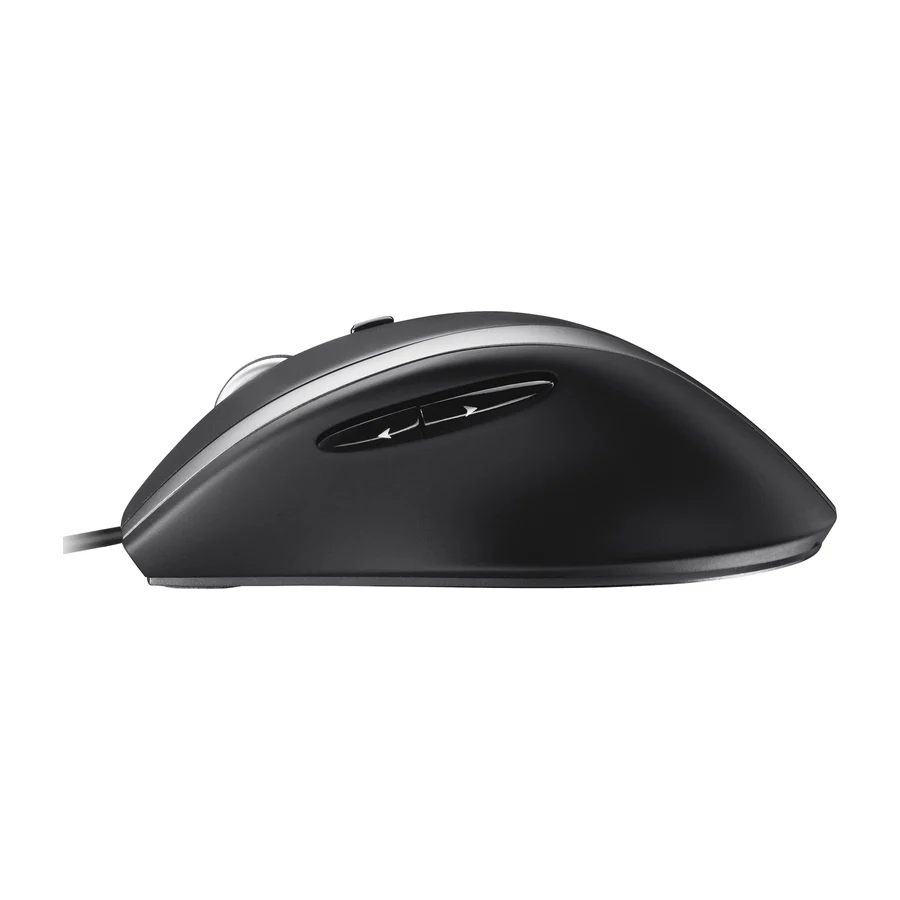 F tier #15 2 of 9 research runs entered this as a product to avoid rather than a pick.