All categories

Best Chromebooks

Researched across expert reviews · 12 ranked products · Updated 19 Aug 2026

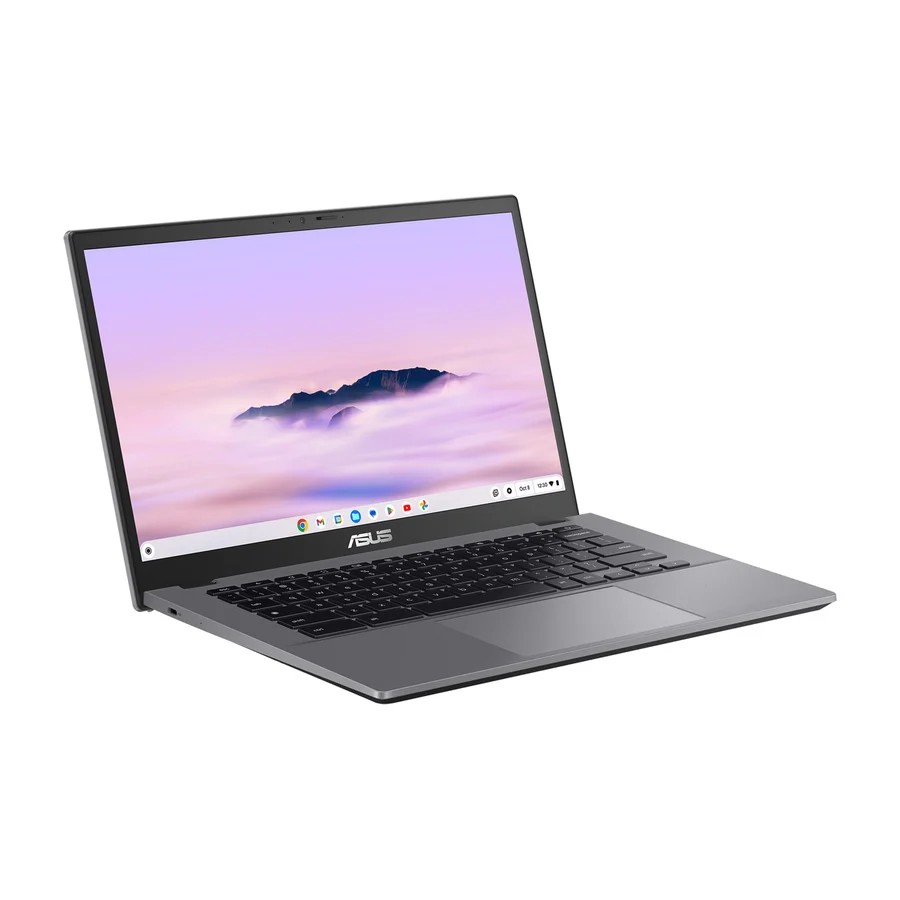
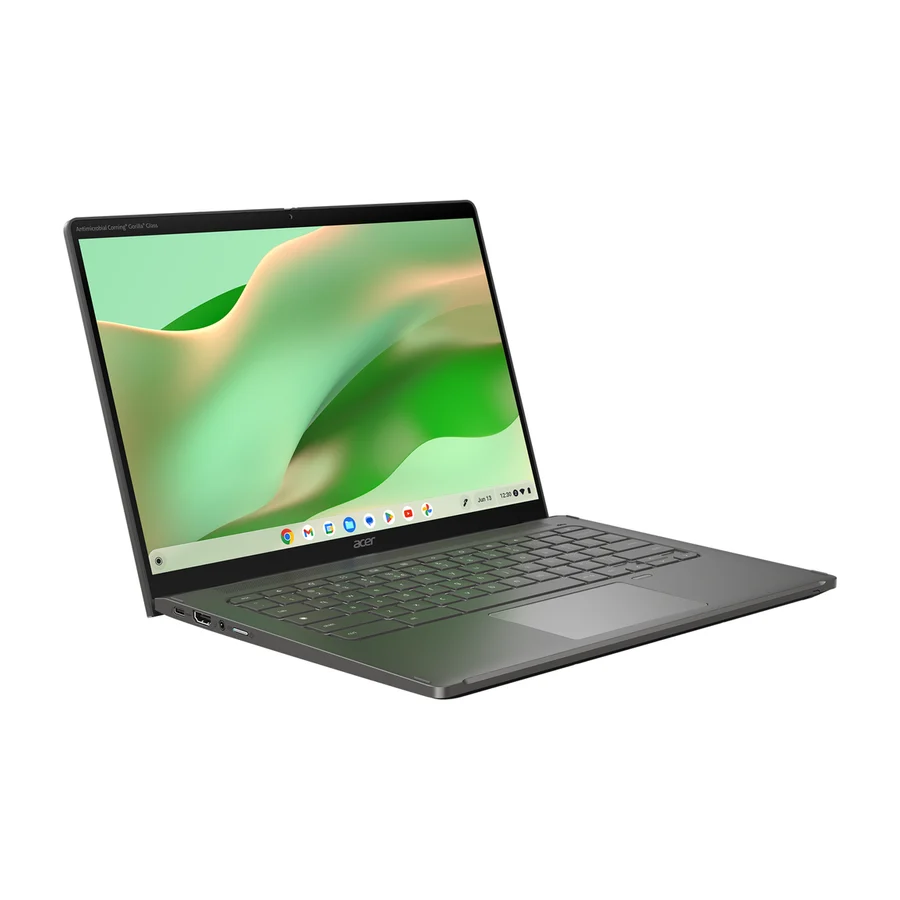
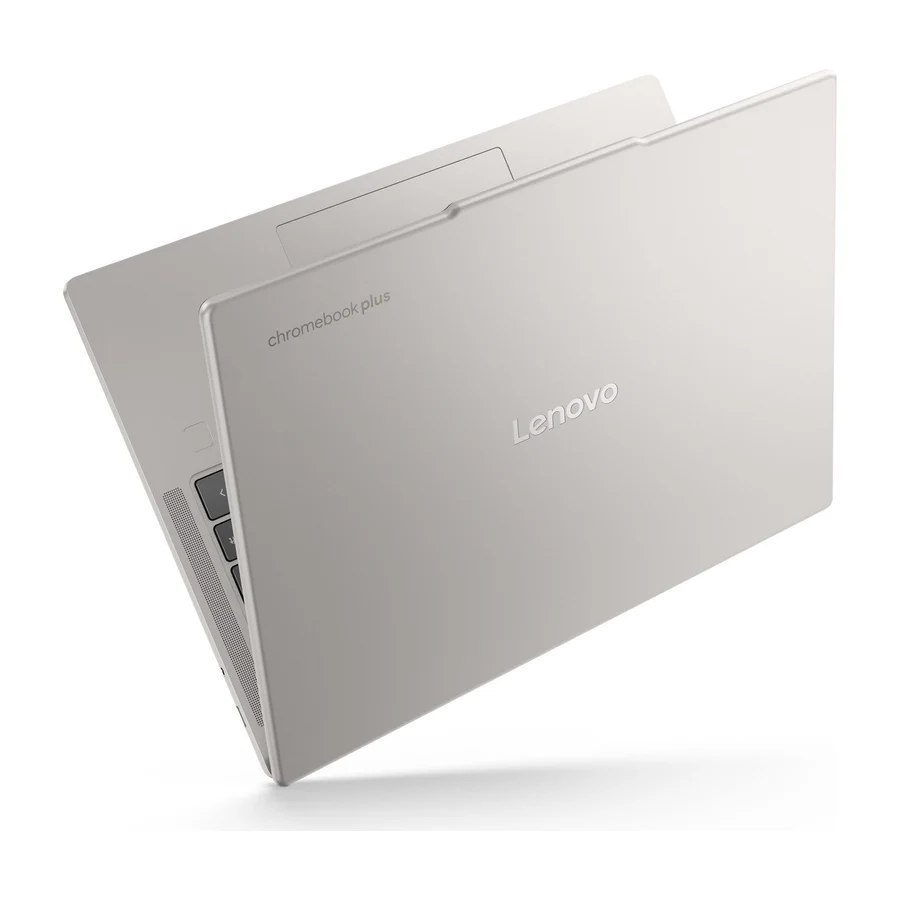
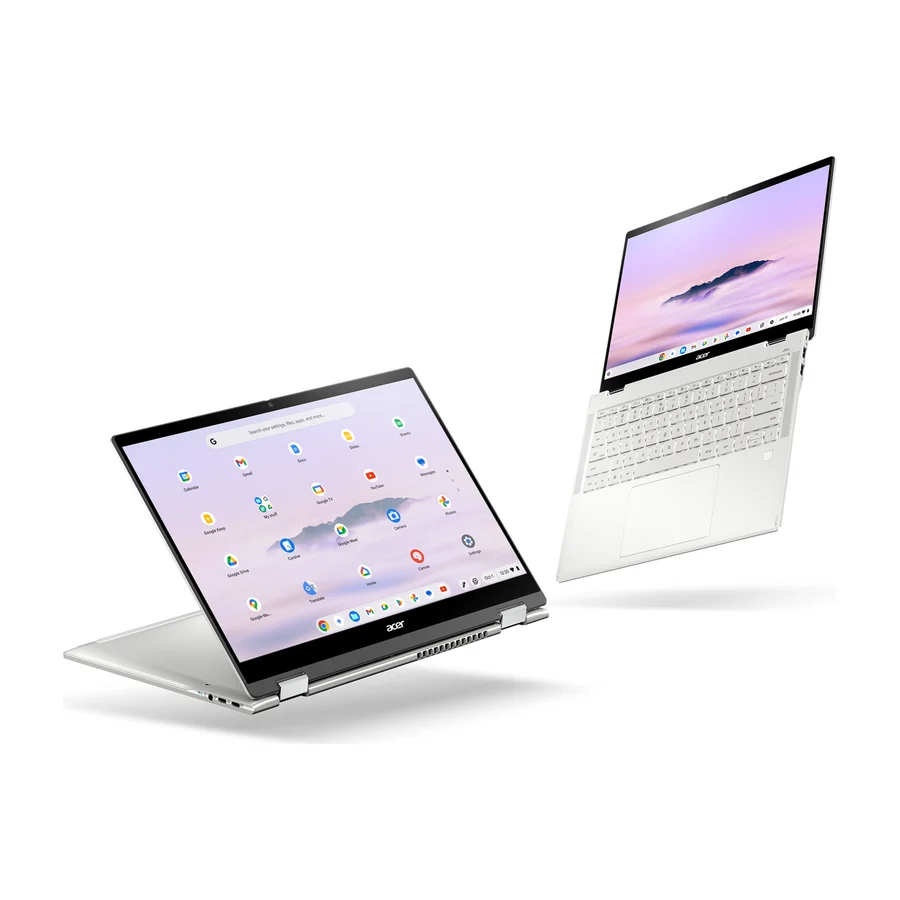
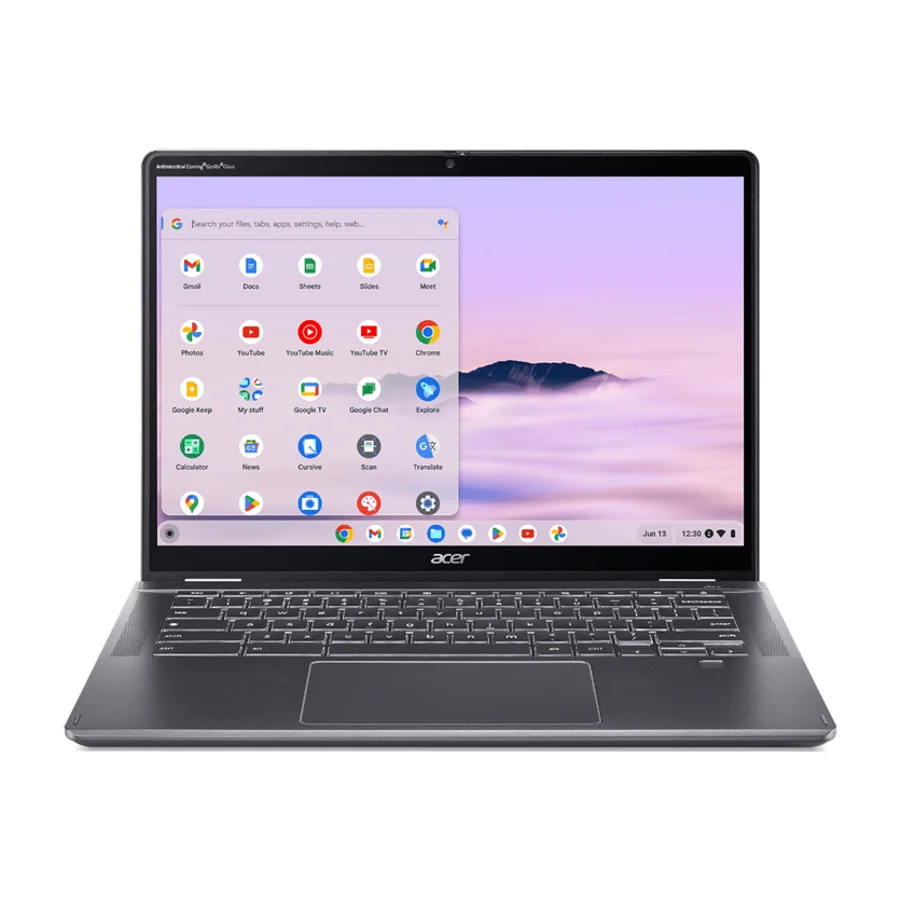
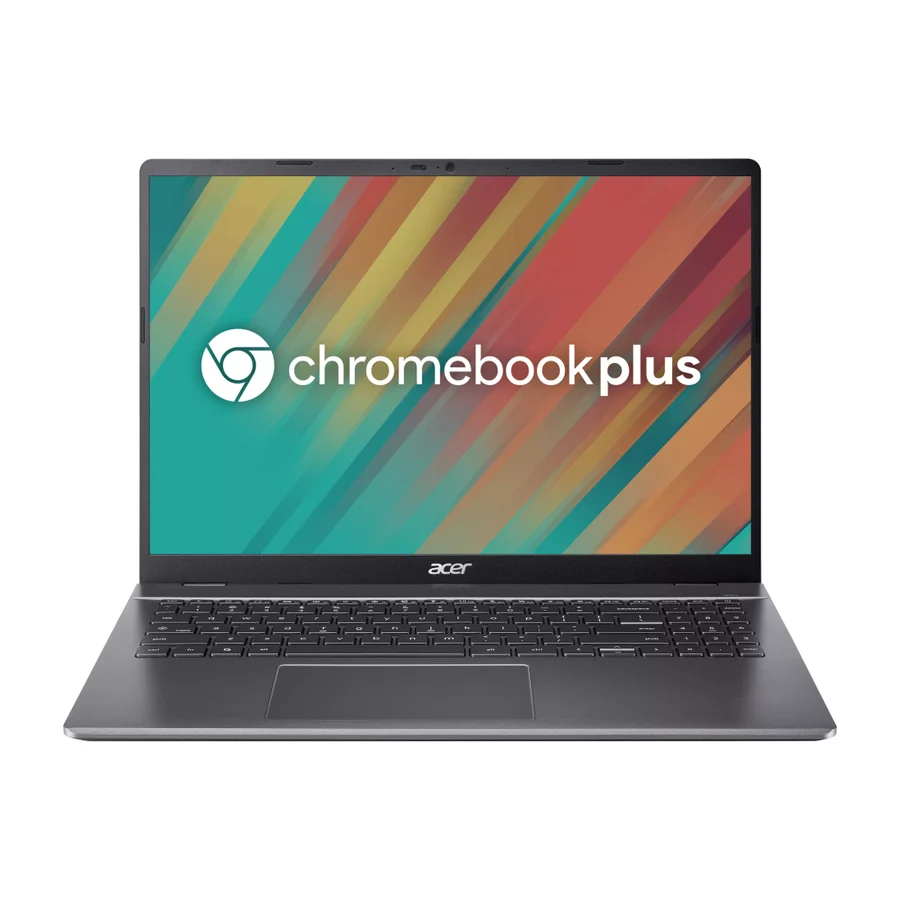
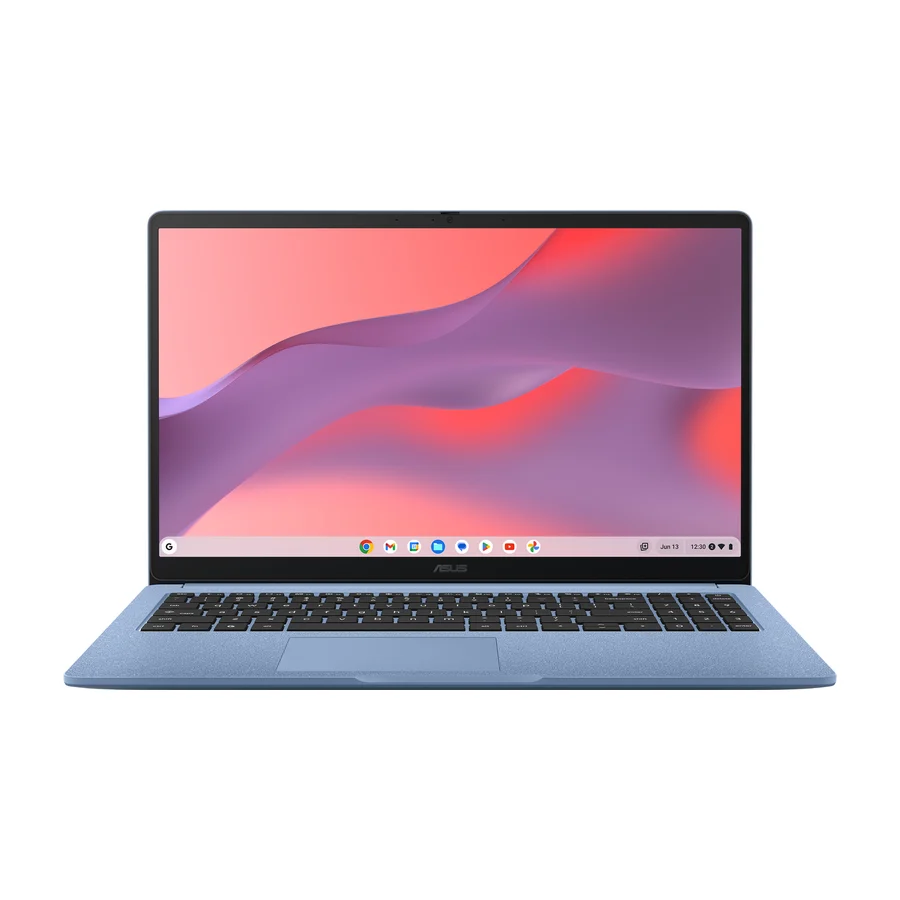
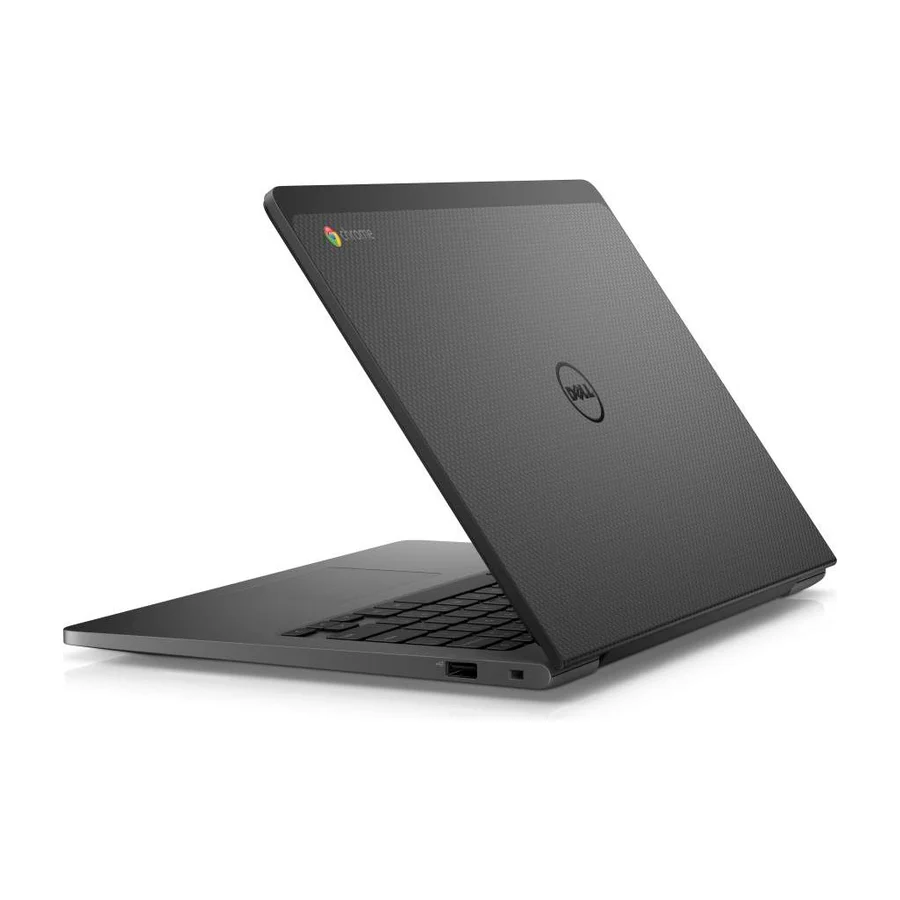
The Asus Chromebook Plus CX34 is the best chromebook for most people. It shares S tier with the Acer Chromebook Plus Spin 714 on our chromebooks board, ranked across independent research runs over current expert reviews, and it takes first place on the most reliable build in the category, excellent battery life and consistent firmware updates that make it the safest long-term buy. The A tier runners-up are the Lenovo Chromebook Plus 14, which edges the CX34 on everyday durability with a tougher chassis and a better trackpad, and the Acer Chromebook Plus Spin 514 CP514-5HN, the convertible reviewers single out as the best of the lineup at a lower price. If you want a premium 2-in-1 that folds into a tablet, pick the Acer Chromebook Plus Spin 714. If you want a bigger screen on a budget, the Acer Chromebook Plus 516 has the best display per dollar on the board. Avoid the Dell Chromebook 13 Budget Variant, the only product in F tier, and the Acer Chromebook Spin 312 in D tier, both dragged down by durability reports.

Compare any two to four side by side

Frequently asked questions

Asus Chromebook Plus CX34 sits at #1 in the S tier of our consolidated board, ranked across independent research runs over current expert reviews. The most reliable build, excellent battery life, and consistent firmware updates make it the best long-term investment.

Acer Chromebook Plus Spin 714 ranks #2 (S tier). Premium convertible design with strong performance; its higher price is justified by longevity.

Our research places Acer Chromebook Spin 312, Dell Chromebook 13 Budget Variant in the bottom tiers (D/F). The device is still in use, indicating it meets the needs of some users even if not a top choice.

A Chromebook is a laptop that runs ChromeOS, Google's operating system built around the Chrome browser, instead of Windows or macOS. It runs web apps, Android apps and Linux apps, and it stores most of your files in the cloud rather than on the machine. That makes it simpler, faster to boot and harder to break, but it cannot run Windows or Mac desktop software. Every product on our chromebooks board runs ChromeOS. Windows and macOS laptops are ranked on our separate laptops board.

No. A Chromebook runs ChromeOS and cannot install Windows the way a normal laptop can. You can reach Windows software through remote desktop or a web version of the program, and Chromebooks run Android and Linux apps natively. If you need Windows programs every day, buy a Windows laptop rather than working around a Chromebook.

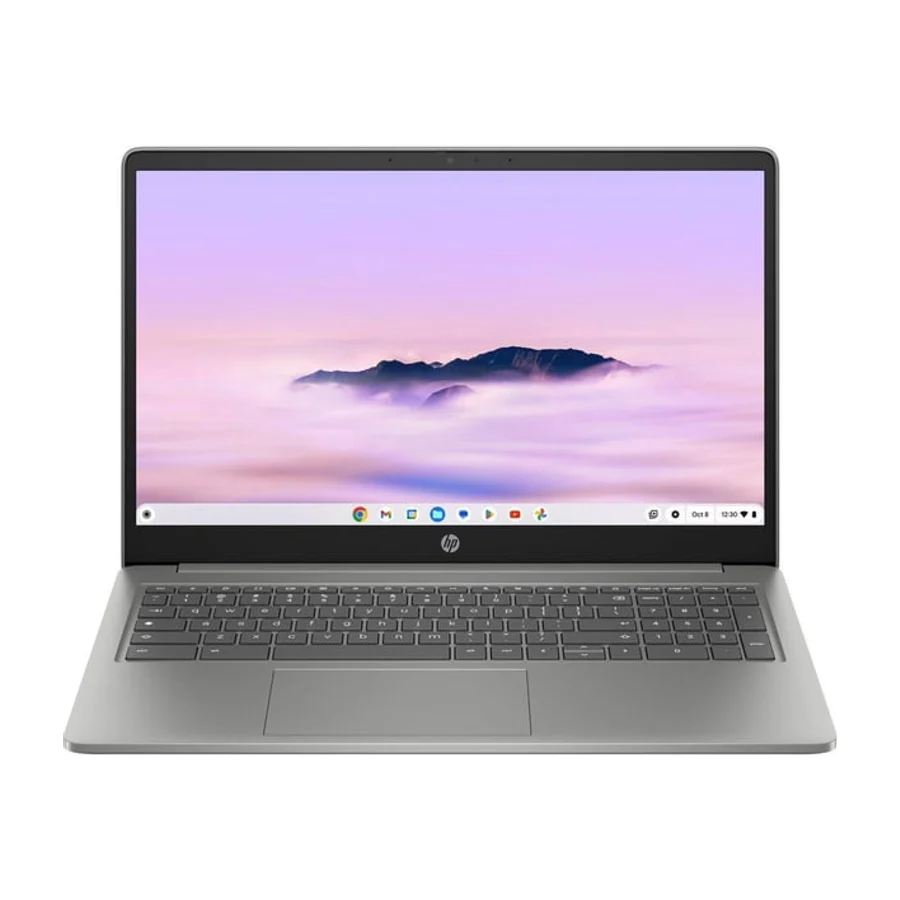
Chromebook Plus is Google's label for Chromebooks that meet a higher minimum spec for processor, memory, storage, screen and webcam. It marks the machines that feel like a proper laptop rather than a budget one. The Chromebook Plus line dominates the top of our board: the Asus Chromebook Plus CX34 and Acer Chromebook Plus Spin 714 in S tier, and the Lenovo Chromebook Plus 14 and Acer Chromebook Plus Spin 514 CP514-5HN in A tier all carry it. The badge is a floor, not a guarantee, because the HP Chromebook Plus 15.6-inch carries it too and sits in C tier for a flimsy chassis and inconsistent battery life.

On our board Asus and Acer hold the strongest records. The Asus Chromebook Plus CX34 tops the board on the most reliable build in the category and consistent firmware updates, and the Acer Chromebook Plus Spin 714 sits beside it in S tier on premium build quality. Acer also has the widest spread, with five products from S tier down to the Acer Chromebook Spin 312 in D tier, so the model matters more than the badge. Dell is the mixed case: the Dell Chromebook 13 (2026) in C tier has a reputation for reliability while the Dell Chromebook 13 Budget Variant in F tier is tied to poor durability reports.

Google commits to ten years of ChromeOS updates for Chromebooks released from 2021 onward, so software support is rarely the limit. The hardware is. Our board rewards the machines built to go the distance: the Asus Chromebook Plus CX34 is ranked first as the best long-term investment, and the Acer Chromebook Plus Spin 714 is in S tier because its longevity justifies its higher cost. Check the update expiry date on Google's support page before buying any older or discounted model.

On our board the recurring failure is the chassis, not the software. The HP Chromebook Plus 15.6-inch in C tier drew reports of a flimsy chassis and inconsistent battery life, the Acer Chromebook Spin 312 in D tier is marked for limited durability, and the Dell Chromebook 13 Budget Variant in F tier is tied to poor durability reports, a weaker build and underperformance on heavier workloads. Cheap Chromebooks also ship with low memory and slow storage that feel fine on day one and sluggish a year later. The products with no recorded faults, the Asus Chromebook Plus CX34 and Acer Chromebook Plus Spin 714, are the ones reviewers praise for build quality.

Chromebooks run from about 11 inches to about 16 inches. A 13 or 14 inch screen is the sweet spot for most people because it stays light enough to carry all day and still fits two windows side by side. Our S tier picks sit there: the Asus Chromebook Plus CX34 has a bright 13.5-inch display and the Acer Chromebook Plus Spin 714 is a 14 inch convertible. Go bigger only if the Chromebook stays on a desk, and note that the 15.6 inch HP Chromebook Plus 15.6-inch is heavier than its competitors. The Acer Chromebook Plus 516 is the board's large-screen pick if you want the extra room.

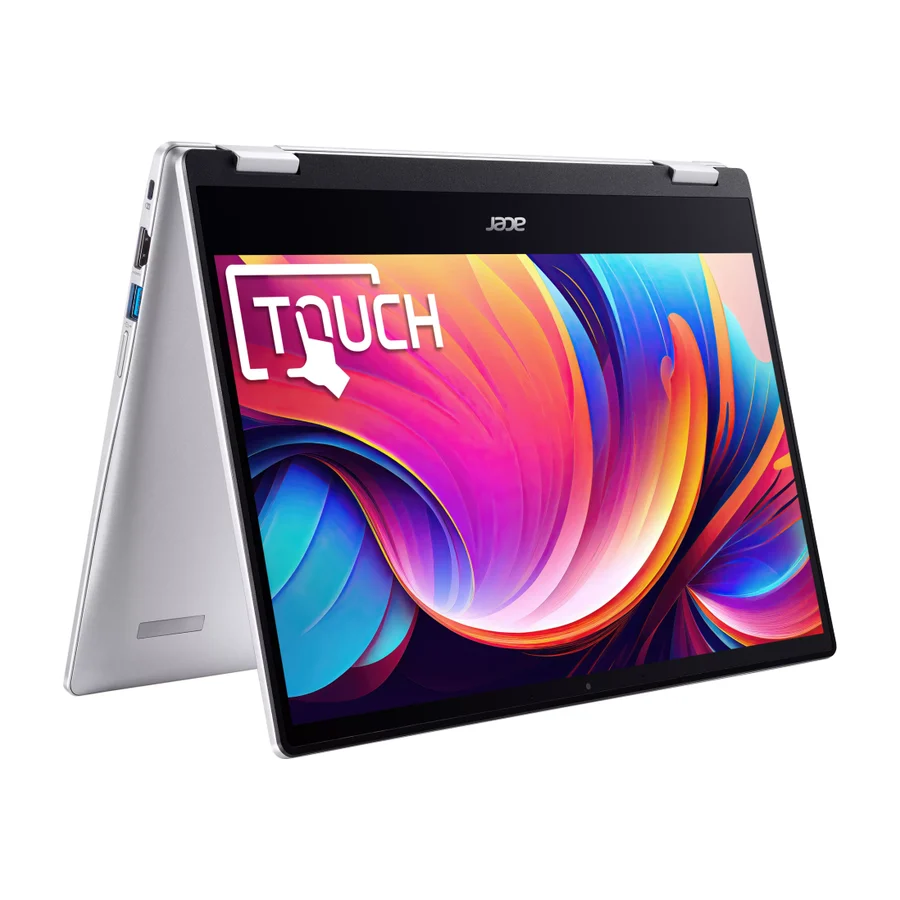
Buy a convertible if you will actually use touch, a stylus or tablet mode for reading and note taking. Buy a clamshell if you will not, because it is usually lighter and cheaper for the same internals. Our board has strong options either way: the Asus Chromebook Plus CX34 is the top clamshell, and the Acer Chromebook Plus Spin 714 in S tier, the Lenovo Chromebook Plus 14 and the Acer Chromebook Plus Spin 514 CP514-5HN in A tier are all 2-in-1 designs, with the Spin 514 called the best convertible of the lineup.

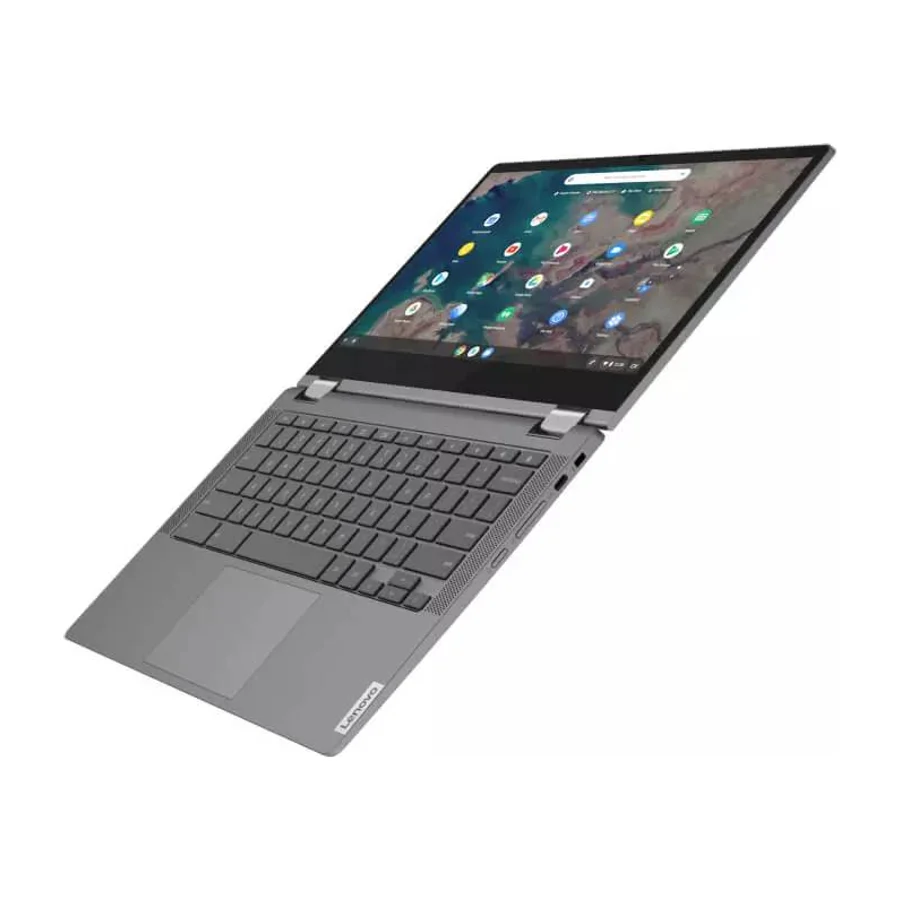
For a student who will carry it every day, the Lenovo Chromebook Plus 14 in A tier is the pick, with a durable chassis, a comfortable keyboard and a versatile 2-in-1 design. The Asus Chromebook CX15 in C tier and the Lenovo Chromebook Flex 5 (2026) in C tier are both recognised for educational settings and are the cheaper route, with the trade-off of marginally lower build quality on the Flex 5. Skip the Acer Chromebook Spin 312, which reviewers mark for limited durability, and the Dell Chromebook 13 Budget Variant, which is in F tier for the same reason. Schools buying in bulk usually need a management licence on top of the hardware.

Avoid anything with 4GB of memory or eMMC storage, because those are the specs that make a Chromebook feel slow after a year. Check the update expiry date, since older stock can have only a few years of support left. Do not trust a badge alone: the HP Chromebook Plus 15.6-inch carries the Plus label and still lands in C tier for a flimsy chassis and inconsistent battery life. Avoid the budget versions of good names too. The Dell Chromebook 13 Budget Variant is in F tier while the Dell Chromebook 13 (2026) it is named after sits in C tier.

Anyone who needs Windows or Mac desktop software, such as full Adobe Creative Cloud, most CAD tools or PC games that are not cloud streamed. Anyone who works offline for long stretches with large local files. Anyone who wants a gaming machine, since even the Acer Chromebook Plus Spin 714 with its strong processor and graphics is built for everyday work rather than gaming. If that is you, our laptops and gaming laptops boards are the right place. For browsing, documents, video calls and Android apps, the Asus Chromebook Plus CX34 does the job for years.

Cite this board as stierproducts, “Best Chromebooks”, 19 Aug 2026. Free to quote with attribution and a link (terms).

Machine-readable: markdown · JSON · how we rank