Asus
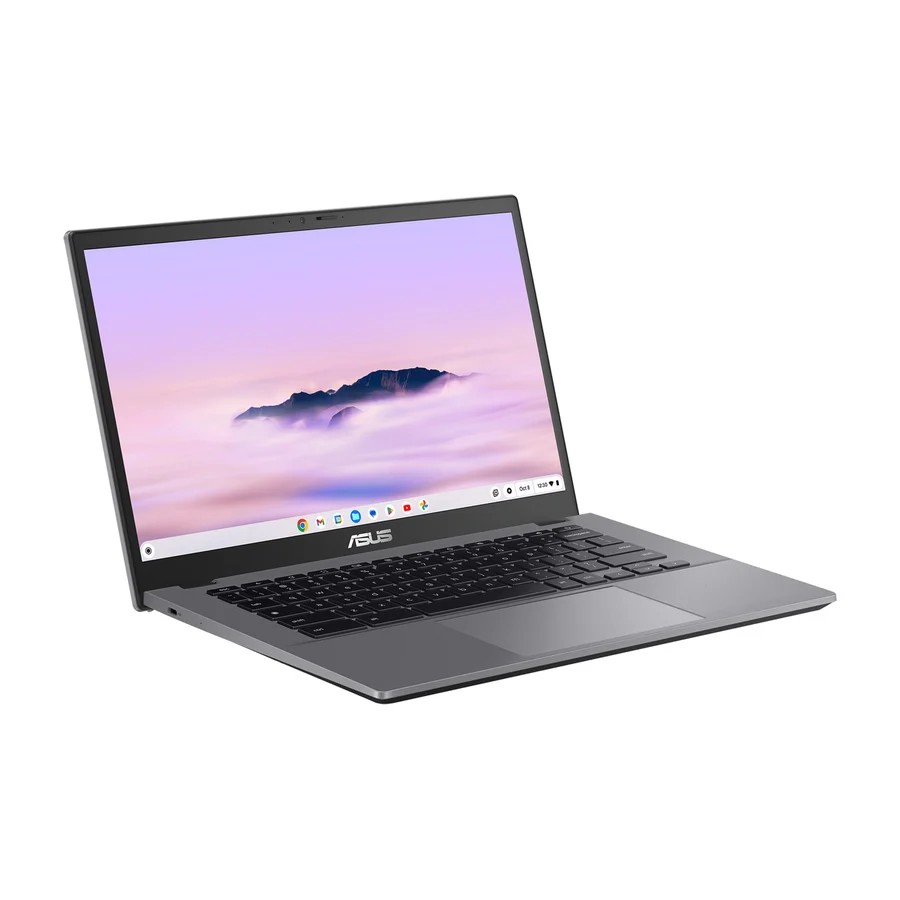
Asus Chromebook Plus CX34
S
The most reliable build, excellent battery life, and consistent firmware updates make it the best long-term investment.
Consolidated from 32 cited sources across 28 outlets
Where the cited sources landed, as we read them
- 23 positive sources
- 9 mixed sources
Pros & cons
- ✓ Excellent battery life
- ✓ Consistent firmware updates
- ✓ Solid build quality
- ✓ High-resolution screen
- ✓ Bright 13.5-inch display
The sources behind this ranking
We searched the web and YouTube for what has been published about this product, then read the articles, video transcripts and comments we found.
Evidence 18 articles, 9 video reviews and 5 community sources
23 positive sources
P  PCMag UK The Pcmag Editorial Team · reviewer
  Linus Tech Tips Linus Tech Tips · 16.9M subscribers · Aug 2025
  Tom's Guide Article
  PCMag PCMag · 258K subscribers · Jan 2023
  PCWorld Brad Chacos · reviewer
  Tech Legend Tech Legend · 116K subscribers · Sept 2025
  Now & Then Tech Now & Then Tech · 33.8K subscribers · Nov 2023
  Tecware Official Tecware Official · 3.3K subscribers · Mar 2025
  Yahoo Tech Rami Tabari · reviewer
  Tri-Cloud Sync Gadgets Tri-Cloud Sync Gadgets · 2.1K subscribers · Jul 2025
  South NJ Trains & Destinations South NJ Trains & Destinations · 1.5K subscribers · May 2026
  Computerworld brian_nadel · reviewer
  Tech Beacon XR Tech Beacon XR · channel · Jul 2026 PCMag UK Article
  FilpZ.com FilpZ.Com · reviewer
  Pcmag Mark Coppock · reviewer
  PCMag Middle East Article
  The Gadgeteer Article
PCMag UK The Pcmag Editorial Team · reviewer We love Asus’ latest version of the Chromebook Plus CX34 because it delivers impressive performance and essential features at an unbeatable price. From the powerful processor and solid design to the AI features and great port selection, this machine handles everyday tasks with ease. It’s a great choice for students or anyone else who’s looking for a powerful, affordable Chromebook.Read L
Linus Tech Tips Linus Tech Tips · 16.9M subscribers · Aug 2025 I see some of the models that I've been looking online, including the Asus CX34 that is on sale, which is pretty nice. >> Okay.Watch T
Tom's Guide Article For a Chromebook, the Asus CX34 is pretty dang powerful, and that’s mostly due to its Intel Core i5-1335U processor. It also has a 14-inch, 1920 x 1080-pixel display, 8GB of RAM, and 128GB of UFS storage, which is faster than eMMC storage. The CX34 is pretty stacked in the port department, too, with an HDMI port, two USB-A ports, two USB-C ports, and an audio jack.Read P
PCMag PCMag · 258K subscribers · Jan 2023 But what we've got here, we've got this great design, excellent color scheme, and this is a Chromebook built for gaming with several features specifically designed to let you use gaming cloud services and get the most out of them. So we're talking about the 14 inch screen as a 16:10 aspect ratio, giving you a little more vertical height.Watch P
PCWorld Brad Chacos · reviewer When it comes to Chromebooks, the Asus Chromebook Plus CX34 is damned near flawless. It’s got an Intel i5 processor and 8GB of RAM, so it’s zippy when running everyday tasks, and the 14-inch 1080p touchscreen display looks sharp whether you’re cranking on daily workflows or zoning out to YouTube. It’ll also last around 13 hours on a single charge.Read T
Tech Legend Tech Legend · 116K subscribers · Sept 2025 The Asus Chromebook Plus CX34 is a prime example of a device that delivers on the core promise of the Plus standard. At a competitive price, it provides a level of performance that is almost unmatched in its class. Its design features a solid yet lightweight plastic chassis that weighs in at a portable 3.17 lb.Watch F Facebook Online Grant · owner
The ASUS Chromebook Plus CX34 stands out as one of the best mid-range Chromebooks of 2025, offering a perfect balance of sleek design, solid performance, and everyday usability. Built with a lightweight yet durable chassis, it’s designed for students, professionals, and casual users who need a dependable laptop for work, study, or streaming.View post N
Now & Then Tech Now & Then Tech · 33.8K subscribers · Nov 2023 But what it does offer is an excellent reading, browsing, and using experience. So, if you're watching content, great. If you're browsing the web, emails, checking documents, banking, etc., that all sits perfectly within the ASUS CX34, and that display does a very good job of delivering on all those fronts. So, let's give you an overview of Chrome OS. No real major changes here.Watch F Facebook Online Grant · owner
The ASUS Chromebook Plus CX34 stands out as one of the best mid-range Chromebooks of 2025, offering a perfect balance of sleek design, solid performance, and everyday usability. Built with a lightweight yet durable chassis, it’s designed for students, professionals, and casual users who need a dependable laptop for work, study, or streaming.View post T
Tecware Official Tecware Official · 3.3K subscribers · Mar 2025 One of the biggest strengths of the Asus Chromebook Plus CX34 is its long battery life, lasting up to 10 to 12 hours on a single charge. The fast charging USBC support allows users to quickly top up battery levels, making it highly portable for students and remote workers.Watch Y
Yahoo Tech Rami Tabari · reviewer I always point to Asus laptops when I want something that doesn't look like a dreary black box, and with the Asus Chromebook Plus CX34, the company lived up to those expectations yet again. This creamy white-painted machine is equipped with a military-grade durable chassis on top of its good looks.Read T
Tri-Cloud Sync Gadgets Tri-Cloud Sync Gadgets · 2.1K subscribers · Jul 2025 This isn't just any Chromebook. It's part of the new Chromebook Plus lineup, which means it meets higher standards for performance and features, promising a smoother experience. Right away, you notice the clean white design and it feels pretty solid.Watch F Facebook Online Grant · owner
Overall, the ASUS Chromebook Plus CX34 is an excellent choice for those seeking affordability without compromising quality. Whether you’re a student on a budget or a professional seeking a reliable secondary laptop, this Chromebook provides everything you need in a compact, future-ready package.View post S
South NJ Trains & Destinations South NJ Trains & Destinations · 1.5K subscribers · May 2026 And I think what you get with this is a lot of value. So, as you can see the color is pretty plain. It's just plain Jane gray. Um port selection is good. You got headphone jack, USB ports, HDMI, and your USB-C charging. Um of course you could also use that to hook up to a monitor. Then on the other side you just have another uh USB-C.Watch C
Computerworld brian_nadel · reviewer Based in Falls Church, Virginia, TeamPeople purchased 70 Asus ChromeBook Plus CX34 systems for company technicians working at client companies. “We wanted a balance of price and performance for staff at a client,” he says.Read T
Tech Beacon XR Tech Beacon XR · channel · Jul 2026 >> The ASUS Chromebook plus CX34 laptop with Google AI is designed for users who want a straightforward, responsive computer for everyday productivity without unnecessary complexity. With a 14-in display featuring a 1920 x 1080 full HD resolution, it offers a clear and comfortable viewing experience that works well for web browsing, document editing, video streaming, and online learning.Watch P
PCMag UK Article The combination of a comfortable keyboard, reliable inputs, punchy performance, and ample ports makes the Chromebook Plus CX34 an excellent choice for general schoolwork, from elementary to college levels.Read F
FilpZ.com FilpZ.Com · reviewer The Asus Chromebook Plus CX34 is undoubtedly a smart choice for students in India who need a reliable, efficient, and affordable laptop for academic purposes.Read C Consumer Reports says the Asus Chromebook Plus... Facebook post
Consumer Reports says the Asus Chromebook Plus CX34 tops the list, with Lenovo’s Slim 3 and HP’s x360 offering unbeatable battery life and versatility.View post P
Pcmag Mark Coppock · reviewer The Chromebook Plus CX34 was the standout performer, which runs an older but significantly speedier Intel Core i5-1335U CPU.Read I Instagram Instagram post
With built-in Google AI tools, a sleek design, and all-day battery life, it’s made to keep up — effortlessly.View post P
PCMag Middle East Article Asus' updated Chromebook Plus CX34 (2025) sticks to its roots as an incredible value.Read T
The Gadgeteer Article Inside those limits, it’s the most laptop you can get for the money during Prime Day.Read
9 mixed sources
L  Liessshy talkshowhost85 · owner · Mar 2024
  Gagadget.com James Taylor · reviewer
  Mashable Christina Buff · reviewer
  IT Pro Article
  BGR Hisan Kidwai · reviewer
  upGrad blog Pavan Vadapalli · reviewer
  Techozea Article
  WIRED Luke Larsen · reviewer
  TechRadar Article
Liessshy talkshowhost85 · owner · Mar 2024 Anyway that battery performance is such a deal breaker for me. Hmmm. I don't do a lot of heavy media editing except some Canva maybe once a month but I will need a lot of interaction with projectors in most parts of my work day (10AM-10PM). I think this will drain it like crazy as well. Sad.Watch G
Gagadget.com James Taylor · reviewer However, grab the ASUS Chromebook Plus CX34 if you need maximum processing power for demanding multitasking, prefer military-grade durability for frequent travel, value the unique lay-flat hinge for presentations, or work in environments where antimicrobial protection matters.Read M
Mashable Christina Buff · reviewer The 2025 Asus CX34 Chromebook Plus is pretty impressive, earning our sister site PCMag's " best Chromebook for most people " title. It's up next on our docket for testing , but for what it's worth, we loved the previous model .Read I
IT Pro Article There's still some room for improvement with a second-generation model, but if you're looking for the best value overall business Chromebook, this is the one to buy.Read B
BGR Hisan Kidwai · reviewer Not everyone wants to spend a lot of money on a Chromebook, and if you're on a budget, then the Asus Chromebook Plus CX34 is the way to go.Read U
upGrad blog Pavan Vadapalli · reviewer Limited storage capacity with up to 512GB SSD, which may require external storage solutions for large projects.Read T
Techozea Article Harman Kardon tuning makes the CX34 the best-sounding Chromebook on the market — by a meaningful marginRead W
WIRED Luke Larsen · reviewer If you can look past those shortcomings, though, the CX34 is a solid little workhorse that stands out.Read T
TechRadar Article Reasons to buy + Good all-round specification + Sturdy build + Decent screenRead
Frequently asked questions
It ranks #1 of 11 on our chromebooks tier list, in S tier. That placement draws on 32 cited sources across 28 outlets.
Ranked nearby in Chromebooks
 A tier #2
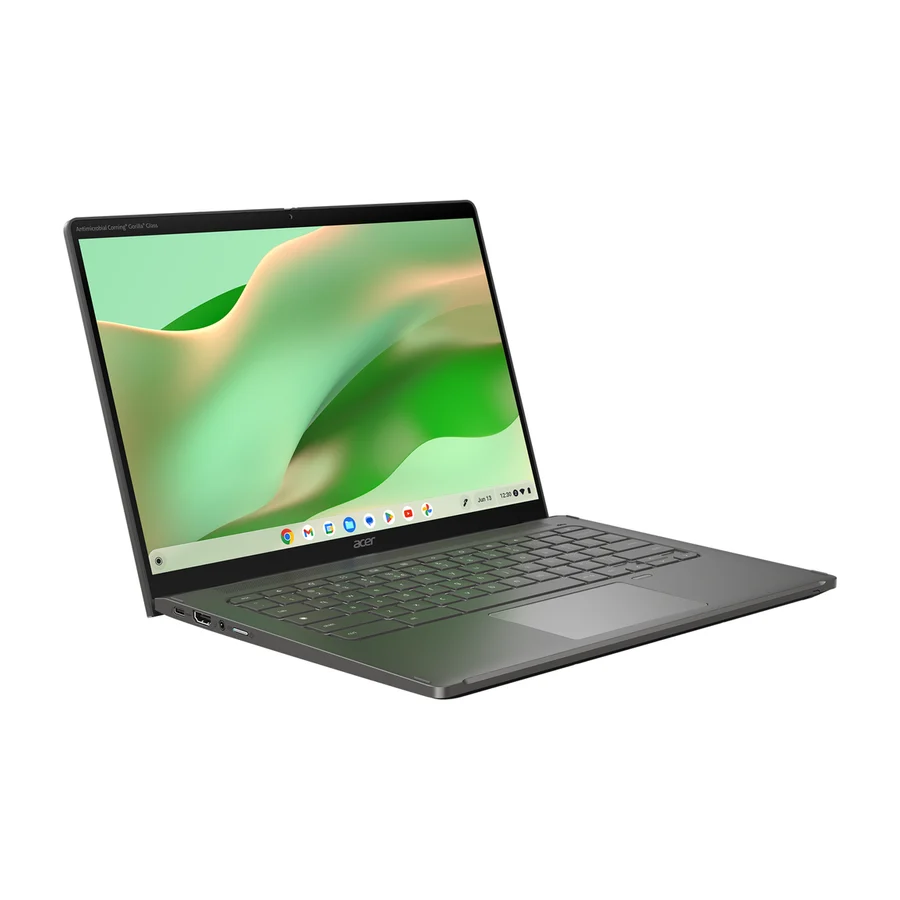
 Acer Chromebook Plus Spin 714
 A tier #3
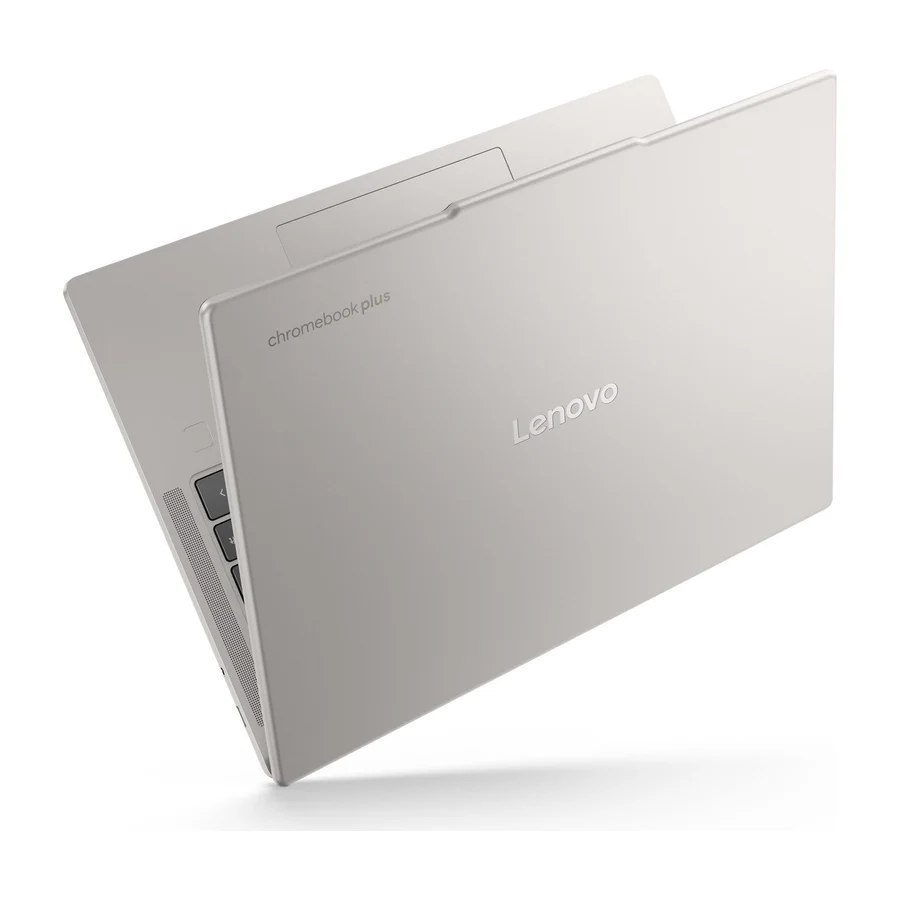
 Lenovo Chromebook Plus 14
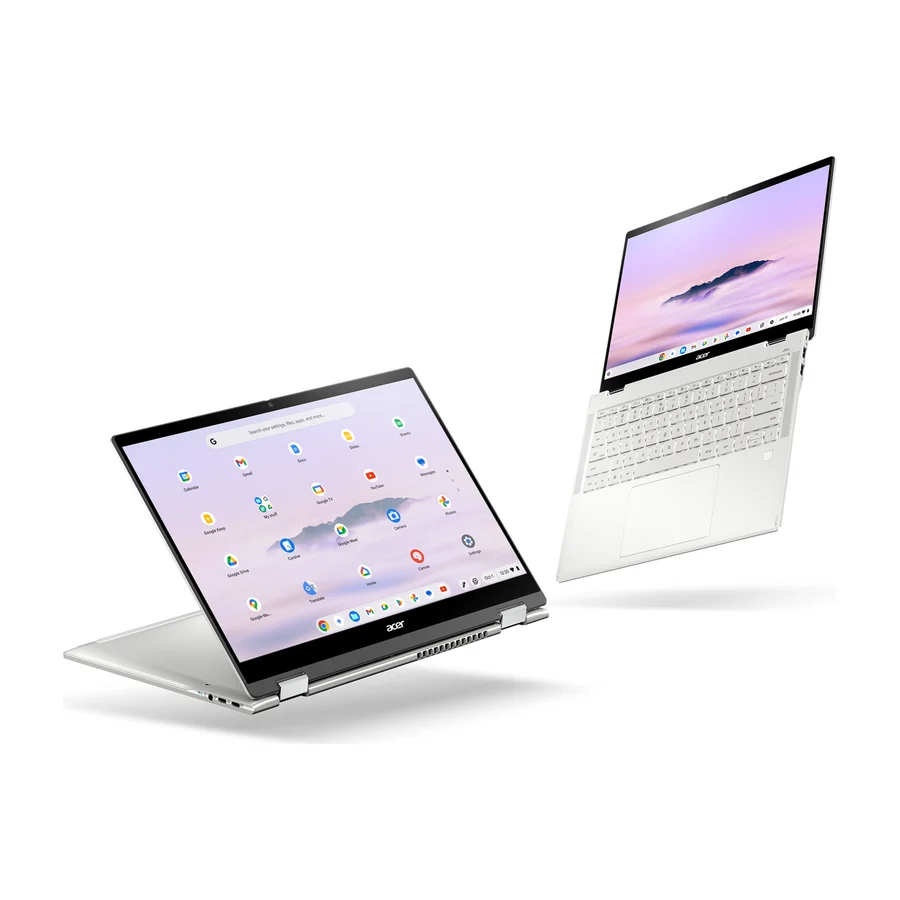 A tier #4
 Acer Chromebook Plus Spin 514 CP514-5HN
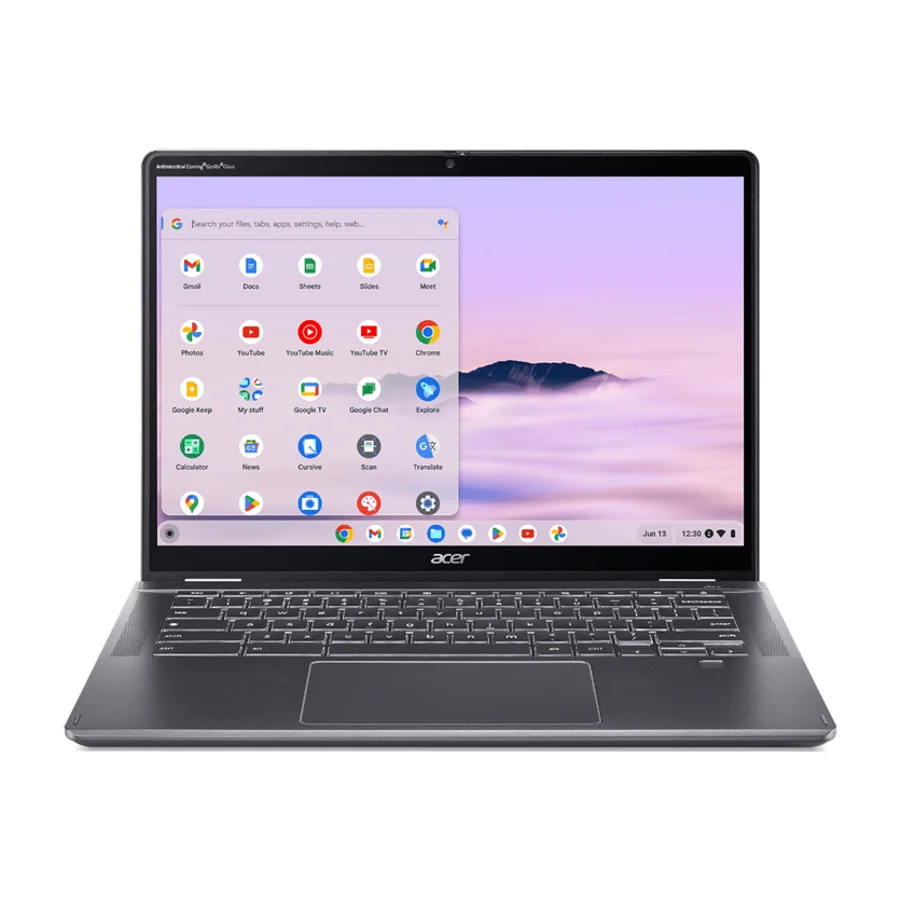 B tier #5
 Acer Chromebook Plus Spin 514 CB514-6H/T
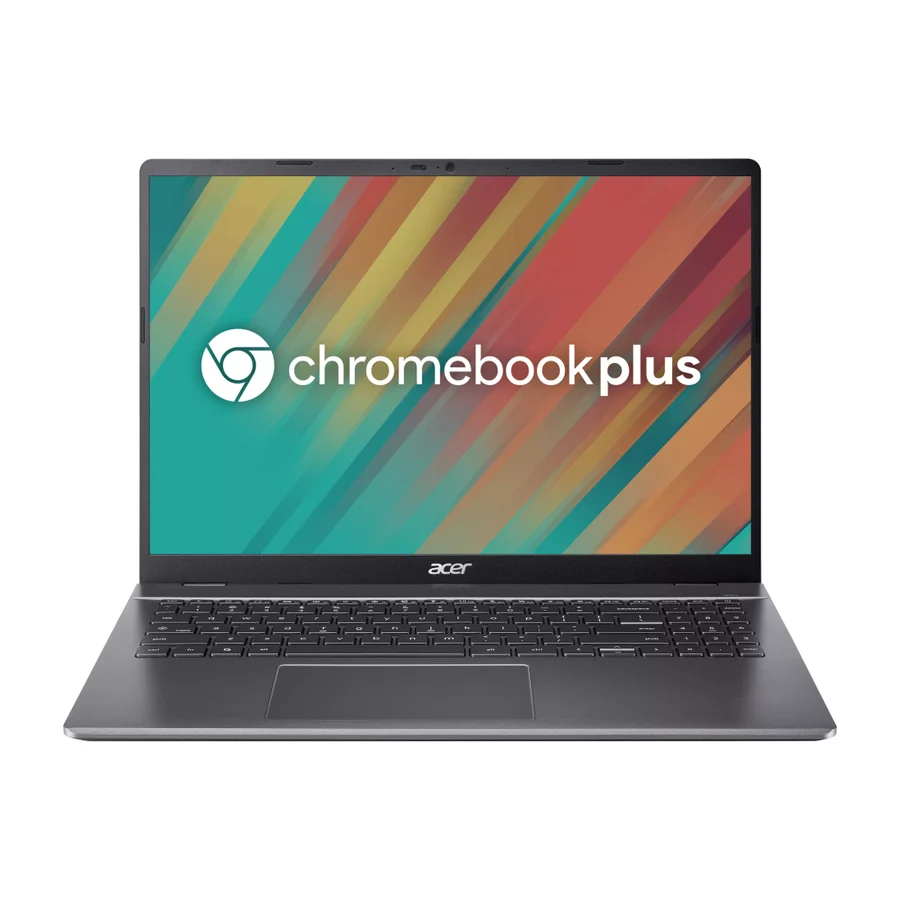 C tier #6
 Acer Chromebook Plus 516
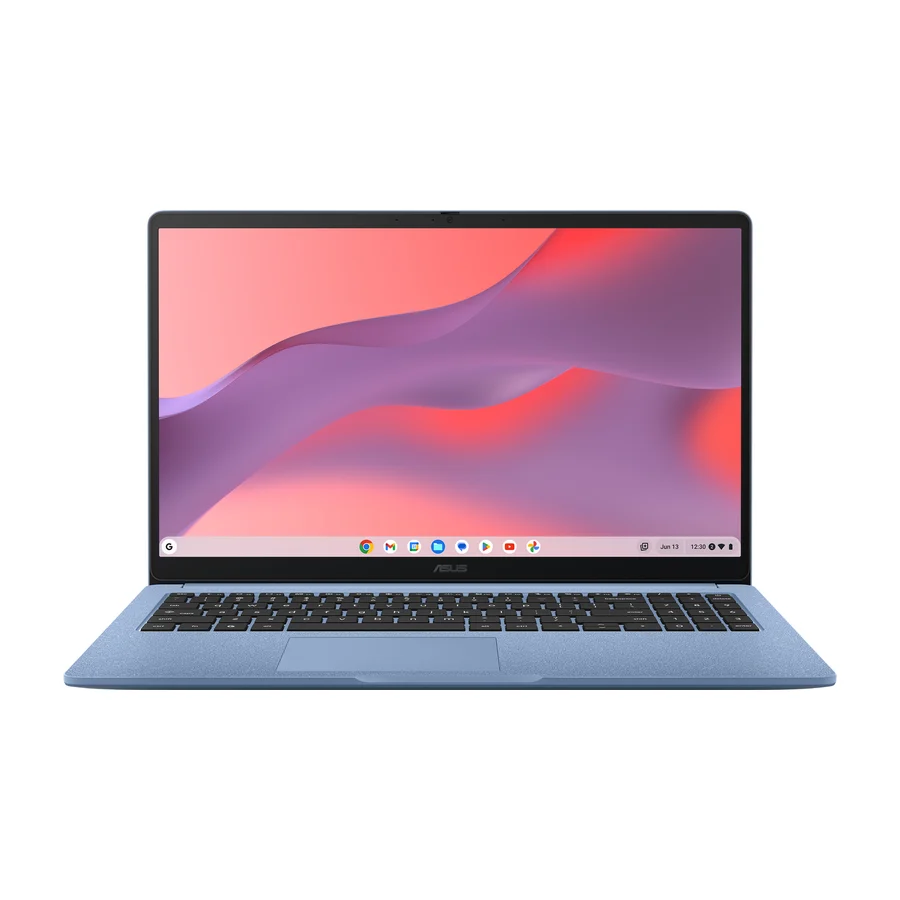 C tier #7
 Asus Chromebook CX15
 C tier #8
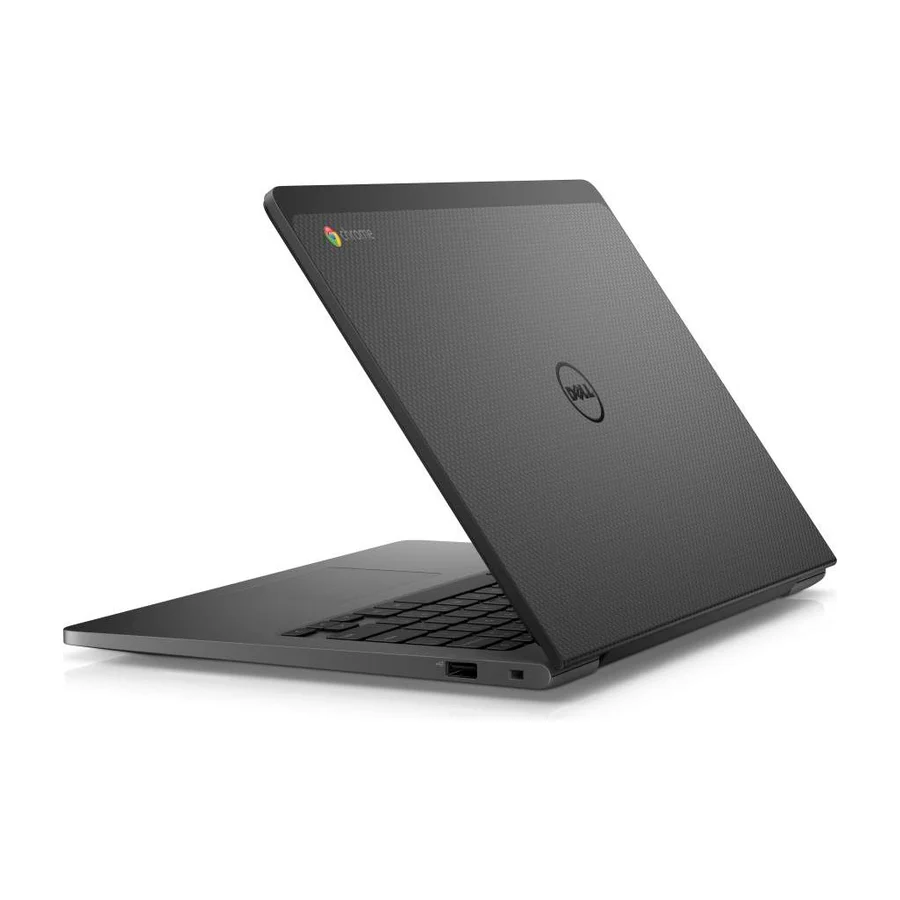
 Dell Chromebook 13 (2026)
 C tier #9 3 of 6 research runs entered this as a product to avoid rather than a pick.
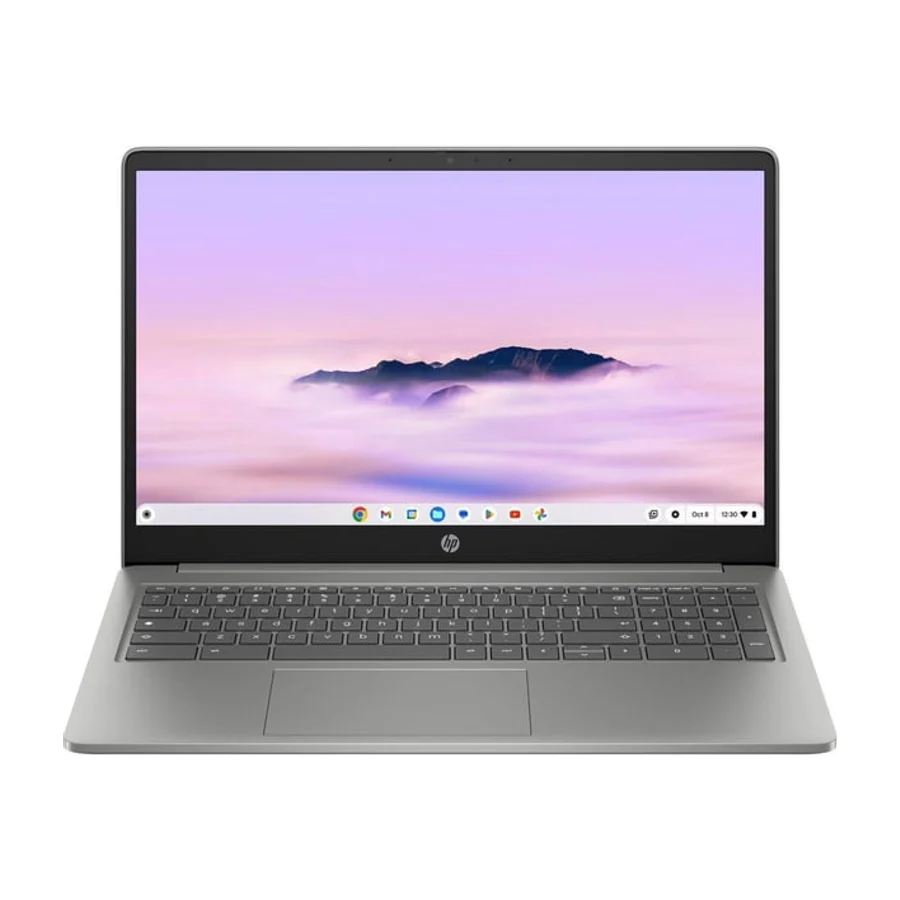
 HP Chromebook Plus 15.6-inch
 C tier #10
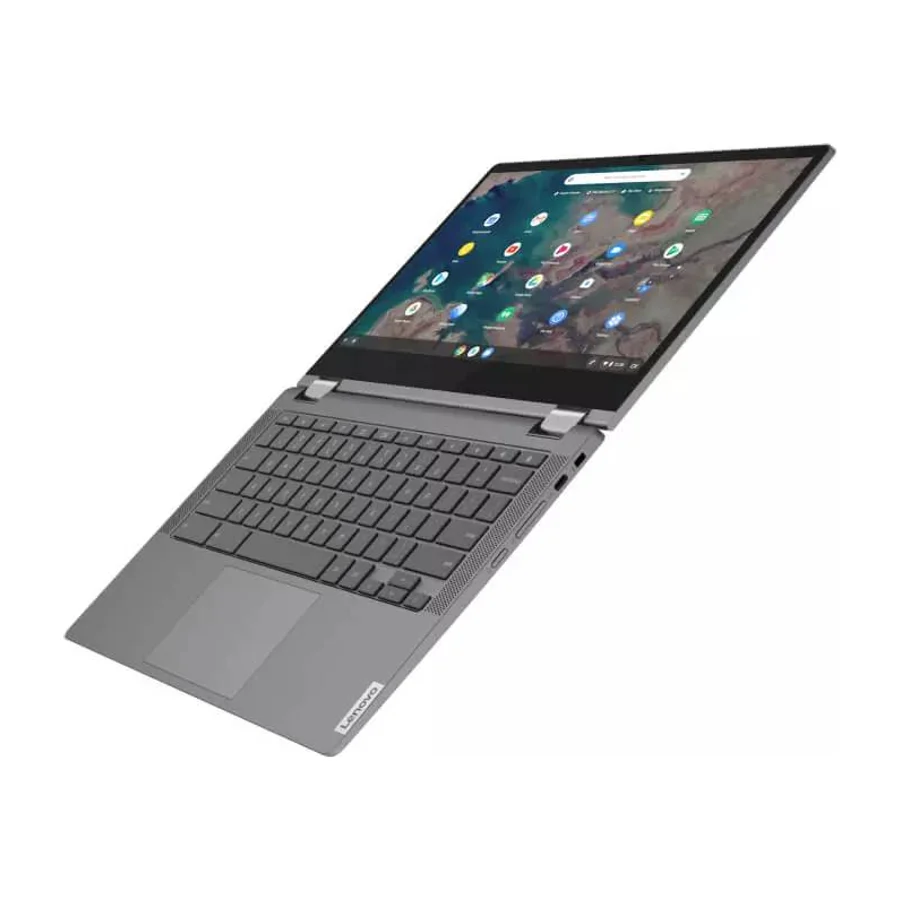
 Lenovo Chromebook Flex 5 (2026)
 D tier #11 1 of 5 research runs entered this as a product to avoid rather than a pick.