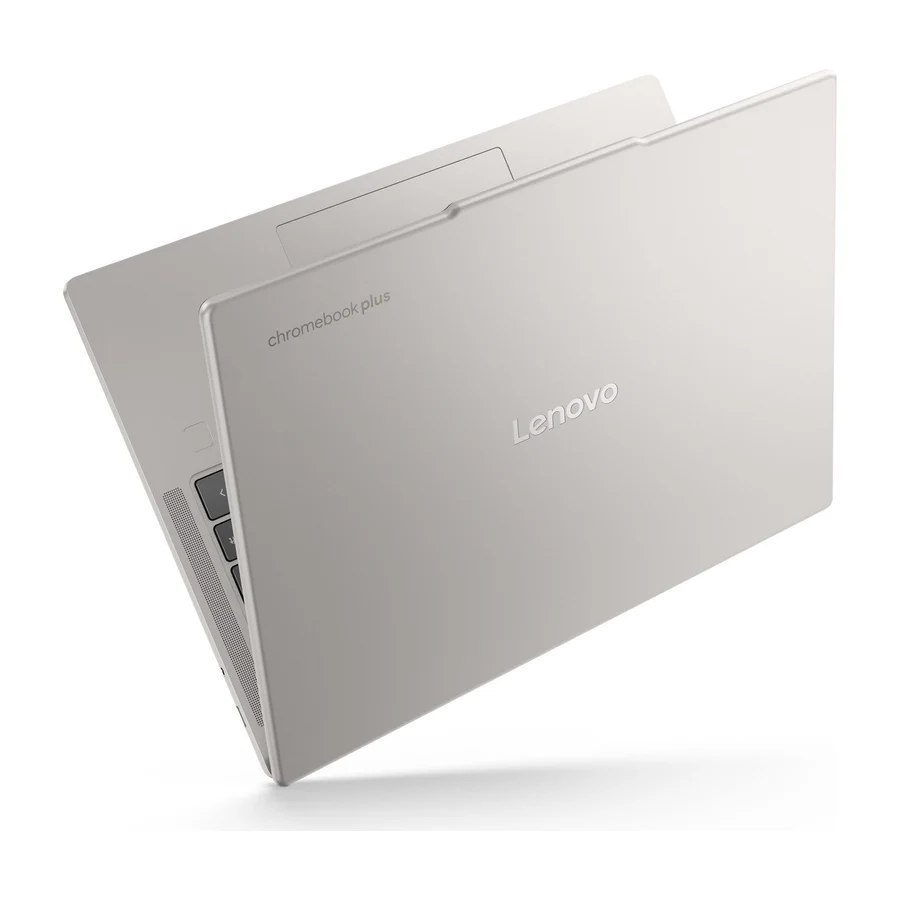
Lenovo
Lenovo Chromebook Plus 14
A
Robust chassis and a solid trackpad give it a slight edge over the CX34 in everyday durability.
Consolidated from 40 cited sources across 31 outlets
Where the cited sources landed, as we read them
- 2 glowing sources
- 4 enthusiastic sources
- 26 positive sources
- 6 mixed sources
- 2 unconvinced sources
Pros & cons
- ✓ Solid trackpad
- ✓ Durable chassis
- ✓ Comfortable keyboard
- ✓ Good performance
- ✓ Versatile 2-in-1 design
The sources behind this ranking
We searched the web and YouTube for what has been published about this product, then read the articles, video transcripts and comments we found.
Evidence 22 articles, 17 video reviews and 1 community source
2 glowing sources
E  Expert Reviews Stuart Andrews · reviewer
  IT Pro Article
Expert Reviews Stuart Andrews · reviewer In fact, the Chromebook Plus 14 Gen 10 is comfortably the fastest Chromebook that we’ve tested. In Geekbench 6 it scored 2,566 for single-core performance and 8,087 for multi-core. Our previous fastest Chromebook in this benchmark, the Acer Chromebook Plus Spin 714, scored 1,889 and 6,651, and that was with a 10-core Intel Core i5-1335U.Read I
IT Pro Article The new Lenovo Chromebook Plus 14 is the laptop Google has chosen to spearhead the next wave of Chromebook devices, and it's really not hard to see why. It's beautifully engineered with a gorgeous OLED screen and an exciting new Mediatek chipset.Read
4 enthusiastic sources
N  Notebookcheck Marc Herter · reviewer
  Mashable Sarah Chaney · reviewer
  PCWorld Ashley Biancuzzo · reviewer
  Tom's Guide Article
Notebookcheck Marc Herter · reviewer Lenovo officially claims a runtime of up to 17 hours for the Chromebook Plus 14 (14M9610). In our own Wi-Fi web surfing test, conducted at an adjusted display brightness, the device lasted for an impressive 15+ hours. This result is even more remarkable considering our review unit had been used previously, suggesting its battery may have already experienced some wear.Read M
Mashable Sarah Chaney · reviewer Put simply, the Lenovo Chromebook Plus 14 is a lightweight laptop boasting stellar battery life, impressive performance, and a fanless design that borderline rivals that of the MacBook Air . Especially for commuters, this is a Chromebook you’ll want to keep on your short list.Read P
PCWorld Ashley Biancuzzo · reviewer If you’ve been looking for a high-end Chromebook, the Lenovo Chromebook Plus 14 is totally worth your consideration—it’s a big step up from the usual budget fare. It’s got a 14-inch 1920×1200 OLED touchscreen and the colors really pop.Read T
Tom's Guide Article I fired up the Chromebook Plus 14, put my MacBook on ice (not literally) and daily drove this as my work system for a week. And all it took was seven days to become a full Chrome OS convert.Read
26 positive sources
C  chromeunboxed.com Article
  jose Tecnofanatico jose Tecnofanatico · 2M subscribers · Jul 2025
  BGR Hisan Kidwai · reviewer
  Chrome Unboxed Chrome Unboxed · 273K subscribers · Aug 2025
  Tech Bite3 Techbite4567 · owner · Aug 2026 Chrome Unboxed Chrome Unboxed · 273K subscribers · Jun 2025
  LinkedIn MediaTek · reviewer
  Currys Currys · 59.9K subscribers · Jun 2026
  WIRED Luke Larsen · reviewer
  MergeDroid MergeDroid · 12K subscribers · Aug 2025
  Notebookcheck DeepL / Ninh Duy · reviewer MergeDroid MergeDroid · 12K subscribers · Jan 2026
  Pickr Article
  thomas vanderkin thomas vanderkin · 2.2K subscribers · Aug 2026
  PsalmistPro PsalmistPro · 467 subscribers · Feb 2026
  Gadget News & Review JoshuaBrown-ud5ui · owner · Jun 2025
  Ai Pro Tech Ai Pro Tech · 376 subscribers · Jul 2025
  Stuff Tom Morgan-Freelander · reviewer Tech Bite3 Tech Bite3 · 46 subscribers · Aug 2026
  GEEKSPIN Chance Kinney · reviewer
  Veritas News Channel Veritas News Channel · 6 subscribers · Jun 2025
  First Impressions, and Preliminary Review Article MergeDroid MergeDroid · channel · Apr 2026 Chrome Unboxed brq034 · owner · Aug 2025
  Notebookcheck DeepL / Ninh Duy · reviewer
chromeunboxed.com Article I’ve had the Lenovo Chromebook Plus 14 in my bag for a bit over 6 weeks at this point, and I have to be honest with you: I knew it was my favorite Chromebook ever after just a few hours of use. Seeing it at the Chromebook Showcase in New York back in June was only a small taste of what makes this device so special, and like many others, I wasn’t 100% sold on its awesomeness right away.Read J
jose Tecnofanatico jose Tecnofanatico · 2M subscribers · Jul 2025 the new Lenovo Chromebook Plus 14 is very well builtWatch B
BGR Hisan Kidwai · reviewer The Lenovo Chromebook Plus 14 is a top-tier laptop that is a cut above most Chromebooks on the market. It takes inspiration from Apple's MacBooks and features a premium design, made from aluminum, which people say feels sturdy without being heavy. The main highlight of the Plus 14, though, is that gorgeous 14-inch 1920 x 1200 OLED touchscreen display.Read C
Chrome Unboxed Chrome Unboxed · 273K subscribers · Aug 2025 I’ve had the Lenovo Chromebook Plus 14 in my bag for a bit over 6 weeks at this point, and I have to be honest with you: I knew it was my favorite Chromebook ever after just a few hours of use. Seeing it at the Chromebook Showcase in New York back in June was only a small taste of what makes this device so special, and like many others, I wasn’t 100% sold on its awesomeness right away.Watch T
Tech Bite3 Techbite4567 · owner · Aug 2026 The Chromebook Plus (14) features a sleek, minimalist design with a silver aluminum chassis that feels sturdy yet lightweight. The 14-inch WUXGA (1920x1200) touchscreen is bright and vibrant, with 10-point touch support for interactive use. The keyboard is backlit with a comfortable key travel, making long typing sessions manageable.Watch C
Chrome Unboxed Chrome Unboxed · 273K subscribers · Jun 2025 Despite its simple name, this Chromebook is absolutely packed with incredible hardware, and it's clear that Google and Lenovo have positioned this to be the new go-to recommendation for anyone seeking a high-end Chromebook Plus experience.Watch L
LinkedIn MediaTek · reviewer Powered by the MediaTek Kompanio Ultra, the Lenovo Chromebook Plus 14 delivers impressive performance, advanced power efficiency, all-day battery life, and intelligent on-device AI. In his latest review, Juan Carlos Bagnell calls the Lenovo Chromebook Plus 14 "the best Chromebook of 2025" and does a deep dive on its features.Read C
Currys Currys · 59.9K subscribers · Jun 2026 If you're a student looking for a reliable laptop, this is a great choice. Google's AI assistant Gemini makes studying work really simple, giving you instant answers to questions, suggestions, and ideas for your projects. And AI-powered tools in your most used apps that help you work more efficiently.Watch W
WIRED Luke Larsen · reviewer There's no Chromebook quite like the Lenovo Chromebook Plus 14 . Not since the days of the original Pixelbook has a piece of Chrome OS hardware come along that so wanted you to believe in the platform. The laptop chassis feels immaculately designed, and both the keyboard and touchpad are a joy to use.Read M
MergeDroid MergeDroid · 12K subscribers · Aug 2025 I'd have been disappointed to pull out an old style power brick, so I'm pleased to see this smaller and lighter USBC charger. I've got a 65 watt model here, but some will be 45 watt.Watch N
Notebookcheck DeepL / Ninh Duy · reviewer Voor Chromebook-gebruikers is deze laptop er een met weinig om op aan te merken. Het is het beste wat je nu kunt kopen als je een Chromebook wil, mede omdat hij met de nieuwste snufjes komt en zowel hardware als software gebruikt die we niet of niet vaak op een Chromebook hebben gezien.Read M
MergeDroid MergeDroid · 12K subscribers · Jan 2026 I’ll take you through why I decided to buy the lower spec Lenovo Chromebook Plus 14 (12GB RAM/128GB UFS/non-touch) and the 4 main differences you need to be aware of between it and the higher spec model option.Watch P
Pickr Article Chromebooks aren’t known for premium features, but the Lenovo Chromebook Plus 14 pushes things in a new direction. It may well challenge everything you knew about the category.Read T
thomas vanderkin thomas vanderkin · 2.2K subscribers · Aug 2026 Big AI power. Simple to use. The MediaTek Kompanio Ultra’s 50 TOPS NPU boosts productivity with Smart grouping, on-device image generation in the Gallery app, and more. The OLED display delivers crisp, vibrant visuals while quad Dolby Atmos® speakers bring immersive audio. Thin and light, it also boasts the longest battery life for a Chromebook.Watch I Instagram Instagram post
How many tabs is too many tabs? Turns out the Lenovo Chromebook Plus 14” powered by @Arm can handle way more chaos than I can. Check out the link in my bio to learn more!View post P
PsalmistPro PsalmistPro · 467 subscribers · Feb 2026 I share my impressions after nearly a month, describing it as the “MacBook Air of Chromebooks.” I go over its specs—fanless design, lightweight build, OLED screen, glass trackpad, up to 1440p webcam, and 256GB storage—and mention that I have the higher-tier model with 16GB RAM. I talk about how it replaced my Pixelbook Go and temporarily my HP Dragonfly Pro Chromebook.Watch G
Gadget News & Review JoshuaBrown-ud5ui · owner · Jun 2025 Simply all-day battery life, silent operation, Mediatek Kompanio ultra chipset and premium build quality. This Chromebook Plus 14 is everything I've been looking for.Watch A
Ai Pro Tech Ai Pro Tech · 376 subscribers · Jul 2025 Lenovo just launched the Chromebook Plus 14 — and it might be the best Chromebook ever made.Watch S
Stuff Tom Morgan-Freelander · reviewer This is the nicest Chrome OS laptop there’s been in years. The Lenovo Chromebook Plus 14 does everything you could ask from a daily driver, and looks stunning too.Read T
Tech Bite3 Tech Bite3 · 46 subscribers · Aug 2026 If that sounds familiar, the Lenovo Chromebook Plus 14 might just be the game-changer you've been waiting for. Packed with cutting-edge hardware and optimized for Chrome OS, this isn't just another Chromebook. It's a productivity powerhouse designed to handle everything from everyday tasks to demanding workloads with ease.Watch G
GEEKSPIN Chance Kinney · reviewer The result is a laptop that is more practical and affordable for students and small businesses, without making any deal-breaking cuts to performance or usability.Read V
Veritas News Channel Veritas News Channel · 6 subscribers · Jun 2025 Discover its impressive 17-hour battery life, powerful MediaTek processor, stunning OLED display, and innovative AI features like Smart Grouping and AI image editing. Perfect for students, remote workers, and tech enthusiasts in 2025 — see why this might be your next Chromebook!Watch F
First Impressions, and Preliminary Review Article Oh man, this Chromebook rocks. It addresses the only pain points I had for the Lenovo IdeaPad Duet 5 Chromebook Gen 6, and it succeeds on all counts.Read M
MergeDroid MergeDroid · channel · Apr 2026 It might just be the unknown alternative to the Neo that could be a better fit for many people looking for a new laptop.Watch C
Chrome Unboxed brq034 · owner · Aug 2025 Yes! This was the Chromebook I've been waiting for--a premium ARM-based one. Great screen, fingerprint reader, fanless, and great battery life.Watch N
Notebookcheck DeepL / Ninh Duy · reviewer Das Lenovo Chromebook Plus 14 in der getesteten Variante 83MY000SGE ist der neue Testsieger unter allen bisher geprüften Chromebooks.Read
6 mixed sources
C Chrome Unboxed - The Latest Chrome OS News Robby Payne · reviewer MergeDroid MergeDroid · 12K subscribers · Sept 2025 Chrome Unboxed - The Latest Chrome OS News Robby Payne · reviewer  Tech With Brett philby1 · owner · Jun 2025
  9to5Google Ben Schoon · reviewer
  Australian Financial Review John Davidson · reviewer
Chrome Unboxed - The Latest Chrome OS News Robby Payne · reviewer The audio, unfortunately, is the first major letdown. The upward-firing speakers use Waves MaxxAudio, and they are completely mediocre . They don’t have the richness or the Dolby Atmos-tuned punch of the clamshell model, and I was honestly a bit let down on that front. With the build quality of this device being so close to the Lenovo Chromebook Plus 14, I was really hoping for some solid audio.Read M
MergeDroid MergeDroid · 12K subscribers · Sept 2025 Like every Chromebook there are a couple of quirks and oddities, but over the last month I've spent with this Chromebook Plus I've really like a lot about it and think you will too….if you can get hold of one!Watch C
Chrome Unboxed - The Latest Chrome OS News Robby Payne · reviewer The audio, however, is where you’ll definitely notice a difference. Unlike the Dolby Atmos setup on the clamshell, this model uses Waves MaxxAudio. While upward-firing and loud enough for video calls, it lacks the low-end punch and richness we’ve grown accustomed to on the standard Lenovo Chromebook Plus 14.Read T
Tech With Brett philby1 · owner · Jun 2025 Looks good in a lot of ways but here are a few things that put me off this. No 1 is soldered storage. I really want an MVNe drive for upgradability. No 2 It needs more ports. Unneeded minimalism at the cost of usability.Watch 9
9to5Google Ben Schoon · reviewer After using it for the past couple of months, it’s a fine laptop, but one that sits in limbo.Read A
Australian Financial Review John Davidson · reviewer The Lenovo Chromebook Plus 14 is an effective, yet a little confusing, lightweight laptop.Read
2 unconvinced sources
P  Pcmag Brian Westover · reviewer
  TechRadar Article
Pcmag Brian Westover · reviewer Lenovo's Chromebook Plus 14 is one of the fastest, nicest Chromebooks we've tested, merging a gorgeous OLED display, solid build quality, and a comfy keyboard with capable, NPU-powered on-device AI. But its luxury-laptop pricing undercuts the biggest advantage of ChromeOS: affordability.Read T
TechRadar Article The Chromebook Plus 14-inch is one of the most expensive Chromebooks around, straying into Windows-laptop territory – and ChromeOS simply can’t compete with these machines in terms of sheer versatility.Read
Frequently asked questions
It ranks #3 of 11 on our chromebooks tier list, in A tier. That placement draws on 40 cited sources across 31 outlets.
Ranked nearby in Chromebooks
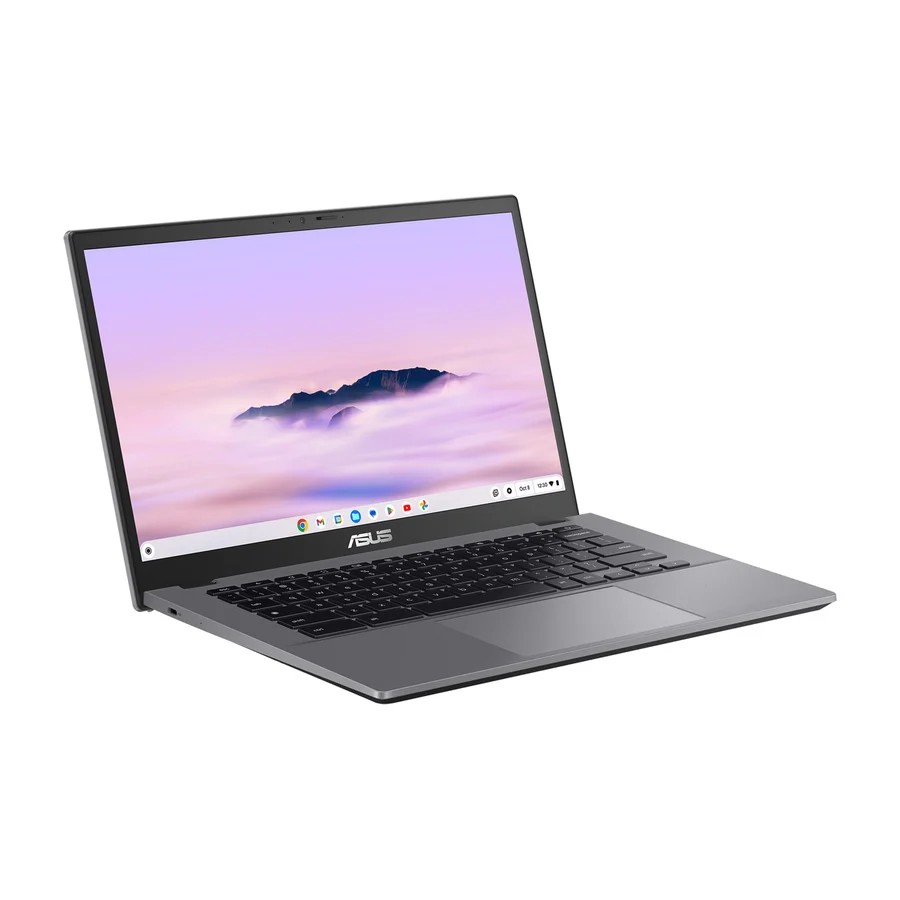 S tier #1
 Asus Chromebook Plus CX34
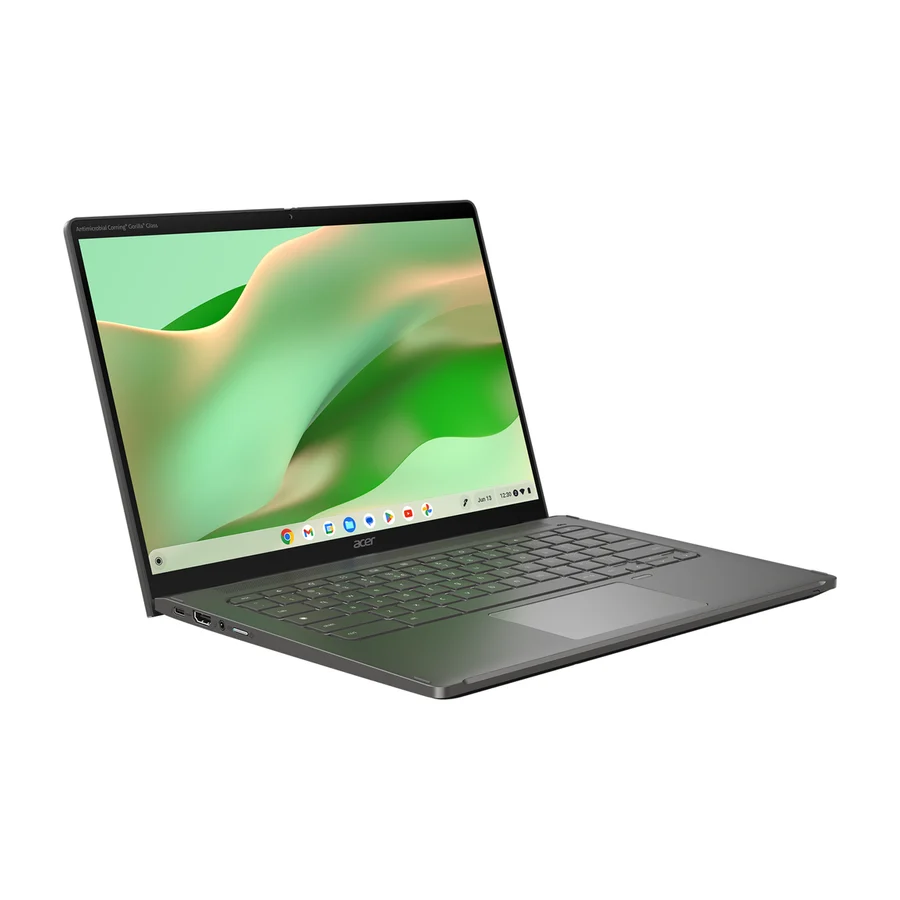 A tier #2
 Acer Chromebook Plus Spin 714
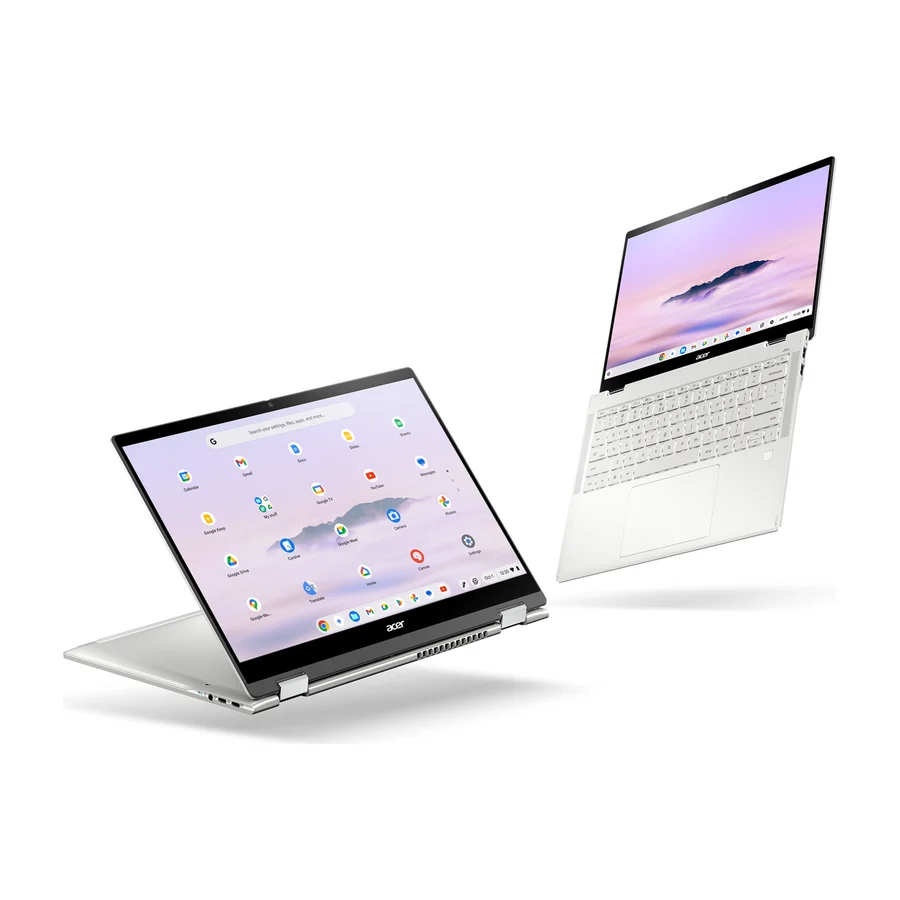 A tier #4
 Acer Chromebook Plus Spin 514 CP514-5HN
 B tier #5
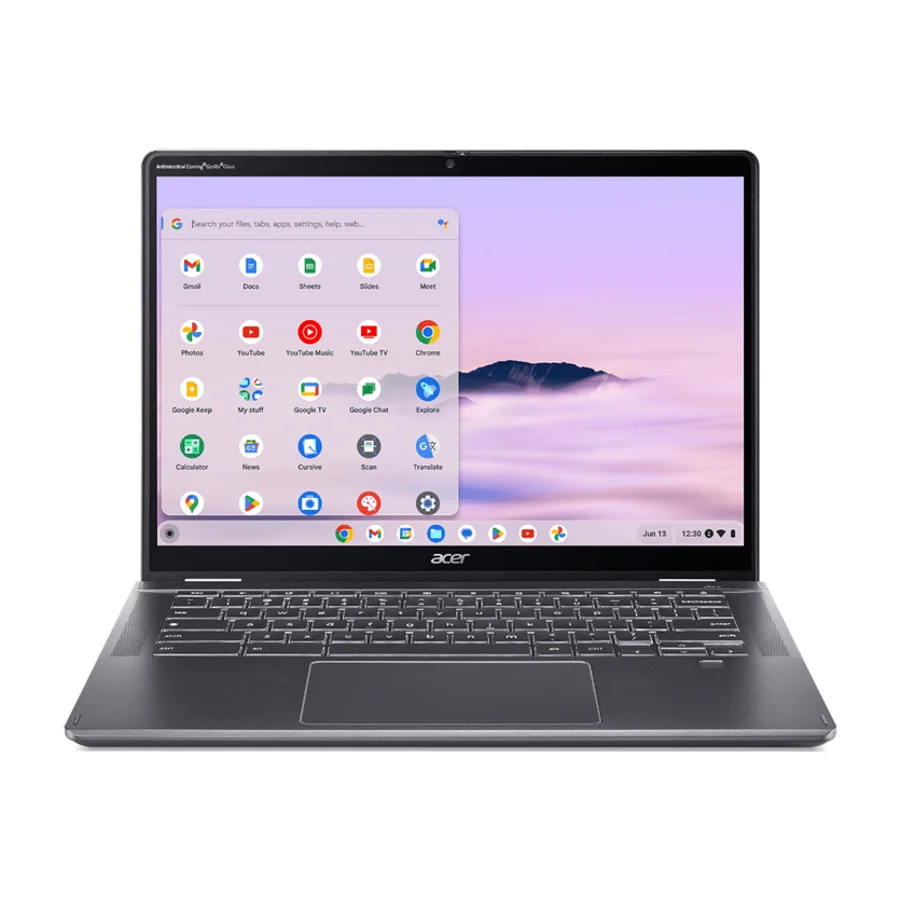
 Acer Chromebook Plus Spin 514 CB514-6H/T
 C tier #6
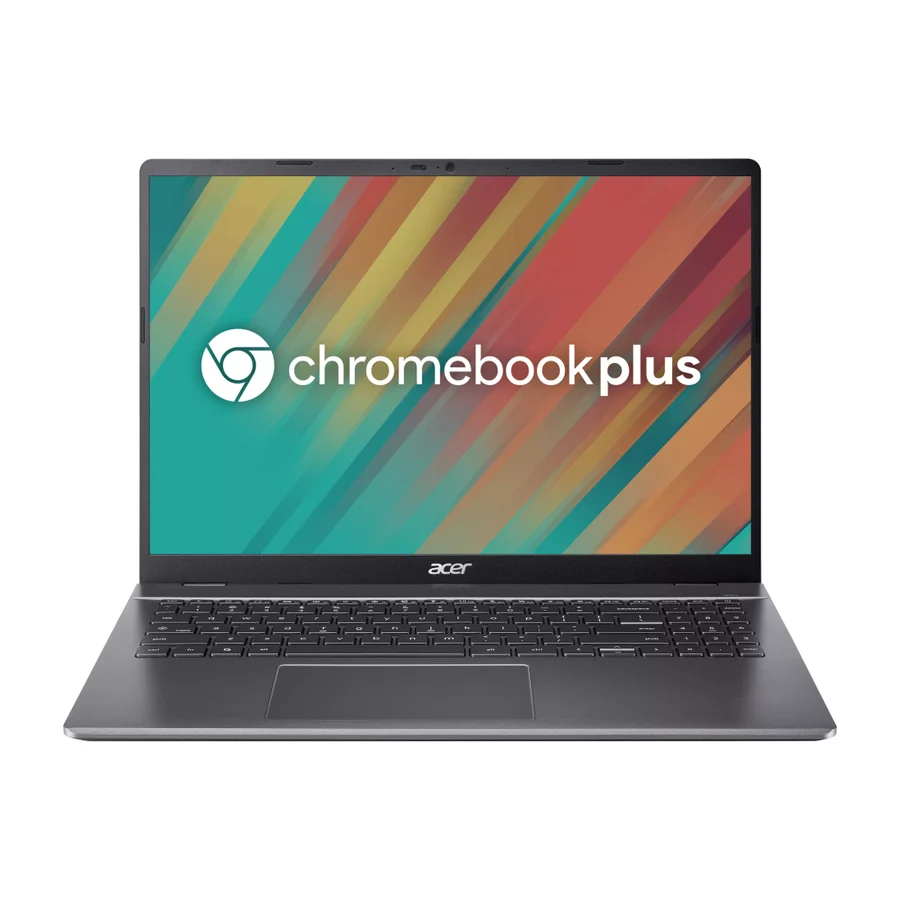
 Acer Chromebook Plus 516
 C tier #7
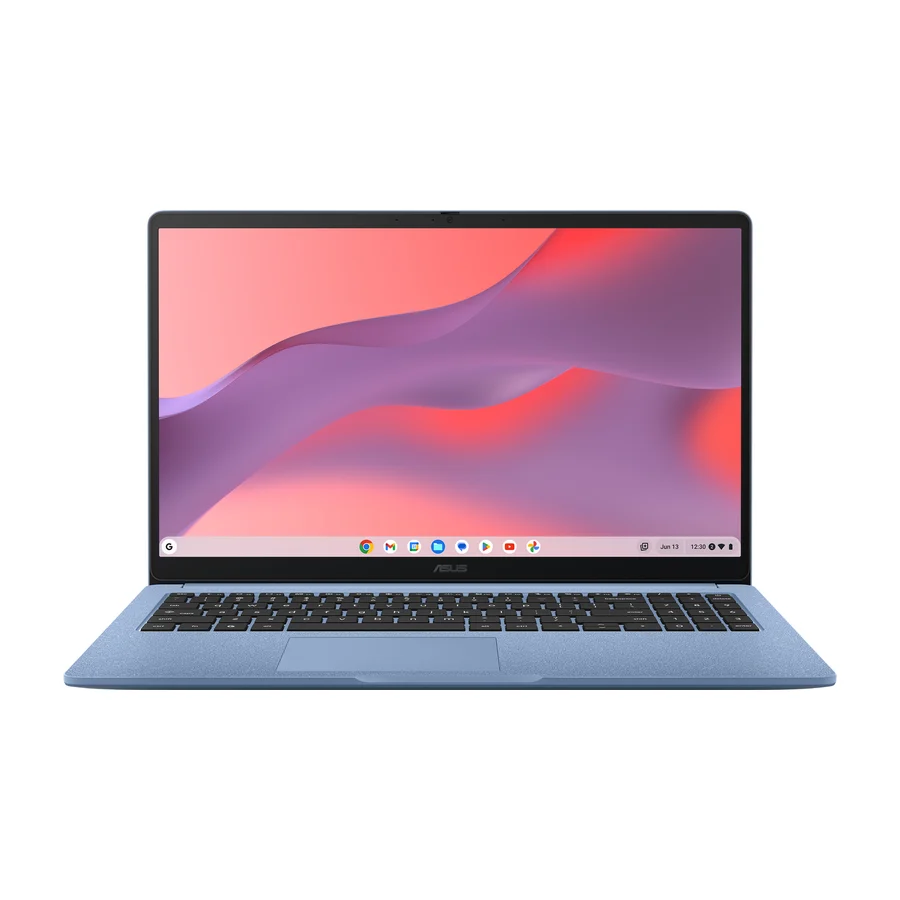
 Asus Chromebook CX15
 C tier #8
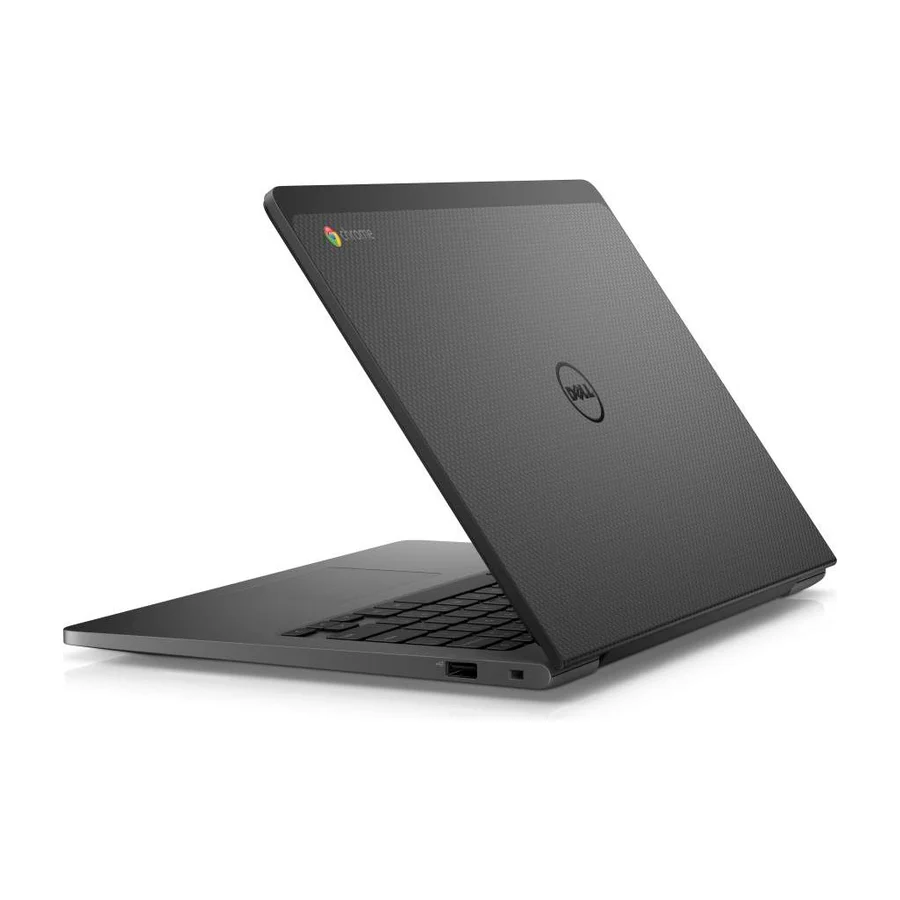
 Dell Chromebook 13 (2026)
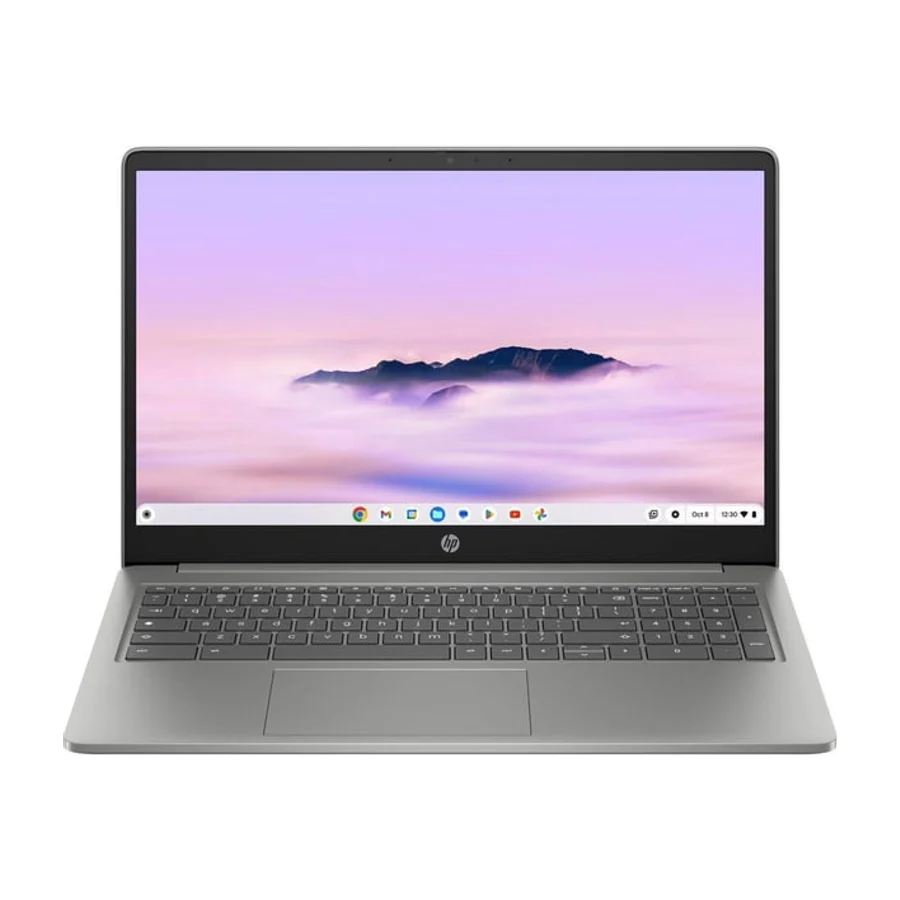 C tier #9 3 of 6 research runs entered this as a product to avoid rather than a pick.
 HP Chromebook Plus 15.6-inch
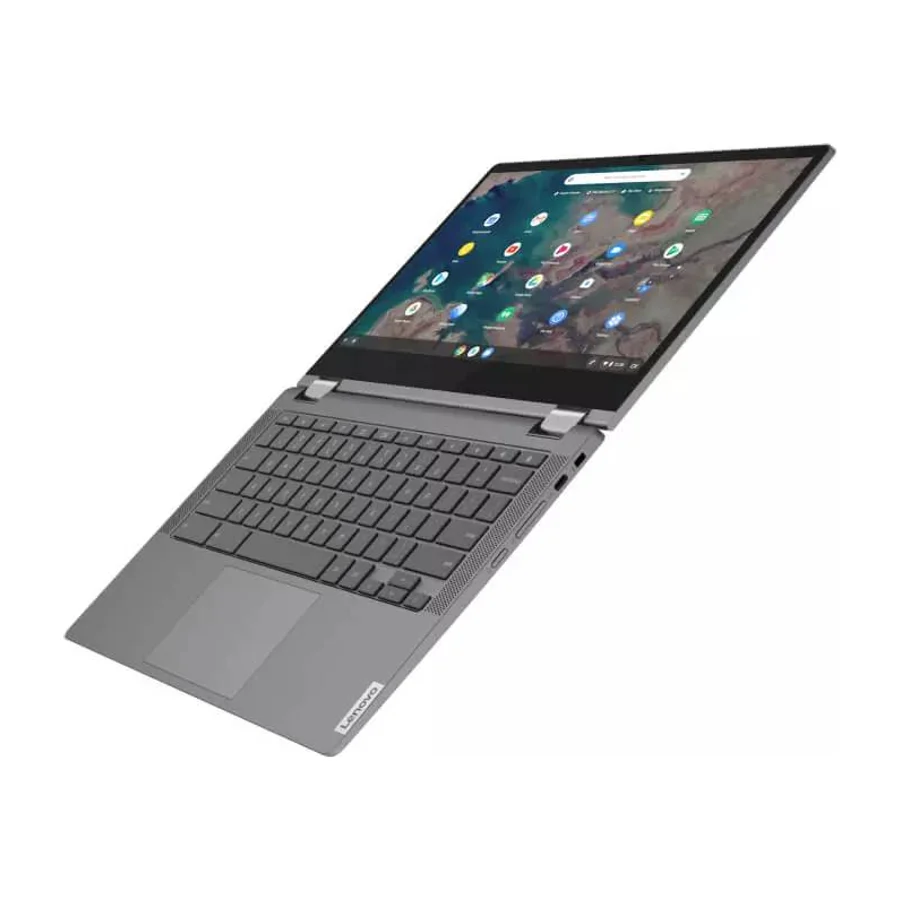 C tier #10
 Lenovo Chromebook Flex 5 (2026)
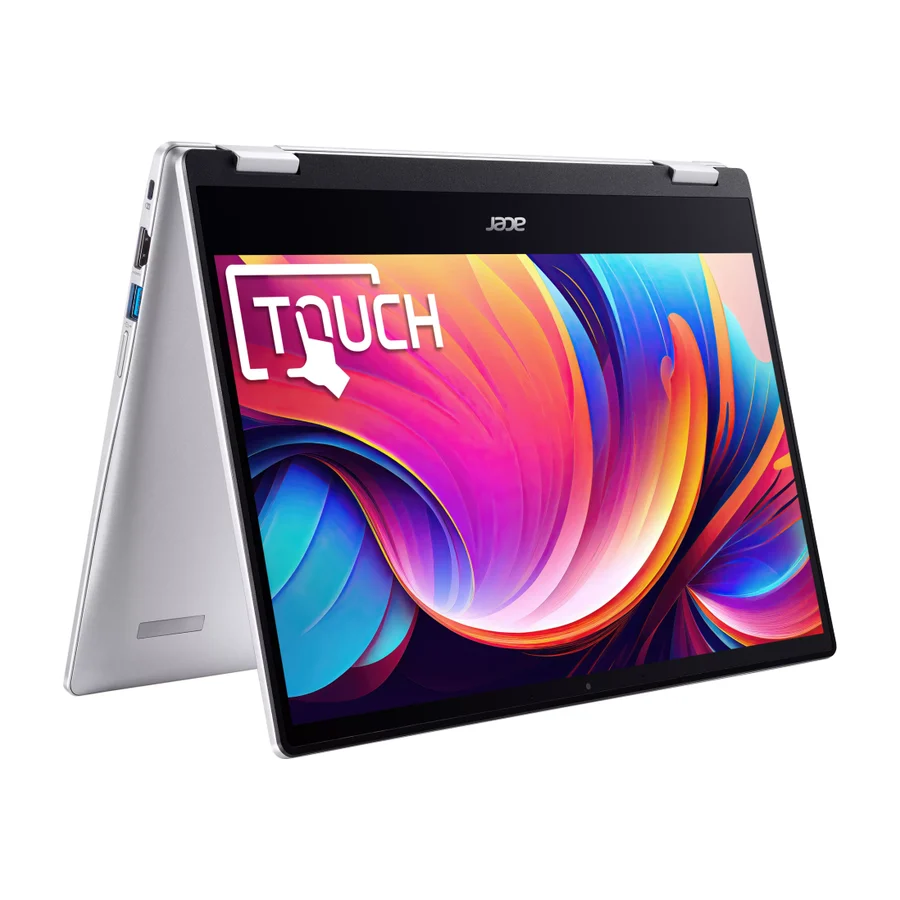 D tier #11 1 of 5 research runs entered this as a product to avoid rather than a pick.