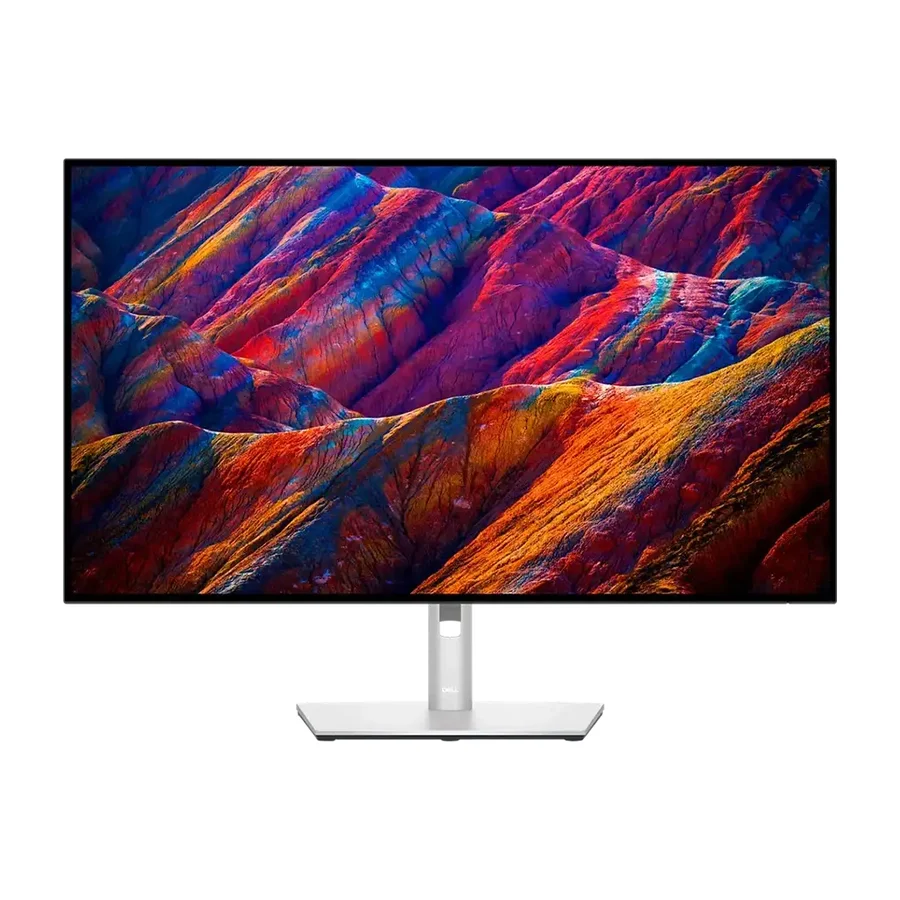
Dell 27 Plus 4K (S2725QC)
The Dell 27 Plus 4K (S2725QC) is the best single-cable work monitor, simplifying cable management while still providing 4K clarity.
Consolidated from 53 cited sources across 40 outlets
Where the cited sources landed, as we read them
- 37 positive sources
- 14 mixed sources
- 1 unconvinced source
Pros & cons
- ✓ 27-inch 4K USB-C panel
- ✓ Single-cable connectivity
- ✓ Excellent connectivity
- ✓ 60 Hz refresh
- ✓ USB-C connectivity
- ✗ Consumer Plus line carries a shorter warranty than UltraSharp
- ✗ Lighter stand than UltraSharp
The sources behind this ranking
We searched the web and YouTube for what has been published about this product, then read the articles, video transcripts and comments we found.
Evidence 11 articles, 40 video reviews and 2 community sources
37 positive sources
 Home Office Research Article
 The S2725QC earns its highest individual category score on value, and that score reflects something real in the market. The monitor positions itself as the accessible 4K USB-C entry point: it delivers 4K resolution, single-cable workflow, and a full four-axis ergonomic stand — features that were previously confined to significantly more expensive monitors — at a mainstream price point.Read D
 David Di Franco David Di Franco · 222K subscribers · Jun 2026
 S2725QC? Simplify, baby. All right, jumping into the list because I absolutely love this 4K 120 hertz display. It's absolutely beautiful and a steal for the priceWatch P Pickvalue Paul August · reviewer · Aug 2026
Overall, the Dell S2725QC is a strong choice for anyone looking for a premium-feeling all-purpose monitor that combines 4K sharpness, smooth 120Hz performance, vibrant color, adaptive synchronization, eye comfort features, and convenient USB-C connectivity. It is equally at home in a professional workstation, creative desk setup, home office, or entertainment-focused gaming space.Read D David Di Franco David Di Franco · 222K subscribers · May 2026
$280 for 4K IPS 120 Hz. You can't beat thisWatch S
 Skate and Annoy Reviews Michiel Walrave Next · reviewer
 I head good things about his particular Dell model so aft a bit of research and a lotto hemming and hawing, I pulled the trigger on it. I decided to go with the more expensive S2725QC because it came with USBC in place of the Display Port option on the S2725QS.Read U
 Unbox Tech Unbox Tech · 185K subscribers · Dec 2025
 💡 If you want a future-ready 4K 120Hz monitor for both work and smooth visuals, the Dell S2725QC is a strong option in 2025Watch S
 Sarlt Lamec M. · reviewer
 The Dell 27 Plus 4K S2725QC is a perfect choice for anyone looking to upgrade to a 4K monitor without spending too much. It a good all-rounder, well suited for proffessionals, creatives and casual users who demand sharp visuals and stellar color accuracy.Read S
 SHINASU SHINASU · 64.6K subscribers · Apr 2026
 Since you all are short on time and this is a review video, to start with the conclusion: I was extremely satisfied, and it was a product that made me feel grateful to be able to use a 4K 120Hz IPS display at this price.Watch O
 OBX TECH OBX Tech Guy · reviewer · Jul 2026
 Upgrade pick — Dell 27 Plus 4K (S2725QC), ≈ $309. 4K at 27″ is the sweet spot: text is crisp, 120 Hz keeps scrolling smooth, and the USB-C input powers your laptop over the same cable that carries video. One cable on the desk instead of three.Read P
 Phúc Anh Smart World Phúc Anh Smart World · 40.8K subscribers · Nov 2025
 Trong tầm giá 8 triệu, có bất ngờ không khi bạn nhận được một màn hình đồ họa của Dell, có độ phân giải lên tới 4K và tần số quét 120Hz.Watch I
 iFeeltech Nandor Katai · reviewer
 Monitors like the Dell U2725QE and Dell S2725QC can run at 4K 120Hz when connected to the rear ports. Confirm the refresh rate in System Settings → Displays after connecting, as some monitors default to 60Hz.Read P
 PC Monitors PC Monitors · 21.7K subscribers · Oct 2025
 An excellent price for this all-round performer, though there are more responsive options out there for gaming.Watch T TikTok TikTok post
Replying to @Yamileth Garza Design Studio DELL 27” 4k usb-c monitor (s2725qc) fue una de las mejores inversiones para mi espcio de trabajo.View post T
 Techy Jaimin Techy Jaimin · 15.2K subscribers · Jul 2026
 You can buy this monitor with 4K resolution here. The clarity of this is amazing. So overall you get to see this good package. This DEL27 Plus 4K USB monitor has a model number of S27 25 QCWatch C
 Creative Bloq Article
 The Dell 27 Plus 4K S2725QS is the perfect solution for anyone looking to upgrade to a 4K monitor without having to break the bank.Read P
 PaaTing Reviews PaaTing Reviews · 9.3K subscribers · Jun 2025
 If you want a clutter-free, visually stunning setup that's equally great for work and entertainment, the Dell 27 Plus S2725QC is a solid choiceWatch F
 Friends in Tech Friends in Tech · channel
 If you're looking for a minimal, powerful monitor for work, coding, or content creation, this might be worth considering.Watch H
 Harto Method Harto Method · 7.7K subscribers · Dec 2025
 1 for 4K 120 if you want to use it on your game consoles or PC, but has a display port as well. One thing this does not have is an audio jack, so keep that in mind. you're going to have to use Bluetooth headphones or plug your headphones into your PC or console or controller. I do like how it has integrated cable management with this little clip in the back, but if you plan on base mounting this, then you don't really need it anywayWatch F Facebook Trisdee Srinual · owner
If you want to save money this is one of the best value 4K monitors for the Mac. I bought 2.View post J
 JessTechSpice JessTechSpice · 7.7K subscribers · Mar 2025
 I really really do like the S series. These speakers, which I don't really listen to music out loud, but are phenomenal. So, I decide to listen out loud.Watch W
 WIRED Luke Larsen · reviewer
 Dell has made the definitive 4K monitor, and it’s selling for an irresistible price.Read D DIY GUIDES DIY GUIDES · 6.1K subscribers · Dec 2025
If your priority is clean, connectivity, fewer cables, and a more modern workflow, especially if you use laptops regularly, the Dell S2725 QC is the smarter 4K monitor choice because USBC power delivery with data and display over one cable simplifies your desk and daily life every single time you plug inWatch N
 note(ノート) あかうさ📸 · reviewer · Apr 2026
 For such people, the Dell S2725QC is a very realistic option.Read T
 Truthify Truthify · 2.3K subscribers · Jun 2026
 So, is the Dell S2725QC worth it? If you're looking for a monitor that's excellent for productivity, programming, office work, photo editing, and everyday use, and also offers smooth 120Hz performance for casual gaming, then absolutely . The crisp 4K display, USB-C connectivity, ergonomic stand, and HDMI 2.1 compatibility make it one of the best all-around monitors in its class. At the end of the day, the Dell S2725QC isn't designed to compete with high-end esports monitors or premium HDR displays.Watch J
JessTechSpice Inferno77665 · owner · Mar 2025 It’s a great monitor I love mine. Definitely recommended.Watch L
 Legit Labs Legit Labs · 1.8K subscribers · Jan 2026
 Overall, if you want a clutter-free desk setup, stunning 4K clarity, smooth performance, and surprisingly good audio built-in, the Dells 2725QC is a super solid choice for both work and entertainmentWatch T Thunderz India Thunderz India · 1.7K subscribers · Sept 2026
Especially for those with Mac Mini, if you want this monitor then it is going to be a perfect choice for youWatch W
 Wishlist Wiz Wishlist Wiz · 1.6K subscribers · Sept 2025
 If you're after a sleek, high-res display that simplifies your setup and delivers both productivity and entertainment value, the Dells 2725 QC is a strong contender.Watch T
Truthify Truthify · 1.3K subscribers · Jun 2026 The Dell S2725QC enters the fight with one huge advantage, and that is value. Because it delivers a 4K 120 Hz display with USB-C connectivity at a much lower price than the UltraSharp model, making it one of the best productivity monitor values available.Watch O
 Odane Myles Odane Myles · 1.3K subscribers · Aug 2025
 Just unboxed the brand-new Dell 27" 4K USB-C Monitor Review new Dell 27 Plus 4K USB-C Monitor (S2725QC) and wow… this thing is clean! 🚀 Featuring a 27-inch 4K UHD display (3840x2160) at 120Hz, AMD FreeSync Premium, and sRGB 99% coverage, it’s built for creators, gamers, and anyone who wants a crisp, color-accurate screenWatch O
Odane Myles Odane Myles · 1.3K subscribers · Aug 2025 Just unboxed the brand-new Dell 27" 4K USB-C Monitor Review new Dell 27 Plus 4K USB-C Monitor (S2725QC) and wow… this thing is clean! 🚀 Featuring a 27-inch 4K UHD display (3840x2160) at 120Hz, AMD FreeSync Premium, and sRGB 99% coverage, it’s built for creators, gamers, and anyone who wants a crisp, color-accurate screenWatch G
 GG Tech Reviews GG Tech Reviews · 1K subscribers · Aug 2025
 With a stunning 27-inch 4K IPS display at 3840x2160, the Dell S2725QC offers sharp detail and vibrant color with 99% sRGB coverage and HDR readiness. The 120Hz refresh rate with AMD FreeSync Premium plus an ultra-low 0.03ms response time ensures smooth visuals for gaming, creative work, or everyday use. This makes it one of the best 4K monitors for gaming and editing under $300Watch I
 Ihtasham Ali Ihtasham Ali · 952 subscribers · Jul 2026
 I truly believe that this is the best monitor you can get if you're looking for a 27-in 4K monitor that is decent, not too expensive, but at the same time gives you that luxurious experienceWatch F
 Fensy Fensy · 474 subscribers · Jul 2026
 This is the Dell S2725QC, and after using it daily for both design work and content creation, I genuinely think it's one of the best value Mac monitors you can buy right nowWatch N
 Nishant Pathak Nishant Pathak · 269 subscribers · Jun 2025
 This is an unboxing video of the Dell 27-inch Plus 4K USB-C Monitor S2725QC (or the Dell S2725-QC). I wanted a good quality monitor for my MacBook Air, and this is the best I could find, which is not from Apple. I hope you know why not Apple? 😀. I would also suggest to you one more option I could find in the market. You can also see the Samsung Smart Monitor series. The latest one is probably the Samsung M8Watch E
 enzii enzii · 26 subscribers · Dec 2025
 This 27” 4K USB-C monitor is the sweet spot for macOS scaling — everything looks crisp, clean, and Retina-sharp with zero weird scaling. You also get a single-cable USB-C setup, 120Hz refresh rate, and solid color accuracy for everyday editing, coding, and content creation. It’s not a pro studio display or a competitive gaming monitor, but for productivity and Mac users on a budget, it punches way above its priceWatch D
 DK's Tech Studio DK's Tech Studio · 9 subscribers · Aug 2026
 Is this the best 27" 4K monitor for productivity and creators under ₹30K–35K? Watch to find out.Watch
14 mixed sources
WIRED Luke Larsen · reviewer The only real downside to the Dell 27 Plus 4K is that the port selection is woefully limited. The two HDMI ports and one DisplayPort are enough for the basics, but if you have a laptop without HDMI, like a MacBook Air, you'll need a USB Hub or laptop docking station . For a more versatile monitor, I'd recommend upgrading to the model with a built-in USB hub (S2725QC) .Read R
 RTINGS Computer RTINGS Computer · 46.1K subscribers · Oct 2025
 In a monitor market that often focuses on gaming, it sometimes feels like productivity monitors get overlooked. But what if you could get a monitor that has features for both at a reasonable price? Today, we're going to talk about the new Dell S2725QC. It's a 4K 27in monitor that's in the mid-range tier of the Dell Plus series lineup, sitting above the Dell S2725QS.Watch O
Odane Myles thisisamit342 · owner · Jan 2026 In my case,The factory color calibration is really bad looks greenish white.I have to reduce the green quite significantly to get a neutral-looking white, while you’re mainly reducing red/blue. Dell says the greenish tint is expected because of ComfortView Plus, but I’m still not convinced my unit looks neutral.Watch R
RTINGS Computer RTINGS Computer · 46.1K subscribers · Oct 2025 In a monitor market that often focuses on gaming, it sometimes feels like productivity monitors get overlooked. But what if you could get a monitor that has features for both at a reasonable price? Today, we're going to talk about the new Dell S2725QC. It's a 4K 27in monitor that's in the mid-range tier of the Dell Plus series lineup, sitting above the Dell S2725QS.Watch E
enzii DavidLam · owner · Dec 2025 I got this monitor to dual my gaming pc and Mac- it's amazing. To get 120Hz on both a pc and and mac (without having to unplug and plug between the two) id reccomend getting the non-QC model and using a Thunderbolt dock, running the MacBook over DisplayPort. Then your pc over a hdmi to dp 120hz cable.Watch R
RTINGS Computer RTINGS Computer · 46.1K subscribers · Nov 2025 You could raise the new model a bit higher on the stand, but it's actually a bit more wobbly than the older one. The materials also feel cheaper on the newer one, which is a bit of a disappointing downgrade. They each provide basic cable management with the older one having a cutout in the stand. The newer one has a rigid plastic clip instead.Watch R
RTINGS Computer CodyT3212 · owner · Oct 2025 Upgrading from my crappy 2015 23” Acer to use this for music production, video editing and general use was a major move for me personally.Watch D Decisión Informada Decisión Informada · 38.8K subscribers · Sept 2026
It ranks sixth because it solves everyday use better than the LG, but does not match the colour specialisation or contrast of the models ahead. This review covers Dell S2725QC opinions, Dell S2725QC review, Dell S2725QC worth it, specifications, resolution, panel, frequency, HDR, ports, PC and console compatibility, configuration, quality price, problems, advantages and disadvantages.Watch R
RTINGS Computer CodyT3212 · owner · Oct 2025 Upgrading from my crappy 2015 23” Acer to use this for music production, video editing and general use was a major move for me personally.Watch P
PC Monitors PC Monitors · 21.9K subscribers · Oct 2025 A review of the Dell S2725QS (S2725QC). A 120Hz '4K' UHD IPS monitor with DP ('QS') or USB-C ('QC') functionality alongside HDMI 2.1. An excellent price for this all-round performer, though there are more responsive options out there for gamingWatch B Blaze Guides Blaze Guides · 2.2K subscribers · Sept 2026
Now, the S2725QC uses a similar 27-in 4K IPS panel, but adds USB-C connectivity with power delivery, letting it charge a connected laptop while carrying video and data over a single cable. Its biggest strength is that streamlined single cable setup, which is especially useful for anyone working from a laptop day-to-day. But the downside is that this added USB-C functionality pushes the price higher, which may not matter to users who don't need laptop charging or single cable convenience.Watch T
 The Consumer's Friend The Consumer's Friend · 1.8K subscribers · Nov 2025
 Is it the perfect all-rounder? Let's break it down!Watch V
 Verified Reviews Verified Reviews · 1.3K subscribers · Jul 2026
 In conclusion, the Dell S2725QC is a stylish, feature-rich 4K monitor tailored for everyday users seeking a clean desktop setup with a sharp screen and decent eye comfort tech. However, it's not ideal as a professional color grading tool or a hardcore gaming display due to some performance quirks. If you value USB-C convenience and want an immersive viewing experience for multimedia consumption and regular office duties, this monitor punches above its price tagWatch T
 Tom's Honest Tips Tom's Honest Tips · 1.3K subscribers · Nov 2025
 The picture is going to be crisp and detailed, but the rest of picture quality isn't really, you know, super great. I mean, it's an IPS panel. It has a peak brightness of around 360 nits. That's as far as it goes. And it's, you know, it's it's par for the course. Honestly, it's all right, but it's not going to be bright enough for a while room, but it's still great for general use.Watch
1 stance not read source

Frequently asked questions
It ranks #4 of 18 on our computer monitors tier list, in B tier. That placement draws on 53 cited sources across 40 outlets.
1 of the 52 sources with a clear view is critical of it: RTINGS Computer. Consumer Plus line carries a shorter warranty than UltraSharp. Lighter stand than UltraSharp.
Anyone who wants a 4K 27-inch monitor at a budget price. It is WIRED's top monitor pick overall after weeks of testing, with a 120Hz IPS panel and USB-C, and it sits in B tier on our board as the best value. If you plan to keep a monitor for five years and want the longer warranty, the Dell UltraSharp U2725QE is the better buy. Avoid the LG 27UP850-W, which this monitor beats on spec, freshness and usually price.
Buy the Dell UltraSharp U2725QE if you can stretch to it. Both are 27-inch 4K panels at 120Hz with USB-C, but the UltraSharp adds a 3-year advance-exchange warranty, a Thunderbolt 4 hub and a sturdier stand. The Dell 27 Plus 4K (S2725QC) is the right choice when the budget is fixed, because its consumer-line warranty and lighter stand are the only real compromises.
The IPS panel has no burn-in risk and should serve for years, but the consumer Plus line carries a shorter warranty than Dell's UltraSharp range, so you have less cover if a fault appears after the first year or two. The stand is also lighter than an UltraSharp stand. Those are ownership compromises rather than known failures.
Yes. USB-C connectivity is one of its listed strengths, so a laptop can send video over one cable. That is part of why it outclasses the LG 27UP850-W, which is older and lacks the 120Hz refresh this monitor adds.
No. The Dell 27 Plus (S2725HSM) is the 1080p sibling and sits in F tier on our board, because 1080p across 27 inches gives fuzzy text for productivity work. The Dell 27 Plus 4K (S2725QC) costs modestly more and is the one to buy. Check the model number before you order.
Ranked nearby in Computer Monitors
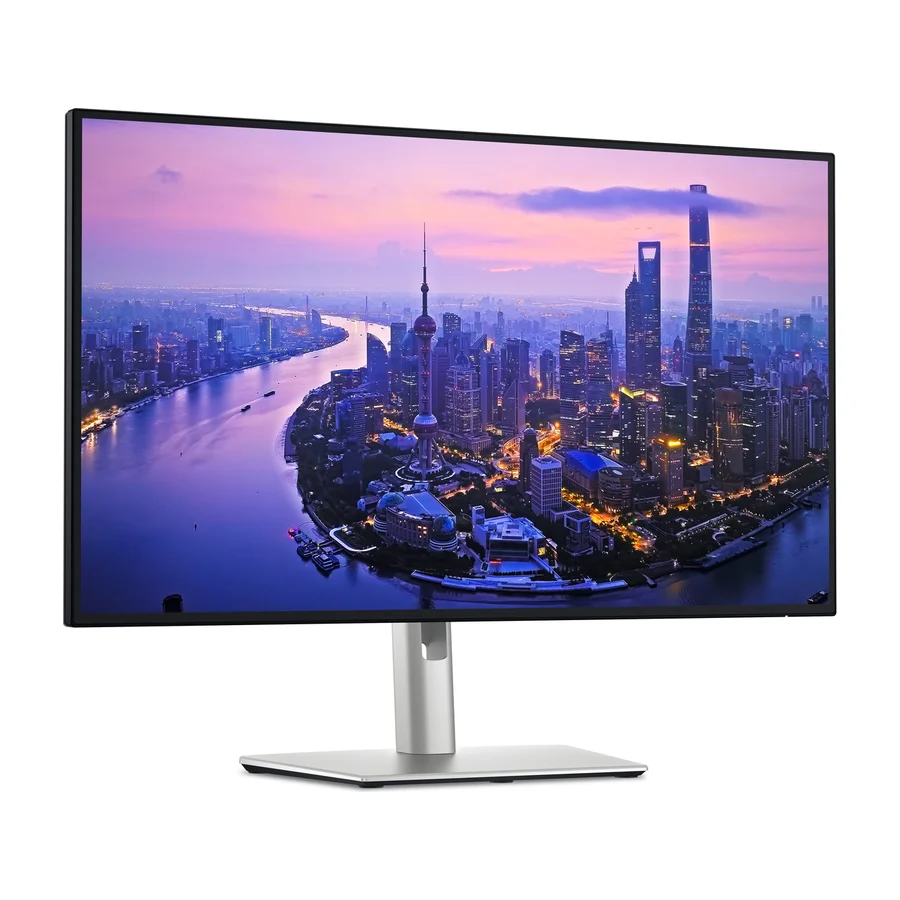 S tier #1
 Dell UltraSharp U2725QE
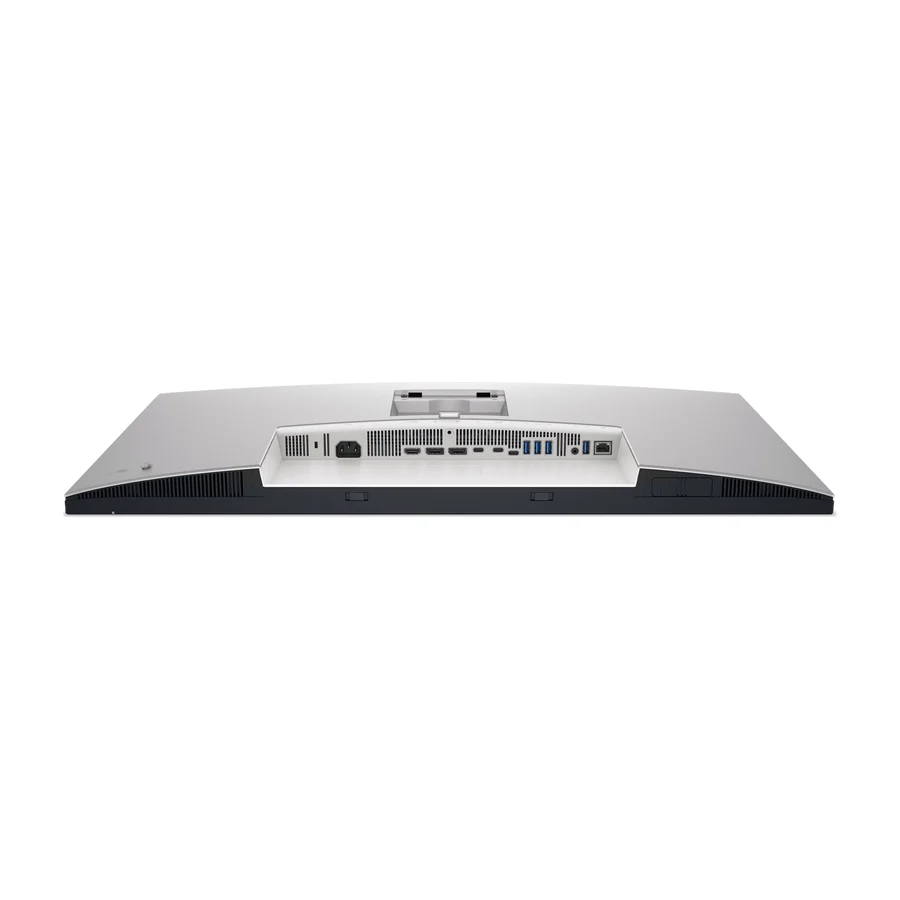 S tier #2
 Dell UltraSharp U3225QE
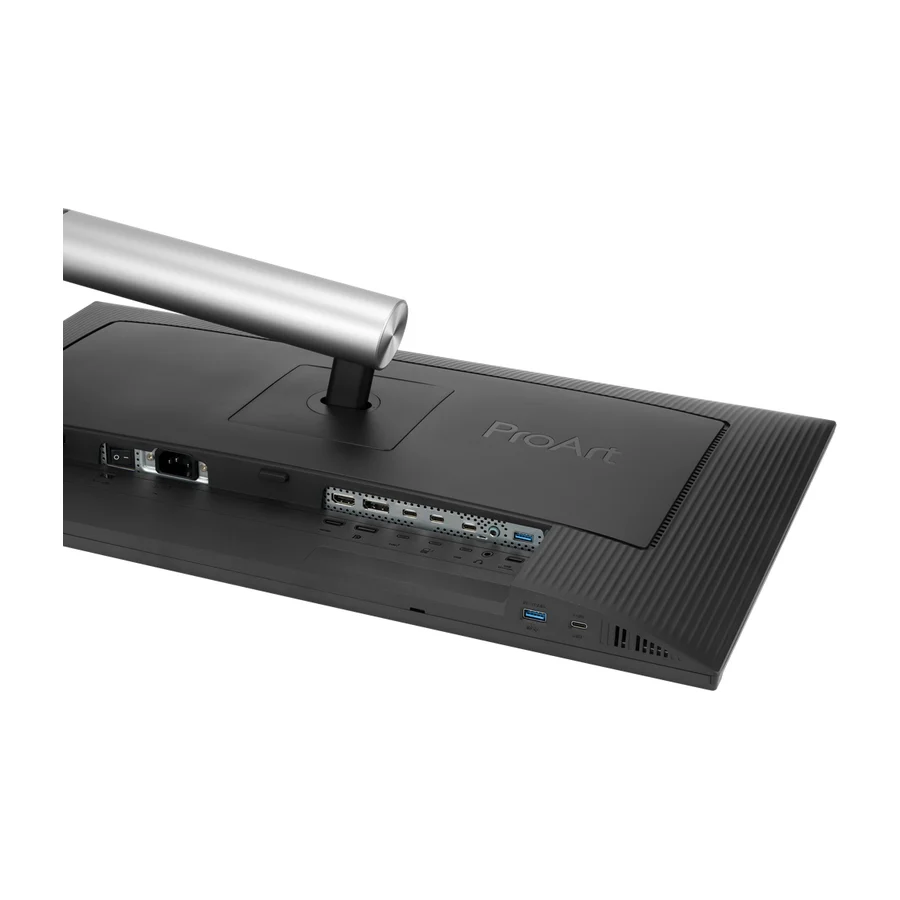 A tier #3
 ASUS ProArt Display PA32QCV
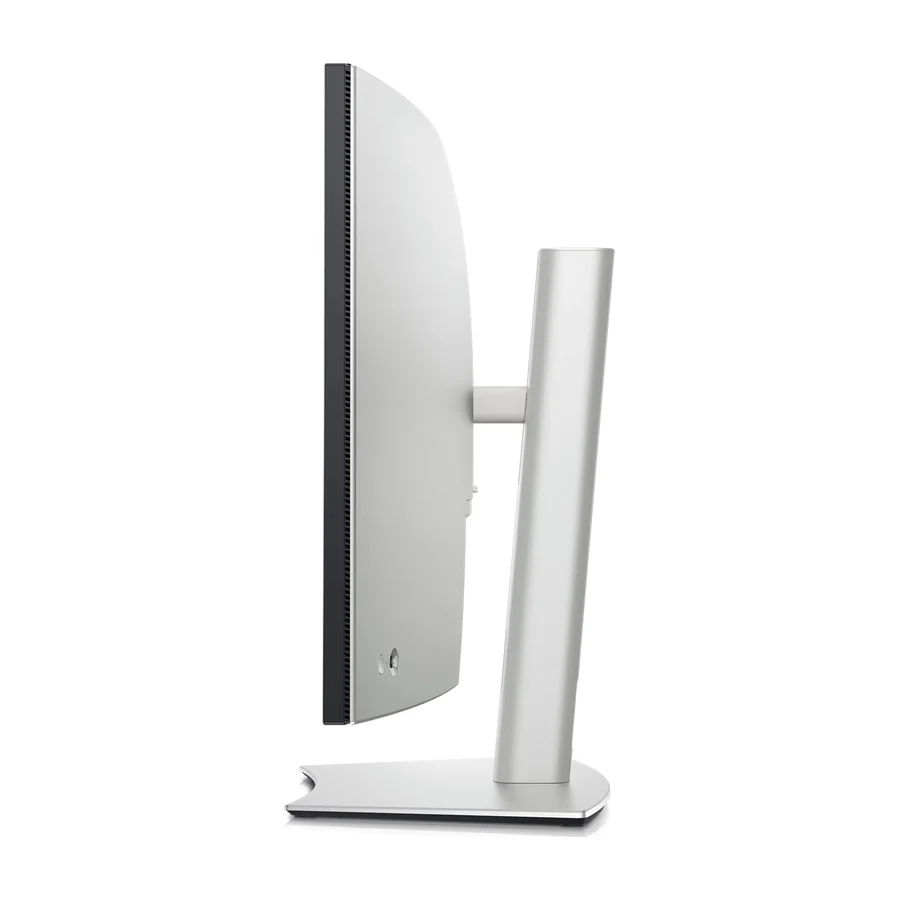 B tier #5
 Dell UltraSharp U4025QW
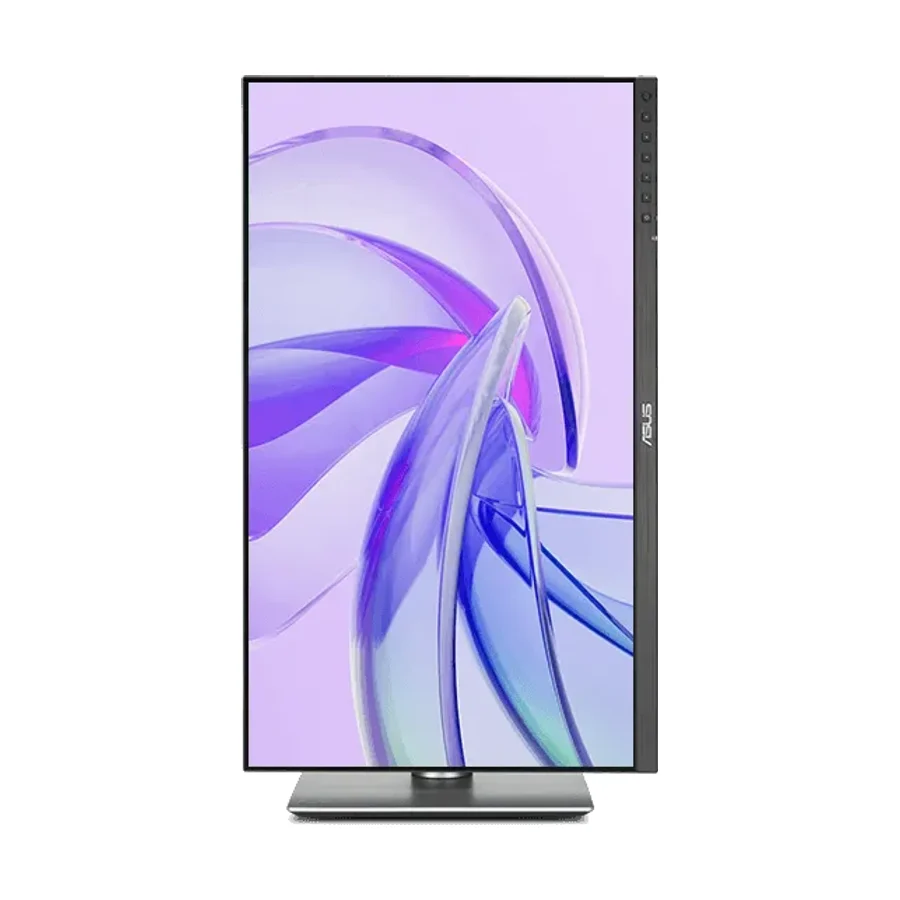 B tier #6
 ASUS ProArt Display PA27JCV
 B tier #7
 ASUS ProArt Display PA278CGV
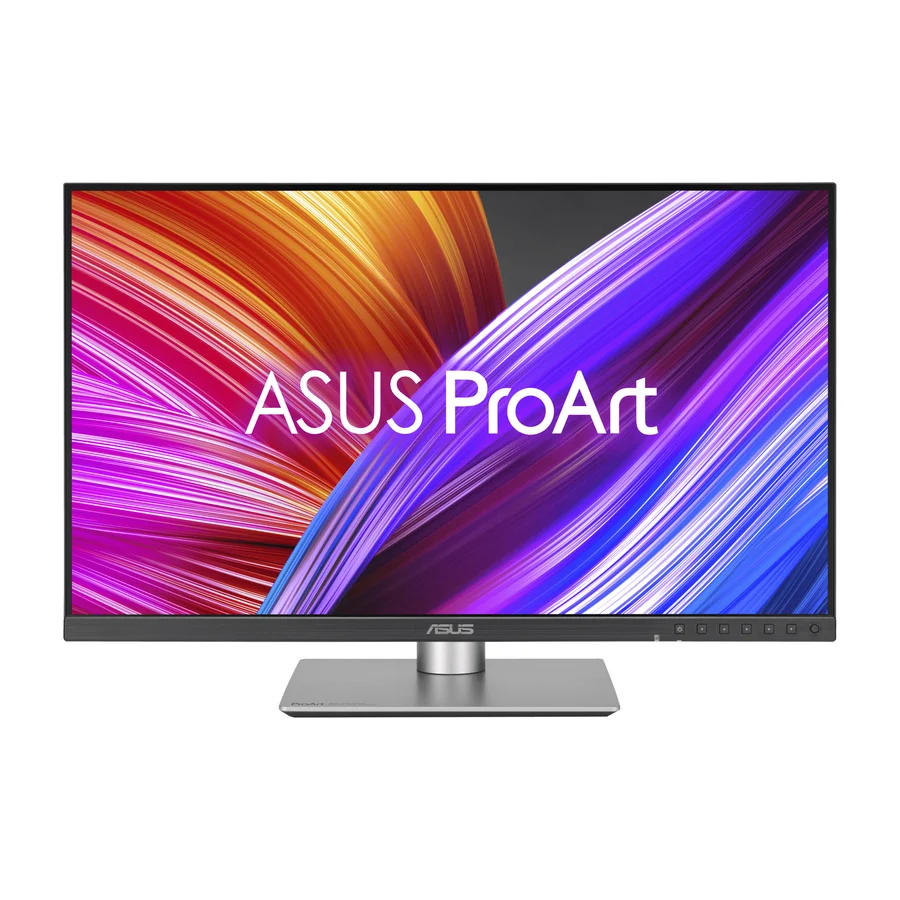 B tier #8
 ASUS ProArt Display PA278CFRV
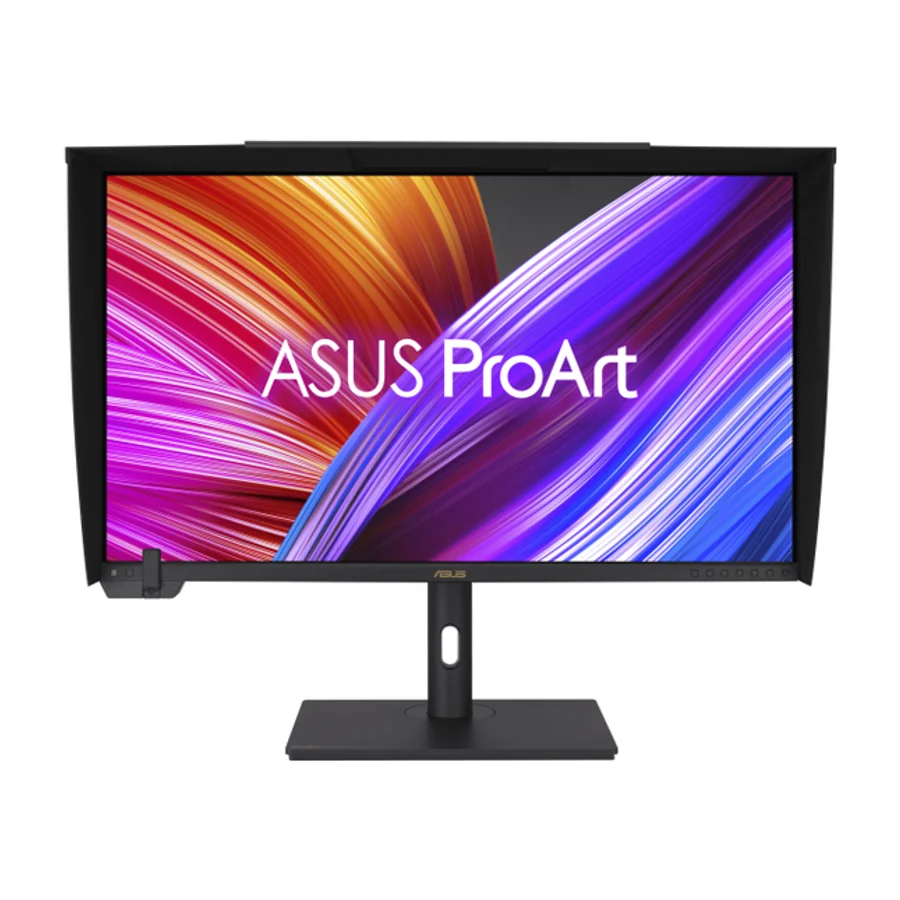 B tier #9 1 of 7 research runs entered this as a product to avoid rather than a pick.
 ASUS ProArt Display PA32UCXR
 F tier #17 2 of 7 research runs entered this as a product to avoid rather than a pick.
 Samsung 32-inch M8 Smart Monitor (M80D)
 F tier #18 3 of 5 research runs entered this as a product to avoid rather than a pick.