Dell
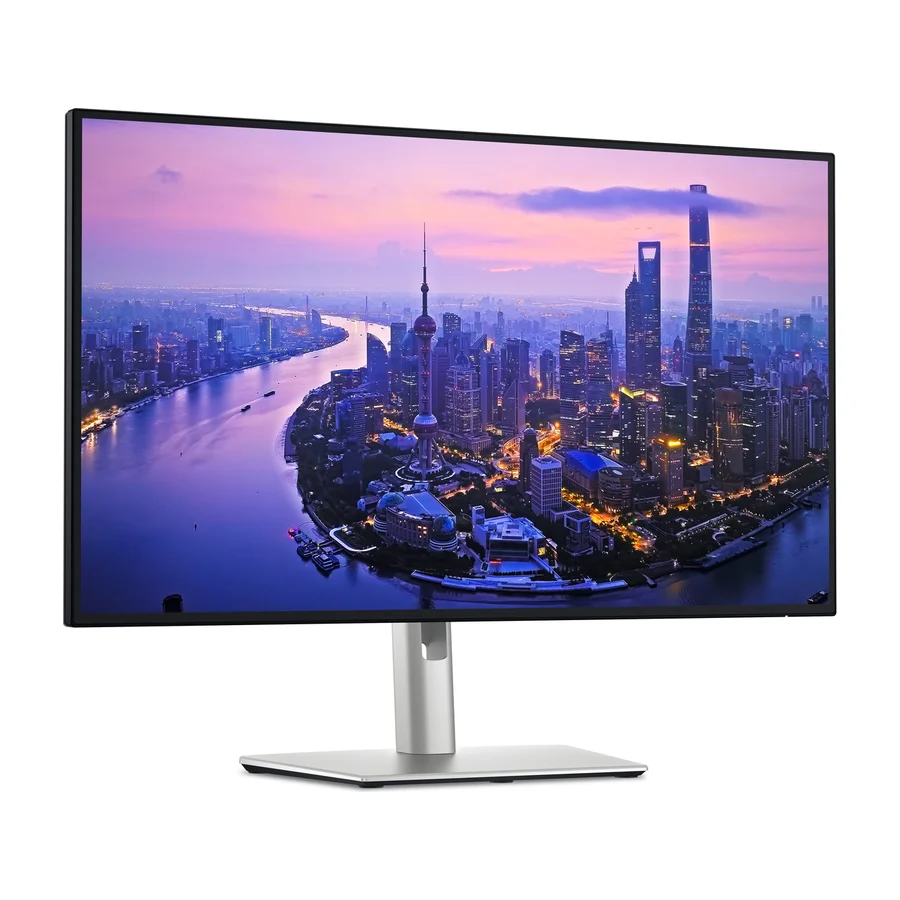
Dell UltraSharp U2725QE
S
Ranked #1 in Computer Monitors
1052 LP on the
category ladder
what's LP?
Announced January 2025
by Dell
The Dell U2725QE tops the list because it delivers 4K quality, low input lag, and a fully adjustable stand with no tinkering needed.
Consolidated from 16 cited sources across 15 outlets
Where the cited sources landed, as we read them
- 11 positive sources
- 3 mixed sources
- 1 unconvinced source
Pros & cons
- ✓ 4K IPS panel with excellent color accuracy
- ✓ Low input lag for productivity
- ✓ Fully adjustable stand
- ✓ 60 Hz refresh
- ✓ Full-featured USB-C hub
The sources behind this ranking
We searched the web and YouTube for what has been published about this product, then read the articles, video transcripts and comments we found.
Evidence 9 articles, 6 video reviews and 1 community source
11 positive sources
B  BGR Krishi Chowdhary · reviewer · May 2026
  Gagadget.com James Taylor · reviewer · Apr 2026
  Tech Tested Tech Tested · 3.1K subscribers · Apr 2026
  SetupScore SetupScore · reviewer
  Talking Tech Talking Tech · 2K subscribers · Mar 2026
  Forbes Rebecca Isaacs · reviewer
  CallMiZeen CallMiZeen · 24 subscribers · Sept 2025
  MacBook Gear MacBook Gear · reviewer
  The AU Review Pace Proctor · reviewer
BGR Krishi Chowdhary · reviewer · May 2026 The Dell UltraSharp U2725QE is hands down one of the best monitors available right now, and the fact that it comes with a full 90-degree pivot adjustment made it an easy pick for the top spot in this guide. Not only does it enjoy a healthy 4.4 rating on Amazon after over 200 reviews, but several expert outlets, including RTINGS and Windows Central , have also praised it. RTINGS ranked it as the best vertical monitor, while testers at Windows Central called it "the single best display for productivity." Priced at $643, this 27-inch IPS display comes with a full 4K resolution, a 120Hz refresh rate, and an anti-reflective screen.Read P Pauls Technikwelt Pauls Technikwelt · 5.4K subscribers · Aug 2025
Hey everyone, welcome to a new video from Paul's Tech World and I 'm not nervous, but I'm just happy to finally be able to present a tech product to you again, namely the Dell Ultrahar 27 inch 4K with Thunderbolt C Thunderbolt 4 port, the so-called U2725 QE. And why this monitor is the perfect monitor for me for photo editing, video editing, but now also for gaming, you'll find out now First of all, it's great that you're even watching my video out there among the 50, 100 million, 1000 videos that exist, that you're watching my video right now and of course you want some information about it and that 's perfectly legitimateWatch G
Gagadget.com James Taylor · reviewer · Apr 2026 The U2725QE has no integrated speakers and ships with cables that run short for a deep desk. Those are the practical limitations reviewers note consistently, and both are easy to solve. What's harder to replicate elsewhere at this screen size is the combination of IPS Black contrast, Thunderbolt 4 hub depth, 120Hz, and factory-calibrated Delta E below 1.5 in a single display. For traders who want their monitor to anchor the entire workstation - network, peripherals, laptop power, and display quality - the U2725QE is the most complete single-piece solution in this roundup.Read T
Tech Tested Tech Tested · 3.1K subscribers · Apr 2026 With the U2725QE, the improved contrast and overall image quality make a noticeable difference, especially over long sessions. So, it comes down to value versus quality. If you want the lowest price for a 4K monitor, the S2725QC is enough. But for most people, the Dell U2725QE is the better value because the improved panel and features are something you actually notice every day.Watch S
SetupScore SetupScore · reviewer The Dell UltraSharp U2725QE is a feature-rich 27-inch monitor that offers exceptional display quality with vibrant colors, deep blacks, and crisp whites. It boasts a sleek, slim design with a broad feature set, including 140W power pass-through USB-C and KVM switching for multiple desktops. Connectivity options are plentiful, and it's easy to set up and use with cables included.Read T
Talking Tech Talking Tech · 2K subscribers · Mar 2026 So my overall thoughts on this display are that it really is a great middle ground to provide the refresh rate that's higher than normal, but also to provide the panel that is truly is exceptionalWatch F
Forbes Rebecca Isaacs · reviewer If you’re swapping between multiple computers throughout the day, the Dell UltraSharp U2725QE has an incredibly helpful feature: It offers a built-in KVM switch, so you can not only connect two laptops to the display, but seamlessly switch between them.Read C
CallMiZeen CallMiZeen · 24 subscribers · Sept 2025 So that is my unboxing and first impression of my Dell monitor Honestly, if you are looking for something that is sleek, productivity focus and work perfectly with the Mac setup, this monitor is definitely worth considering. As a former gamer, this may not be a best choice, but for creator professionals and anyone want to want the clean and future proof deck set up this is a solid pickWatch F Facebook MaxcomMV
Meet clarity at a whole new level with the Dell UltraSharp U2725QE Monitor — stunning 4K detail, vibrant colors, and productivity that keeps up with your workflow. Perfect for creators, professionals, and anyone who demands more from their screen.View post M
MacBook Gear MacBook Gear · reviewer Overall, the Dell UltraSharp U2725QE combines advanced features and user-centric design to meet the needs of demanding users who seek premium performance and reliability.Read T
The AU Review Pace Proctor · reviewer The Dell UltraSharp U2725QE monitor is a bright, polished performerRead
3 mixed sources
D  Dpreview Article
  Created Tech Created Tech · 293K subscribers · Jul 2025
Dpreview Article If you want lots of nits for HDR processing and don't need to hook up peripherals to the internal hub, the Dell U2725QE is a good choice if you plan to use a different monitor stand.Read C
Created Tech Created Tech · 293K subscribers · Jul 2025 The Dell U2725QE is super popular right now, but here are some things you should know before you buy one.Watch R RTINGS Computer RTINGS Computer · 58K subscribers · May 2025
With all that said, is this monitor worth getting? It definitely is, but only if you want all of its extra features. You're basically getting both a monitor and a USB hub in one product. So, you're paying for more than just a screen. If your current setup includes an old small display with an external USB hub that used to connect your devices, you might benefit from getting an all-in-one option as an upgrade. But, if you already have a 4K 27in monitor, you might not need to upgrade unless you really want what this monitor offersWatch
1 stance not read source

Frequently asked questions
It ranks #1 of 18 on our computer monitors tier list, in S tier. That placement draws on 16 cited sources across 15 outlets.
Ranked nearby in Computer Monitors
 S tier #2
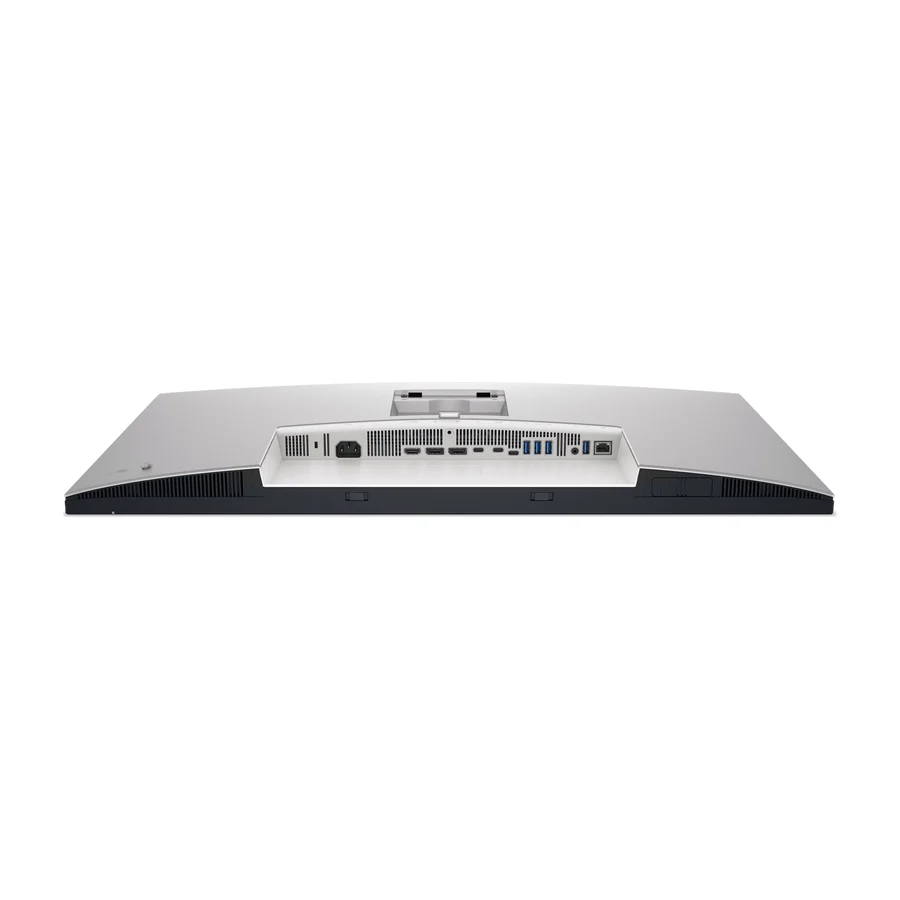
 Dell UltraSharp U3225QE
 A tier #3
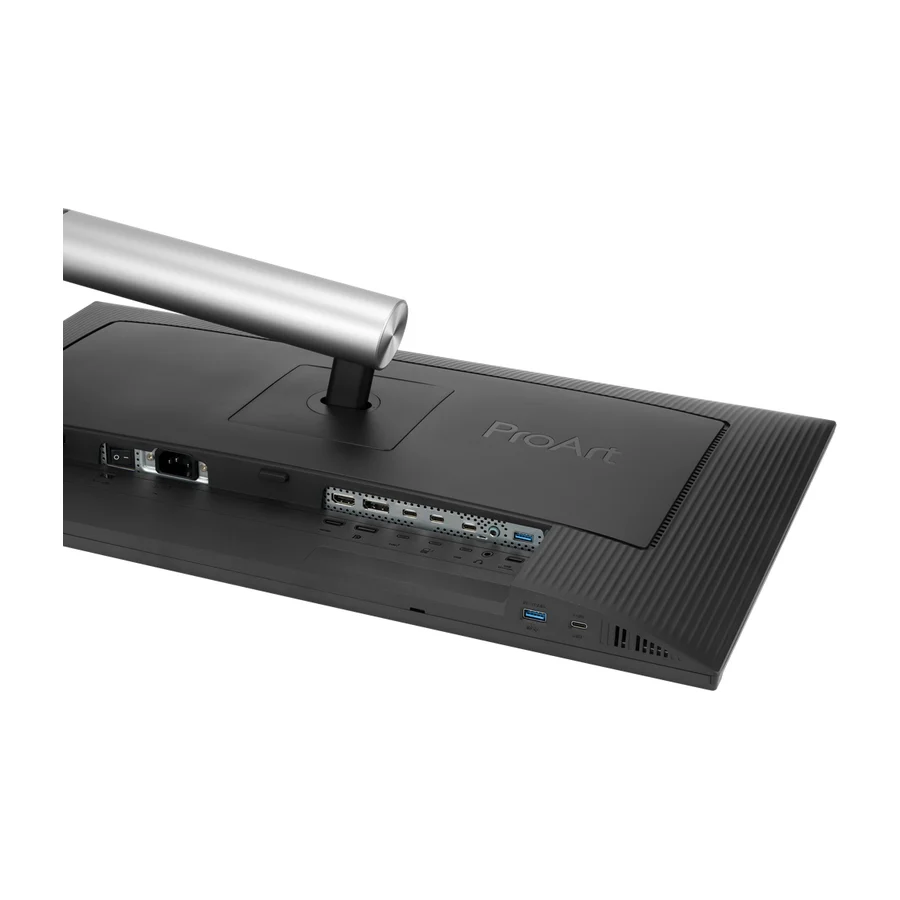
 ASUS ProArt Display PA32QCV
 B tier #4
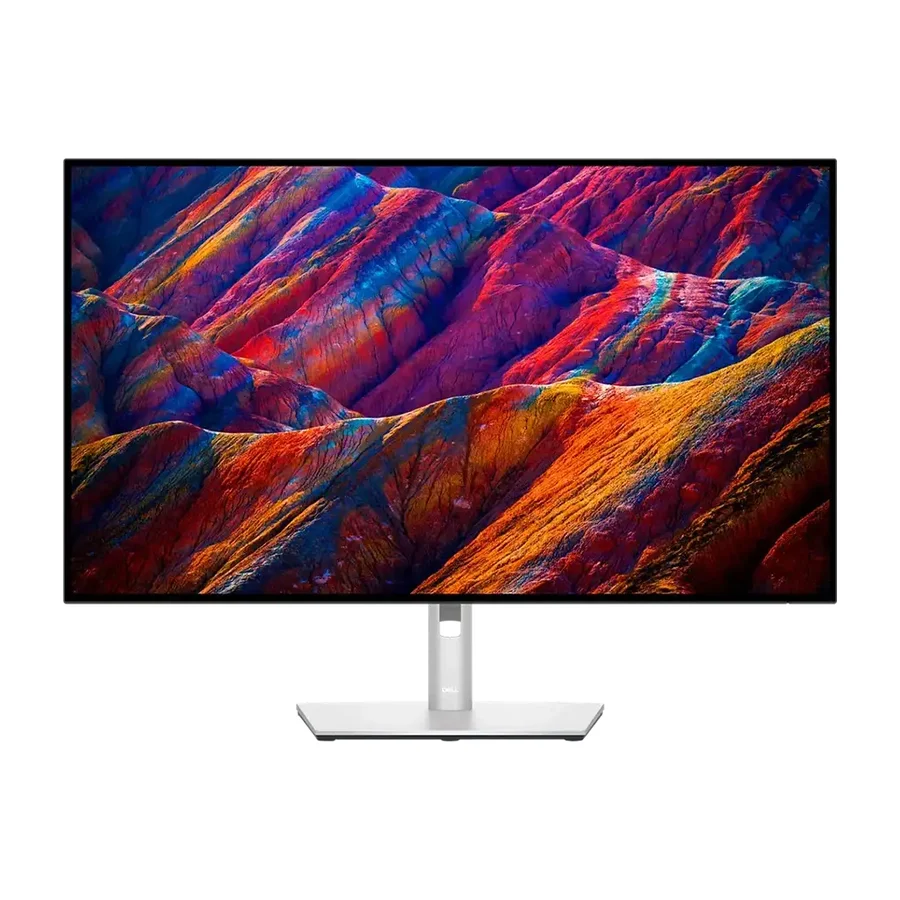
 Dell 27 Plus 4K (S2725QC)
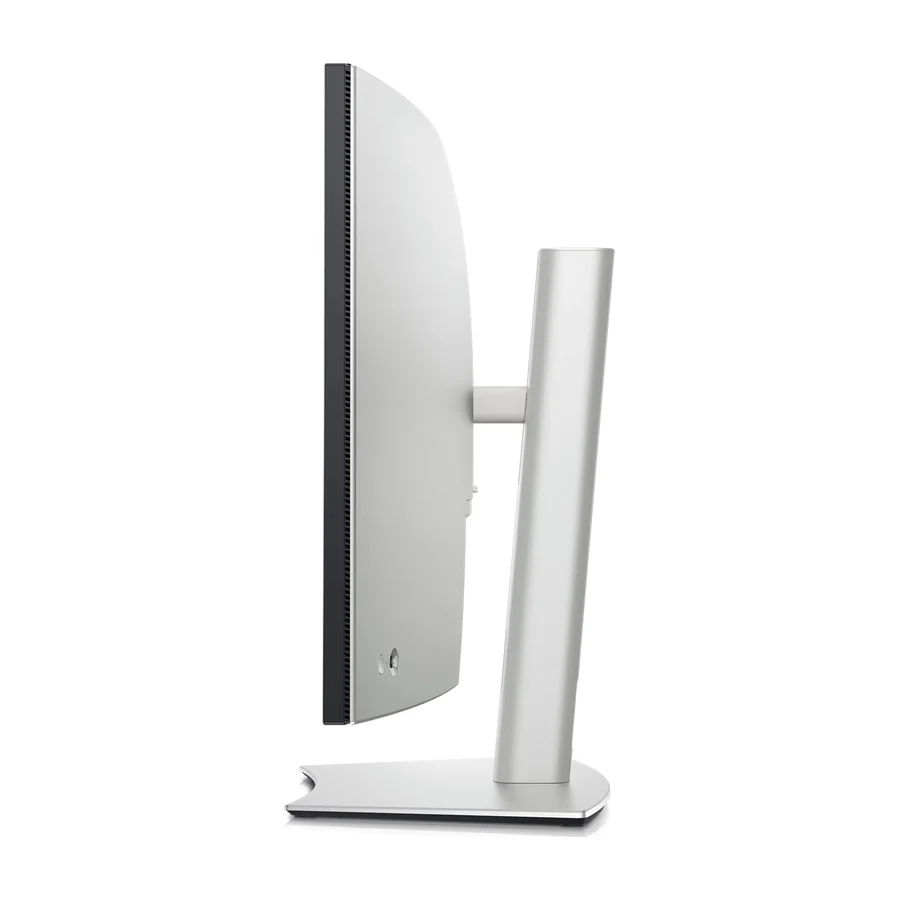 B tier #5
 Dell UltraSharp U4025QW
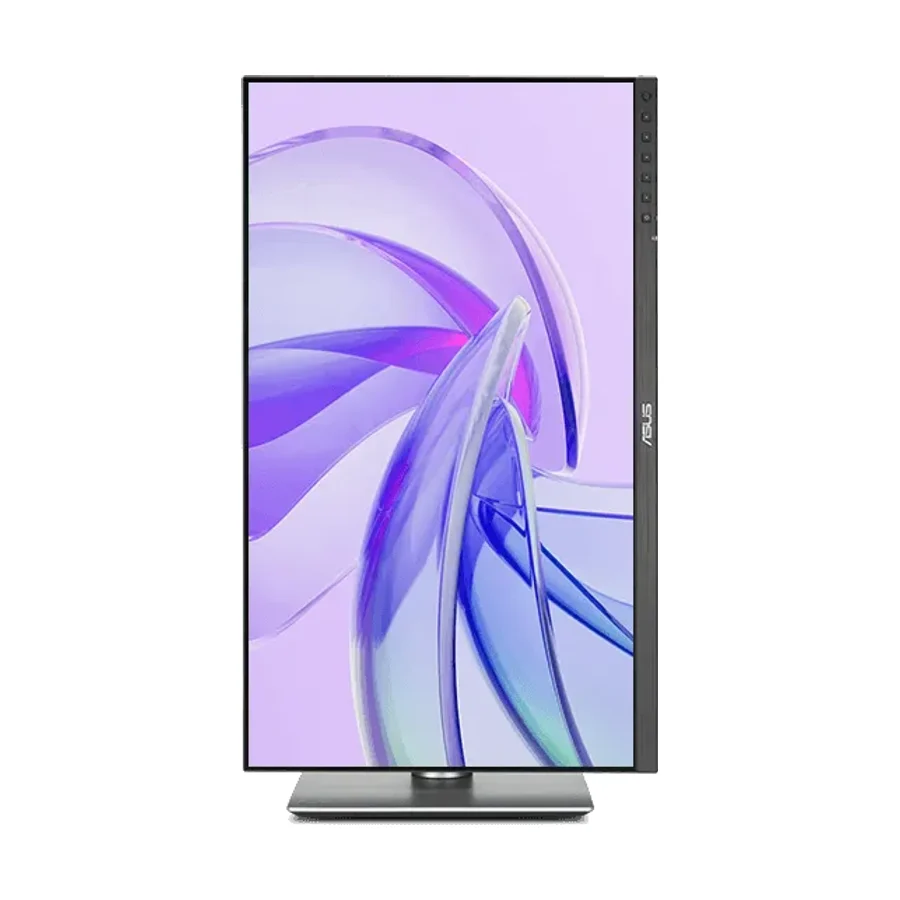 B tier #6
 ASUS ProArt Display PA27JCV
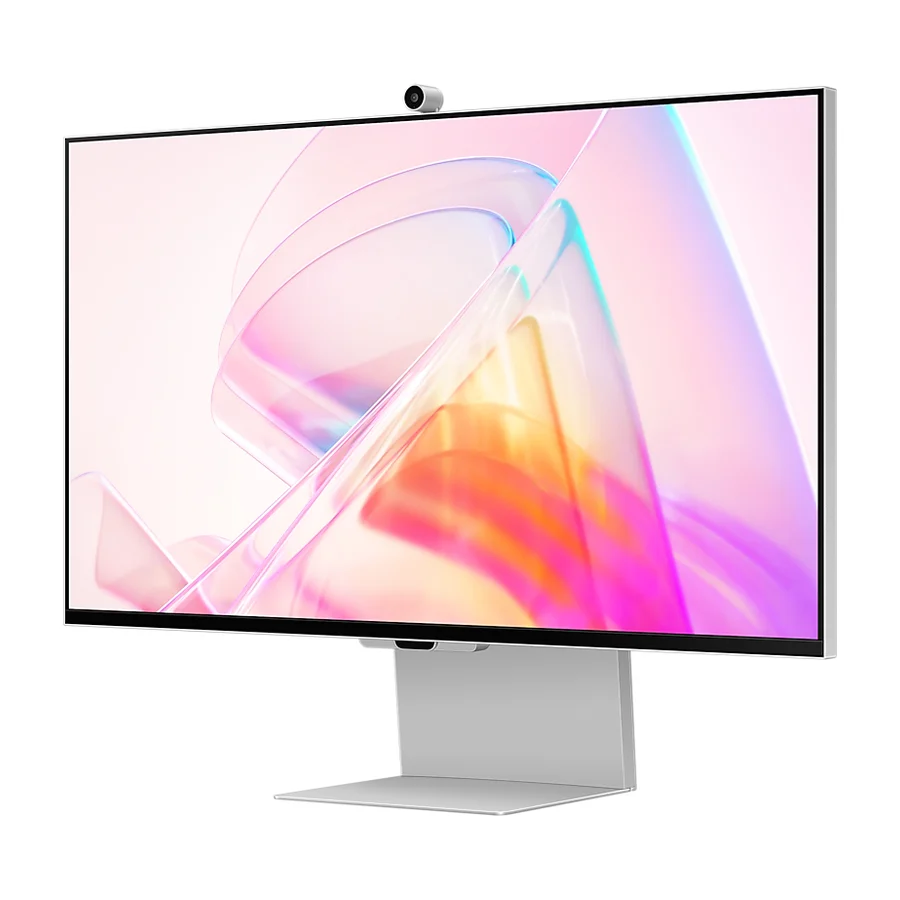 D tier #14 3 of 9 research runs entered this as a product to avoid rather than a pick.
 Samsung ViewFinity S9 (S90PC)
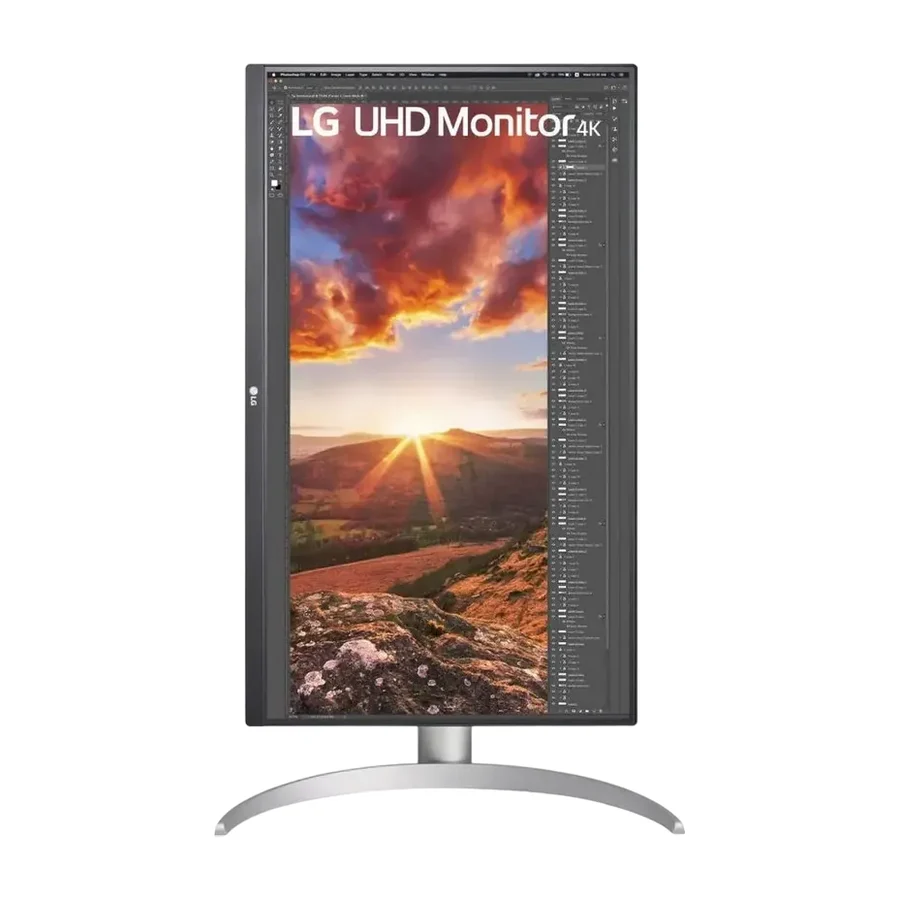 F tier #15 5 of 10 research runs entered this as a product to avoid rather than a pick.
 LG 27UP850-W
 F tier #16 2 of 8 research runs entered this as a product to avoid rather than a pick.
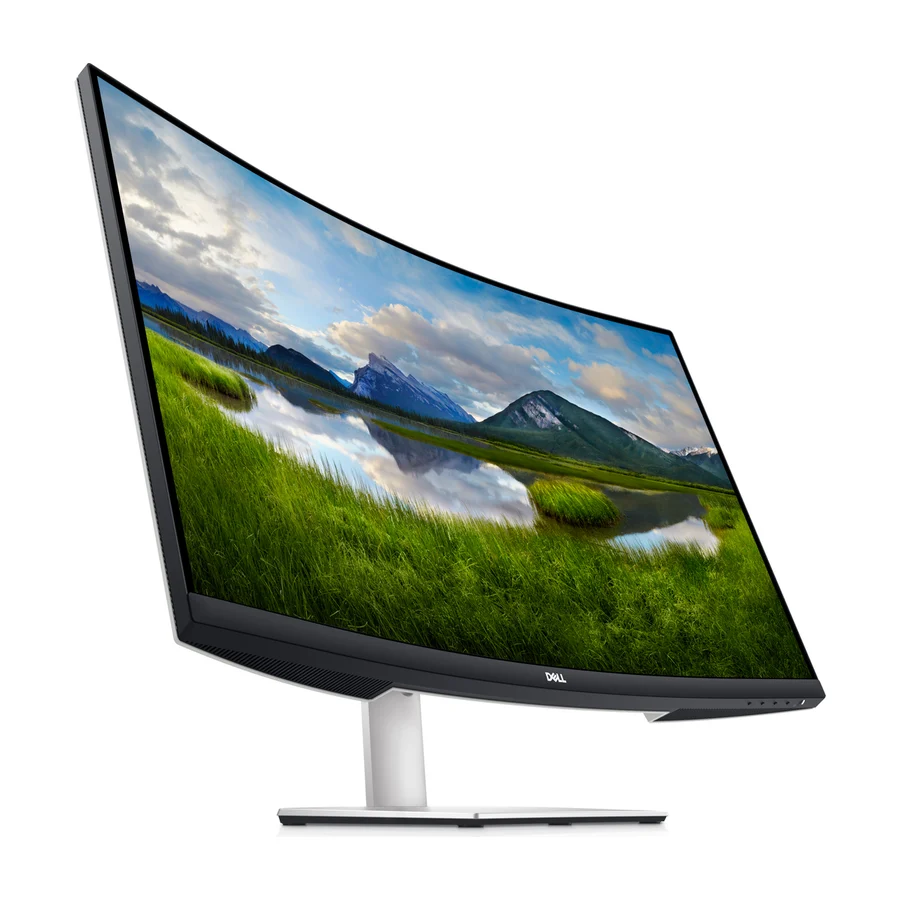
 Dell S3221QS
 F tier #17 2 of 7 research runs entered this as a product to avoid rather than a pick.
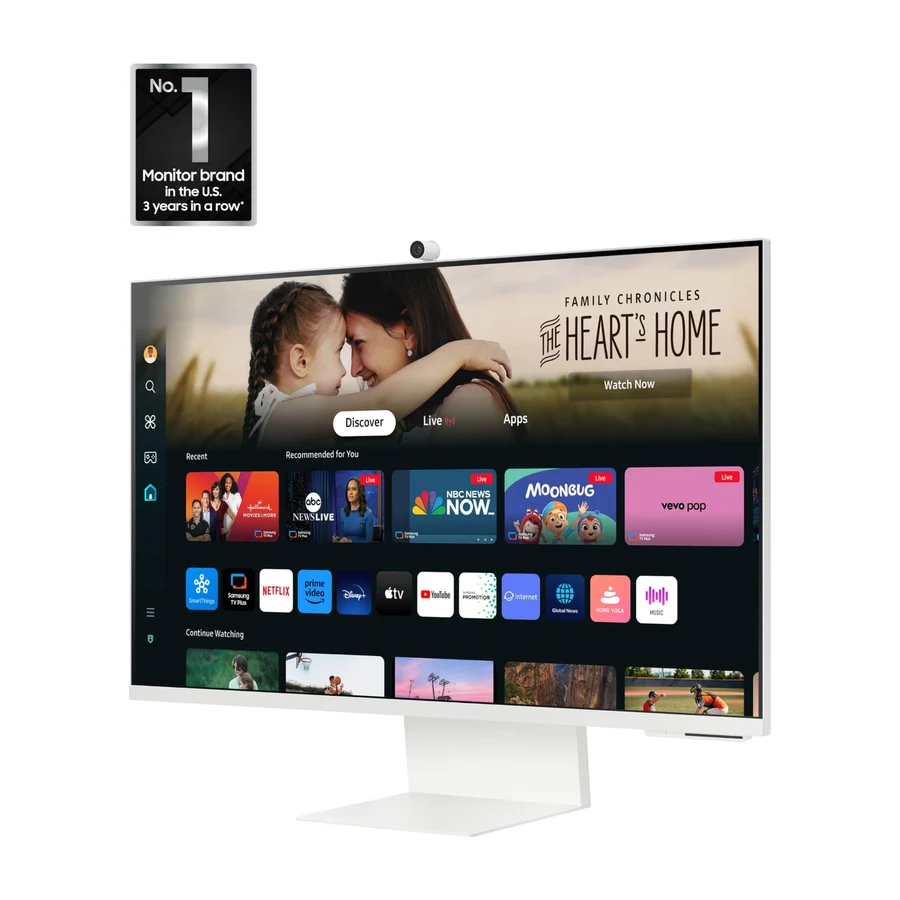
 Samsung 32-inch M8 Smart Monitor (M80D)
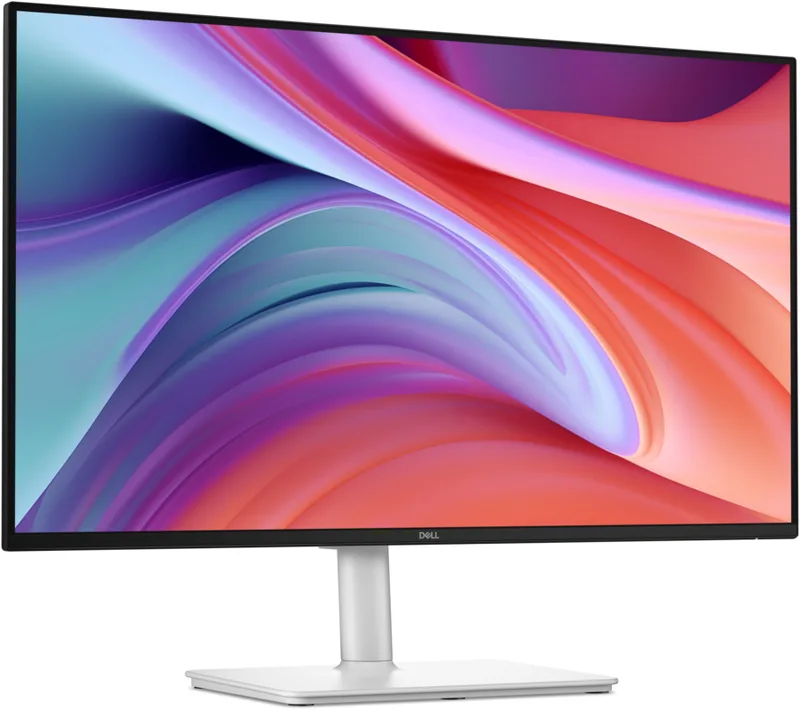 F tier #18 3 of 5 research runs entered this as a product to avoid rather than a pick.