
ASUS
ASUS ProArt Display PA278CGV
B
Ranked #7 in Computer Monitors
574 LP on the
category ladder
what's LP?
Consolidated from 12 independent outlets
Where the cited sources landed, as we read them
- 10 positive sources
- 1 mixed source
Pros & cons
- ✓ 27-inch 1440p IPS panel
- ✓ 144-Hz refresh
- ✓ Low input lag
- ✓ 100 % sRGB coverage
- ✓ 0.2 ΔE color accuracy
The sources behind this ranking
We searched the web and YouTube for what has been published about this product, then read the articles, video transcripts and comments we found.
Evidence 5 articles, 6 video reviews and 1 community source
10 positive sources
H  Home Office Research Article
  GECID Unboxing GECID Unboxing · channel
  Swanky Bolt Studios Article
  Review Product Review Product · 10.6K subscribers · Feb 2026
  GECID Reviews GECID Reviews · 10.4K subscribers · Nov 2023
  TechDeskZone Daniel Park · reviewer
Home Office Research Article The ASUS ProArt PA278CGV makes a specific case that no other monitor in our guide makes: factory-calibrated color accuracy and 165Hz refresh rate in the same 27-inch panel. Most ProArt monitors are 60Hz tools for color work; most 165Hz monitors are gaming displays without meaningful calibration. The PA278CGV bridges that gap at a mid-range price, with a full ergonomic stand and USB-C charging — making it the strongest choice for hybrid work-and-gaming home offices that still need reliable color.Read T TECHNOZON TECHNOZON · 386K subscribers · Apr 2024
This monitor is truly top-notch. I think you understand now. Why I specifically put it first at the time because I really fell in love with it when I first reviewed the older version. I realized then that this is a truly top-notch monitor with great brightness, good diagonals, and of course, very awesome ergonomicsWatch G
GECID Unboxing GECID Unboxing · channel The ASUS ProArt Display PA278CGV monitor really deserves to be called a professional solution. It is made by a whole set of factors: a 27-inch high-definition IPS panel with a resolution of 2560 x 1440 pixels, good viewing angles, excellent color coverage, ten ProArt Preset color profiles, low deviation dE 94 (∆E), excellent factory calibration and , well, a very functional leg.Watch H Hotline Hotline · 41.5K subscribers · Sept 2023
Well, it turns out that this monitor is such a combine that has functions for both professionals who like to work with photos and videos. design where everything is needed for Pixel is worth looking at, and for gamers who need a quick display update, and I won't specifically tell you the costWatch S
Swanky Bolt Studios Article Instead of just going for the shiny expensive model and charging it to the card, I ended up getting the PA278CGV. As amazing as the PA27UCGE sounded, it was more than double the cost for no change in arguably the most important criteria - color accuracy.Read R
Review Product Review Product · 10.6K subscribers · Feb 2026 The Asus ProArt Display PA278CGV Review: An in-depth look at this popular QHD display, focusing on its high color accuracy and smooth 144Hz refresh rate for creators.Watch T Tiktok @nanotekcomputersolutions
🖥️ When the visuals are this smooth and the colors this stunning, even the King of Pop can't resist taking a closer look. 😎 Would you add this monitor to your dream setup? Let us know below! 👇 👉 Get yours today and level up your setup!View post G
GECID Reviews GECID Reviews · 10.4K subscribers · Nov 2023 In conclusion, ASUS ProArt Display PA278CGV can be considered as a great working tool with good possibilities for gaming leisureWatch T
TechDeskZone Daniel Park · reviewer If you do design or video work alongside office tasks, 144Hz earns its keep with the ASUS ProArt PA278CGV. But for everyone else: skip 144Hz, skip 60Hz, and land where the diminishing returns curve bends — 120Hz.Read T Top Reviewer Best Top Reviewer Best · 1.7K subscribers · Nov 2025
Overall, the ASUS ProArt PA278 CGV feels like a genuinely well-rounded package. It doesn't just tick the boxes for color accuracy. It adds modern conveniences and performance enhancements that make the daily grind of creative work much more enjoyable. It's a professional tool that doesn't forget you're a human using itWatch

1 stance not read source

Ranked nearby in Computer Monitors
 S tier #2
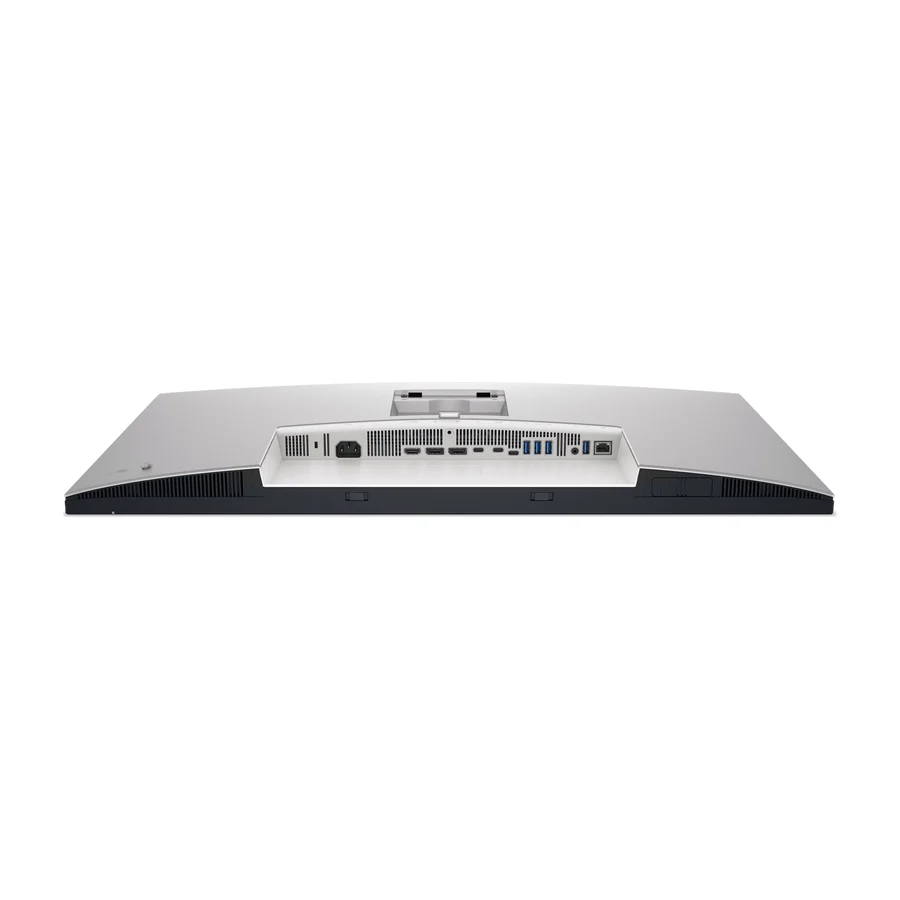
 Dell UltraSharp U3225QE
 A tier #3
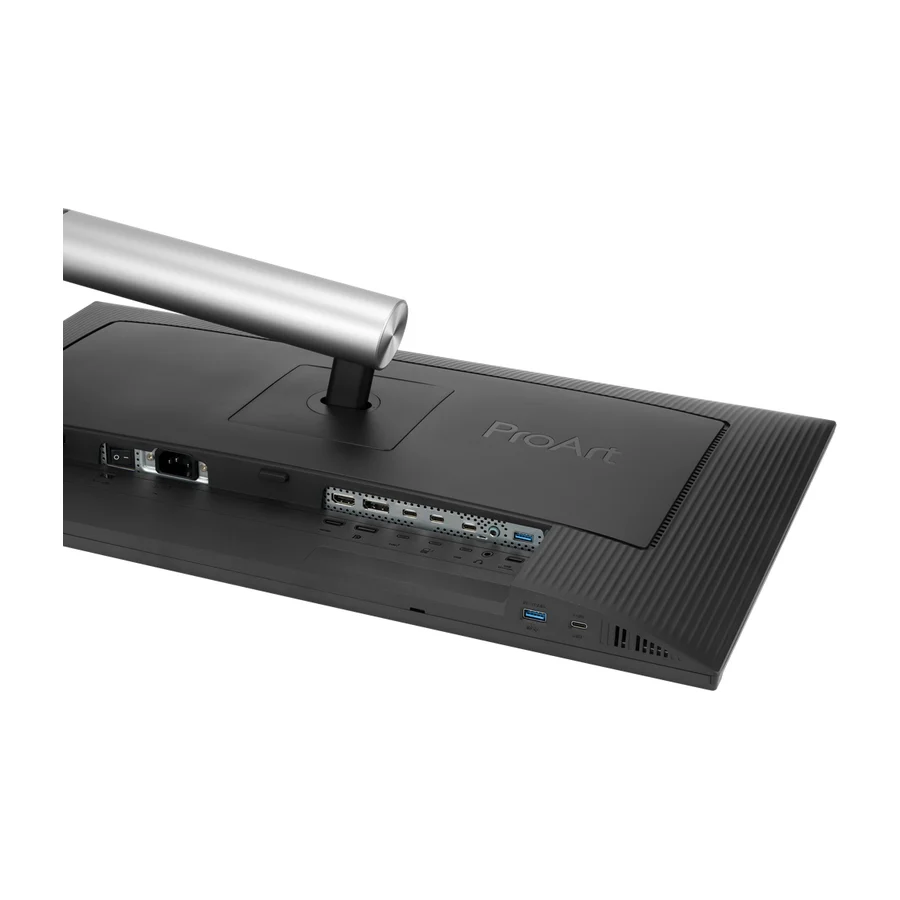
 ASUS ProArt Display PA32QCV
 B tier #4
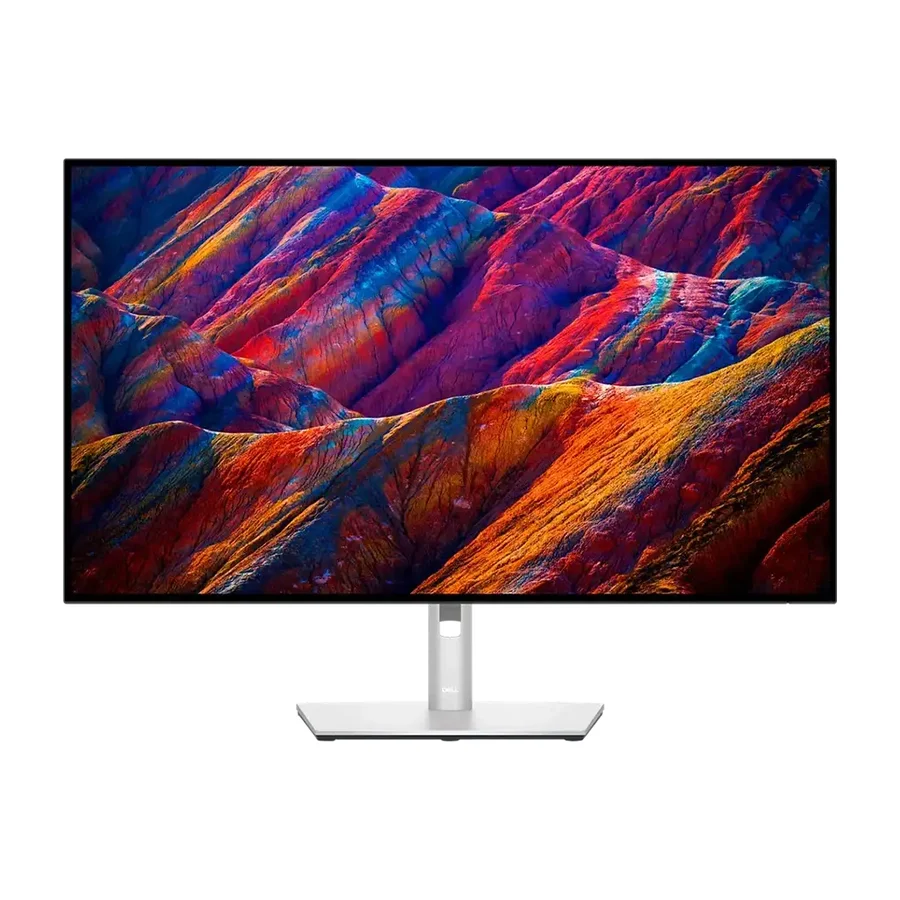
 Dell 27 Plus 4K (S2725QC)
 B tier #5
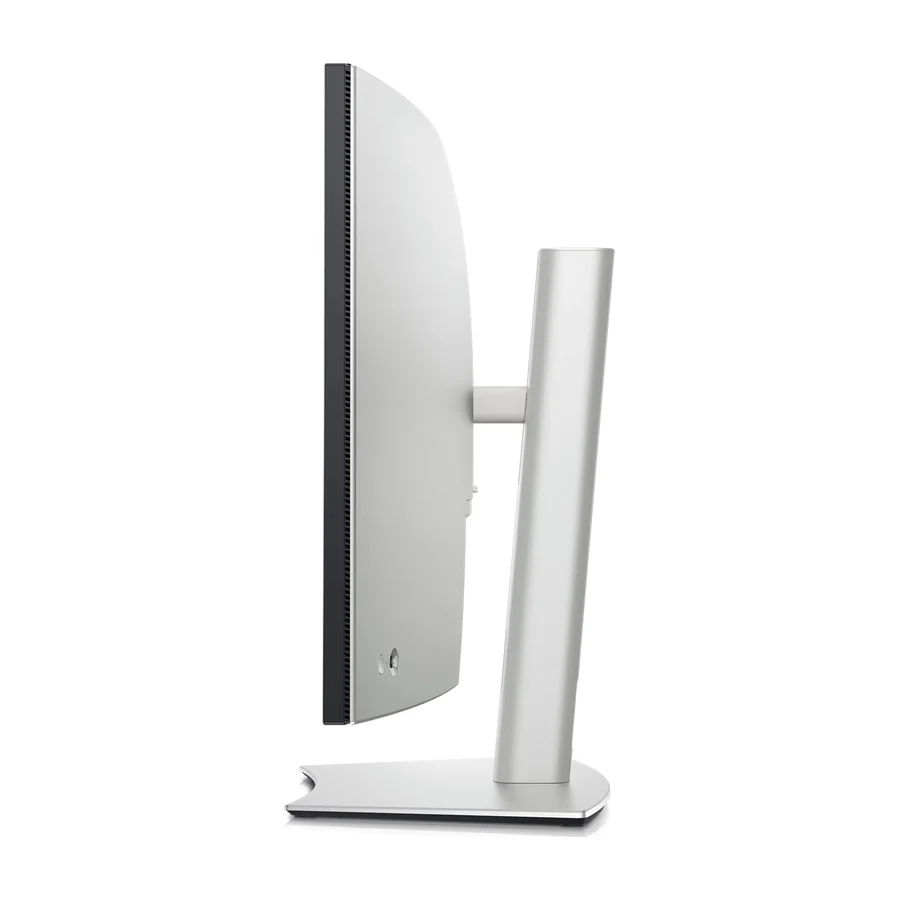
 Dell UltraSharp U4025QW
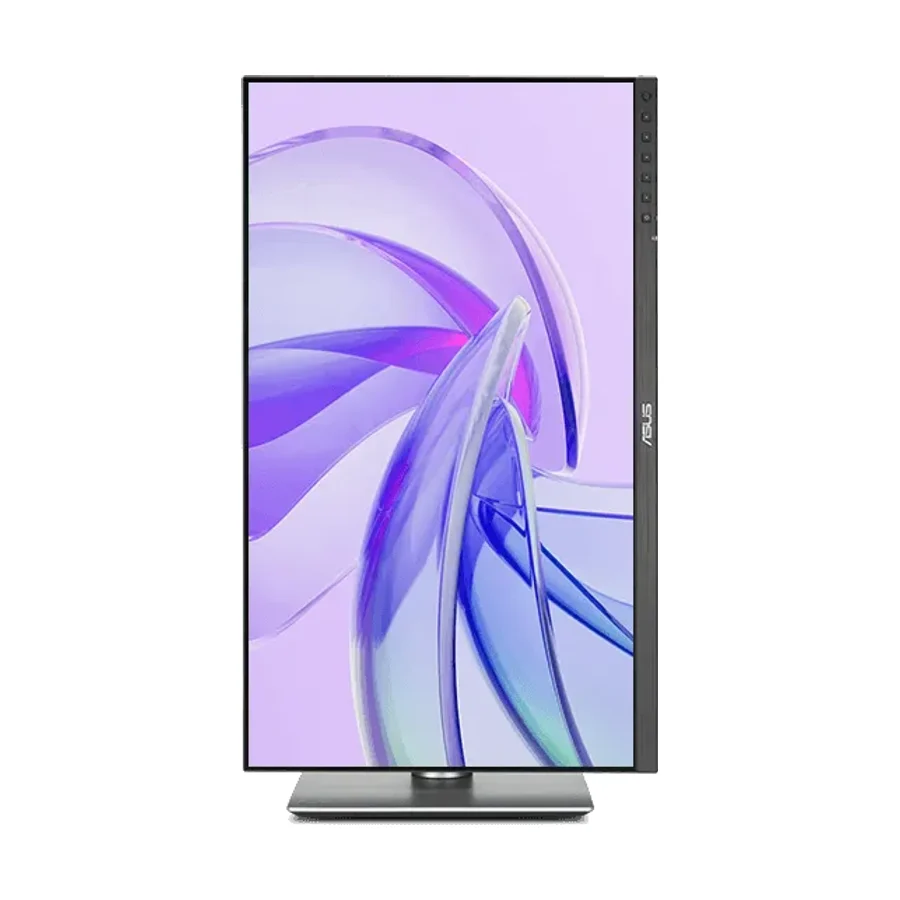 B tier #6
 ASUS ProArt Display PA27JCV
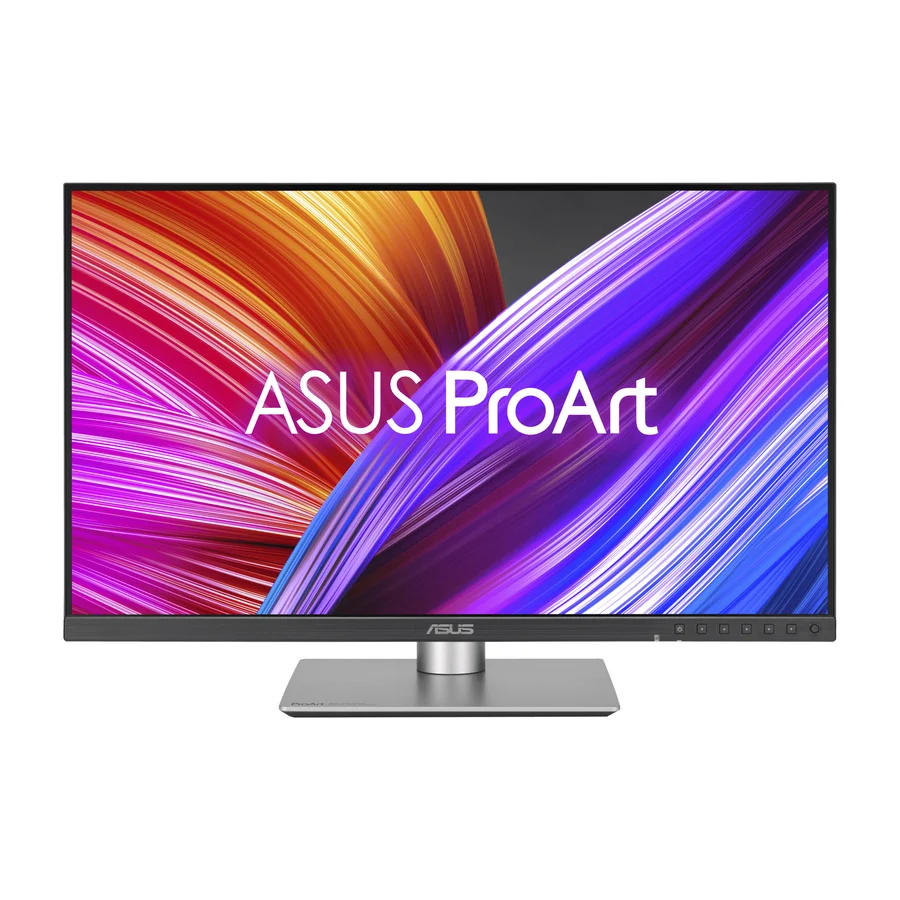 B tier #8
 ASUS ProArt Display PA278CFRV
 B tier #9 1 of 7 research runs entered this as a product to avoid rather than a pick.
 ASUS ProArt Display PA32UCXR
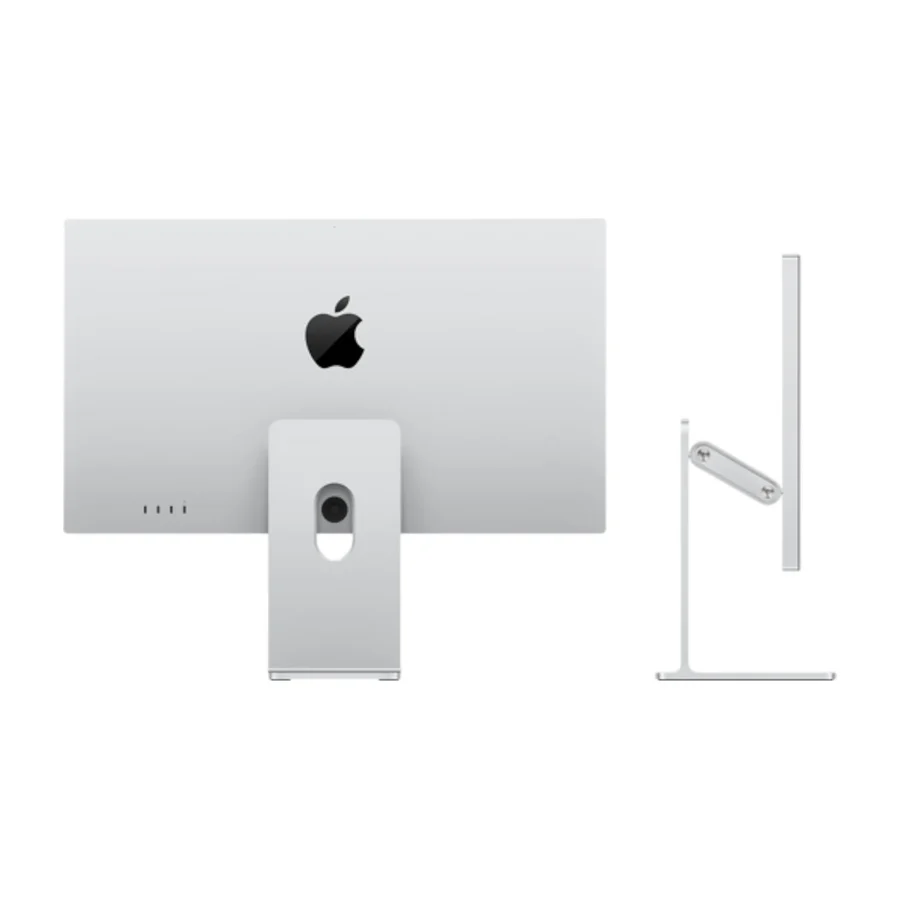 C tier #10 1 of 9 research runs entered this as a product to avoid rather than a pick.
 Apple Studio Display (2022)
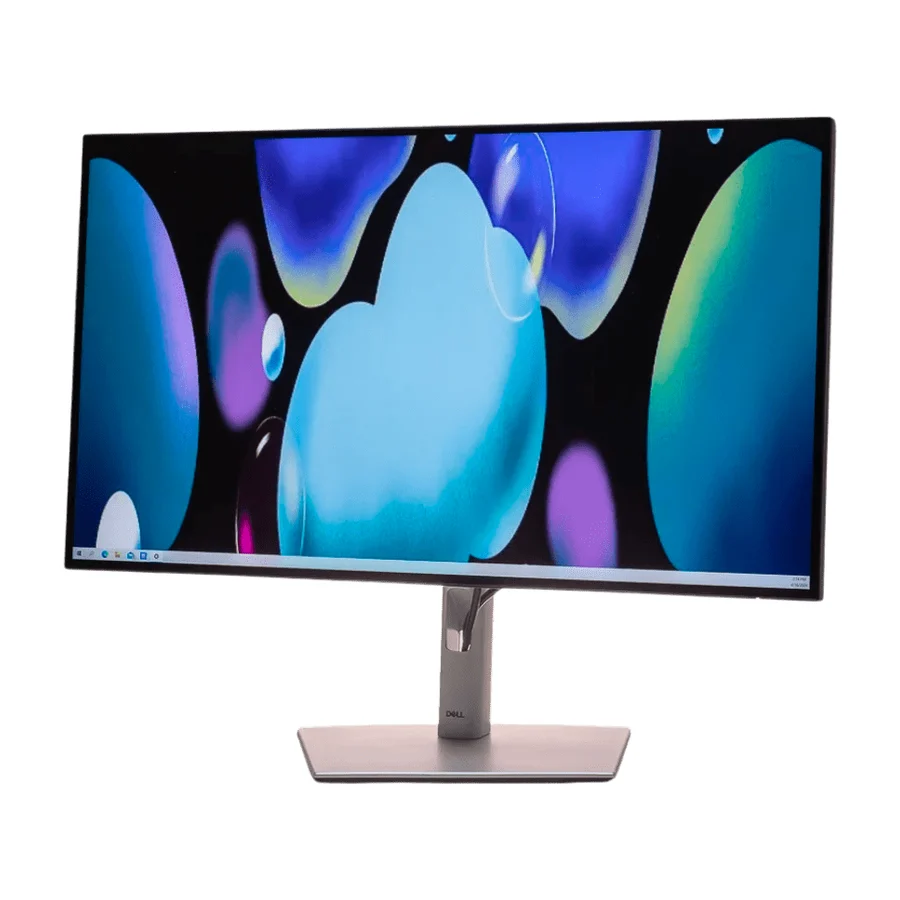 C tier #11
 Dell UltraSharp U2724DE
 D tier #12 2 of 5 research runs entered this as a product to avoid rather than a pick.