Best All-in-One Computers
15 products ranked across 268 cited reviews, videos and discussions · Updated 26 Sept 2026
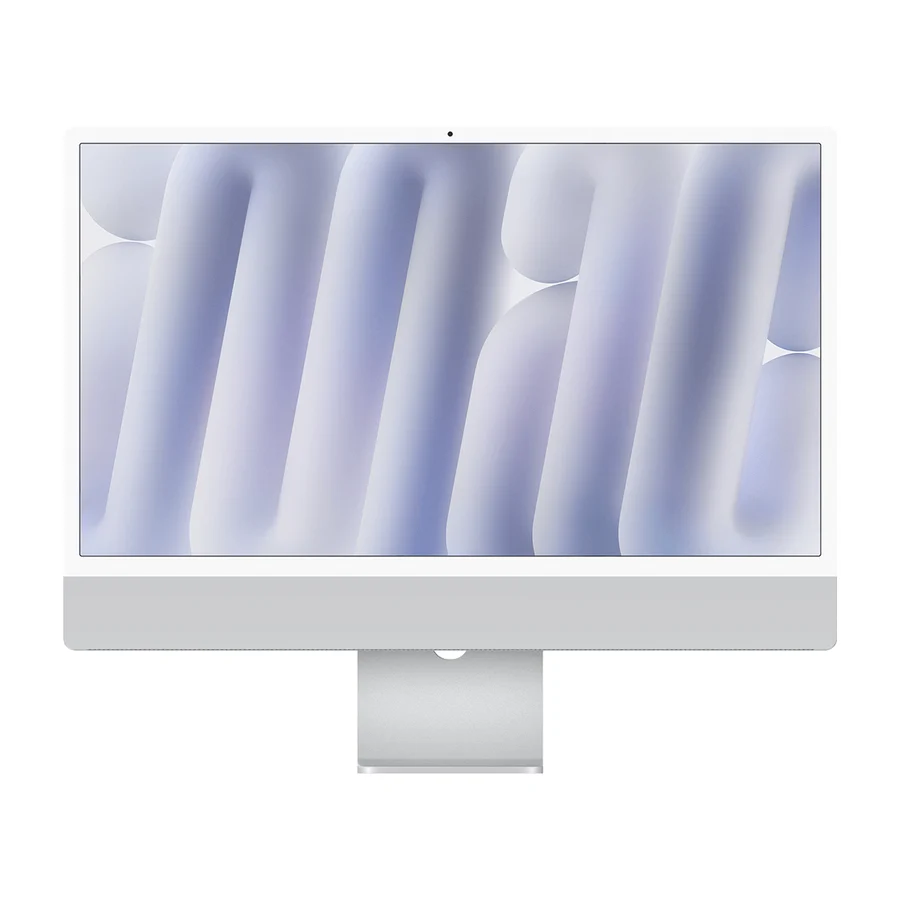
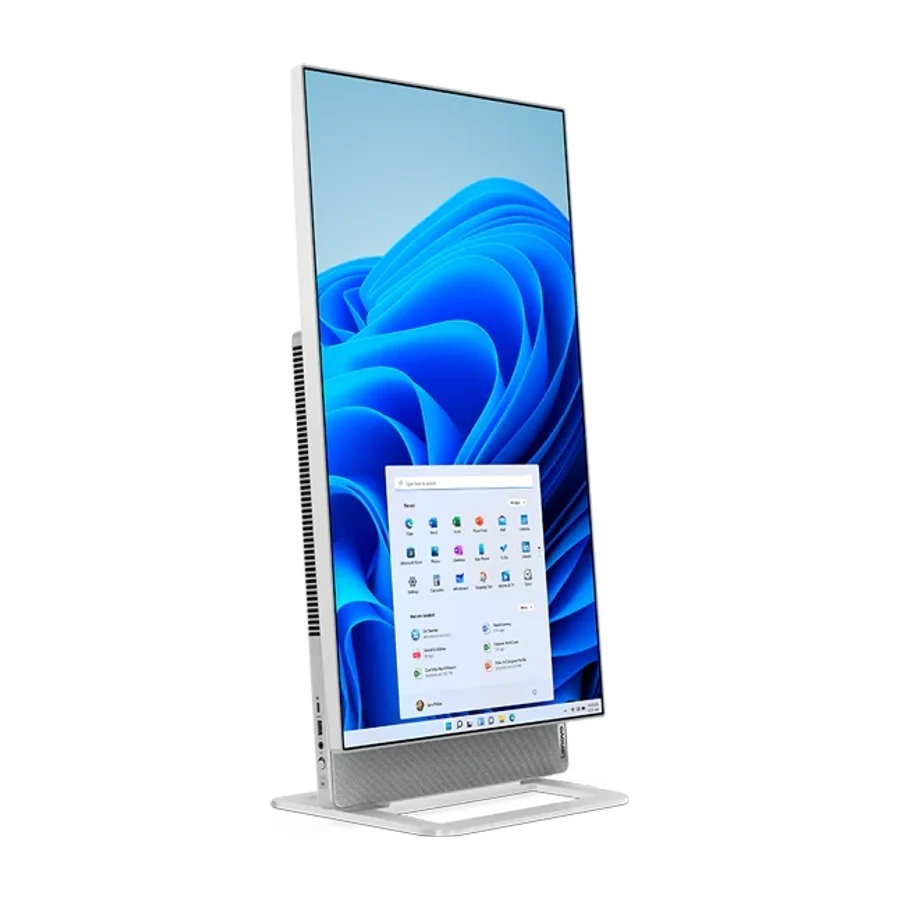
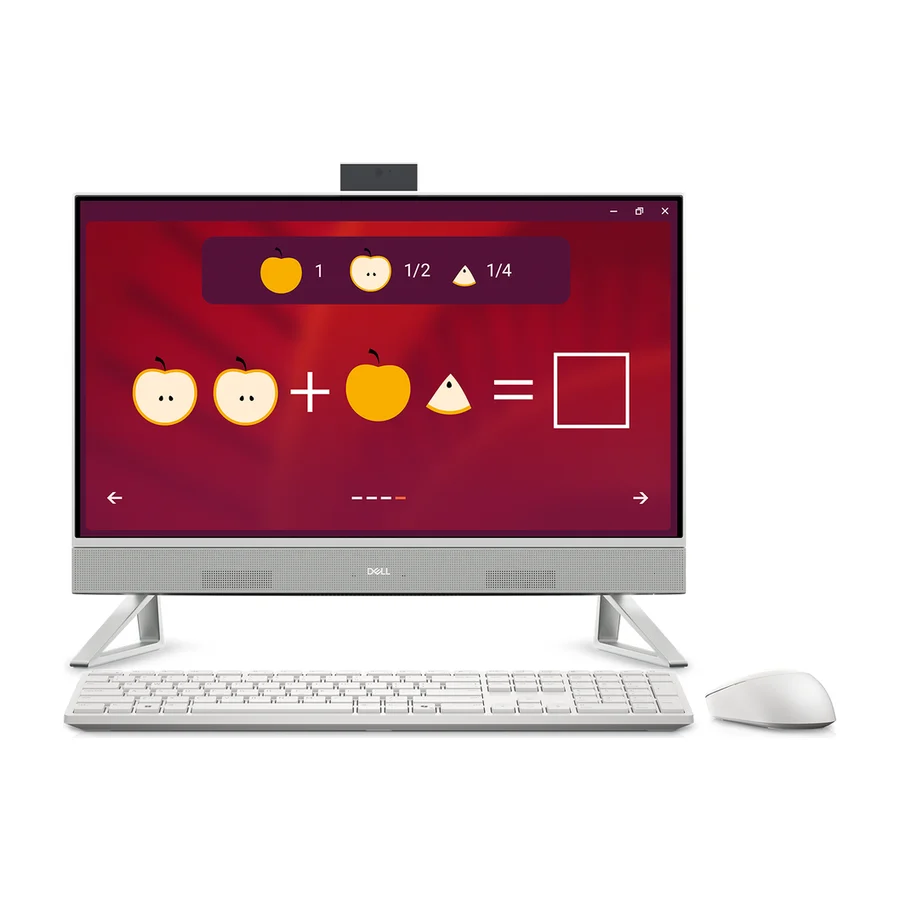
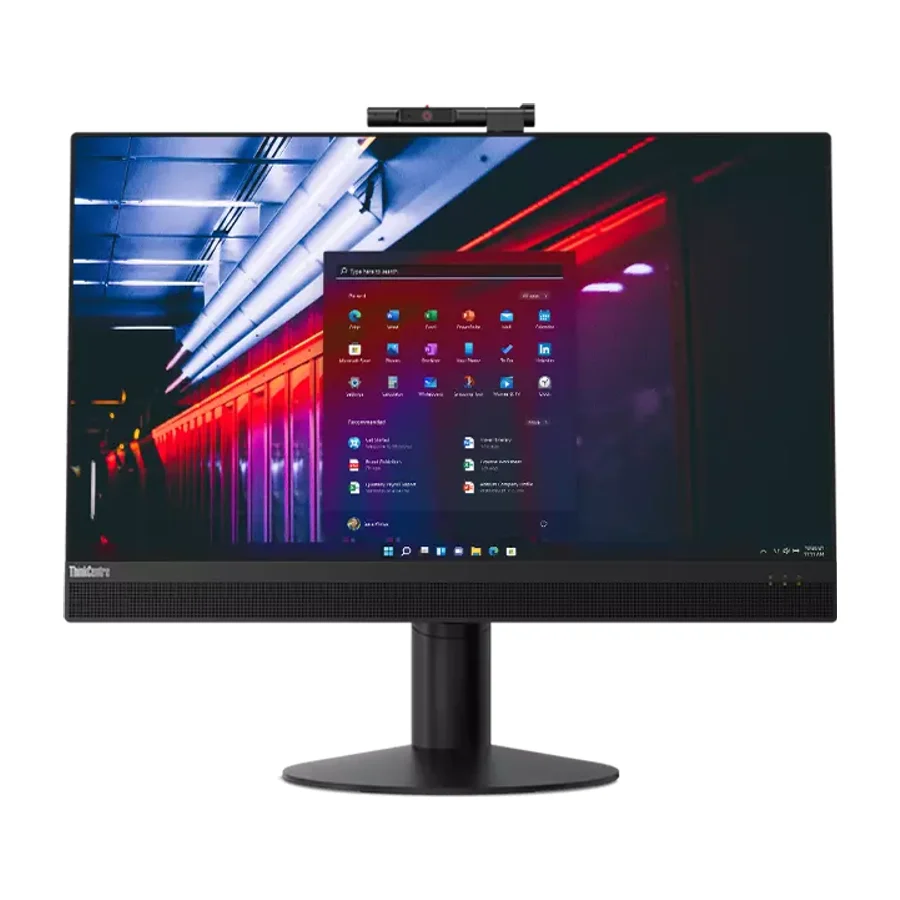
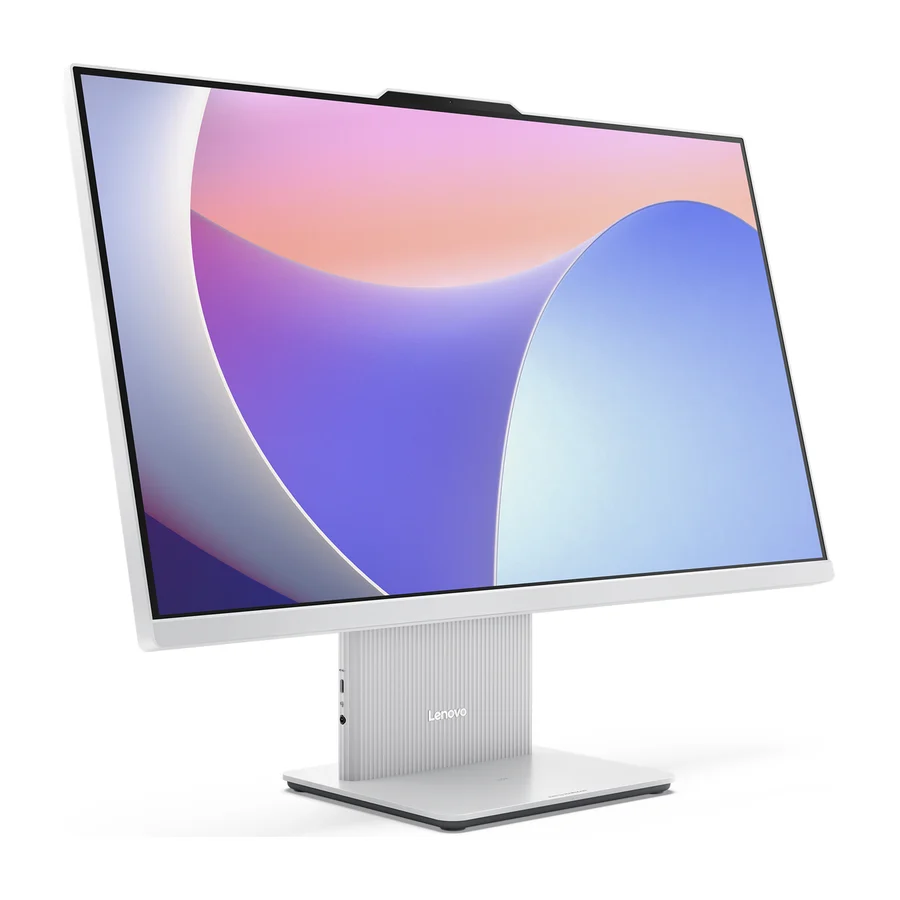
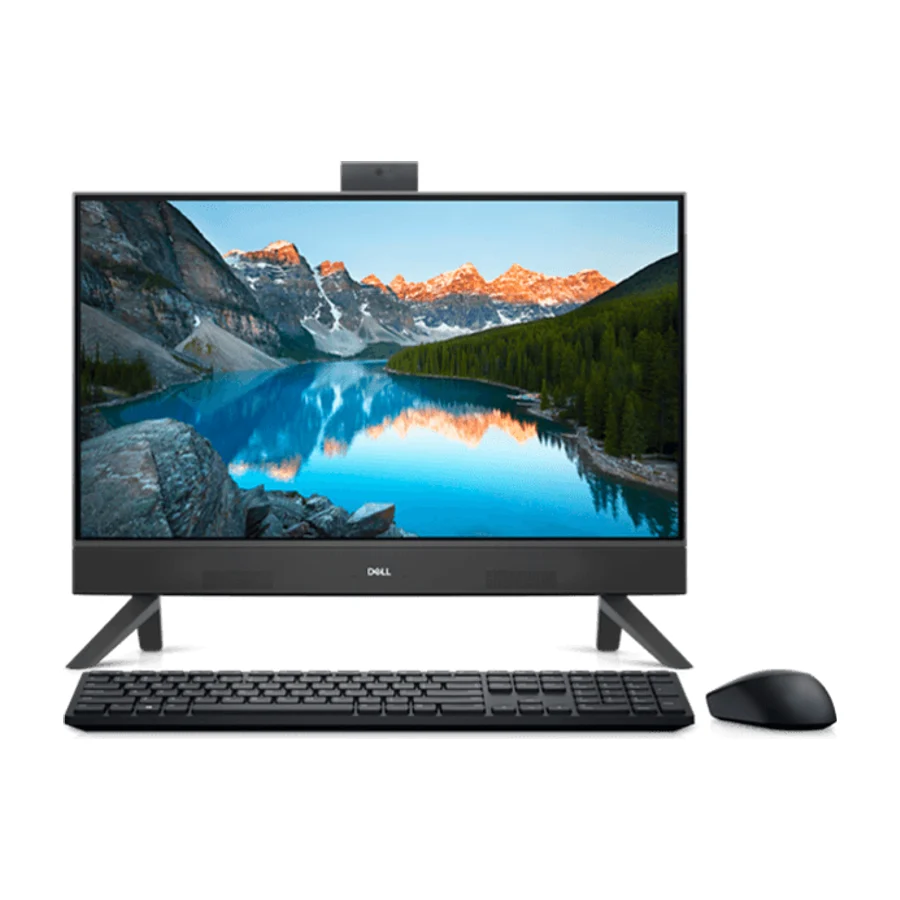
On the stierproducts all-in-one computers board, Apple iMac 24-inch M4 ranks #1 in S tier, ahead of Lenovo Yoga AIO 27 (#2, S tier) and Dell 24 All-in-One (EC24250) (#3, A tier). The board ranks 15 all-in-one computers from S (best) to F (avoid), last researched 26 Sept 2026, drawing on 268 cited reviews, videos and discussions. Placed in the bottom tiers as ones to avoid: Lenovo ThinkCentre AIO, Lenovo IdeaCentre AIO 27IRH9, Dell Inspiron 24 5420 All-in-One, and 4 others.
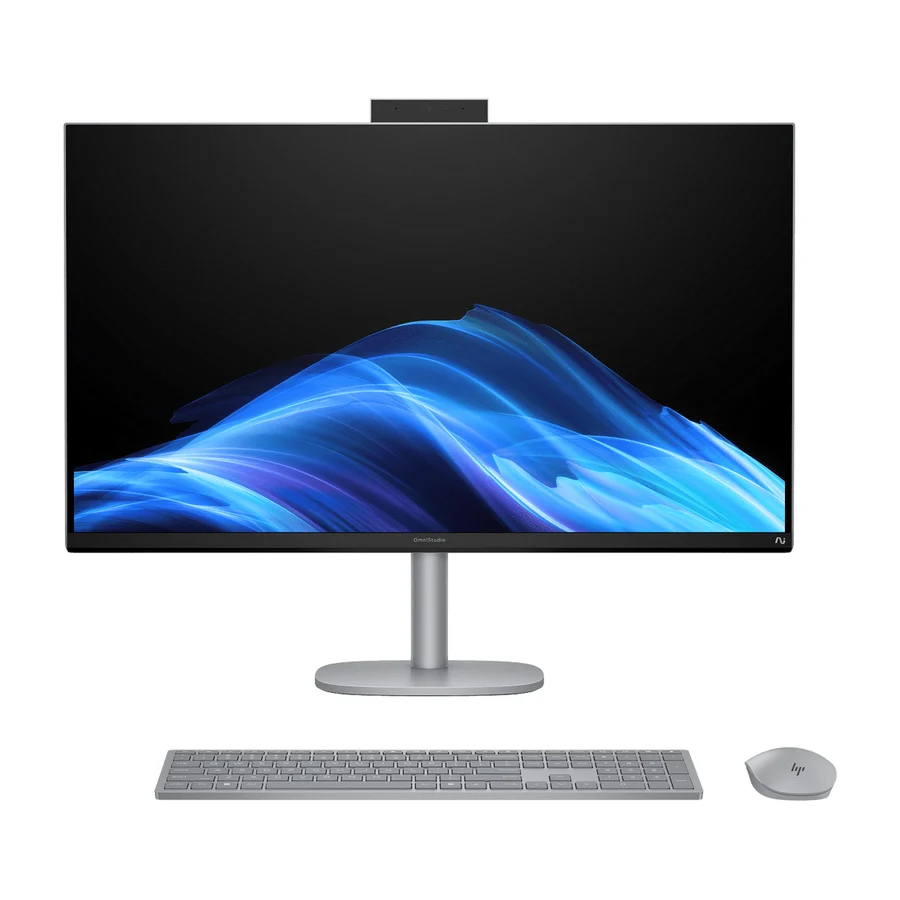
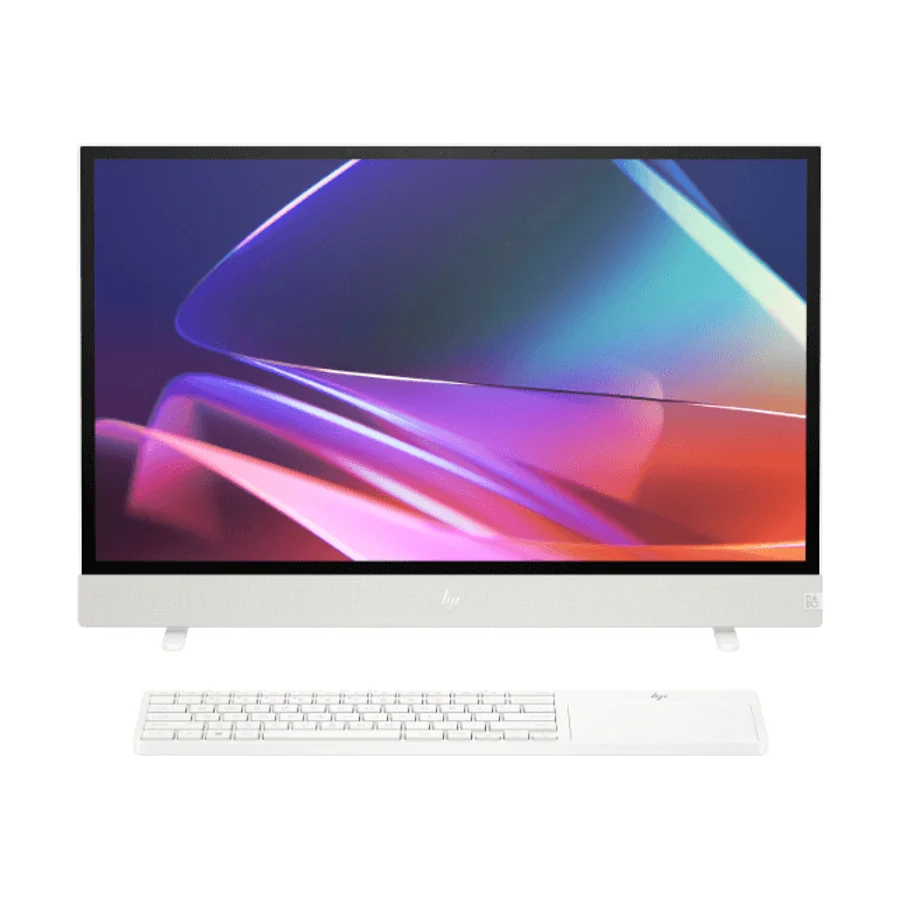
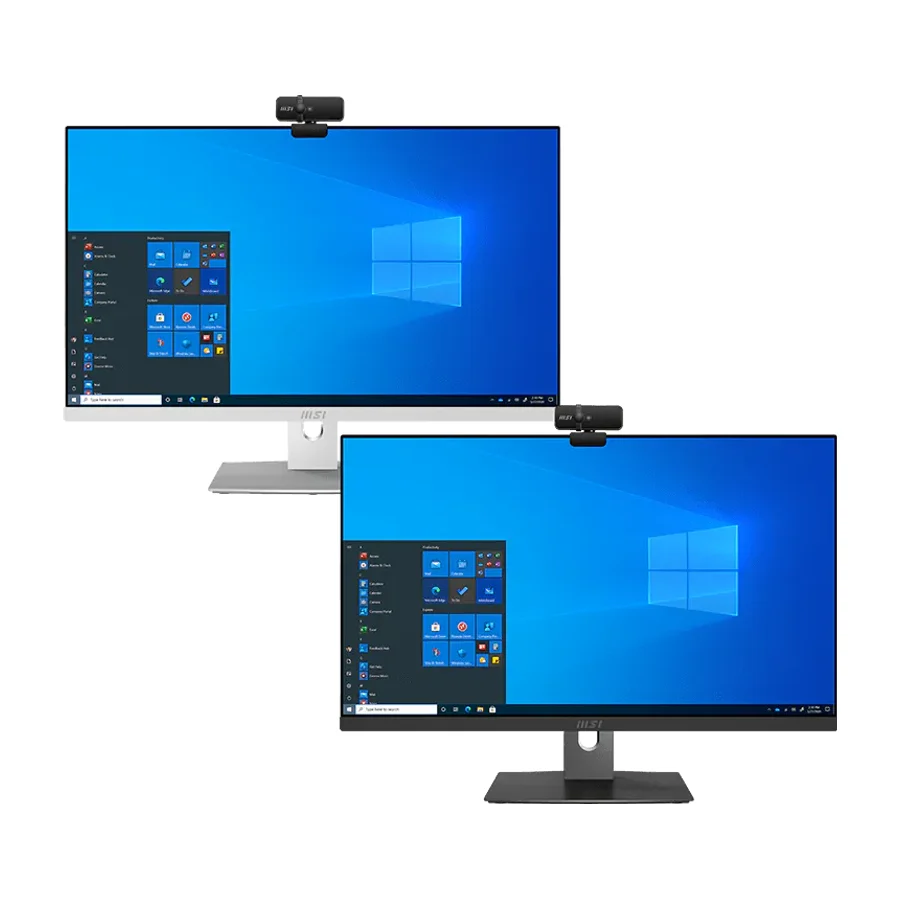
 #11 4 of 5 research runs entered this as a product to avoid rather than a pick.
 Dell Inspiron 24 5420 All-in-One
 #12 4 of 7 research runs entered this as a product to avoid rather than a pick.
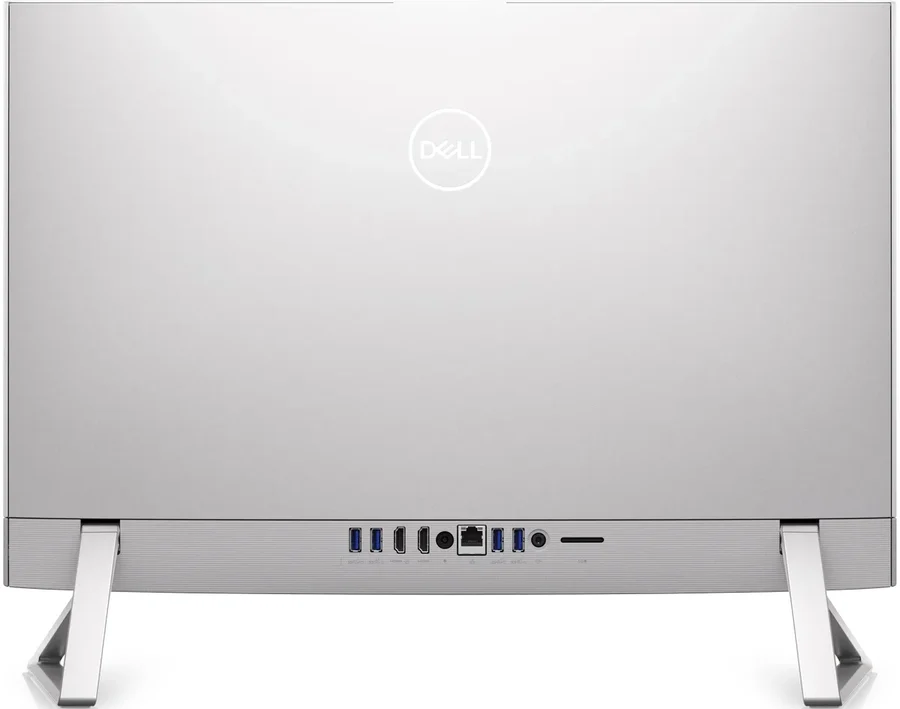
 Dell Inspiron 24 5430 AIO
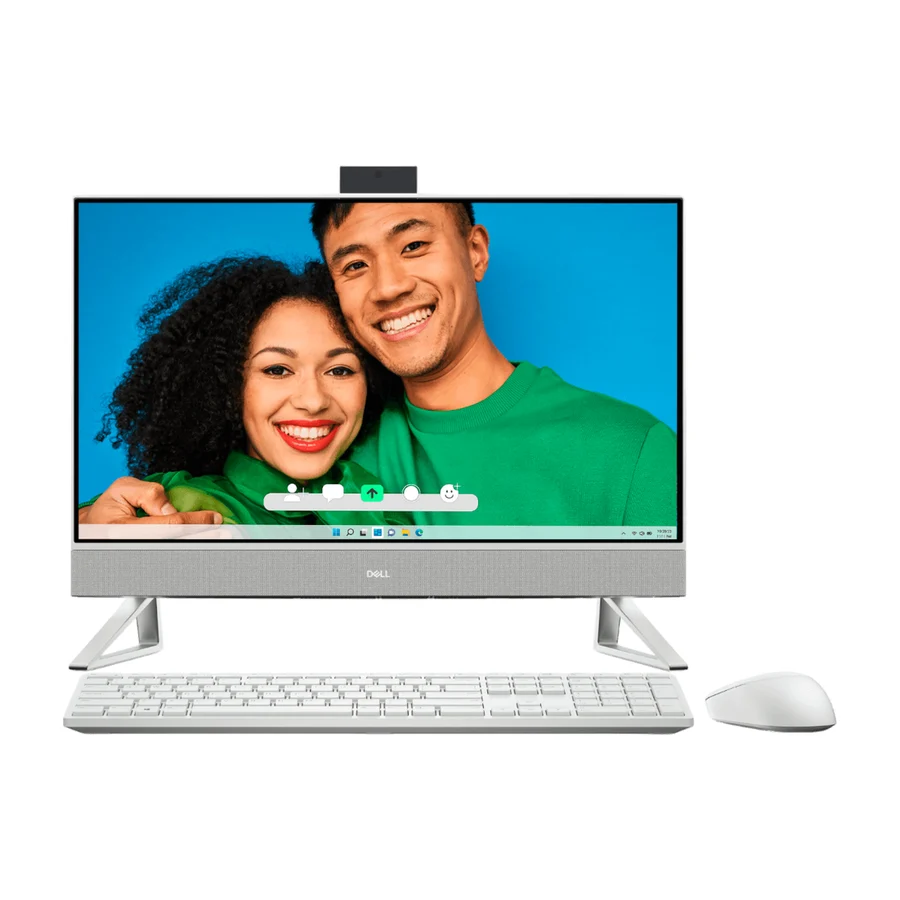 Moved down from C to D on 11 Sept 2026 #13 13 of 16 research runs entered this as a product to avoid rather than a pick.
 Dell Inspiron 7730 (AIO)
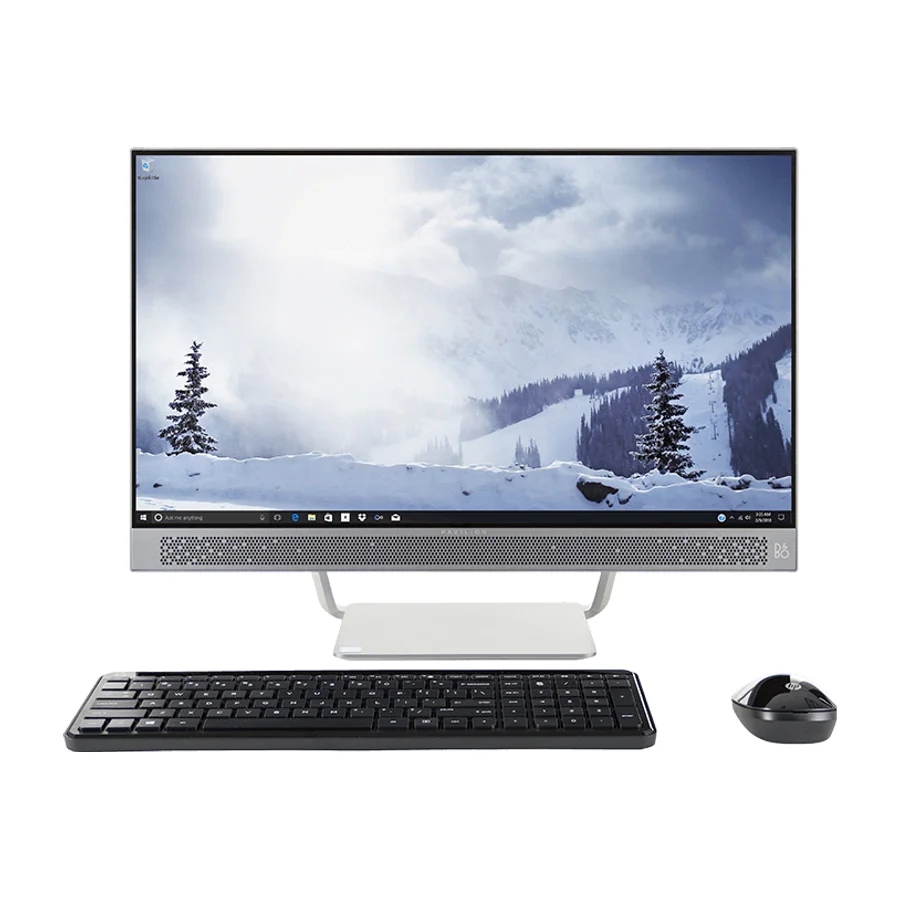 #14 12 of 16 research runs entered this as a product to avoid rather than a pick.
 HP Pavilion 24 All-In-One
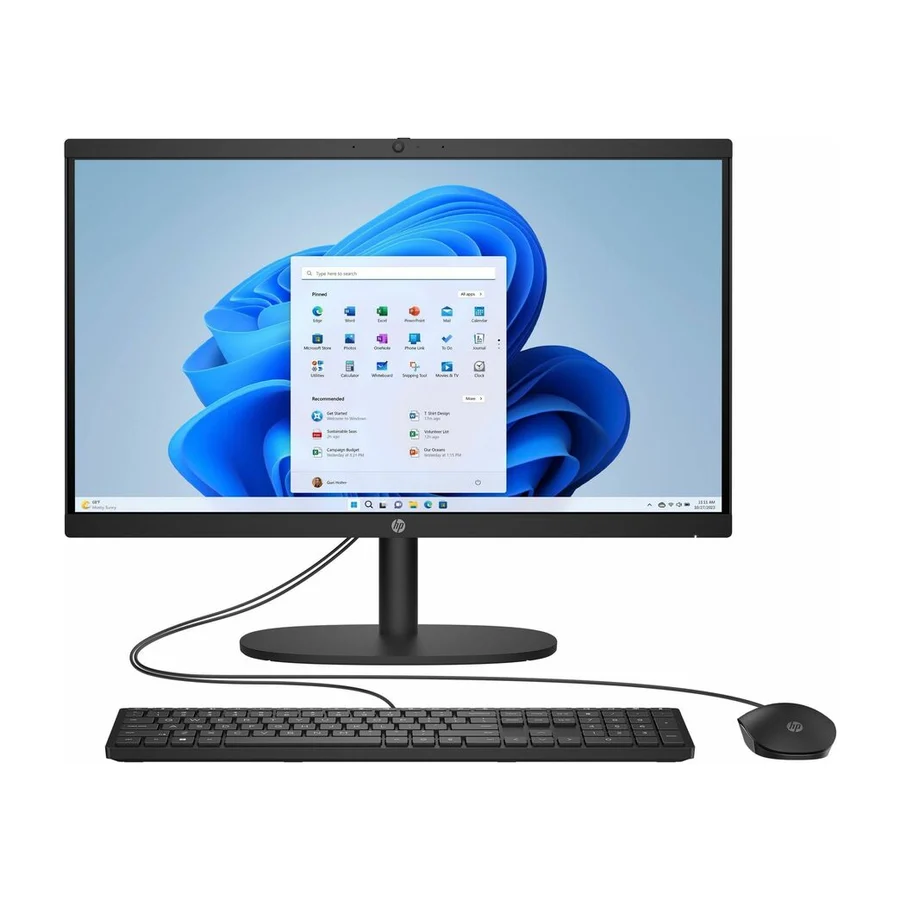 #15 6 of 7 research runs entered this as a product to avoid rather than a pick.
 HP 22-dg0040 (All-In-One)
What moved on this board
14 tier changes recorded between 28 Jul 2026 and 14 Sept 2026. The 5 most recent are below.
- 11 Sept 2026 Dell Inspiron 7730 (AIO) moved down from C to D. 1 more research game. 1 source added.
- 7 Aug 2026 Lenovo ThinkCentre AIO moved up from F to D. 1 more research game. 1 source added.
- 7 Aug 2026 HP Pavilion 24 All-In-One moved down from C to D. 1 more research game. 1 source added.
- 7 Aug 2026 Dell Inspiron 7730 (AIO) moved down from B to C. 1 more research game. 1 source added.
- 2 Aug 2026 Dell Inspiron 7730 (AIO) moved up from C to B. 2 more research games. 1 source added.
Each line shows what else changed at the same publish. It is not a statement of cause.
Frequently asked questions
Apple iMac 24-inch M4 sits at #1 in the S tier of our consolidated board, ranked across independent research runs over 268 cited reviews, videos and discussions. the only AIO on this board with a genuinely multi-year ownership story. Apple's silicon efficiency means the chassis runs cool and quiet for years, macOS delivers roughly seven years of OS updates per machine, and the sealed aluminum construction has one of the lowest desktop failure rates in the industry. Under this lens nothing else is close for first place.
Lenovo Yoga AIO 27 ranks #2 (S tier). the Windows pick of both Wirecutter and Tom's Guide, with a genuinely premium 27-inch display and build that should age gracefully. Lenovo's consumer support is middling, which is the one thing holding it below the Dell commercial line under this lens.
Our research places Lenovo ThinkCentre AIO, Lenovo IdeaCentre AIO 27IRH9, Dell Inspiron 24 5420 All-in-One, Dell Inspiron 24 5430 AIO, Dell Inspiron 7730 (AIO), HP Pavilion 24 All-In-One, HP 22-dg0040 (All-In-One) in the bottom tiers (D/F). Lenovo ThinkCentre AIO: Lenovo's commercial line sits on a brand that leads industry reliability reports, with multi-year warranty options built for service. Ranks below the Dell Pro only because product-specific test evidence was thinner in this pass.
More in Computers
Cite this board as stierproducts, “Best All-in-One Computers”, 26 Sept 2026. Free to quote with attribution and a link (terms).
Machine-readable: markdown · JSON · how we rank
Embed this board on your own site. The frame links back here, which is the attribution the terms ask for:
<iframe src="https://stierproducts.com/embed/all-in-one-computers" title="Best All-in-One Computers, ranked by stierproducts" width="100%" height="456" loading="lazy" style="border:0"></iframe>