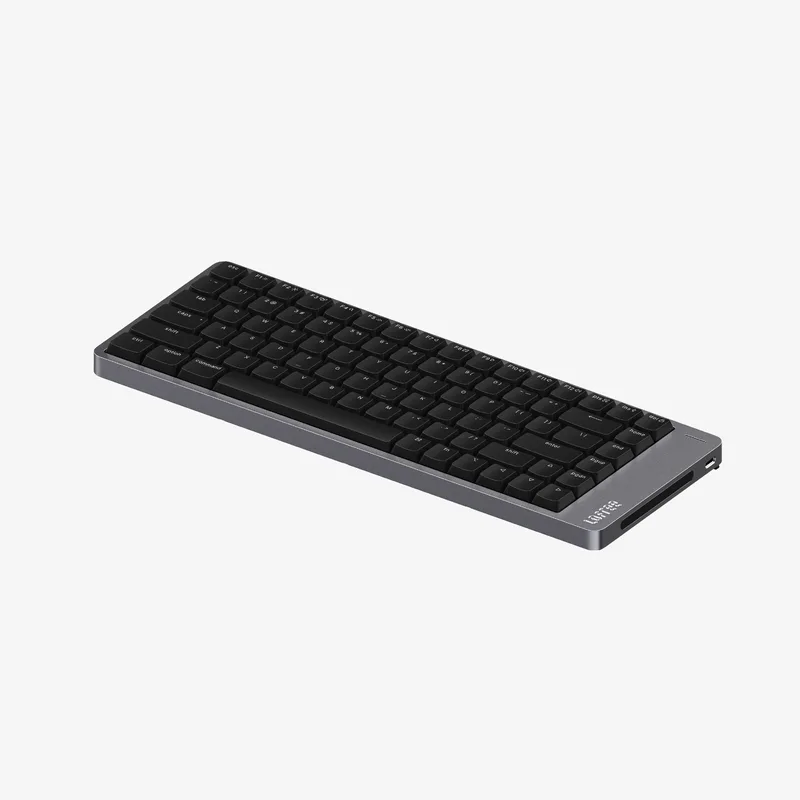
Lofree Flow 2
Superb build and feel, but a narrower switch ecosystem means fewer repair paths in year five.
Consolidated from 49 cited sources across 43 outlets
Where the cited sources landed, as we read them
- 1 enthusiastic source
- 36 positive sources
- 11 mixed sources
Pros & cons
- ✓ Beautifully built low-profile aluminum board
- ✓ Excellent typing feel
- ✗ Switch ecosystem is more proprietary than NuPhy or Keychron
- ✗ Narrower repair options over a five-year horizon
The sources behind this ranking
We searched the web and YouTube for what has been published about this product, then read the articles, video transcripts and comments we found.
Evidence 16 articles, 28 video reviews and 5 community sources

36 positive sources
The gasket mount, sound-absorbing foam, and self-lubricating Kailh POM switches creates a typing experience that is unmatched in the low-profile market. The sound is extremly smooth and the full aluminum body gives it that premium weight feel. Performance has been flawless and the addition of QMK/VIA support is a massive pro, allowing for the customization enthusiasts look for. I've had no significant issues. If I were to suggest one future improvement, it would be to offer this masterpiece in a few more colorways (and maybe relocate the USB port).Read thread J
 Jake Reeves Jake Reeves · 229K subscribers · Jul 2025
 Enter the Flow 2. A fresh take on minimalistic premium hardware now with VIA support and a few other trade-offs that Loafrey hopes will keep it competitive in the very busy lowprofile keyboard market.Watch I
 igor´sLAB Karsten Rabeneck-Ketme · reviewer · Nov 2025
 The Lofree Flow 2 100 impressively demonstrates how design, technology and workmanship can come together in a compact format. The housing, made from a single block of aluminum, appears stable, elegant and precisely manufactured. Every edge is cleanly milled, every surface finely textured, giving the keyboard a pleasantly cool and high-quality feel. The flat layout, clean lines and solid feel are reminiscent of the minimalist aesthetics of high-quality Apple devices.Read G
 Geekanoids Geekanoids · 168K subscribers · Apr 2026
 From its low-profile Cloud Series switches to its seamless connectivity and responsive touch bar, Flow 2 delivers an ultra-smooth experience in both form and performance.Watch T Tiktok @jesnerdingout
The Lofree Flow 2 is a classy piece of desk jewelery for the aesthetic professional. Whether its a wfh or office desk setup, this low profile mechanical keyboard is right at home in a productivity workflow. And somehow, they were able to achieve a really nice typing feel and creamy keyboard sound, with! -- a little dash of thock imo. It also comes in 100 key, 84 key, and 68 key layouts.View post G
Geekanoids Geekanoids · 168K subscribers · Mar 2026 From its low-profile Cloud Series switches to its seamless connectivity and responsive touch bar, Flow 2 delivers an ultra-smooth experience in both form and performance.Watch M
 Macsources Article
 It was easy to get comfortable with right away and stayed comfortable during long stretches of typing. I did not notice any meaningful finger fatigue or an increase in missed key presses, even during longer sessions, and the low profile keycaps felt good throughout the day. Noise was also well managed and never distracting in a quiet workspace.Read A
 Able And His Table Able And His Table · 77.3K subscribers · Jul 2026
 🍎 If Apple made a mechanical keyboard… this might be it.Watch D
 Digital Trends Paulo Vargas · reviewer · Aug 2026
 Lofree now provides some Flow 2 configurator resources through individual regional and product pages, but they remain surprisingly difficult to locate through its central download page. A keyboard advertised as supporting VIA shouldn’t require buyers to know which obscure corner of the manufacturer’s website contains the missing ingredient.Read T
 TechBroll TechBroll · 67.8K subscribers · Aug 2025
 I said it before and I'll say it again. Low free has the smoothest and best sounding lowprofile mechanical keyboard by far.Watch B
 Basic Tutorials Article · Mar 2026
 With the LOFREE Flow2, the manufacturer’s high-quality mechanical low-profile keyboard, which has enjoyed enormous popularity on social media for over six months, is finally making it to us. In this test, we find out whether it was worth the wait.Read H
 Ho Young Won Ho Young Won · 67.2K subscribers · Nov 2025
 So, I would say the Flow 2 does feel noticeably more premium. It just feels like a higher-end product in terms of the external design. The Flow 2 has these aluminum flip- out stands. Even though these are thin, the material and the hinges are actually really sturdy. So you never have to worry about these even if you put your arm weight on them. But here you only get the totally flat zero degree or the five degree angle. So you just get two angle options here. The Air75 has these multi-level stands and the default setting is already a 4° slope. So you already get some angle there.Watch G
 Gadgetoid Phil · reviewer · Sept 2025
 It’s a board that’s still worthy of love, though. From its meticulously crafted packaging – offering nearly Apple levels of presentation – to its crisp, clean good looks and uncompromising sharp edges… it’s an experience.Read H
Ho Young Won Ho Young Won · 67.2K subscribers · Nov 2025 So, I would say the Flow 2 does feel noticeably more premium. It just feels like a higher-end product in terms of the external design. The Flow 2 has these aluminum flip- out stands. Even though these are thin, the material and the hinges are actually really sturdy. So you never have to worry about these even if you put your arm weight on them. But here you only get the totally flat zero degree or the five degree angle. So you just get two angle options here. The Air75 has these multi-level stands and the default setting is already a 4° slope. So you already get some angle there.Watch M
 Medium Article · Jan 2026
 Its low profile design and Mac friendly layout suggested a smoother transition from the Magic Keyboard, while still offering a true mechanical typing experience that would fit naturally into my Mac Studio based workflow.Read I
 Intentional Tech Intentional Tech · 18.3K subscribers · Jul 2025
 Understated and elegant, the lofree FLOW 2 is possibly the most beautiful mechanical keyboard I've ever reviewed. It also brings with it a whole host of new features and improvements over the original. But does the typing experience live up to its design principles? Let's find out.Watch M
 Moore & Reppion John Reppion · reviewer · Apr 2026
 I will say right from the outset that this is a beautifully sleek, minimalist, classy-looking (and feeling) keyboard, and that I actually felt a little bit bad plugging it in on my very untidy desk.Read P
 Paperless Lab Paperless Lab · 18.1K subscribers · Nov 2025
 For me, I like the clean, integrated look of the Flow, too. The aluminum body feels more premium.Watch 9
 9to5Toys Karthik Iyer · reviewer · Feb 2026
 I’ve been using the Flow 2 wireless low-profile keyboard as my main board for the past few months, and it’s one I keep coming back to, even with several other keyboards sitting on my desk.Read M
 Mindy C Mindy C · 16.6K subscribers · Jul 2025
 regular price is a bit pricey 😅 but you can get it now at a discounted price https://lofree-3.kckb.Watch G
 Gadget Review Shaun Key · reviewer · Apr 2026
 For anyone tired of mushy membrane keys that feel like typing on marshmallows, the Flow 2 delivers that satisfying mechanical feedback without turning your desk into a percussion section.Read C
 Cheval Lim Cheval Lim · 15K subscribers · Feb 2026
 Personally for me, I don't hate this design choice and I'm pretty okay with it because I think that it exposes more metal parts, which makes the build quality of this keyboard stand out a bit more compared to the previous Lofree Flow 1 keyboard as well as the Flow Lite keyboard.Watch F Facebook MatioMozano
But for daily typing, creative work, and elegant desk setups, it’s an excellent choice.View post T
 TechSauce TechSauce · 10.8K subscribers · Sept 2025
 And while I haven't tested the usual competition like the Neufi Air75V3, I can tell you straight away this has been a very nice typing experience. It's sleek, sounds fantastic. I mean, just listen to that thock. Not to mention, it's built like it was machined for a spacecraft, but it's not perfect.Watch H
 HardwareZone Singapore Kenny Yeo · reviewer · Dec 2025
 The Lofree Flow 2 is a low-profile mechanical keyboard that Mac users should check outRead T
TechSauce TechSauce · 10.8K subscribers · Sept 2025 And while I haven't tested the usual competition like the Neufi Air75V3, I can tell you straight away this has been a very nice typing experience. It's sleek, sounds fantastic. I mean, just listen to that thock. Not to mention, it's built like it was machined for a spacecraft, but it's not perfect.Watch I Instagram Instagram post
I’ve been testing the Lofree Flow 2 and it’s an absolute gem.View post L
 Leizerg Leizerg · 5K subscribers · Jul 2025
 The rear feet themselves are clever. Once you flip them open, they spring upward so they rest against the back of the edge rather than the desk surface, rising the typing angle to a comfortable five degrees without spoiling the silhouette.Watch M
 MKB Guide MKB Guide · reviewer · Sept 2026
 CNC aluminum, best-in-class low-profile feelRead I
 Isaac Brown Isaac Brown · 1.9K subscribers · Jul 2026
 In my opinion, their latest release, the Flow 2, is one of the best keyboards that I've ever seen done for the Mac. Lofree did give me this keyboard to make a video on. I did not get paid for it, and so all thoughts and opinions are my own. So, I've got to show you this thing.Watch B
 Blex Industries Blex Industries · 1.4K subscribers · Oct 2025
 The Lofree Flow 2 is a stunning low-profile mechanical keyboard that combines premium aesthetics with an incredibly smooth typing experience. With its sleek aluminum frame, soft linear switches, and minimalist design, it’s a board that looks as good as it feels.Watch B
Blex Industries Blex Industries · 1.4K subscribers · Oct 2025 The Lofree Flow 2 is a stunning low-profile mechanical keyboard that combines premium aesthetics with an incredibly smooth typing experience. With its sleek aluminum frame, soft linear switches, and minimalist design, it’s a board that looks as good as it feels.Watch P
 Pagi Pagi · 725 subscribers · Jan 2026
 But after using the Lofree Flow 2 every single day, I genuinely can’t go back to any other keyboard.Watch H
 Hello. Hello. · 479 subscribers · Nov 2025
 The Lofree Flow 2 might be the most beautiful low-profile keyboard I’ve ever used — and today I’m unboxing it, showing all the details, and testing how it actually feels to type on. From the anodized aluminum body, smooth edges, and premium finish to the smart touch bar controls and Cloud Surfer switches, this keyboard packs a lot more than you’d expect from a slim form factor.Watch M
 Made by Khiem Made by Khiem · 82 subscribers · Dec 2025
 and now for the newest the float 2 which has all aluminum belt is pre feels really goodWatch U
 Unboxing Lounge Unboxing Lounge · 75 subscribers · Dec 2025
 I love the simple and minimal design.Watch
11 mixed sources
Have the flow2 , works ok. What irritates me is the lack of support. How could you distribute official files through Dropbox? And how about the instructions to update firmware. There's nothing to get your hands on apart from the printed voucher that comes with the keyboard or some shitty reddit comment supposedly from a support specialist. Not gonna get any lofree product.Read thread S
 SoulOfTech SoulOfTech · 80.4K subscribers · Aug 2025
 Lofree Flow 2 Review: An Imperfect Masterpiece!Watch G
 GitHub serpentally · reviewer · Mar 2026
 On one hand, I appreciate the quick and clear customer support response (even though it was probably written by ChatGPT) and that they hint that VIAL support may be considered in the future. On the other, I'm pretty confident they're violating the terms of the license by not providing any source even when asked.Read C
 Cameron Dougherty Tech Cameron Dougherty Tech · 35.8K subscribers · Jul 2025
 This review covers both the positive updates and the significant drawbacks.Watch T
 Tom's Guide Article · Dec 2025
 The Lofree Flow 2 is the successor to the beautiful-but-flawed original Lofree Flow , and comes hot on the heels of the affordable-but-flawed Lofree Flow Lite . The Flow 2 addresses the key issues of both its forebears, namely battery life and software customization.Read T
 TAZAKEY 타자키 TAZAKEY 타자키 · 27.8K subscribers · Jun 2025
 The LOFREE Flow 2 is a low-profile mechanical keyboard with some meaningful spec upgrades — but its design might divide opinion. It’s minimalist, distinctive, and unconventional, which could either draw you in or push you away.Watch T
 Tom Eversley Tom Eversley · reviewer · Sept 2025
 I’ve been testing it in my setup for the past couple of weeks, and while it’s proven to be a strong performer, a few quirky design choices mean it might not be for everyone.Read S
 Sohil Pandya Sohil Pandya · 4.8K subscribers · Sept 2025
 The Low Free Flow 2 has been getting a mixed bag of reviews depending on where you look. If you're on YouTube, you'll find generally positive reviews about this keyboard and the build quality and how it feels and how it works with whatever setup you might have. Whereas, if you go on Reddit, there are a lot more disgruntled people who are complaining to Loafrey and telling them that, "Hey, you're not listening to your fans.Watch C
 Colin Kilday Colin Kilday · 4.7K subscribers · Oct 2025
 And whilst this seems kind of cool and it kind of reminded me of the touch bar on the older MacBook Pros, this volume control has come to annoy me, especially if you're right-handed like me, you'll have your mouse right next to the volume control bar, and it's very easy to knock into. Also, because of the asymmetric design, I tend to push the keyboard over to the right, reducing the space for my mouse on my desk mat. And the reason I do this is because I like to have the key centered when I'm typing.Watch N
 NNNNANSEN NNNNANSEN · 2.1K subscribers · Aug 2025
 But for desktop users, the right forehead connector and touchpad will take some getting used to.Watch G
 Gentle Machines Gentle Machines · 261 subscribers · Jan 2026
 The Lofree Flow 2 (84-key, low-profile) is one of the most beautifully designed mechanical keyboards you can buy right now—but design alone isn’t the whole story.Watch
Frequently asked questions
It ranks #20 of 28 on our mechanical keyboards tier list, in D tier. That placement draws on 49 cited sources across 43 outlets.
None of the 48 sources with a clear view is critical of it. Switch ecosystem is more proprietary than NuPhy or Keychron. Narrower repair options over a five-year horizon.
On our mechanical keyboards board, NuPhy Air75 V3 ranks #17 (C tier) ahead of Lofree Flow 2 at #20 (D tier). NuPhy Air75 V3: Excellent low-profile ownership proposition, just behind the K3 Ultra on the strength of current outlet verdicts.
Ranked nearby in Mechanical Keyboards
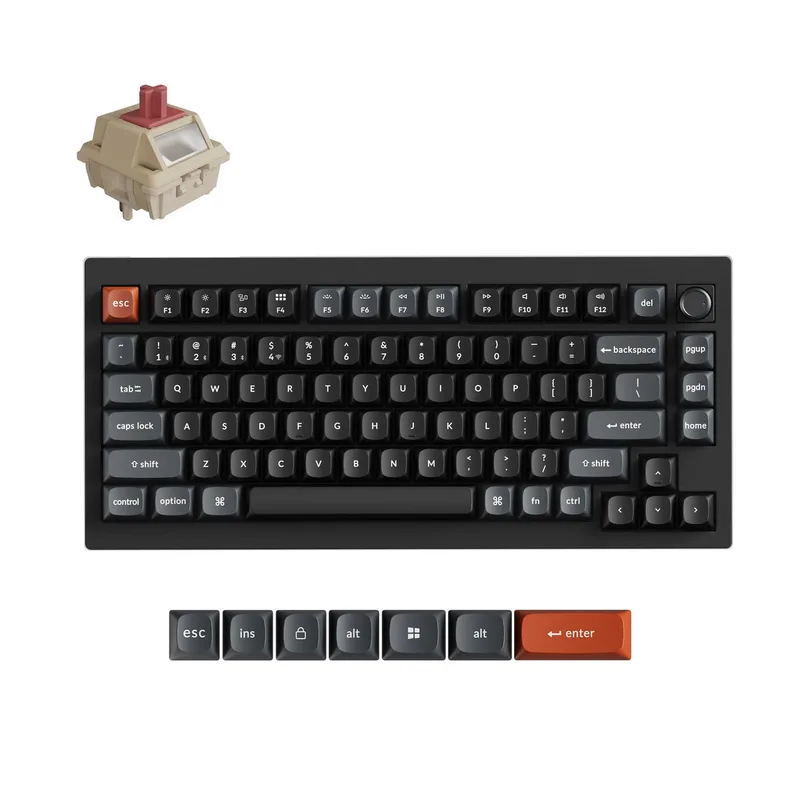 B tier #15
 Keychron V1 Ultra 8K
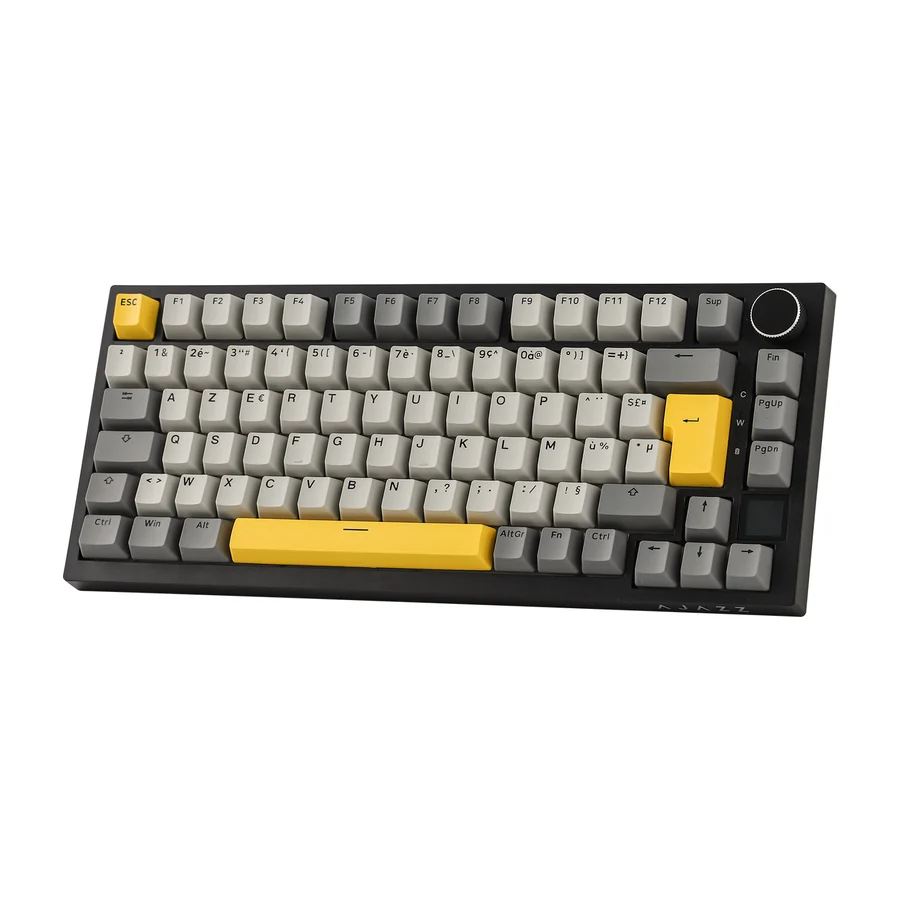 C tier #16 1 of 2 research runs entered this as a product to avoid rather than a pick.
 Ajazz AK820 Pro
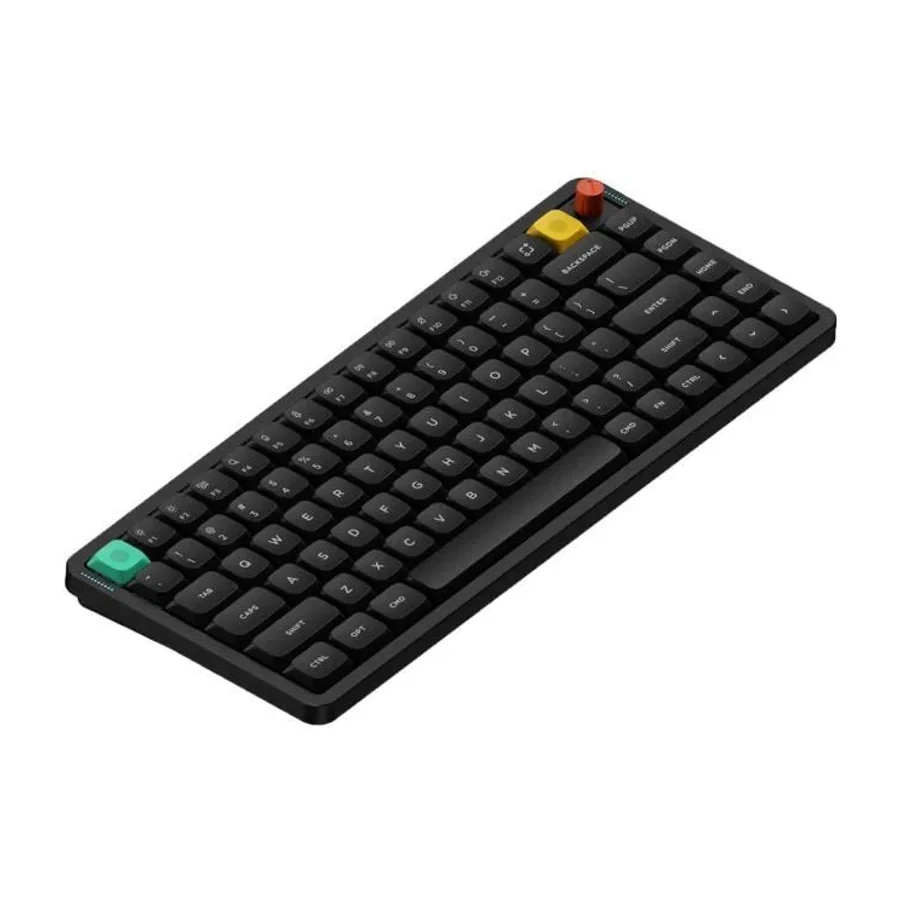 C tier #17
 NuPhy Air75 V3
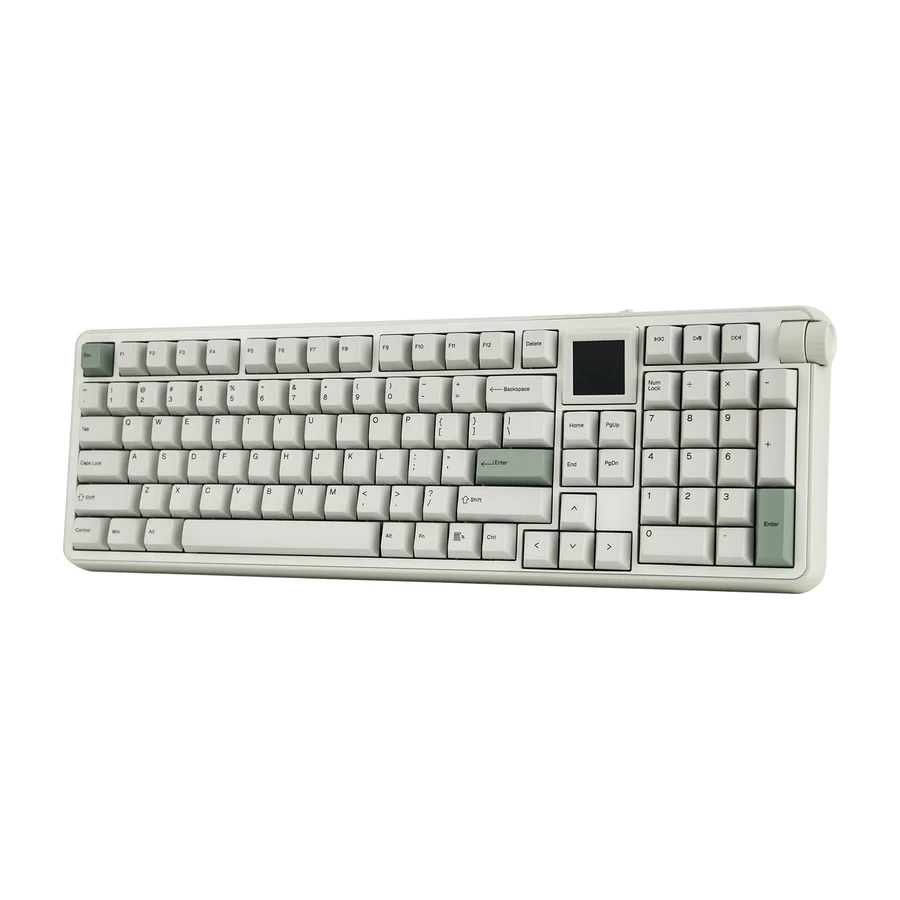 C tier #18 1 of 2 research runs entered this as a product to avoid rather than a pick.
 Epomaker RT100 Pro
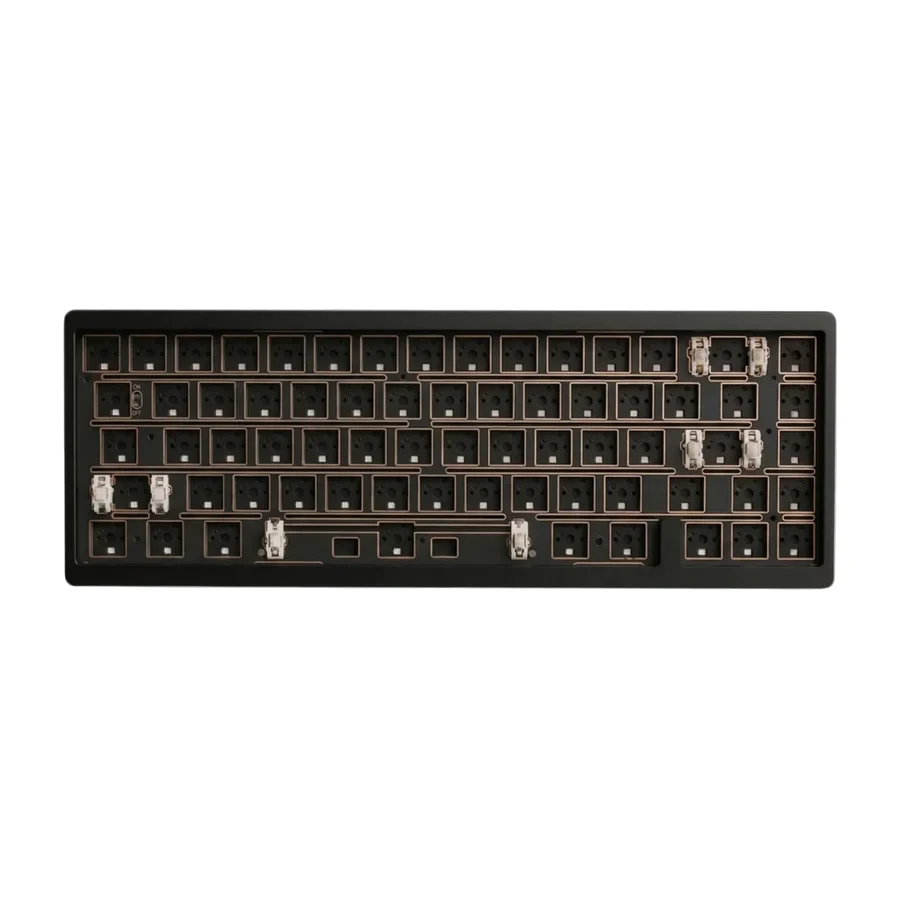 D tier #19
 Weikav Nut65
 D tier #21
 Keychron K2 Ultra 8K
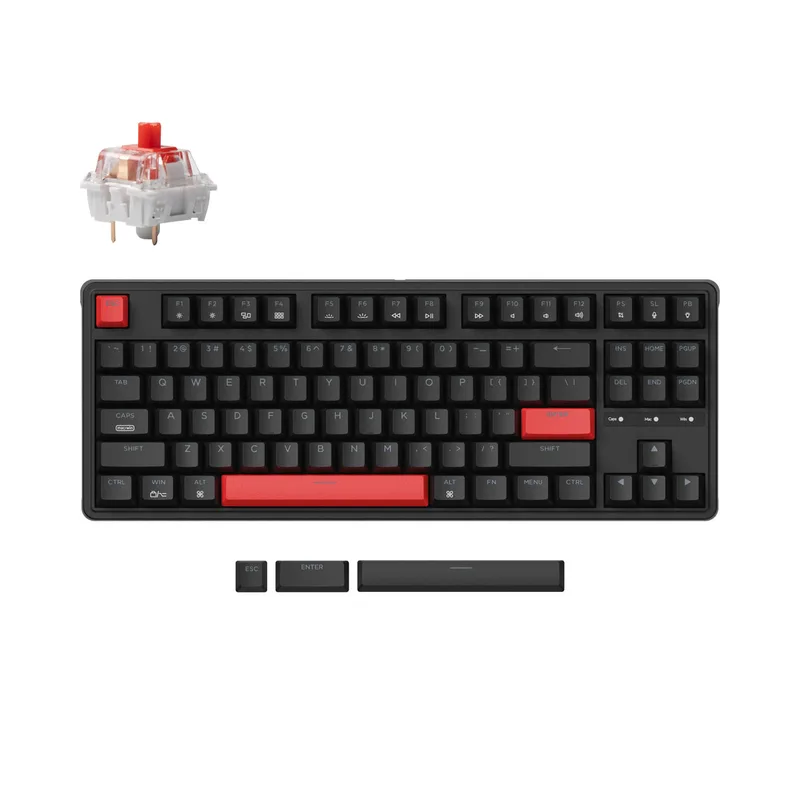 D tier #22
 Keychron C3 Pro
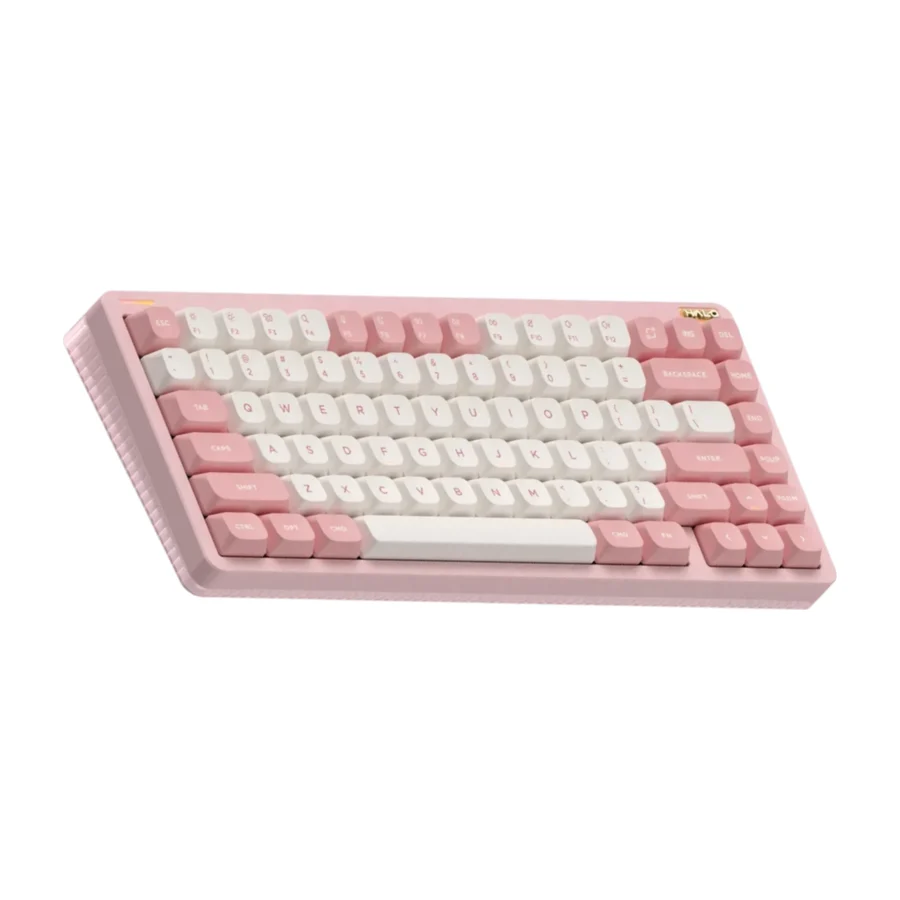 D tier #23 1 of 2 research runs entered this as a product to avoid rather than a pick.
 NuPhy Halo75 V2
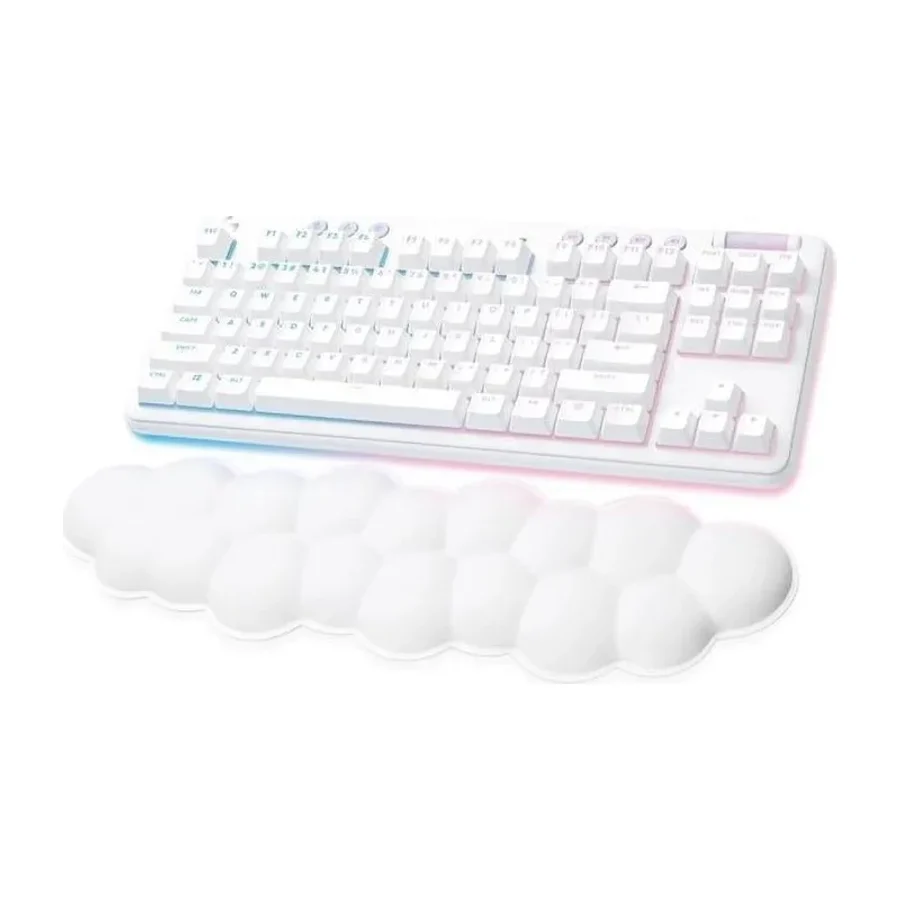 D tier #24
 Logitech G715
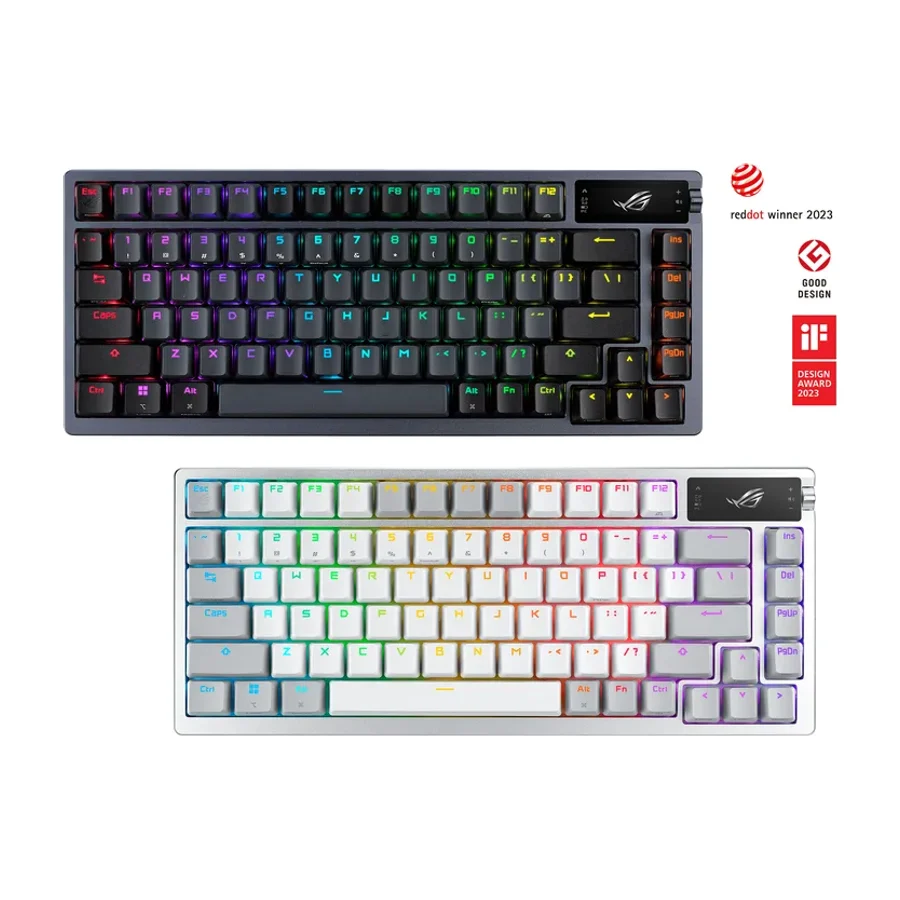 F tier #25 4 of 7 research runs entered this as a product to avoid rather than a pick.