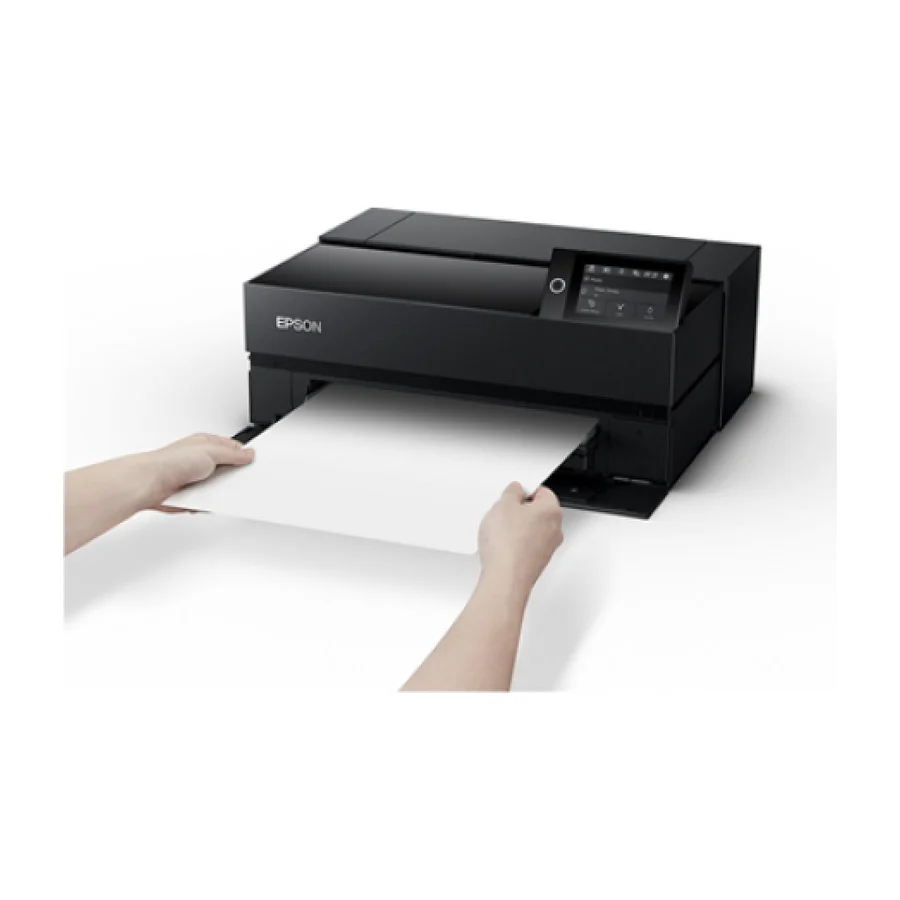
Epson SureColor P700
Ranked #1 for its professional-grade pigment inks, 13-inch wide format and Epson’s strong long-term support reputation, making it the most reliable photo printer for years of use.
Consolidated from 21 cited sources across 17 outlets
Where the cited sources landed, as we read them
- 1 glowing source
- 14 positive sources
- 3 mixed sources
- 2 unconvinced sources
Pros & cons
- ✓ Professional-grade pigment inks ensure long-lasting prints
- ✓ 13-inch wide format accommodates large photos
- ✓ Epson’s pro line offers strong long-term support
- ✓ Best-in-class 13-inch pigment output
- ✓ Archival longevity of prints
- ✗ Higher ink cost per photo reduces overall value
- ✗ Epson's middling consumer reliability surveys
- ✗ High cartridge ink costs reduce cost-per-print economics
- ✗ Epson's weaker brand reliability record
- ✗ Pigment nozzle clog risk when the printer sits idle
The sources behind this ranking
We searched the web and YouTube for what has been published about this product, then read the articles, video transcripts and comments we found. 1 outlet wouldn't let us check its link.
Evidence 10 articles, 8 video reviews and 3 community sources

14 positive sources
 Pcmag Article
 Although we refer to the Epson SureColor P700 as a "dedicated photo printer," that's essentially shorthand for the fact that it's designed for both professional photographers and graphic artists. That target market absolutely requires state-of-the-art quality, and the P700 delivers it in spades. Much of the credit goes to its 10-color ink system, which delivers a much larger gamut (range of colors) to work with than printers with fewer ink colors can offer. It also includes a light gray ink, which helps improve subtle shading in both color and grayscale prints. All that really matters, of course, is the final result: images that offer vibrant color, dark blacks, and top-tier color accuracy.Read W
 Wex Photo Video Wex Photo Video · 130K subscribers · Jul 2020
 If you're after a small, yet powerful A3+ printer, the new Epson P700 might just be the printer for you! With a wide colour gamut created by 10 UltraChrome PRO10 inks along with an easy to use display and up to to 13" wide prints, the new P700 is definitely a photo printer to get excited about.Watch P
 PrintersMag UK PrintersMag UK · reviewer
 Comparing the portable Selphy CP1500 to the professional SureColor SC-P700 highlights the divide between casual mementos and gallery-grade art. The Epson P700 is a high-end pigment printer that produces archival A3+ prints for sale and exhibition. The Selphy is a convenient dye-sublimation tool for smudge-proof 4x6 snapshots. For the serious artist or professional photographer, the Epson P700 is the essential winner for its superior material compatibility and print longevity. The Selphy is a fun secondary device, but the Epson is a professional-grade revenue-generating tool.Read K
 Keith Cooper Keith Cooper · 72.9K subscribers · Feb 2022
 Keith looks at using a baryta style paper in the Epson P700 pigment ink printer. Printing from the free Epson Print Layout software he use the ABW (Advanced Black and White) mode, discussing how it improves on using ICC printer profiles for black and white. For a colour print the correct profile helps, but there are some aspects of how the printer works which give ABW an advantage over using a 'colour' print mode.Watch I
 IzyDrivers Article
 The**Epson SureColor SC-P700**is the clear winner for professionals. It features a 10-color UltraChrome Pro10 pigment system that outputs gallery-grade results with deep blacks and exceptional tonal precision. Monochrome specialists especially appreciate its Black Enhance Overcoat feature. With support for A3+ fine art media, it’s one of the strongest choices among the**best photo printers**for studio work.Read K
Keith Cooper Keith Cooper · 72.9K subscribers · Feb 2022 Keith looks at using a custom page size to print a panoramic image on the Epson P700 pigment ink printer. The setup is the same with the larger P900 as well. Using the free Epson Print Layout software and the ABW (Advanced Black and White) print mode rather than an ICC profile gives superior B&W printingWatch P
 Petapixel Article
 The SureColor P700 uses pigment-based inks, which promise longer-lasting prints and improved archival quality. It is designed for photographers who want greater control over print output, particularly for fine art or exhibition work. Its compact design helps it fit into smaller studios while still offering professional-level features. With the price now at $699, it undercuts its previous $849 listing.Read F
 Fotospeed Fotospeed · 19.8K subscribers · Feb 2022
 3:21 P700 wins Black and WhiteWatch D
 Digital Camera World Article
 I find the SC-P700 easy and intuitive to use, helped by the inclusion of a 4.3-inch color touchscreen. I also like that built-in connectivity options include USB 3.0, Ethernet and Wi-Fi. I hated the fact that previous versions of Epson’s 10-ink printers only had nine channels in the print heads.Read 1
 10best Picks 10best Picks · 3.6K subscribers · Aug 2025
 In this case, the Vervio cartridges performed admirably. Colors were generally accurate and vibrant with good saturation and tonal range. Photo prints exhibited a pleasing level of detail, and the different shades of gray in monochrome prints were well defined. The black inks produced deep, rich blacks, which is crucial for both text and image printing.Watch P
 Photo Article
 He told me that the Epson actually beats the Canon in regards to output, but only by a very small margin.Read G
 Gadget droid Gadget droid · 1.4K subscribers · May 2026
 In conclusion, the Epson SureColor P700 13-in printer is an absolute powerhouse of a printer that will take your printing game to the next levelWatch F Facebook Hunter Robinson · owner
I was hearing that Epson has better control for printing lenticulars.View post G
Gadget droid Gadget droid · 1.3K subscribers · Jul 2026 The Epson Surecolor P700 boasts an impressive range of features, including its UltraChrome K3 Vivid Magenta ink set, which provides a wide color gamut and vibrant colors. It also has a high-resolution print head and advanced paper handling capabilities, making it ideal for printing professional-quality photos and artwork.Watch
3 mixed sources
 Imagen Ai Article
 What I like: The P700 has an expanded color gamut , especially with its new Violet ink. The black-and-white output is just stunning. Epson’s “Carbon Black” mode creates some of the deepest, richest blacks I’ve ever seen.Read K
Keith Cooper Keith Cooper · 72.9K subscribers · Aug 2025 P700's great printer. I tested it. Um bit on the thirsty side whether you start up with those little small cartridges. Um you've still got to use your initial cartridges when you start it up and and initialize the printer.Watch R
 RGB uk Mark Shaw · reviewer
 Where Epson wins is in studios already heavily invested in Epson colour management workflows; the switching cost of retraining outweighs the print quality difference for many teams.Read
2 unconvinced sources
I am so frustrated with my own P700. It is truly the fussiest most annoying printer that I have ever owned. It often jams which requires following a long tedious sequence of steps very precisely. If you do anything at all without waiting for a prompt, give up! And the borderless printing with max expansion still leaves a narrow border at one edge of my pages.View post F Facebook Jon Haverstick · owner
However, I'm pulling my hair out trying to print my digital negatives to my Epson P700. I'm using the front / no no eject roller paper feed setup to avoid the pizza wheel tracks I get when I feed from the rear paper feeder. Printing to Pictorico or Fixxons OHT material.View post
1 stance not read source

Frequently asked questions
It ranks #1 of 16 on our photo printers tier list, in S tier. That placement draws on 21 cited sources across 17 outlets.
2 of the 20 sources with a clear view are critical of it: Facebook and Instagram. Higher ink cost per photo reduces overall value. Epson's middling consumer reliability surveys. High cartridge ink costs reduce cost-per-print economics. Epson's weaker brand reliability record. Pigment nozzle clog risk when the printer sits idle.
Ranked nearby in Photo Printers
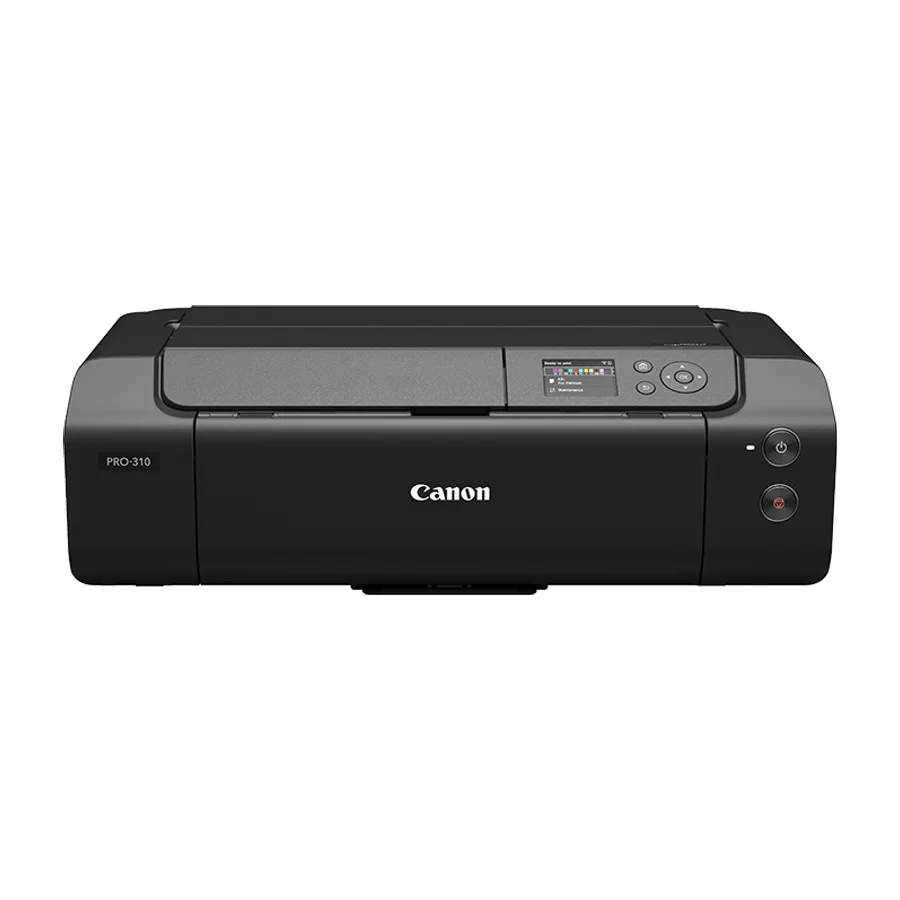 S tier #2
 Canon imagePROGRAF PRO-310
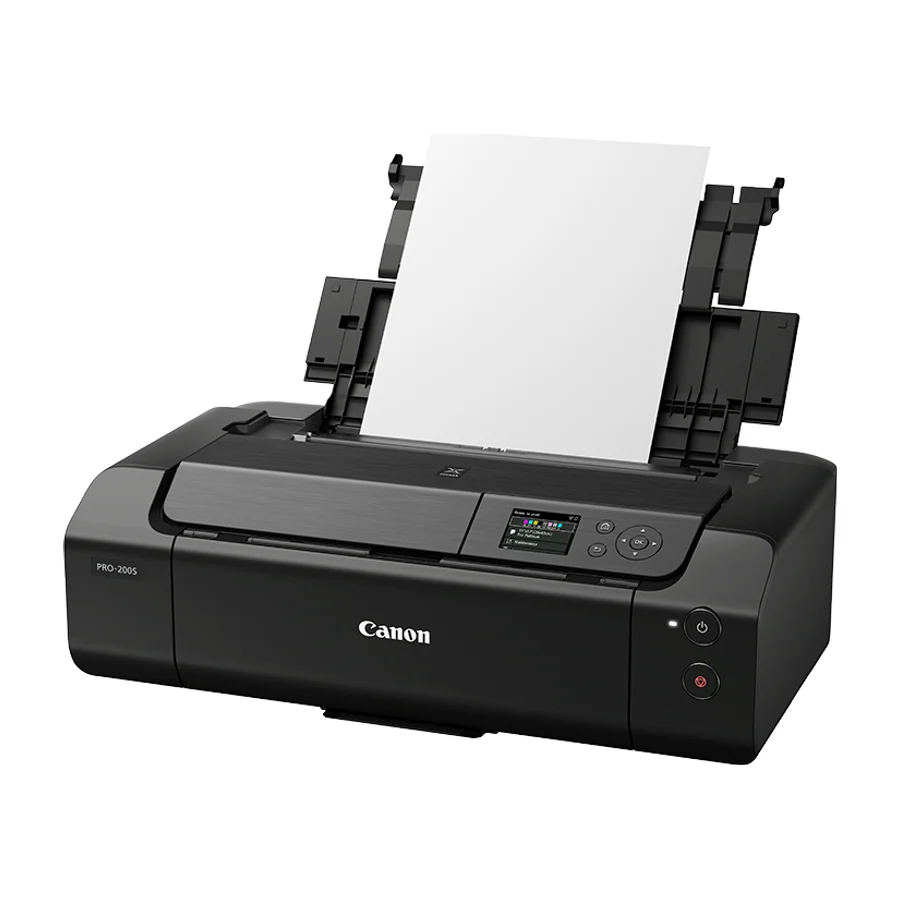 A tier #3
 Canon PIXMA PRO-200S
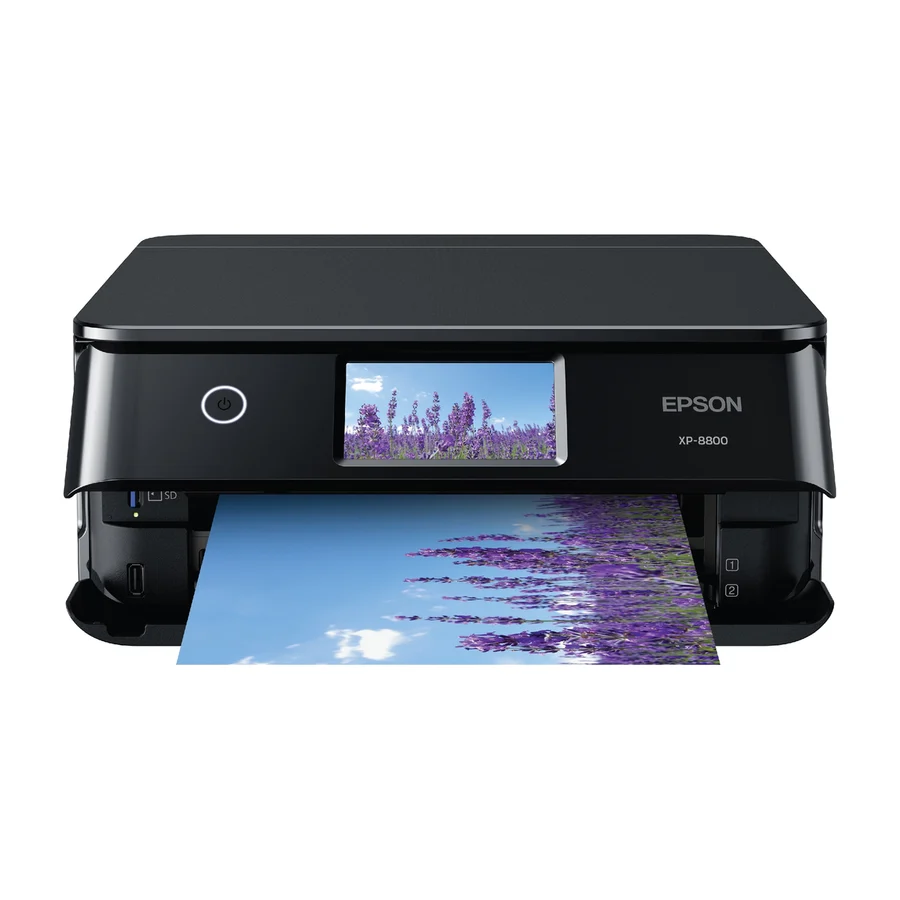 A tier #4 1 of 16 research runs entered this as a product to avoid rather than a pick.
 Epson Expression Photo XP-8800
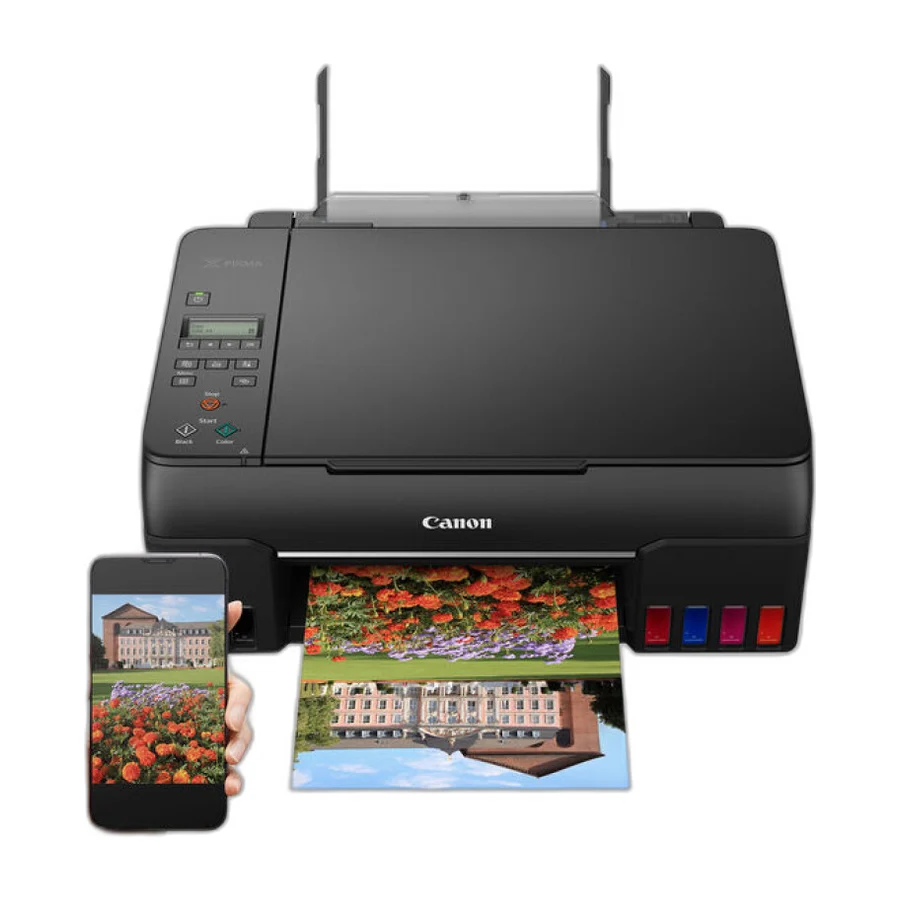 B tier #5
 Canon PIXMA G620
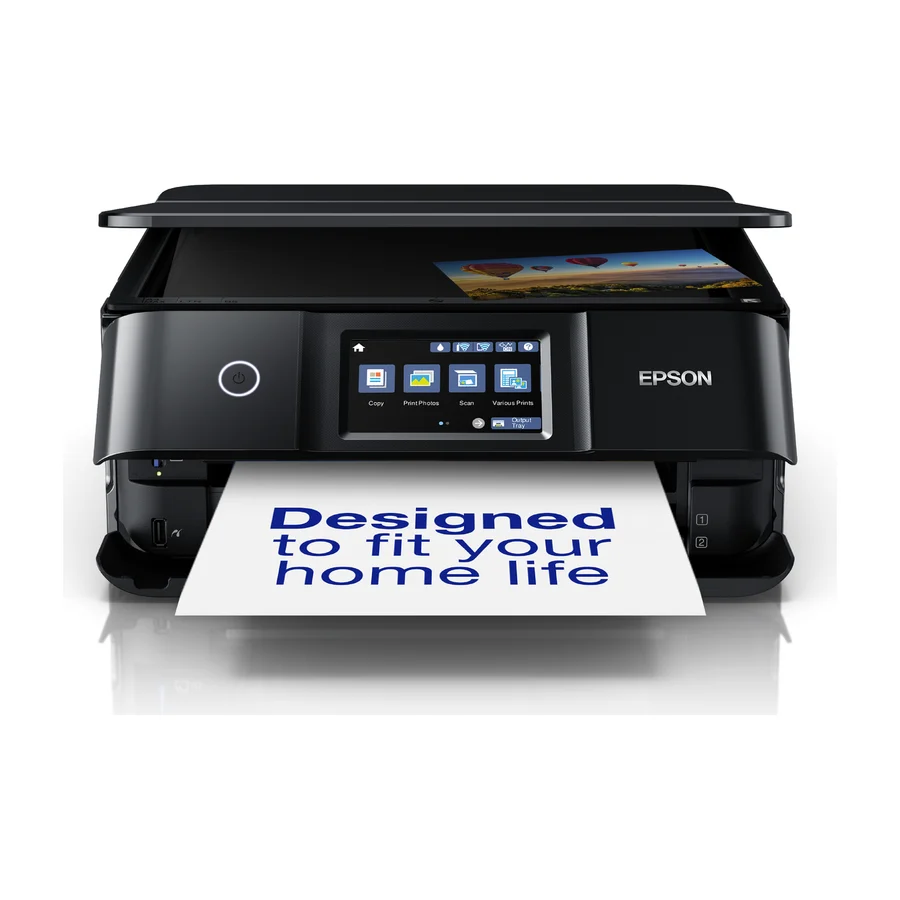 C tier #6
 Epson Expression Photo XP-8700
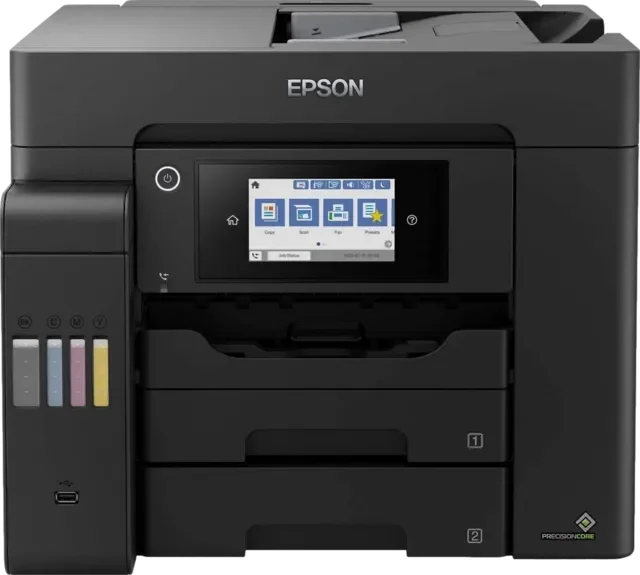 D tier #12 3 of 8 research runs entered this as a product to avoid rather than a pick.
 Epson EcoTank Pro ET-5850
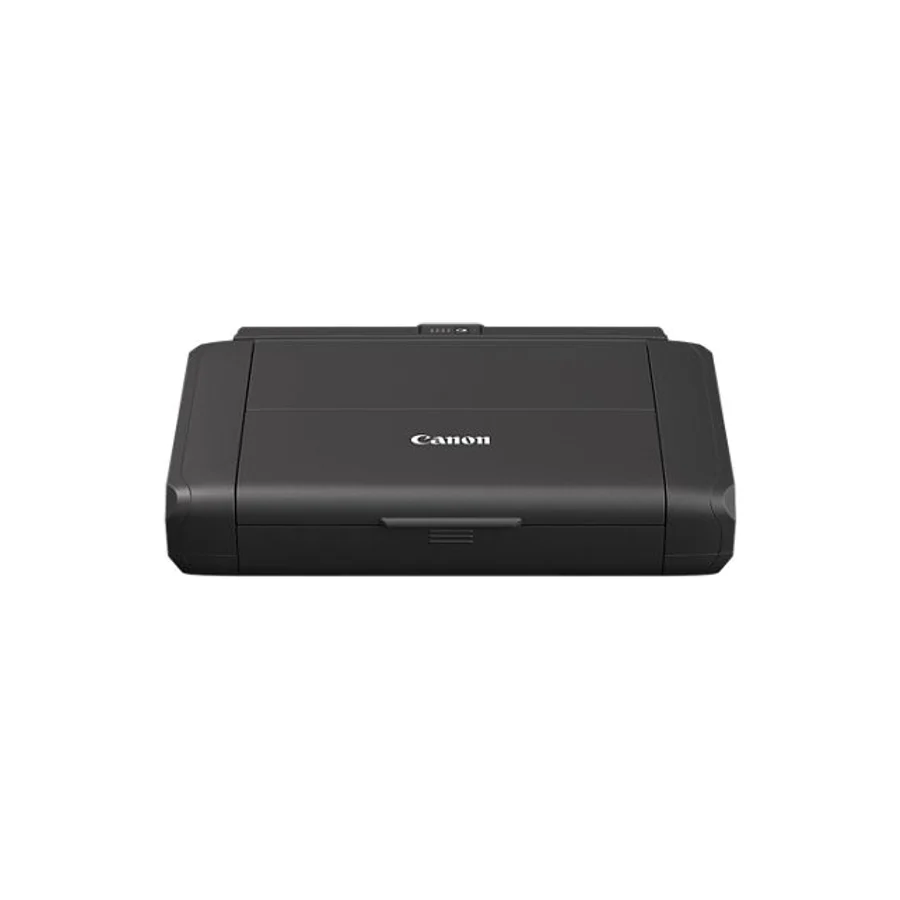 F tier #13 3 of 5 research runs entered this as a product to avoid rather than a pick.
 Canon PIXMA TR160
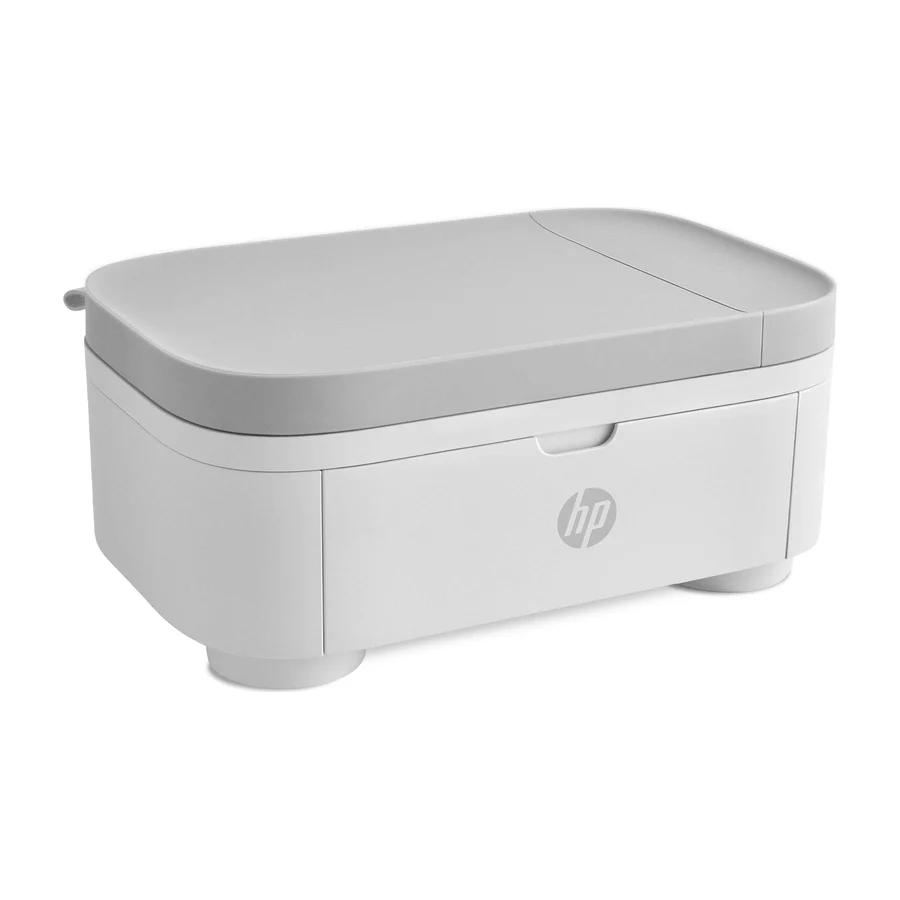 F tier #14 6 of 7 research runs entered this as a product to avoid rather than a pick.
 HP Sprocket Studio Plus
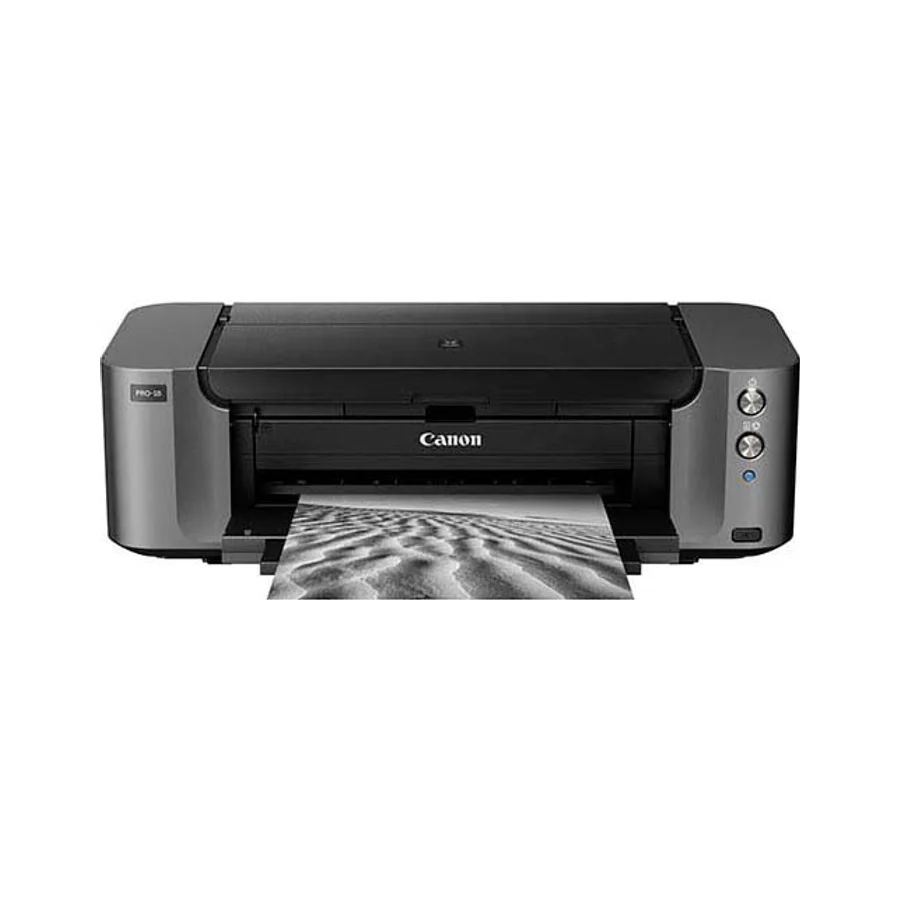 F tier #15 9 of 11 research runs entered this as a product to avoid rather than a pick.
 Canon Pixma Pro-100
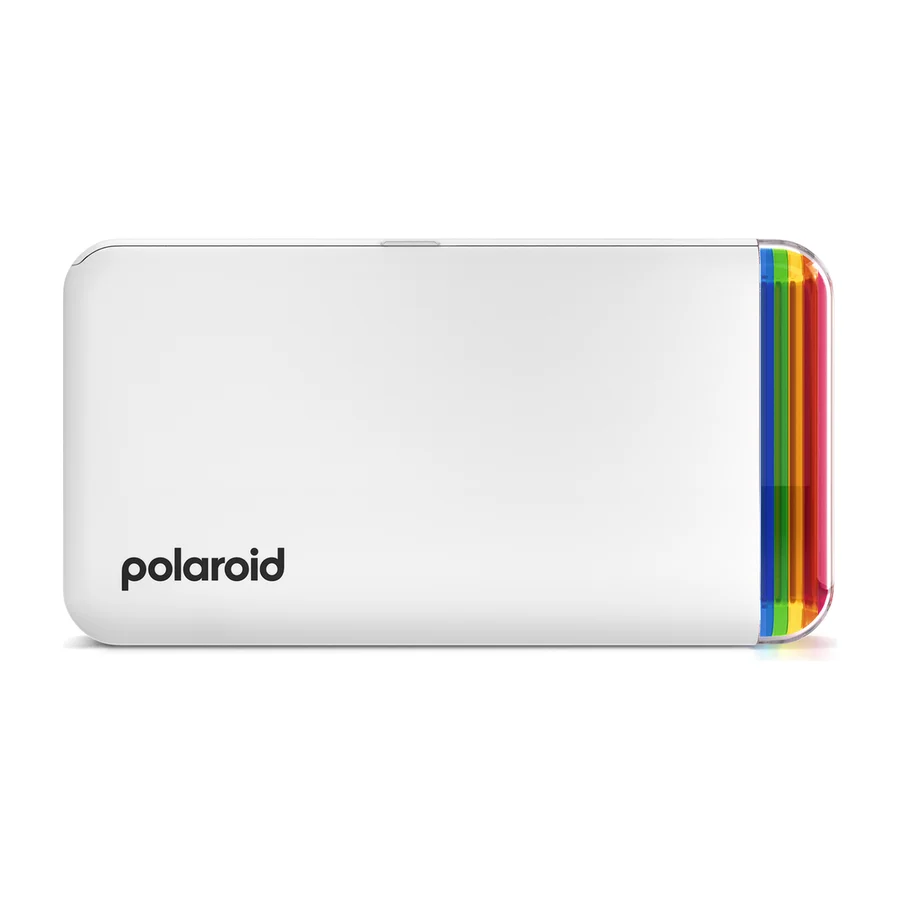 F tier #16 4 of 11 research runs entered this as a product to avoid rather than a pick.