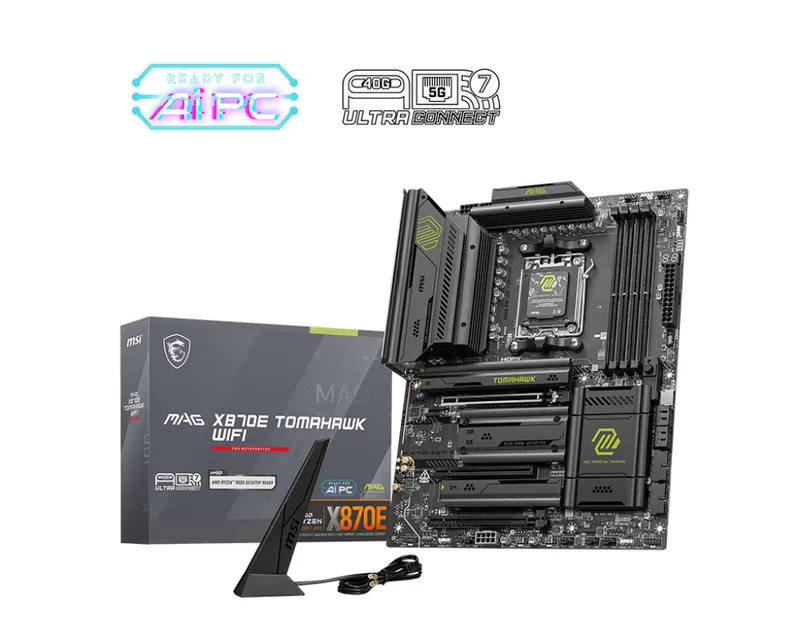
MSI MAG X870E Tomahawk WiFi
The X870E variant adds PCIe 5.0 support and a refined power stage, keeping the same proven durability.
Consolidated from 33 cited sources across 28 outlets
Where the cited sources landed, as we read them
- 1 glowing source
- 1 enthusiastic source
- 26 positive sources
- 5 mixed sources
1 of 10 research runs entered this as a product to avoid rather than a pick.
Same as #7 but without recent firmware improvements; still decent but not worth the extra cost.
Flagged 27 July 2026
Pros & cons
- ✓ PCIe 5.0 support
- ✓ Refined power stage
- ✓ Same durability as X870
- ✓ Excellent performance
- ✓ Solid build quality
- ✗ Costs noticeably more than the X870 Tomahawk
The sources behind this ranking
We searched the web and YouTube for what has been published about this product, then read the articles, video transcripts and comments we found.
Evidence 20 articles, 8 video reviews and 5 community sources

26 positive sources
MSI built the MAG X870E Tomahawk WiFi around AMD’s X870E chipset, which brings full support for Ryzen 9000, 8000, and 7000 series processors through the AM5 socket. The dual-chipset architecture inherent to X870E boards provides enhanced connectivity compared to standard X870 variants, a distinction that becomes apparent when examining the board’s expansion capabilities.Read J
 Jordan Ash Jordan Ash · 25.9K subscribers · Jan 2025
 Today, we look at the MSI MAG X870E Tomahawk, which could be the best-value X870E motherboard on the market!Watch T
 Tech Critter Article
 The MAG Tomahawk series has always been MSI’s go-to option for builders who want stability, strong power delivery, and a no-nonsense feature set without paying flagship prices. With AMD’s X870E chipset now in play, theMAG X870E Tomahawk MAX WiFicontinues that tradition, but with several meaningful upgrades that make it far more future-proof than its predecessor.Read C
 Computer Games Hardware Computer Games Hardware · 10.2K subscribers · Apr 2025
 So, I'm quite thrilled about it. All right, enough looking at me. Let's get stuck into the build video. stick around to the end as well because I talk about some of the issues and uh things that I had with uh keeping my install of Windows and stuff like that. So, uh enjoy everyone.Watch A
 and Don’t Want to Touch Again Anytime Soon – DataHolic Marcel · reviewer · Dec 2025
 If you want a solid, well-equipped AM5 board that doesn’t drift into the extreme high-end pricing tier, this is an excellent candidate. It’s not the flashiest or loudest board — but it’s one you can depend on. And sometimes that’s the most important trait of all.Read A
 ALKtech ALKtech · 7.8K subscribers · Jan 2025
 Great for high-end Ryzen 9000 PC builds in white!Watch E
 eTeknix Peter Donnell · reviewer · Jun 2026
 MSI are no stranger to high-end motherboards, and today, we’ve got their lovely new MAG X870E TOMAHAWK MAX WIFI. While this isn’t their most extreme motherboard, both in terms of features and price, it’s still very much brimming with premium features.Read M
 MoboMaps MoboMaps · 6.5K subscribers · Jul 2025
 One of the benefits of the X870E Tomahawk is that it lets you choose whether you want USB 4 or a second M.2 slot at Gen 5.Watch E
 EveZone GPUGuru · reviewer · Nov 2025
 If you're looking for the definitive motherboard for Ryzen 9000, MSI's latest TOMAHAWK is a prime candidate. The MSI MAG X870E TOMAHAWK MAX WIFI is built for gamers and creators who want to extract every ounce of performance without unnecessary fluff.Read R
 RealMelTan RealMelTan · 5.6K subscribers · Jun 2025
 But I like that this MSI HDI is not just any other plane board. There are polished or more like shiny surfaces on the VRF heat sinks. the top MOT heat sink as well as on the PCH area.Watch T
 Tom's Hardware Article · Dec 2025
 We’ve taken a close look at MSI’s back-connect motherboards before from a build-specific angle , but the X870E Tomahawk MAX Wi-Fi PZ (the “PZ” in the name stands for Project Zero) is the first board from the lineup to land on our review testbed.Read T
 Top 5 Trey Top 5 Trey · 1.3K subscribers · Mar 2026
 And right away, you can tell it's designed for enthusiasts who want stability, speed, and future-ready hardware. Quick reminder before we jump in.Watch G
 GeekaWhat Katherine Neul · reviewer · Jan 2026
 If you’re looking for a motherboard that’s reliable, high‑spec, and packed with the features modern systems demand – all at an affordable price – the MSI MAG X870E TOMAHAWK MAX WIFI is an outstanding choice.Read G
 Gear Nexis Gear Nexis · 162 subscribers · Jul 2026
 The MSI MPG X 870 E Carbon Wi-Fi is a premium AM5 motherboard built for enthusiasts who want cutting-edge connectivity, powerful overclocking capabilities, and long-term upgrade support.Watch N
 note(ノート) pc_masami · reviewer · May 2026
 The MAG X870E TOMAHAWK WIFI is more likely to provide high satisfaction when chosen as a foundation for stably using high-end CPUs and large GPUs rather than for entry-level builds. Includes PR.Read F Facebook Kiril Georgiev · owner
Runs great no issues whatsoever. Running 4 sticks of kingston fury beast ddr5-6000. Total 64gb. (4×16gb). Also have 4 kc3000 drives, 7tb total and an msi 5080 suprim. 9800x3d with an msi aio.View post G
GeekaWhat Jay Harris · reviewer · Oct 2025 The MSI MAG X870E TOMAHAWK MAX WiFi sees the return of the PROJECT ZERO design on the X870E chipset, geared towards those looking to build a high-end system with the Ryzen 9000 range of CPUs.Read T
Tom's Hardware Article · Dec 2025 The MSI X870E Tomahawk MAX WiFi PZ peaked at 260W and idled at 85W. Surprisingly, it uses more power than most boards we’ve tested, but isn't out of line to make a real complaint.Read T
 The FPS Review Rick Patterson · reviewer · Dec 2025
 So far in our part one and part two reviews, we have been very impressed with what MSI has come up with in Project Zero.Read L
 Linustechtips Article
 Look at a X870E board for the extra PCIe lanes if using two M.2 NVMe SSD's so that your gpu runs at x16 and not x8.Read I Instagram Instagram post
Tomahawk uses more premium parts in it and provides good cooling, user experience great 💯View post F Facebook Neil Pegg · owner
Get the X870E Carbon. Unless you’re trying to save money, then go with the Tomahawk.View post O
 Overclock3d Article
 The MSI MAG X870E Tomahawk Max is the perfect iteration of the Tomahawk formula.Read P
 PC Bottleneck Calculator Muhammad Ibrahim · reviewer
 The MSI board isn't as flashy but solidly built with good thermal management.Read B r/buildapc u/Street-Sir-1182 · owner
Definitely a good pick for anyone building their own PC for the first time.Read thread T
 Techpowerup Article
 look no further if you need an affordable X870E motherboardRead
5 mixed sources
I plan on buying this bundle this weekend, but according to the reviews, it seems the MB has a lot of issues that are still persistent even after updates.View post T
 Tech Insight Tech Insight · 11.4K subscribers · Jan 2026
 If you want a top tier X870e platform that's easy on your wallet, this is likely where you will start. It is the sensible choice for jumping into the AM5 socket supporting everything from Ryzen 7000 all the way up to the new 9000 series. Now, don't let the lower price point fool you. You are still getting a robust 14 duet rail power system with 80 amp smart power stages.Watch C
 Club386 Samuel Willetts · reviewer · Jan 2026
 Pros Great USB selection Solid build quality Intuitive BIOS Convenient feature set More universally appealing colour schemeRead V
 Vividrepairs Article
 It's the best value X870E board for Ryzen 9 builds.Read M
 Medium Article
 PCIe 5.0 M.Read
Frequently asked questions
It ranks #3 of 19 on our motherboards tier list, in A tier. That placement draws on 33 cited sources across 28 outlets.
None of the 33 sources with a clear view is critical of it. Costs noticeably more than the X870 Tomahawk.
On our motherboards board, MSI MAG X870E Tomahawk WiFi ranks #3 (A tier) ahead of Gigabyte X870E Aorus Pro at #12 (D tier). Gigabyte X870E Aorus Pro: The Pro variant offers the same durable construction as the Master but at a more accessible price point, with firmware that remains stable.
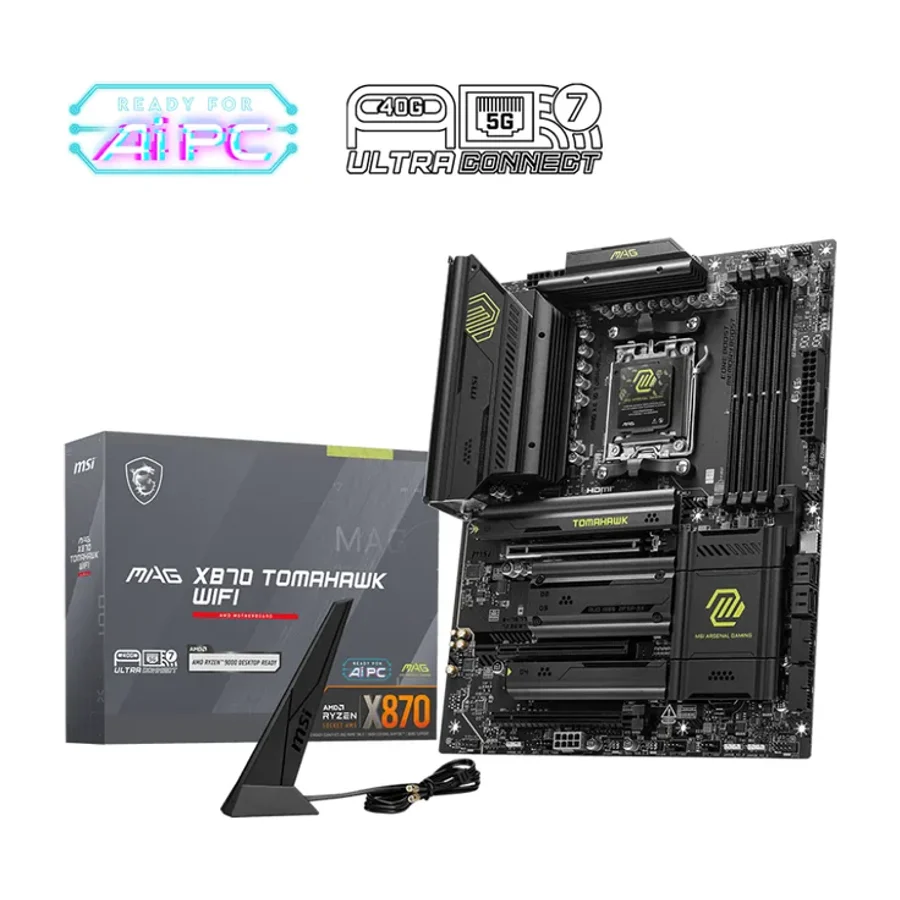
On our motherboards board, MSI MAG X870 Tomahawk WiFi ranks #1 (S tier) ahead of MSI MAG X870E Tomahawk WiFi at #3 (A tier). MSI MAG X870 Tomahawk WiFi: MSI’s flagship AM5 board delivers solid VRM, excellent BIOS and a long-term track record of reliability.
Ranked nearby in Motherboards
 S tier #1
 MSI MAG X870 Tomahawk WiFi
 A tier #2
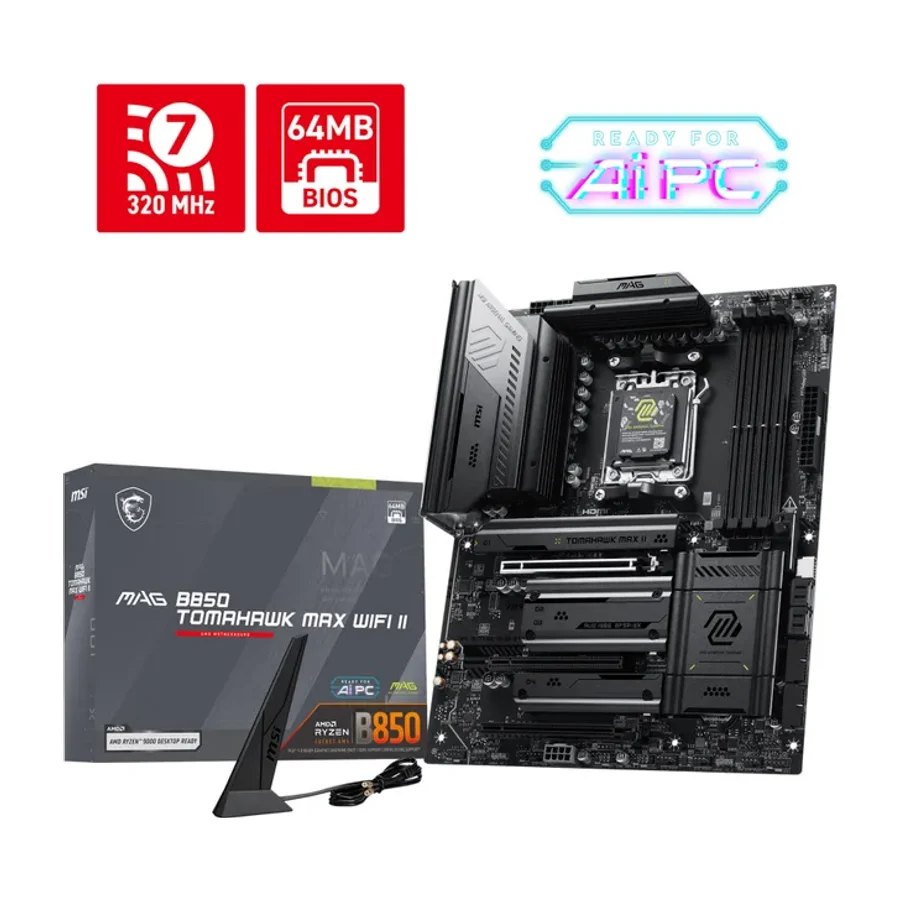
 MSI MAG B850 Tomahawk Max WiFi II
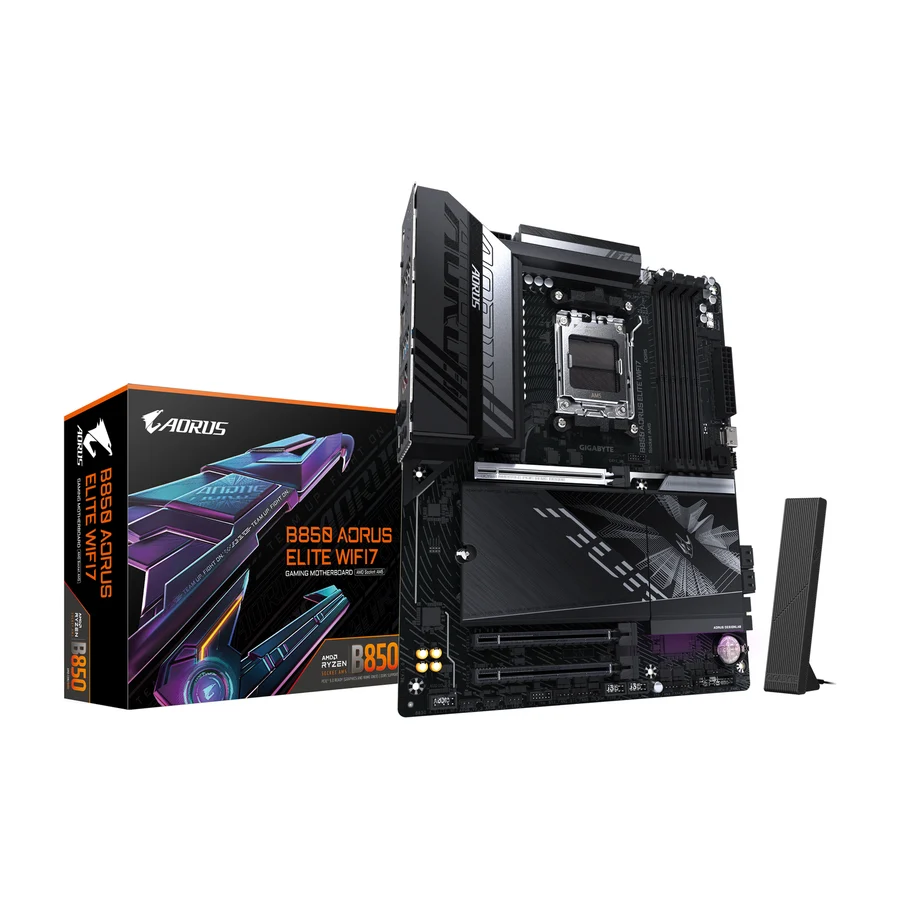 A tier #4 1 of 9 research runs entered this as a product to avoid rather than a pick.
 Gigabyte B850 Aorus Elite WiFi7
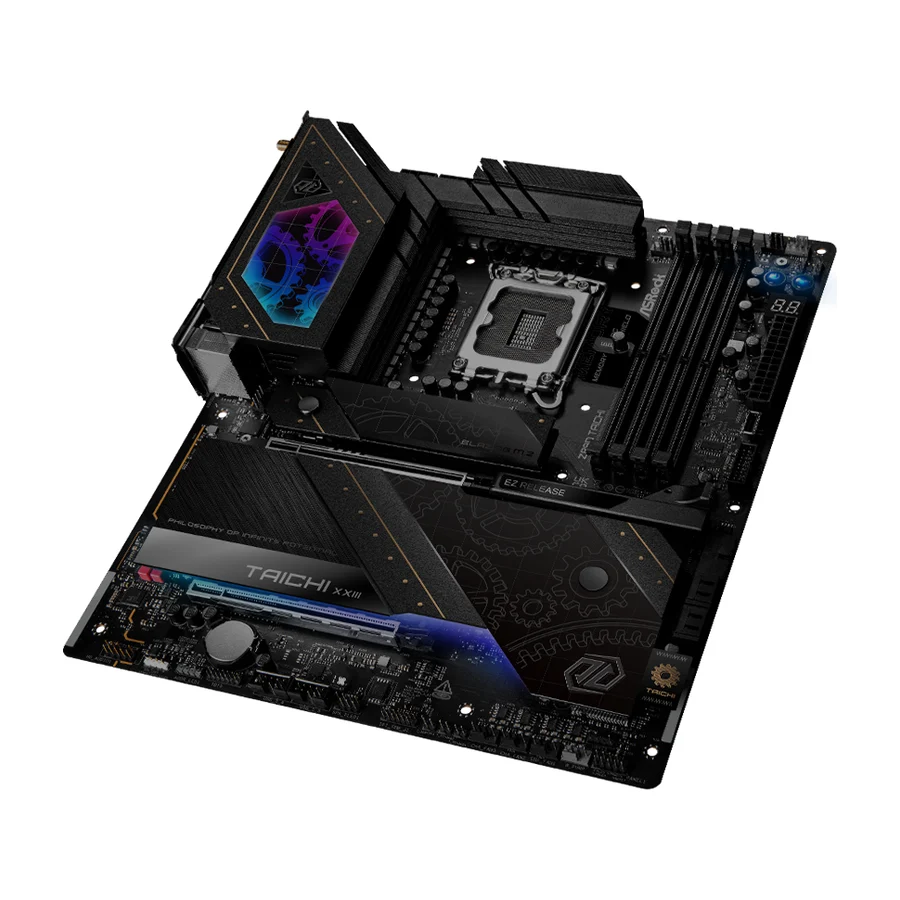 B tier #5
 ASRock Z890 Taichi
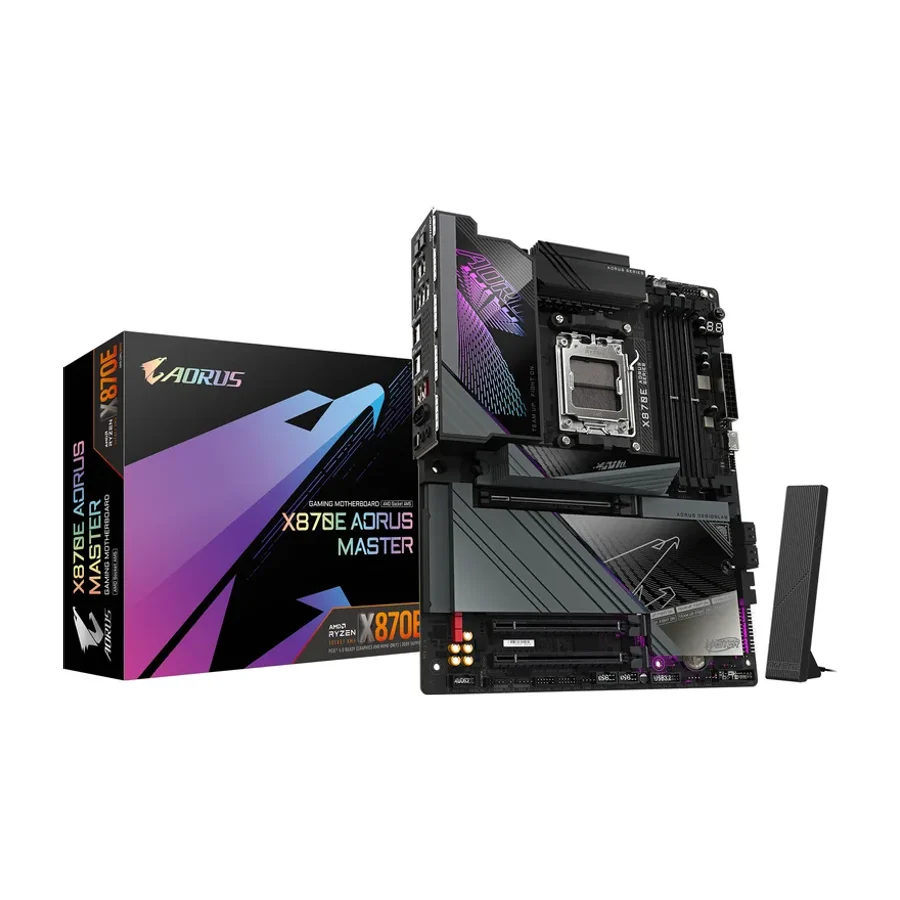 B tier #6
 Gigabyte X870E Aorus Master
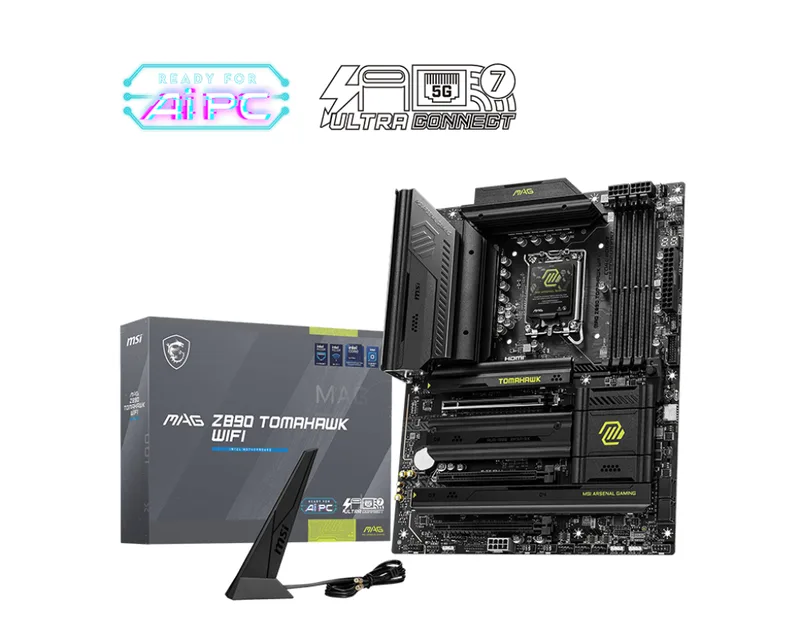 C tier #7
 MSI MAG Z890 Tomahawk WiFi
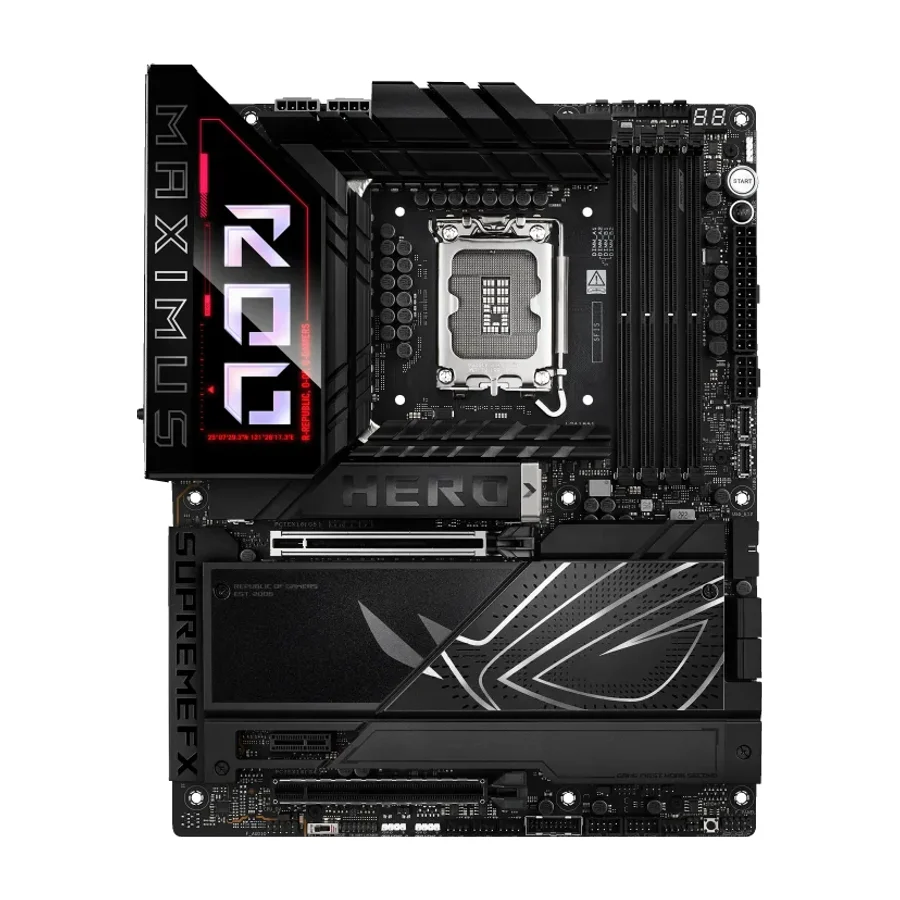 C tier #8
 ASUS ROG Maximus Z890 Hero
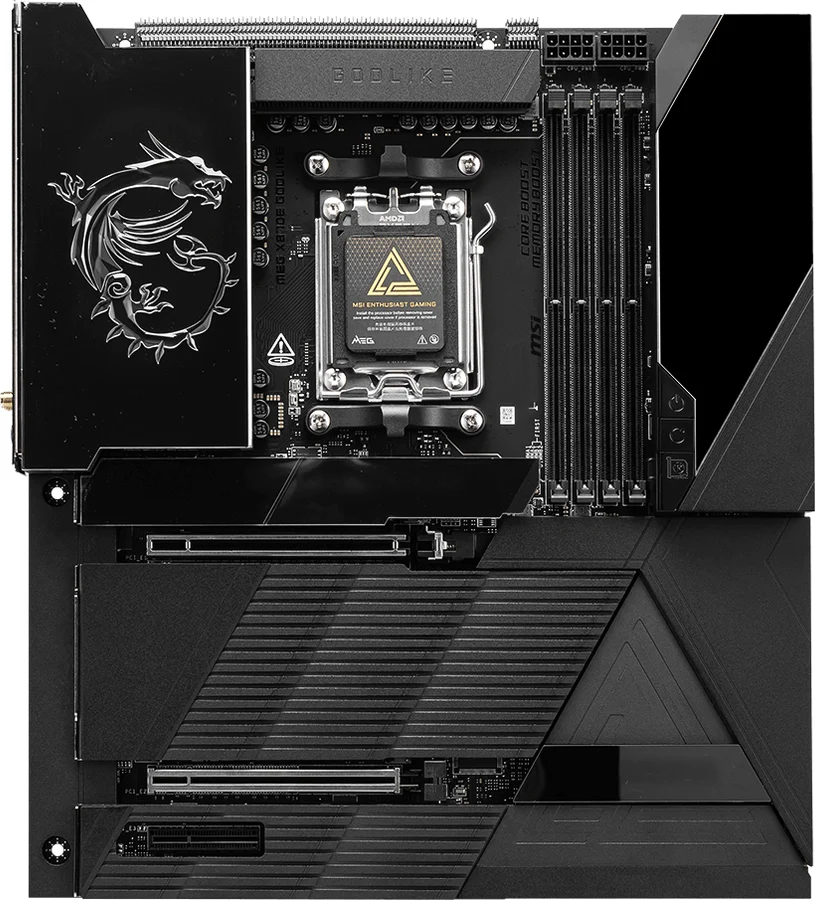 F tier #17 3 of 9 research runs entered this as a product to avoid rather than a pick.
 MSI MEG X870E Godlike
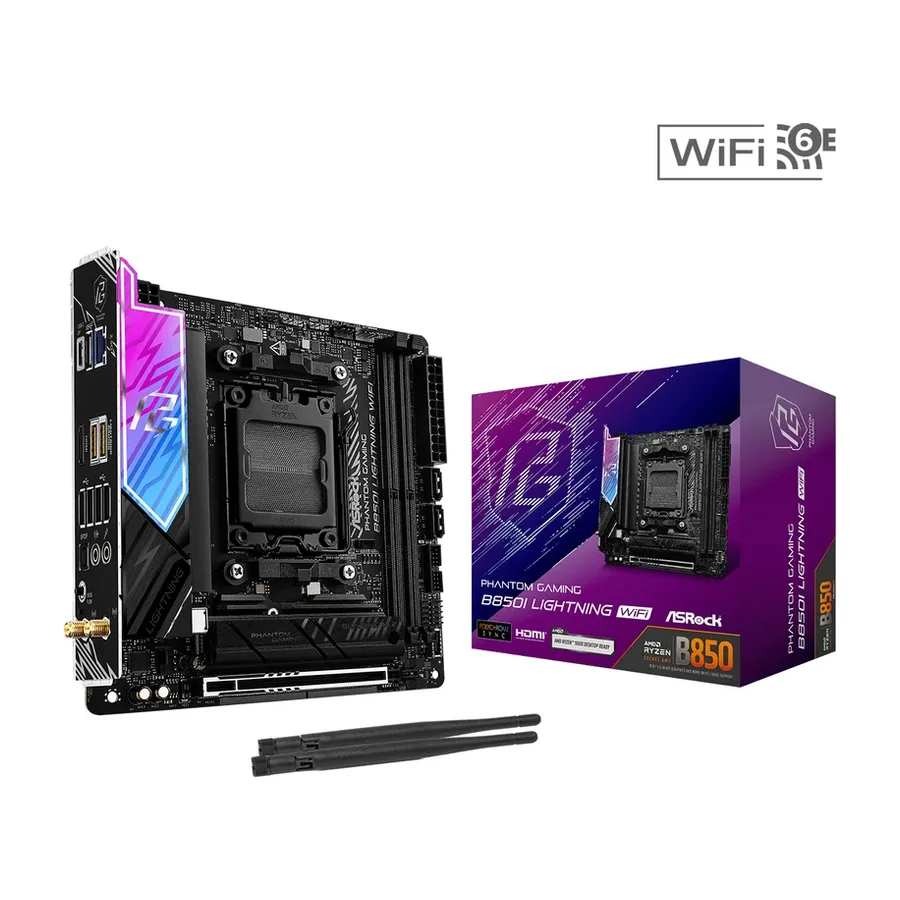 F tier #18 1 of 6 research runs entered this as a product to avoid rather than a pick.
 ASRock B850I Lightning WiFi
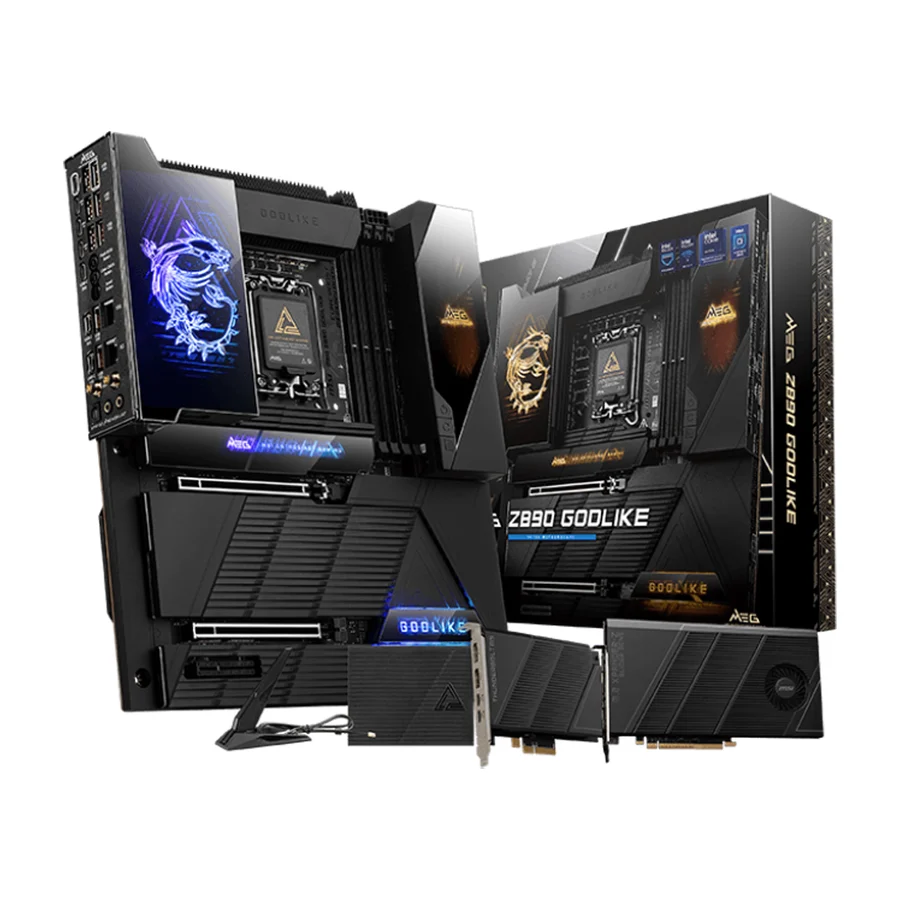 F tier #19 3 of 5 research runs entered this as a product to avoid rather than a pick.