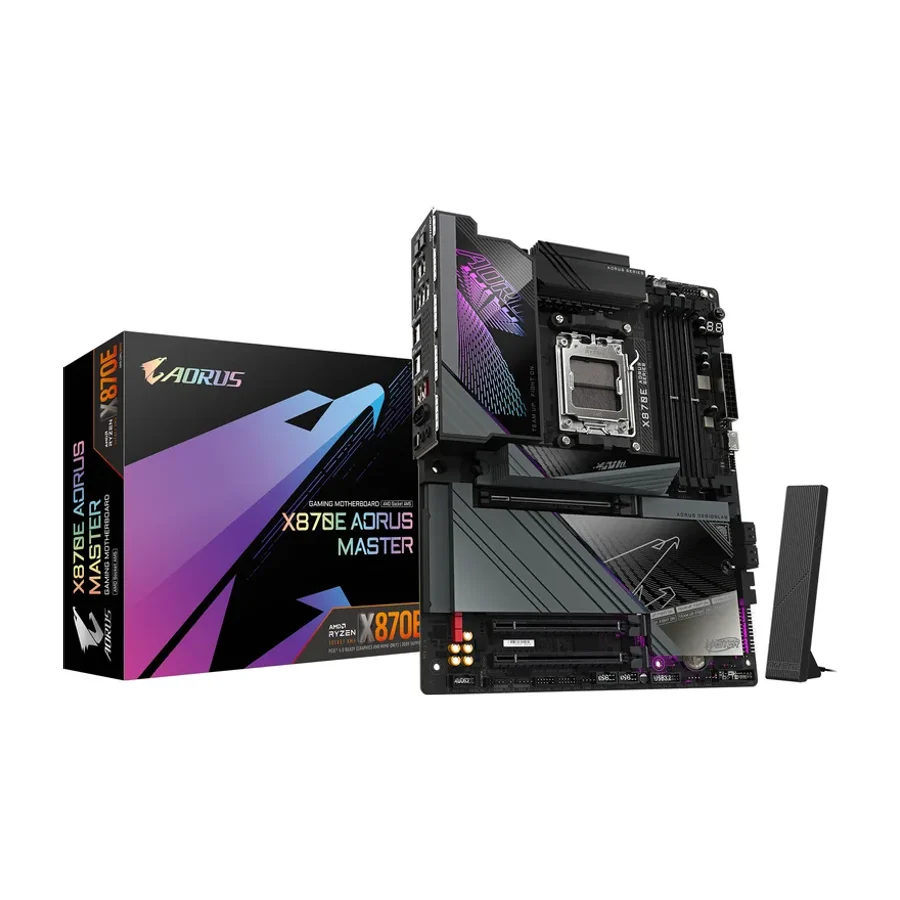
Gigabyte X870E Aorus Master
Gigabyte’s Master series is known for its solid build quality and long-term firmware support.
Consolidated from 29 cited sources across 25 outlets
Where the cited sources landed, as we read them
- 1 glowing source
- 22 positive sources
- 4 mixed sources
- 1 unconvinced source
Pros & cons
- ✓ Solid build quality
- ✓ Long-term firmware support
- ✓ Reliable
- ✓ Robust VRM
- ✓ PCIe 5.0 support
- ✗ Still a premium-priced board above the mainstream picks
The sources behind this ranking
We searched the web and YouTube for what has been published about this product, then read the articles, video transcripts and comments we found.
Evidence 15 articles, 10 video reviews and 4 community sources

22 positive sources
 Overclock.net Article · Aug 2026
 The all-new AORUS X870 X3D Series motherboards, X870E AORUS MASTER, PRO, and ELITE X3D ICE, come in both iconic black and pure-white ICE finishes and feature the AI-enhanced X3D Turbo Mode 2, delivering a market-leading 35% performance boost by intelligently adapting to real-time workloads, all without the need for manual overclocking or interruption.Read L
 Level1Techs Level1Techs · 536K subscribers · May 2025
 I found some really awesome things to the X870E or Master as I was testing.Watch T
 The FPS Review Rick Patterson · reviewer · Sept 2025
 After spending time with the GIGABYTE X870E AORUS MASTER motherboard , we came away impressed with the build and function. The motherboard is designed thoughtfully and has some very neat additions. All said, the board gave us no problems whatsoever, and performance was equally as good as other X870E motherboards we have reviewed.Read D
 DaPoets DaPoets · 42.8K subscribers · Aug 2025
 The Gigabyte X870E AORUS MASTER Motherboard for AMD AM5 CPUs is feature rich!Watch O
 Overclockers Article
 As I already mentioned, fan control works without issues and can be easily managed by the software. The Performance tab offers options to overclock our PC, but most will require a restart to take effect. I still recommend using BIOS for overclocking attempts and user profiles to recover quickly if anything goes wrong.Read L
 Laurent's Choice Laurent's Choice · 42.7K subscribers · Apr 2026
 Today we are reviewing the excellent X870 Heatkiller Master X3D from Gigabyte. A fearless piece of PCB going after products such as a ROG Dark Hero or the Carbon Max from MSI to become the next best thing in the world of production and extreme gaming. No small feat, especially considering that uh the Master X3D is the cheapest of them three.Watch B
 Back2Gaming Article · Feb 2026
 The GIGABYTE X870E AORUS MASTER X3D successfully redeems its predecessor. With robust power delivery, excellent toolless features, and a sleek stealthy design, it’s a premium foundation for any Ryzen 9000 build. Despite a few quirky design choices, it easily earns our Editor’s Choice award.Read L
Laurent's Choice Laurent's Choice · 42.7K subscribers · Jun 2026 GIGABYTE X870E AORUS PRO X3D : The PRO is back, and is better than EVER!Watch T
 Tom's Hardware Article · Nov 2025
 The X870E Aorus Master X3D Ice builds upon the non-X3D version, with more robust power delivery, a larger BIOS, connectivity enhancements, and, of course, the updated X3D Turbo 2.0 functionality for X3D chips, which Gigabyte says improves performance up to 25 percent (tested below).Read L
Laurent's Choice Laurent's Choice · 42.7K subscribers · Mar 2026 This is an exciting one, a really exciting one. Come closer. Gigabyte and I have had a bit of a rough patch in the past few months cuz I was kind of not happy with their X870 and X870E lineup of motherboard. I felt that, you know, it was not up to par compared to the competition.Watch V
 Vividrepairs Article
 If storage expansion and networking are priorities, the Gigabyte wins. If you're deep in the ASUS ecosystem with existing software and peripherals, the ROG board might make more sense. It's genuinely a close call at the top end, which is a good sign for the AORUS Master.Read H
 Hectra Hectra · 4.1K subscribers · Aug 2026
 Overall, the Gigabyte X870E AORUS Elite Wi-Fi 7 is a well-equipped motherboard that combines strong performance, modern technology, and upgrade potential. It is a good choice for enthusiasts, gamers, and professionals who want a reliable AM5 with premium features.Watch P
 Pcmag Article
 If you’re looking for the goldilocks of motherboards, with near-flagship performance and an affordable price point, the GIGABYTE X870E AORUS MASTER X3D ICE") is for you.Read D
 DZ Dano DZ Dano · 3.7K subscribers · Jul 2025
 AORUS X870E – The Ultimate AM5 Motherboard in 2025 🔥 Unmatched Power & Features!Watch I Instagram Instagram post
X870E AORUS MASTER X3D ICE nabízí špičkovou konektivitu s 5× M.2 sloty (včetně PCIe 5.0), 10GbE LAN + 5GbE LAN & Wi-Fi 7 a 2 x USB4® USB Type-C® porty.View post U
 Uniq Comparison Uniq Comparison · 14 subscribers · Jun 2026
 Finally, the Gigabyte X870E AIS Master steps up with the 16 +2 plus 2110A smart power stage, dual USB 4 ports, 4 M.2 slots, all with thermal guards, PCIe 5.0 support, 5GB LAN, Wi-Fi 7, an easy latch for tool-free installation. It also includes a sensor panel link for monitoring, and a standout 5-year warranty, which is longer than the typical 3-year coverage on most boards.Watch P
 PCWorld GIGABYTE · reviewer · Jun 2026
 GIGABYTE X870E motherboards help gamers build smarter on AM5, with modern features, future CPU support, and more room in the budget.Read A r/aorusin u/Elegant_Bottle741 · owner
Overall, it feels less like a showcase board and more like a solid foundation for serious, long-term builds.Read thread C
 Club386 Ben Hardwidge · reviewer · Mar 2026
 Read our full Gigabyte X870E Aorus Pro review for more detail about this motherboard.Read S
 Steamcommunity Motherf♥♥♥er Big Scorpio · reviewer
 Motherboard - Aorus X870E Master (bios is a joy to use)Read O
Overclock.net Article · Jul 2019 Better airflow-optimized component layout.Read K
 KitGuru Leo Waldock · reviewer · Dec 2025
 Rating: 8.5 /10.Read
4 mixed sources
Tom's Hardware Article · Apr 2026 The Gigabyte X870E Aorus Xtreme AI Top is a powerful, feature-rich flagship motherboard with strong performance across the board. With the refreshed X3D version out, the steep price and lack of reginements make it worthwhile, but only if you can buy it at the refurbished price.Read A
 Alltech Alltech · 1.7K subscribers · Jun 2026
 If aesthetics matter, ASUS has a slight edge, while Gigabyte offers a cleaner, more understated design. Power delivery and performance. When it comes to powering modern Ryzen processors, both boards are built for serious workloads. The Gigabyte X870E Elite Wi-Fi 7 features a 16 plus two plus two power design, providing stable power delivery for gaming, content creation, and multitasking.Watch A
 A woody goody Article
 The GIGABYTE X870E Aero X3D Dark Wood is stunning, yet it adds strong performance, great connectivity, and good cooling too.Read F Facebook Neil Pegg · owner
Both are great but MSI is better valueView post
1 unconvinced source

Frequently asked questions
It ranks #6 of 19 on our motherboards tier list, in B tier. That placement draws on 29 cited sources across 25 outlets.
1 of the 28 sources with a clear view is critical of it: r/gigabyte. Still a premium-priced board above the mainstream picks.
On our motherboards board, Gigabyte X870E Aorus Master ranks #6 (B tier) ahead of Gigabyte X870E Aorus Pro at #12 (D tier). Gigabyte X870E Aorus Pro: The Pro variant offers the same durable construction as the Master but at a more accessible price point, with firmware that remains stable.
On our motherboards board, Gigabyte X870E Aorus Master ranks #6 (B tier) ahead of ASUS ROG Strix Z790-E Gaming WiFi II at #16 (F tier). ASUS ROG Strix Z790-E Gaming WiFi II: Premium Z790 board with top-tier power delivery and features. Priced high, but still offers better performance per dollar than many flagship boards.
Ranked nearby in Motherboards
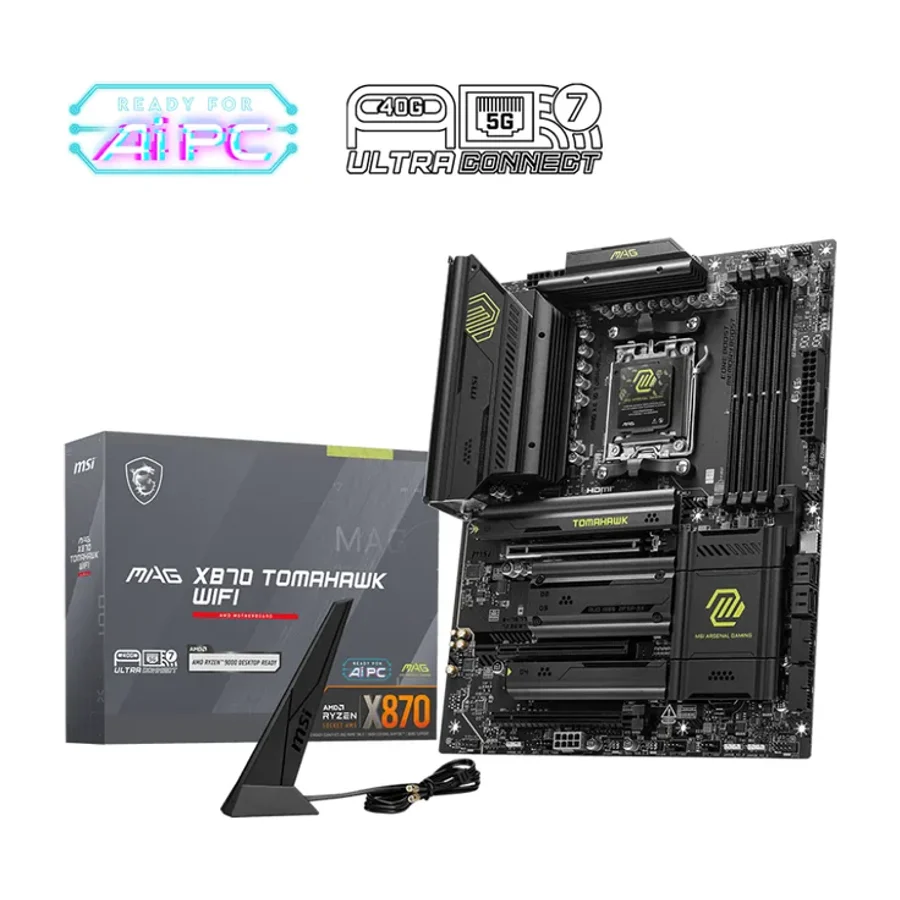 S tier #1
 MSI MAG X870 Tomahawk WiFi
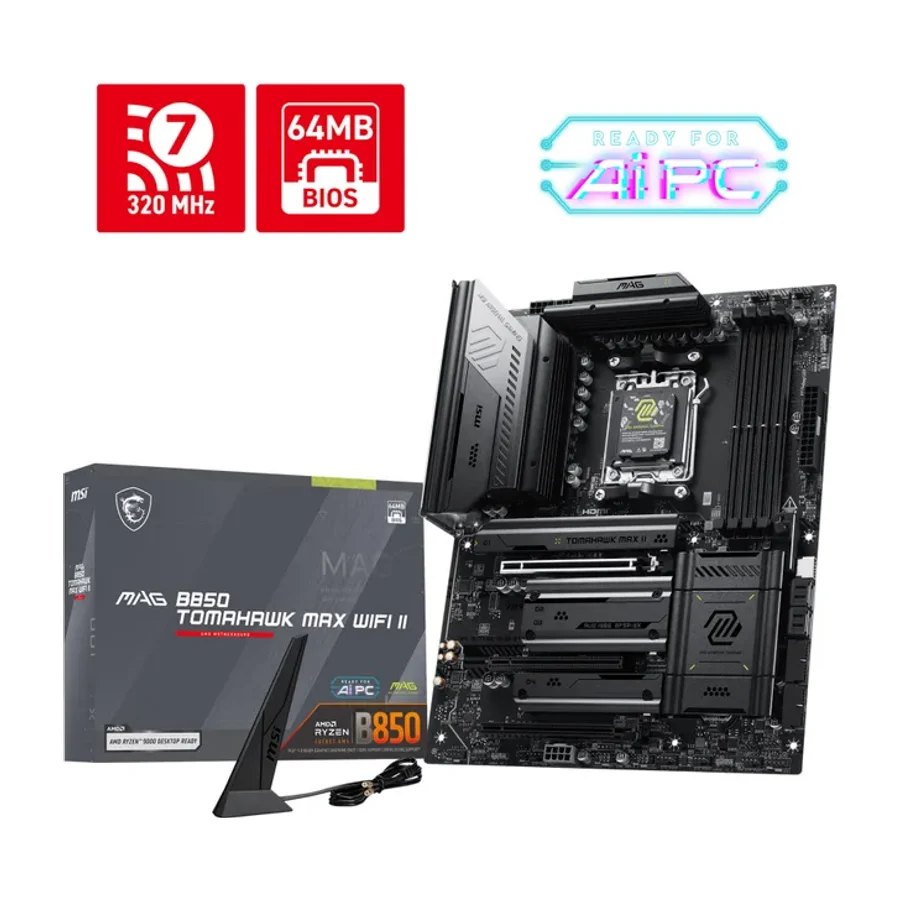 A tier #2
 MSI MAG B850 Tomahawk Max WiFi II
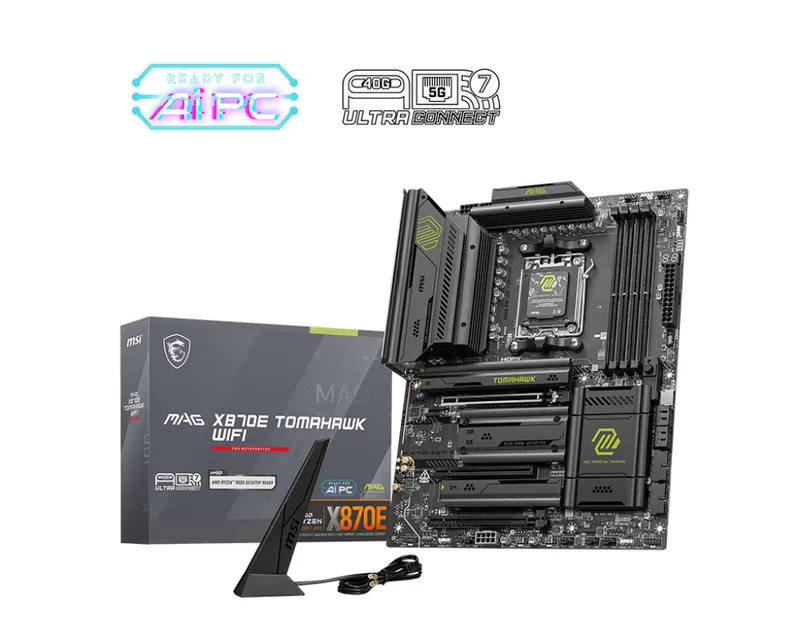 A tier #3 1 of 10 research runs entered this as a product to avoid rather than a pick.
 MSI MAG X870E Tomahawk WiFi
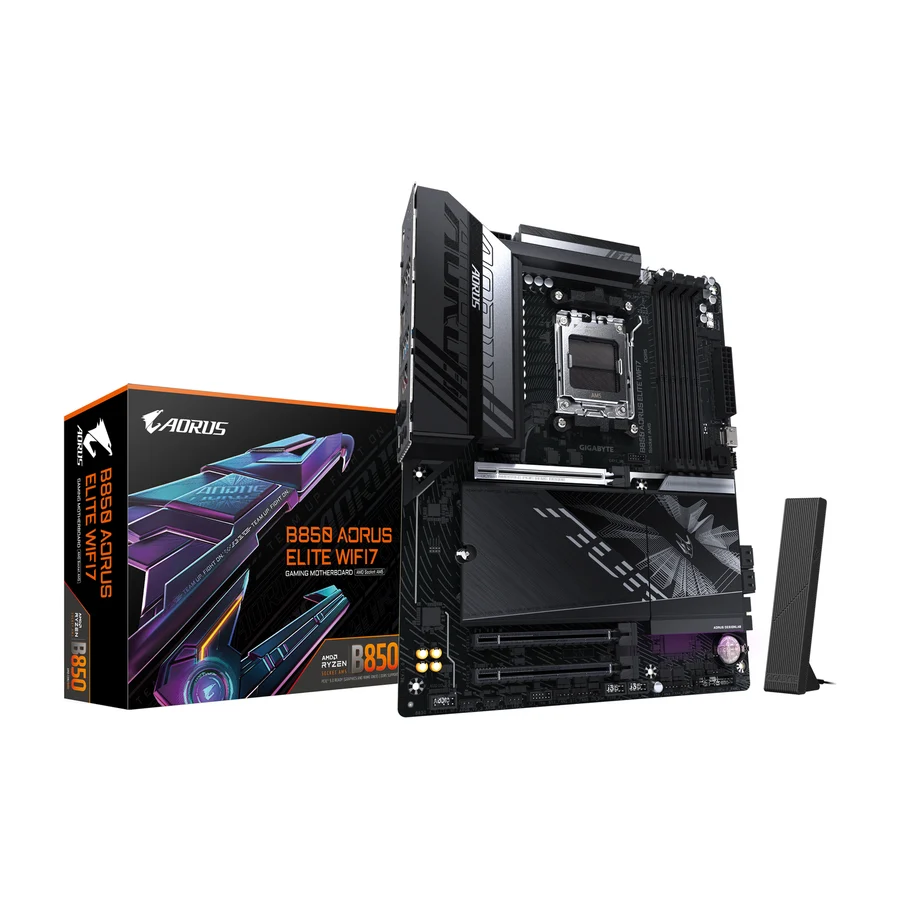 A tier #4 1 of 9 research runs entered this as a product to avoid rather than a pick.
 Gigabyte B850 Aorus Elite WiFi7
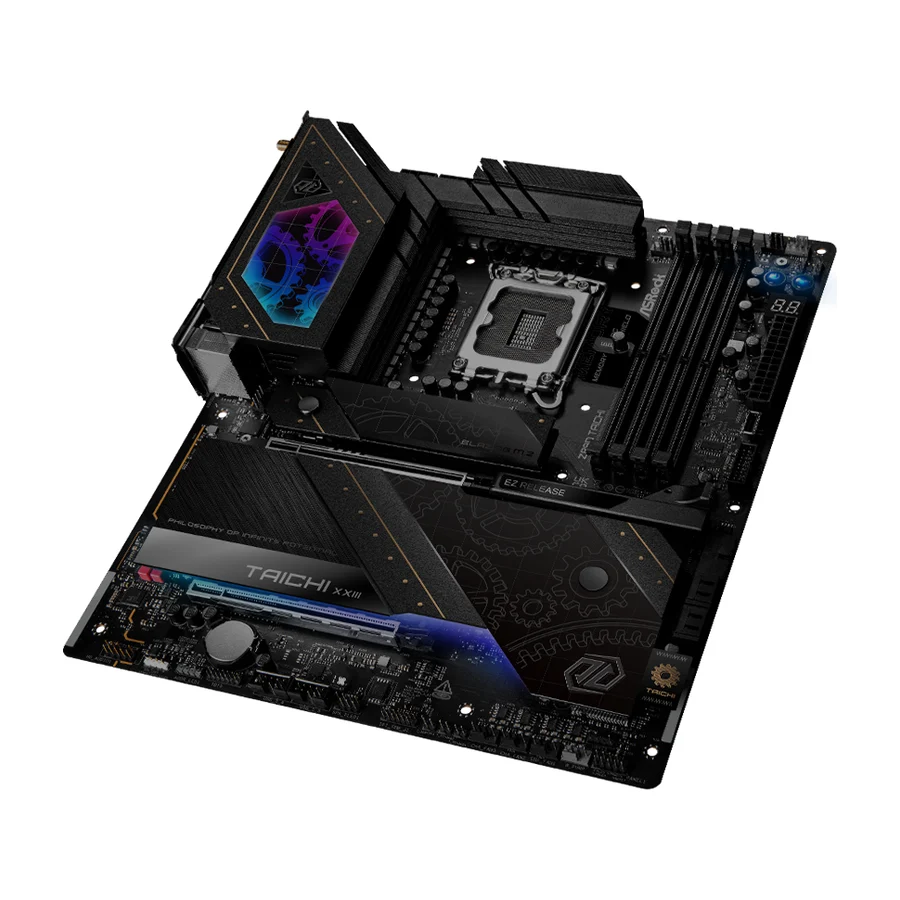 B tier #5
 ASRock Z890 Taichi
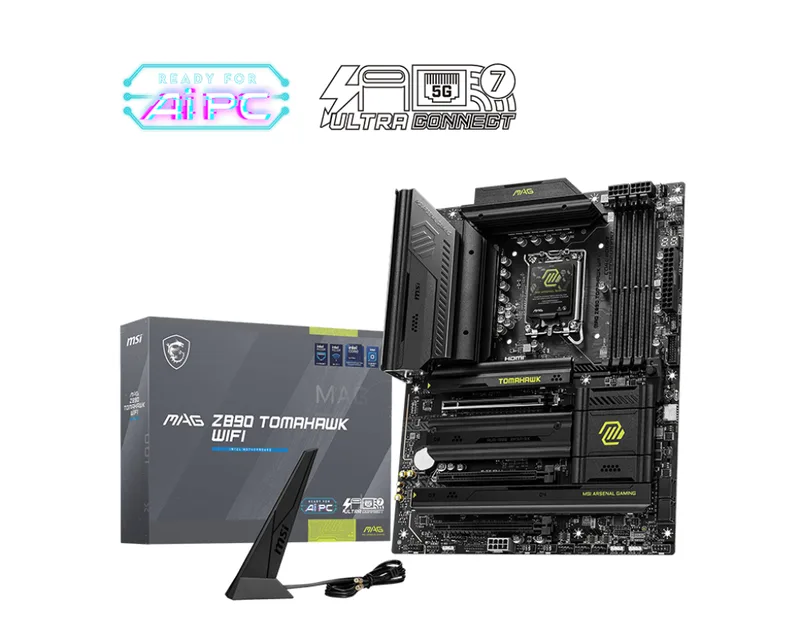 C tier #7
 MSI MAG Z890 Tomahawk WiFi
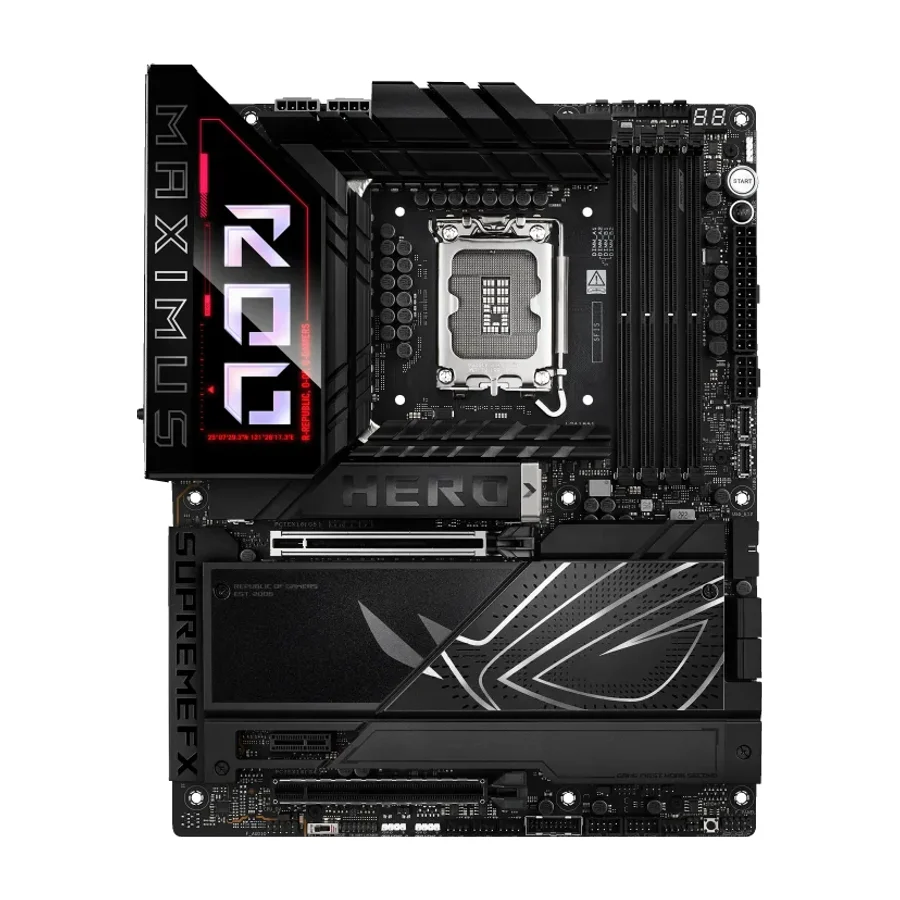 C tier #8
 ASUS ROG Maximus Z890 Hero
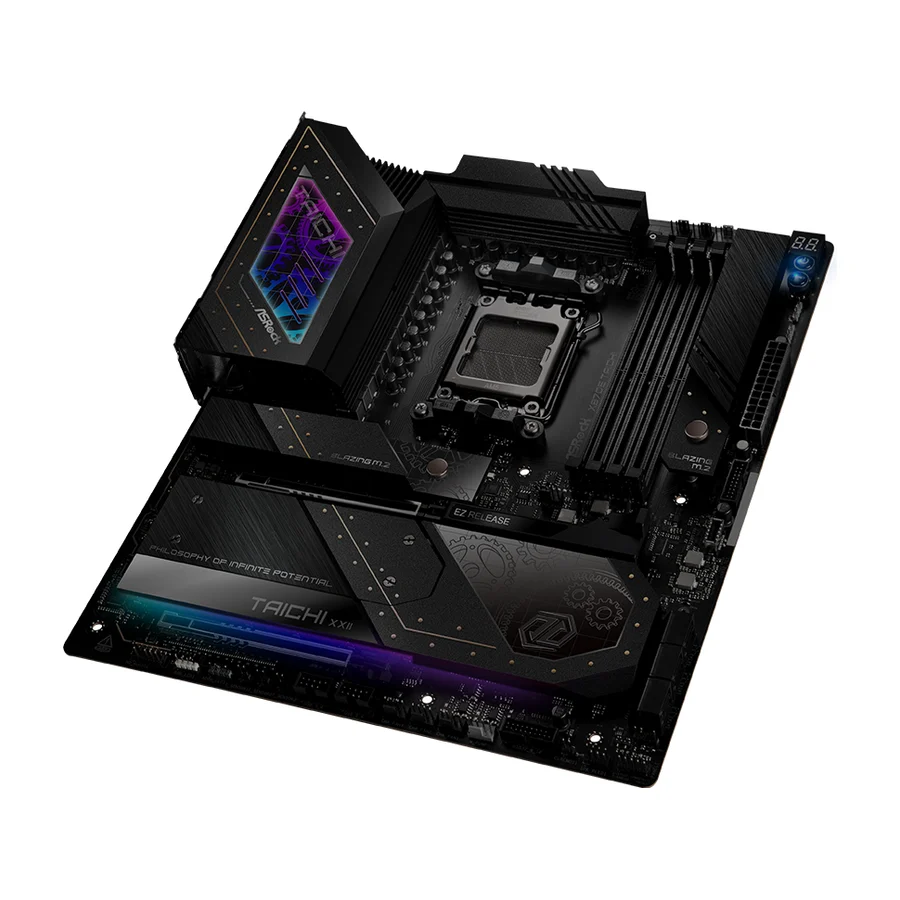 D tier #9 3 of 10 research runs entered this as a product to avoid rather than a pick.
 ASRock X870E Taichi
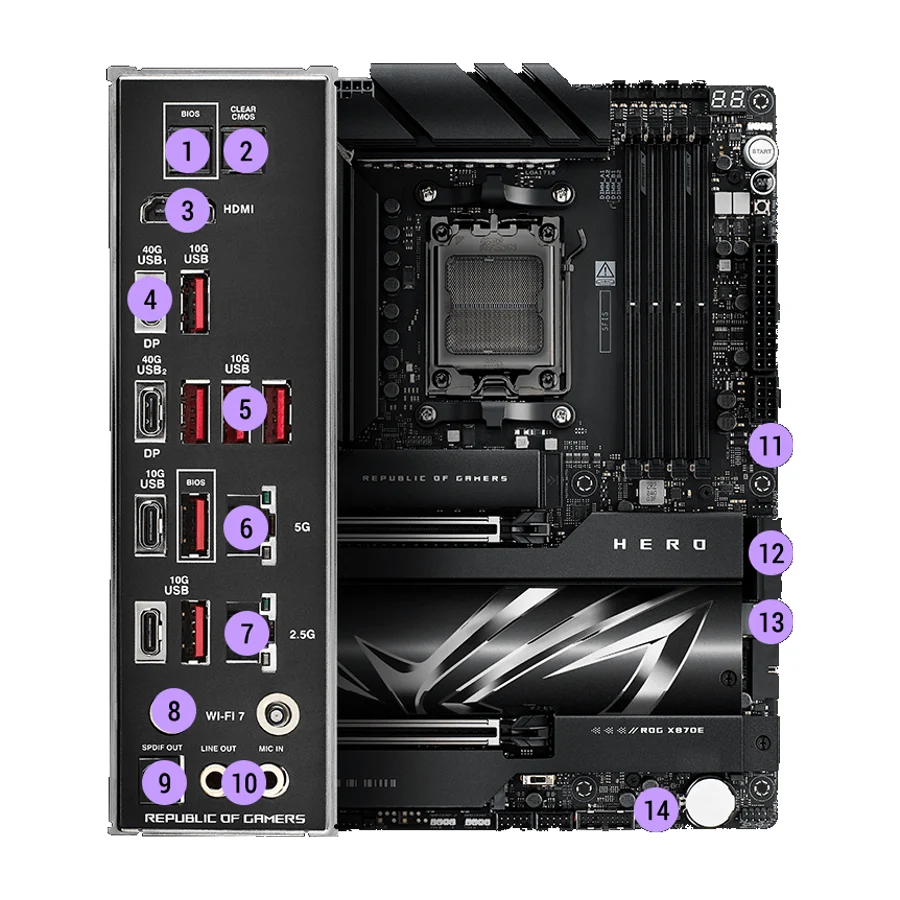 D tier #10 2 of 11 research runs entered this as a product to avoid rather than a pick.
 ASUS ROG Crosshair X870E Hero
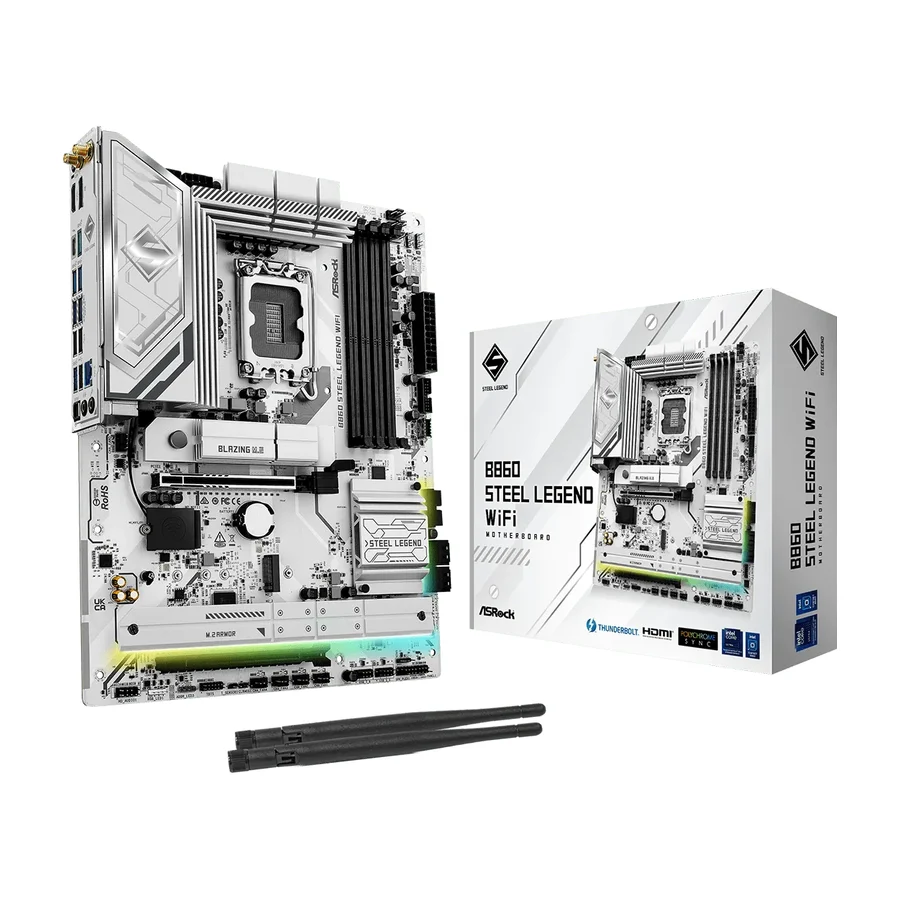 D tier #11 1 of 5 research runs entered this as a product to avoid rather than a pick.