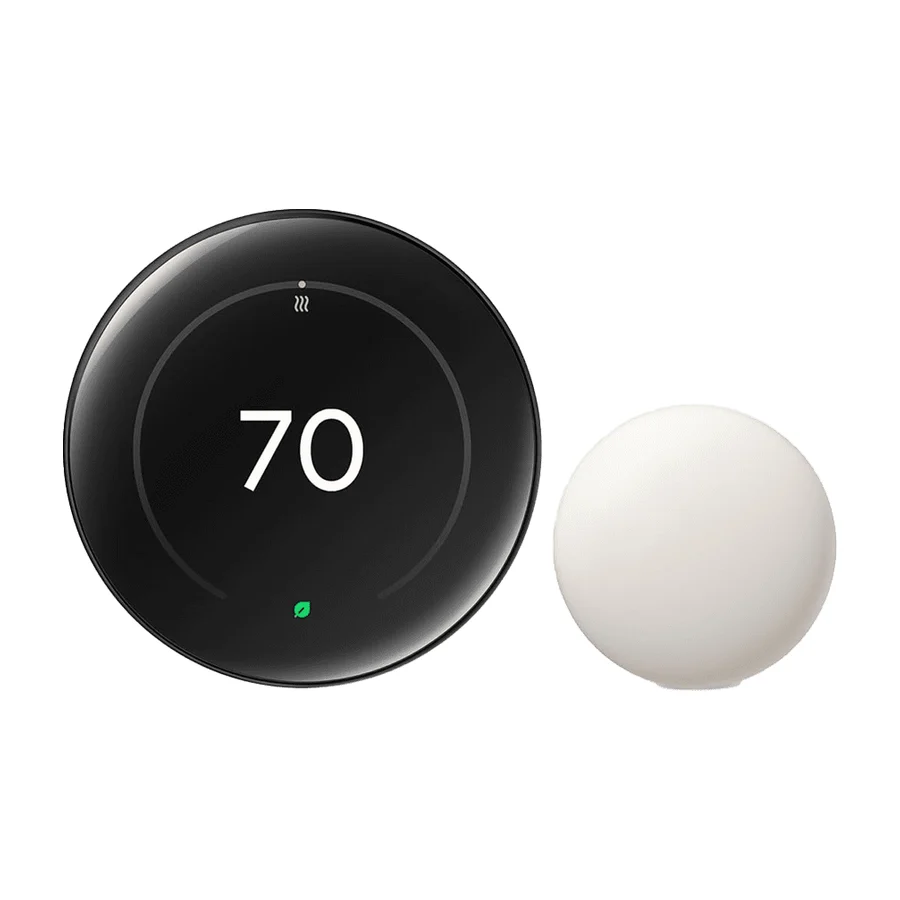
Google Nest Thermostat
Basic functionality with no learning. Outclassed by the 4th-gen model.
Consolidated from 16 independent outlets
Where the cited sources landed, as we read them
- 10 positive sources
- 5 unconvinced sources
1 of 9 research runs entered this as a product to avoid rather than a pick.
The non-learning version offers basic scheduling but no adaptive learning or advanced HVAC controls, making it a poor value relative to the 4th-gen Learning model.
Flagged 27 July 2026
Pros & cons
- ✓ Clean design
- ✓ Solid performance
- ✓ Good temperature control for most homes
- ✓ Solid warranty
- ✓ Reliable firmware updates
- ✗ No learning algorithm
- ✗ Limited HVAC control
- ✗ Only the basics, with no learning behavior or premium extras
The sources behind this ranking
We searched the web and YouTube for what has been published about this product, then read the articles, video transcripts and comments we found.
Evidence 5 articles and 11 video reviews
10 positive sources
 Reviewed Rachel Murphy · reviewer · Dec 2018
 All in all, it’s a good value for the money. We found these settings easy to adjust within the Google Home app and enjoyed reviewing the energy reports, which offer helpful insights into when your unit is running and for how long.Read O
 One Hour Smart Home One Hour Smart Home · 117K subscribers · Dec 2019
 Does the Nest Thermostat work with boilers? Yes, most of the time if you have a standard low voltage controlled boiler the Nest Thermostat will work with a boiler.Watch C
 Consumer Reports Daniel Wroclawski · reviewer · Jul 2022
 The Google Nest Learning Thermostat (left) and the less expensive Google Nest Thermostat (right) are both great smart thermostats. But you'll have to decide if the learning thermostat's extra features are worth the price.Read S
 Stan Cravens Stan Cravens · 94K subscribers · Jan 2021
 I'm very happy with the Nest Thermostat and would highly recommend it. This is the Nest Thermostat 4th Generation that was first released in October 2020, Model G4CVZ.Watch D
 David Jones David Jones · 74.8K subscribers · Jun 2018
 The NEST Thermostat is very simple to program and can be used in many applications such as single family, multi family, apartment or condo and businesses. It will detect your equipment and uses the common 4 or 5 wire setup. We recommend having a common as it will need the 24 volts to operate properly.Watch S
 Smart Home 101 Smart Home 101 · 20.8K subscribers · Mar 2022
 When looking at the nest thermostat vs nest learning thermostat, both are the most reliable and popular smart home device that keeps the ambient temperature at a suitable level. So, the debate between Nest Thermostat vs. Nest Learning Thermostat is always at the hype, and here we try to find out which Google Thermostat you should go for!Watch R
 Red Team Cyber Security Red Team Cyber Security · 6.4K subscribers · Dec 2014
 Everyone loves their Nest Thermostat, Except GrandpaWatch C
 Comparative Reviews Comparative Reviews · 4.9K subscribers · Jan 2026
 Google's fourth generation Nest thermostat stands out for its polished design, larger borderless display, and clear readout that is easy to see from across the room. The learning features do a convincing job of adapting to your schedule and preferred temperatures, gradually reducing the amount of manual adjustment you need to do. Included remote temperature sensing helps even out hot and cold spots in the home, so the room you actually use can drive the comfort level instead of just the hallway. Compatibility with common 24volt heating and cooling systems along with straightforward do-it-yourself installation makes it accessible for many households without professional help.Watch D
 Dad does stuff for fun Dad does stuff for fun · 627 subscribers · Dec 2022
 Easy to installWatch Q
 QuickProductReview QuickProductReview · 6 subscribers · Sept 2026
 Overall, this Nest Thermostat offers strong energy-saving automation and integrates smoothly into your smart home. Its intelligent features provide effortless daily control over your heating and cooling systems. Next, let's look at how easy this Thermostat is to set up, its overall appearance, and the value it delivers for your money. These aspects define the complete ownership picture. This section focuses on the practicalities of bringing the Nest Thermostat into your home.Watch
5 unconvinced sources
 Mysa Michael Hansford · reviewer · Feb 2026
 But the short answer is that most people find the Learning feature to be a nuisance, while the standard model misses the mark in other areas. Learn more about Mysa’s smart thermostat lineup as an alternative!Read W
 Word of Advice TV Word of Advice TV · 659K subscribers · May 2020
 And now I would like to show you what you have to do to the settings step by step to make a manual Nest thermostat as well. And unfortunately, Nest does not make this easy. So bear with me as it is a couple of steps. So, first thing you want to do is click on the main screen, go to settings right there, and then scroll to the right and find Nest Sense. There it is. Click on that. Go to the auto schedule and turn that to no. Then scroll down and click done. Next thing you want to do is find the eco setting.Watch C
 ConsumerAffairs Article · Aug 2026
 Worst thermostat but they are very smart to make money.Read J
 Jeff’s HVAC Adventures Jeff’s HVAC Adventures · 15.5K subscribers · Sept 2025
 Not a big fan of these Google Nest thermostats, especially the white ones.Watch T
 The Home Repair Guy The Home Repair Guy · 1.1K subscribers · May 2023
 Supplied batteries are too weak, Lost connections, wifi won't setup.Watch

Frequently asked questions
It ranks #10 of 16 on our smart thermostats tier list, in C tier. That placement draws on 16 independent outlets.
5 of the 15 sources with a clear view are critical of it, among them ConsumerAffairs, Jeff’s HVAC Adventures and Mysa. No learning algorithm. Limited HVAC control. Only the basics, with no learning behavior or premium extras.
Ranked nearby in Smart Thermostats
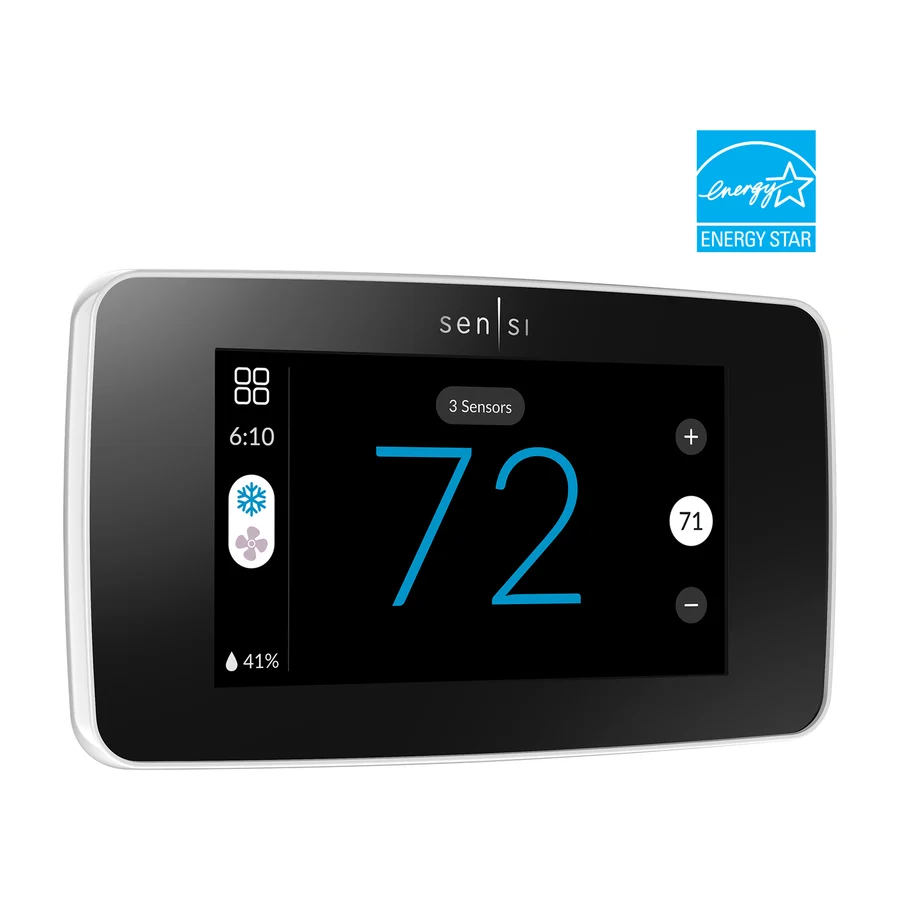 B tier #5
 Sensi Touch 2
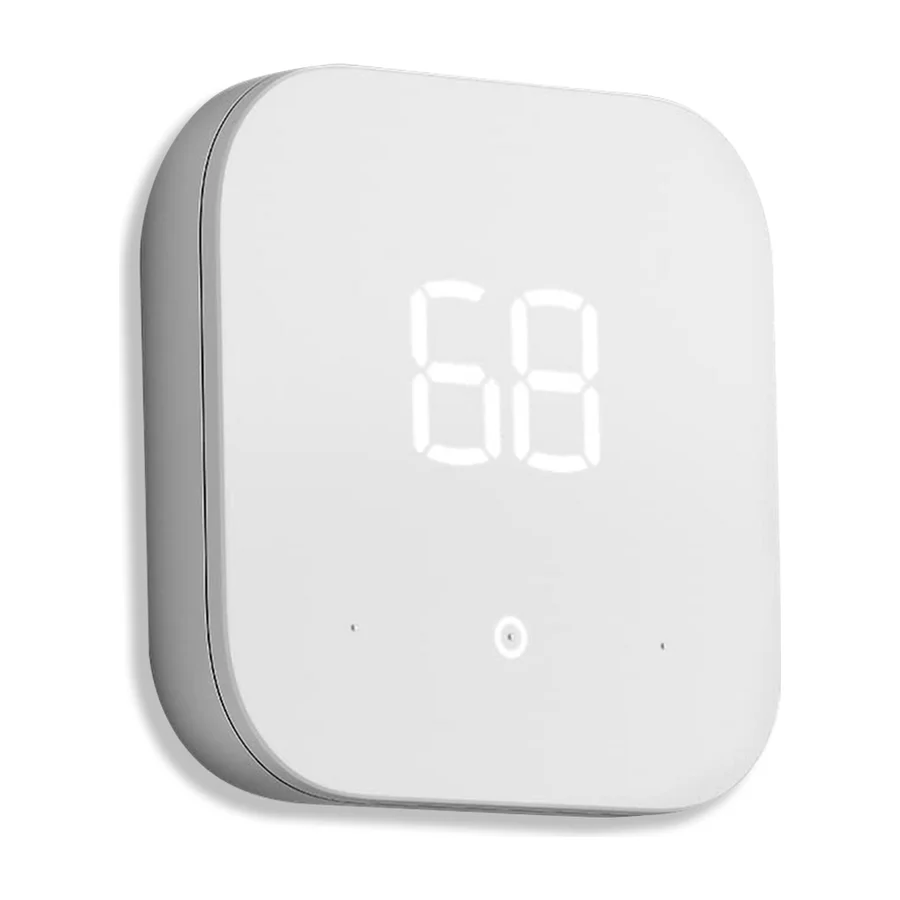 C tier #6 3 of 10 research runs entered this as a product to avoid rather than a pick.
 Amazon Smart Thermostat
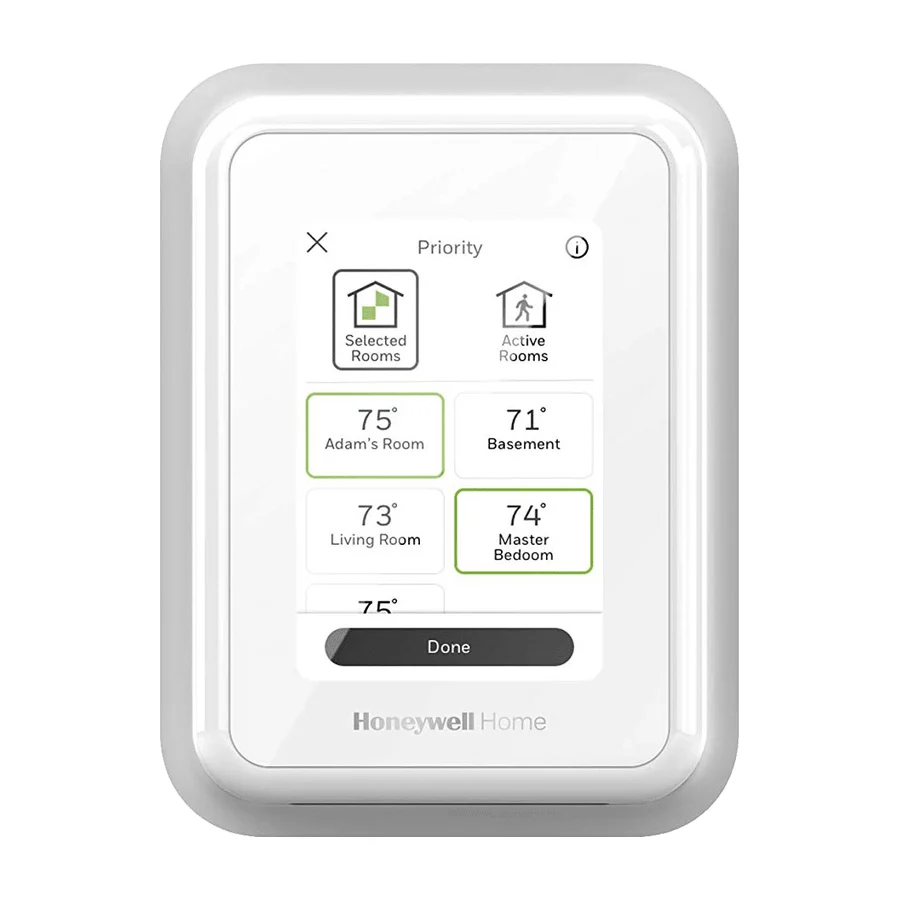 C tier #7
 Honeywell Home T9 Smart Thermostat
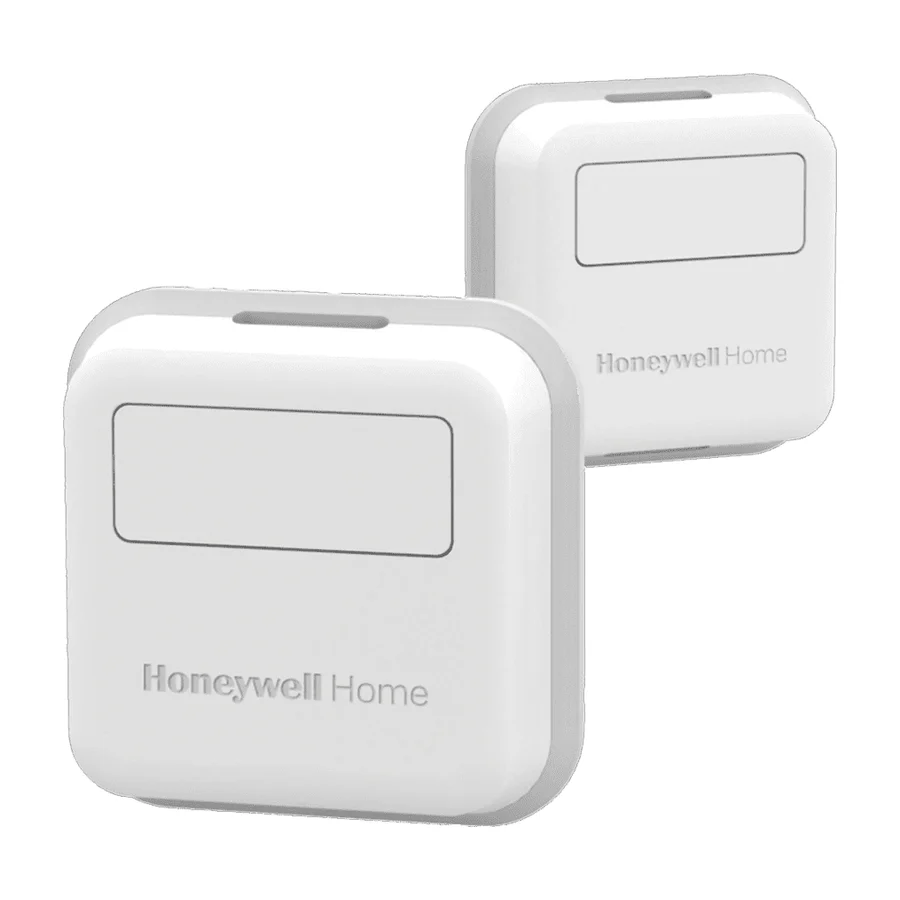 C tier #8 1 of 9 research runs entered this as a product to avoid rather than a pick.
 Honeywell Home X8S
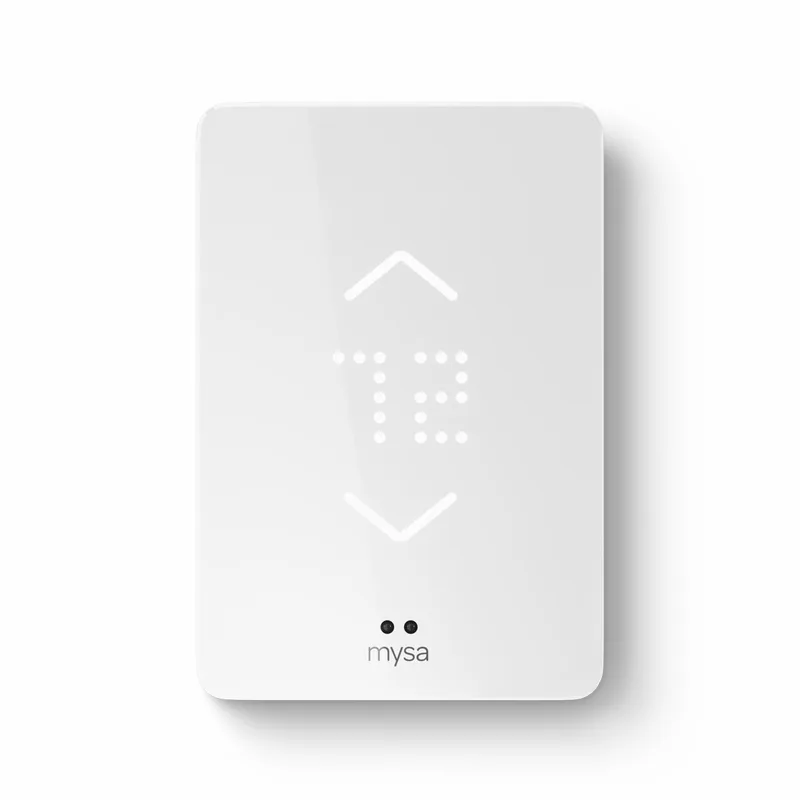 C tier #9
 Mysa Smart Thermostat for Electric Baseboard Heaters
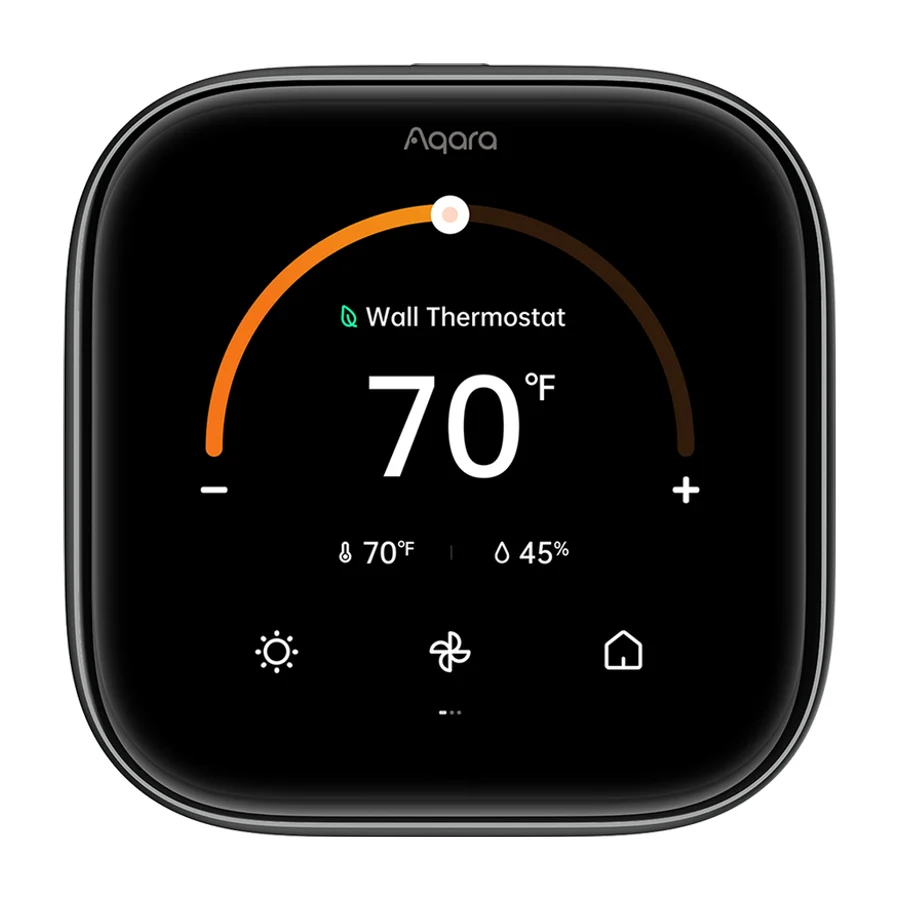 D tier #11 3 of 5 research runs entered this as a product to avoid rather than a pick.
 Aqara W200 Thermostat
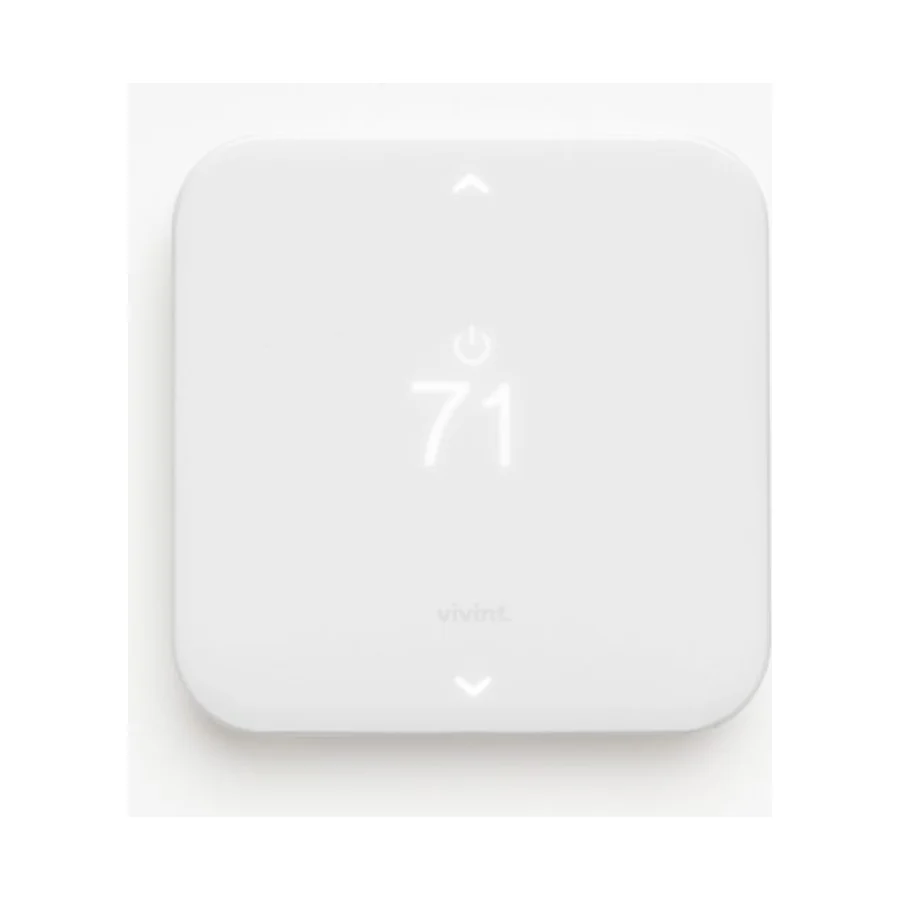 F tier #12 4 of 5 research runs entered this as a product to avoid rather than a pick.
 Vivint Smart Thermostat
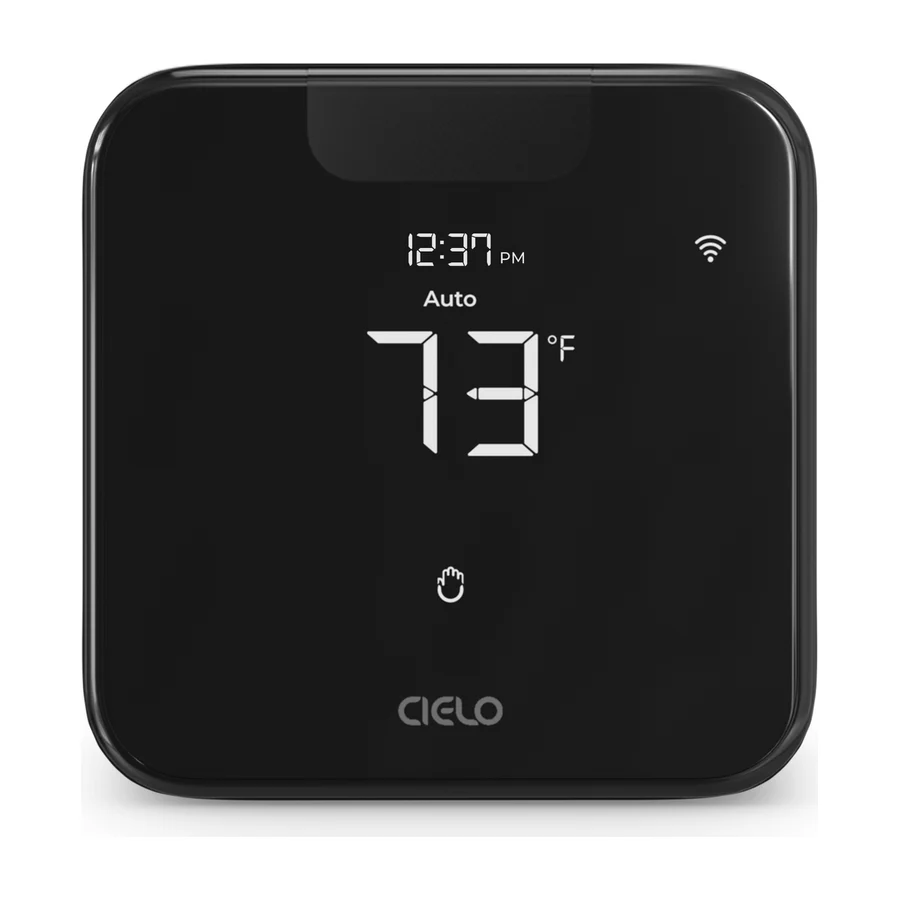 F tier #13 1 of 7 research runs entered this as a product to avoid rather than a pick.
 Cielo Breez Max
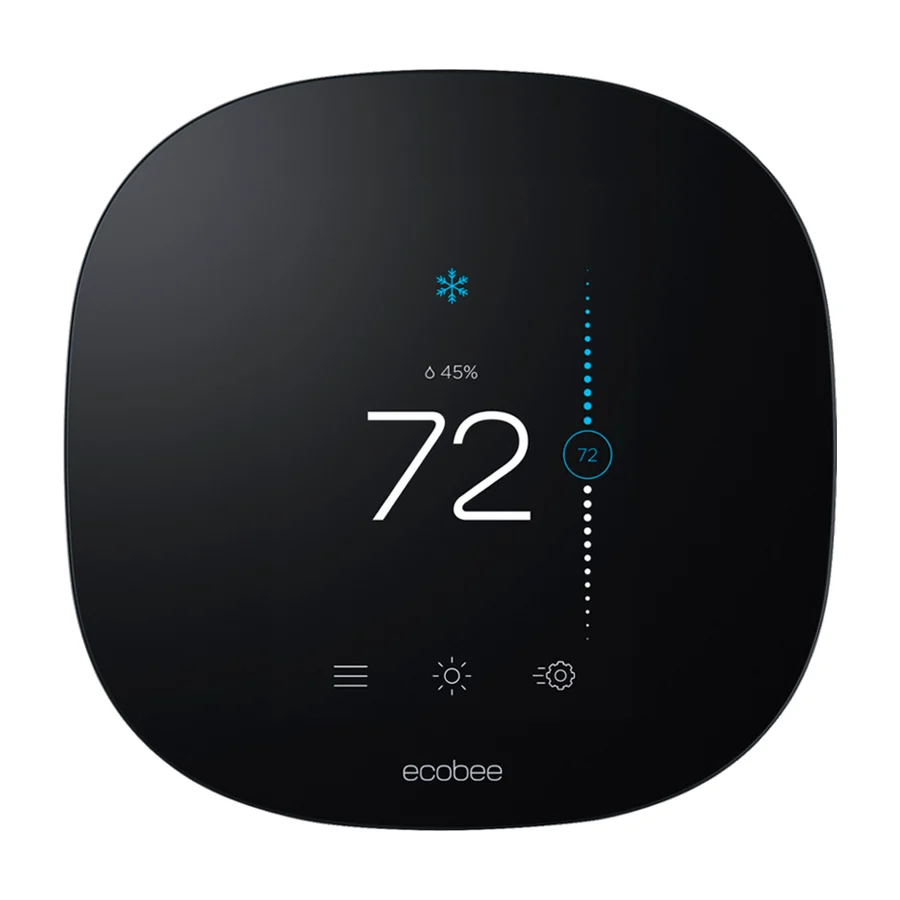 F tier #14 2 of 5 research runs entered this as a product to avoid rather than a pick.
 Google Nest Learning Thermostat (3rd Gen)
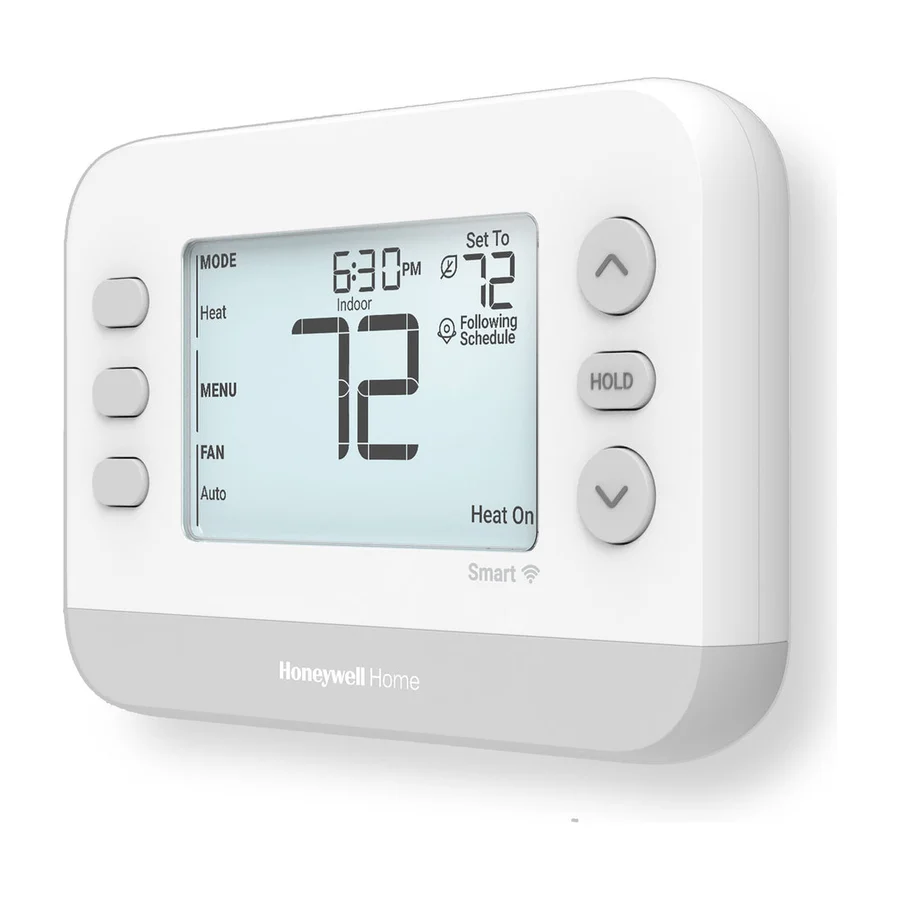 F tier #15 2 of 5 research runs entered this as a product to avoid rather than a pick.