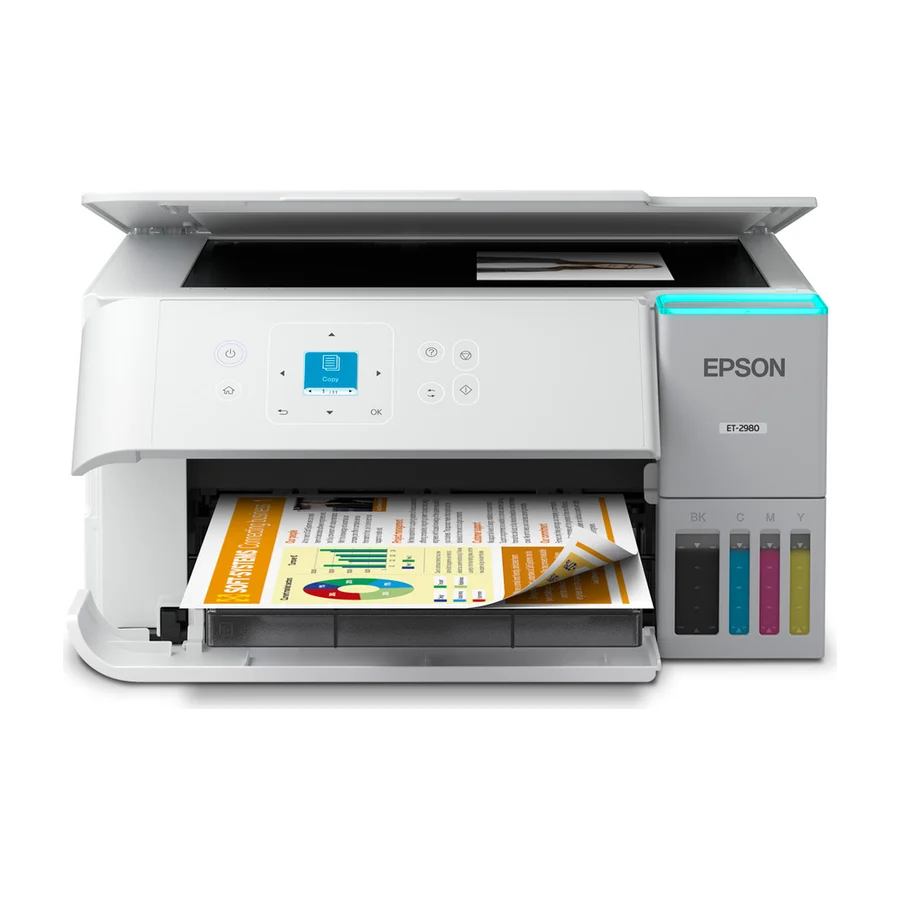
Epson EcoTank ET-2980
Compact, low-maintenance and with a firmware that stays current for many years.
Consolidated from 40 cited sources across 30 outlets
Where the cited sources landed, as we read them
- 30 positive sources
- 9 mixed sources
- 1 unconvinced source
1 of 4 research runs entered this as a product to avoid rather than a pick.
Not designed for high-quality photo printing; its durability is adequate but not exceptional.
Flagged 28 July 2026
Pros & cons
- ✓ Compact size
- ✓ Low maintenance
- ✓ Firmware stays current
- ✓ Low running cost
- ✓ Large ink capacity
- ✗ Smaller footprint
- ✗ Fewer features compared to larger models
- ✗ Limited print quality for photos
- ✗ Durability only average
The sources behind this ranking
We searched the web and YouTube for what has been published about this product, then read the articles, video transcripts and comments we found.
Evidence 11 articles, 26 video reviews and 3 community sources
30 positive sources
 TechAndTravel Article
 Contrary to some reports, the printer was easy to setup using the Epson Smart Panel mobile phone app. The black ink comes in a 127ml bottle while the cyan/magenta/yellow ink comes in 70ml bottles. The bottles are keyed to the fill ports for the ink tanks - invert the bottles on the fill ports and they automatically fill the tanks, stopping when the tanks are full.Read J
 Jennifer Maker Jennifer Maker · 1.2M subscribers · Jul 2026
 I love Epson EcoTank printers for crafting because the refillable ink tanks make colorful printing more practical and less stressful than replacing small ink cartridges all the time. You can even convert them for sublimation.Watch F
 Ferax contato.ferax · reviewer
 For most new buyers, the ET-2980 is the smarter long-term pick. It gives you faster ISO print speeds, auto duplex printing, a more current feature set, a 1.44" color LCD, Epson Smart Panel support and stronger everyday convenience. The ET-2800 still makes sense if your main goal is to spend less upfront and you only need light home printing.Read T
 The Printer Guy The Printer Guy · 92K subscribers · Oct 2025
 Now, one of the most interesting features on this entry-level Epson EcoTank printer is the black pigmented ink that is going to give us really high quality photo prints.Watch F Facebook Thebesttips3s
I've been using the Epson EcoTank ET-2980 at home for months, and it's a game-changer. The refillable supertank holds enough ink for up to 3 years—no more cartridge hassles or surprise costs. It prints at 15 PPM with sharp color quality, perfect for photos and docs. The 1.44" colorful screen is intuitive for setup and scans.View post T
The Printer Guy The Printer Guy · 92K subscribers · Oct 2025 Epson ET (Eco Tank) 2980 Print Quality Review - Amazing Quality!Watch W
 WIRED Brad Bourque · reviewer
 The EcoTank ET-2980 from Epson not only put my concerns to rest, it turned me into an ink tank convert, at least for home use. Even though it's a little more expensive up front, it comes loaded with plenty of ink, prints efficiently and cleanly, and only suffers from an undersized paper tray and a slow startup speed.Read P
 Printer Insider Printer Insider · 66.4K subscribers · Sept 2025
 This way, it will be very easy to share or even to print. So, let's get started right away. The first step is to actually connect this printer to the same Wi-Fi network as your phone.Watch C
 Castle Ink William Elward · reviewer
 With up to three years of included ink and strong owner ratings, it's one of the best all-around tank printers for households that print a real volume of documents and photos and want auto-duplex without paying for an automatic document feeder they may not need.Read E
 EvoGrid EvoGrid · 3.3K subscribers · Sept 2025
 Perfect for students, home offices, and families looking to save money on ink without sacrificing performance. Watch before you buy!Watch T
 The Tech Buzz The Tech Buzz Team · reviewer
 Epson's EcoTank ET-2980 represents a fundamental shift away from the razor-and-blade business model that's frustrated home users for decades, and early reviews suggest it's delivering on its promises.Read T
 Tech Talk Central Tech Talk Central · 1.4K subscribers · Oct 2025
 Epson claims you get enough ink included to last up to three years. Now, that's based on printing about 125 pages a month, which is, you know, fairly average for home use. >> Three years without buying ink. That sounds amazing. It tackles that dreaded low ink message right when you need to print something important. That's a huge stress reliever for me personally. >> It absolutely is.Watch P r/printers u/Flaky_Row5260 · owner
The new Epson ET-2980 looked pretty good. It had ink tanks instead of individual cartridges, which might save $ over time.Read thread G
 Gadget droid Gadget droid · 1.3K subscribers · Feb 2026
 This printer is designed to deliver highquality prints while minimizing its ecological footprint. Imagine being able to print all your documents, photos, and more without contributing to the staggering amount of plastic waste that ends up in our landfills and oceans. Now, let's talk about the worry-free printing experience that the Epson EcoTank ET 2980 offers.Watch F Facebook wired
The Epson ET-2980 is a great value at its full price, and the discount sweetens the deal.View post G
Gadget droid Gadget droid · 1.3K subscribers · Jul 2026 We've got an amazing product to showcase that's really pushing boundaries. Today, we're going to dive into the world of printing and explore the Epson EcoTank ET-2980 wireless all-in-one color supertank printer. This device is a game-changer and I'm excited to share with you why.Watch V VueScan Article
Want to keep using your Epson ET-2980 on Windows 10 ? VueScan is here to help!Read G
Gadget droid Gadget droid · 1.3K subscribers · Apr 2026 Imagine having a printer that's not only powerful, but also cost-effective and environmentally friendly. Sounds too good to be true, right? Well, let me introduce you to the Epson EcoTank ET-2980 wireless all-in-one color super tank printer, a game-changer in the world of printing. This incredible device is designed to make your printing experience seamless, efficient, and budget-friendly.Watch D
 Digital Camera World Article
 In the USA, the model name is ET-2980 for both.Read T
 The Review Daily The Review Daily · 1.2K subscribers · Mar 2026
 I've been using the Epson EcoTank ET-2980 for months, and it's transformed my home printing routine. The refillable tanks with up to 3 years of ink mean zero cartridge hassles—I've barely touched the bottles. Wireless setup was instant, and the 1.44-inch color screen feels intuitive for quick scans, copies, or prints.Watch P
 PCMag Middle East Article
 Rating 4.Read E
 EchoTech EchoTech · 351 subscribers · Mar 2026
 This device has been a game-changer in my home office, and I think it could be for you as well. From its sleek design to its advanced features, the ET- 2980 is packed with innovations that make printing easier, faster, and more cost-effective than ever before. Let's start with one of the most significant advantages of the Epson EcoTank ET-2980, its incredible value.Watch E
EchoTech EchoTech · 351 subscribers · Jun 2026 First off, let's talk about one of the most significant benefits of this printer, less frequent ink replacement. >> Each replacement ink bottle set for this Epson color printer is equivalent to about 90 individual cartridges. That's a huge reduction in waste and a significant cost saving over time.Watch T
 Tech Jazz Tech Jazz · 263 subscribers · Nov 2025
 Epson EcoTank includes enough ink to last you for up to 3 years of typical home use. Think about the peace of mind that brings. No more lastminute dashes to the store because you're out of ink right before a big project is due. This printer comes packed with enough ink to print an astounding 6,600 black pages or 5,500 color pages.Watch T
 Tech Zazz Tech Zazz · 127 subscribers · Jun 2026
 This incredible device is packed with features that will make you wonder how you ever managed without it. One of the most significant advantages of the Epson EcoTank ET-2980 is its less frequent ink replacement. Each replacement ink bottle set is equivalent to about 90 individual cartridges, which is simply astonishing.Watch T
 TecheMaili TecheMaili · 86 subscribers · May 2026
 Print quality is another area where Epson plays it safe, but in a good way. >> Text documents come out sharp, clean, and very readable even at smaller font sizes.Watch G
 Gadgetinfo4u Gadgetinfo4u · 80 subscribers · May 2026
 Combining simplicity with a modern design, this printer features advanced technology that enhances both performance and print quality, making it an ideal choice for everyday family printing. Powered by precision core heat-free technology, the ET 2980 delivers print speeds 50% faster than its predecessor, which means you can get your documents and photos printed quickly and efficiently. But what reWatch P
 pistachioo pistachioo · 35 subscribers · Nov 2025
 An excellent machine designed to deliver incredible value and a great feature set for any home or home office. The main selling point, of course, is the EcoTank technology. This printer is completely cartridge-free, utilizing large, easy to refill ink tanks.Watch T
 TechByte TechByte · 22 subscribers · Jun 2026
 With fewer ink replacements, convenient wireless features, and cost-saving refillable tanks, this Epson printer is a great choice for users who need affordable and efficient printing. For more details, check the description and click the Amazon link at the end to purchase the Epson EcoTank ET-2980.Watch T
 TexoGix TexoGix · 19 subscribers · Jul 2026
 If you're tired of constantly replacing expensive ink cartridges, the Epson EcoTank ET-2980 could be exactly what your home office needs. This wireless all-in-one supertank printer is designed to make everyday printing affordable, reliable, and hassle-free.Watch
9 mixed sources
Ferax contato.ferax · reviewer It is not perfect. It lacks ADF, Ethernet, fax, wide-format printing and guaranteed third-party craft media compatibility. But that does not weaken its value for the buyer it is actually built for: regular home and light office printing with occasional creative work.Read T
 The Printer Hub The Printer Hub · 3.9K subscribers · Mar 2026
 If you're mostly printing things like schoolwork, occasional documents, or maybe some color pages here and there, then the ET-2980 is honestly more than enough. It's simple, reliable, and you're not paying extra for features you'll barely use. But, here's where things change.Watch F
Ferax murilo.marinho · reviewer Genuine Epson ink is the safer choice for the ET-2980 if you want predictable output, lower warranty risk and fewer unknowns. Generic ink can be tempting for cost, but it should be treated as a tested-risk choice, not an automatic replacement.Read E
EvoGrid EvoGrid · 3.3K subscribers · Sept 2025 But after testing it for a few weeks, I discovered some trade-offs they didn't show in the ads.Watch J
 Jennifer Maker Article
 Cons: Basic Features: print, copy, and scan, no automatic document feederRead T
The Review Daily The Review Daily · 1.2K subscribers · Mar 2026 If you only print a couple pages a month, you might not even get the benefit and you may end up dealing with ink maintenance that feels unnecessary. What makes it different in daily life is the ink system. Instead of clicking in tiny cartridges, you pour ink from bottles into tanks. That sounds messy, but in practice, it's pretty controlled.Watch T
 The Lab Daily The Lab Daily · 1.1K subscribers · Mar 2026
 The only catch is it seems a little more picky with paper than my old printer. If I use cheap thin paper, or Or the paper's been sitting out and feels a little humid, duplex printing is where I'm more likely to get a jam or a wrinkled page.Watch M
 MyBestOn MyBestOn · 284 subscribers · Jul 2025
 On the downside, the initial investment is higher than traditional cartridge-based printers, and the compact 1.44 in screen, while functional, may feel a bit limited for some users who prefer larger displays.Watch N
 NTTIPS NTTIPS · 91 subscribers · Oct 2025
 However, while the overall performance is highly impressive, some users have noted that the initial setup process might feel slightly lengthy and the printer's size might be a challenge in very compact spaces. When compared to other printers in its class, the ET 2980 stands out with its unique all-in-one design and unmatched ink efficiency.Watch

Frequently asked questions
It ranks #8 of 16 on our photo printers tier list, in D tier. That placement draws on 40 cited sources across 30 outlets.
1 of the 40 sources with a clear view is critical of it: Critical Reviews. Smaller footprint. Fewer features compared to larger models. Limited print quality for photos. Durability only average.
Ranked nearby in Photo Printers
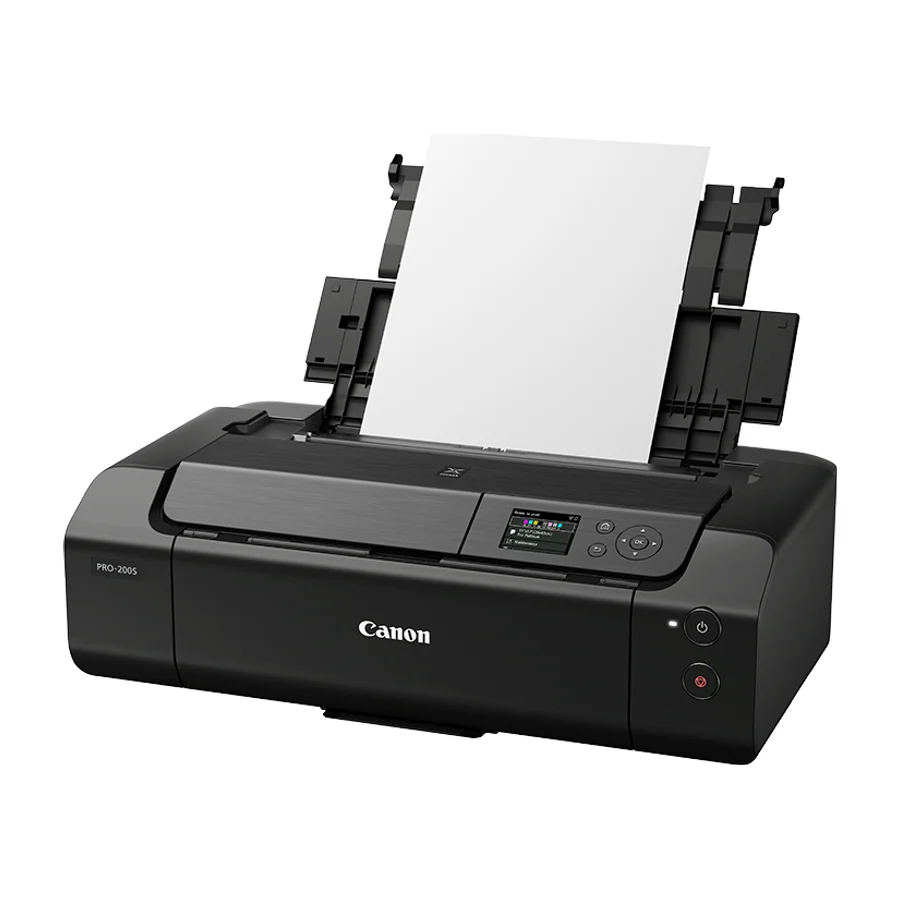 A tier #3
 Canon PIXMA PRO-200S
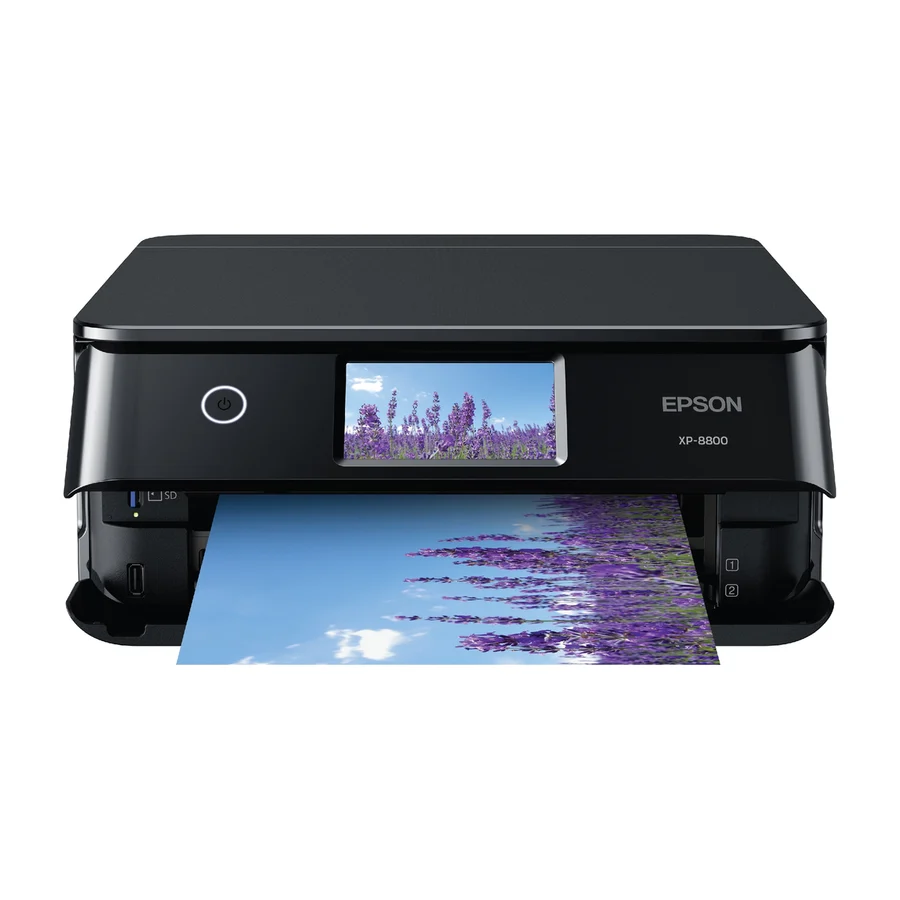 A tier #4 1 of 16 research runs entered this as a product to avoid rather than a pick.
 Epson Expression Photo XP-8800
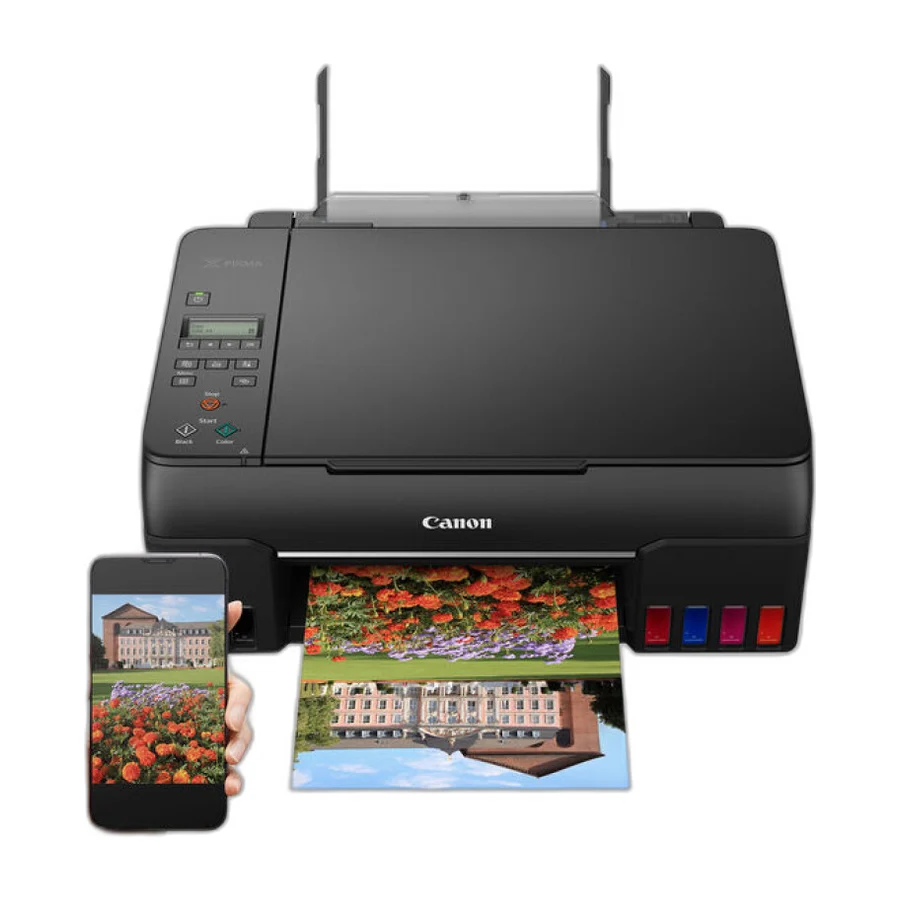 B tier #5
 Canon PIXMA G620
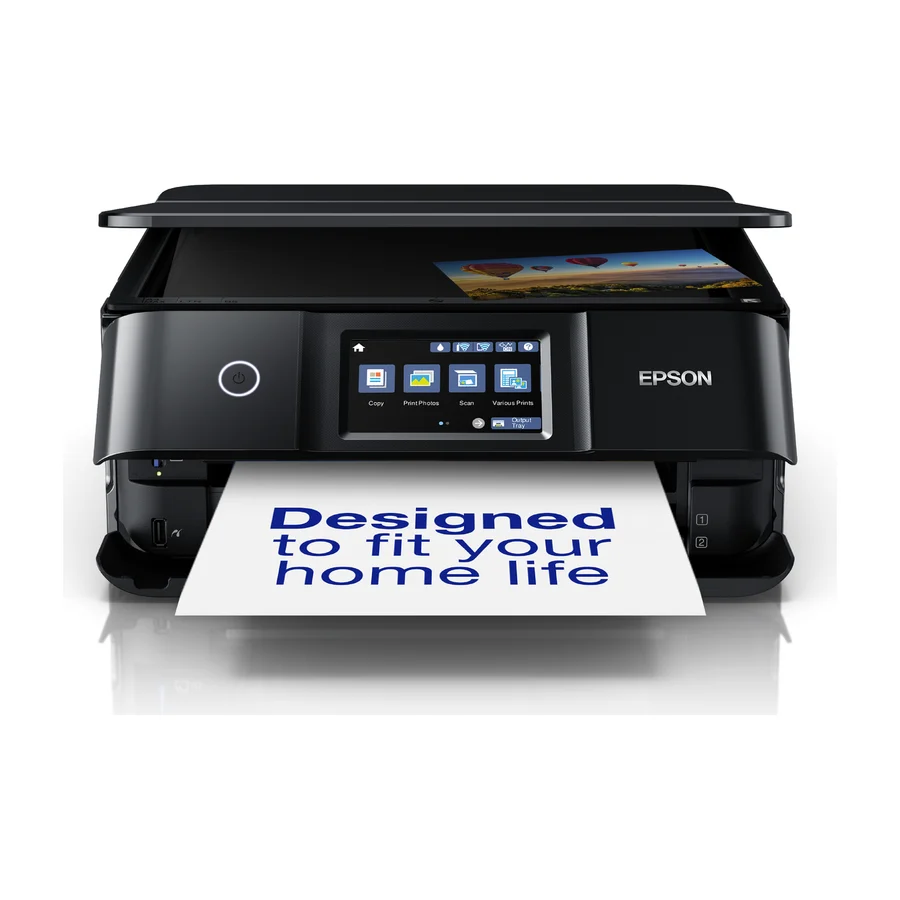 C tier #6
 Epson Expression Photo XP-8700
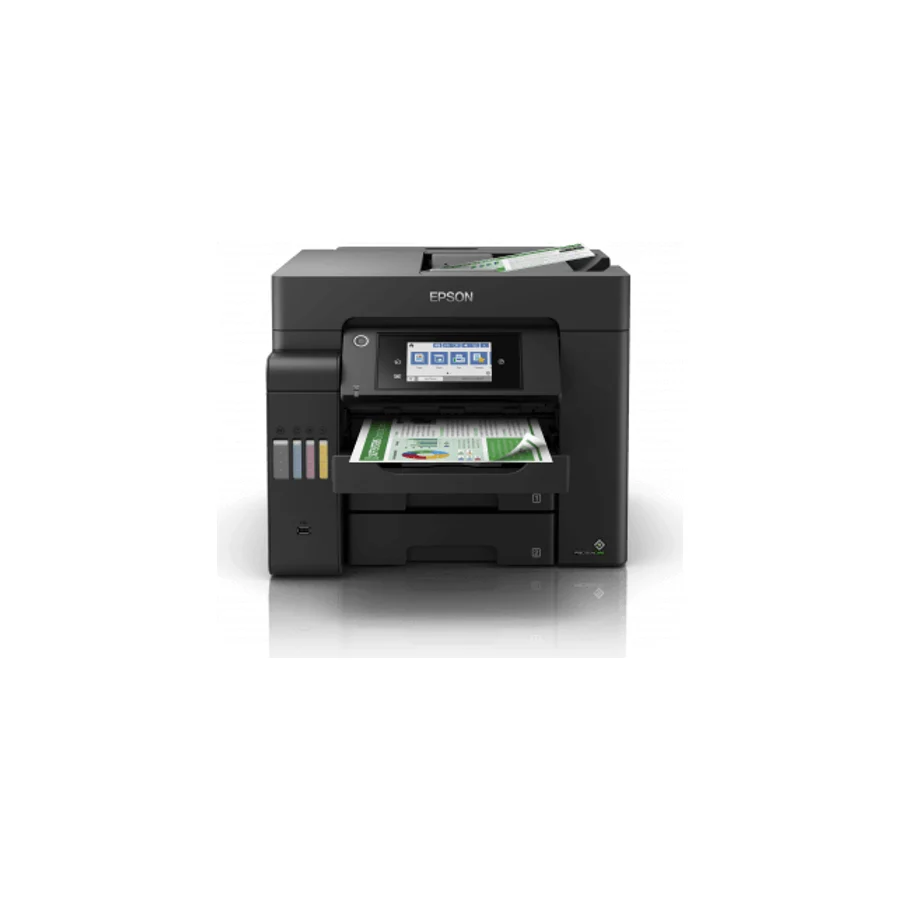 D tier #7 1 of 2 research runs entered this as a product to avoid rather than a pick.
 Epson EcoTank ET-5850
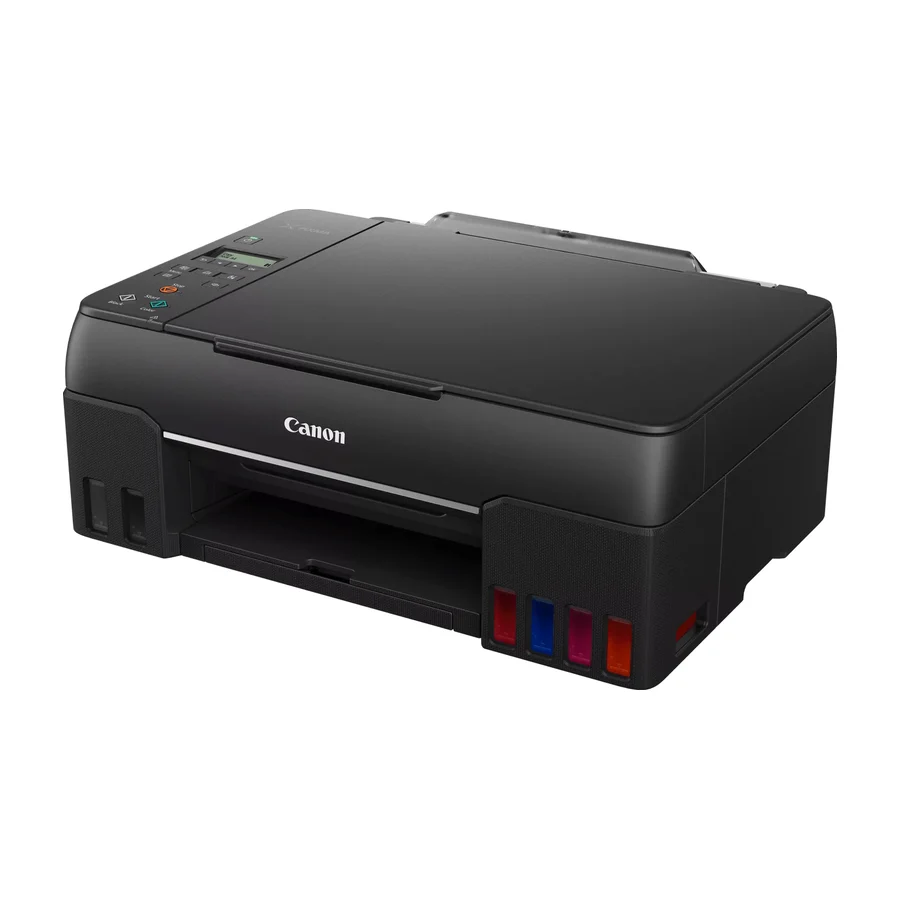 D tier #9
 Canon PIXMA G650
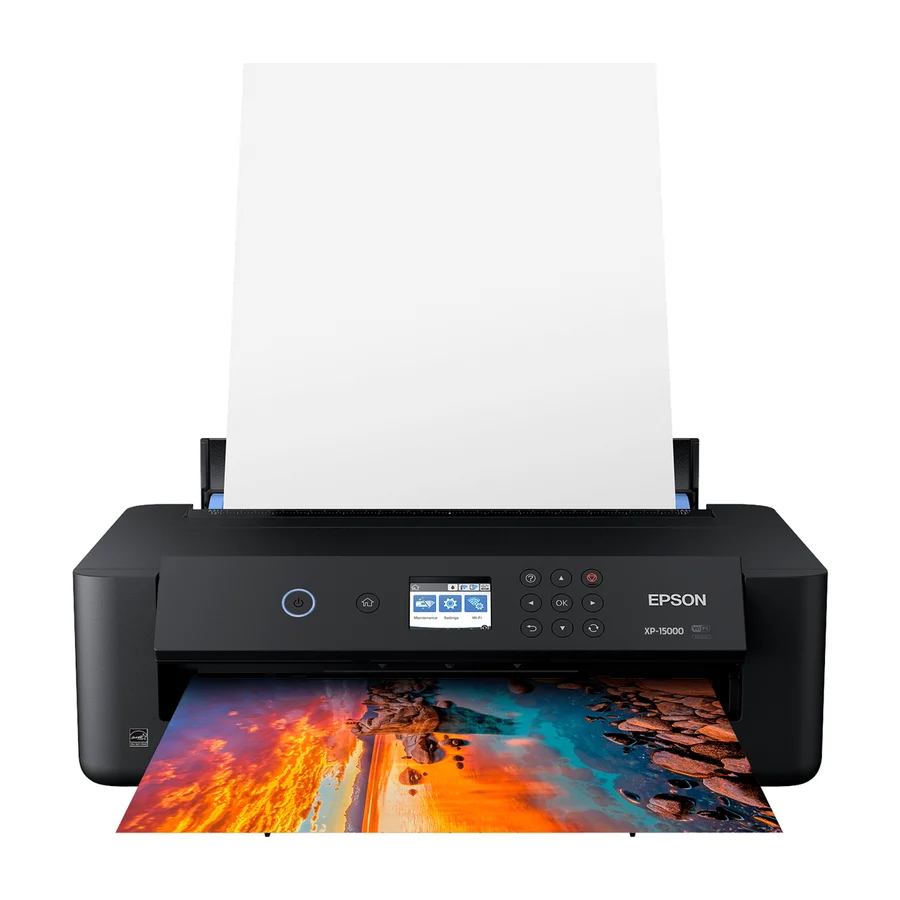 D tier #10 3 of 8 research runs entered this as a product to avoid rather than a pick.
 Epson XP-15000
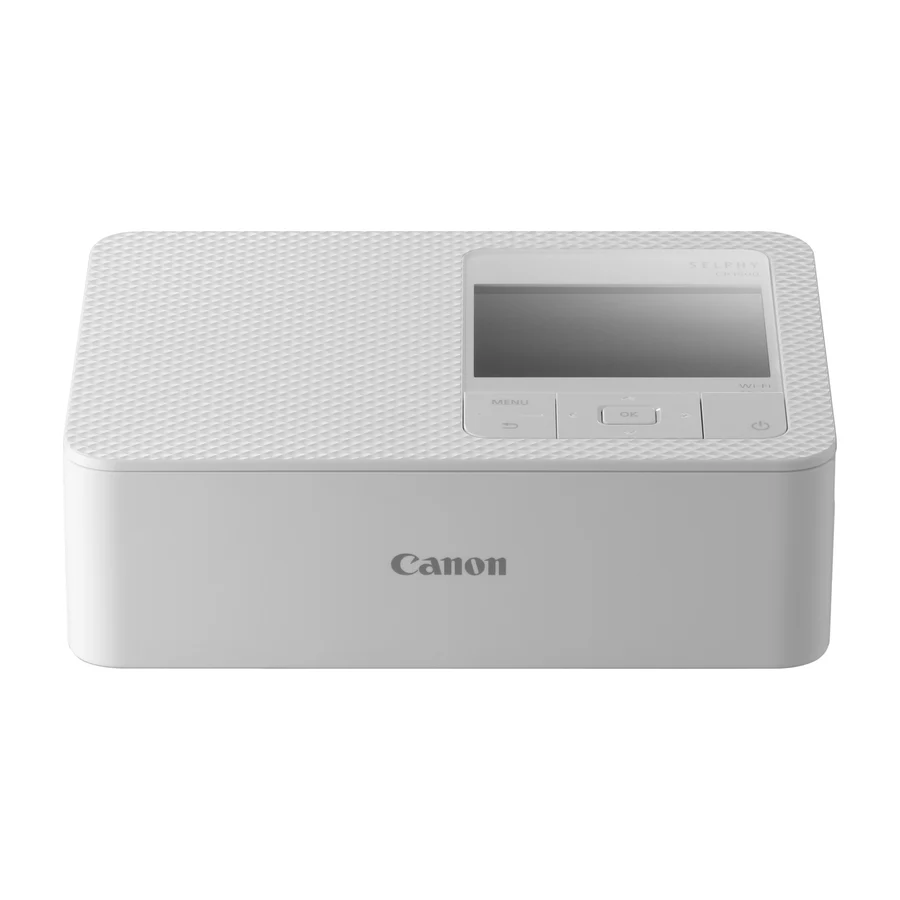 D tier #11 5 of 19 research runs entered this as a product to avoid rather than a pick.
 Canon SELPHY CP1500
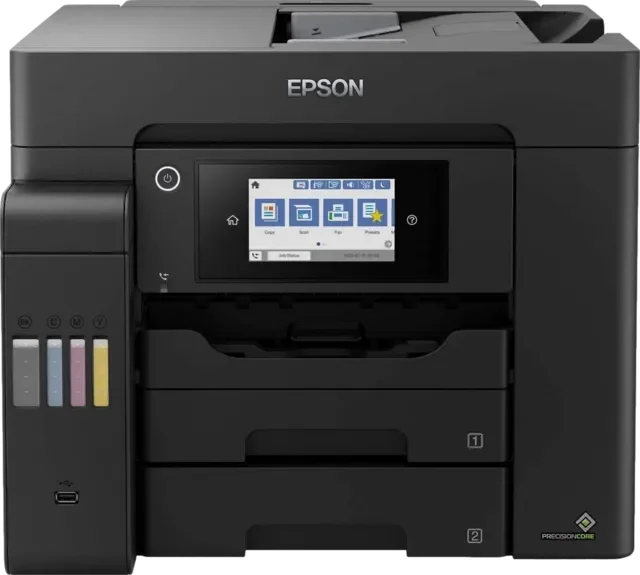 D tier #12 3 of 8 research runs entered this as a product to avoid rather than a pick.
 Epson EcoTank Pro ET-5850
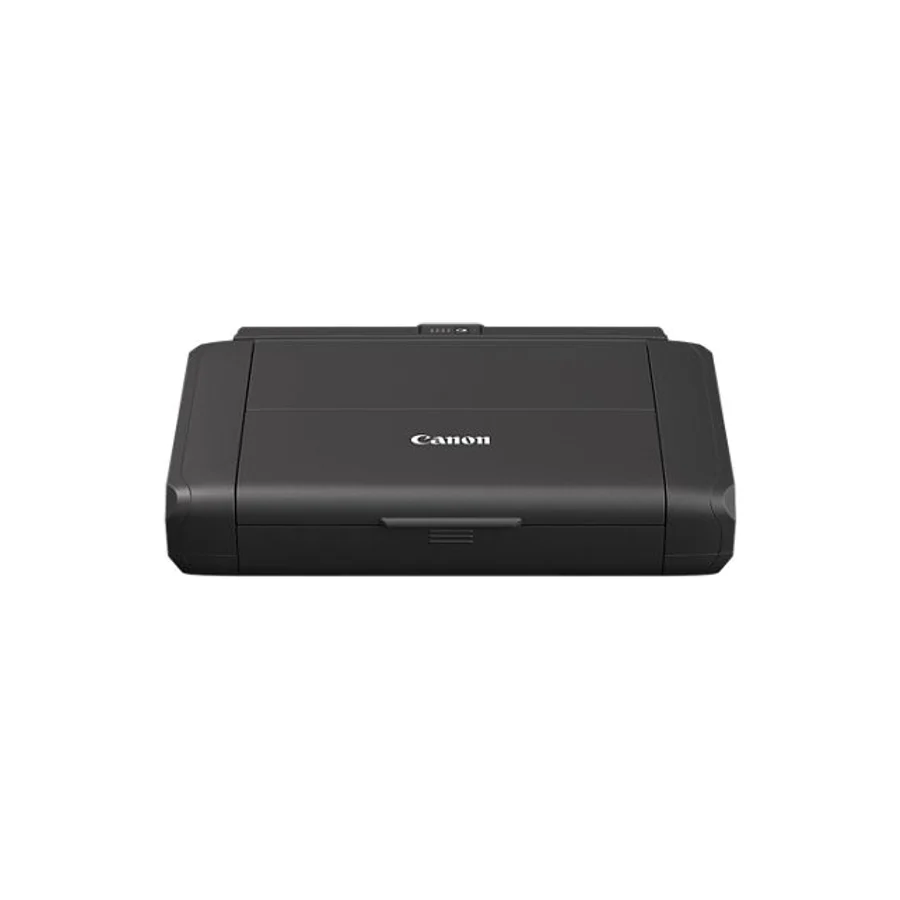 F tier #13 3 of 5 research runs entered this as a product to avoid rather than a pick.