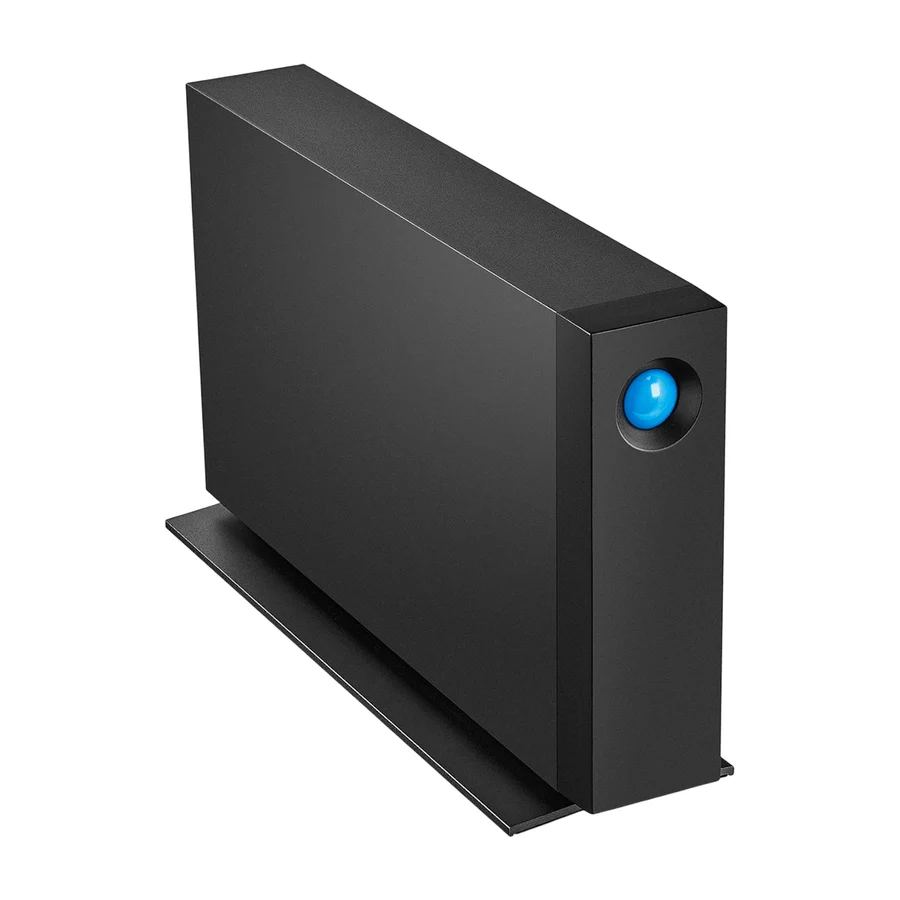
LaCie d2 Professional
Robust build and fast speeds at a reasonable price.
Consolidated from 24 cited sources across 23 outlets
Where the cited sources landed, as we read them
- 20 positive sources
- 1 mixed source
- 3 unconvinced sources
1 of 7 research runs entered this as a product to avoid rather than a pick. A trap is a product buyers genuinely cross-shop but should not buy, ranked honestly alongside the real picks rather than dropped to the bottom. Why the boards include them
Pros & cons
- ✓ Solid metal construction
- ✓ USB-3.0 performance
- ✓ Good software bundle
- ✓ Balanced mix of performance and durability
- ✓ Competitive pricing
- ✗ Heavier than some competitors
- ✗ Higher cost per terabyte
- ✗ Expensive per TB
The sources behind this ranking
We searched the web and YouTube for what has been published about this product, then read the articles, video transcripts and comments we found.
Evidence 4 articles, 19 video reviews and 1 community source
20 positive sources
 Focus Camera Harry Painter · reviewer · Oct 2025
 One offering from LaCie that is a better fit for a seasoned photographer is the d2 Professional External Hard Drive. The d2 Pro is a stand-up drive that is twice as fast as LaCie's portable drives and comes in sizes from 4TB to the new 14TB model . The d2 Pro opens up more possibilities by offering considerably more space and allowing editing directly from the hard drive. This prevents the tedious process of first moving files to a computer, then editing them, and then transferring them back onto the drive. One downside to consider is that the d2 Pro is bulkier than a portable drive and must stay plugged into wall power.Read M
 MacRumors MacRumors · 653K subscribers · Dec 2018
 one of my favorites have always been the LaCie d2. I own the older Thunderbolt 2 model and loved it, and so I was excited to check out the d2 professional.Watch D
 Digital Camera World Article · Oct 2022
 With read speeds of up to 240MB/s and linked to your computer via a modern and fast USB 3.1 Gen 1 Type-C port, the d2 offers a compelling compromise between spacious, cost-effective storage while maintaining a decent turn of speed.Read G
 Geekazine Geekazine · 31.8K subscribers · Jan 2017
 you guys are debuting some uh great drives hereWatch D
 DriveVault DriveVault · reviewer · Jan 2026
 For individual creators who want reliable, high-capacity storage without the complexity of RAID, this remains the benchmark.Read 1
 10 Best Reviews 10 Best Reviews · 4.2K subscribers · Nov 2025
 The Lacy D2 is the high-erforming fast external hard drive for the SSDbased laptops and all-in-one computers powered by USBC or Thunderbolt 3. If you need work with large capacity data, Lacy D2 HDD is ideal for you. This HDD perfectly well with the new MacBook Pro as well as it works well with the USB 3.0 computers.Watch F Facebook ARKInfosolutionsPvtLtd
The LaCie d2 Professional is built for creators who demand speed, reliability, and high capacity-all in one sleek design.View post S
 Scandinavian Photo Scandinavian Photo · 4.2K subscribers · Jun 2026
 If strong storage capacity and long term organization matters more, the LaCie D2 professional still makes a lot of sense, especially when you need 10, 14, 20TB without spending a fortune on a solid state storage.Watch C
 CurrentProductReviews CurrentProductReviews · 4K subscribers · Aug 2025
 The LaCie d2 Professional 10TB HDD is an excellent choice for creative professionals who need substantial storage space.Watch A
 andycdgreen andycdgreen · 3.5K subscribers · Jan 2015
 And it's quite handy that this is included and big kudos to LaCie because these normally alone cost around about £50 in the UK.Watch H
 Happy Shop Happy Shop · 2.3K subscribers · Dec 2022
 I am very happy with my purchase and recommend these LaCie drives.Watch B
 BT Shop BT Shop · 2K subscribers · Mar 2026
 For creatives looking to expand their storage without sacrificing speed or reliability, the LaCie d2 Professional is worth a look.Watch B
 Best Buys Reviewed Best Buys Reviewed · 1.6K subscribers · Aug 2025
 Meet your creative life-saver: the LaCie d2 Professional 20TB. This isn’t just storage—it’s enterprise-class firepower for your digital arsenal. Packed with a 7200 RPM IronWolf Pro HDD, USB 3.2 Gen 2 for blazing 290MB/s speeds, cross-platform compatibility (macOS, Windows, iPad Pro), and a body forged from a solid aluminum block—this drive isn’t playing around. With a 5-year warranty and Rescue Data Recovery Services, it's peace of mind in physical form. Got loads of 4K footage? One hour transfers in under 2 minutes. Adobe Creative Cloud All Apps Plan for a month? Included. Whisper-quiet fan? Check. This drive doesn’t just store your dreams—it protects them like a vault.Watch P
 Prime Picks Hub Prime Picks Hub · 1K subscribers · Sept 2026
 Join us as we explore its features, performance, and what makes the LaCie d2 Professional a top choice for those looking to expand their storage without sacrificing speed or reliability. Don’t forget to stick around for our final thoughts!Watch C
 CutToTheTech CutToTheTech · 878 subscribers · May 2018
 On their site, LaCie claims you can transfer 64GB of files to a Thunderbolt 3 device in 5 minutes; our testing found that to be not only true but an under exaggeration. The drive could consistently transfer files to and from the computer at nearly 15GB a minute, so transferring large video files was no problem.Watch B
 Best Tech Review Best Tech Review · 554 subscribers · Apr 2025
 Designed for professionals, this desktop HDD offers massive storage capacity and high-speed performance. With a 7200 RPM Seagate BarraCuda Pro enterprise-class drive, it delivers reliable and efficient data storage. Connectivity is seamless with USB-C and USB 3.0 interfaces, ensuring compatibility with both Mac and PC systems. The aluminum unibody enclosure not only provides durability but also reduces noise and vibration.Watch B
 Best Trust Guide Best Trust Guide · 295 subscribers · Jul 2026
 The LaCie d2 Professional 10TB external hard drive is designed for users who need dependable desktop storage with a strong focus on capacity, reliability, and professional workflows. Instead of targeting portability, this desktop hard drive is built for creators, professionals, and anyone working with large collections of files that need to stay organized and easily accessible over time. A key feature is the generous 10TB storage capacity, making it well-suited for storing large photo libraries, video projects, design assets, backups, and other data-intensive files. Having this much space in a single desktop drive can simplify storage management by reducing the need to spread files across multiple smaller drives.Watch B
 BudgetBuys BudgetBuys · 262 subscribers · Sept 2026
 The headline number here is 16 TB, which gives you an enormous amount of desktop storage for high-resolution photos, 4K video projects, music libraries, computer backups, and large creative archives. At 260 MBps maximum read and write performance on the listed configuration, transferring a 100 GB collection at the theoretical maximum could take roughly 6 to 7 minutes, although real-world results vary depending on the computer, file sizes, and workload.Watch J
 Jovoka Home Jovoka Home · 64 subscribers · Sept 2023
 Speeds of up to 260 MB/s mean ultra-fast file transfers, quick booting and smooth application usage.Watch T
 techmania techmania · 31 subscribers · Aug 2026
 The 7,200 revolutions per minute enterprise-class drive is designed for higher performance desktop storage, making it particularly useful for large media libraries, video projects, photo archives, backups, and other files that require substantial capacity.Watch

3 unconvinced sources
 MDrepairs MDrepairs · reviewer · Apr 2026
 The Thunderbolt controller on these drives occasionally needs a firmware update from LaCie to maintain compatibility with newer macOS versions. Check LaCie's support page for firmware updates specific to your model.Read C
 Critical Reviews Critical Reviews · 13.6K subscribers · Dec 2025
 Let's explore what makes this device a questionable investment.Watch C
Critical Reviews Critical Reviews · 13.6K subscribers · Dec 2025 Let's explore the reasons why you might want to think twice before purchasing this external hard drive.Watch
Frequently asked questions
It ranks #3 of 18 on our hard drives tier list, in A tier. That placement draws on 24 cited sources across 23 outlets.
3 of the 24 sources with a clear view are critical of it: Critical Reviews and MDrepairs. Heavier than some competitors. Higher cost per terabyte. Expensive per TB.
Ranked nearby in Hard Drives
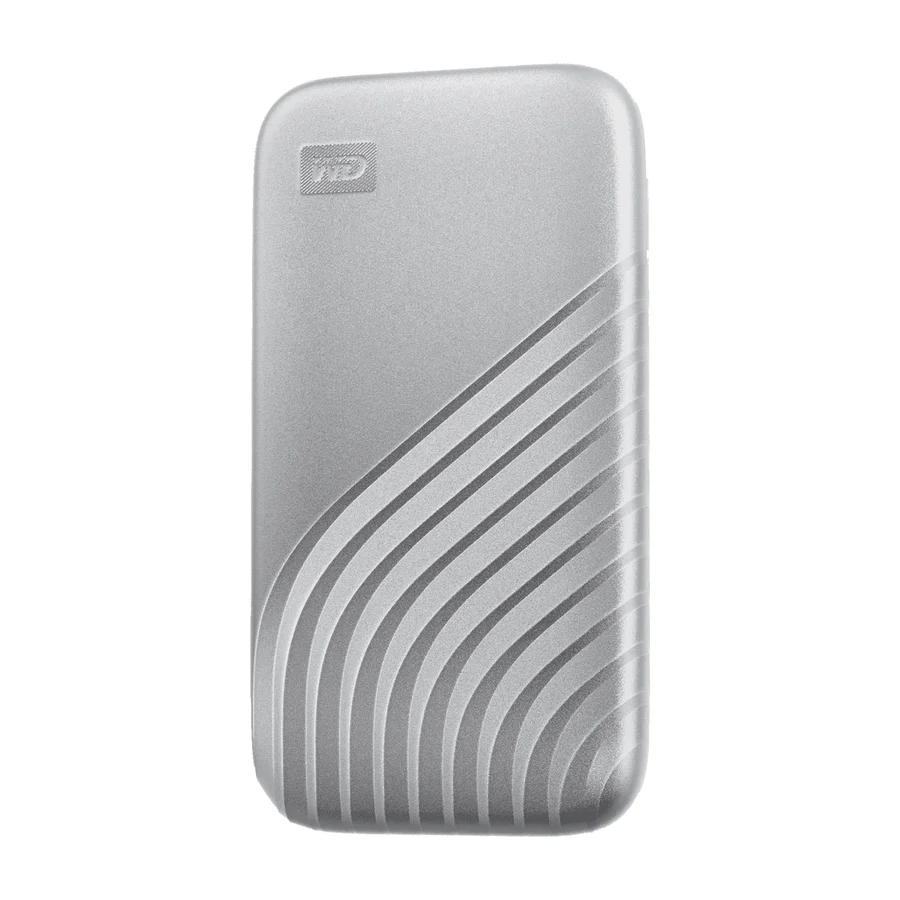 S tier #1
 WD My Passport
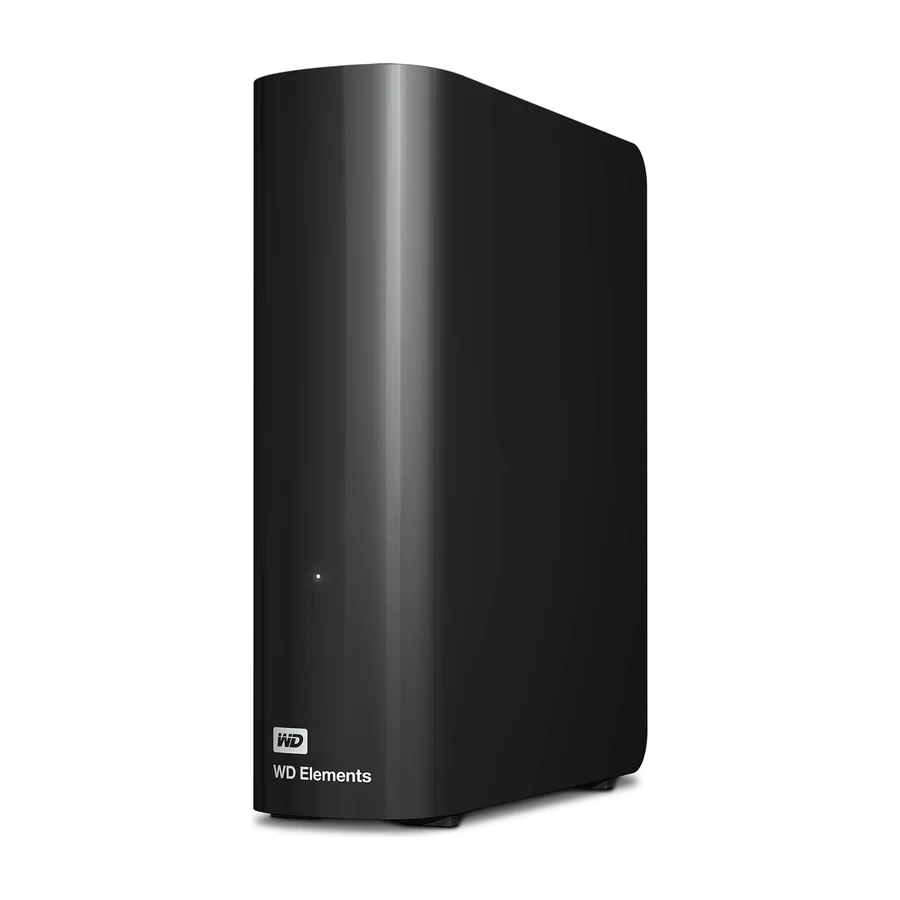 A tier #2
 WD Elements Desktop
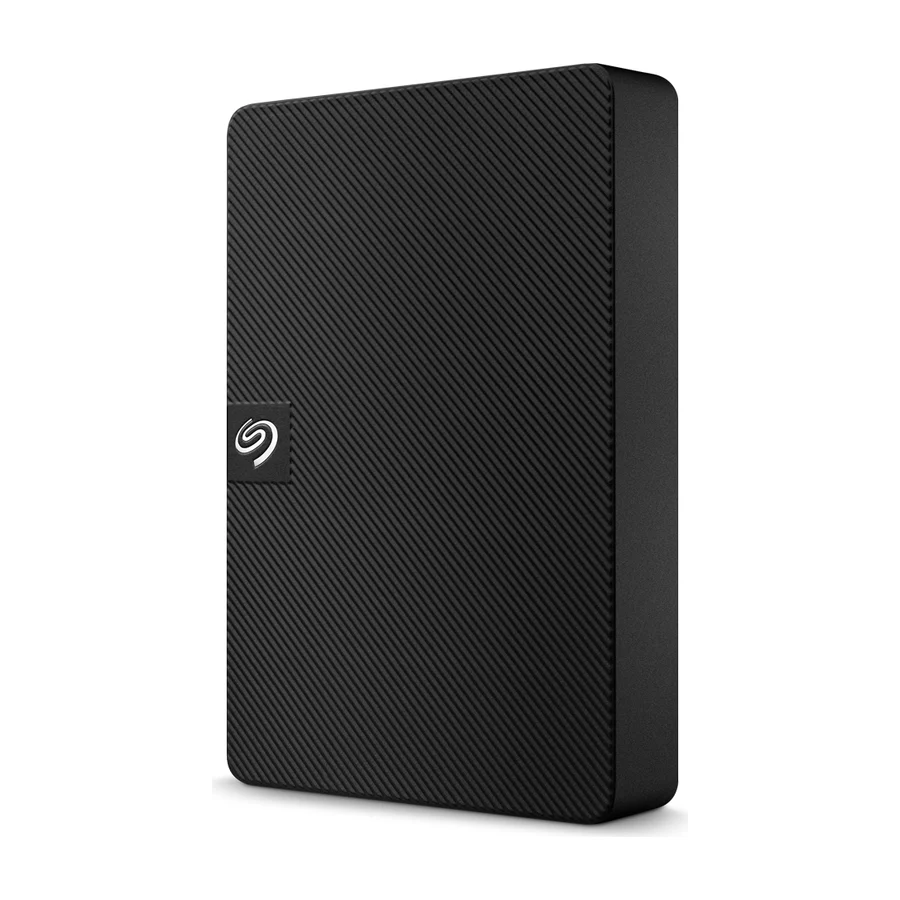 B tier #4 1 of 10 research runs entered this as a product to avoid rather than a pick.
 Seagate Portable (STGX)
 B tier #5
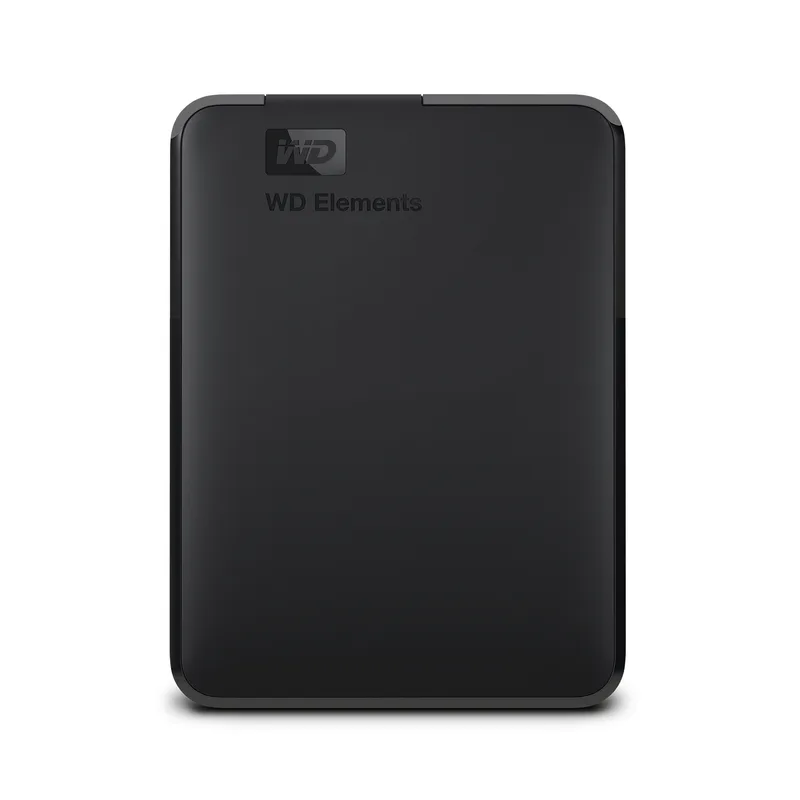
 WD Elements Portable
 B tier #6 1 of 7 research runs entered this as a product to avoid rather than a pick.
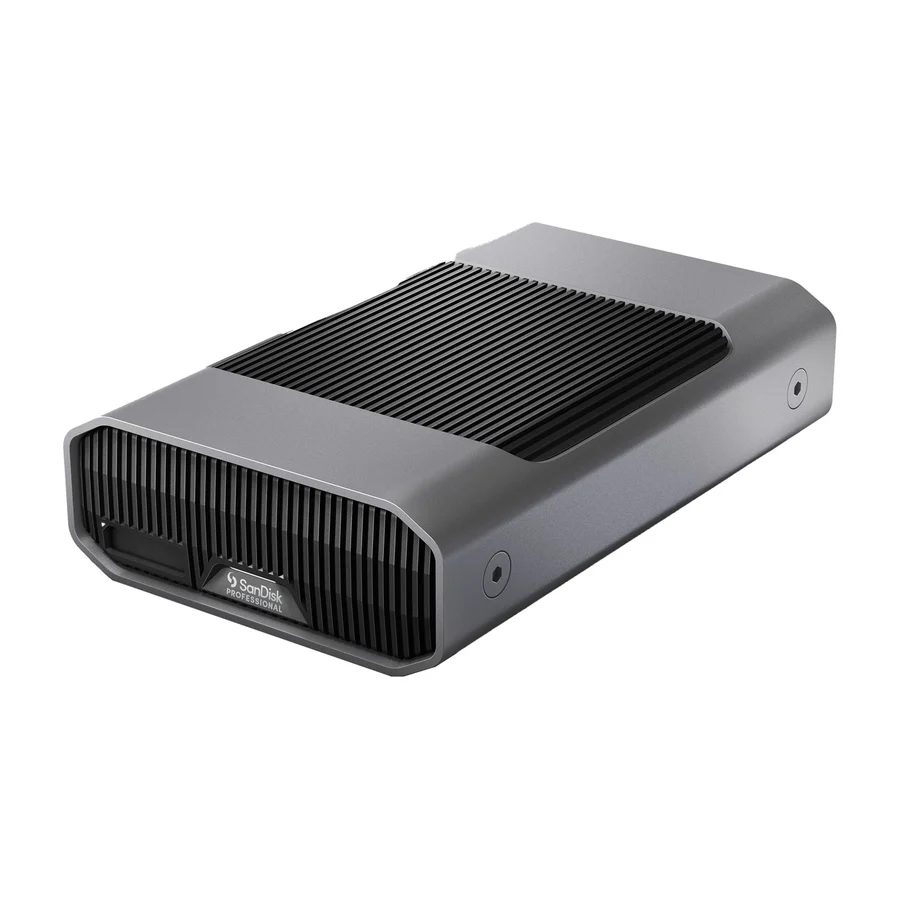
 SanDisk Professional G-DRIVE
 B tier #7 1 of 10 research runs entered this as a product to avoid rather than a pick.
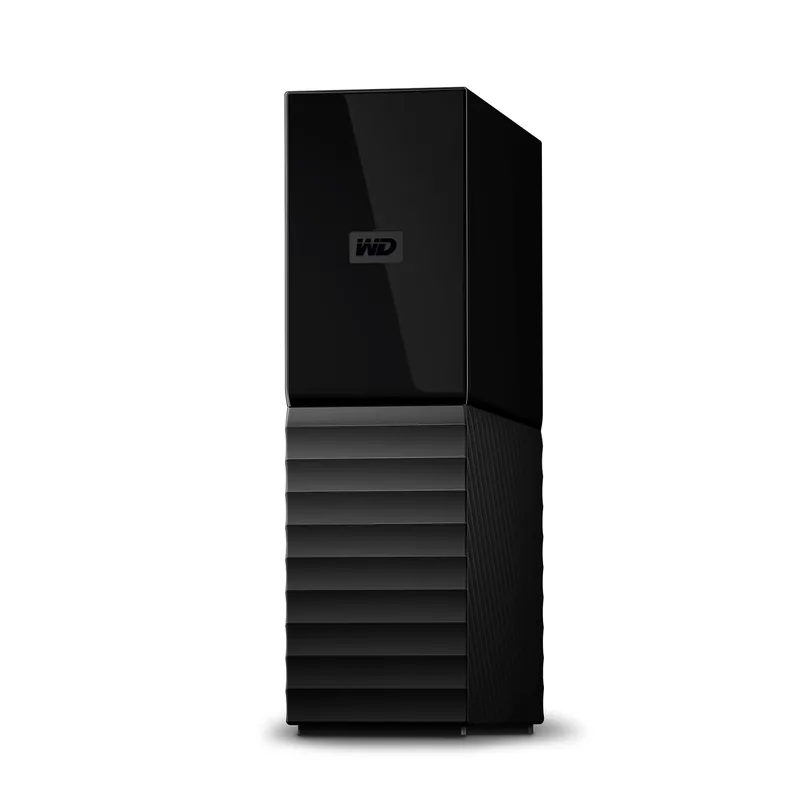
 WD My Book
 C tier #8 1 of 10 research runs entered this as a product to avoid rather than a pick.
 Seagate Expansion Desktop
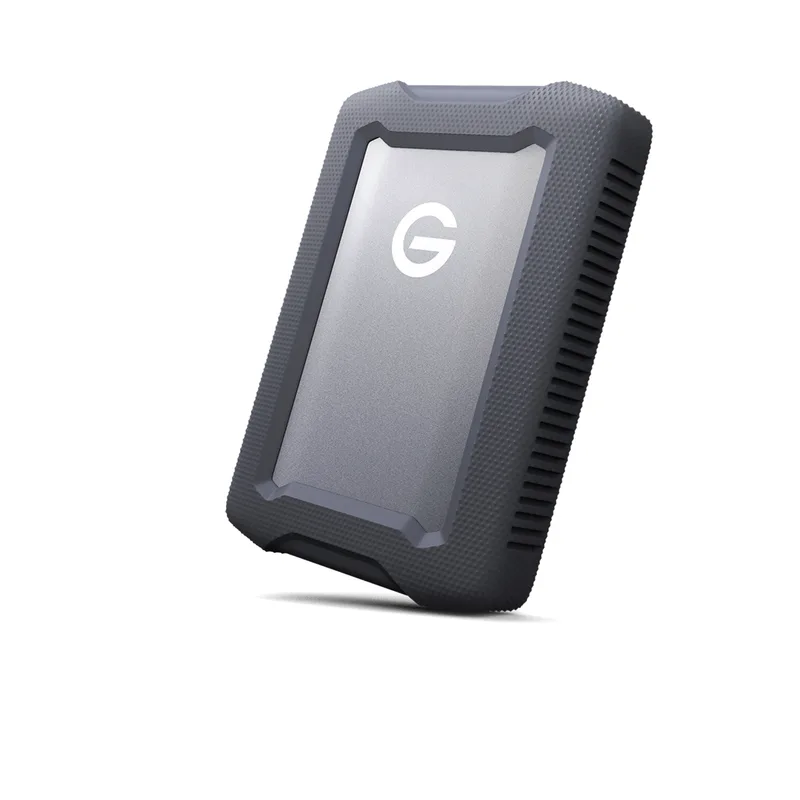 F tier #16 1 of 9 research runs entered this as a product to avoid rather than a pick.
 SanDisk Professional G-DRIVE ArmorATD
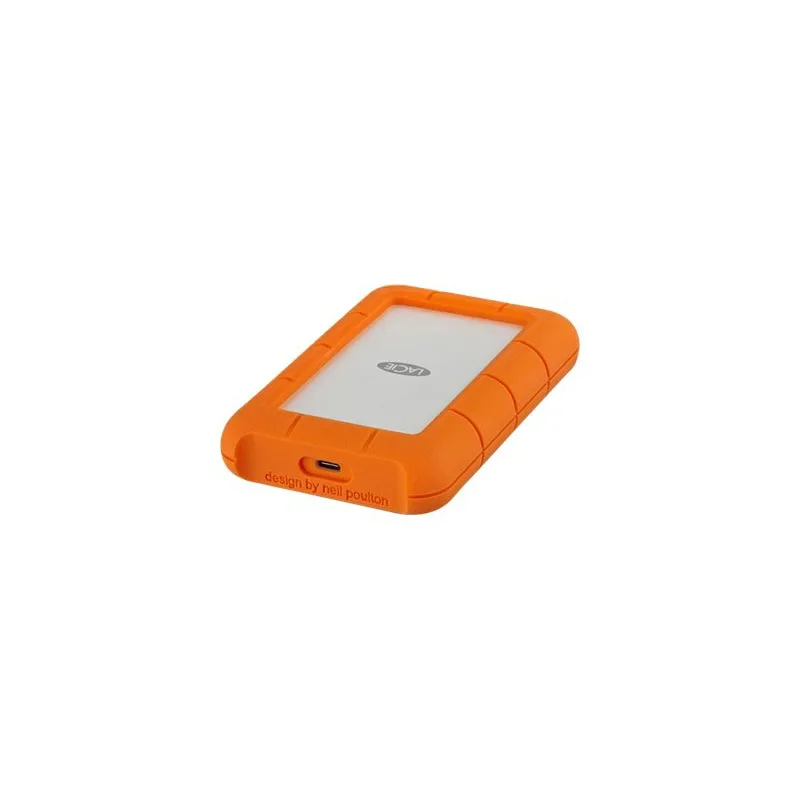 F tier #17 4 of 11 research runs entered this as a product to avoid rather than a pick.
 LaCie Rugged USB-C
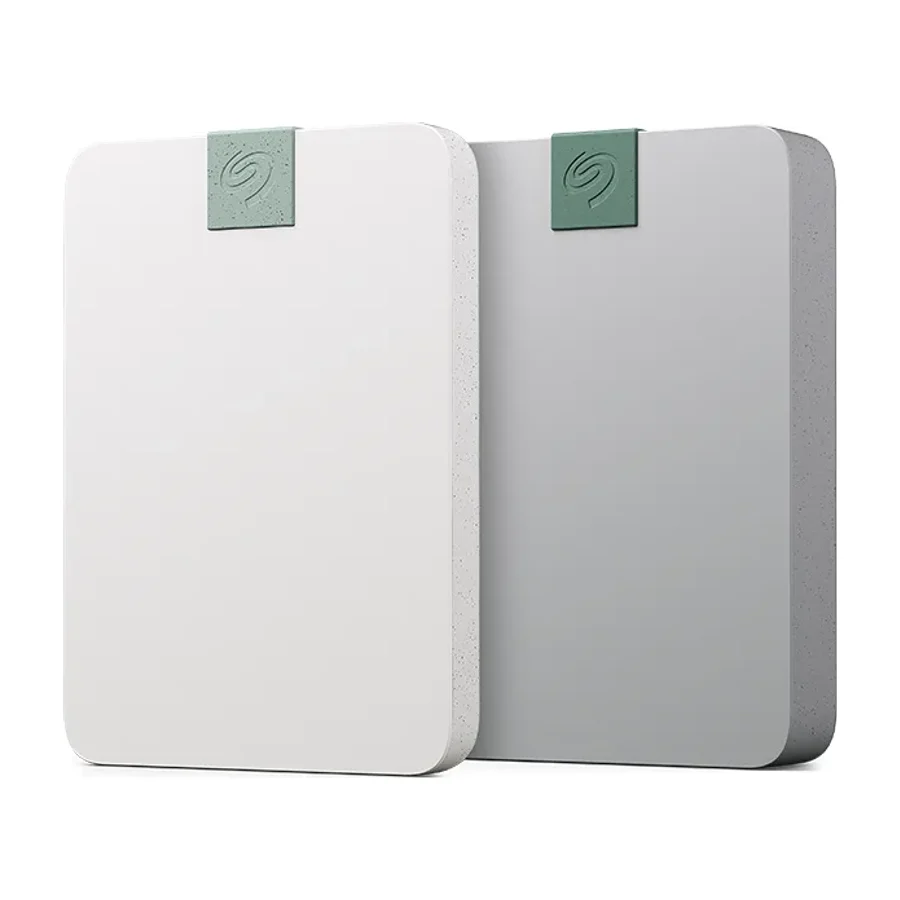 F tier #18 3 of 5 research runs entered this as a product to avoid rather than a pick.