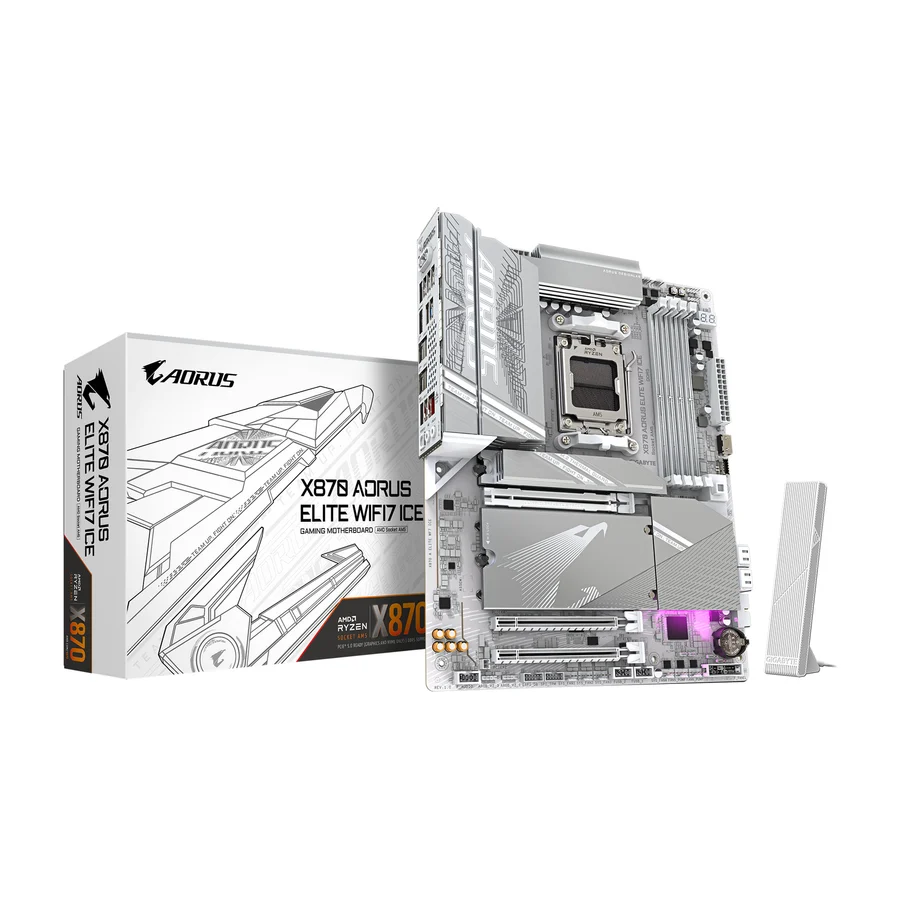
Gigabyte X870 Aorus Elite WiFi7
A reliable board trapped in a pointless chipset. The non-E X870 premium buys nothing a B850 lacks.
Consolidated from 18 cited sources across 16 outlets
Where the cited sources landed, as we read them
- 1 enthusiastic source
- 11 positive sources
- 3 mixed sources
- 1 unconvinced source
2 of 7 research runs entered this as a product to avoid rather than a pick. A trap is a product buyers genuinely cross-shop but should not buy, ranked honestly alongside the real picks rather than dropped to the bottom. Why the boards include them
Pros & cons
- ✓ Fundamentally a reliable, well-built board
- ✓ Includes forced USB4 connectivity
- ✗ Non-E X870 forces USB4 but lacks the second chipset of X870E
- ✗ Costs meaningfully more than B850 for connectivity that is largely a wash in practice
- ✗ The B850 Aorus Elite WiFi7 or B850 Tomahawk Max WiFi II are the better buys
- ✗ Not a bad board, but a bad deal
The sources behind this ranking
We searched the web and YouTube for what has been published about this product, then read the articles, video transcripts and comments we found.
Evidence 4 articles, 13 video reviews and 1 community source

11 positive sources
 Alktech Article
 The Gigabyte X870M AORUS ELITE WIFI7 has the unique distinction of being the one and only AMD X870 micro ATX motherboard offering in the AM5 micro ATX motherboard market, at least as of the time of publishing this article.Read L
 Laurent's Choice Laurent's Choice · 42.7K subscribers · Nov 2025
 But today we are reviewing the excellent X870 Arrow Stealth ICE a motherboard here to redeem the past and show what a breastfed motherboard looks like. And obviously I have not been breastfed as a baby. Uh but worry not because I have been doing some serious catching up ever since. Now starting with the obvious.Watch I Instagram Instagram post
The X870 AORUS ELITE WIFI7 is here - built with an easy-to-assemble design and advanced thermal management, all made with you in mind.View post B
 Best Top Tech Best Top Tech · 2.4K subscribers · Aug 2025
 Overall, the Gigabyte X870s Elite Wi-Fi 7 appears to be a well-rounded motherboard with a strong focus on power delivery, storage, cooling, and connectivity. It's a solid foundation for a high-end gaming or workstation build using the latest AMD Ryzen processors.Watch W
 Wccftech Hassan Mujtaba · reviewer · Aug 2026
 For this review, we will be testing Gigabyte's flagship OC motherboard, the X870 AORUS Infinity , which offers some powerful features.Read A
 Artyom Explains Artyom Explains · 1.4K subscribers · Jul 2025
 The box looks really premium. It gives off impression that there's some kind of a very high tier product inside. And in some way it is. And if you're not familiar with Gigabyte products, ice on the end means it's white. And that's it. All the Gigabyte whiteboards have ice on the end. And as you saw, it opens slightly differently than other motherboards.Watch T
 Tech Trends Hub Tech Trends Hub · 590 subscribers · Apr 2026
 This means you're ready for next-gen graphics cards and ultra-fast storage. Alongside that, you get multiple M.2 slots for expansion, which is perfect if you plan to build a system with large game libraries or heavy project files. Memory support is also solid with DDR5 RAM up to high overclock speeds and support for AMD EXPO profiles, making it easy to get the most out of your RAM.Watch G
 GenuineCritics GenuineCritics · 582 subscribers · May 2025
 This ATX motherboard is designed for high performance setups, offering cuttingedge features that will meet the needs of gamers, content creators, and power users alike. Built around the AMD X870 chipset, the X870 Airs Elite brings a wealth of modern connectivity options, including PCI 5.0, which futureproofs your build for nextG GPUs and storage devices.Watch T
 Tech Mania Tech Mania · 394 subscribers · Jun 2026
 The X870 AORUS Elite Wi-Fi 7 boasts an impressive design with an array of metallic accents, the AORUS branding in silver, and the subtle RGB lighting. It truly is an eye-catching piece of kit. The build quality and durability of the components are equally impressive, with solid capacitors and robust PCB construction that can handle the demanding requirements of modern hardware.Watch T
 Tech Deals Hub Tech Deals Hub · 146 subscribers · Mar 2026
 Today, we're taking a close look at the Gigabyte X870 Iris Elite Wi-Fi 7 AMD AM5 motherboard, a premium ATX board that brings next level connectivity, storage, memory, and networking to Ryzen builds.Watch T
 TechAlphas TechAlphas · 46 subscribers · Jan 2026
 Uh the build quality is amazing. Um yeah. So, let's get it out of the way for now, just to see what else is in the box. Uh, okay. Uh, there's a SATA cable. Okay, that's nice. Uh, here's the Wi-Fi antenna. It also looks nice and comes a great design. Here you go. You just plug this in into the motherboard. And yeah, it's a neat little I'm going to use that G connector. Okay.Watch
3 mixed sources
 BC Zone BC Zone · 8.4K subscribers · Jan 2025
 However, it does lack a bit in the BIOS department compared to some higherend boards. It's slow and difficult to navigate, so troubleshooting things can sometimes be a problem. On top of that, the physical debug LED on the board is in a poor position that can easily be hidden by cables. That's a minor complaint considering the price, as the rest of the board is fantastic.Watch R
 Reviewsinside Reviewsinside · 4.6K subscribers · Jun 2025
 On the flip side, while it excels in connectivity, the lack of a Thunderbolt 4Watch R
Reviewsinside Reviewsinside · 4.6K subscribers · Apr 2025 One downside we noticed was that while the motherboard offers great power delivery, it's a bit overkill for casual users who don't plan on overclocking or pushing their hardware to extreme limits.Watch
1 unconvinced source

2 stance not read sources
 Gear Seekers Gear Seekers · 245K subscribers · Jul 2025
 I'm Nick and this is the Gigabyte X870 Orus Stealth Ice. It's a new back connector board that we saw at Compyex. What we're going to do is take a little bit of a look at this interesting new motherboard from Gigabyte. It's got connectors on the back. Let's take a closer look. >> Wo! >> It's on the back. >> On the back. >> Yeah, Gigabyte was the first to do it.Watch A
 ALKtech ALKtech · 7.8K subscribers · Oct 2025
 For today's video, we'll be taking a look at what I think could be the cleanest-looking reverse connector AMD AM5 motherboard for white PC builds, the Gigabyte X870 AORUS STEALTH ICE. Featuring support for the latest Ryzen 9000 series of processors, the Ryzen 8000 series of APUs and CPUs, the older Ryzen 7000 series of CPUs, aWatch
Frequently asked questions
It ranks #13 of 19 on our motherboards tier list, in D tier. That placement draws on 18 cited sources across 16 outlets.
1 of the 16 sources with a clear view is critical of it: PCPartPicker. Non-E X870 forces USB4 but lacks the second chipset of X870E. Costs meaningfully more than B850 for connectivity that is largely a wash in practice. The B850 Aorus Elite WiFi7 or B850 Tomahawk Max WiFi II are the better buys. Not a bad board, but a bad deal.
Ranked nearby in Motherboards
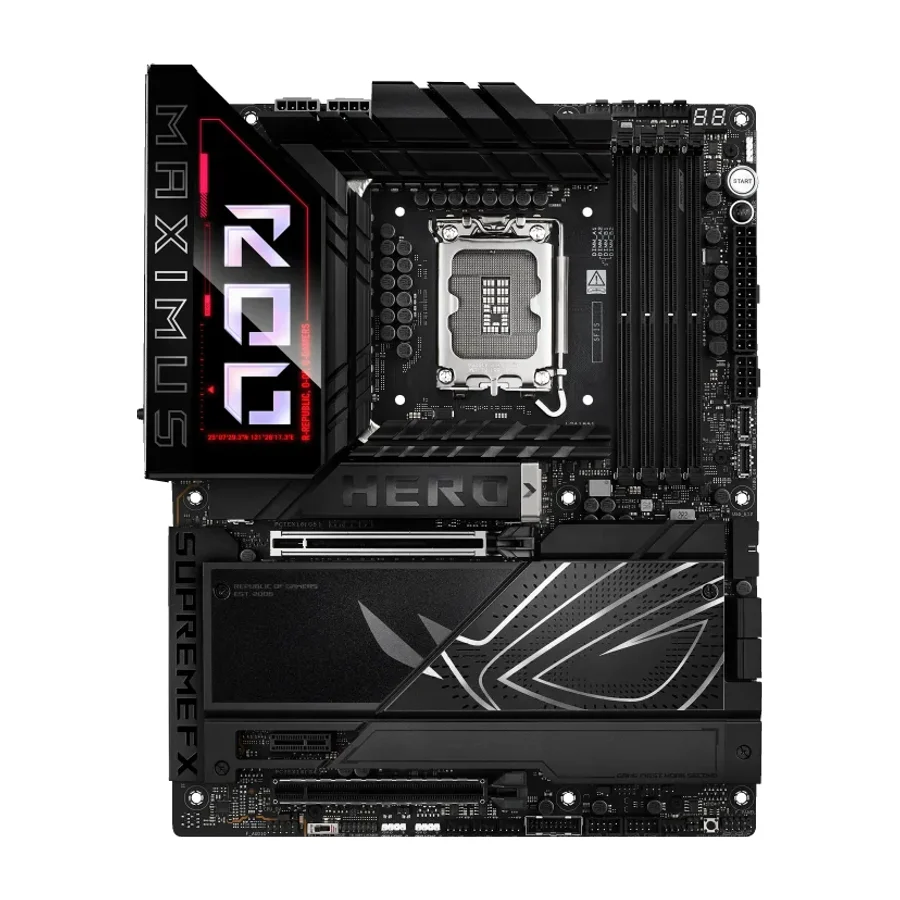 C tier #8
 ASUS ROG Maximus Z890 Hero
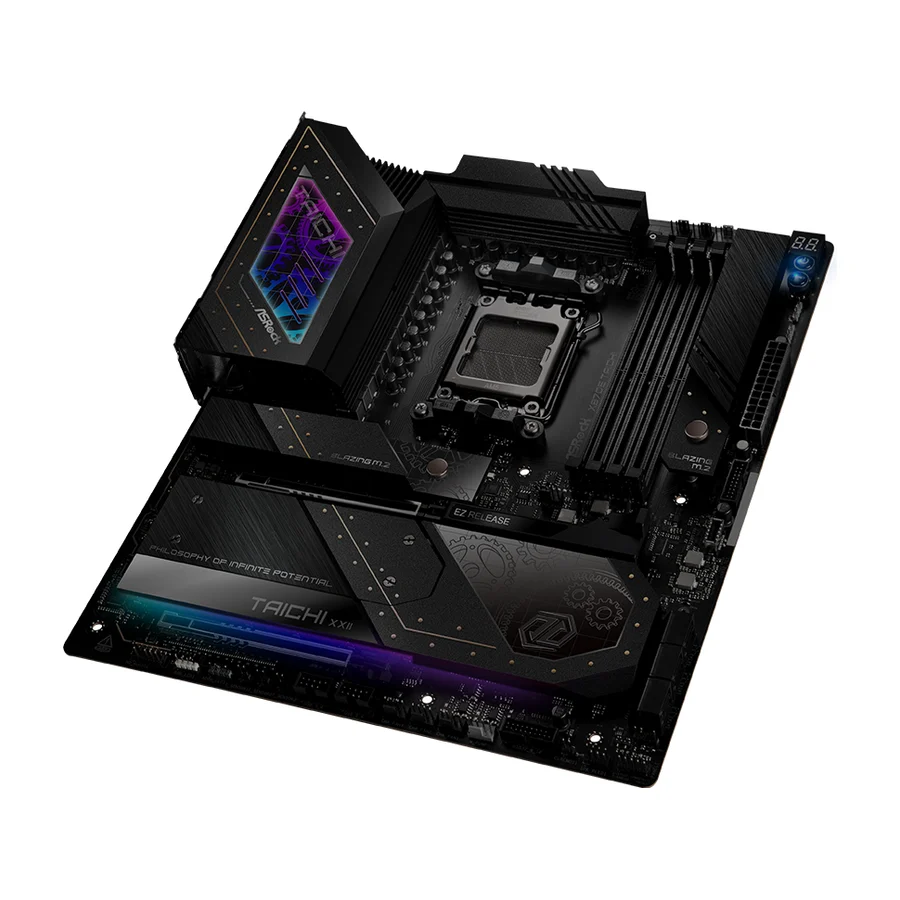 D tier #9 3 of 10 research runs entered this as a product to avoid rather than a pick.
 ASRock X870E Taichi
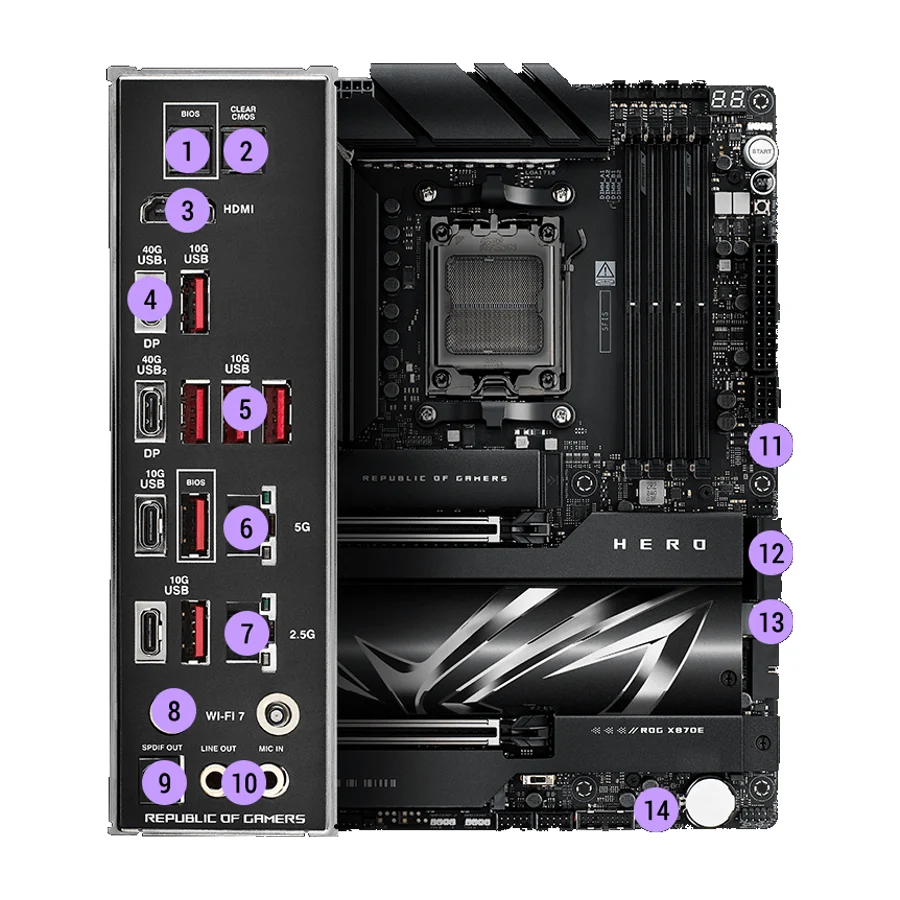 D tier #10 2 of 11 research runs entered this as a product to avoid rather than a pick.
 ASUS ROG Crosshair X870E Hero
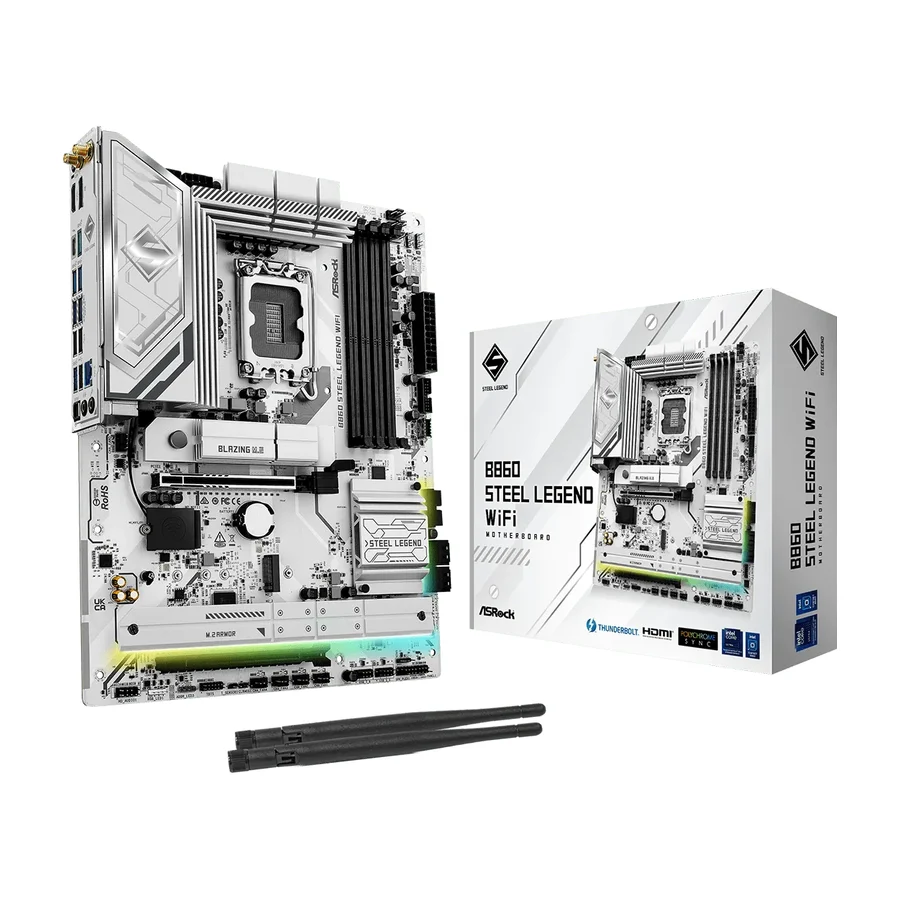 D tier #11 1 of 5 research runs entered this as a product to avoid rather than a pick.
 ASRock B860 Steel Legend WiFi
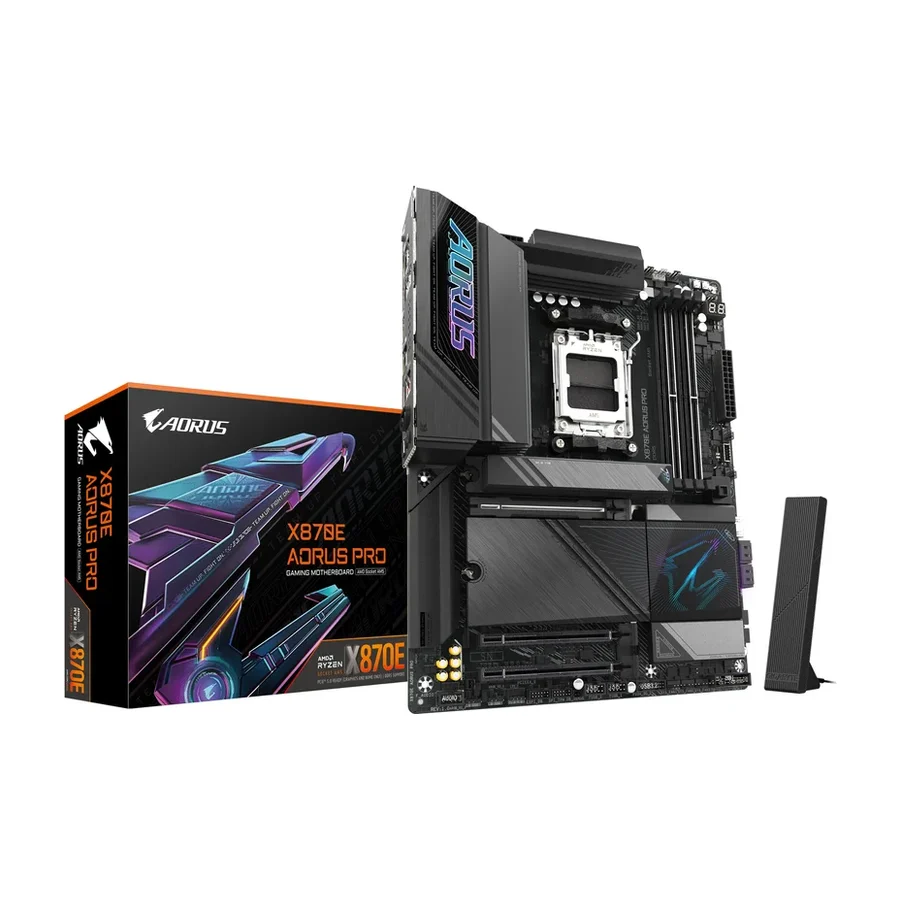 D tier #12 2 of 9 research runs entered this as a product to avoid rather than a pick.
 Gigabyte X870E Aorus Pro
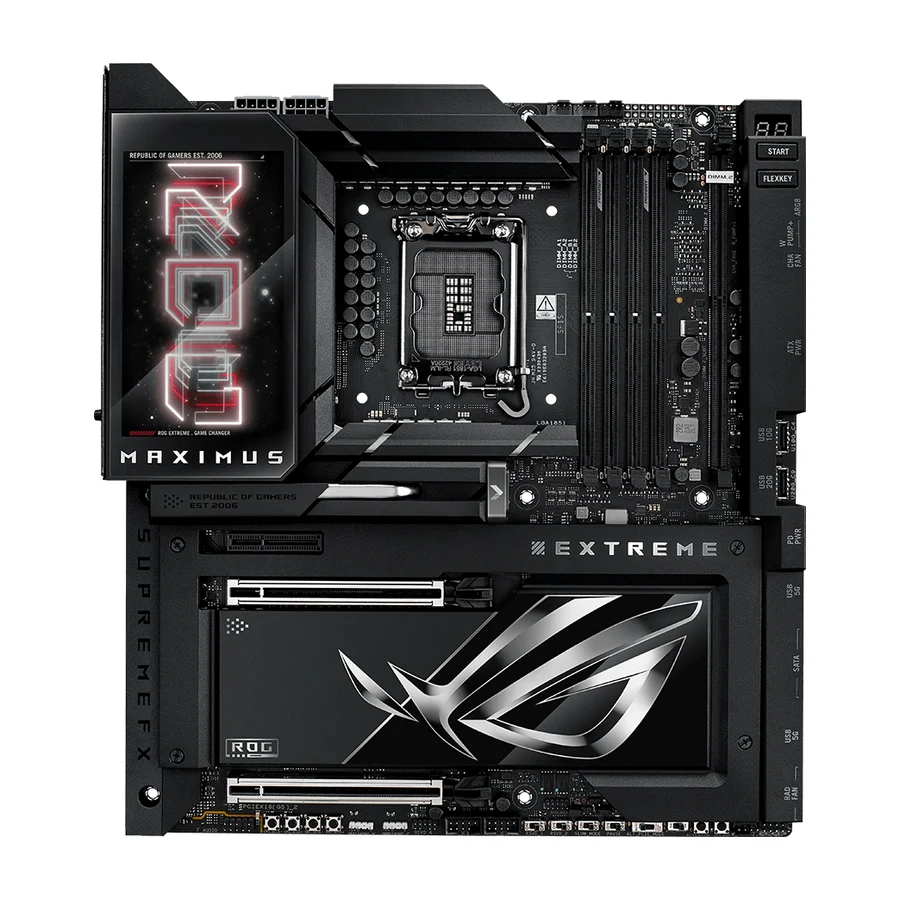 F tier #14 3 of 6 research runs entered this as a product to avoid rather than a pick.
 ASUS ROG Maximus Z890 Extreme
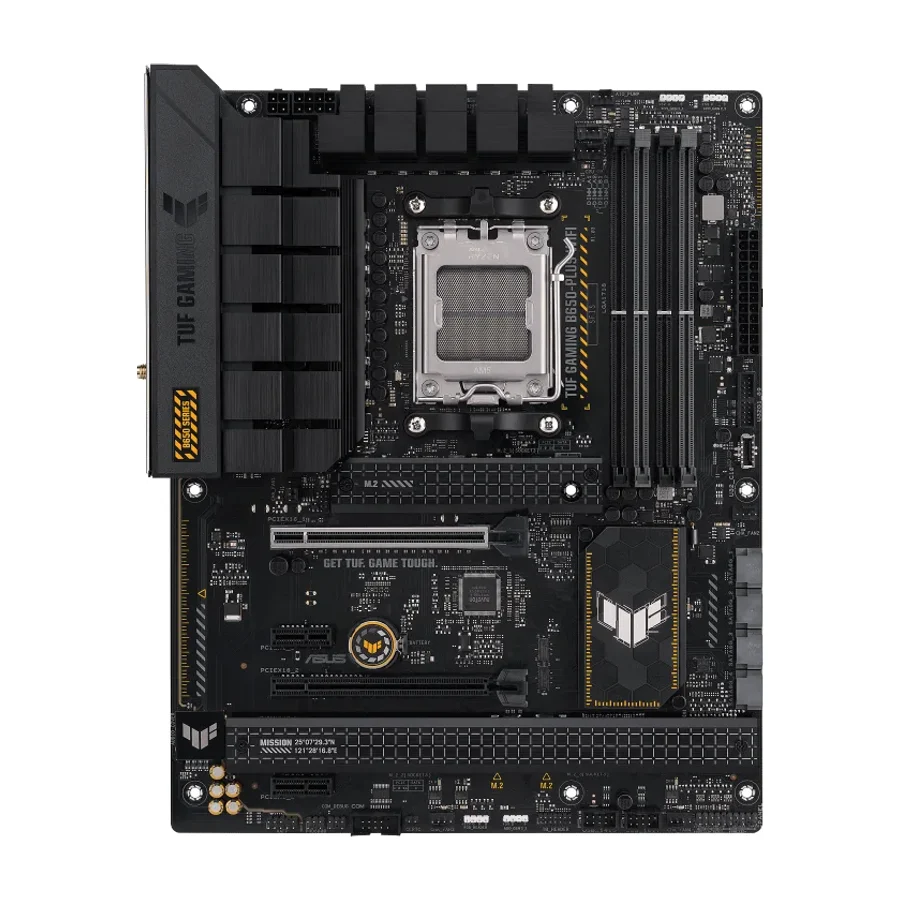 F tier #15 1 of 7 research runs entered this as a product to avoid rather than a pick.
 ASUS TUF Gaming B650-Plus WiFi
 F tier #16 1 of 5 research runs entered this as a product to avoid rather than a pick.
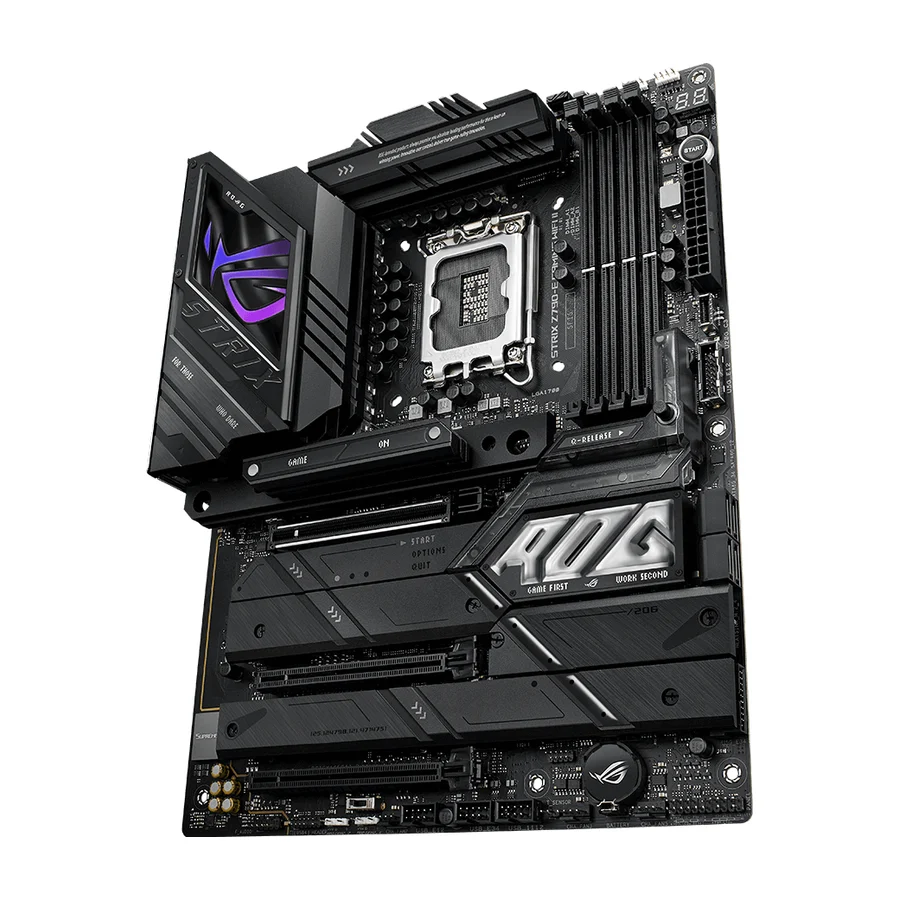
 ASUS ROG Strix Z790-E Gaming WiFi II
 F tier #17 3 of 9 research runs entered this as a product to avoid rather than a pick.
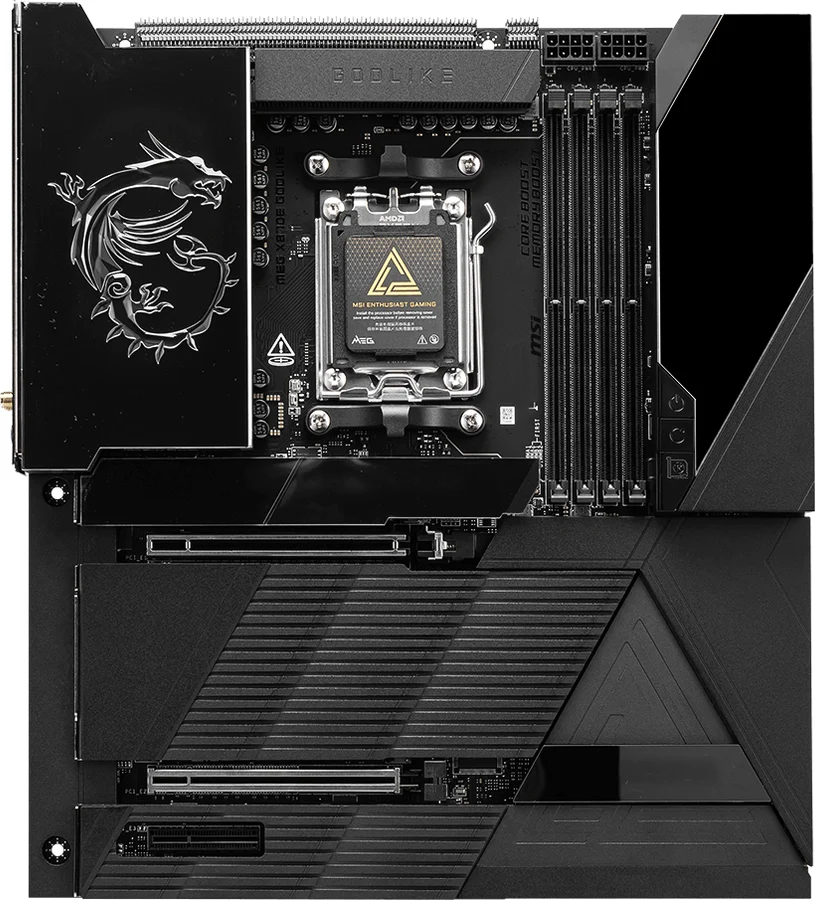
 MSI MEG X870E Godlike
 F tier #18 1 of 6 research runs entered this as a product to avoid rather than a pick.