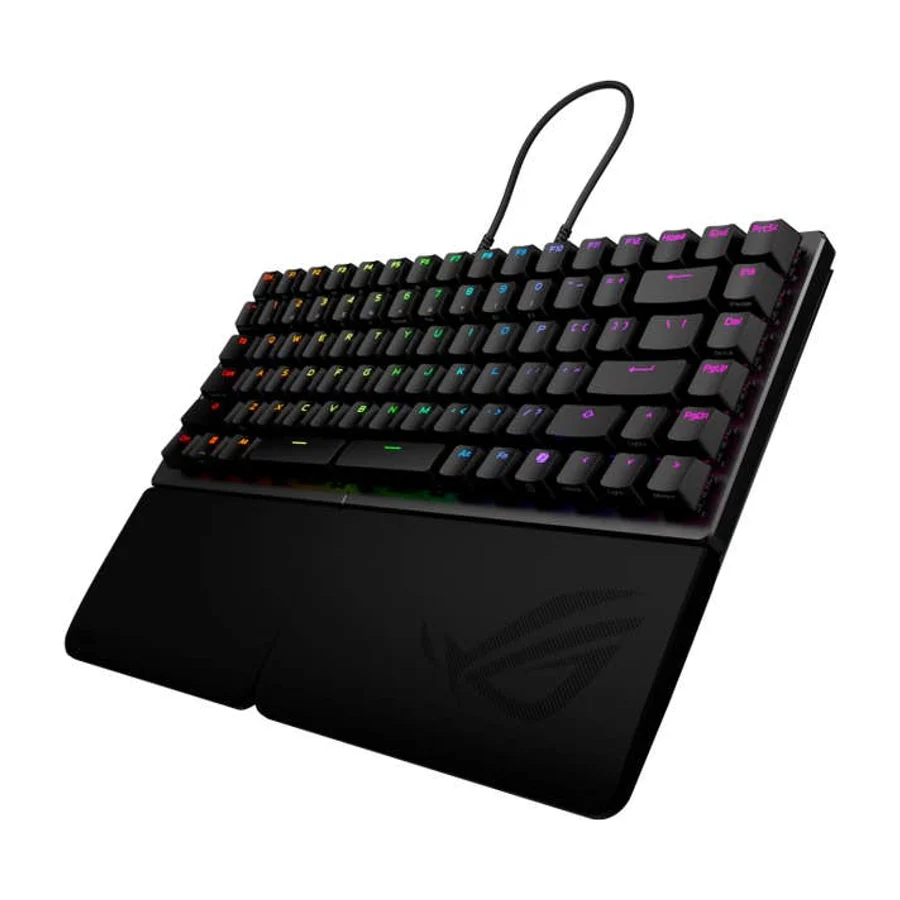
Asus ROG Falcata
Top-shelf HE performance kneecapped by a flagship price and a niche split layout. The 80HE does the core job for half the money.
Consolidated from 28 cited sources across 25 outlets
Where the cited sources landed, as we read them
- 12 positive sources
- 15 mixed sources
- 1 unconvinced source
1 of 5 research runs entered this as a product to avoid rather than a pick. A trap is a product buyers genuinely cross-shop but should not buy, ranked honestly alongside the real picks rather than dropped to the bottom. Why the boards include them
Pros & cons
- ✓ Excellent split Hall-effect board with top-shelf performance
- ✗ Flagship money for a split layout most gamers do not want
- ✗ The 80HE delivers the same core rapid-trigger performance for half the price
- ✗ Community consensus flags ASUS as the most overpriced
The sources behind this ranking
We searched the web and YouTube for what has been published about this product, then read the articles, video transcripts and comments we found.
Evidence 16 articles, 8 video reviews and 4 community sources
12 positive sources
 PC Guide Sebastian Kozlowski · reviewer
 On the back end of the board, the left has the rapid trigger switch, which is a nice feeling and satisfying toggle as it is used in the Falchion ACE HFX , which we also reviewed. Next to that, you can find the connectivity controls, switching between USB, 2.4GHz, and Bluetooth (a decent range of options to choose from).Read R
 ROG Global ROG Global · 764K subscribers · Sept 2025
 And if you're wondering whether it's the keyboard for you, we're going to tell you all about why it might be your next bragging machine. So, obviously, you take a look at this, you say, "Whoops, someone broke that keyboard in half." Uh, no, we didn't. It's designed to be that way. This is a 75% keyboard, so it is a little bit more compact than a fulls size.Watch C
 CGMagazine Brendan Frye · reviewer
 I have been a fan of ASUS ROG keyboards since I first tried the AZOTH a few years ago, and the ROG Falcata has once again proven the company knows how to make an excellent keyboard. This new high-end, split-design gaming keyboard is built around magnetic Hall-effect switches and a compact 75 percent layout.Read R
ROG Global ROG Global · 764K subscribers · Mar 2026 This has got to be one of the sickest hall effect keyboards I've tried. The Asus ROG Falcata. Honestly, this thing is wild and I feel like nothing else really does that. >> The Falcata has officially raised the bar and set the standard of what a gaming keyboard should be. The split feature just takes this to another level. It's the perfect split combination for FPS.Watch T
 Tech Critter Article
 In any case, if you ask me whether it is worth getting the Falcata, I’d say if split keyboard design is a “must” for you and you don’t mind shelling out cash for an experience that is top notch and of premium quality, this thing can be your “be all, do all” keyboard for both work and gaming.Read O
 Overclockers UK Overclockers UK · 60.4K subscribers · Oct 2025
 Starting things off, I think the packaging overall is really nice. You've got that typical ROG style black and red. On the front, you can see we've got a big picture of the keyboard itself. Just shows you the split design and also the RGB lighting and the fact it comes with a wrist rest. You've got a couple of the standout features down the front here.Watch M r/MechanicalKeyboards u/TheOnlyShyG · owner
I love this keyboard. It’s easily the best gaming keyboard I’ve tried. Proprietary link cable and limited ecosystem for switches may be a turn off for some, but for the average gamer, this is the best it gets. Ok full review time. I bought this keyboard as an upgrade from my Strix Flare II.Read thread T
 Tech Vorld Tech Vorld · 10.2K subscribers · Aug 2025
 This isn't just a keyboard. It's your next unfair advantage.Watch G
 GamesRadar+ Article
 The Asus ROG Falcata would slide straight into the top of my gaming keyboard recommendations, if it weren't for its price and niche value proposition. This is far and away the best set of Hall effect switches I've used so far, but only very few players will truly get their money's worth.Read G
 Game One PH Game One PH · 2.4K subscribers · Oct 2025
 overgineered keyboard, but this might be the last keyboard you'll ever need. Hi guys, this is Tisha from Game1 PH and today we'll be talking about the Asus ROG Falcata magnetic gaming keyboard.Watch T Tiktok @tomsguide
Ridiculously next level 💯🎮⌨️ the Asus ROG Falcata isn’t your typical gaming keyboard.View post M
 MKAU Gaming MKAU Gaming · 2.2K subscribers · Dec 2025
 It uses ROG HFX V2 magnetic switches which feel ultra smooth, insanely responsive, and they're rated for up to 100 million keystrokes. You also get analog control, rapid trigger support, and up to an 8,000 Hz polling rate, cutting latency down to just 0.125 milliseconds. It's basically instant.Watch
15 mixed sources
 Linkedin Article
 The ROG Falcata delivers high-end build quality, responsive magnetic switches, and flexible connectivity, but its price and split design may not suit every gamer.Read K
 KitGuruTech KitGuruTech · 349K subscribers · Dec 2025
 It's maybe the most versatile board that I've ever looked at. You can use just the leftand side or the full thing in a more traditional way. Can have it flat, you can have it angled, you can have it tented, whatever floats your boat. It also packs just about every competitive gaming feature you could want. But at 335 quid, it's very expensive.Watch G
 GeekaWhat Katherine Neul · reviewer
 We present to you the ASUS ROG Falcata Gaming Keyboard. With precision and flexibility at the heart of its design, it’s built to elevate every move you make.Read P
 PC Garage PC Garage · 180K subscribers · Feb 2026
 At first glance, you instantly realize that this is no ordinary keyboard. The Falcata is a split keyboard, meaning it consists of two completely separate halves. I honestly know what some of you are thinking, those dubious ergonomic keyboards that could be found, I know, on programmers' desks or in accounting departments. Just not.Watch W
 Windowsforum Article
 The build is solid, though a few outlets found aspects—like a stiff scroll wheel or minor finish tolerances—worthy of note in a product at this price tier.Read P
 Pcmag Francisco Lahoz · reviewer
 It's a premium board that looks and feels the part, and if you fancy keyboard tinkering, you might be willing to stomach its premium cost.Read F Facebook ign
A niche product within a niche category, but the Asus ROG Falcata does enough to justify its existence – if not quite its high price.View post W
 WIRED Henri Robbins · reviewer
 All of this comes at a high price, however, and I’m not convinced it’s worth it compared to non-split Hall effect keyboards.Read L
 Lowyat.NET John Law · reviewer
 Again, there is a steep learning curve towards getting used to a split design, and more importantly, the 75% form factor.Read G
 Gaming Excellence Article
 Cons The scroll wheel is a bit small and stiff Ergonomics suffers a bit without a foam wrist rest option PriceyRead P
 PC Gamer Article
 Rapid trigger, snap tap, and adjustable Hall effect switches are the best features of the ROG Falcata.Read M
 MKAU Gaming Sammy Hanson · reviewer
 This could cause issues for users who want to move the right side farther away when not in use.Read H
 HardwareZone Singapore Zelda Lee · reviewer
 But using it as your main daily keyboard and the cracks will eventually start to show.Read B
 Box Article
 Cons : Not ideal for users who prefer traditional full-size layouts.Read M
 MakeUseOf Gavin Phillips · reviewer
 It's expensive and has issues, but I love typing on this keyboardRead
Frequently asked questions
It ranks #12 of 17 on our gaming keyboards tier list, in D tier. That placement draws on 28 cited sources across 25 outlets.
1 of the 28 sources with a clear view is critical of it: Facebook. Flagship money for a split layout most gamers do not want. The 80HE delivers the same core rapid-trigger performance for half the price. Community consensus flags ASUS as the most overpriced.
Ranked nearby in Gaming Keyboards
 B tier #7
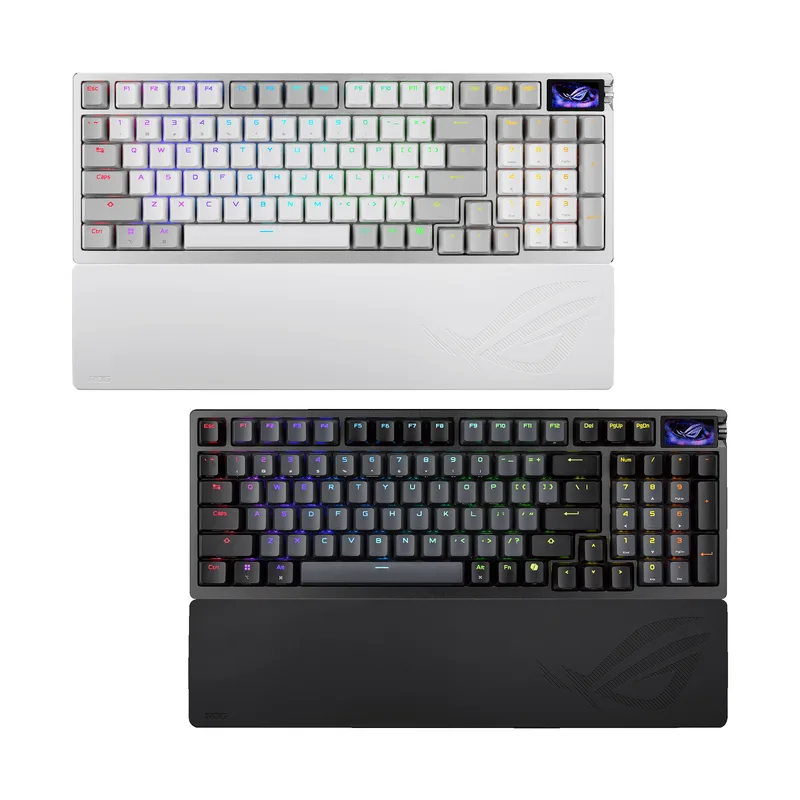
 Asus ROG Azoth 96 HE
 C tier #8
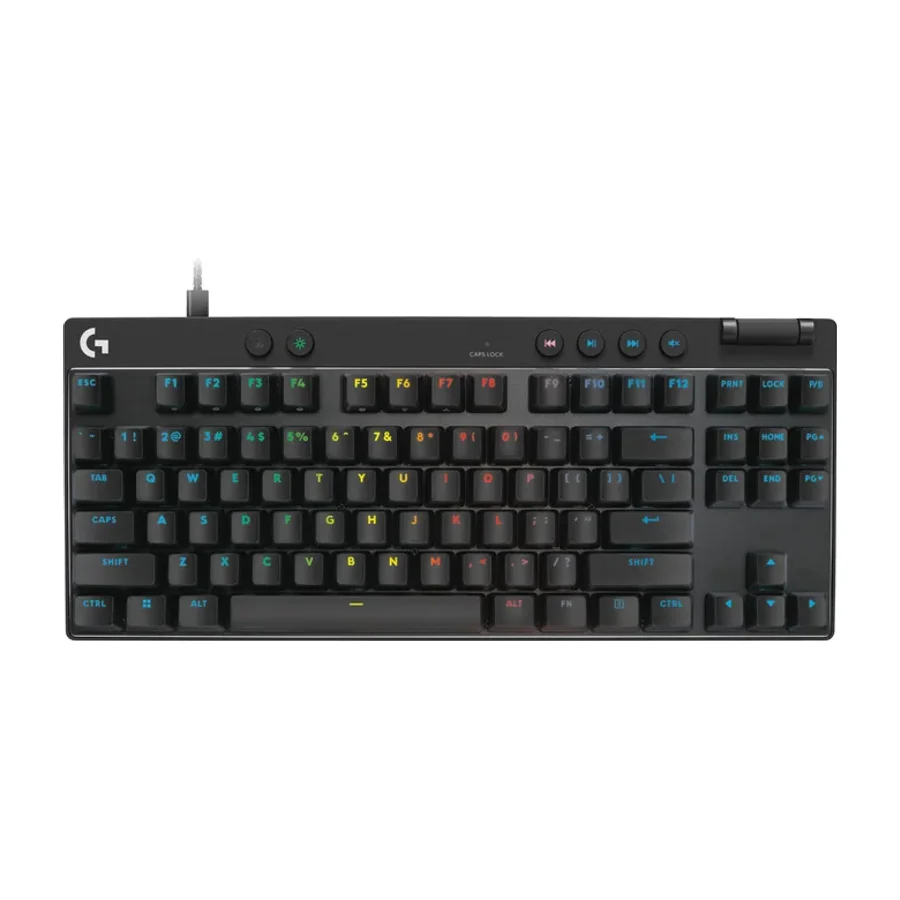
 Logitech G Pro X TKL Rapid
 C tier #9
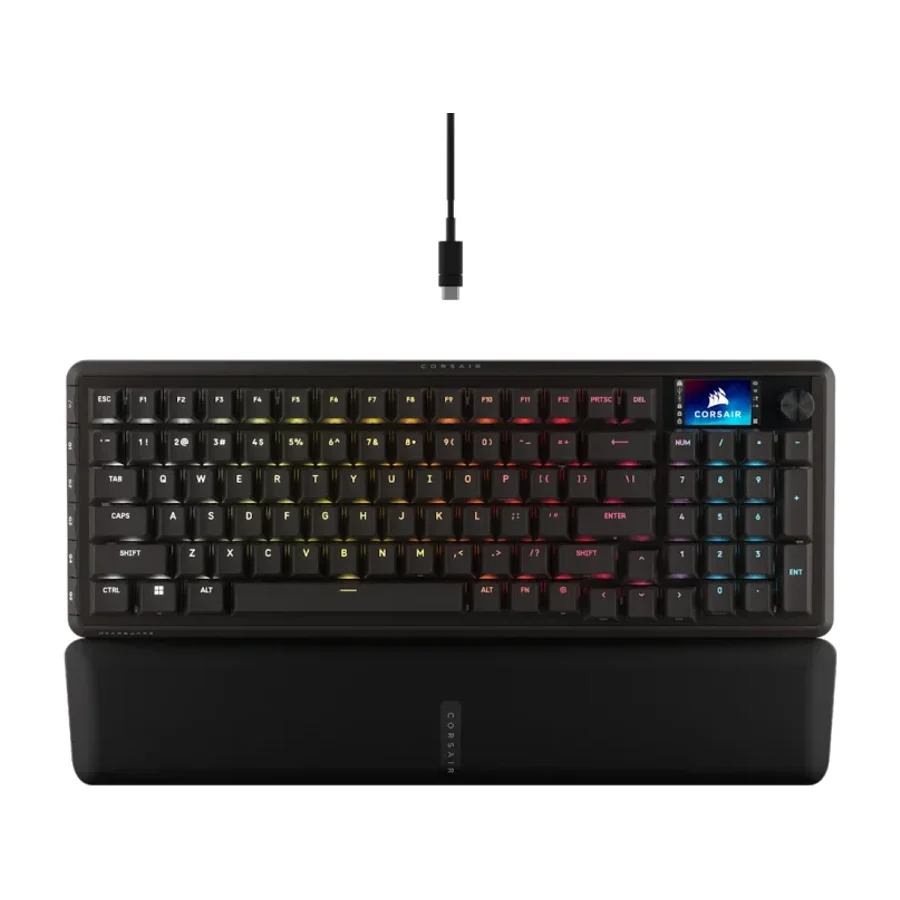
 Corsair Vanguard Pro 96
 D tier #10
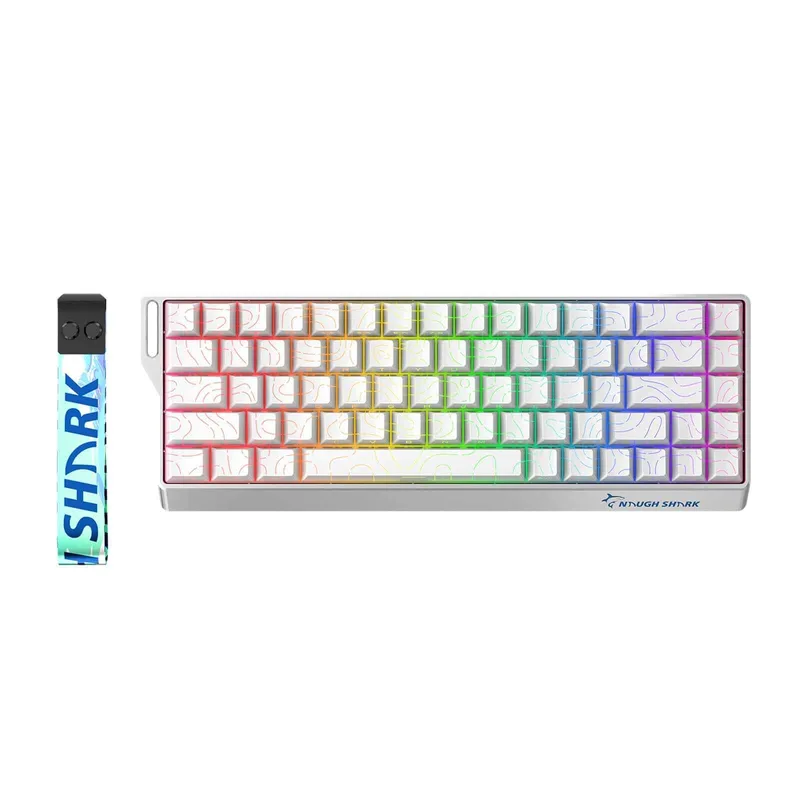
 Gamakay x NaughShark NS68
 D tier #11 1 of 8 research runs entered this as a product to avoid rather than a pick.
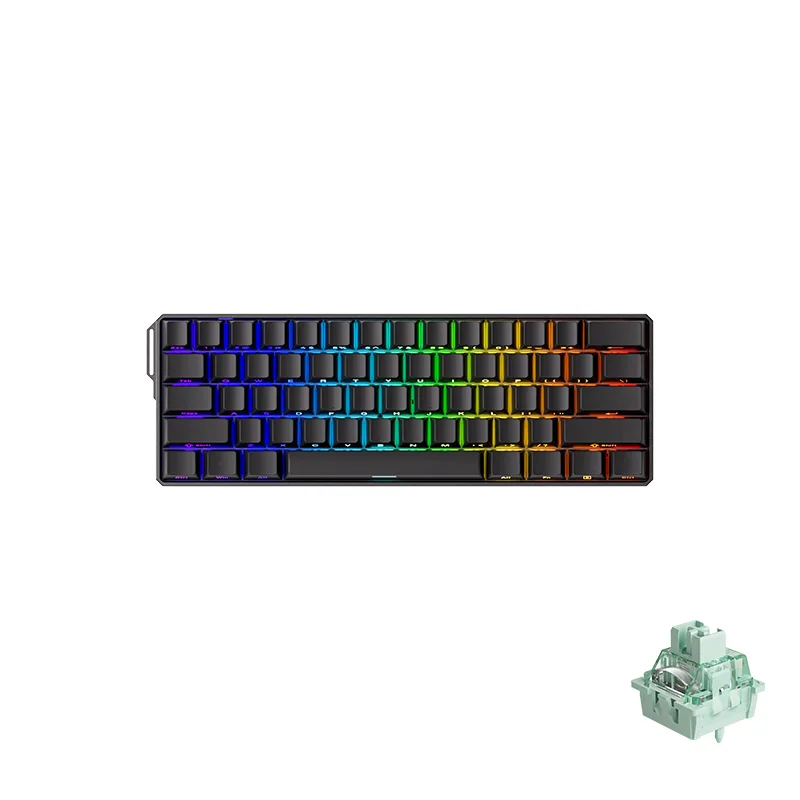
 MonsGeek FUN60 Ultra
 D tier #13 3 of 5 research runs entered this as a product to avoid rather than a pick.
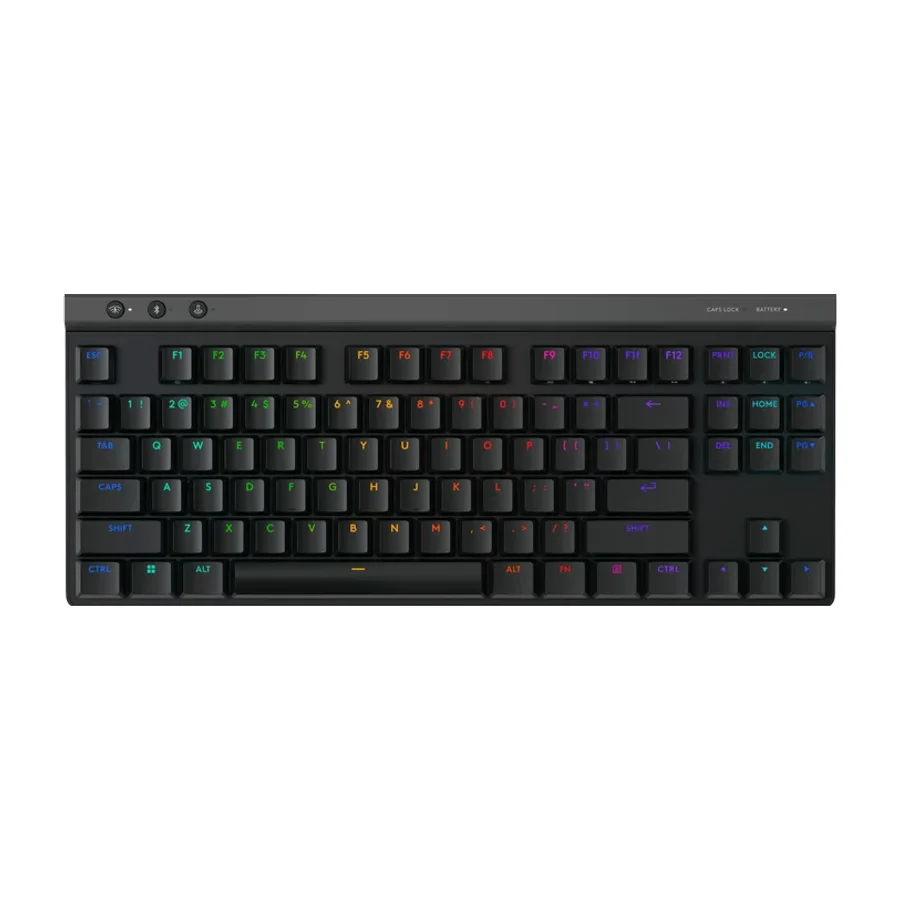
 Logitech G515 Lightspeed TKL
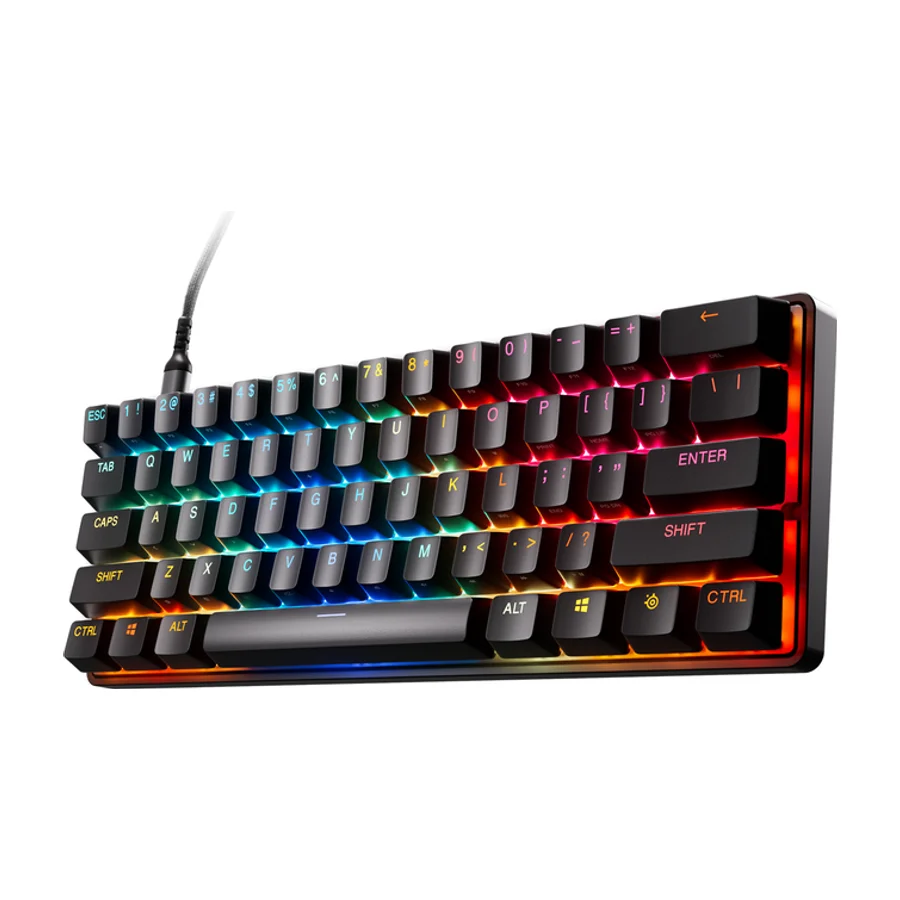 F tier #14 4 of 6 research runs entered this as a product to avoid rather than a pick.
 SteelSeries Apex Pro Mini
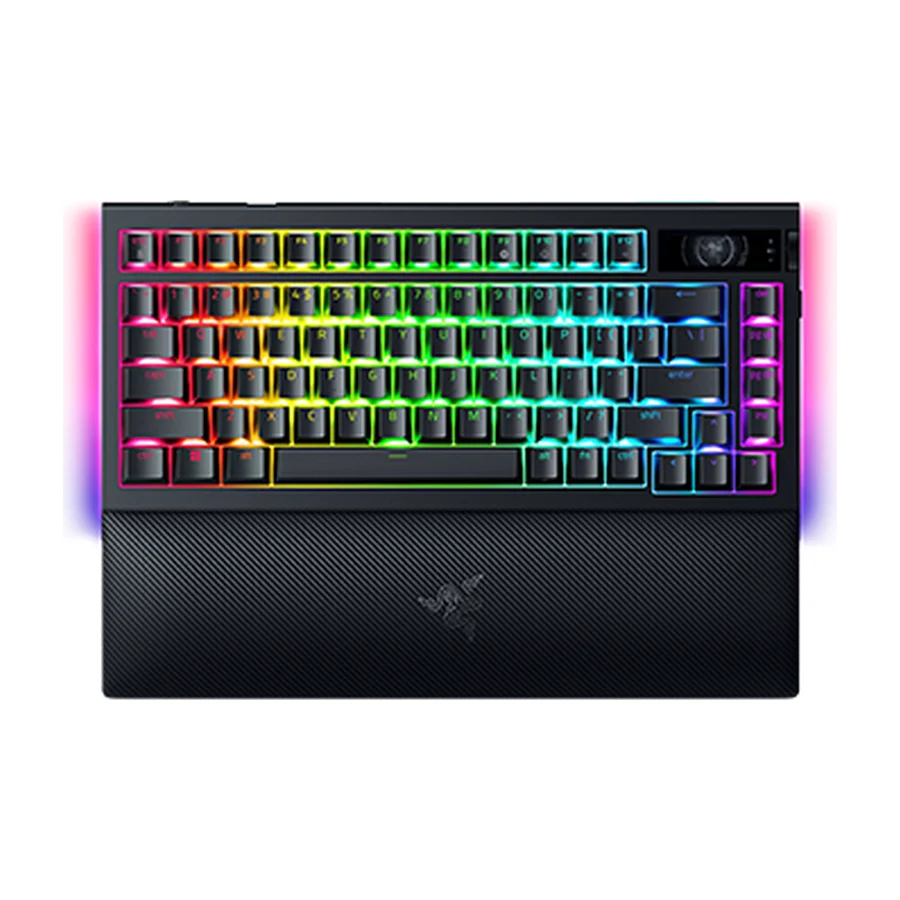 F tier #15 4 of 8 research runs entered this as a product to avoid rather than a pick.
 Razer BlackWidow V4 Pro
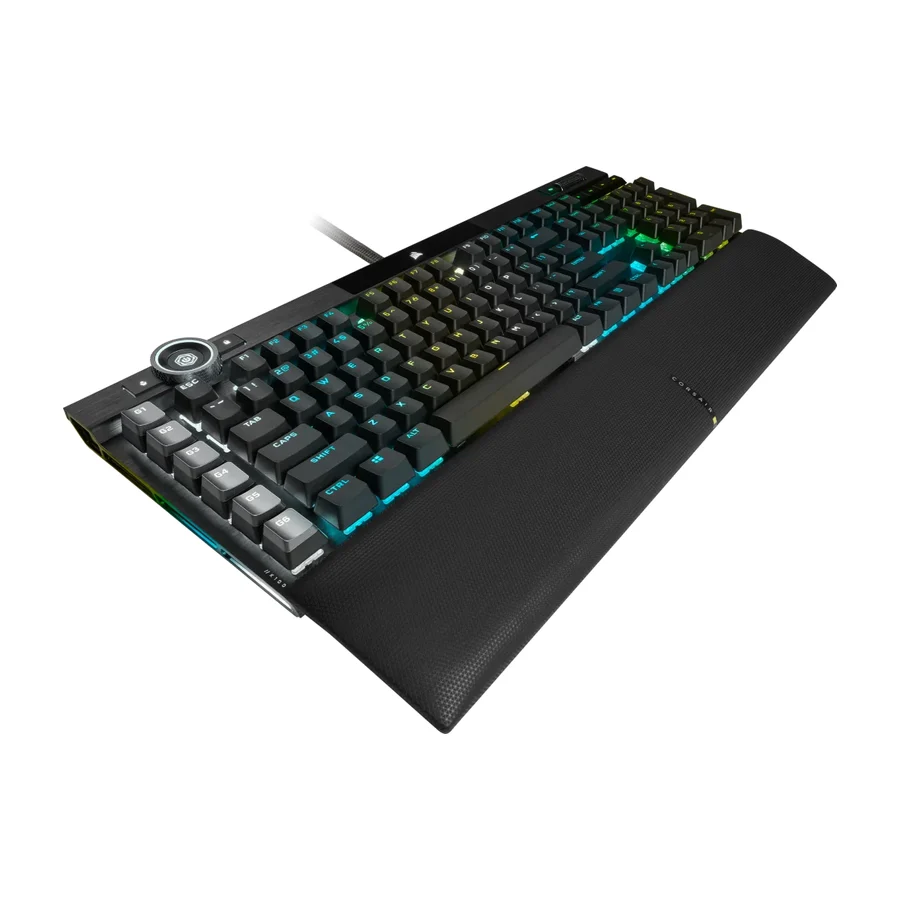 F tier #16 3 of 6 research runs entered this as a product to avoid rather than a pick.
 Corsair K100 RGB
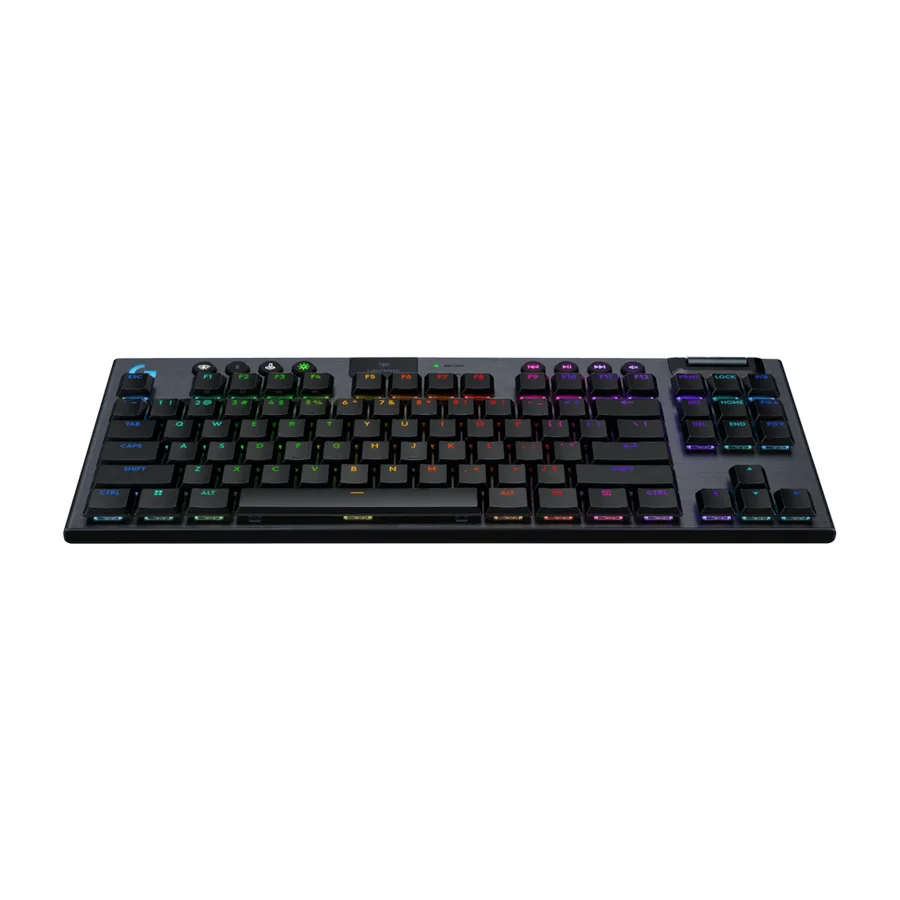 F tier #17 2 of 7 research runs entered this as a product to avoid rather than a pick.