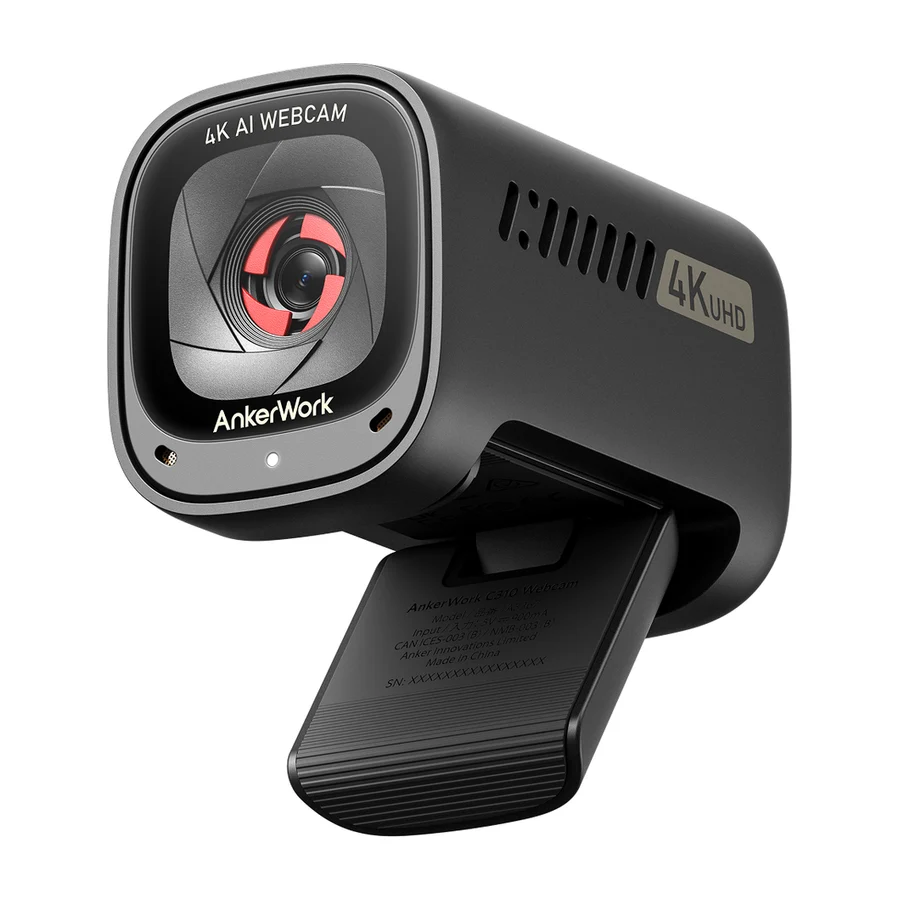
Anker PowerConf C200
Wirecutter's recommended value alternative, offering the best combination of quality and price in its buying options. Its 2K sensor and AI features at a budget price make it the purest performance-per-dollar play on the board.
Consolidated from 29 independent outlets
Where the cited sources landed, as we read them
- 16 positive sources
- 10 mixed sources
- 2 unconvinced sources
2 of 12 research runs entered this as a product to avoid rather than a pick.
The Anker PowerConf C200 is included only as part of a list; its presence does not reflect any community preference or criticism.
Flagged 7 August 2026
1 earlier flag predates the point where runs began recording their reasoning, so its grounds were never written down.
Pros & cons
- ✓ 2K sensor delivers image quality above typical budget webcams
- ✓ AI features included at a budget price
- ✓ Wirecutter recommends it as the smarter buy for most people alongside its top pick
- ✓ Explicitly recommended by Wirecutter in their current guide
- ✓ 2K capture
- ✗ No community sentiment
- ✗ Not highlighted
- ✗ Poor low-light performance
- ✗ Sluggish autofocus
The sources behind this ranking
We searched the web and YouTube for what has been published about this product, then read the articles, video transcripts and comments we found.
Evidence 14 articles, 14 video reviews and 1 community source
16 positive sources
 Digital Trends Vikhyaat Vivek · reviewer · Jul 2026
 The PowerConf C200 is the easiest recommendation for students who want a meaningful laptop-camera upgrade without spending three figures. Its 2K resolution provides enough detail for presentations, interviews, and recorded assignments, while the adjustable field of view can hide a chaotic dorm room at 65 degrees or expand to 95 degrees when several classmates need to fit into the shot.Read T
 Tech Tested Tech Tested · 2.9K subscribers · Apr 2026
 For most people, the difference isn't big enough to justify the extra cost, which makes the C200 the smarter choice.Watch T
 T3 Article · Oct 2021
 The Anker PowerConf C200 is proof that you don't have to spend over the odds to get good quality video and audio for your video calls: this is certainly a step up in terms of picture and sound from a lot of the webcams you're going to find built into laptop lids, and yet it comes in towards the budget end of the price spectrum.Read O
 OVERKLOC OVERKLOC · 1.3K subscribers · Apr 2022
 Looks pretty good, actually. The cool is really nice. Um there's like a front kind of glaze on there or like um a glass shielding. And ooh, this is the manual. Okay, so it's manual looks like. But, that's really good. I like that shutter. Um there's the USB-C plug-in. You can see that. And standard, I'm assuming. Oh, there's a mount there. That's nice. But, then if you don't have the mount, you caWatch G
 Gagadget.com Jim Reddy · reviewer · Aug 2026
 Anker PowerConf C200 is the pick for anyone streaming without a separate microphone. Twin mics with AI noise cancellation switch between narrow and wide pickup, a five-megapixel sensor shoots up to 1440p, and the field of view swaps between 65, 78 and 95 degrees in software. Capped at 30fps.Read U
 Uncensored Reviews Uncensored Reviews · 954 subscribers · Jul 2025
 Your Webcam Is Straight Trash Compared to This – Anker PowerConf C200 Changed EverythingWatch P
 PCWorld Gabriela Vatu · reviewer · Mar 2026
 The PowerConf C200 performs great in various lighting situations, too, thanks to features like Automatic White Balance, a wide f/2.0 aperture, and flexible field of view that ranges between 65 to 95 degrees. And with BSI sensors, you get quality images even in low light.Read C
 Christian Men's Illustrated Christian Men's Illustrated · 96 subscribers · Jan 2026
 I've just been really impressed with this particular webcam and it cost 50 bucks.Watch L
 Laptop Mag Article · Nov 2025
 The Anker PowerConf C200 is a good value. It delivers high-quality imagery for a fraction of the cost of many other webcams and conference cams. Bonus: It comes with a physical shutter to keep the creeps out, which is great for home office users.Read N
 NTTIPS NTTIPS · 91 subscribers · Jun 2025
 Real life performance is equally impressive. The low light correction feature, aided by a larger aperture, ensures that you look bright and professional even without additional lighting. This is particularly useful during early morning or late evening meetings where ambient light might not be optimal.Watch W
 Wirecutter Article Read S
  Shelf Shock Pro Shelf Shock Pro · 1 subscribers · Apr 2025
 First up, we have the Anker Power Conf C200. This webcam features an impressive 2K resolution, which means crisp, clear video quality. It has an 86° field of view, perfect for capturing more of your surroundings. Plus, it boasts dual noiseancelling microphones, ensuring your voice is heard clearly without background noise. Pros: High 2K resolution, wide field of view, dual noiseancelling mics.Watch T
 TechDeskZone Alex Pro · reviewer · Jun 2026
 What separates the C200 from similarly-priced 1080p cameras is the dual noise-cancelling microphone array.Read B
 Broke But Plugged In Broke But Plugged In · channel · Mar 2026
 If you want a clearer and more professional webcam without spending hundreds, the Anker PowerConf C200 is definitely worth considering.Watch T
 Tom's Guide Article Read N
  note(ノート) 漫画大好きたぎたぎ · reviewer · Jun 2026
 If you are choosing based on value, the Anker PowerConf C200 is also a strong contender.Read
10 mixed sources
 Engadget Valentina Palladino · reviewer · Dec 2023
 My biggest complaints about the C200 webcam are that it's a bit cumbersome to adjust its angle when it's perched on your screen. Unlike most webcams, Anker's doesn't have a short neck of sorts that connects the camera to its adjustable base – it's just one, chunky piece of plastic that I had to use both hands to adjust. Also, the C200 comes with a USB cable that's much shorter than others.Read S
 Scott Link Media Scott Link Media · 2K subscribers · Apr 2025
 That seems to lean more toward this being a power bank, which they normally don't have flashlights.Watch H
 Home Office Research Article
 Where the C200 falls short is audio: the built-in microphone with AI noise canceling is functional but has a documented over-processing tendency that can produce an artificial audio character under heavy background noise. For buyers whose home office is reasonably quiet, this is a manageable limitation; for buyers in noisier environments, the C300’s three-mic array is a material upgrade.Read P
 PcShopHub PcShopHub · 446 subscribers · Nov 2025
 However, there are a few minor drawbacks. While the 2K resolution is excellent, it's worth noting that most video conferencing platforms compress video, so you might not always see the full benefit. The fixed focus can also be a limitation for users who frequently move closer or farther from the camera.Watch F Facebook LinusTech
Anker PowerConf C200: Offers up impressive lowlight performance and a super wide field of view that could make it ideal for streaming or joining calls together as a group. However, it tends to oversharpen and it loses a lot of fine details thanks to its tendency to overexpose.View post C
 Core Pulse Core Pulse · 15 subscribers · May 2026
 I like that it has a closable lens. That's sweet. There's just a little switch on the top, and you can just slide it closed. So, if you're somebody that typically likes to put a post-it note over your webcam or something like that, with this you can just slide it closed. And it was also pretty easy to set up. So, it was pretty much plug and play for me.Watch S
 Stream Tech Reviews by BadIntent BadIntent · reviewer · Sept 2024
 Pros 2K Image quality. Built-in privacy shutter 95 degree FOV Tripod threading Autofocus Cons Grainy, even with good lighting. Image warps slightly with lots of movement.Read T
 Try Before You Cry! Try Before You Cry! · 7 subscribers · Sept 2025
 However, the autofocus feature seems to be a bit of a mixed bag with some finding it fast and sharp while others report issues in back lit conditions. Also, there are scattered reports about the software resetting settings and some issues with focus over longer periods. One user said, "Great quality and auto adjustment for lighting.Watch L
 Layer3Labs | AI Consultants Jonathan West · reviewer · Jul 2026
 Its standout is AI noise cancellation on the dual mics — real, useful smarts for busy home offices — backed by solid 2K video and low-light handling.Read W
 Watt & Wonen Watt & Wonen · 3 subscribers · Apr 2026
 But um apart from that, it's not too bad a camera, actually. It's not too bad. Apart from it lacks a 60 FPS mode. And also there's something else I'd like to show you what it lacks.Watch
2 unconvinced sources
 WIRED Luke Larsen · reviewer · May 2026
 Like the C200, it has a number of deficiencies. On this model, those drawbacks include an unappealing sticky pad built into the integrated mount and the built-in cable. The microphone also won't be much of an upgrade over the ones built into MacBooks, though it's still better than built-in mics on many of the Windows laptops I've tested.Read V
 Verified Reviews Verified Reviews · 1.1K subscribers · Jul 2026
 This webcam, while packed with features, isn't as perfect as it seems, and it may even cause more headaches than help during your next Zoom call. In fact, I'm going to reveal some hidden quirks and drawbacks that no one talks about in the hype videos.Watch

Frequently asked questions
It ranks #3 of 21 on our webcams tier list, in B tier. That placement draws on 29 independent outlets.
2 of the 28 sources with a clear view are critical of it: Verified Reviews and WIRED. No community sentiment. Not highlighted. Poor low-light performance. Sluggish autofocus.
On our webcams board, Anker PowerConf C200 ranks #3 (B tier) ahead of Logitech StreamCam at #15 (D tier). Logitech StreamCam: The clearest case of reputation outliving relevance on the board, with no current expert coverage defending it. The Facecam MK.2 is the streaming pick in its place.
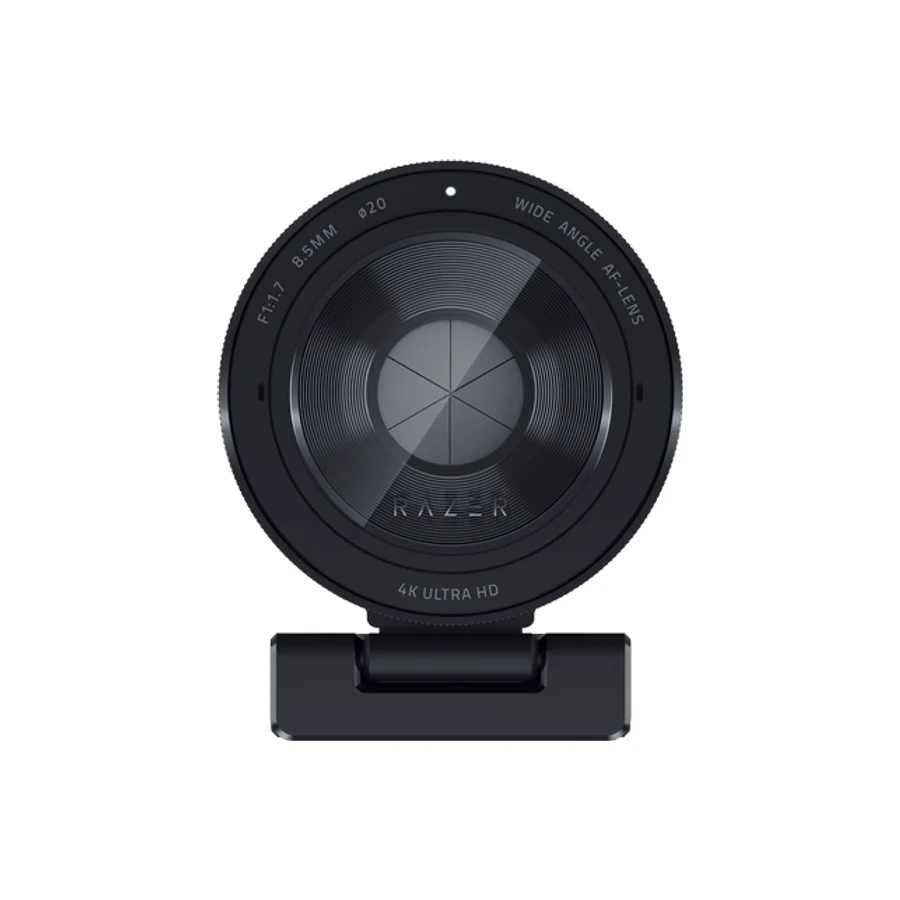
On our webcams board, Anker PowerConf C200 ranks #3 (B tier) ahead of Razer Kiyo Pro Ultra at #20 (F tier). Razer Kiyo Pro Ultra: Engadget still lists it among the top webcams, but at the very top of its price range. Under this lens it falls near the bottom because it wins only by spending more: the Insta360 Link 2 Pro class offers far more useful capability for similar spend.
Ranked nearby in Webcams
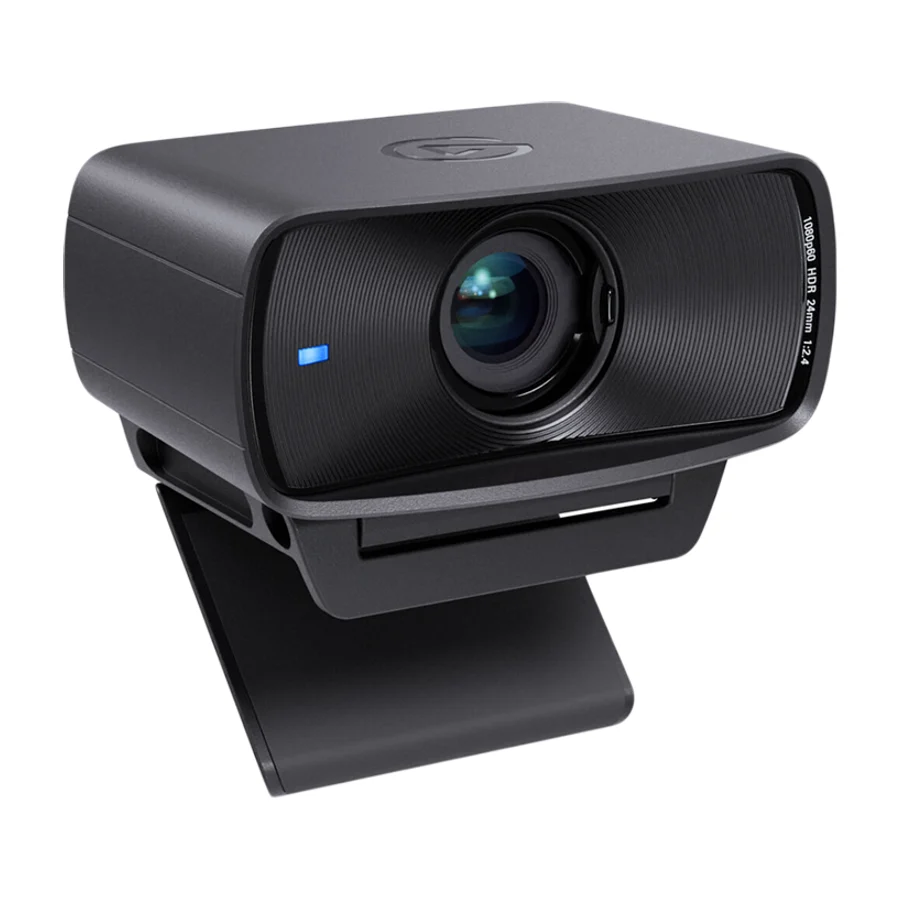 S tier #1
 Elgato Facecam MK.2
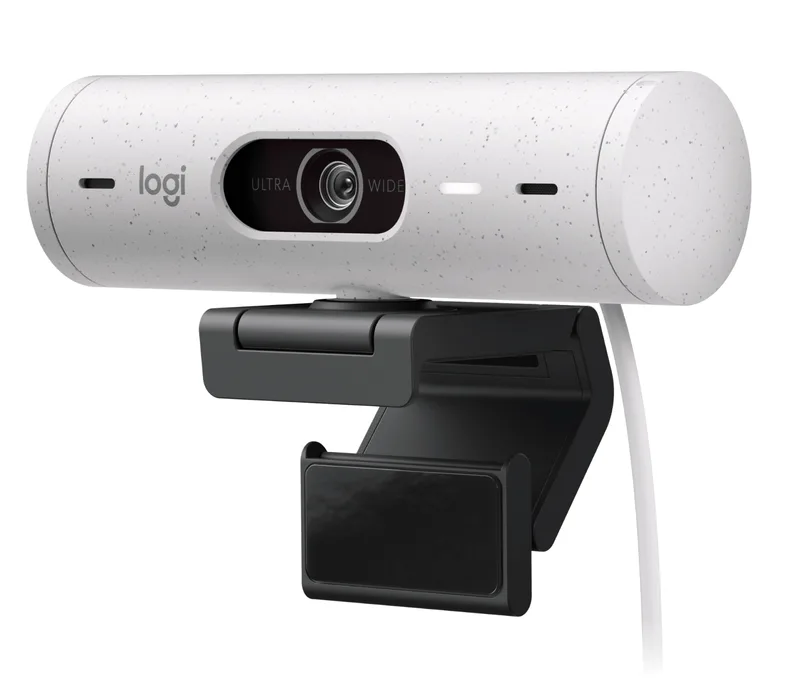 S tier #2
 Logitech Brio 500
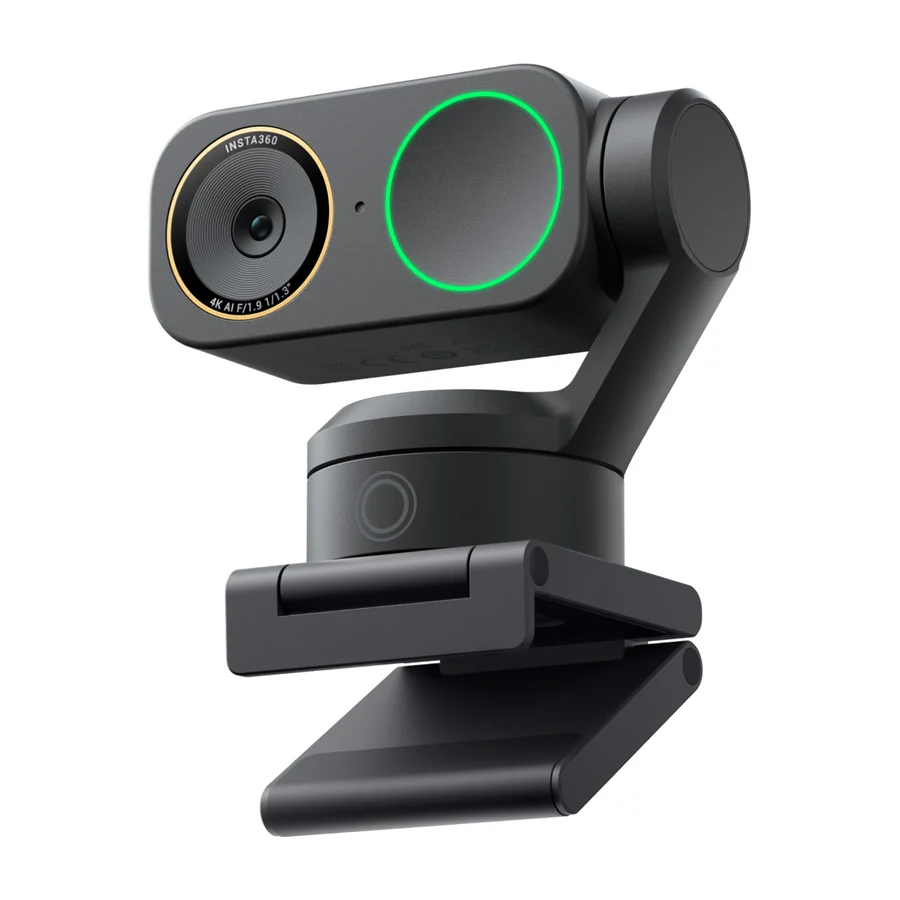 B tier #4 2 of 8 research runs entered this as a product to avoid rather than a pick.
 Insta360 Link 2C
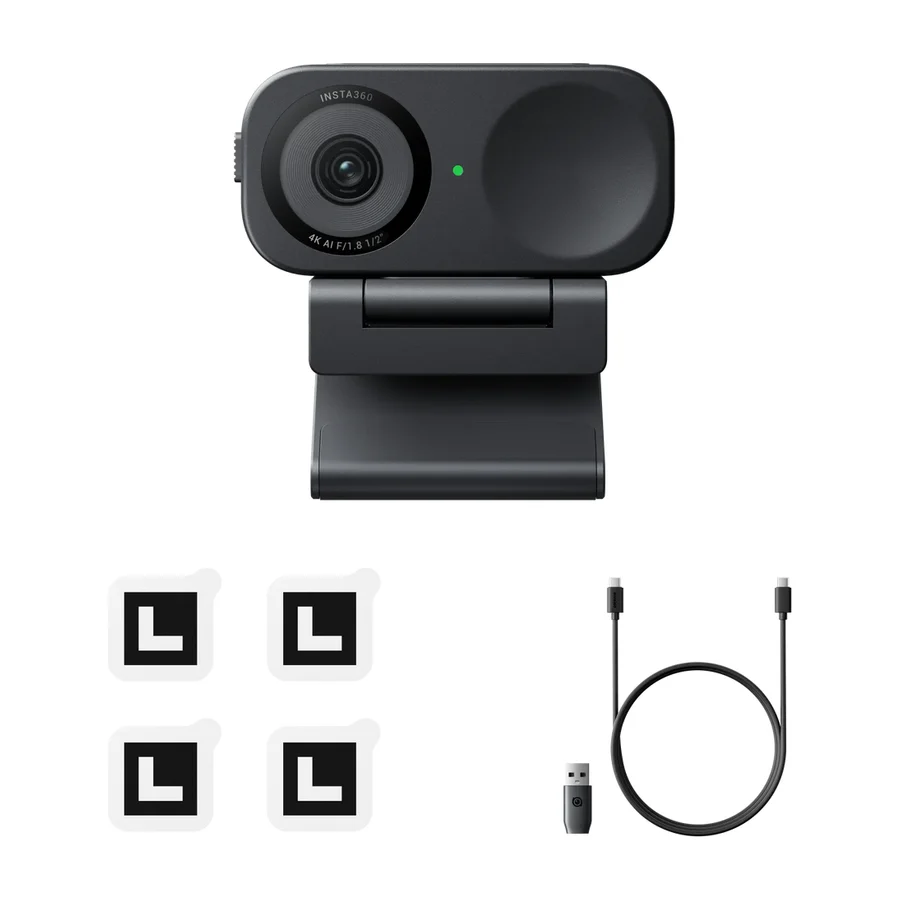 B tier #5 2 of 9 research runs entered this as a product to avoid rather than a pick.
 Insta360 Link 2
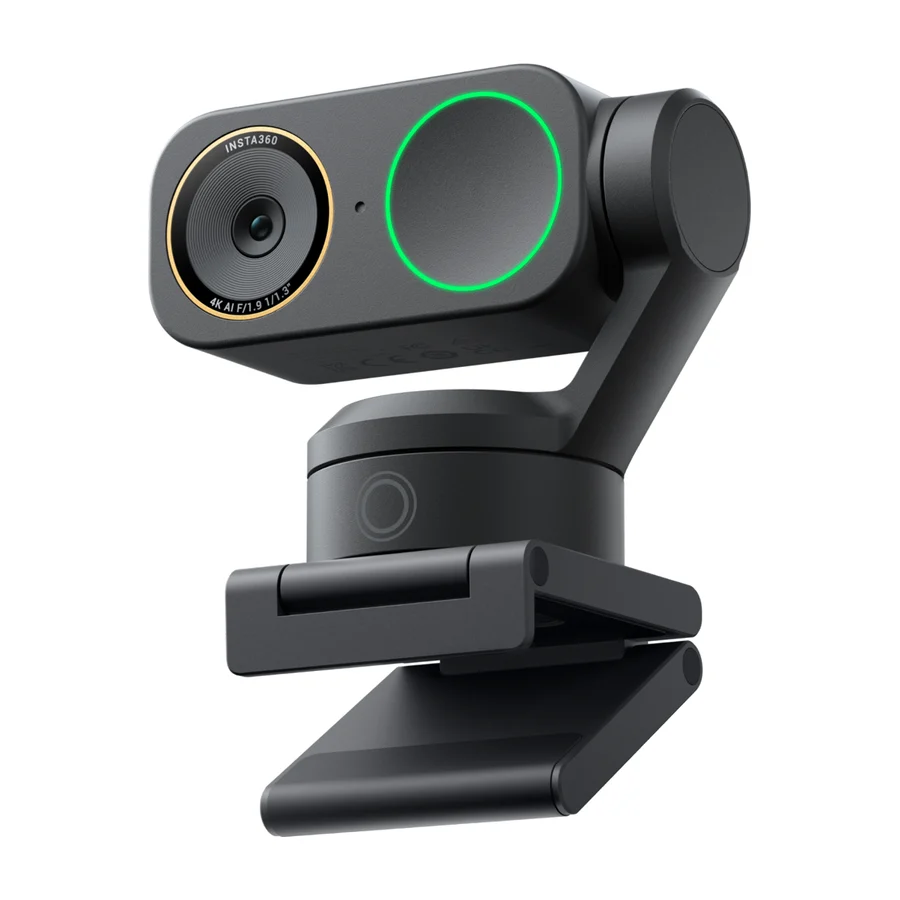 B tier #6
 Insta360 Link 2C Pro
 B tier #7
 Obsbot Meet 2
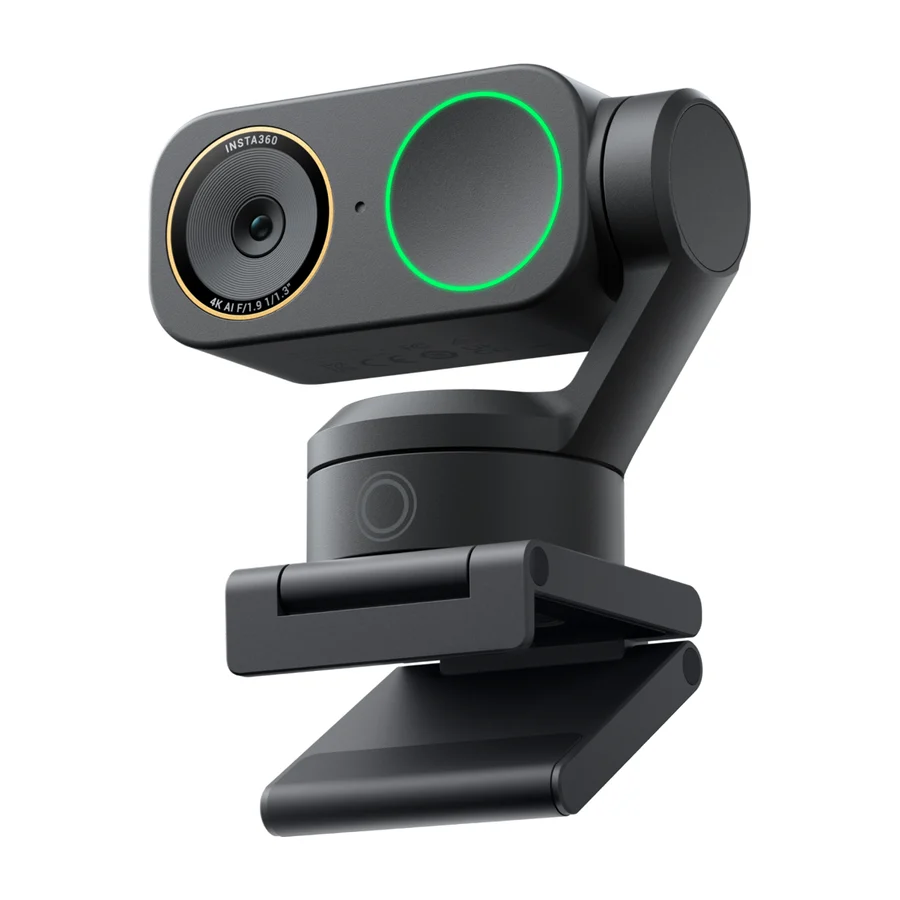 B tier #8 1 of 4 research runs entered this as a product to avoid rather than a pick.
 Insta360 Link 2 Pro
 F tier #19 1 of 5 research runs entered this as a product to avoid rather than a pick.
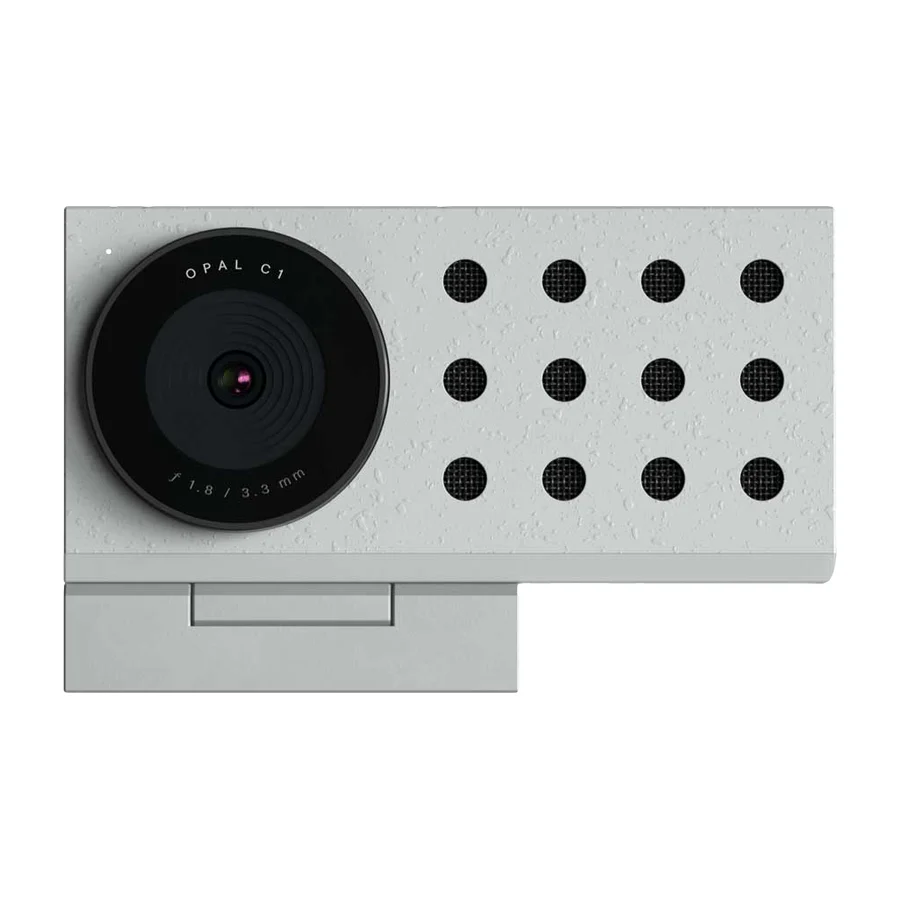
 Opal C1
 F tier #20 5 of 11 research runs entered this as a product to avoid rather than a pick.
 Razer Kiyo Pro Ultra
 F tier #21 5 of 10 research runs entered this as a product to avoid rather than a pick.