Logitech
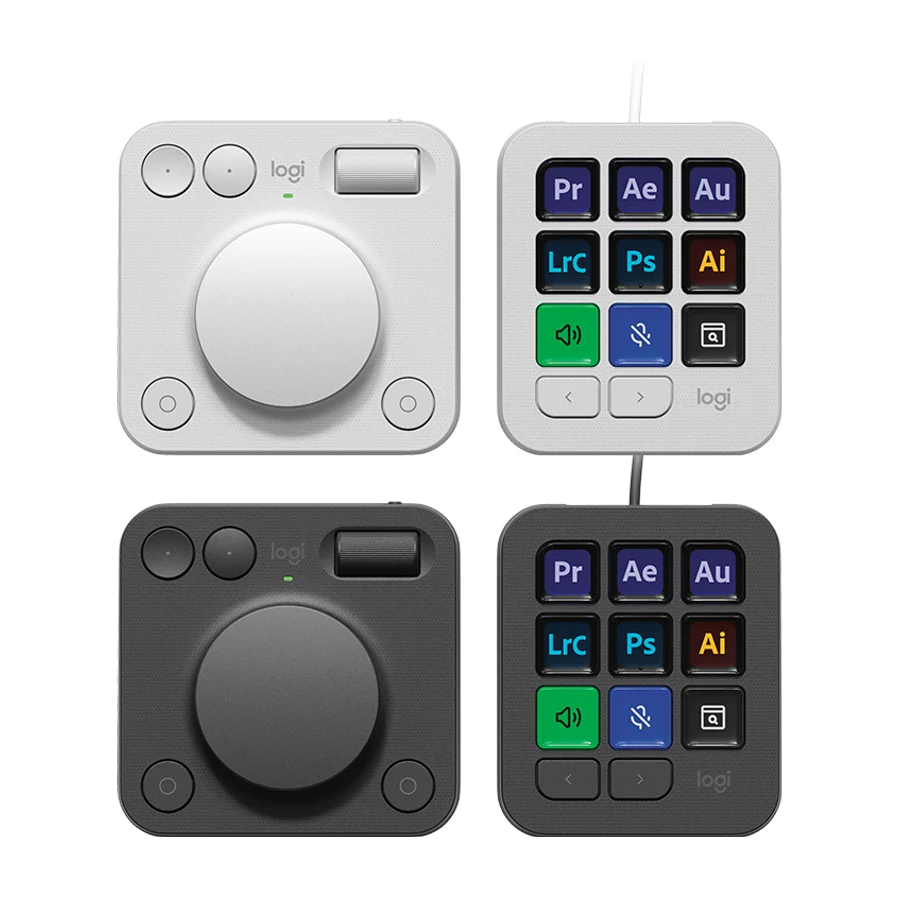
Logitech MX Creative Console
C
Ranked #7 in Stream Decks
370 LP on the
category ladder
what's LP?
Best for creative workflows, offering 12 keys, a rotary dial and strong support ecosystem.
Consolidated from 49 cited sources across 46 outlets
Where the cited sources landed, as we read them
- 38 positive sources
- 8 mixed sources
- 3 unconvinced sources
Pros & cons
- ✓ 12 keys
- ✓ rotary dial
- ✓ strong support ecosystem
- ✓ touch strip for quick actions
- ✓ rotary dials for precision
- ✗ Only 12 programmable keys
- ✗ Not as widely supported by streaming software as Elgato
The sources behind this ranking
We searched the web and YouTube for what has been published about this product, then read the articles, video transcripts and comments we found.
Evidence 14 articles, 33 video reviews and 2 community sources
38 positive sources
T  Tom's Guide Article · Feb 2026
  B&H Photo Video Pro Audio B&H Photo Video Pro Audio · 1M subscribers · Sept 2024
  PCGamesN Aaron Down · reviewer · Oct 2025
  The Art of Photography The Art of Photography · 906K subscribers · Jun 2025
  Bhphotovideo Yoshinori Rated · reviewer
  Yes I'm a Designer Yes I'm a Designer · 690K subscribers · May 2025
  Chris Kendrick Photo Chris Kendrick · reviewer · Apr 2026
  Premiere Basics Premiere Basics · 632K subscribers · Mar 2025
  LightBurn Software Forum Allen · reviewer · Nov 2025
  David Manning David Manning · 539K subscribers · Sept 2024
  Devpost Article · Feb 2026
  Evan Ranft Evan Ranft · 347K subscribers · Sept 2024
  Roger Seng Roger Seng · 306K subscribers · May 2025
  Kotaku Brittany Vincent · reviewer · Jun 2026
  Sidney Diongzon Sidney Diongzon · 271K subscribers · Sept 2024
  John Branch IV Photography John Branch IV Photography · 268K subscribers · Oct 2024
  Vanessa Joy Vanessa Joy · 217K subscribers · Jun 2025
  ZY Cheng ZY Cheng · 207K subscribers · Sept 2024 ZY Cheng ZY Cheng · 207K subscribers · Apr 2025
  KROLOP & GERST KROLOP & GERST · 118K subscribers · Dec 2025
  Photo Feaver Photo Feaver · 99.9K subscribers · Jun 2025
  Davis Fang Tech Davis Fang Tech · 93.3K subscribers · Oct 2024
  Jeremy Mura Jeremy Mura · 62.5K subscribers · Nov 2024
  Best Buy Canada Product Videos Best Buy Canada Product Videos · 44.1K subscribers · Jan 2025
  Plaen Co. Plaen Co. · 21.3K subscribers · Oct 2024
  Dara Oladapo | Code, Cloud and DevOps Dara Oladapo | Code, Cloud and DevOps · 4.8K subscribers · Feb 2026
  Reviewsinside Reviewsinside · 4.6K subscribers · Apr 2025
  Will From Real World Tested Will From Real World Tested · 1.3K subscribers · Nov 2024
  QC Dads QC Dads · 1.2K subscribers · Sept 2025
  Product Reviews For Everyday Product Reviews For Everyday · 668 subscribers · Sept 2025
  David Stidham David Stidham · 569 subscribers · Apr 2026
  GadgetsFind GadgetsFind · 268 subscribers · Sept 2025
  Discovery and Review Discovery and Review · 190 subscribers · Jul 2025
  Confirm Productions Confirm Productions · 86 subscribers · Nov 2025
  Worked Yesterday Worked Yesterday · 22 subscribers · Mar 2026
  Serenity Echoes - Jazz Instrumental Calming Music Serenity Echoes - Jazz Instrumental Calming Music · 13 subscribers · Jul 2026
  Best Buy Amazon Best Buy Amazon · 1 subscribers · Aug 2026
Tom's Guide Article · Feb 2026 Then for the Logitech gadget I’ve always wanted to try since I first laid eyes on it: the MX Creative Console. While the Elgato Stream Deck did initially popularize this category, I was excited to see Logitech’s take on it. Unlike the Stream Deck though, the MX Creative Console takes things to the next level with a companion wireless dialpad. Although I’ve yet to scratch the surfRead B
B&H Photo Video Pro Audio B&H Photo Video Pro Audio · 1M subscribers · Sept 2024 The MX Creative Console is a compact keypad and dialpad combination built with Adobe Creative Cloud in mind that provides a powerful, tactile experience when working within these and other apps. With a multitude of keyboard shortcuts and precise control at your fingertips this is bound to speed up your workflow.Watch P
PCGamesN Aaron Down · reviewer · Oct 2025 The Logitech MX Creative Console is our favorite control interface for editing and general desktop work. It's also good for streaming, but its modest number of programmable buttons and focus on analog control dials is best suited for scrubbing through video timelines and adjusting analog settings on the fly.Read T
The Art of Photography The Art of Photography · 906K subscribers · Jun 2025 The Logitech MX Creative Console is an input device comprised of the MX Creative Keypad and the MX Creative Dialpad. This combination will take your photo editing to the next level and make work more efficient and productive.Watch B
Bhphotovideo Yoshinori Rated · reviewer Streamline your creative workflow using the graphite Logitech MX Creative Console using its customizable button controls and dial pad interface. The console features nine tactile buttons with backlit LCDs that can be completely customized for your needs, whether for quick app launching or specific actions.Read Y
Yes I'm a Designer Yes I'm a Designer · 690K subscribers · May 2025 After using these devices for a couple of weeks for graphic design and video editing work, I can honestly say that my workflow has never felt smoother or more satisfying.Watch C
Chris Kendrick Photo Chris Kendrick · reviewer · Apr 2026 The Logitech MX Creative Console is a thoughtfully designed, highly customisable control surface that genuinely speeds up creative workflows making it an excellent investment for photographers, designers, and content creators looking to work smarter, not harderRead P
Premiere Basics Premiere Basics · 632K subscribers · Mar 2025 (advertising @Logitech) Upgrade your editing setup with the #MXCreativeConsole! https://logi.link/igsn7x - Learn how to use the Logitech MX Creative Console in this Adobe Premiere Pro tutorial video!Watch L
LightBurn Software Forum Allen · reviewer · Nov 2025 So far (day one of figuring this out), it seems very nice and useful. The keypad device has 9 customizable color LCD display keys. That changes depending on the application running and the profiles the user has mapped.Read D
David Manning David Manning · 539K subscribers · Sept 2024 Speed up your digital workflow massively with the MX Creative Console!Watch D
Devpost Article · Feb 2026 Conductor would connect the dots — bridging Logitech's existing hardware to a 40-million-developer market that currently has zero hardware designed for how they interact with AI.Read E
Evan Ranft Evan Ranft · 347K subscribers · Sept 2024 Thank you Logitech for letting me add the MX Creative Console to my setup easily and sponsoring today's video.Watch F Facebook geekwithlife
First impressions are positive: premium build quality and flexible software that adapts per application. But the real test is daily use.View post R
Roger Seng Roger Seng · 306K subscribers · May 2025 Unlock faster, smoother editing with the Logitech MX Creative Console — a powerful productivity tool built for video editors, photographers, and digital creatives.Watch K
Kotaku Brittany Vincent · reviewer · Jun 2026 This gadget is a must-have if you're a creative professional who uses video or photo editing programs.Read S
Sidney Diongzon Sidney Diongzon · 271K subscribers · Sept 2024 Edit Videos FASTER with the Logitech MX Creative Console!Watch J
John Branch IV Photography John Branch IV Photography · 268K subscribers · Oct 2024 Why waste time in Lightroom Classic and Photoshop when you can upgrade your workflow with the Logitech MX Creative Console.Watch V
Vanessa Joy Vanessa Joy · 217K subscribers · Jun 2025 Whether you're using Premiere Pro, Final Cut, Lightroom, Photoshop, or even Zoom or Spotify, this console will speed up your workflow and make editing feel natural and intuitive.Watch Z
ZY Cheng ZY Cheng · 207K subscribers · Sept 2024 This Transformed my Lightroom Workflow – Logitech MX Creative ConsoleWatch Z
ZY Cheng ZY Cheng · 207K subscribers · Apr 2025 It now works with Final Cut Pro, and just like it did for my other workflows – it became something I can't edit without!Watch K
KROLOP & GERST KROLOP & GERST · 118K subscribers · Dec 2025 Genau das hat das Logitech MX Creative Console System für uns absolut erfüllt. Welche Tools genau helfen und was genau sie so praktisch macht sehen wir in diesem Video.Watch P
Photo Feaver Photo Feaver · 99.9K subscribers · Jun 2025 Presets are good, but not as good as this. This is the Logitech MX Creative Console. A fully customisable editing console that allows you to edit way faster in Lightroom.Watch D
Davis Fang Tech Davis Fang Tech · 93.3K subscribers · Oct 2024 The Logitech MX Creative Console is a game-changer for anyone working with Adobe Creative Cloud apps. It’s super intuitive, with a dial and customizable buttons that make it easy to perform quick adjustments without having to dig through menus.Watch J
Jeremy Mura Jeremy Mura · 62.5K subscribers · Nov 2024 The MX Creative Console for designers got released recently and I want to show you how you can increase your productivity without knowing more shortcuts.Watch B
Best Buy Canada Product Videos Best Buy Canada Product Videos · 44.1K subscribers · Jan 2025 The Logitech MX Creative Console is a deck built to streamline workflows for creatives with shortcuts for your Mac or PC.Watch P
Plaen Co. Plaen Co. · 21.3K subscribers · Oct 2024 Exploring the Logitech MX Creative Console: A Game-Changer for ProductivityWatch D
Dara Oladapo | Code, Cloud and DevOps Dara Oladapo | Code, Cloud and DevOps · 4.8K subscribers · Feb 2026 This productivity tool promises to speed up workflows for content creators and engineers alike. I cover what is in the box, build quality, setup with Logi Options+, and how I plan to use it for video editing, streaming, and DevOps work.Watch R
Reviewsinside Reviewsinside · 4.6K subscribers · Apr 2025 Whether you're a graphic designer, video editor, or a content creator working across various platforms, this console promises to be a game-changer with its customizable keys and smooth tactile controls.Watch W
Will From Real World Tested Will From Real World Tested · 1.3K subscribers · Nov 2024 With my Surface Pro 11, I’m grabbing the MX Creative Console because it’s small, portable, and just an all-around cool tool.Watch Q
QC Dads QC Dads · 1.2K subscribers · Sept 2025 But any case, um I've been enjoying using this.Watch P
Product Reviews For Everyday Product Reviews For Everyday · 668 subscribers · Sept 2025 a powerful tool designed to enhance your creative workflow.Watch D
David Stidham David Stidham · 569 subscribers · Apr 2026 The other thing is the new thing that I picked up, which is the MX Creative Console, which is pretty neat. So we'll talk a little we'll talk about this as well and this one is more about you know, why you might want it uh because you might use it more than I'm going to use it.Watch G
GadgetsFind GadgetsFind · 268 subscribers · Sept 2025 🔥 Take your productivity and creativity to the next level with the Logitech MX Creative Console — the ultimate control surface designed for designers, streamers, and multitaskers.Watch D
Discovery and Review Discovery and Review · 190 subscribers · Jul 2025 PA the dial pad really stands out with its large wheel that allows intuitive navigation through your timelines or photo galleries. Whether it's for video editing or photo adjustments, this wheel is a joy to use because it provides precise control and a really smooth experience. Both modules are made from recycled plastic, staying true to the MX line.Watch C
Confirm Productions Confirm Productions · 86 subscribers · Nov 2025 Five ways this notes profile for the MX Creative Console has transformed my notes workflow to make it super notes. Number one, anytime I have a quick idea, it's literally a button away.Watch W
Worked Yesterday Worked Yesterday · 22 subscribers · Mar 2026 The good news is that both problems have very simple fixes.Watch S
Serenity Echoes - Jazz Instrumental Calming Music Serenity Echoes - Jazz Instrumental Calming Music · 13 subscribers · Jul 2026 Logitech MX Creative Console offers incredible value. Here's everything you need to know before buying.Watch B
Best Buy Amazon Best Buy Amazon · 1 subscribers · Aug 2026 Logitech MX Creative Console 9 offers incredible value. Here's everything you need to know before buying.Watch
8 mixed sources
I  Imaging Resource David Schloss · reviewer · Nov 2025 Will From Real World Tested Will From Real World Tested · 1.3K subscribers · Oct 2024
  Cassidoo Article Will From Real World Tested Will From Real World Tested · 1.3K subscribers · Jun 2025
  Mezha Article · Jan 2026
  SIFTER Gianni Di Giovanni · reviewer
  Pbtech Article
Imaging Resource David Schloss · reviewer · Nov 2025 The Logitech MX Creative Console is a compact two-module control surface designed for photo, video, and audio workflows. It combines a nine-button LCD keypad with a weighted dial module, both configurable through Logi Options+. The system integrates with major creative apps, supports custom profiles, and allows per-app button assignments and dial behaviors.Read W
Will From Real World Tested Will From Real World Tested · 1.3K subscribers · Oct 2024 I’m a huge fan of the MX Creative Console, but keep in mind this is a tool I’ve been wanting for a long time as a content creator, so I’m excited about its features with just a couple of minor drawbacks.Watch C
Cassidoo Article These things get the job done. I do wish that the dial could plug in instead of just relying on Bluetooth, but besides that, programming the buttons was fairly straight forward, and everything connected pretty seamlessly. Because I already have a Logitech mouse and a backup webcam, I didn’t have to install any extra software, which was also nice.Read W
Will From Real World Tested Will From Real World Tested · 1.3K subscribers · Jun 2025 Now let’s talk about the MX Creative Console jog wheel—honestly, it’s not great for scrubbing through footage. I used to rely on my Shuttle Pro for that, but with the new M4 MacBook Air, that’s no longer an option.Watch M
Mezha Article · Jan 2026 However, the assembly is excellent, nothing is loose or creaks, the modules themselves look quite reliable. What is missing is more weight for more reliable fixation of the modules on the table. The weight of the Keypad is only 96 grams plus 61 grams of the stand for it, the Dialpad weighs a little more due to the batteries – 128 grams.Read S
SIFTER Gianni Di Giovanni · reviewer If you can think cleverly about your workflow, this particular piece of hardware could be very handy for you, but I found the software was glitchy and let the hardware down.Read P
Pbtech Article For anyone wanting extra controls on their desk, without committing to professional grade hardware, it’s a solid option.Read I Instagram Instagram post
This hardware is excellently built but some of the software limitations meant it’s let down a bit.View post
3 unconvinced sources
G  GitHub seanmcnally98 · reviewer · Sept 2025
  Worth Knowing Worth Knowing · 77 subscribers · May 2026
  Education by Magic Wedding Photographer Maciej Suwalowski · reviewer · Apr 2026
GitHub seanmcnally98 · reviewer · Sept 2025 4.1.0 added support for the Logitech MX Creative Console as a surface, but I haven't been able to get it working on that version, nor 4.1.1. I have been able to get Julian's demo working just fine, but Companion won't see it no matter how many times I click rescan usb. I tried uninstalling the stock Logitech software, which didn't seem to make a difference.Read W
Worth Knowing Worth Knowing · 77 subscribers · May 2026 After unboxing it, testing it, and trying to make it fit into my daily setup, I realized something important: this product is not for everyone.Watch E
Education by Magic Wedding Photographer Maciej Suwalowski · reviewer · Apr 2026 They don’t feel premium, especially compared to the MX4 mouse which feels way more solid.Read
Frequently asked questions
It ranks #7 of 13 on our stream decks tier list, in C tier. That placement draws on 49 cited sources across 46 outlets.
3 of the 49 sources with a clear view are critical of it: Education by Magic Wedding Photographer, GitHub and Worth Knowing. Only 12 programmable keys. Not as widely supported by streaming software as Elgato.
Ranked nearby in Stream Decks
 S tier #2
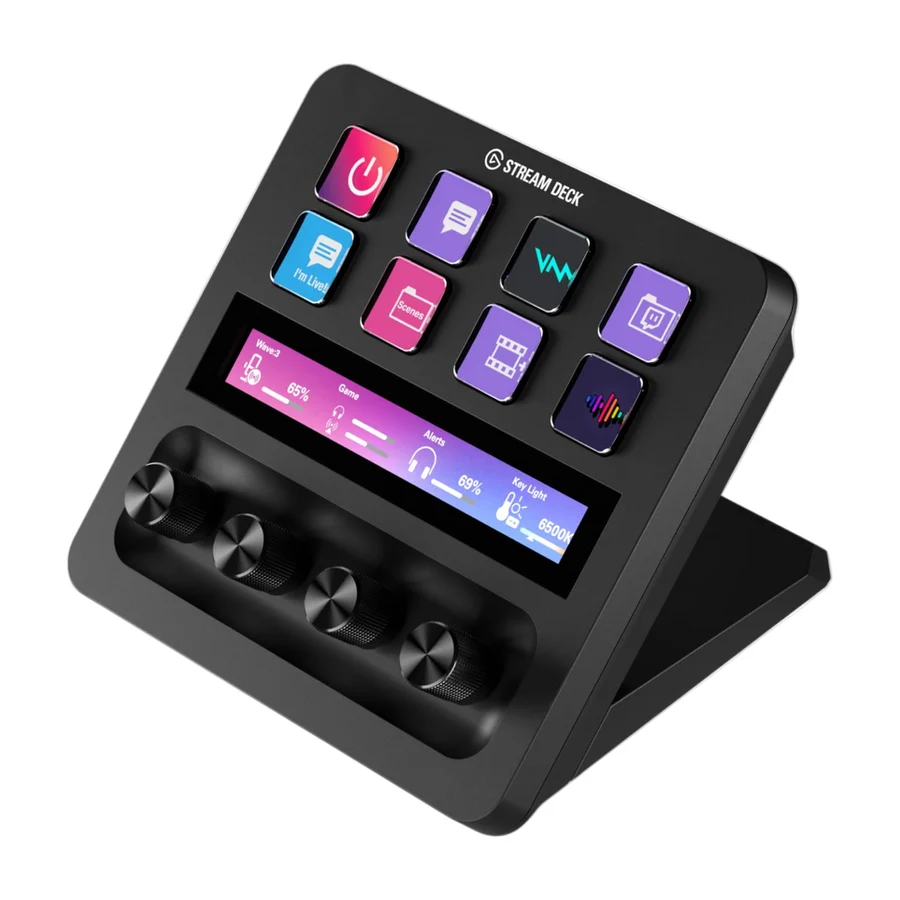
 Elgato Stream Deck Plus
 A tier #3
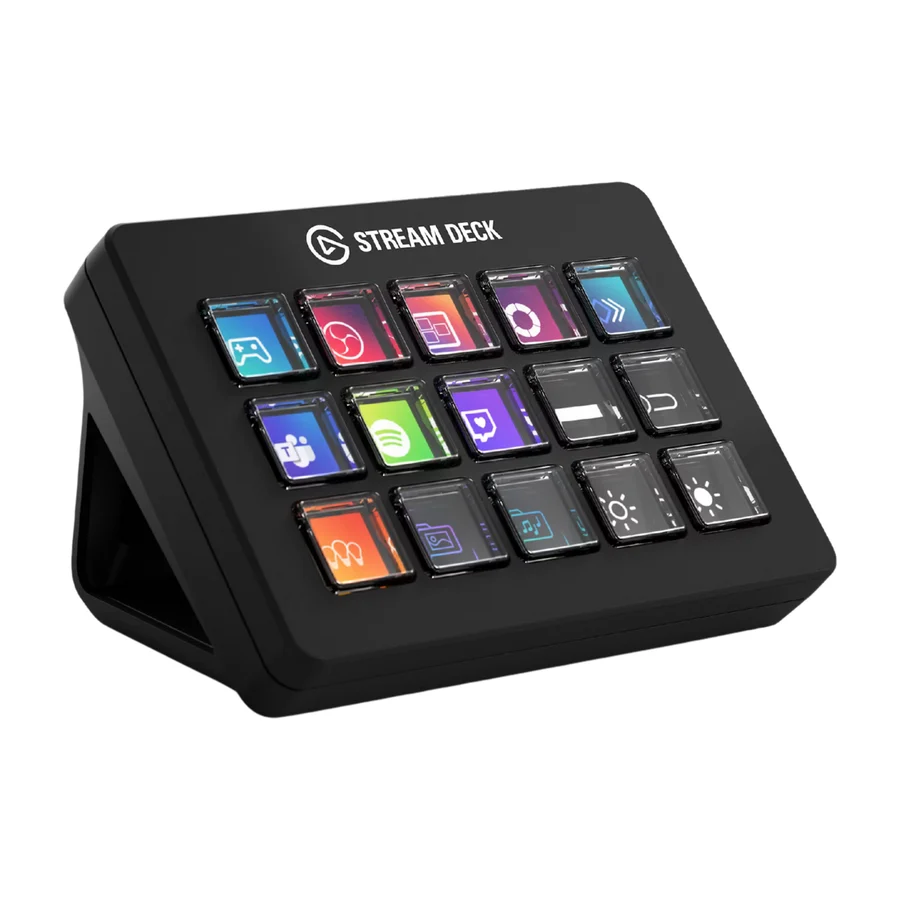
 Elgato Stream Deck MK.2
 C tier #4
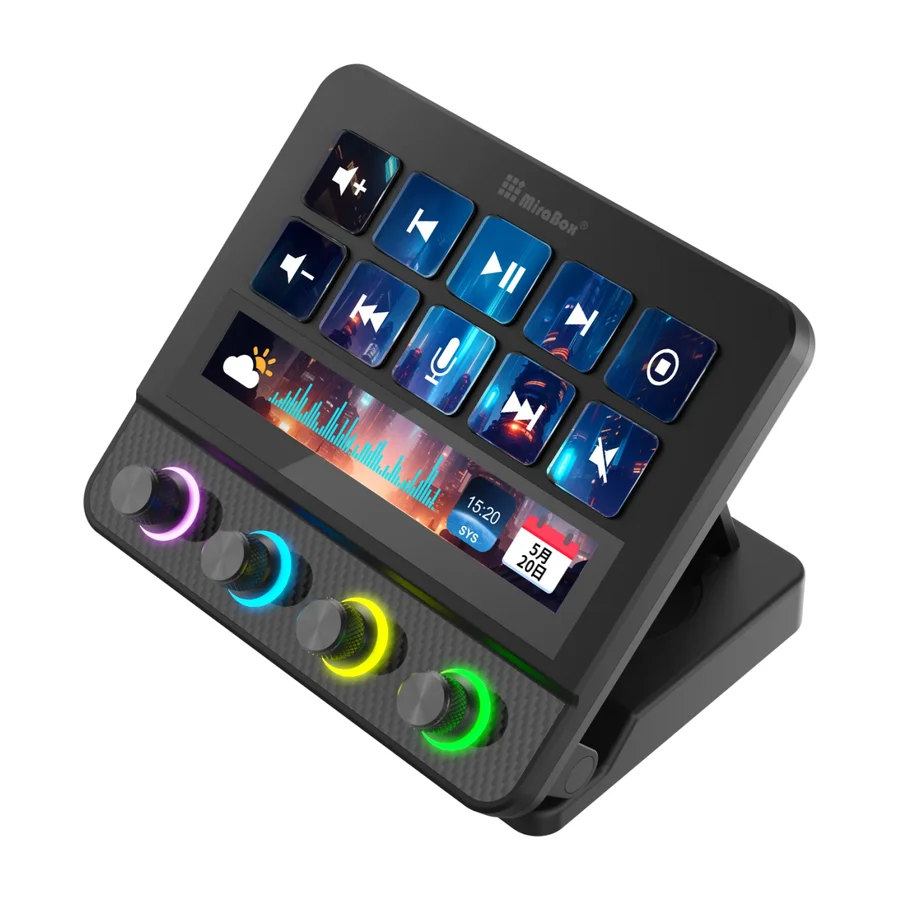
 VSDInside Stream Dock N4 Pro
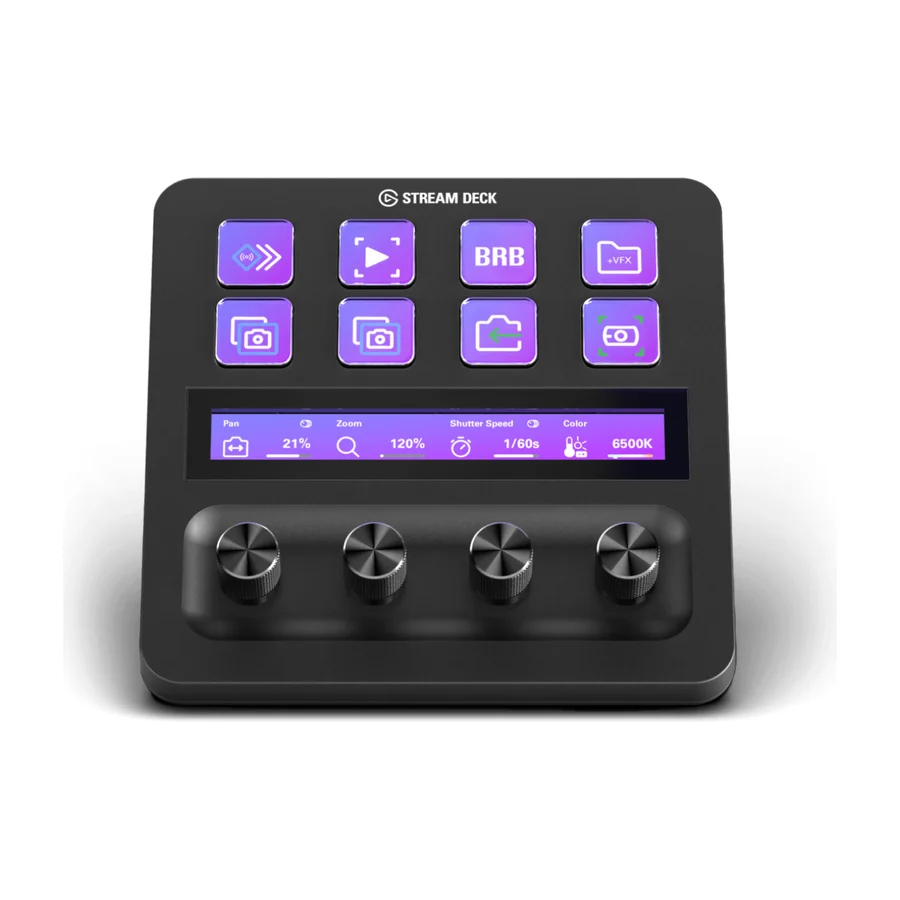 C tier #5 2 of 6 research runs entered this as a product to avoid rather than a pick.
 Elgato Stream Deck Plus XL
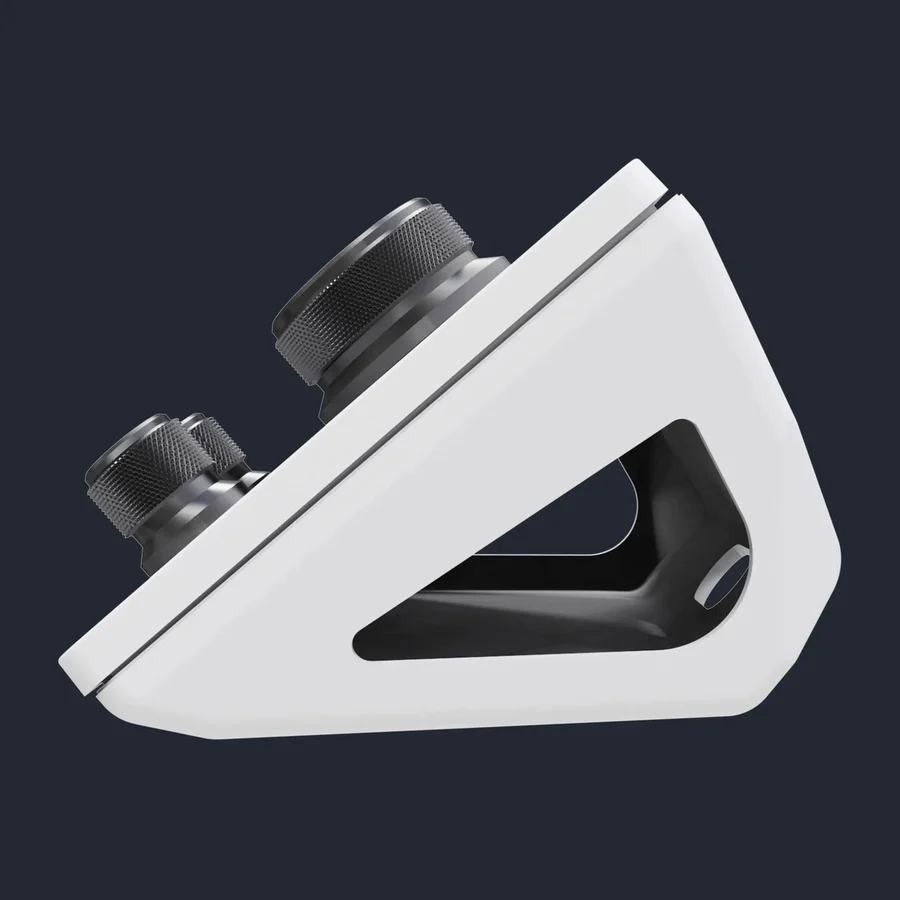 C tier #6
 VSDInside Stream Dock N3
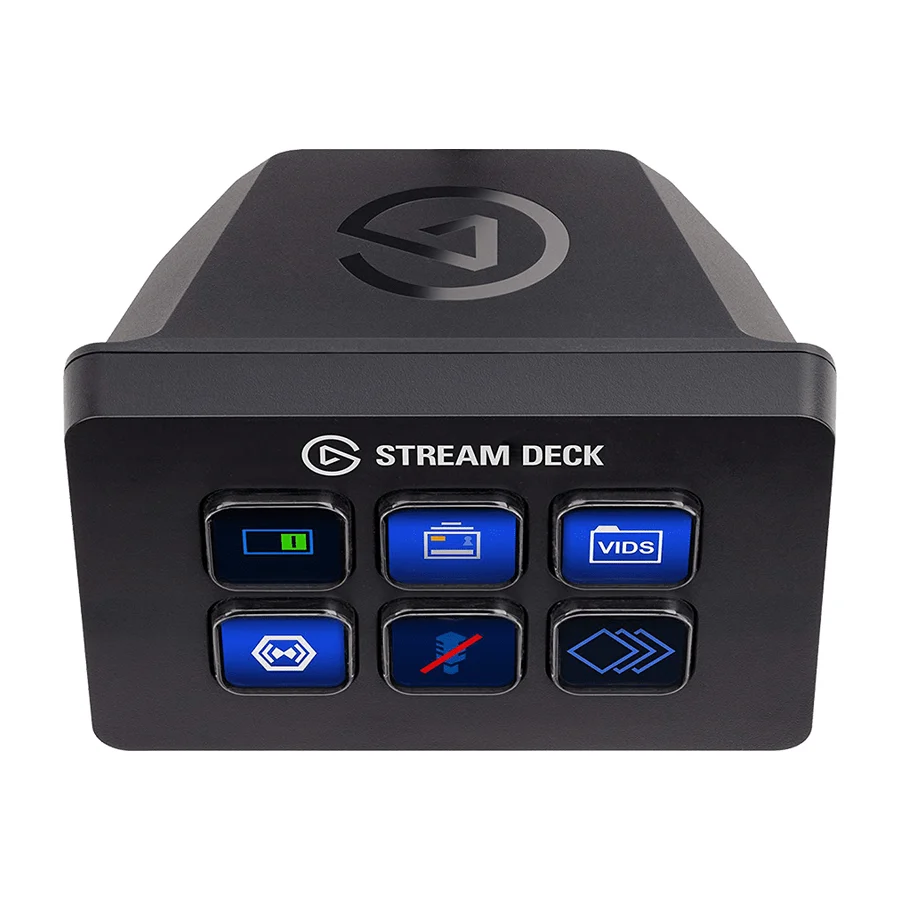 D tier #8 1 of 12 research runs entered this as a product to avoid rather than a pick.
 Elgato Stream Deck Mini
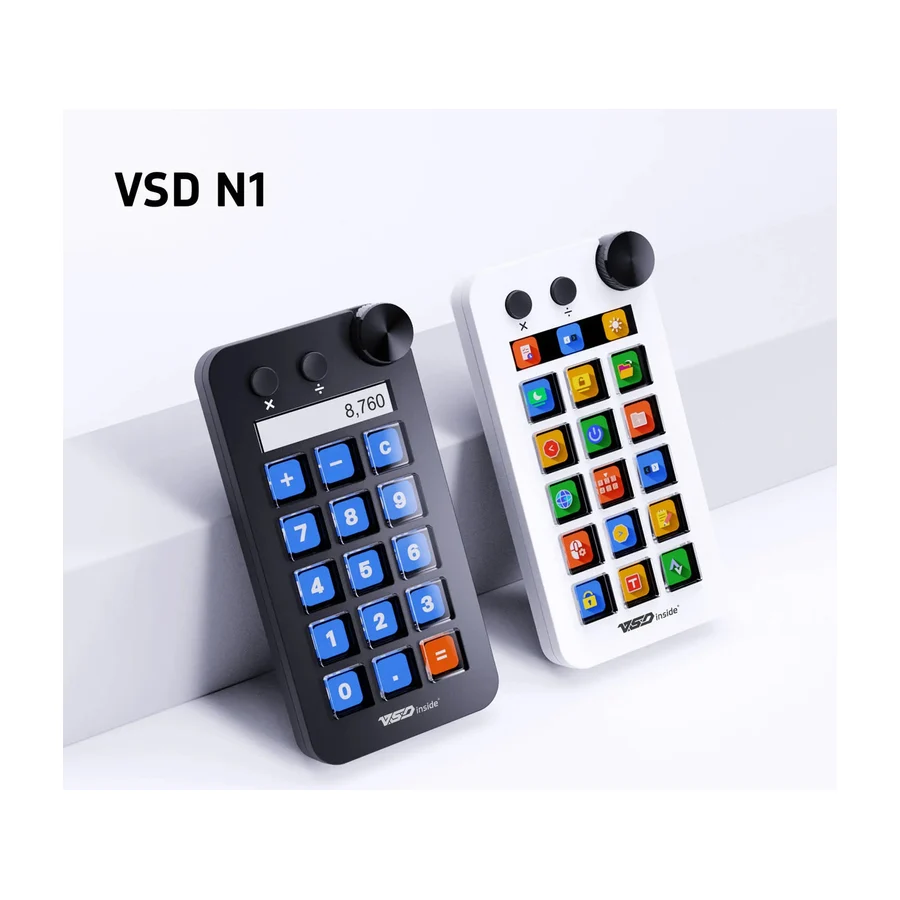 D tier #9 1 of 2 research runs entered this as a product to avoid rather than a pick.
 VSDInside Stream Dock N1
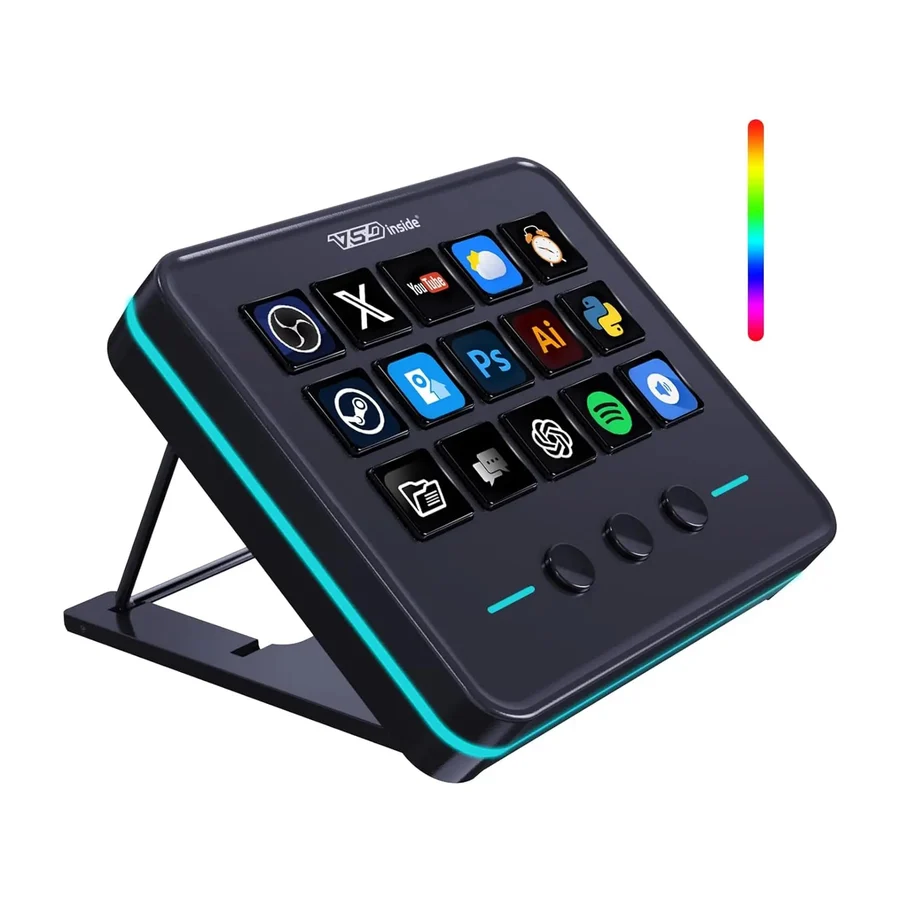 F tier #10 3 of 6 research runs entered this as a product to avoid rather than a pick.
 VSDInside Stream Dock M18
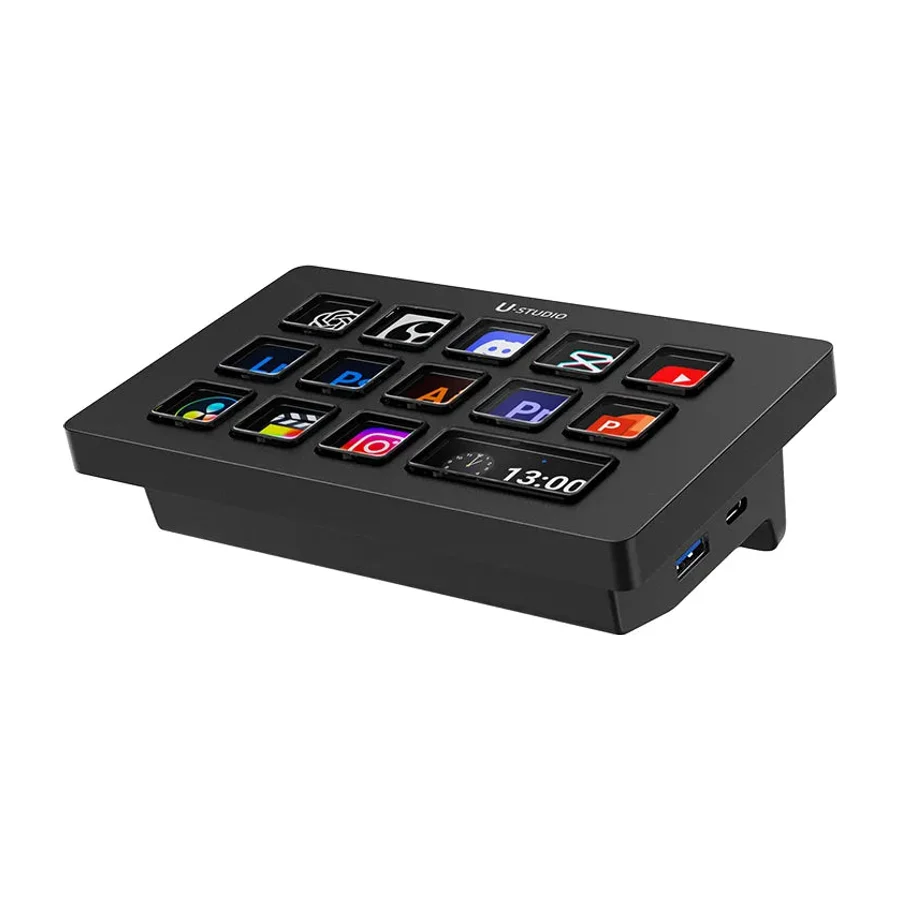 F tier #11 4 of 6 research runs entered this as a product to avoid rather than a pick.
 Ulanzi D200H
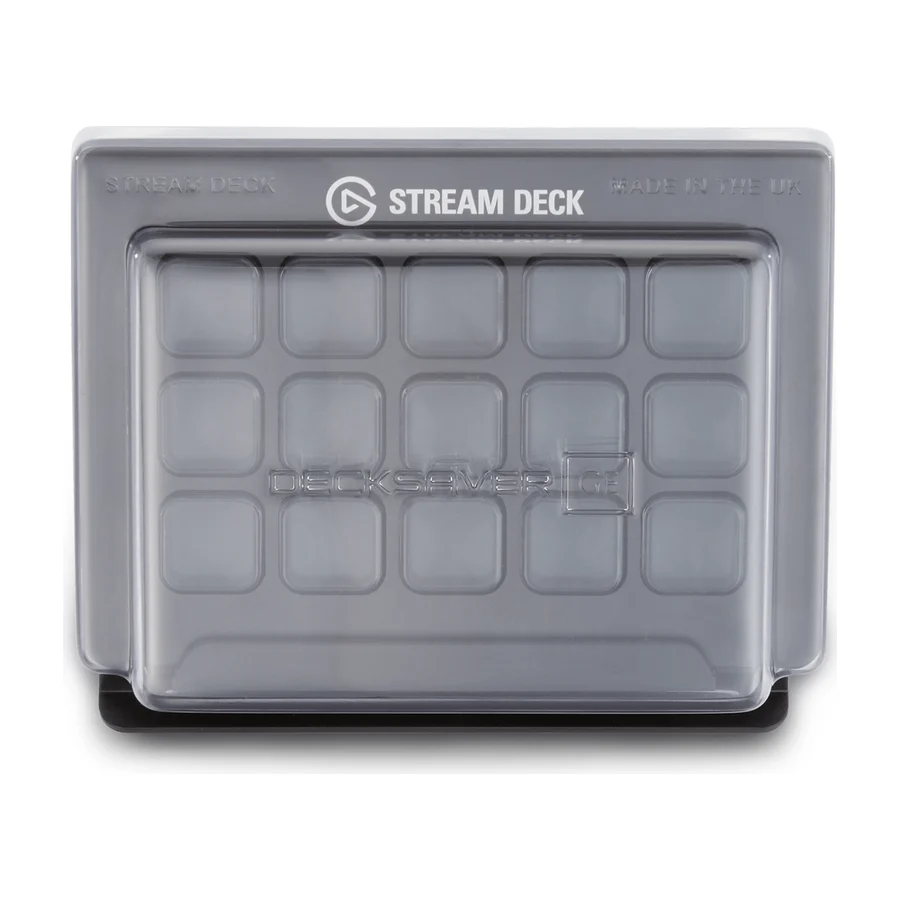 F tier #12 8 of 10 research runs entered this as a product to avoid rather than a pick.