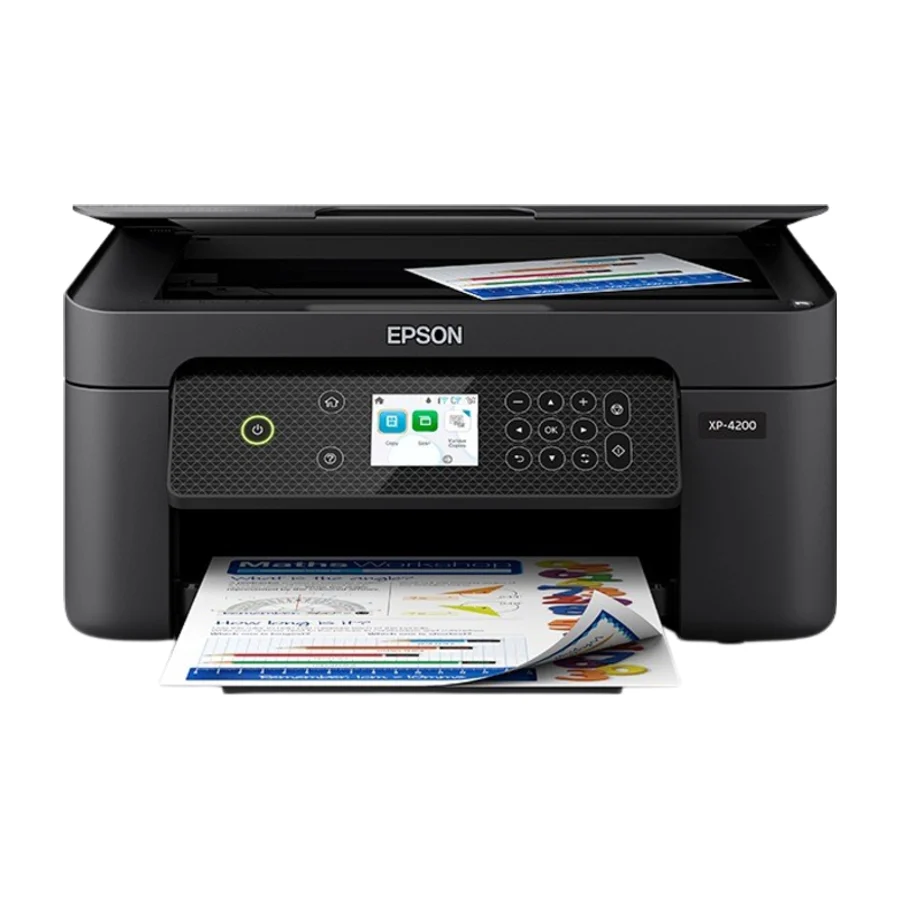
Epson Expression Home XP-4200
RTINGS.com lists it as the best cheap printer for occasional use, highlighting its simple setup and adequate print quality for everyday documents.
Consolidated from 18 independent outlets
Where the cited sources landed, as we read them
- 10 positive sources
- 4 mixed sources
- 2 unconvinced sources
Pros & cons
- ✓ Simple setup
- ✓ Adequate print quality for everyday documents
- ✓ Affordable for occasional use
- ✓ Easy to set up
- ✓ Good print quality for the price
- ✗ Small, expensive cartridges - running costs will quietly double its price
- ✗ Light-duty build
- ✗ Exists largely to upsell buyers to the EcoTank line
The sources behind this ranking
We searched the web and YouTube for what has been published about this product, then read the articles, video transcripts and comments we found.
Evidence 4 articles, 12 video reviews and 2 community sources
10 positive sources
 303 Electronics 303 Electronics · 41.8K subscribers · May 2025
 It found the XP 4200 printer. Going to select that. It's asking, are you sure you want to select XP 4200 series? So, yes. Now, the printer screen reacts to this and it says uh to continue with the setup. So, now it's telling me to continue with the ink. you say continue. So, make sure you're in front of the printer. Do not turn off the printer while setting up. Continue.Watch P
 Printer Guruji Printer Guruji · 25.5K subscribers · Mar 2023
 So, XP-4200 is better than the XP-4100. And I'm just going to start the comparison now. Now, XP-4100 you can see this printer can load up to 100 paper sheets in the paper tray. Whereas XP-4200 can load 150 papers. Now, the scanning DPI is way better in this printer, whereas this one has lesser DPI. Same in the printing and copy. Now, main thing is print speed.Watch V
 Vinnel Service Vinnel Service · 5.5K subscribers · Mar 2023
 This printer is economical and affordable. What we want to do is unbox this printer, check it out, see what's inside. This printer, it can print auto two-sided print with this printer. And also it's with rear paper input or rear paper tray. And also mobile print.Watch H
 Hectra Hectra · 4.1K subscribers · Aug 2026
 The Epson Expression Home XP 4200 Wireless Color Inkjet All-in-One Printer is a compact multi-function printer that aims to provide a practical solution for everyday home printing needs. Designed for users who require printing, scanning, and copying in a single device, it offers a balanced mix of convenience and functionality without taking up much desk space.Watch N
 Ninja web Ninja web · 1.2K subscribers · Aug 2026
 Its compact design is one of its most noticeable strengths, allowing it to fit comfortably on a small desk, bookshelf, or workspace without occupying excessive room. This makes it particularly suitable for apartments, dormitories, home offices, or study areas where space is limited.Watch U
 Ultra5 Ultra5 · 615 subscribers · Aug 2025
 Print quality is where the XP 4200 truly shines. Epson's imaging technology delivers crisp, clear documents and vibrant, borderless photos. Colors are rich and accurate, making it a great option for printing family photos or creative projects. The printer uses individual ink cartridges, which is a huge plus. You only need to replace the color that runs out, saving you money in the long run.Watch C
 Creative Tool School Creative Tool School · 371 subscribers · May 2026
 It is affordable, compact, and easy to use with clear, vibrant prints and a 6.1 cm LCD screen. In terms of connectivity, it includes USB port, Wi-Fi, Wi-Fi Direct, and Apple AirPrint. Plus, it uses Epson Smart Panel app. Print speed is 10.0 print per minute for black and 5.0 print per minute for color.Watch B
 Bhujekotecho Bhujekotecho · 311 subscribers · Mar 2026
 With the Claria ink system, colors are vibrant and images look surprisingly good for a printer in this category. It's not trying to replace a professional photo printer, but for casual photo prints or creative projects, it definitely delivers. Now, since this is an all-in-one, you're also getting scanning and copying.Watch K
 Kates Hustle to Retirement Kates Hustle to Retirement · 177 subscribers · Jun 2026
 So, if you're in the market, it's a good price point printer. The quality um is really good for output. And um we've been really happy with it.Watch T
 TecheMaili TecheMaili · 86 subscribers · Jun 2026
 Print quality is solid for its class. Text documents come out sharp and readable, even at smaller font sizes. It's not trying to compete with high-end office laser printers, but for assignments, reports, labels, and general documents, it absolutely gets the job done without any noticeable struggle. Photo printing is where things get a little more interesting.Watch
4 mixed sources
 Black: Up To 47.2" Document Compatible Search Shopping Article
 This printer is praised for its easy setup, good print quality, and affordability. It offers wireless connectivity and works well with various paper sizes. However, some users found it slow.Read P
 Printer Insider Printer Insider · 66.4K subscribers · May 2023
 This, unfortunately, I don't like it since it makes the printer quite big on a table. You know, what's the point of making a compact printer when you have to extend these to use it? You see? And when you're done, you have to put them back. If not, it will take way too much space. But, this is not something specific to this one.Watch R
 Radio Times Thomas Newton · reviewer
 Pros: Helpful LCD screen Fast and lightweight Cons: DelicateRead T
 Truthify Truthify · 1.4K subscribers · Aug 2026
 Printing speed is decent, but not exceptional. Black and white documents finish fairly quickly, while color pages and photos naturally take longer. For occasional home printing, the speed is perfectly acceptable. However, if you're regularly printing large reports or dozens of pages at once, you'll probably want a faster printer designed for heavier workloads.Watch
2 unconvinced sources
2 stance not read sources
 CHOICE Alice Richard · reviewer
 The XP-4205 is a newer version of the XP-4200, which brings minor improvements to networking functions and a longer support window. Our experts found that these changes had next to no impact on performance, with all test results matching the older XP-4200.Read R
 RTINGS Article Read
 Frequently asked questions
It ranks #15 of 19 on our printers tier list, in F tier. That placement draws on 18 independent outlets.
2 of the 16 sources with a clear view are critical of it: Facebook and r/printers. Small, expensive cartridges - running costs will quietly double its price. Light-duty build. Exists largely to upsell buyers to the EcoTank line.
Ranked nearby in Printers
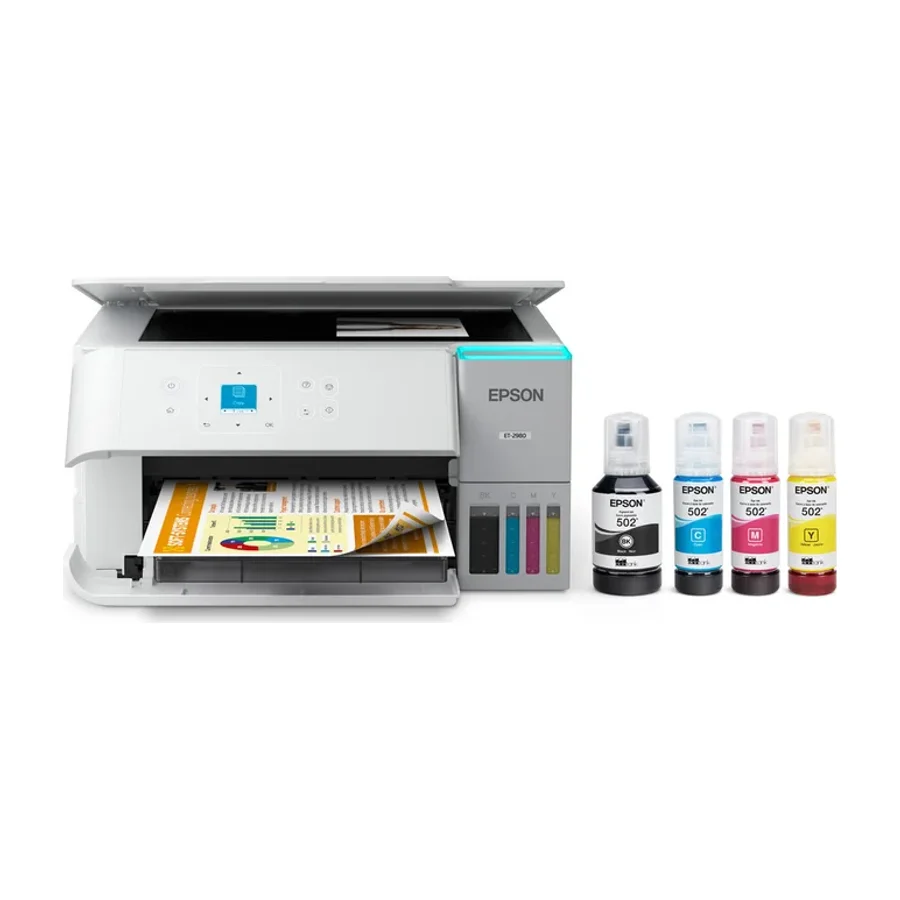 S tier #1
 Epson EcoTank ET-2980
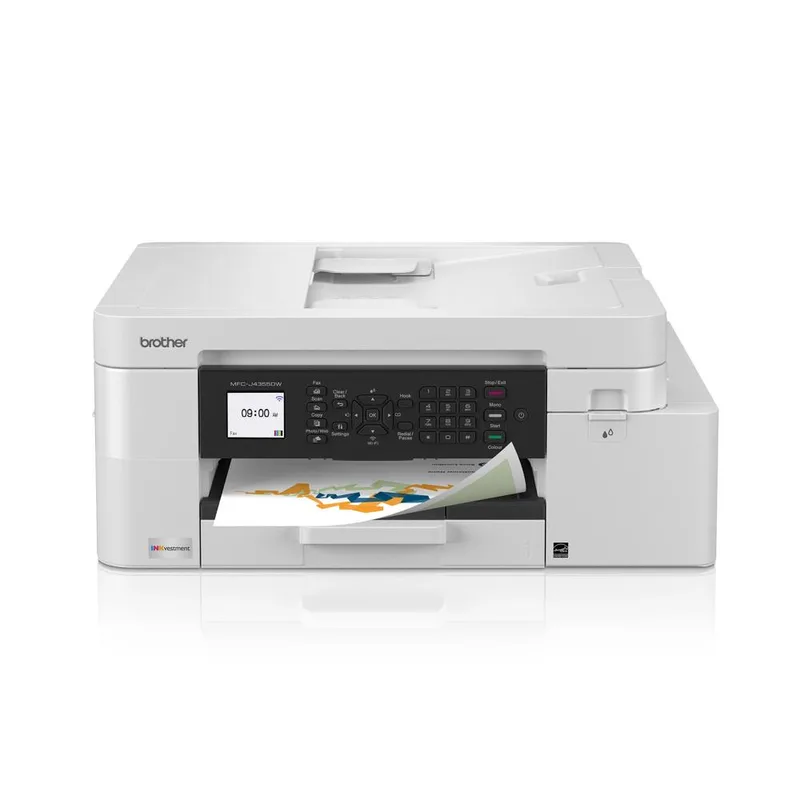 C tier #10
 Brother MFC-J4355DW
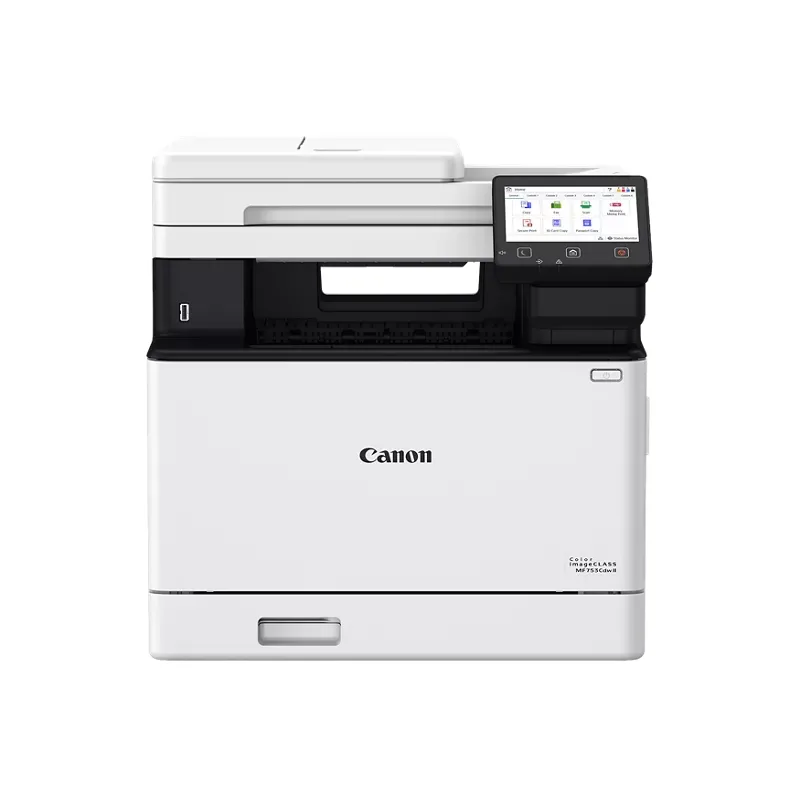 C tier #11
 Canon imageCLASS MF753Cdw II
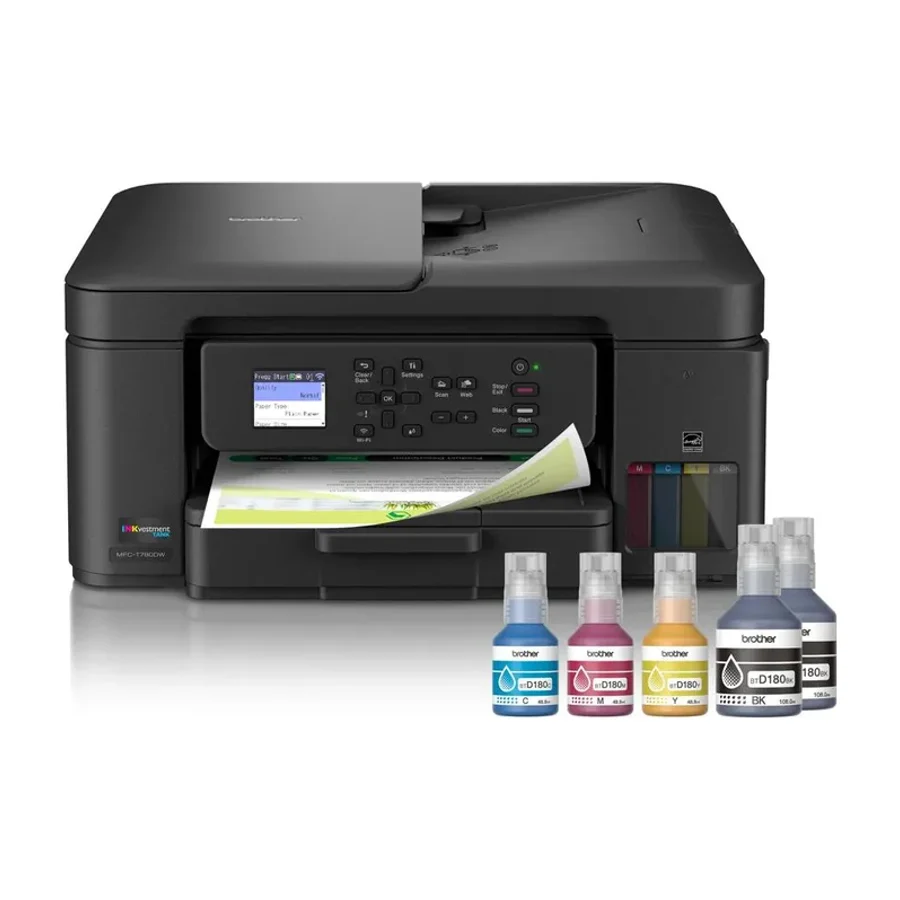 C tier #12
 Brother MFC-T780DW
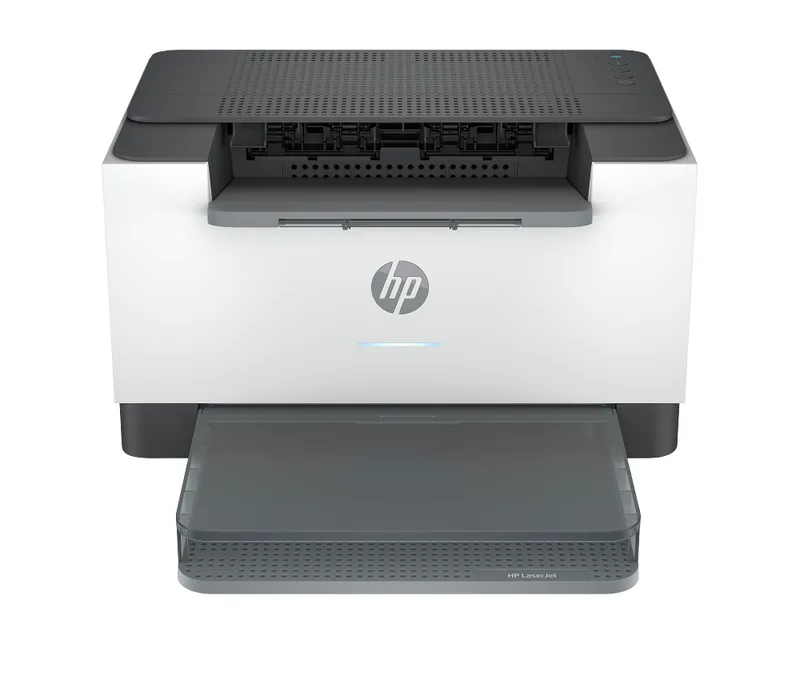 D tier #13 1 of 2 research runs entered this as a product to avoid rather than a pick.
 HP LaserJet M209d
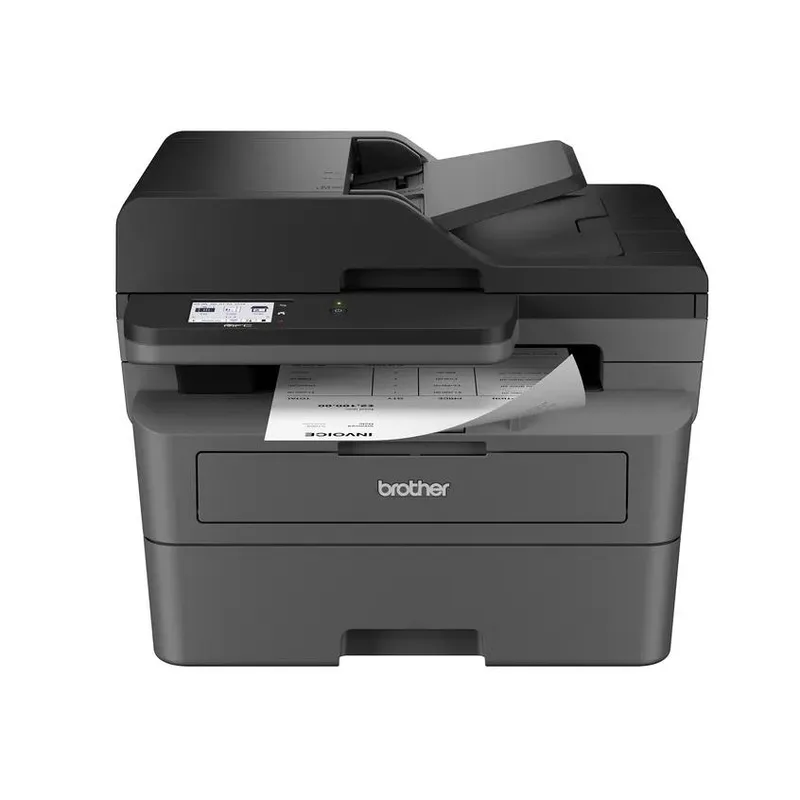 D tier #14 3 of 8 research runs entered this as a product to avoid rather than a pick.
 Brother MFC-L2820DW
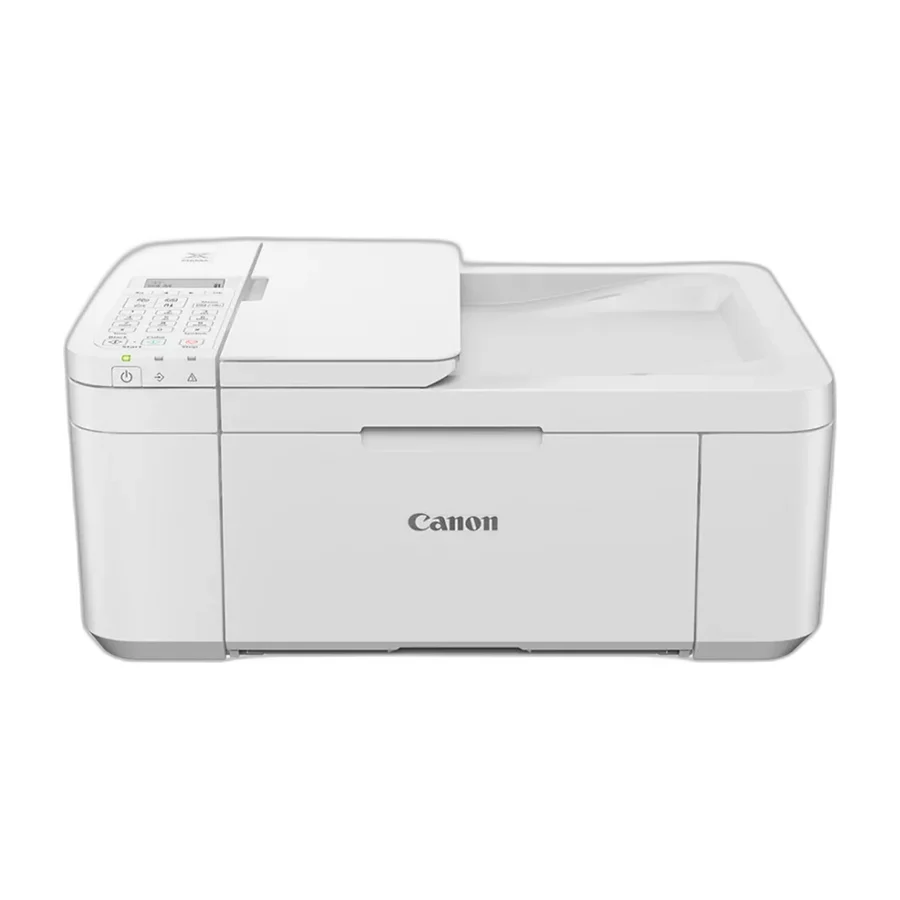 F tier #16 2 of 6 research runs entered this as a product to avoid rather than a pick.
 Canon PIXMA TR4720
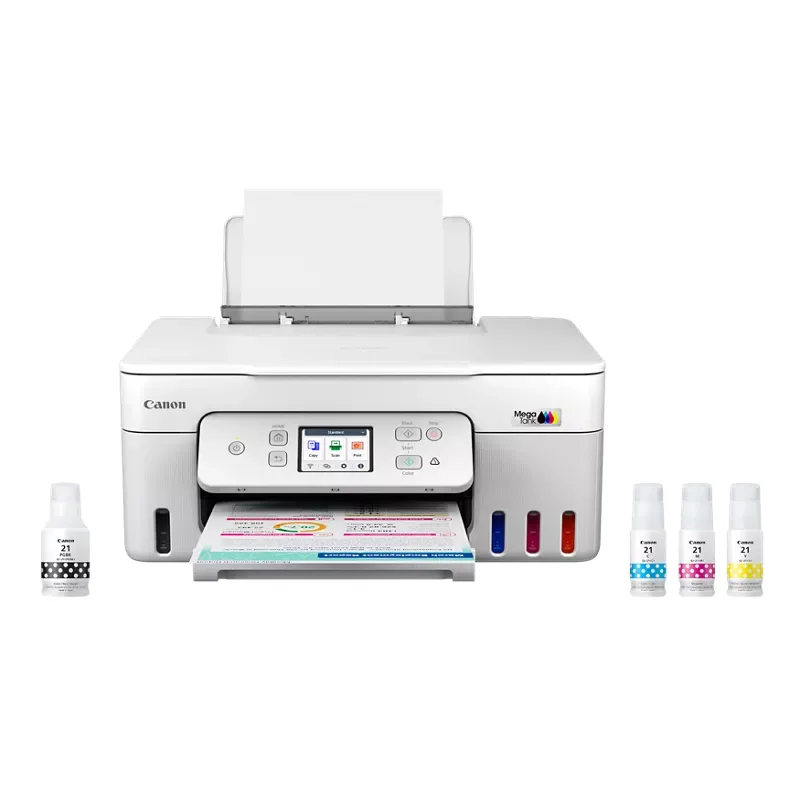 F tier #17 3 of 8 research runs entered this as a product to avoid rather than a pick.
 Canon MegaTank PIXMA G3290
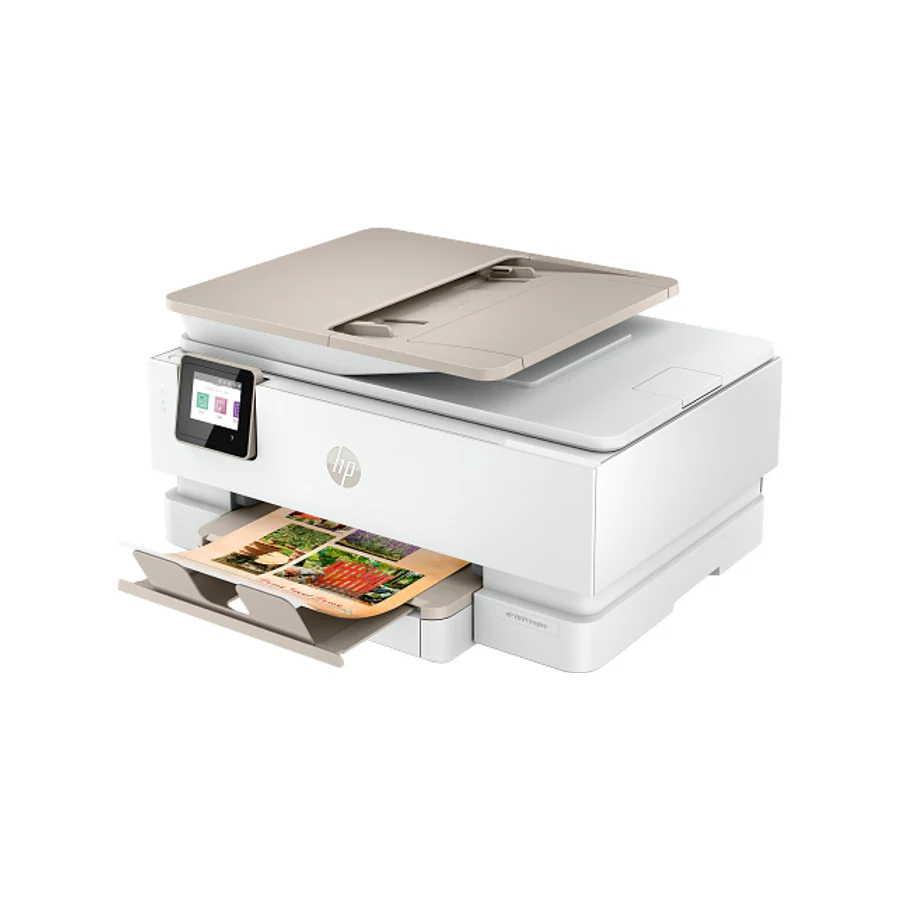 F tier #18 4 of 9 research runs entered this as a product to avoid rather than a pick.
 HP Envy Inspire 7955e
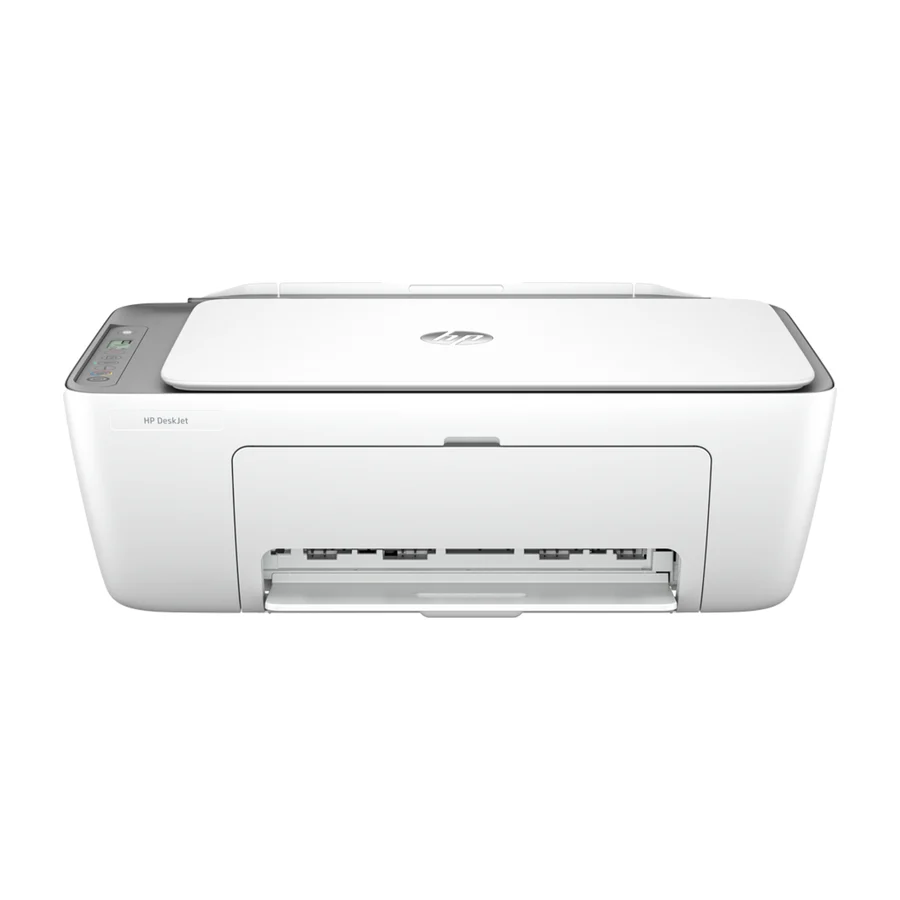 F tier #19 3 of 6 research runs entered this as a product to avoid rather than a pick.